






Location: Home > Apps > Photography > Agecam face age changer app

AgeCam Face Age Changer App (Premium Filters Unlocked, Ads Disabled, Premium Frames Unlocked, Watermark Removed, Advanced AI Modes Unlocked) Download for Android

AgeCam Face Age Changer App icon

AgeCam Face Age Changer App Premium Filters Unlocked, Ads Disabled, Premium Frames Unlocked, Watermark Removed, Advanced AI Modes Unlocked

5.0
v1.1.5 for Android
Fast Download:Download this app by playmods App with faster speed.

AgeCam Face Age Changer App MOD Info MOD Info :
Premium Filters Unlocked, Ads Disabled, Premium Frames Unlocked, Watermark Removed, Advanced AI Modes Unlocked

Screenshots

Description

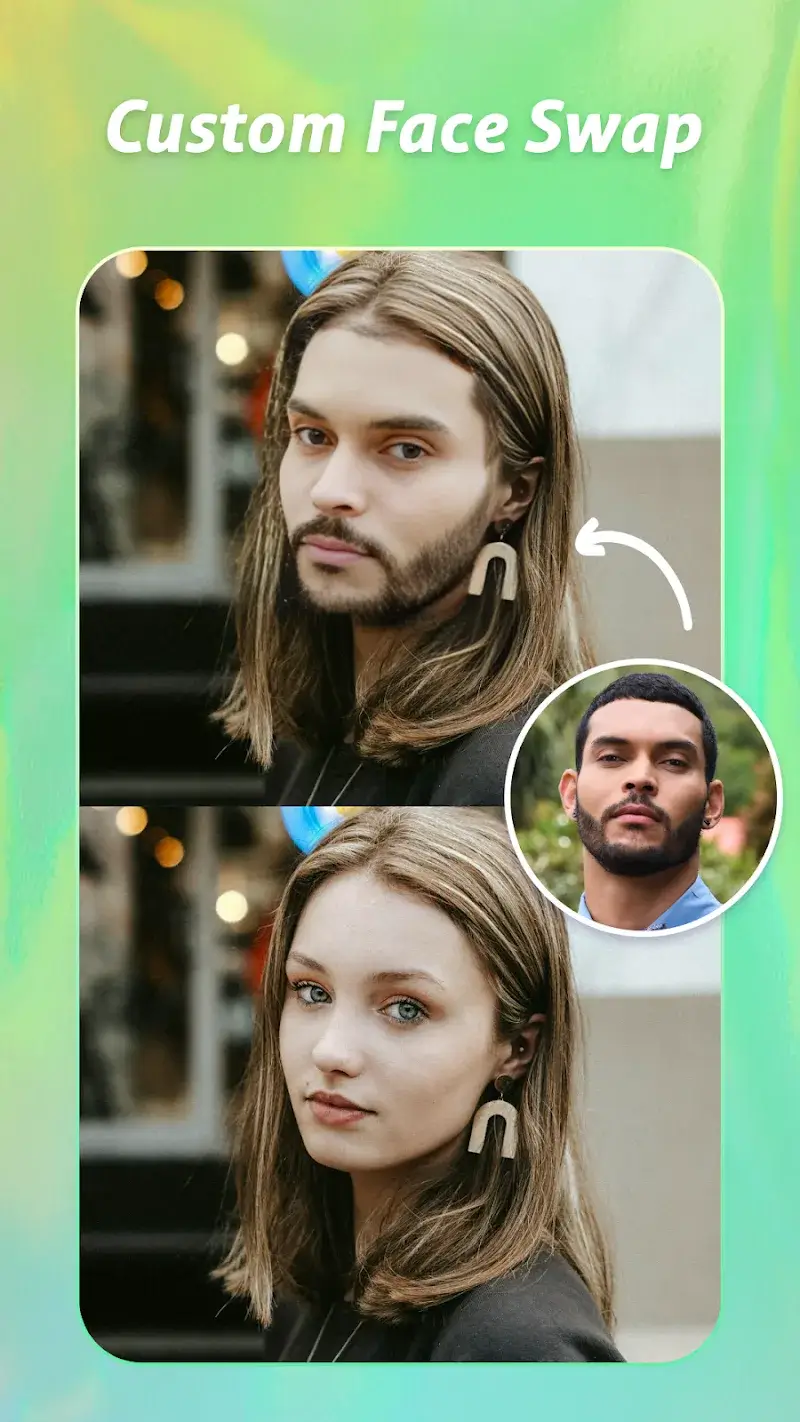
AgeCam Face Age Changer App Mod is a single-purpose photo utility that uses on-device AI models to generate realistic younger and older versions of faces in uploaded portraits. It targets casual users seeking entertainment rather than professional editors, operating within the crowded AI photo manipulation category.

What This Mod Unlocks

  • All premium age transformation filters and effects are unlocked, removing the paywall.
  • All in-app advertisements are disabled, including banner and interstitial ads.
  • Premium portrait frames and classic styling overlays are available without purchase.
  • The watermark typically applied to exported images is removed.
  • Advanced AI processing modes, such as high-resolution output, are enabled.

The mod functions by patching the license verification and ad network initialization routines. AgeCam Face Age Changer App Mod processes images locally, so unlocked features work offline.

Activation Note

No activation is required. Upon launching AgeCam Face Age Changer App Mod, all premium features are immediately available in the main editing interface. The mod is pre-applied.

Requirements

Requires Android 7.0 or higher. The APK file size is approximately 38 MB. Additional storage is needed for photo imports and processed outputs. Root access is not required.

Install Steps

1. Download the modded APK file.
2. Enable installation from unknown sources in device settings.
3. Open the downloaded file using a file manager.
4. Follow the standard Android package installer prompts.
5. Launch AgeCam Face Age Changer App Mod from the home screen.

Known Edge Cases

Clearing the app data or cache may revert some UI-based unlock states, requiring a reinstall of the mod APK. On devices with aggressive battery optimization, the AI processing may stall; disabling optimization for the app resolves this. The mod is designed for version 1.1.5; future official updates may break functionality until the mod is updated.

Editor's review

This mod for AgeCam Face Age Changer App Mod version 1.1.5 delivers the claimed unlocks on Android 7.0+ devices.

Confirmed working features include unrestricted access to all age progression and regression filters, the complete absence of video and banner advertisements during use, and the removal of the 'Pro' watermark from saved and shared images. All premium portrait frames are available for selection.

Known issues are minor. If the app's data is cleared via device settings, the unlocked state can sometimes reset, necessitating a fresh install of the modded APK. On some Android 12+ devices, a one-time 'Install from unknown sources' permission prompt may appear again after a system update.

Compatibility is confirmed for the specified app version; using the mod with a different version will likely fail.

Recommendation: Functional.

Frequently Asked Questions

¿Es seguro instalar este mod APK de AgeCam Face Age Changer App?

Sí, este mod APK no solicita permisos peligrosos más allá de los que requiere la aplicación oficial (almacenamiento para fotos, cámara). No requiere acceso root en Android 7.0 o superior.

¿Este mod requiere acceso root?

No, no requiere root. El proceso de instalación es la instalación lateral estándar: descargar el APK, habilitar 'orígenes desconocidos' en los ajustes de seguridad e iniciar el instalador.

¿Cómo instalo el mod paso a paso?

1. Descarga el archivo APK modded. 2. Ve a Ajustes > Seguridad y habilita 'Fuentes desconocidas'. 3. Abre el archivo descargado con un administrador de archivos. 4. Sigue las instrucciones del instalador de Android y abre la app.

¿Qué hace exactamente el mod 'Premium Desbloqueado' en AgeCam Face Age Changer App?

Desbloquea todos los filtros de cambio de edad premium y los marcos de retrato clásicos que están detrás de un pago en la versión oficial, permitiendo su uso gratuito e inmediato.

¿Hay riesgo de prohibición de cuenta o pérdida de datos?

El riesgo es mínimo ya que AgeCam Face Age Changer App funciona principalmente de forma offline. No hay cuentas ni modos multijugador. El único riesgo potencial es la pérdida de fotos editadas si se desinstala la app sin hacer una copia de seguridad.

Safety note

Install only APKs matching com.photo.ai.art.agecam.fx at version v1.1.5. Download from official links on this page to reduce tampering risk.

Additional Information

Category: photography Publish Date: Thu, Apr 2, 2026

Scan QR code and download playmods app
Download
PlayMods APP