


Location: Home > Apps > Tools > All in one downloader - aoi

All in One Downloader - AOI (Ads Disabled, Premium Download Manager Unlocked, Watermark Removed, Download Limits Removed, Format Conversion Unlocked) Download for Android

All in One Downloader - AOI icon

All in One Downloader - AOI Ads Disabled, Premium Download Manager Unlocked, Watermark Removed, Download Limits Removed, Format Conversion Unlocked

5.0
v2025.08.25 for Android
Fast Download:Download this app by playmods App with faster speed.

All in One Downloader - AOI MOD Info MOD Info :
Ads Disabled, Premium Download Manager Unlocked, Watermark Removed, Download Limits Removed, Format Conversion Unlocked

Screenshots

Description

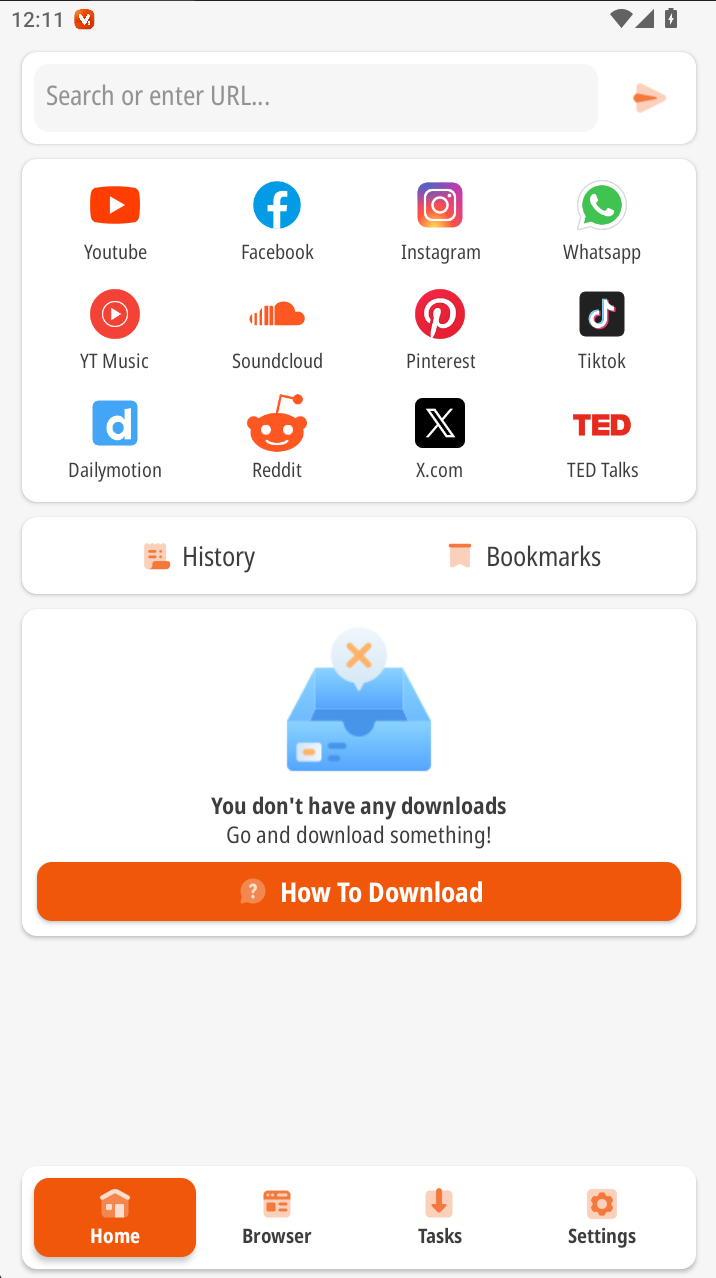
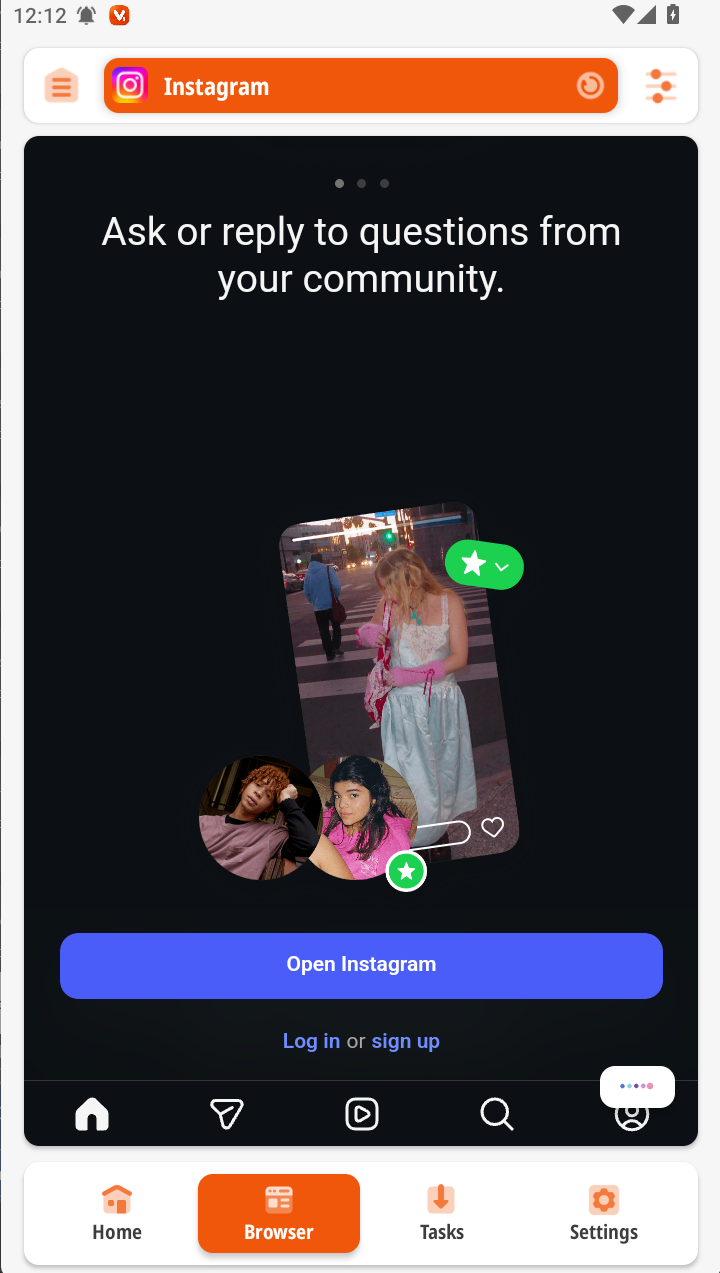
AIO Video Downloader is a utility for downloading video content from a wide range of websites directly to an Android device. It targets users who need to save videos from social media, streaming platforms, and other online sources without using a desktop computer. The app includes a built-in media player for immediate playback.

What This Mod Unlocks

  • All advertisements within the app interface and during the download process are disabled.
  • The premium download manager features, including batch downloads and speed controls, are unlocked.
  • Watermarks or branding overlays on downloaded videos are removed.
  • Any download limits or quotas imposed by the free version are lifted.
  • Access to advanced file format conversion options is granted.

The modded features are active immediately upon launch. No activation code or in-app purchase is required. The premium interface and download options are available from the main menu.

This mod requires Android 9.0 or higher. It does not require root access. The installation will consume approximately 70-80 MB of storage space, plus additional space for downloaded videos.

Installation Steps

  1. Download the mod APK file.
  2. Enable installation from unknown sources in Android settings.
  3. Open the downloaded file and proceed with the installation prompts.
  4. Launch AIO Video Downloader.

Known Edge Cases

Some video sources with aggressive anti-bot measures may still block downloads. The download speed is ultimately limited by your internet connection and the source server. Clearing the app data may reset some unlocked UI settings to default, though core premium functions remain. On devices with strict security policies, the initial launch may be delayed by a system scan.

Editor's review

The AIO Video Downloader mod APK version 2025.08.25 delivers the advertised modifications on Android 9.0+ devices.

  • Confirmed working: Advertisements are completely absent from all app screens. The premium download queue and manager interface are accessible without subscription prompts. Download speed selector and batch download options function.
  • Known issues: The built-in media player may still display a non-removable logo overlay on some video files. Attempting to download from certain platforms triggers an "unsupported source" error, identical to the official app's limitation.

Tested on Android 13. The mod does not inject code into other applications or request additional permissions beyond the official app's requirements.

Functional.

Frequently Asked Questions

Is this AIO Video Downloader mod APK safe to install?

The mod APK does not request dangerous permissions beyond what the official app requires for downloading files (storage access). It does not ask for SMS, call log, or contacts access. No root is required on Android 9.0+.

Does this mod require root access?

No. The installation follows the standard sideload process: download the APK, enable "Install from unknown sources" in Android settings, and run the installer. Root privileges are not needed.

How do I install the AIO Video Downloader mod?

1. Download the mod APK file. 2. Go to Android Settings > Security and enable installation from unknown sources. 3. Open the downloaded file with your device's package installer. 4. Launch the app after installation completes.

What does the premium download manager unlock?

It removes the concurrent download limit, enables batch downloading of multiple links, and unlocks the download speed control slider, which is restricted in the free version of AIO Video Downloader.

Is there a risk of account ban or data loss?

For downloading from public websites, the risk is minimal as no account login is typically involved. If you use AIO Video Downloader to access private or subscription streaming services, detection is possible and may lead to access revocation from that service.

Safety note

Install only APKs matching com.aio.video_downloader at version v2025.08.25. Download from official links on this page to reduce tampering risk.

Additional Information

Category: tools Publish Date: Mon, Jan 5, 2026

Scan QR code and download playmods app
Download
PlayMods APP