

Location: Home > Apps > Tools > Andronix

Andronix (Premium Distributions Unlocked, Premium Desktop Environments Unlocked, In-App Purchases Free, All Paywalls Removed) Download for Android

Andronix icon

Andronix Premium Distributions Unlocked, Premium Desktop Environments Unlocked, In-App Purchases Free, All Paywalls Removed

3.0
v8.0-release for Android
Fast Download:Download this app by playmods App with faster speed.

Andronix MOD Info MOD Info :
Premium Distributions Unlocked, Premium Desktop Environments Unlocked, In-App Purchases Free, All Paywalls Removed

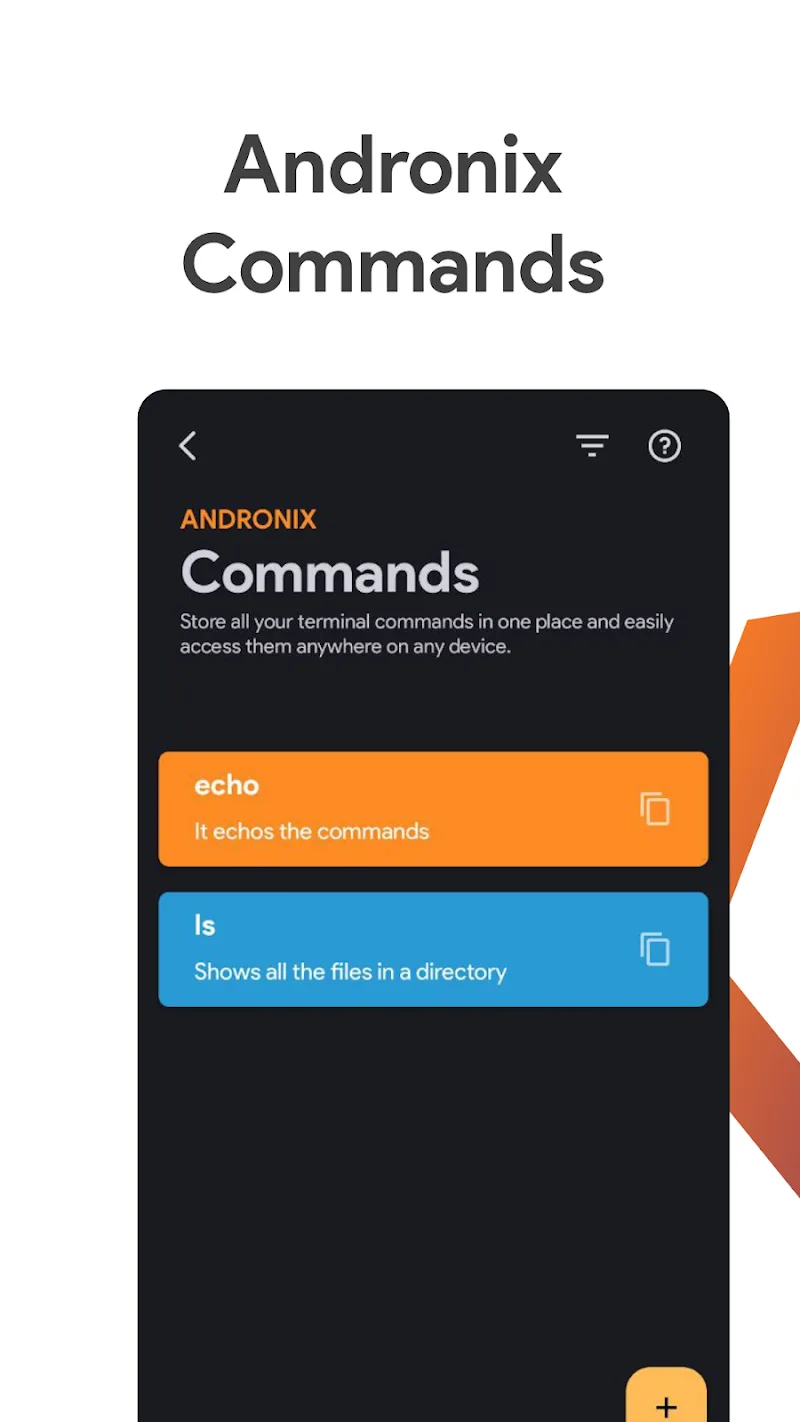
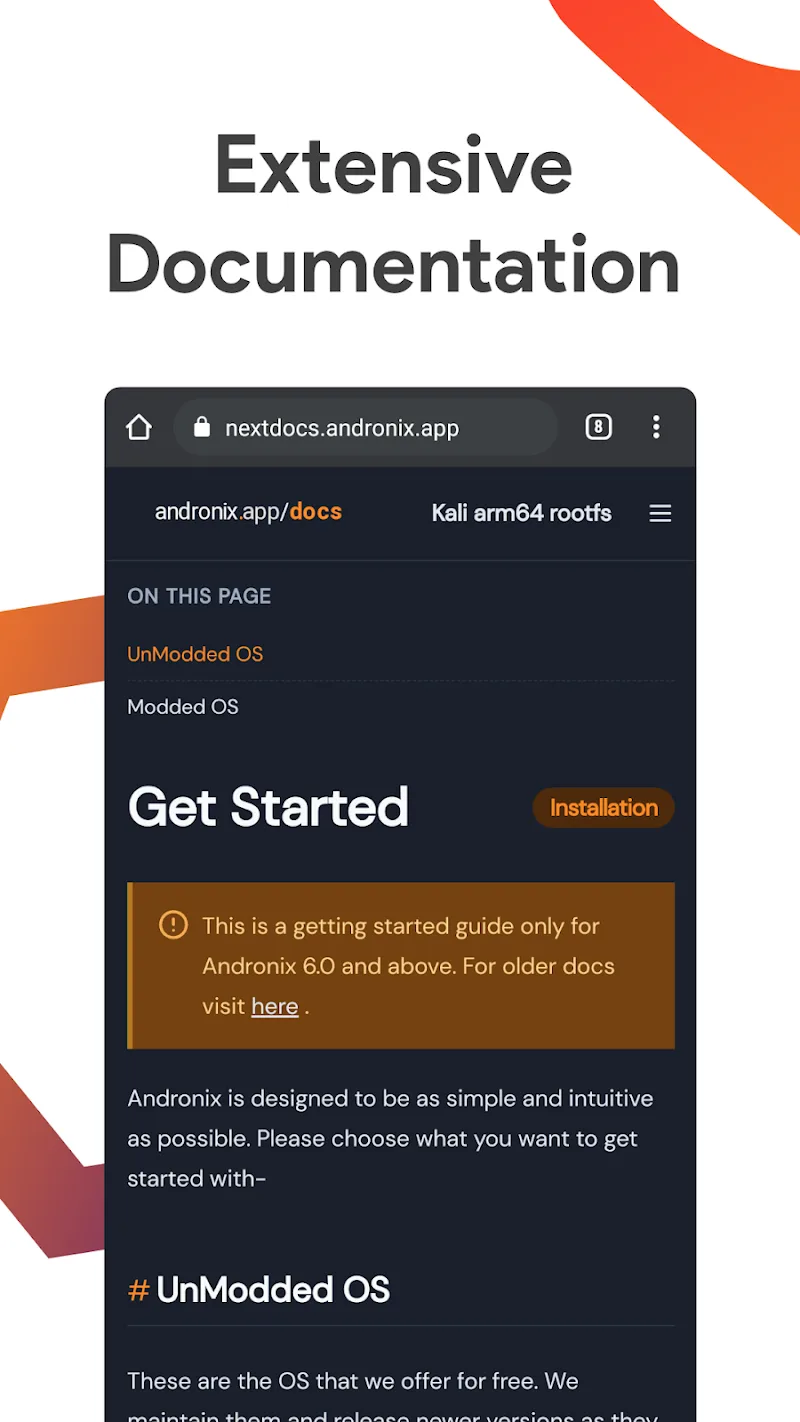
Screenshots

Description

Andronix Mod is a utility application that provides a non-root method for running Linux distributions on Android devices. It uses PRoot technology in conjunction with Termux to create isolated Linux environments. The app targets developers, students, and power users who require a portable Linux workspace for coding, server testing, or educational purposes without modifying their device's root partition.

What This Mod Unlocks

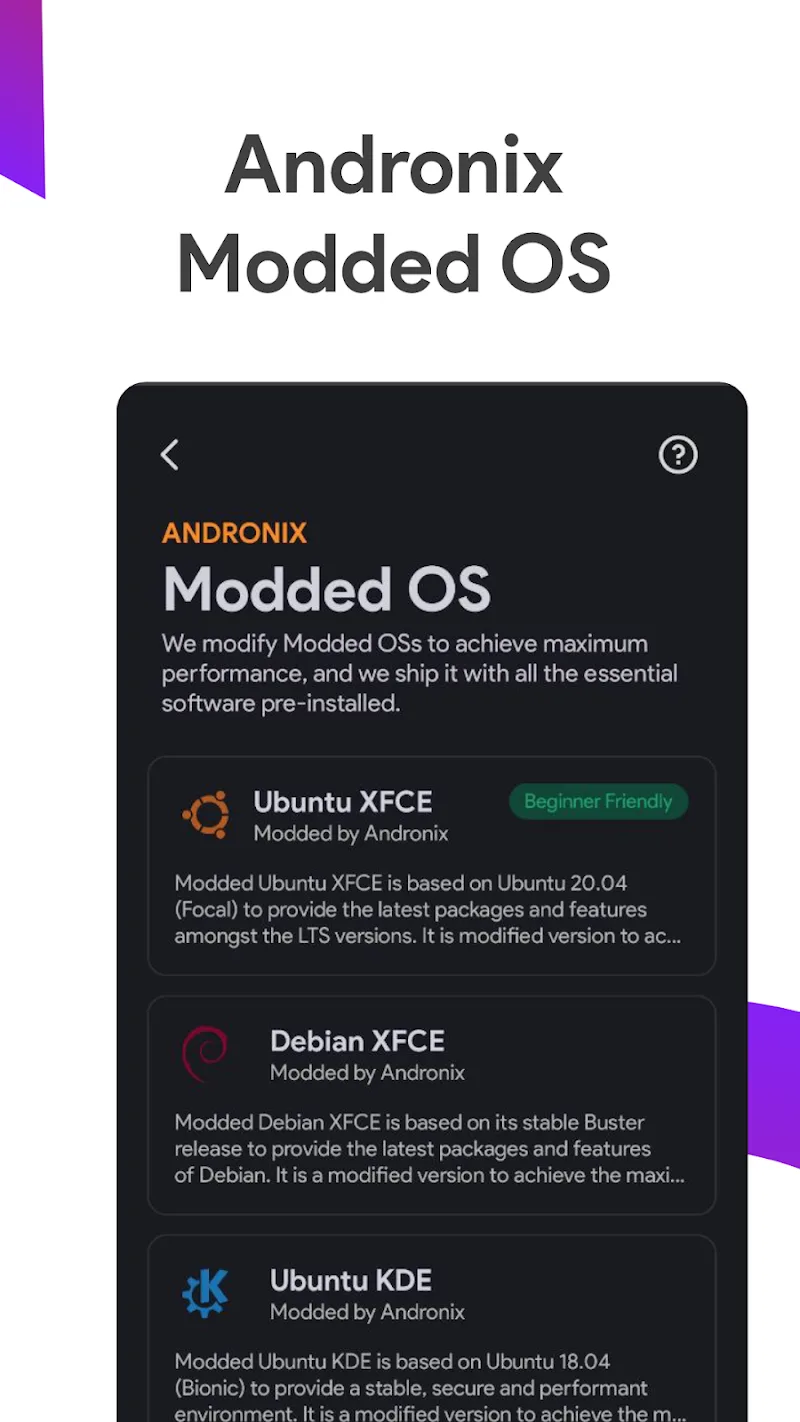
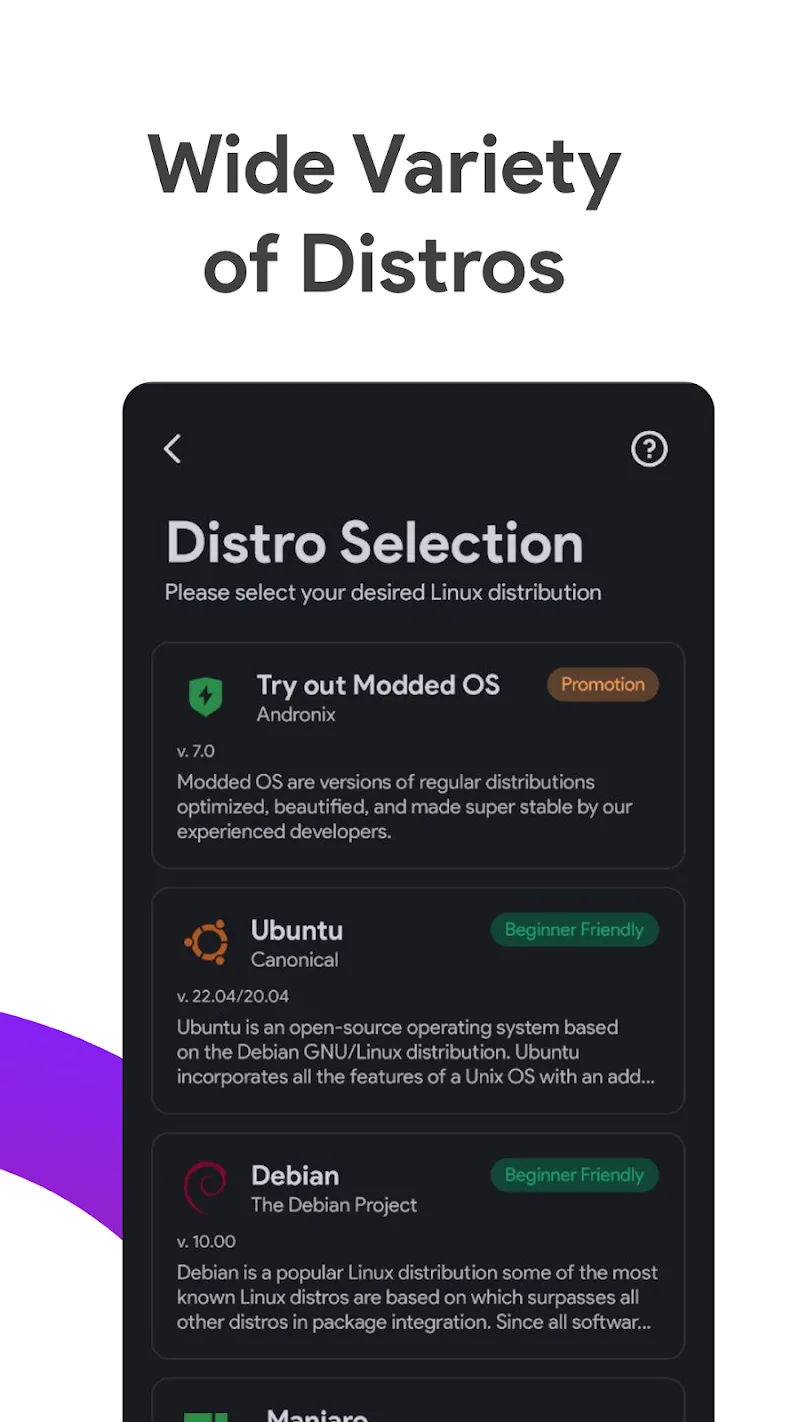
  • All premium Linux distributions (e.g., Ubuntu, Debian, Fedora, Arch Linux) are unlocked for installation.
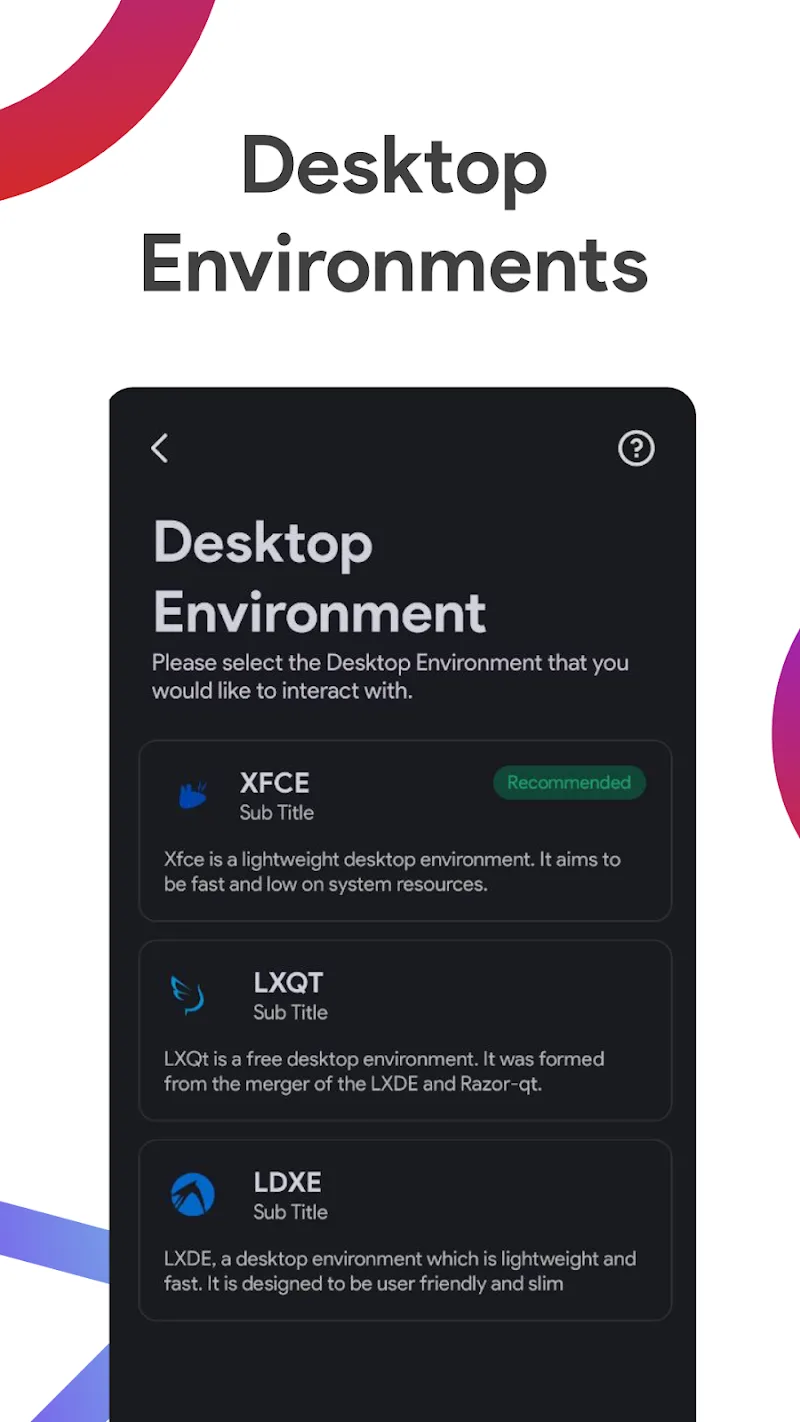
  • Premium desktop environments (e.g., LXQt, Xfce, LXDE) are available without purchase.
  • The mod removes any paywalls or subscription requirements for accessing advanced distribution configurations.
  • All in-app purchase prompts are disabled.

The primary mod feature is automatically applied upon launching Andronix Mod. The premium distributions and desktop environment options appear as available selections without requiring any activation code or menu toggle.

Andronix Mod requires Android 6.0 or higher. The app itself occupies approximately 14 MB of storage. Each installed Linux distribution requires additional storage, typically 2-5 GB depending on the distro and selected packages. Root access is not required for the app or the mod to function.

Installation follows the standard sideload process for modified APKs. Step one: Download the Andronix Mod mod APK file. Step two: Enable installation from unknown sources in Android settings if prompted. Step three: Open the downloaded file and proceed with the installation. Step four: Launch Andronix Mod after installation completes.

There are known edge cases. The mod functions entirely offline for downloading and configuring distributions. If the app attempts to verify license status with a server in a future update, premium access may be revoked. Clearing the app data will not remove installed Linux distributions, as they reside in Termux's storage, but it may reset the app's internal settings and unlock status. The mod is built for Andronix Mod version 8.0-release; compatibility with other versions is not guaranteed.

Editor's review

This mod for Andronix Mod version 8.0-release delivers the claimed premium unlocks on Android 6.0+ devices without root.

  • Confirmed working: Selecting and installing premium distributions like Ubuntu and Fedora proceeds without payment prompts. The LXQt and Xfce desktop environment options are available for all distributions. The app interface shows no subscription or purchase requirements.
  • Known issues: The unlock is client-side only. A future app update that implements server-side license validation could disable the premium features. The mod does not bypass any potential network requirements for downloading distribution files from their official mirrors.

Tested on Andronix Mod 8.0-release running on Android 11. The core requirement remains Android 6.0+. Functional.

Frequently Asked Questions

Is this Andronix mod APK safe to install?

The mod APK does not request any dangerous permissions beyond what the official Andronix app requires, such as storage access for downloading Linux files. It does not require SMS, call log, or contacts access.

Does this Andronix mod require root access?

No, neither the official Andronix app nor this mod requires root access. The installation process uses standard Android sideloading.

How do I install the Andronix mod APK?

1. Download the APK file. 2. Enable 'Install from unknown sources' in your Android settings if needed. 3. Open the downloaded file and tap install. 4. Launch Andronix from your app drawer.

What exactly does the 'Premium Unlocked' feature do in Andronix?

It removes the paywall that blocks access to premium Linux distributions like Ubuntu, Fedora, and Arch Linux within the app. All desktop environment options (LXQt, Xfce, etc.) are also available without any in-app purchase.

Is there a risk of my data being lost or my account being banned?

For offline usage like installing and running Linux distributions locally, the risk is minimal. Since Andronix primarily facilitates downloads from external Linux mirrors, there is no account system to ban. The risk is associated with the app's functionality being revoked if a future update adds server-side license checks.

Safety note

Install only APKs matching studio.com.techriz.andronix at version v8.0-release. Download from official links on this page to reduce tampering risk.

Additional Information

Category: tools Publish Date: Mon, Oct 27, 2025

Scan QR code and download playmods app
Download
PlayMods APP