


Location: Home > Apps > Tools > App hider

App Hider (Premium Features Unlocked, Ads Disabled, Watermark Removed) Download for Android

App Hider icon

App Hider Premium Features Unlocked, Ads Disabled, Watermark Removed

5.0
v1.7.01 for Android
Fast Download:Download this app by playmods App with faster speed.

App Hider MOD Info MOD Info :
Premium Features Unlocked, Ads Disabled, Watermark Removed

Screenshots

Description

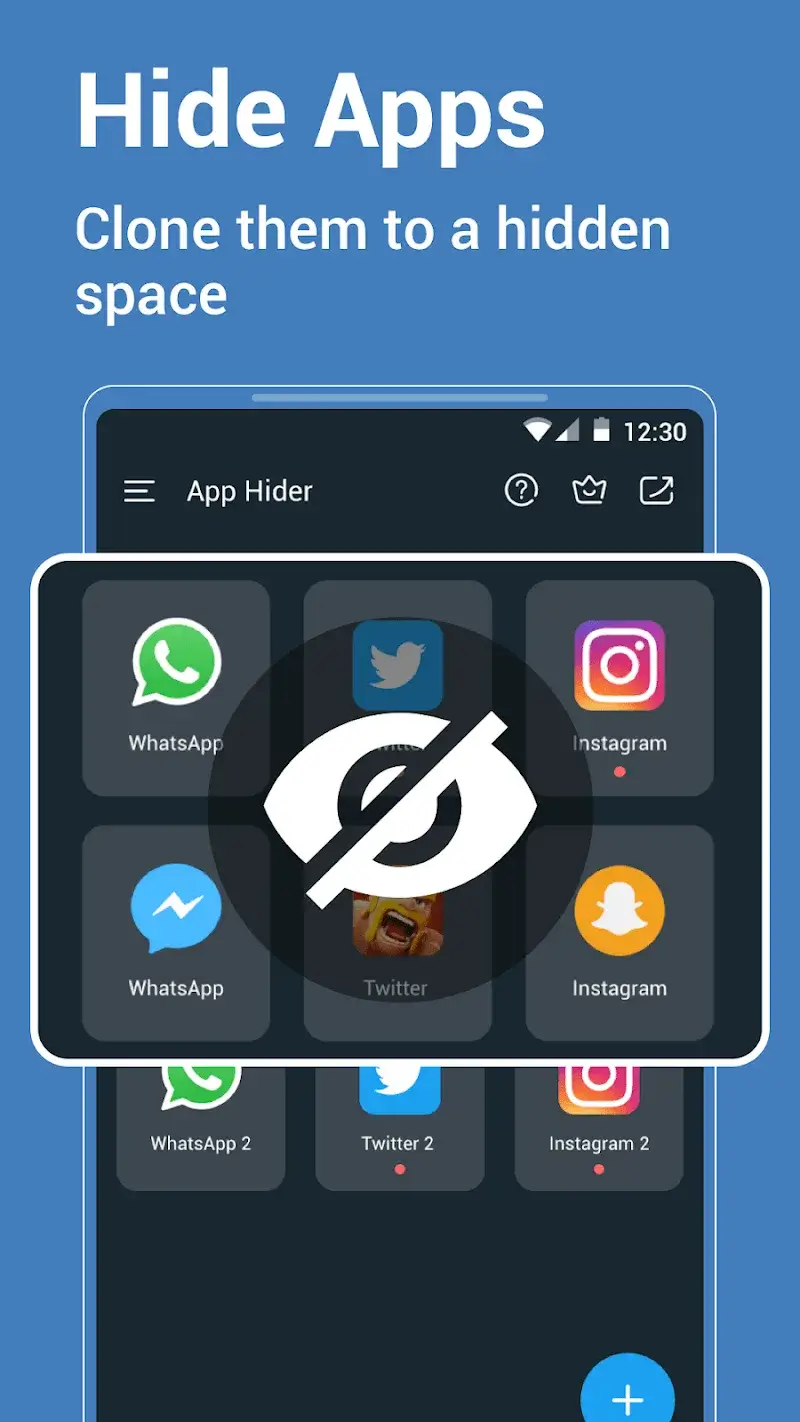
App Hider Mod is a utility for Android that creates cloned instances of user-selected applications and moves them into a separate, password-protected space. It is designed for users who require a secondary, private environment on a single device, typically for managing multiple accounts or securing sensitive apps. The tool operates without requiring root access, performing app cloning at the user-space level.

What This Mod Unlocks

  • Premium features unlocked. All in-app purchase gates are removed.
  • Ads disabled. Network requests for advertisements are blocked.
  • No watermark or branding restrictions present in the free version.

The modded APK loads as the fully activated premium variant. The user interface reflects this with the absence of upgrade prompts and ad placeholders.

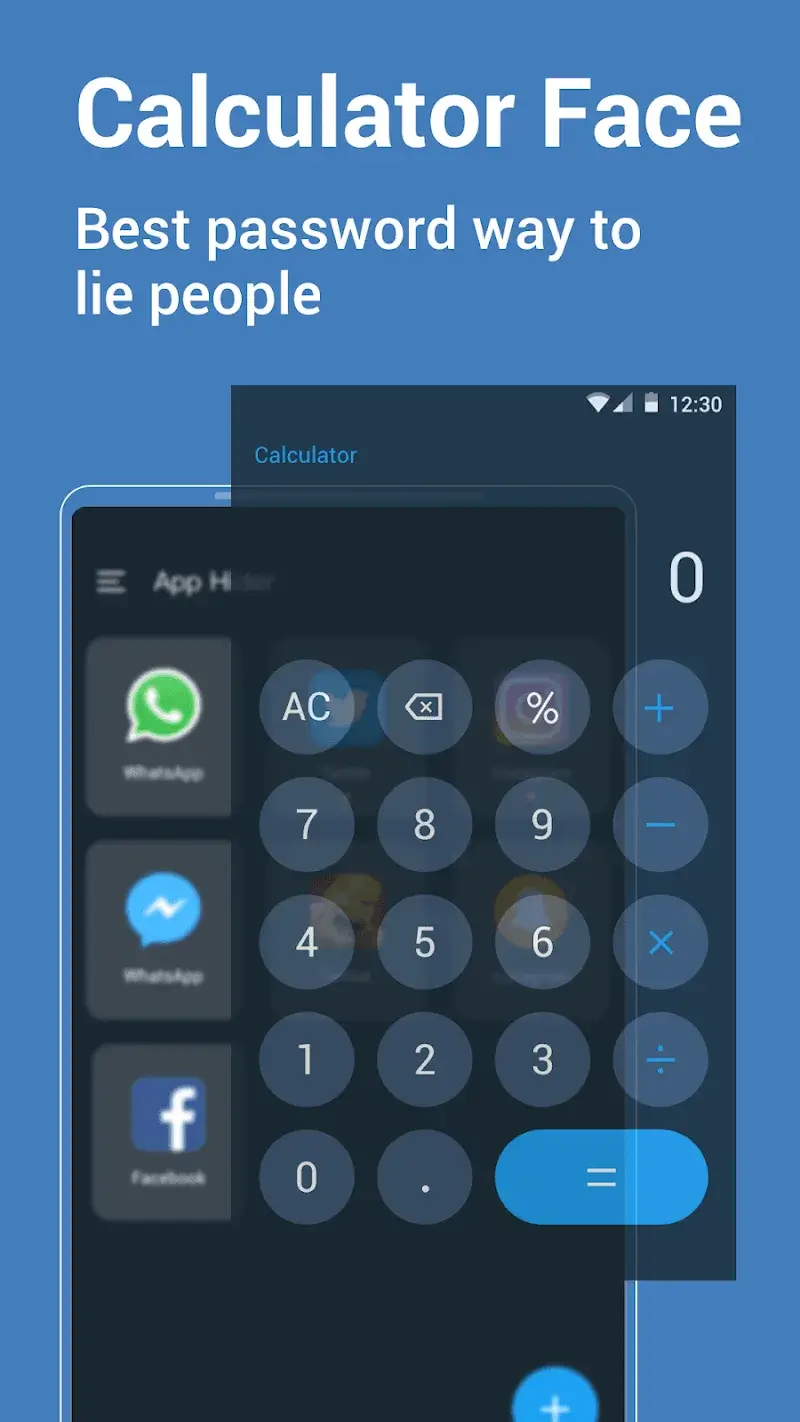
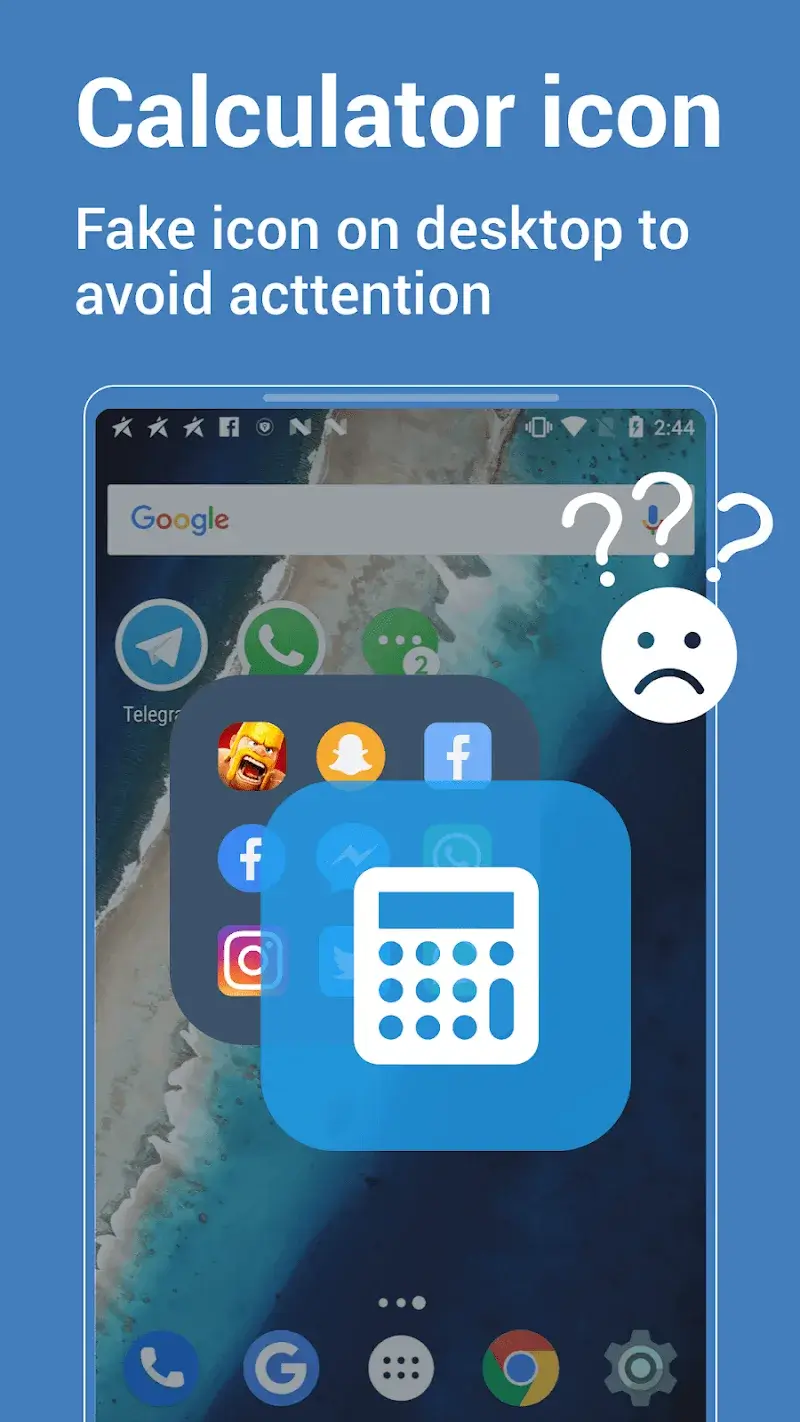
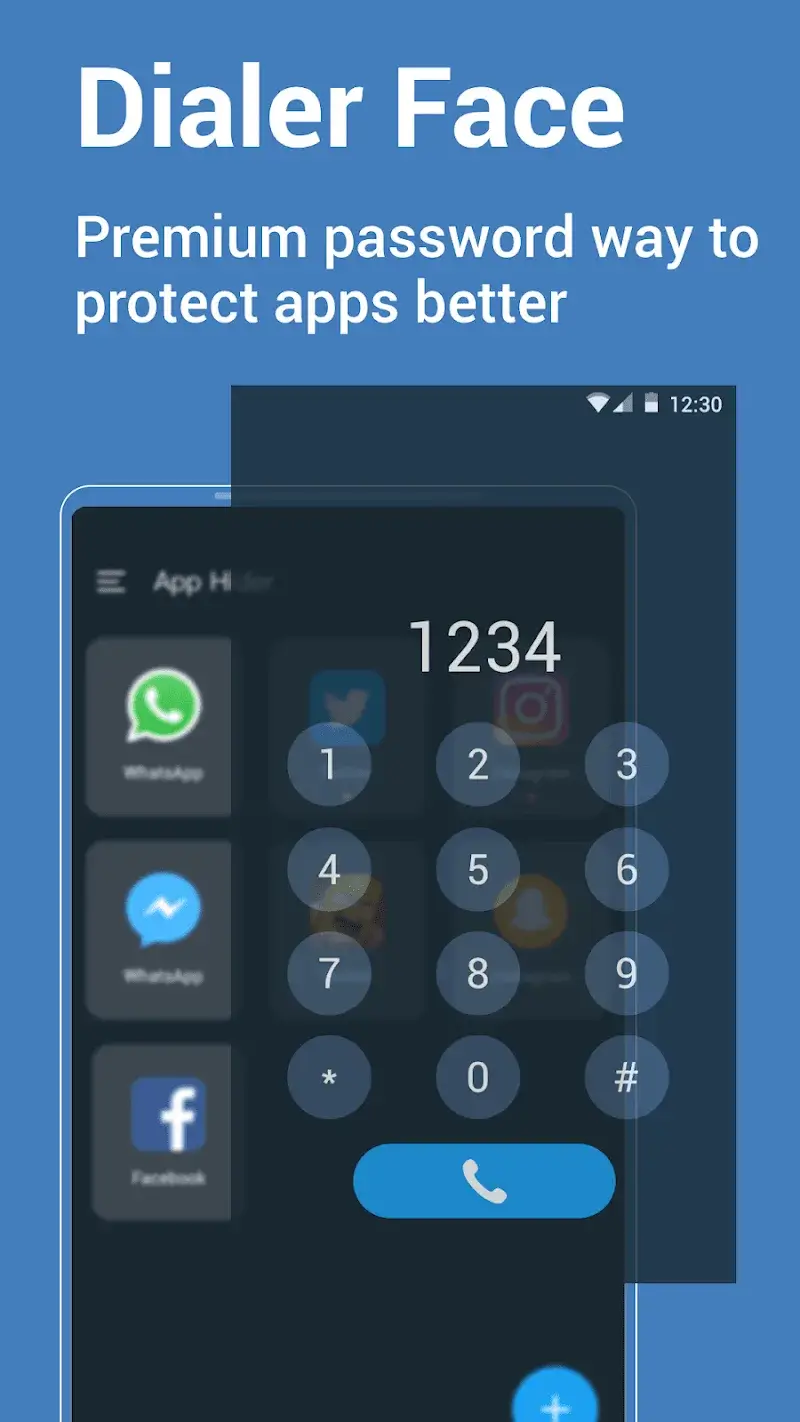
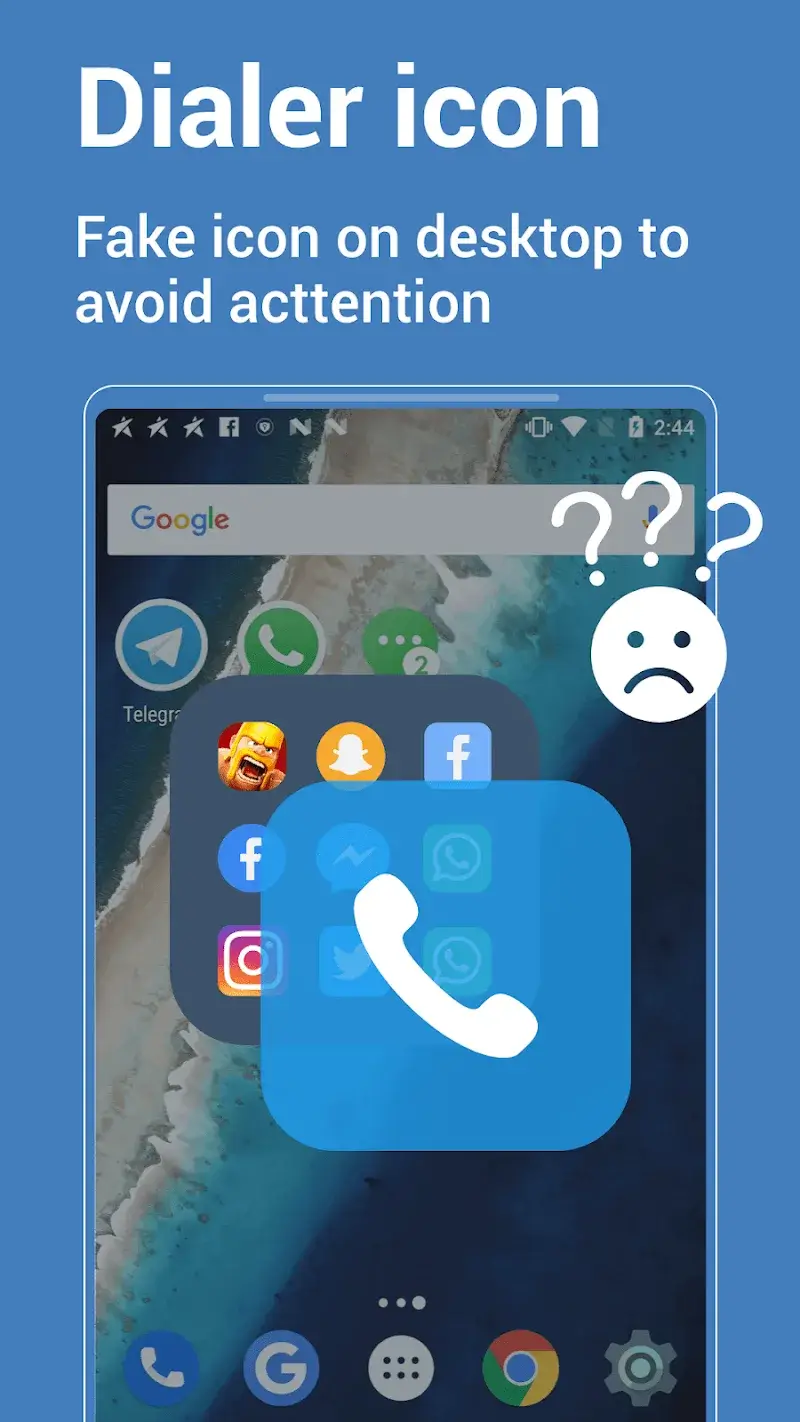
Access to the hidden vault is initiated from the App Hider Mod launcher icon. The user must set a primary password on first launch. After this initial setup, the cloned apps are accessible only by entering this password into the App Hider Mod interface.

The application requires Android 7.0 or higher. It consumes approximately 20-25 MB of internal storage for its core operations, plus additional space for each cloned app's data. Root privileges are not required for any functionality.

Installation follows the standard sideload process for modified APKs. First, download the modded App Hider Mod APK file. Second, enable "Install from Unknown Sources" in Android settings if prompted. Third, use a file manager to locate and tap the downloaded APK to begin installation. Fourth, open App Hider Mod after installation completes.

Several edge cases exist. Clearing the app data for App Hider Mod will reset the vault password and require re-cloning all hidden apps. The cloning process may fail with certain system-level applications or apps with aggressive anti-tamper protections. On some devices with heavily customized OEM skins, the hidden app icons may still appear in recent apps lists. Using App Hider Mod to clone and hide itself is not supported.

Editor's review

The mod for App Hider Mod version 1.7.01 delivers its stated modifications on Android 7.0 and above.

Confirmed working behaviors include the immediate availability of all premium cloning options without payment prompts, the complete absence of banner and interstitial advertisements during use, and the removal of any trial or watermark indicators from the interface.

Known issues are present. The most significant is that the hidden vault and all cloned apps are lost if the App Hider Mod application data is cleared from device settings. Furthermore, cloning certain banking or high-security apps may cause the cloned instance to crash on launch due to certificate or integrity checks. The mod does not bypass Google Play Services dependencies for apps that require them.

Compatibility is confirmed for the specified version on Android 7.0+. The mod is functional for its core purpose of providing ad-free, premium app cloning.

Functional.

Frequently Asked Questions

¿Es seguro instalar este APK modificado de App Hider?

Este APK mod no solicita permisos peligrosos más allá de los que requiere la aplicación oficial, como almacenamiento para clonar apps. No requiere acceso a SMS, registros de llamadas o contactos, y no necesita root en Android 7.0+.

¿Necesito acceso root para usar App Hider Mod?

No. El proceso de instalación es el estándar para sideloading. Descarga el archivo APK, habilita "Instalar desde fuentes desconocidas" en los ajustes de seguridad de tu Android, y ejecuta el instalador.

¿Cuáles son los pasos para instalar App Hider Mod?

1. Descarga el archivo APK mod. 2. En ajustes de Android, permite instalaciones desde fuentes desconocidas. 3. Usa un administrador de archivos para encontrar y tocar el APK descargado para iniciar la instalación. 4. Abre App Hider desde el lanzador de aplicaciones.

¿Qué hace exactamente la función "Premium Desbloqueado" en este mod?

Desbloquea todas las funciones de pago de la versión oficial. Esto incluye la capacidad de clonar un número ilimitado de aplicaciones, usar todos los métodos de ocultación y acceder a configuraciones avanzadas de la bóveda, sin ningún pago.

¿Existe riesgo de prohibición de cuenta o pérdida de datos al usar este mod?

Para el uso principal de App Hider (clonar y ocultar apps en modo local), el riesgo es mínimo. Sin embargo, si usas apps clonadas para acceder a servicios en línea o modos multijugador, los servidores de esas apps pueden detectar el clon y aplicar sanciones en sus cuentas.

Safety note

Install only APKs matching com.hidespps.apphider at version v1.7.01. Download from official links on this page to reduce tampering risk.

Additional Information

Category: tools Publish Date: Sat, Oct 25, 2025

Scan QR code and download playmods app
Download
PlayMods APP