



Location: Home > Apps > Photography > Background eraser・photo editor

Background Eraser・Photo Editor (Premium Unlocked, Ads Disabled, All Templates Unlocked, Batch Editing Unlocked, Watermark Removed, All Export Formats Unlocked) Download for Android

Background Eraser・Photo Editor icon

Background Eraser・Photo Editor Premium Unlocked, Ads Disabled, All Templates Unlocked, Batch Editing Unlocked, Watermark Removed, All Export Formats Unlocked

5.0
v2.8.8 for Android
Fast Download:Download this app by playmods App with faster speed.

Background Eraser・Photo Editor MOD Info MOD Info :
Premium Unlocked, Ads Disabled, All Templates Unlocked, Batch Editing Unlocked, Watermark Removed, All Export Formats Unlocked

Screenshots

Description

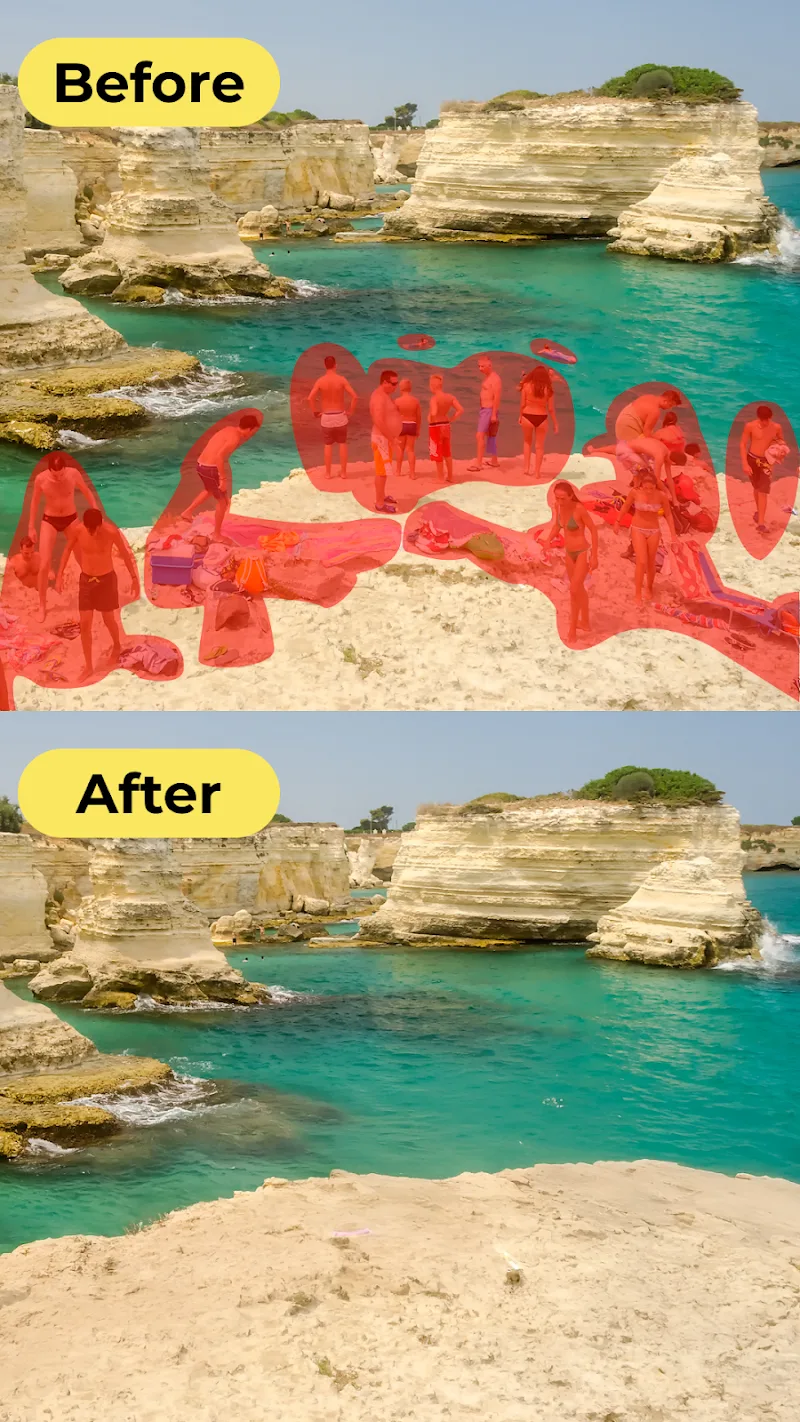
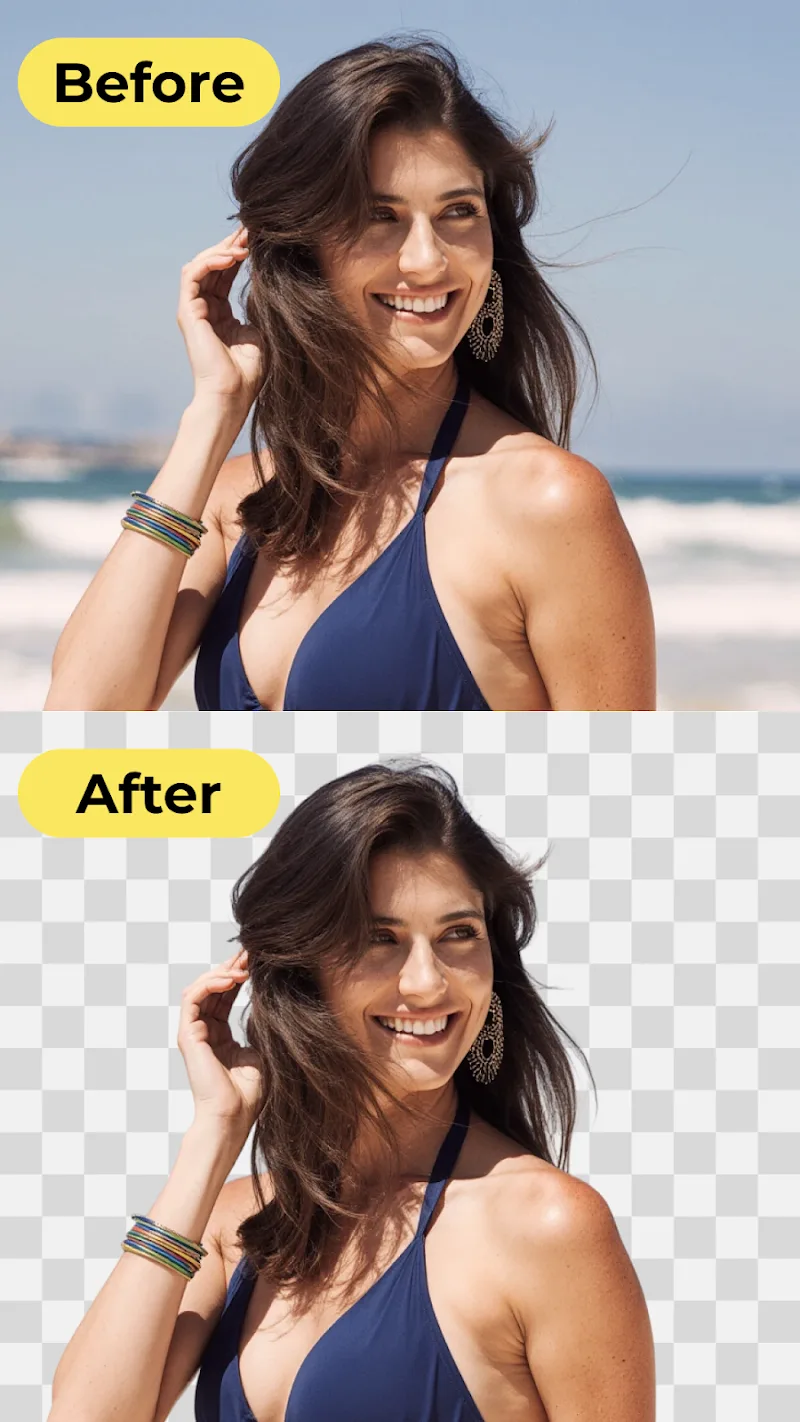
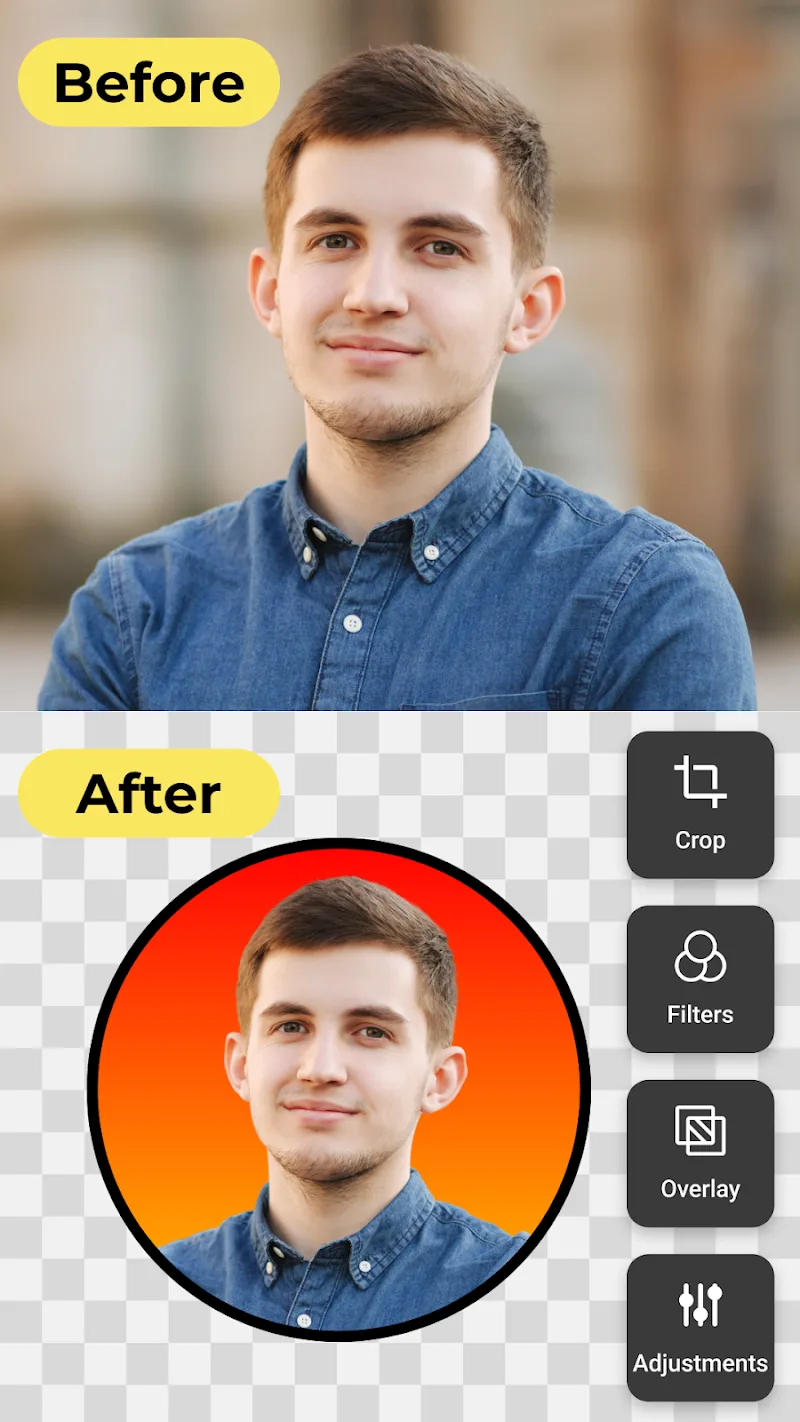
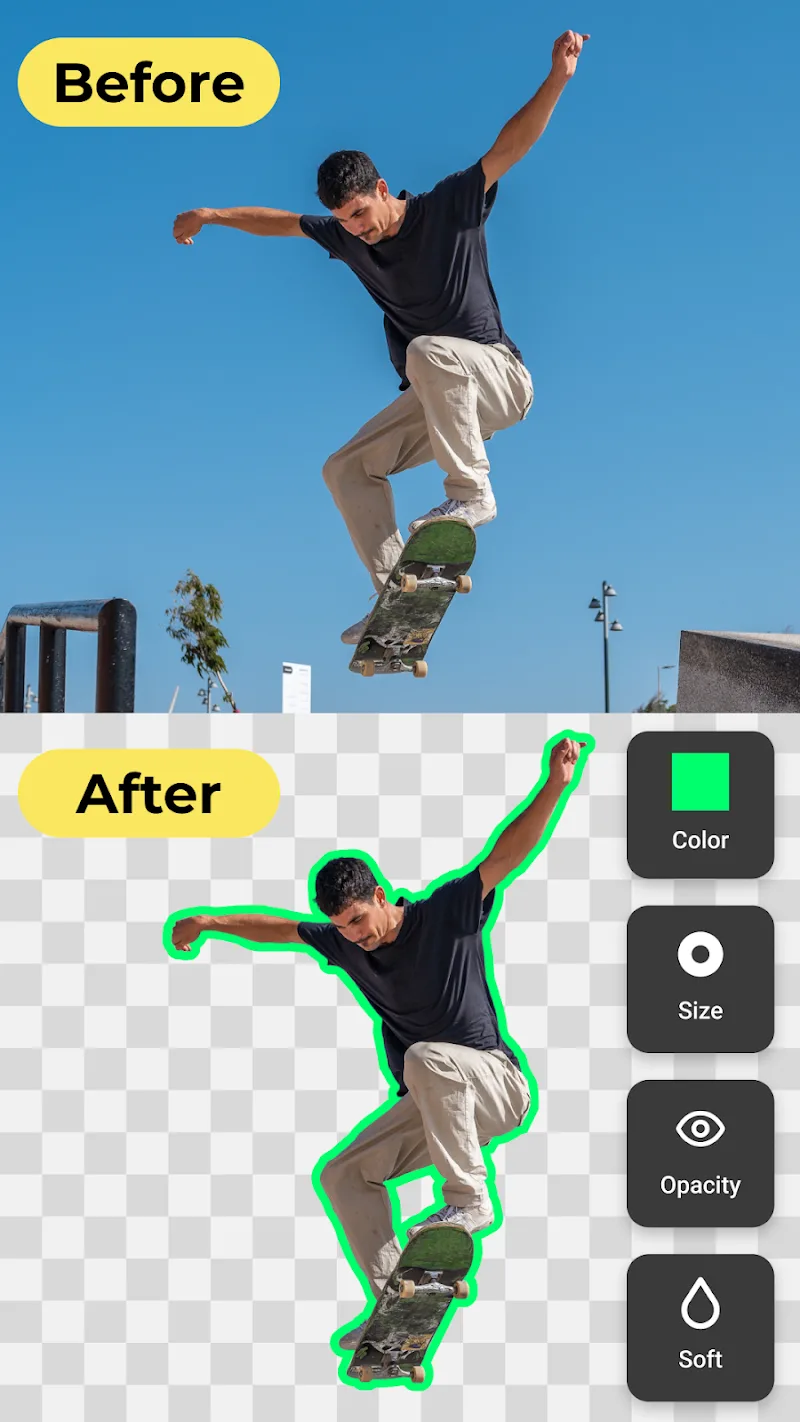
Background Eraser・Photo Editor Mod is a utility for Android that employs AI segmentation to isolate and remove backgrounds from images. It targets users who need quick, automated background removal for social media content, product listings, or personal photo editing without using desktop software. The app falls into the photography tool category, focusing on a single core function enhanced by batch processing and format conversion.

What This Mod Unlocks

  • Premium subscription features are fully unlocked, removing all paywalls.
  • All in-app advertisements are disabled network-wide.
  • Access to the full library of exclusive background templates (3D wallpapers, reflection images, sample images) is granted.
  • Batch editing for multiple images, normally a premium tier feature, is available.
  • All export format options (PNG, JPG) are unlocked without watermarking.
  • The AI-powered auto-focus and sharpening tools are fully functional.

No mod menu is present. The unlocked features are integrated directly into the app interface. The premium status is applied upon launch, visible by the absence of upgrade prompts and the availability of all editing tools from the main screen.

Background Eraser・Photo Editor Mod requires Android 8.0 or higher. The APK file size is approximately 129 MB. Installation does not require root access. Expect to allocate around 200-300 MB of storage for the app and its processed image cache.

Installation follows the standard sideload process for modified APKs. First, download the APK file. Second, enable installation from unknown sources in your Android settings if prompted. Third, use a file manager to locate the downloaded file and tap it to initiate installation. Fourth, open the app after installation completes.

Several edge cases exist. The AI background removal quality is dependent on server-side processing for some advanced filters; these may fail without a network connection. Clearing the app data will not revert the mod unlock, as it is baked into the APK. On some devices with aggressive battery optimization, the batch processing function may halt if the screen is turned off. The mod does not bypass any cloud-based account verification for template access, but none is required in the current version.

Editor's review

The mod for Background Eraser・Photo Editor Mod version 2.8.8 delivers its stated unlocks on Android 8.0 and above.

  • Premium subscription gates are removed, granting immediate access to high-resolution export and the background template library.
  • Ad network calls are blocked, resulting in an interface completely free of banners and interstitial videos.
  • The batch processing tool functions correctly, allowing sequential editing of multiple photos.

Known operational issues are minor. The AI eraser's 'Super Sharp' output occasionally fails to save on devices with low RAM, requiring a second attempt. The app's internal 'Help' section, which links to web resources, may not load due to ad-blocking modifications. There is no risk of online detection or ban, as the app operates primarily offline after downloading asset packs.

Tested on Android 13. The mod is stable for the core editing workflow.

Functional.

Frequently Asked Questions

¿Es seguro instalar este mod APK de Background Eraser・Photo Editor?

Sí, el APK modificado no solicita permisos peligrosos más allá de los que requiere la aplicación oficial (almacenamiento y cámara para acceder a fotos). No requiere root en Android 8.0 o superior.

¿Este mod requiere acceso root?

No, no requiere root. Se instala mediante el proceso estándar de sideloading: descargar el archivo APK, permitir instalaciones desde fuentes desconocidas en los ajustes de Android, y ejecutar el instalador.

¿Cómo instalo Background Eraser・Photo Editor Mod?

1. Descarga el archivo APK. 2. En Ajustes de Android > Seguridad, activa 'Fuentes desconocidas'. 3. Usa un administrador de archivos para encontrar el APK descargado y tócalo para instalar. 4. Abre la aplicación.

¿Qué hace exactamente la función 'Premium Desbloqueado' en este mod?

Elimina todos los muros de pago de la aplicación. Concretamente, desbloquea la exportación de imágenes en alta calidad sin marca de agua, el acceso completo a la biblioteca de fondos y plantillas exclusivas, y la herramienta de edición por lotes, que son funciones de suscripción en la versión oficial.

¿Existe riesgo de prohibición de cuenta o pérdida de datos?

El riesgo es mínimo. Background Eraser・Photo Editor funciona principalmente sin conexión para el procesamiento de imágenes. No hay autenticación de servidor o modo multijugador donde se pueda detectar la modificación. Las imágenes editadas se guardan localmente.

Safety note

Install only APKs matching com.vyroai.bgeraser at version v2.8.8. Download from official links on this page to reduce tampering risk.

Additional Information

Category: photography Publish Date: Mon, Nov 24, 2025

Scan QR code and download playmods app
Download
PlayMods APP