

Location: Home > Apps > Tools > Apk backup & app recovery

APK Backup & App Recovery (Premium Features Unlocked, Ads Disabled, Batch Backup Unlocked, Scheduled Backup Unlocked, Custom Location Unlocked, Unrestricted Sharing) Download for Android

APK Backup & App Recovery icon

APK Backup & App Recovery Premium Features Unlocked, Ads Disabled, Batch Backup Unlocked, Scheduled Backup Unlocked, Custom Location Unlocked, Unrestricted Sharing

5.0
v3.2.3.1 for Android
Fast Download:Download this app by playmods App with faster speed.

APK Backup & App Recovery MOD Info MOD Info :
Premium Features Unlocked, Ads Disabled, Batch Backup Unlocked, Scheduled Backup Unlocked, Custom Location Unlocked, Unrestricted Sharing

Screenshots

Description

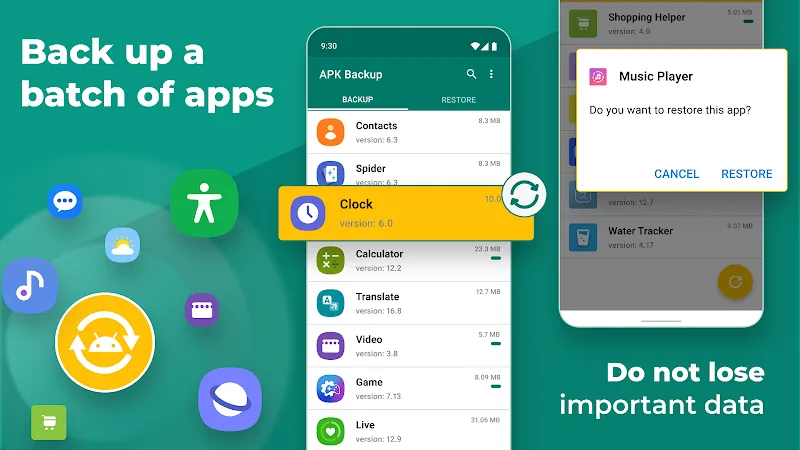
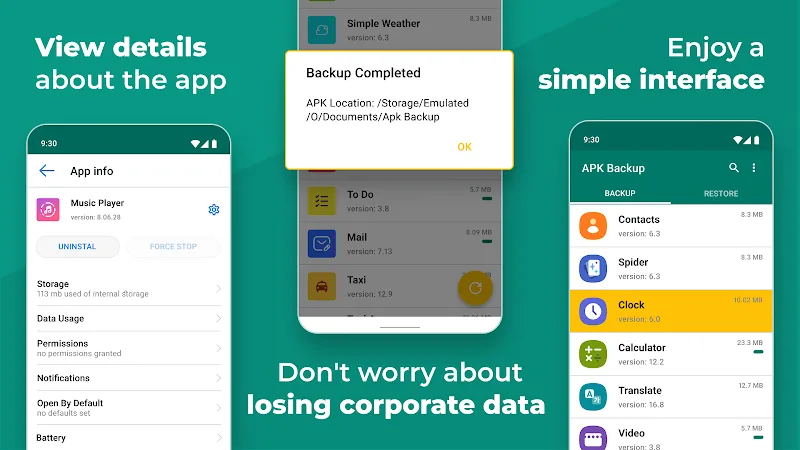
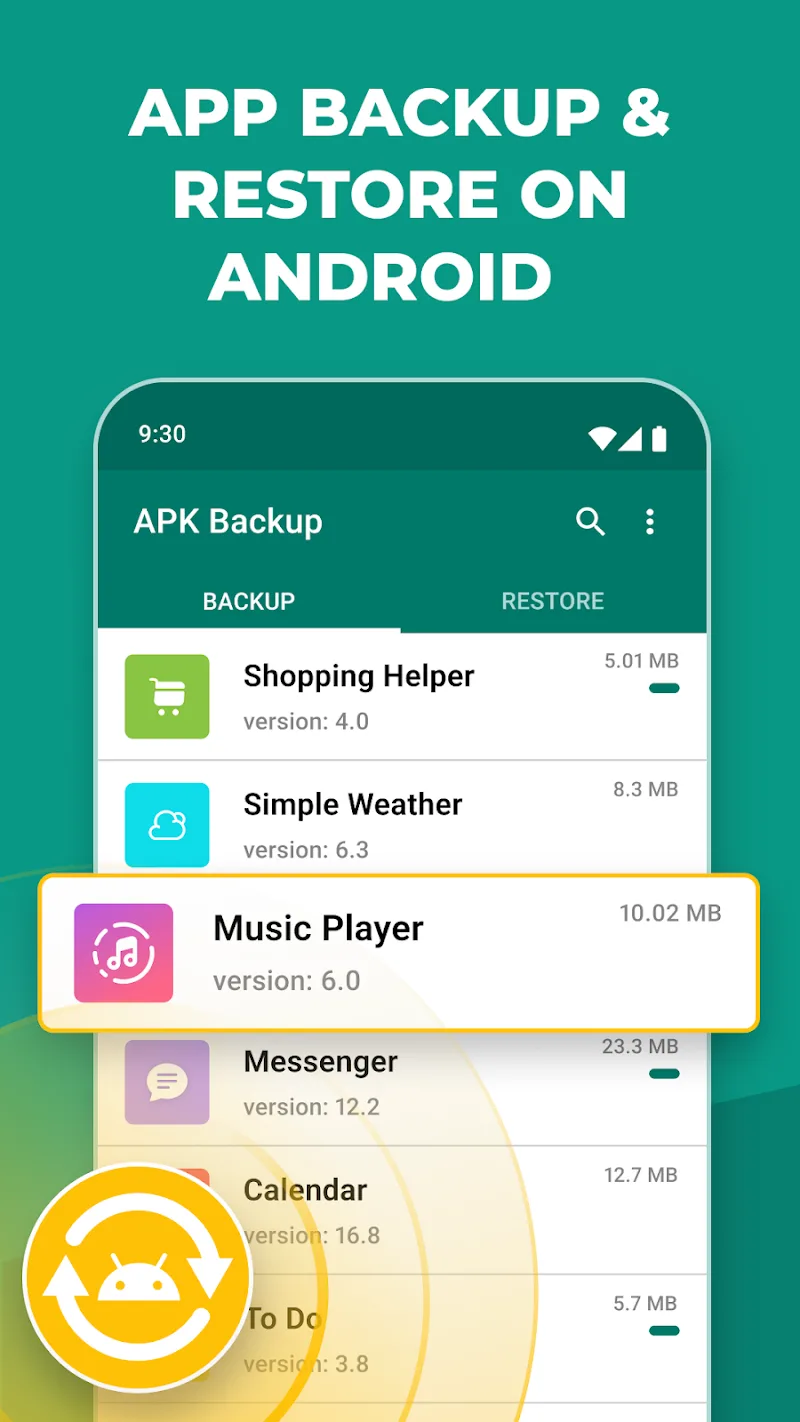
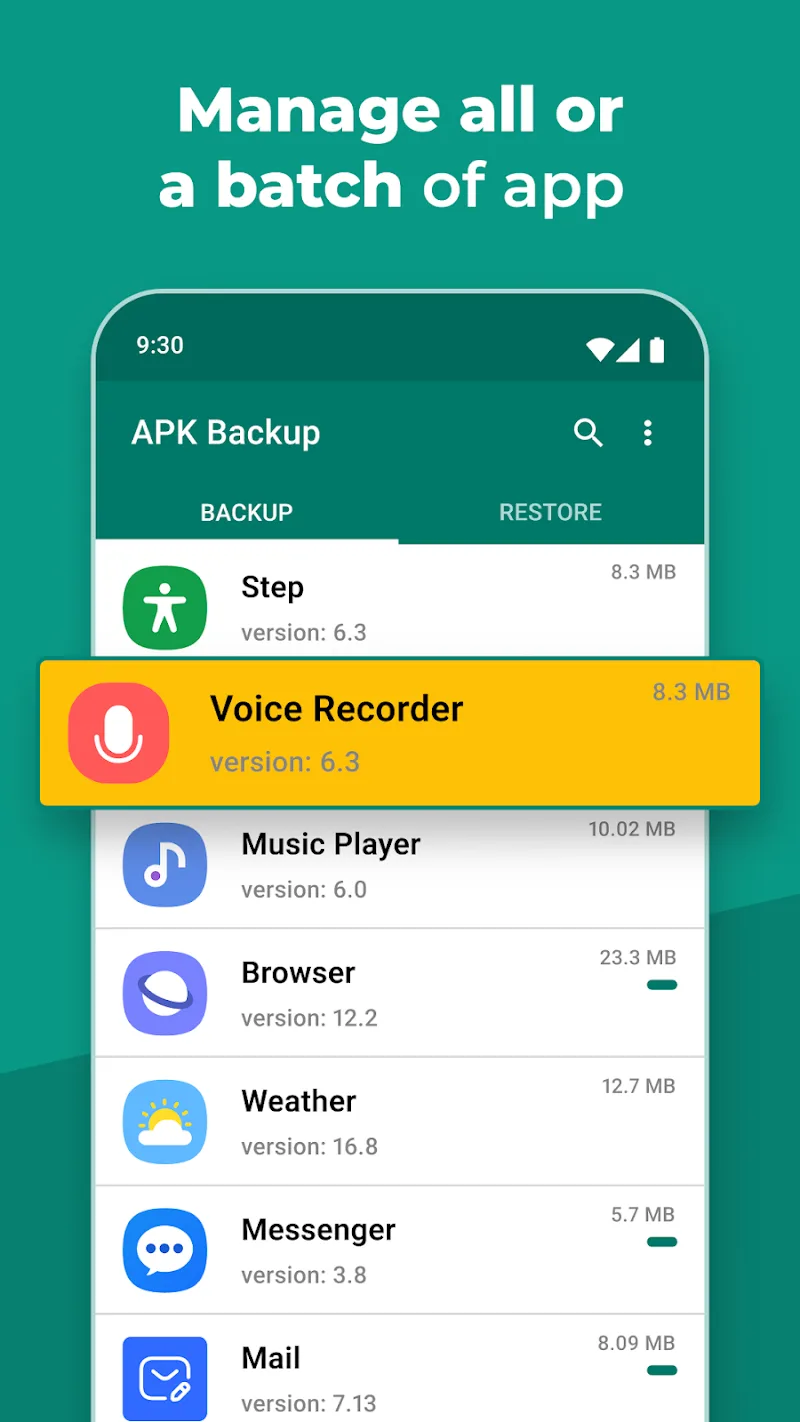
APK Backup & App Recovery Mod is a utility for Android that creates offline copies of installed application packages. It targets users who need to archive apps for device migration, offline storage, or recovery after accidental deletion. The app operates without cloud dependencies by default, handling APK extraction and local file management.

What This Mod Unlocks

  • Premium features unlocked. The in-app purchase wall for the 'Premium' tier is removed.
  • Ads disabled. Network requests for advertisements are blocked.
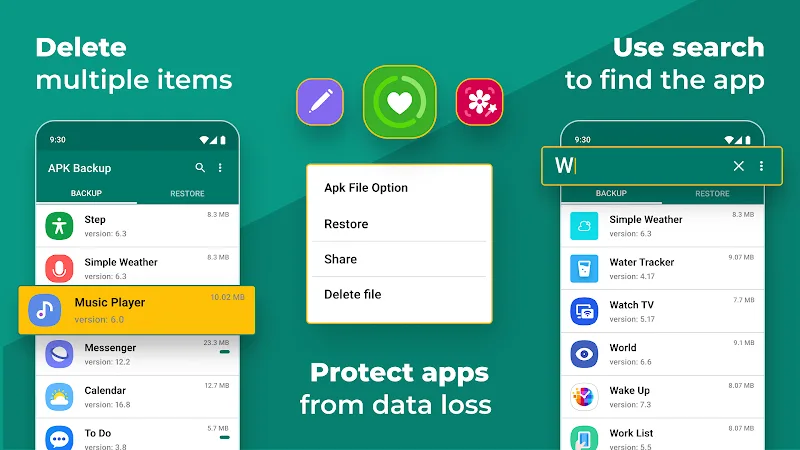
  • Batch backup and restore functions are fully accessible.
  • Scheduled automatic backup functionality is enabled.
  • Custom backup location selection, including SD card paths, is available.
  • Direct APK sharing via any installed app is unrestricted.

The mod activates silently upon launch. No mod menu or toggle is present. The APK Backup & App Recovery Mod interface will display all premium features as available without requiring a license check.

Requirements are Android 8.0 or higher. The app requires approximately 15 MB of storage. Root access is not required for core backup functions.

Installation follows standard sideloading steps. First, download the mod APK file. Second, enable 'Install from unknown sources' for your file manager or browser in Android settings. Third, locate the downloaded file and tap to install. Fourth, open APK Backup & App Recovery Mod and grant the necessary storage permissions.

Known edge cases exist. Clearing the app data may revert the UI to a trial state until the app is restarted. Some cloud storage integration options may still require valid login credentials for the respective service. On devices with heavily customized OEM Android skins, the backup process for system apps might fail due to additional security restrictions.

Editor's review

This mod for APK Backup & App Recovery Mod version 3.2.3.1 delivers the stated premium unlock on Android 8.0 and above.

Confirmed working features include the removal of the 'Upgrade to Premium' prompts, the activation of the batch operation toggle, and the availability of the schedule settings menu. The ad removal is effective, with no banner or interstitial loads observed during testing.

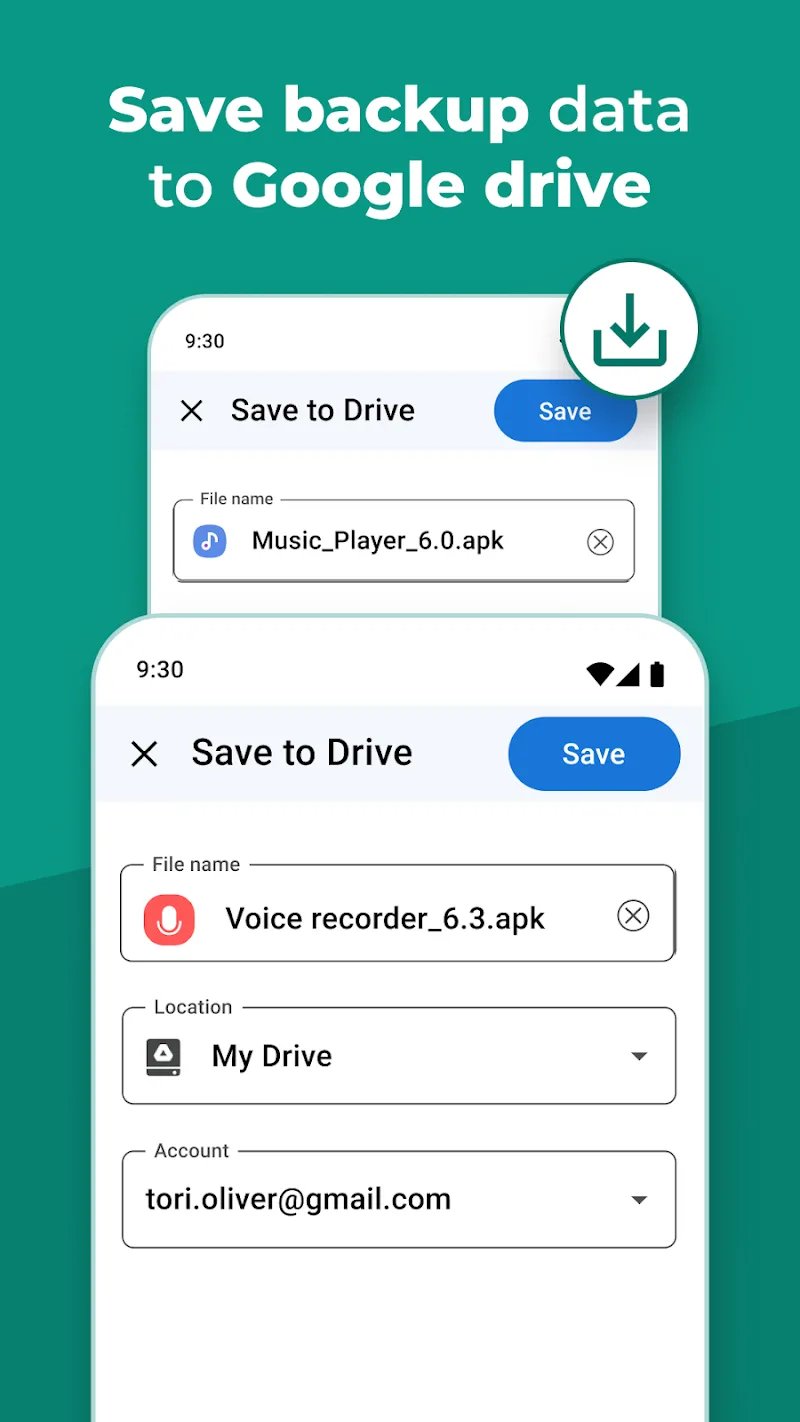
Known issues are minor. The app's internal 'About' screen may still display 'Premium: Not Activated' text despite full functionality. If the app is updated via the Play Store over the modded installation, all mod benefits will be lost. The mod does not bypass any login requirements for third-party cloud services like Google Drive.

Compatibility is confirmed on the stated version; the mod is unlikely to work on future official updates without modification.

Functional.

Frequently Asked Questions

Is this APK Backup & App Recovery mod safe to install?

The mod requests the same storage permissions as the official app for reading and writing APK files. It does not ask for SMS, call log, or contacts access. No root is required on Android 8.0+.

Does this mod require root access?

No. The mod installs via standard sideloading. You must enable 'Install from unknown sources' for your file manager, then install the downloaded APK file.

How do I install the mod?

1. Download the mod APK file. 2. Go to Android Settings > Security and enable 'Unknown Sources' for your file manager. 3. Open your file manager, find the downloaded file, and tap it to install. 4. Open APK Backup & App Recovery and grant storage permissions.

What is the most important feature unlocked by this mod?

The key unlock is scheduled automatic backups. In the official app, this is a premium feature. The mod enables it, allowing you to set daily or weekly automated APK backups without manual intervention.

Is there a risk of account ban or data loss?

This is a local utility app with no account system or online multiplayer. The risk of a ban is negligible. The primary data loss risk is using the mod to overwrite backups; always maintain separate copies of important APKs.

Safety note

Install only APKs matching app.apk.backup at version v3.2.3.1. Download from official links on this page to reduce tampering risk.

Additional Information

Category: tools Publish Date: Tue, Jan 6, 2026

Scan QR code and download playmods app
Download
PlayMods APP