

Location: Home > Apps > Tools > Battery max

Battery MAX (Premium Features Unlocked, Ads Disabled, All Reports Unlocked, Automation Controls Unlocked) Download for Android

Battery MAX icon

Battery MAX Premium Features Unlocked, Ads Disabled, All Reports Unlocked, Automation Controls Unlocked

5.0
v1.0.9 for Android
Fast Download:Download this app by playmods App with faster speed.

Battery MAX MOD Info MOD Info :
Premium Features Unlocked, Ads Disabled, All Reports Unlocked, Automation Controls Unlocked

Screenshots

Description

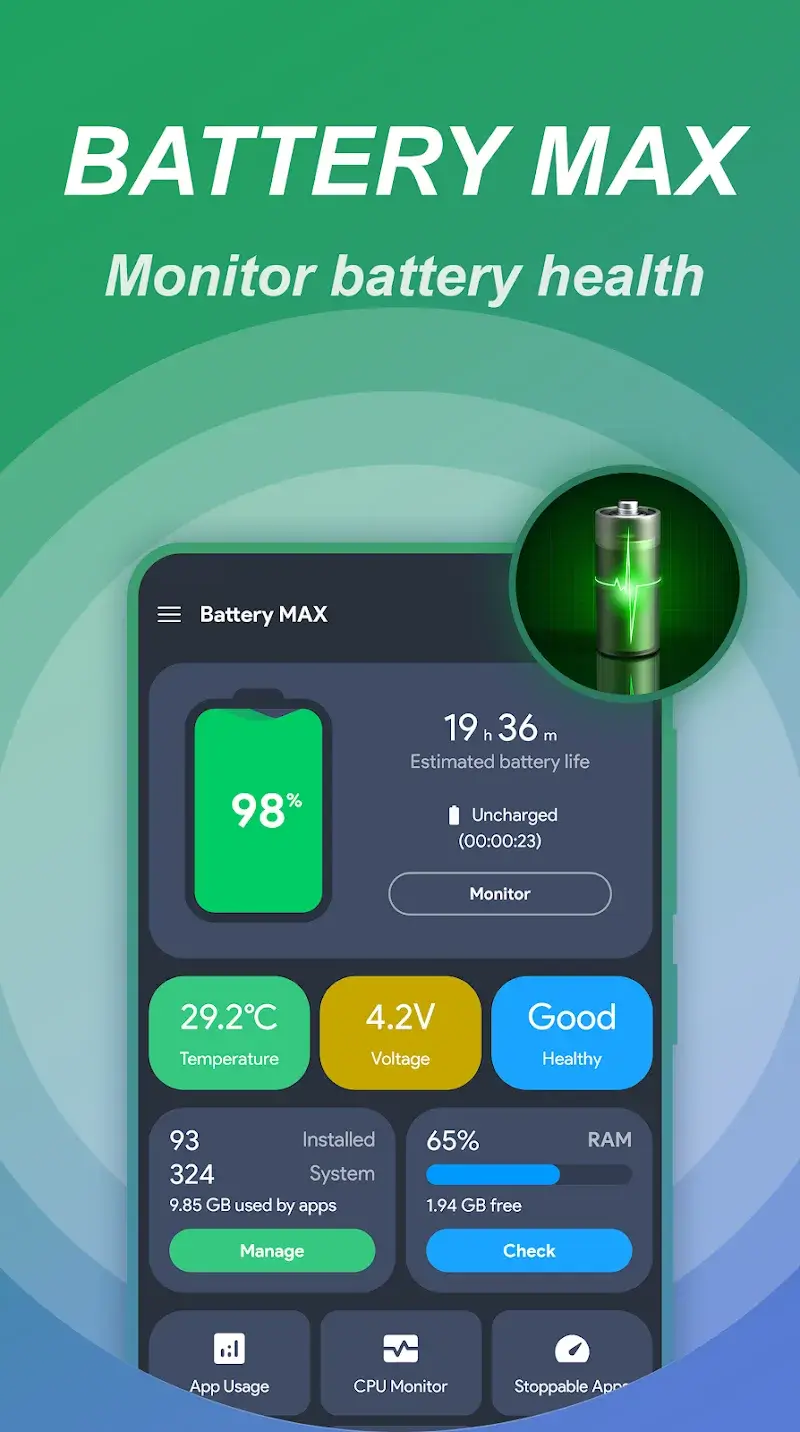
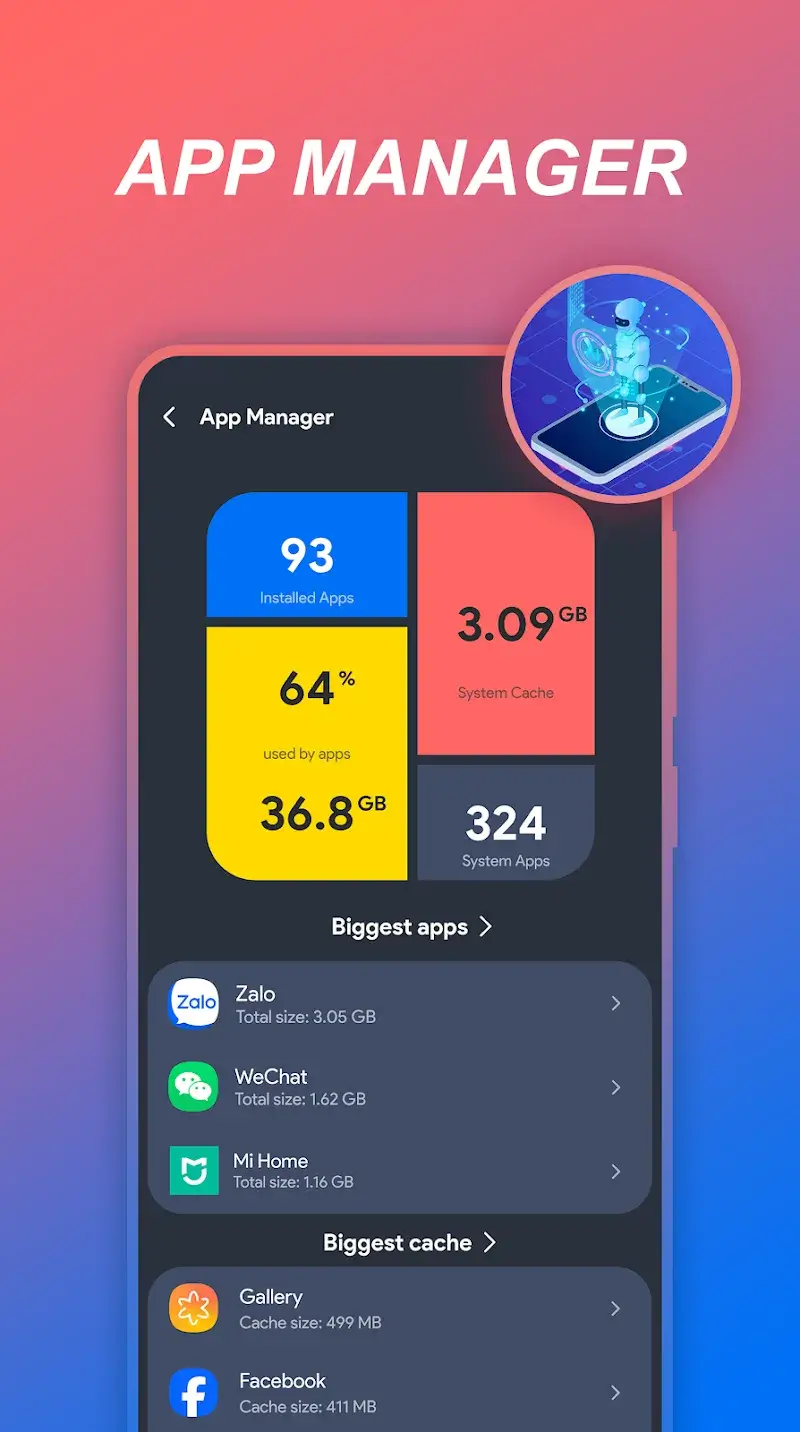
Battery MAX Mod is a utility application designed for Android users who require detailed battery health monitoring and automated power management. It functions as a diagnostic and optimization tool, targeting users experiencing rapid battery drain, overheating, or unexplained power consumption. The app operates in the system tools category, providing real-time analytics and automated app management without requiring root access.

What This Mod Unlocks

  • Premium subscription features are fully activated.
  • All advanced battery monitoring reports are accessible without restriction.
  • Advertisements and promotional banners within the app are disabled.
  • Pro-level app management controls, including automatic cleanup scheduling, are unlocked.

Upon launching Battery MAX Mod, the premium status is applied automatically. No manual activation or mod menu interaction is required. The interface will reflect the unlocked state, typically indicated by the absence of 'Upgrade' prompts and the availability of all monitoring graphs and automation settings.

The modded APK requires Android 6.0 or higher. Storage requirements are approximately 22 MB for the initial installation. Root permissions are not required for any functionality.

Installation follows the standard sideload process for modified applications. First, download the APK file. Second, enable installation from unknown sources in the device security settings. Third, locate the downloaded file using a file manager and tap to initiate installation. Fourth, open the app after installation completes.

Several edge cases exist. The mod's premium unlock is tied to the local installation; clearing the app's data will revert Battery MAX Mod to its default state, requiring a reinstall. Some cloud-based features, such as syncing diagnostic history to a developer account, may remain non-functional as they rely on server-side validation. On devices with aggressive battery optimization, the background monitoring service of Battery MAX Mod may be suspended, limiting real-time alerts.

Editor's review

The mod for Battery MAX Mod version 1.0.9 delivers the claimed premium feature unlock on Android 6.0+ devices.

  • Confirmed working: The premium subscription gate is removed, granting immediate access to all battery health reports and historical data.
  • Confirmed working: In-app advertisements are successfully blocked, resulting in an interface free of banners and video interstitials.
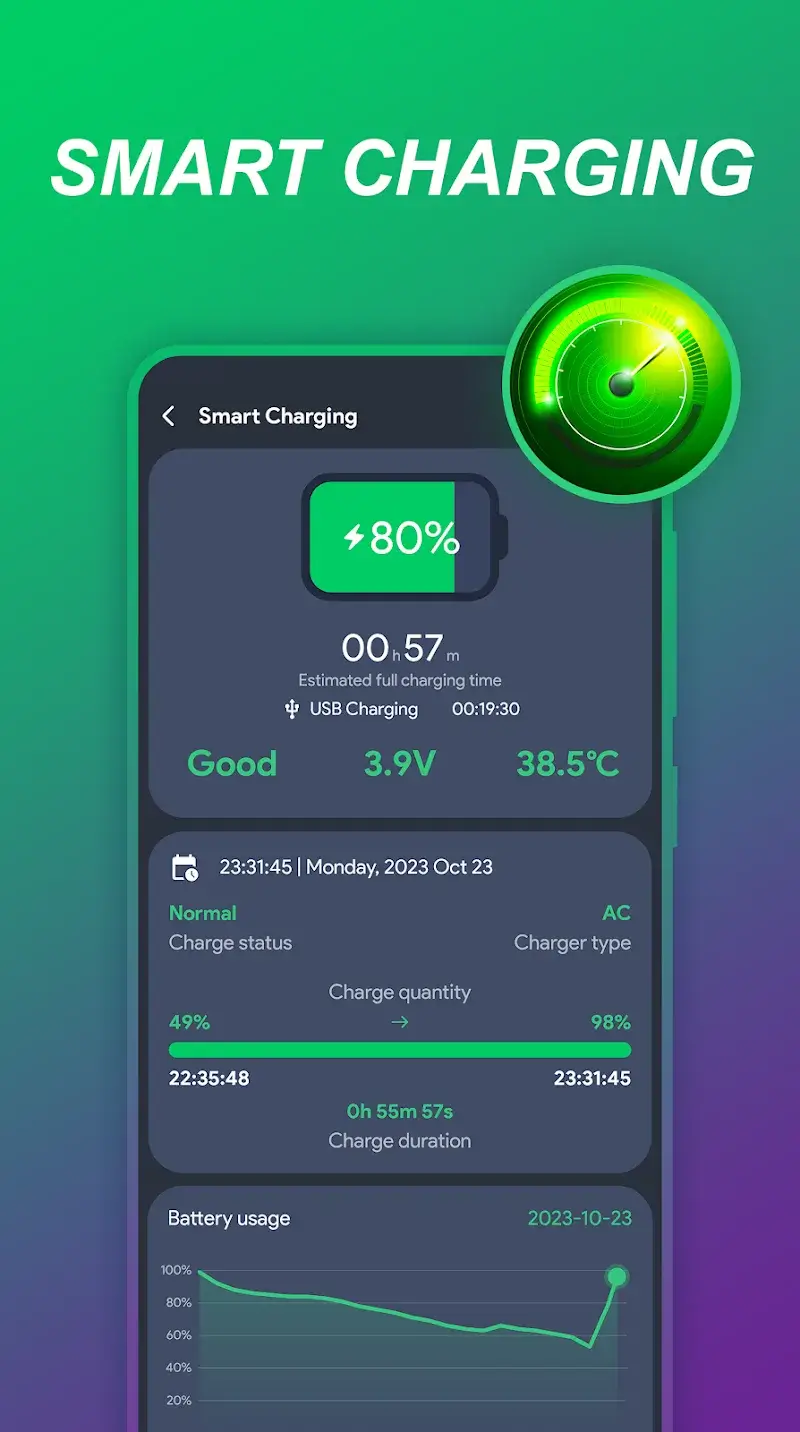
  • Confirmed working: Advanced automation settings for app management and charging alerts are fully functional without requiring payment.
  • Known issue: The unlock is volatile; clearing the app's cache and data resets the application to a locked state, necessitating a fresh install of the modded APK.
  • Known issue: Any functionality that requires online authentication with the developer's servers, such as cloud backup of settings, remains inactive.

Tested on the stated v1.0.9 build running on Android 13. The core mod functions as a local patch to the application's license check.

Functional.

Frequently Asked Questions

¿Es seguro instalar este APK modificado de Battery MAX?

El APK modificado no solicita permisos peligrosos más allá de los que requiere la aplicación oficial (como acceso al estado de la batería). No requiere acceso a SMS, registros de llamadas o contactos. No se necesita root en Android 6.0 o superior.

¿Battery MAX Mod requiere acceso root?

No se requiere acceso root. El proceso de instalación es el sideload estándar: descargar el archivo APK, habilitar 'Orígenes desconocidos' en los ajustes de seguridad del dispositivo, y luego ejecutar el instalador.

¿Cuáles son los pasos para instalar Battery MAX Mod?

1. Descarga el archivo APK. 2. Ve a Ajustes > Seguridad y activa 'Fuentes desconocidas'. 3. Usa un administrador de archivos para encontrar el APK descargado y tócalo para iniciar la instalación. 4. Abre Battery MAX después de la instalación.

¿Qué característica premium específica desbloquea este mod?

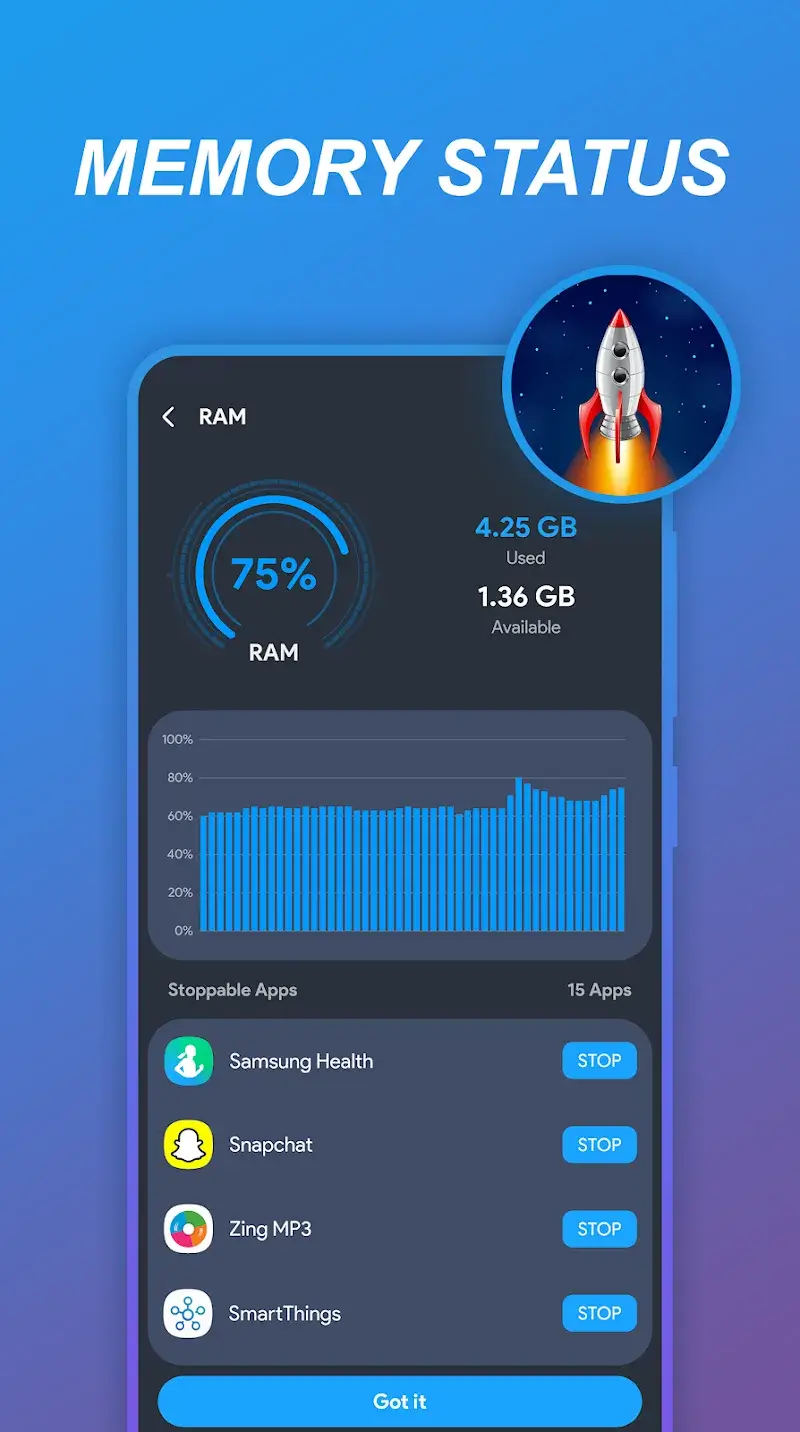
El mod desbloquea todas las funciones de la suscripción Premium. Esto incluye informes avanzados de consumo de batería en tiempo real, prevención de sobrecarga con notificaciones, y el gestor automático de aplicaciones que identifica y sugiere el cierre de apps que consumen recursos en segundo plano.

¿Existe riesgo de prohibición de cuenta o pérdida de datos?

Battery MAX es principalmente una aplicación de diagnóstico local. El riesgo de prohibición es mínimo ya que no interactúa con servidores de juego o redes sociales. La pérdida de datos (configuraciones guardadas) puede ocurrir si se borran los datos de la aplicación, ya que el desbloqueo no está vinculado a una cuenta.

Safety note

Install only APKs matching fastcharger.smartcharging.batterysaver.batterydoctor at version v1.0.9. Download from official links on this page to reduce tampering risk.

Additional Information

Category: tools Publish Date: Wed, Nov 12, 2025

Scan QR code and download playmods app
Download
PlayMods APP