
Location: Home > Apps > Tools > Bubble apps in split screen

Bubble Apps in split screen (Premium Features Unlocked, Ads Disabled, All Customization Unlocked, Pro Split-Screen Tools Unlocked, Material You Theming Unlocked) Download for Android

Bubble Apps in split screen icon

Bubble Apps in split screen Premium Features Unlocked, Ads Disabled, All Customization Unlocked, Pro Split-Screen Tools Unlocked, Material You Theming Unlocked

5.0
v1.00.20 for Android
Fast Download:Download this app by playmods App with faster speed.

Bubble Apps in split screen MOD Info MOD Info :
Premium Features Unlocked, Ads Disabled, All Customization Unlocked, Pro Split-Screen Tools Unlocked, Material You Theming Unlocked

Screenshots

Description

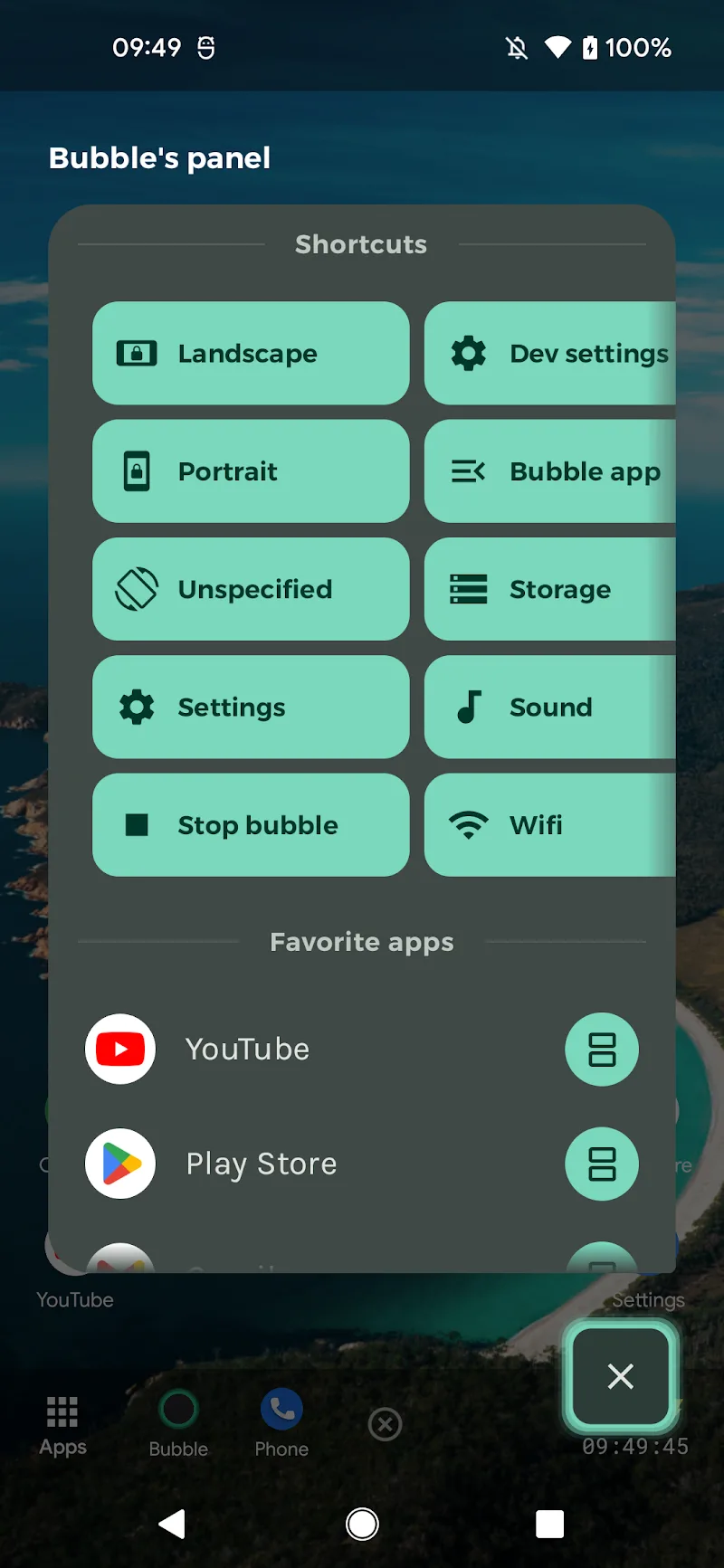
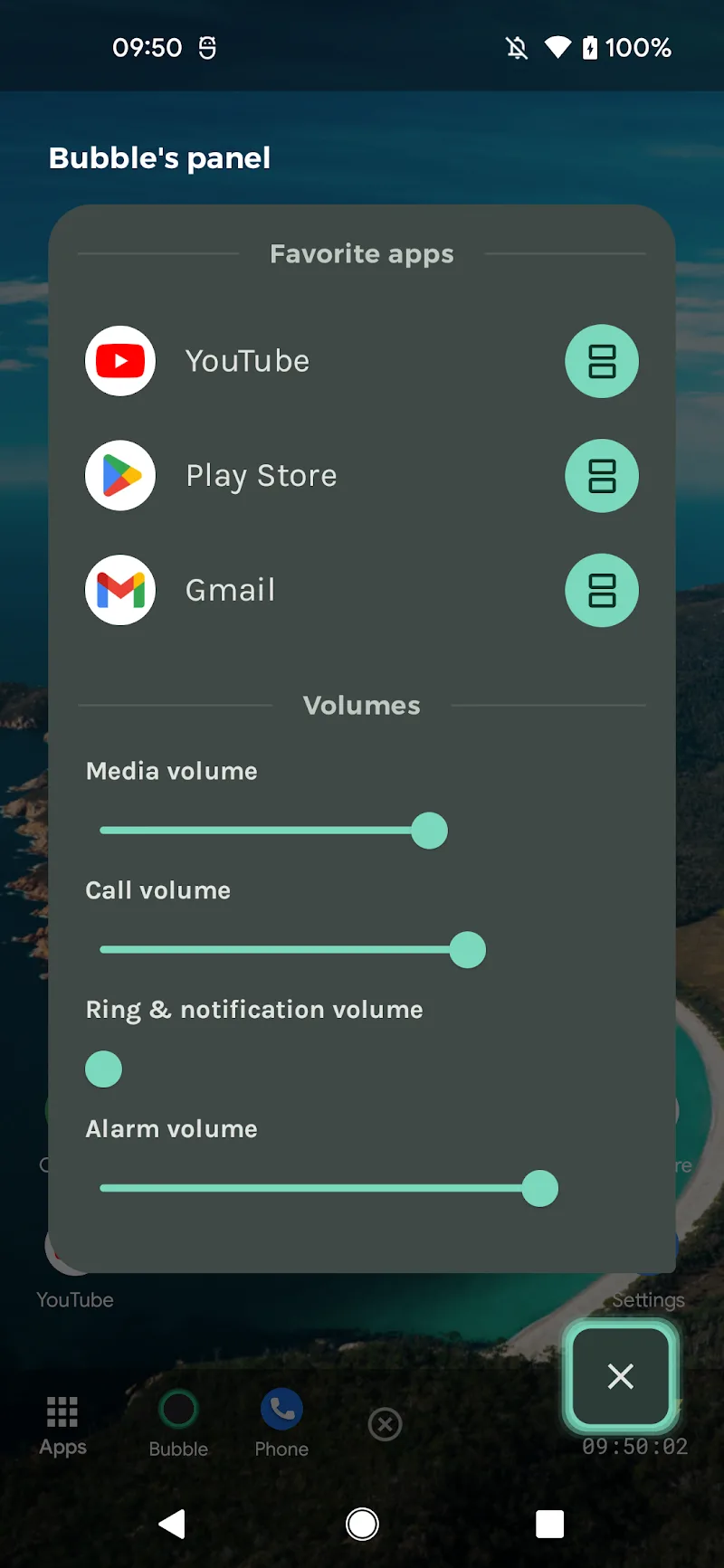
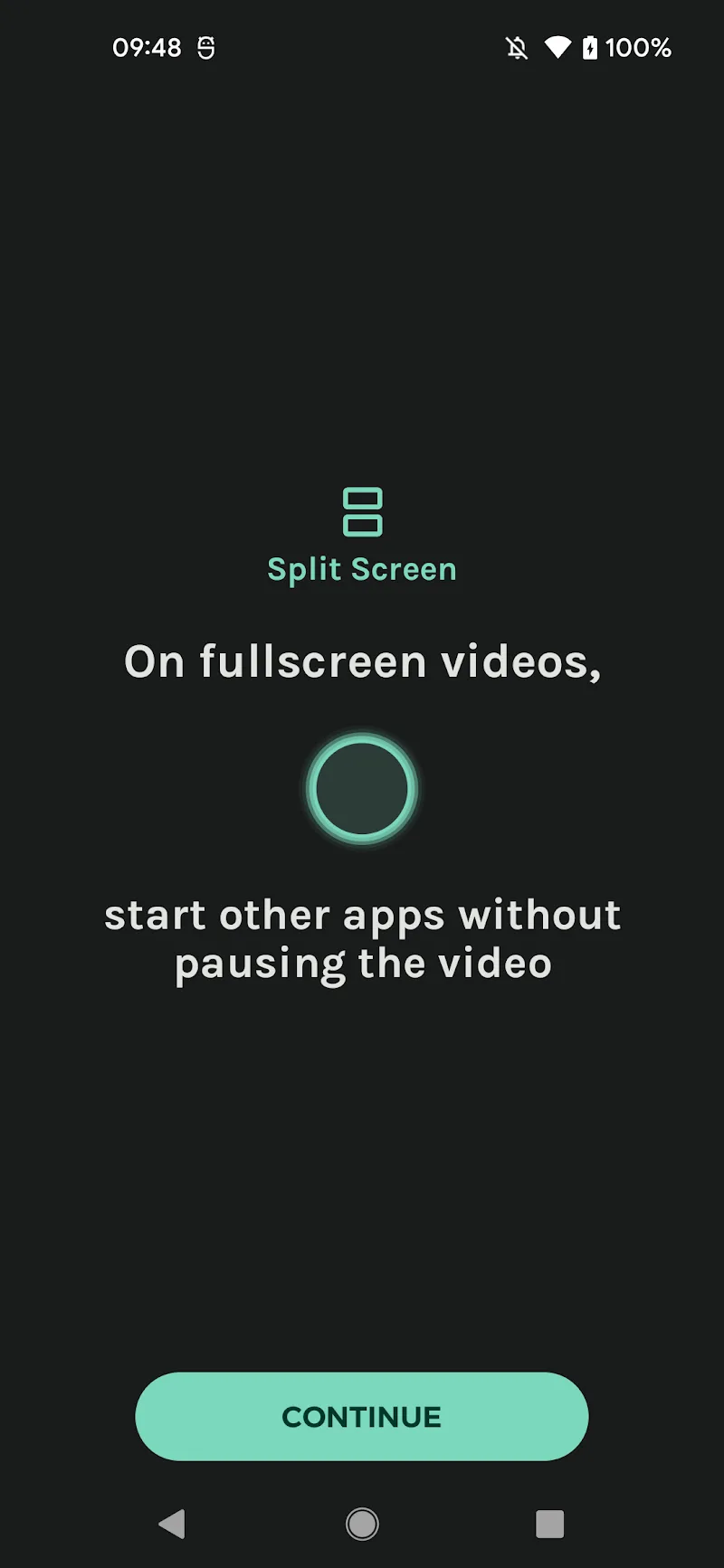
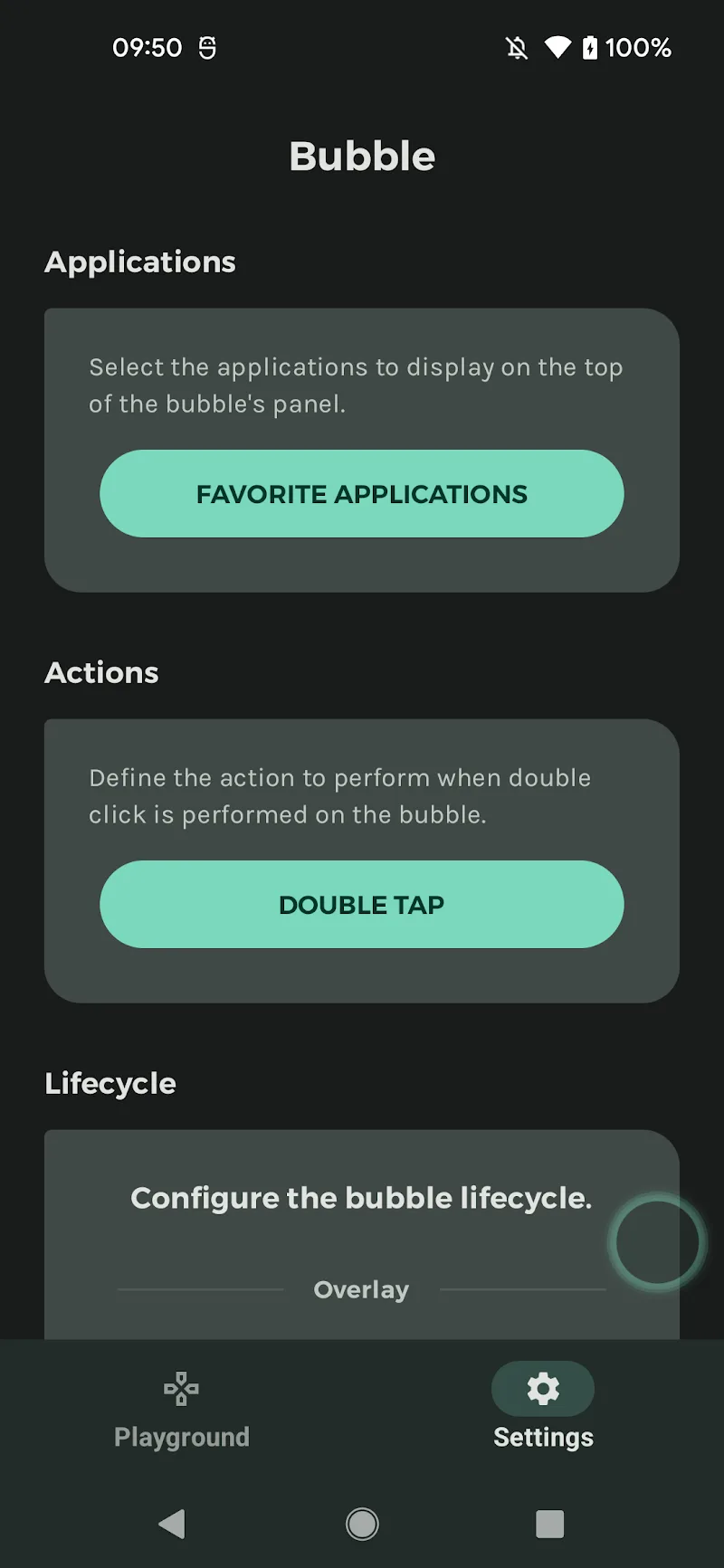
Bubble Apps in split screen Mod is a utility application that overlays a persistent floating bubble interface on the Android system. It is designed for users who require rapid access to app shortcuts, system toggles, and split-screen management without interrupting foreground activities like video playback or gaming. The app functions as an alternative launcher and control panel, targeting power users seeking to minimize navigation friction.

What This Mod Unlocks

  • Premium subscription features are permanently activated without payment.
  • All advanced bubble customization options are unlocked.
  • Advertisements within the app interface are removed.
  • Pro-level split-screen management tools are available.
  • Material You color synchronization and theming is fully accessible.

The modded features are active immediately upon launching Bubble Apps in split screen Mod. No activation steps, menu toggles, or in-app purchases are required. The premium state is embedded directly into the application package.

Bubble Apps in split screen Mod requires Android 5.0 or higher. The installation consumes approximately 11 MB of storage. Root access is not required for installation or functionality.

Installation follows the standard sideload process for modified APK files. First, download the modded APK file to your device. Second, ensure installation from unknown sources is permitted in your Android security settings. Third, navigate to the downloaded file using a file manager and tap to initiate installation. Fourth, follow the on-screen prompts to complete the process. Finally, launch Bubble Apps in split screen Mod from your app drawer.

Several edge cases exist with this mod. The premium unlock is tied to the application data; clearing the app's data via device settings may revert it to a free state, requiring a reinstall. As Bubble Apps in split screen Mod operates as a system overlay, some device manufacturers with heavily customized Android skins may restrict its drawing permissions, necessitating manual permission grants in settings. The mod does not bypass any server-side account checks for cloud-synced preferences, as the app primarily functions locally.

Editor's review

The mod for Bubble Apps in split screen Mod version 1.00.20 delivers the claimed premium unlock on Android 5.0 and above.

  • Premium feature gates are removed upon launch, granting immediate access to all bubble customization menus.
  • Advertisements are successfully disabled, resulting in an interface free of promotional banners or video ads.
  • The full suite of split-screen management and quick-launch tools operates without restriction.

Known issues are present. The unlocked state is volatile; clearing the app's cache and data through Android settings reverts the installation to a non-premium state, requiring a fresh install of the modded APK. On some devices with aggressive battery optimization, the persistent bubble service may be stopped, requiring manual exclusion from power-saving lists. The mod offers no functionality for online account binding or subscription validation.

Compatibility is confirmed for the stated Android version range, though behavior on Android 14+ may vary due to stricter overlay permissions.

Functional.

Frequently Asked Questions

Is this mod APK for Bubble Apps in split screen safe to install?

The mod APK does not request any permissions beyond those required by the official Bubble Apps in split screen app, such as drawing over other apps and accessibility services. It does not require or request access to SMS, call logs, or contacts. Root access is not required.

Does this mod require root access?

No, root access is not required. The mod is installed via standard sideloading. You must enable 'Install from unknown sources' in your Android security settings, then install the downloaded APK file directly.

How do I install the Bubble Apps in split screen mod?

1. Download the mod APK file. 2. Enable 'Install from unknown sources' in your device settings. 3. Open your file manager, locate the downloaded APK, and tap it. 4. Follow the on-screen installation prompts. 5. Launch the app from your app drawer.

What is the most important feature unlocked by this mod?

The primary unlock is the permanent activation of all premium features. This removes all paywalls within Bubble Apps in split screen, granting full access to advanced bubble customization, ad-free operation, and pro split-screen tools without any subscription.

Is there a risk of account ban or data loss when using this mod?

Bubble Apps in split screen primarily operates as a local utility. Since it does not involve multiplayer or server-authenticated accounts, the risk of a ban is minimal. The main risk is local data loss; clearing the app's data may reset the premium unlock, requiring a reinstall.

Safety note

Install only APKs matching com.mercandalli.android.apps.bubble at version v1.00.20. Download from official links on this page to reduce tampering risk.

Additional Information

Category: tools Publish Date: Wed, Jan 28, 2026

Scan QR code and download playmods app
Download
PlayMods APP