




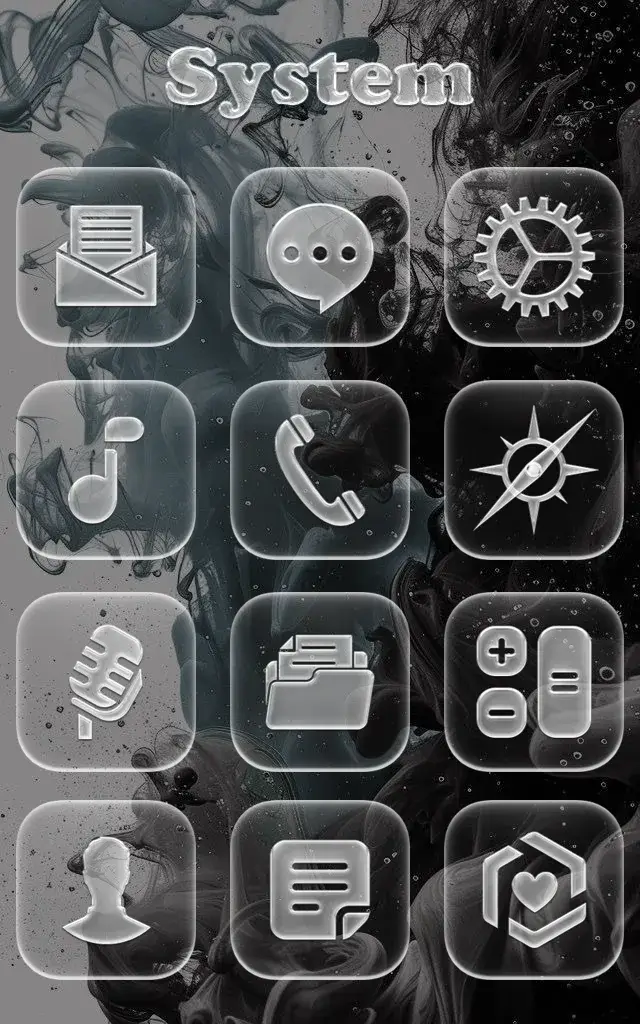
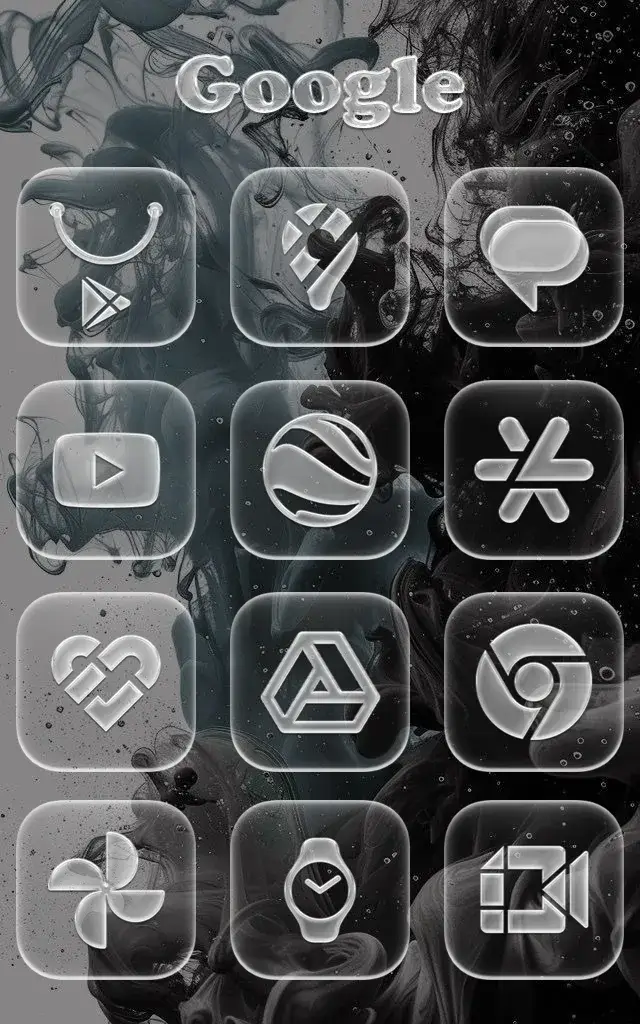
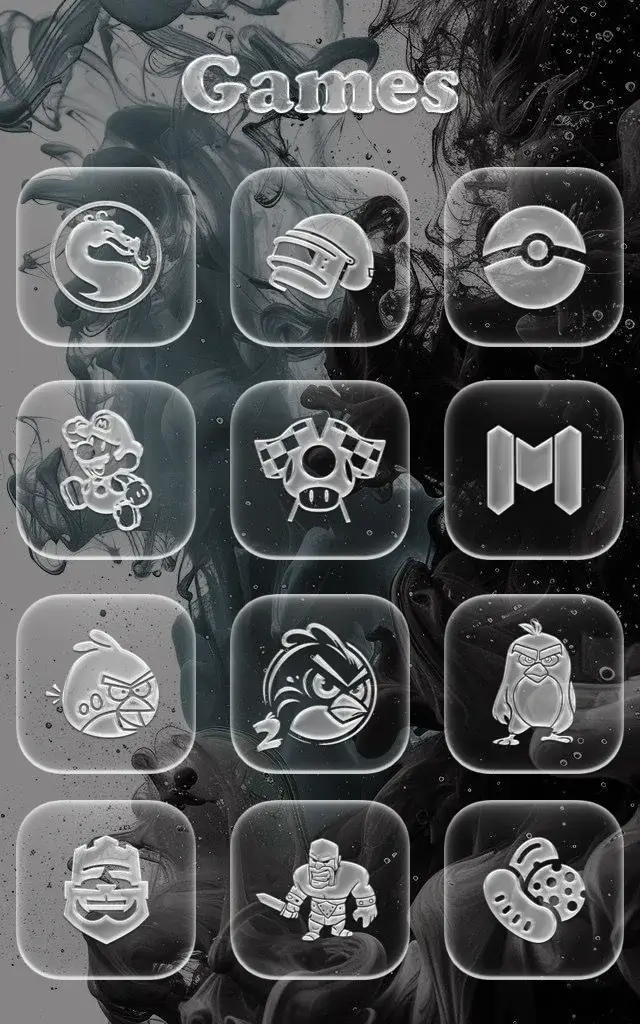
Coccco Glass Effect Mod is a personalization app for Android that provides a library of over 1500 app icons redesigned with a transparent glass aesthetic and subtle shadow effects. It is designed for users who want to customize their device's home screen and app drawer with a cohesive, modern visual style without using a third-party launcher for basic icon replacement.
What This Mod Unlocks
- Full Version Unlocked: All premium icon templates are available without purchase.
- All 1500+ icons are accessible from the initial launch.
- The dynamic calendar icon support feature is enabled.
- Future icon updates within the v1.0 pack are included.
The modded features are active immediately upon opening the Coccco Glass Effect Mod app. There is no separate mod menu or activation button; the unlocked content is integrated directly into the app's icon selection interface.
The APK requires Android 5.0 or higher and approximately 55 MB of free storage for installation and icon caching. Root access is not required.
Installation Steps
- Download the modified Coccco Glass Effect Mod APK file.
- Enable installation from unknown sources in your device settings.
- Open the downloaded file and proceed with the standard installation prompts.
- Launch Coccco Glass Effect Mod and apply icons through your device's theme or launcher settings.
Known Edge Cases
- Some device launchers may not support direct icon pack application; a third-party launcher like Nova or Lawnchair may be required for full functionality.
- Clearing the app data may reset any applied icon settings but does not relock the premium content.
- The mod is specific to version 1.0; future official updates from the developer may overwrite the mod and require a new modded APK.
