

Location: Home > Apps > Tools > Color launcher

Color Launcher (Premium Themes Unlocked, Premium Wallpapers Unlocked, Dynamic Effects Enabled, Advanced Settings Unlocked, Ads Removed) Download for Android

Color Launcher icon

Color Launcher Premium Themes Unlocked, Premium Wallpapers Unlocked, Dynamic Effects Enabled, Advanced Settings Unlocked, Ads Removed

5.0
v3.8 for Android
Fast Download:Download this app by playmods App with faster speed.

Color Launcher MOD Info MOD Info :
Premium Themes Unlocked, Premium Wallpapers Unlocked, Dynamic Effects Enabled, Advanced Settings Unlocked, Ads Removed

Screenshots

Description

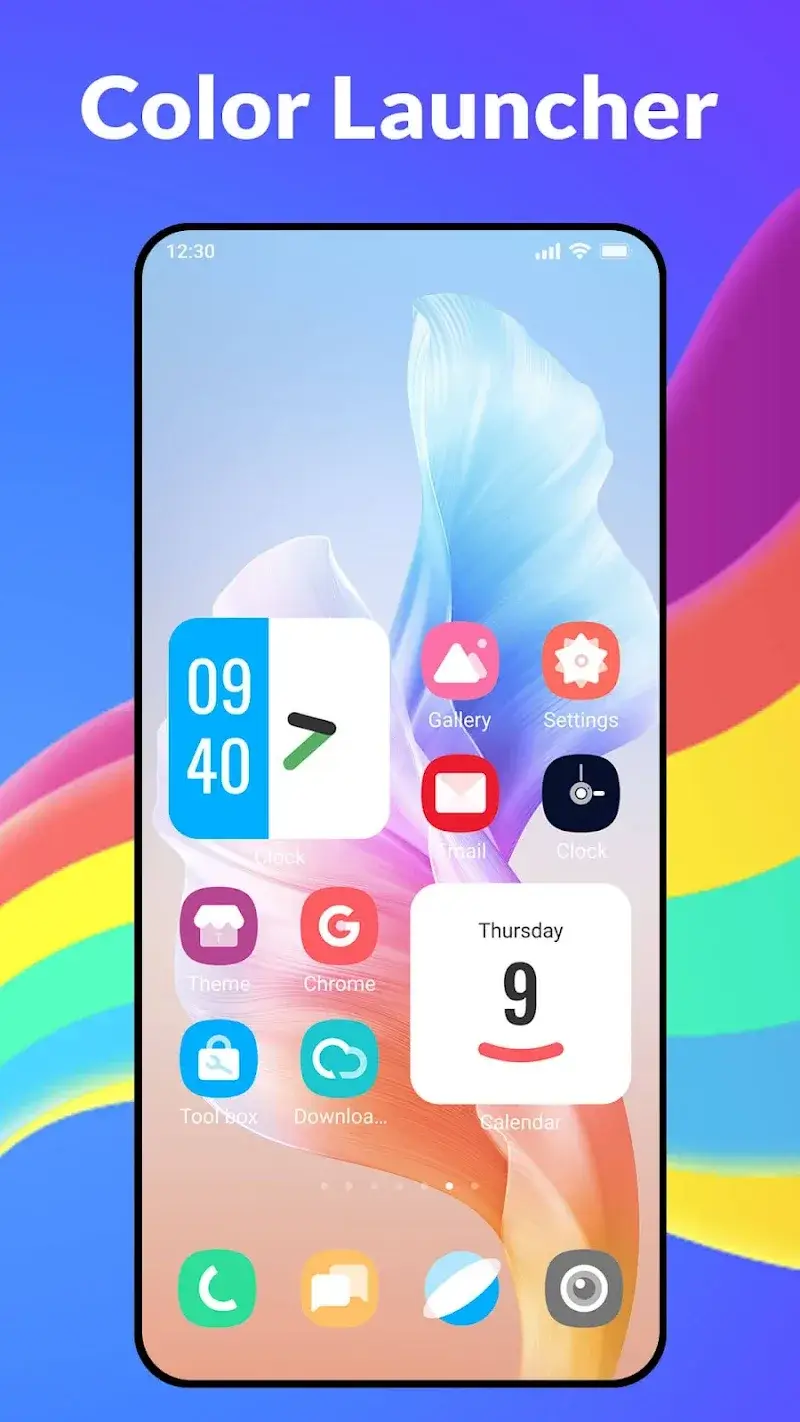
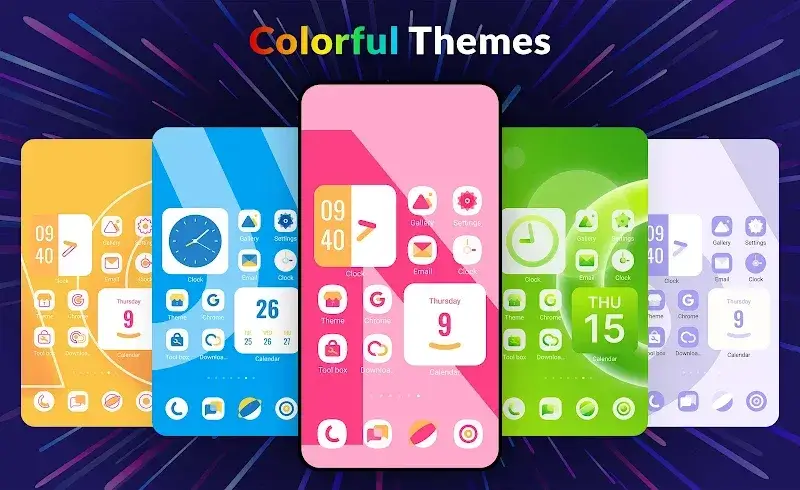
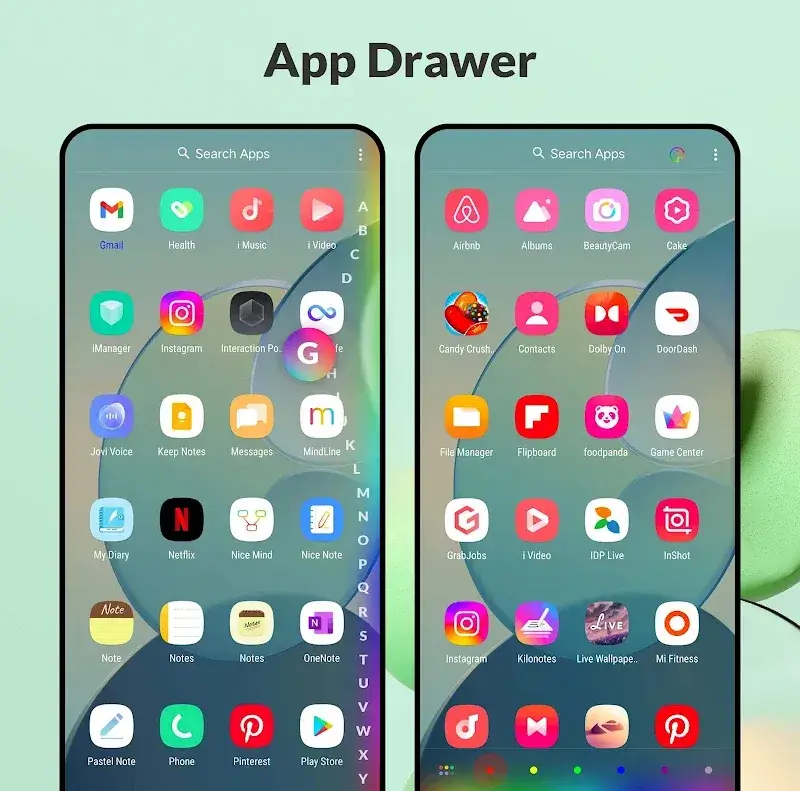
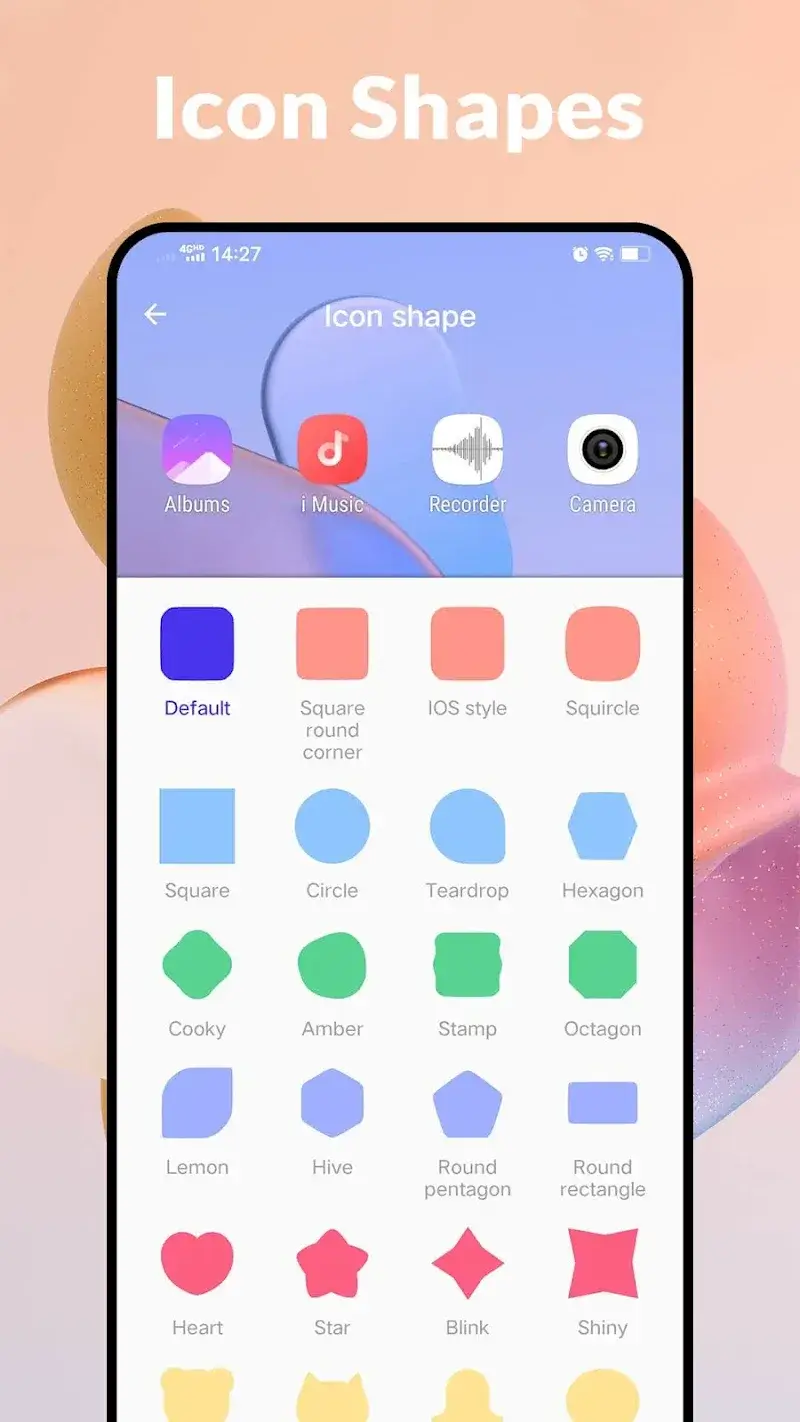
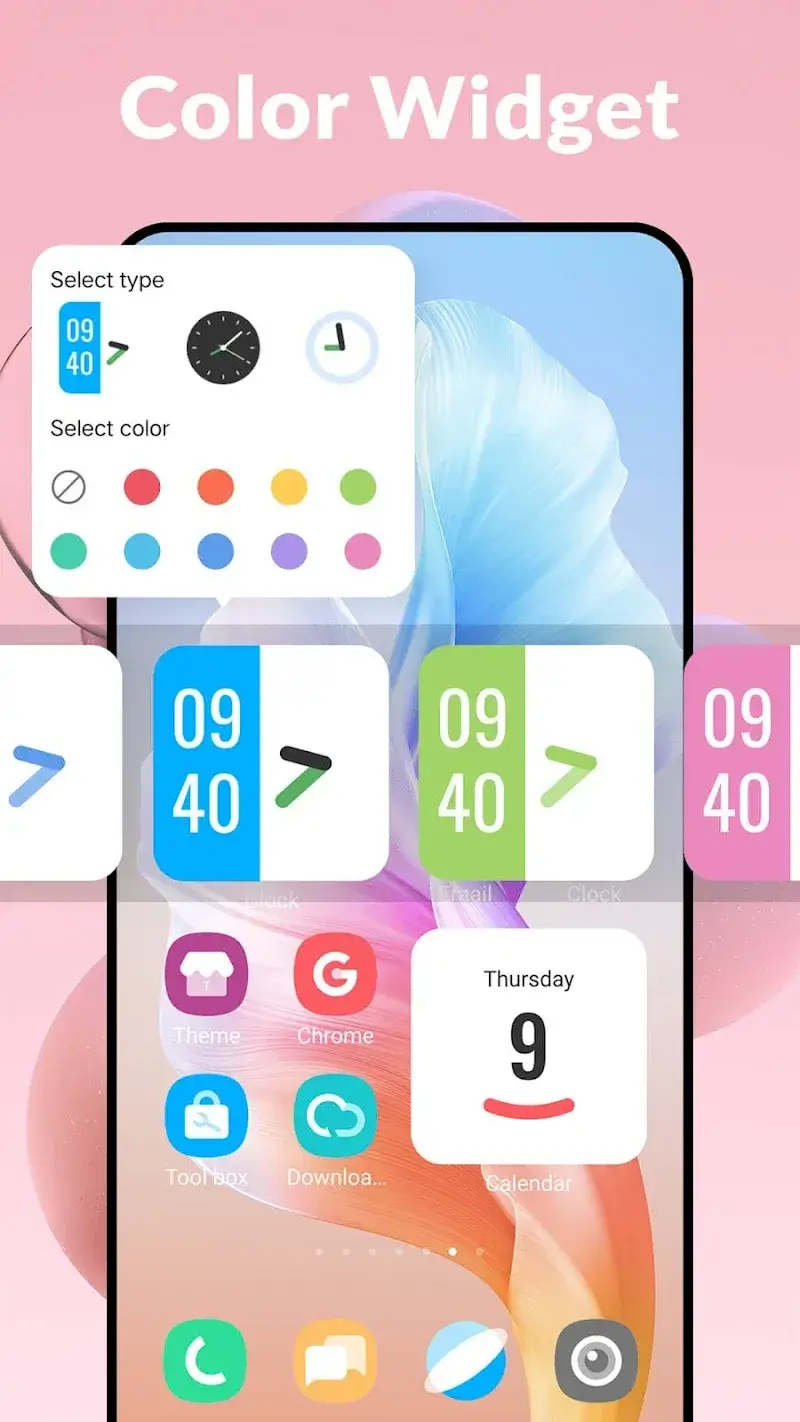
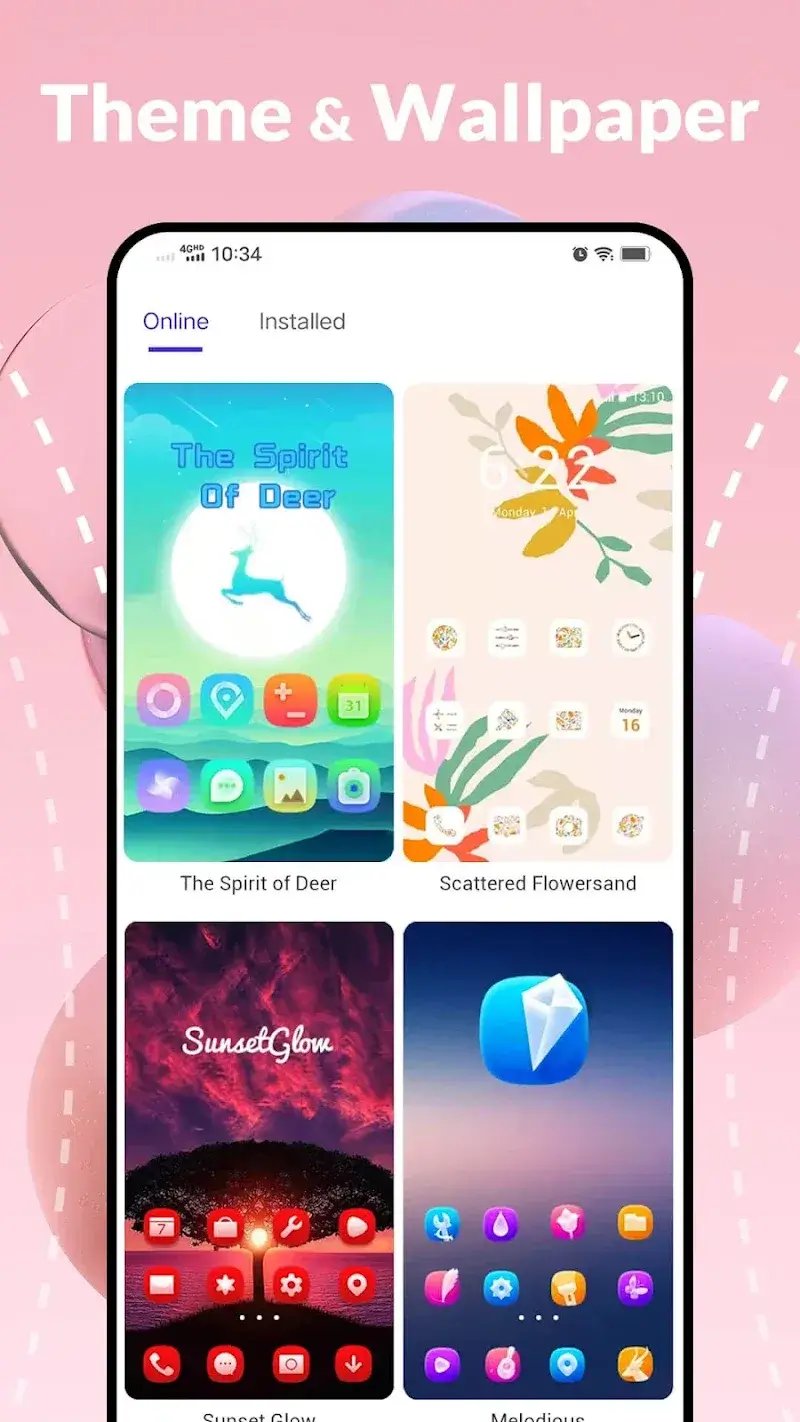
Color Launcher Mod is a home screen replacement application focused on visual customization. It replaces the default launcher interface with a system that offers curated themes, dynamic effects, and granular control over home screen appearance. The target user is someone seeking to alter their device's aesthetic without rooting, preferring a centralized tool for theme application over manual widget and icon pack configuration.

What This Mod Unlocks

  • All premium themes and wallpaper packs are unlocked and available for immediate use.
  • All dynamic color effects and motion features are enabled without restriction.
  • Advanced customization settings, typically locked behind a subscription or one-time purchase, are fully accessible.
  • Advertisements within the app's theme browser and settings menus have been removed.

The primary mod activation is passive. Upon launching Color Launcher Mod for the first time after installation, all content and settings that were previously marked as 'Premium' or 'Pro' in the official version will be available without any prompts for payment or subscription. No mod menu or special toggle is required; the unlocked state is the default.

The modded Color Launcher Mod APK requires Android 5.0 or higher. It occupies approximately 50-55 MB of storage after installation. Root access is not required. The mod functions by bypassing the license verification checks that normally gate premium content.

Installation follows the standard sideload process for modified APKs. First, download the APK file. Second, ensure installation from unknown sources is allowed in your device's security settings. Third, use a file manager to locate the downloaded file and tap it to begin installation. Fourth, after installation, open Color Launcher Mod and set it as the default home screen when prompted.

Several edge cases exist. If you clear the app data for Color Launcher Mod, the unlocked state persists as it is baked into the modified application package. However, any user-configured theme selections will be reset. The mod is designed for offline functionality; there is no inherent risk of server-side detection for a launcher app, as it does not typically authenticate with online services for theme access. On some devices with highly aggressive system overlays or custom ROMs, the dynamic motion effects may experience minor frame rate drops.

Editor's review

The Color Launcher Mod mod version 3.7 delivers the claimed premium unlocks on Android 5.0+ devices without requiring root.

  • All theme categories marked 'Premium' in the official app are freely selectable and applicable.
  • The full library of high-resolution wallpapers and live wallpaper effects is accessible.
  • Granular customization options for grid size, icon labels, and animation speed are fully functional.
  • The application may occasionally display placeholder text referencing 'Upgrade to Pro' in certain menu corners, though the features themselves are active.
  • On first launch, the app might briefly show a loading screen that mimics a license check before proceeding to the unlocked interface.

Tested on Android 10 and 12. The mod performs as a standard home screen replacement.

Functional.

Frequently Asked Questions

Is this Color Launcher mod APK safe to install?

The mod APK does not request any permissions beyond those required by the official Color Launcher app, such as storage access to set wallpapers. It does not ask for SMS, call log, or contact permissions. No root access is required.

Does this mod require root access?

No, root access is not required. The mod works through standard sideloading on Android 5.0 and above. You simply install the APK file after enabling installation from unknown sources in your device settings.

How do I install the Color Launcher mod?

1. Download the APK file. 2. Enable 'Install from unknown sources' in your device's Security settings. 3. Use a file manager to find the downloaded file and tap it to install. 4. Open Color Launcher and select 'Set as default' when prompted.

What does the 'Premium Unlocked' feature actually change?

It removes all paywalls within Color Launcher. Every theme, wallpaper pack, and dynamic visual effect that is normally locked behind a subscription or one-time purchase is immediately available for free use without any trial limitations.

Is there a risk of my account being banned or data being lost?

Color Launcher primarily operates offline. Since it is a home screen replacement, there is minimal risk of account ban as it does not connect to game servers. Your data loss risk is the same as with any app; backing up your home screen layout is recommended before switching launchers.

Safety note

Install only APKs matching com.color.launcher at version v3.8. Download from official links on this page to reduce tampering risk.

Additional Information

Category: tools Publish Date: Sat, Apr 11, 2026

Scan QR code and download playmods app
Download
PlayMods APP