



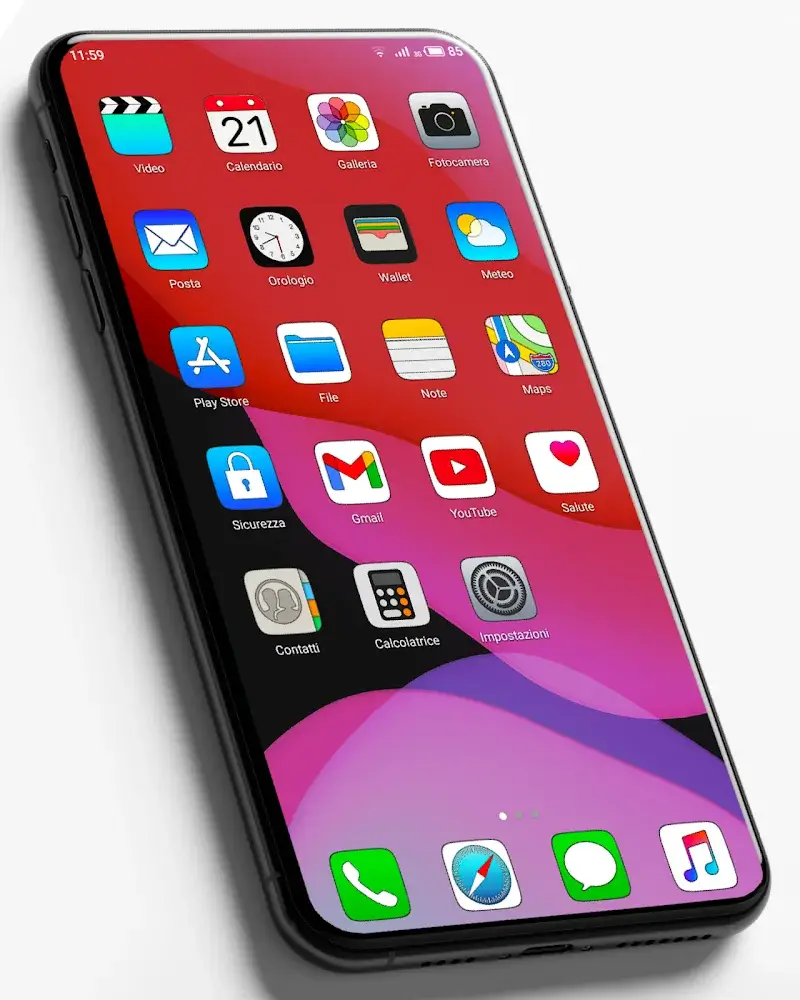
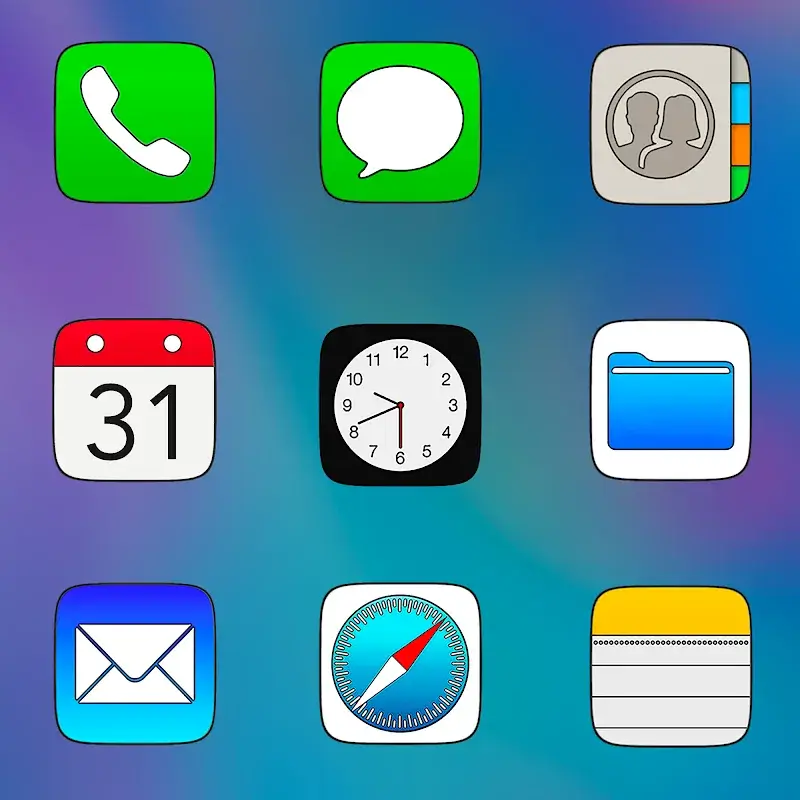
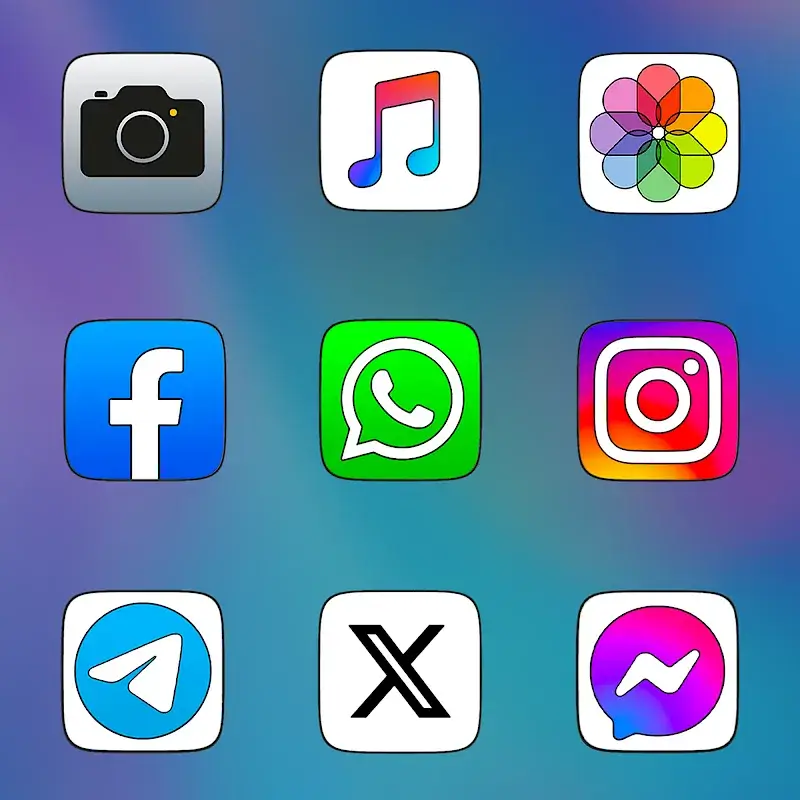
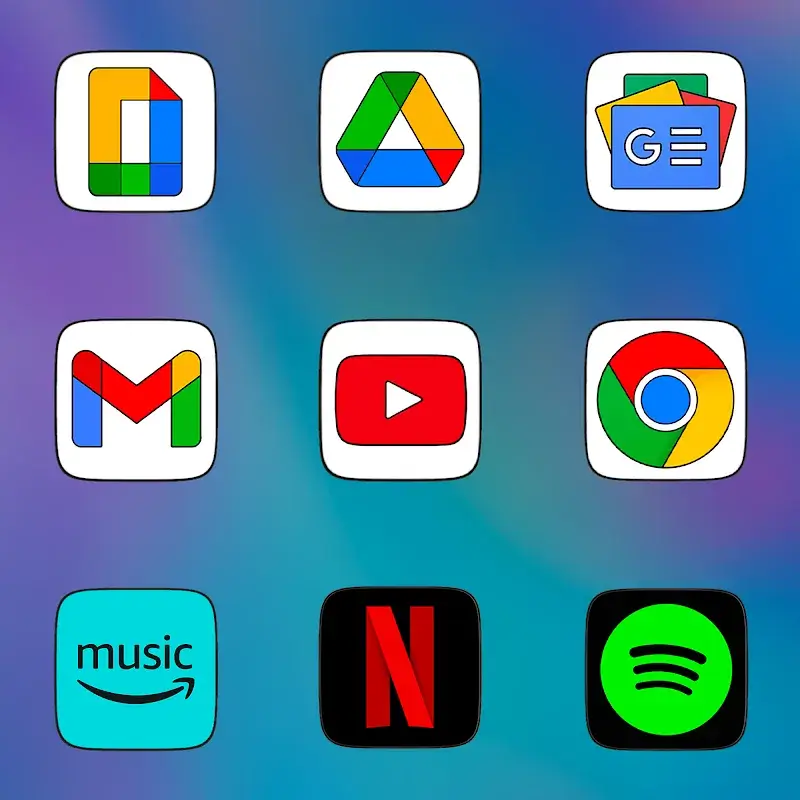
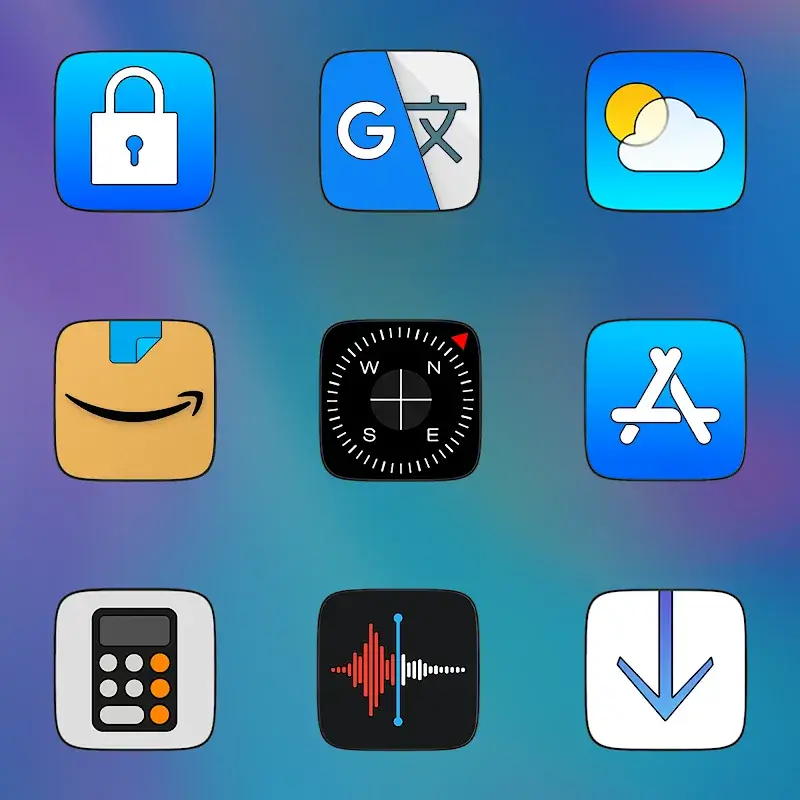
CRiOS HD - Icon Pack Mod is a personalization utility for Android that replaces system and app icons with high-resolution, iOS-inspired designs. It targets users seeking a cohesive, premium aesthetic for their home screens without manual theming. The app operates as a launcher overlay, requiring a compatible launcher like Nova or Apex for full functionality.
What This Mod Unlocks
- Full premium version unlocked. The in-app purchase prompt to upgrade from the trial is removed.
- All 4855 2K SuperHD+ icons are available without restriction.
- Access to the complete library of 110 HD wallpapers is granted.
- Automatic masking and unified appearance features are fully enabled.
- All future icon updates and additions included.
The modded APK for CRiOS HD - Icon Pack Mod presents as the purchased version upon launch. No activation code or license check is required. The main screen loads directly into the full icon library and apply interface.
CRiOS HD - Icon Pack Mod requires Android 5.0 or higher. It needs approximately 100 MB of free storage for the initial icon pack download. Root access is not required. A third-party launcher that supports icon packs is necessary to apply the themes.
Installation Steps
- Download the modded APK file.
- Enable "Install from Unknown Sources" in Android settings if not already allowed.
- Open the downloaded file using a file manager and confirm installation.
- Launch CRiOS HD - Icon Pack Mod after installation completes.
- Select a compatible launcher from the app's apply menu to activate the theme.
Known Edge Cases
- Some system launchers, like the default Samsung One UI launcher, may not support third-party icon packs fully. This is a platform limitation, not a mod issue.
- If the app is uninstalled and reinstalled, the mod status persists as the APK is the full version.
- Clearing the app data may reset user-applied customizations within the CRiOS HD - Icon Pack Mod settings, but the premium unlock remains.
- On devices with aggressive battery optimization, the automatic icon masking service might be suspended. This requires adding the app to the optimization whitelist.
