

Location: Home > Apps > Tools > Custom crosshair v0.1.0-rc293

Custom Crosshair v0.1.0-rc293 (Premium Features Unlocked, All Colors Unlocked, All Shapes Unlocked, Dynamic Feature Unlocked, Export Options Unlocked, Ads Disabled) Download for Android

Custom Crosshair v0.1.0-rc293 icon

Custom Crosshair v0.1.0-rc293 Premium Features Unlocked, All Colors Unlocked, All Shapes Unlocked, Dynamic Feature Unlocked, Export Options Unlocked, Ads Disabled

5.0
v0.1.0-rc248 for Android
Fast Download:Download this app by playmods App with faster speed.

Custom Crosshair v0.1.0-rc293 MOD Info MOD Info :
Premium Features Unlocked, All Colors Unlocked, All Shapes Unlocked, Dynamic Feature Unlocked, Export Options Unlocked, Ads Disabled

Screenshots

Description

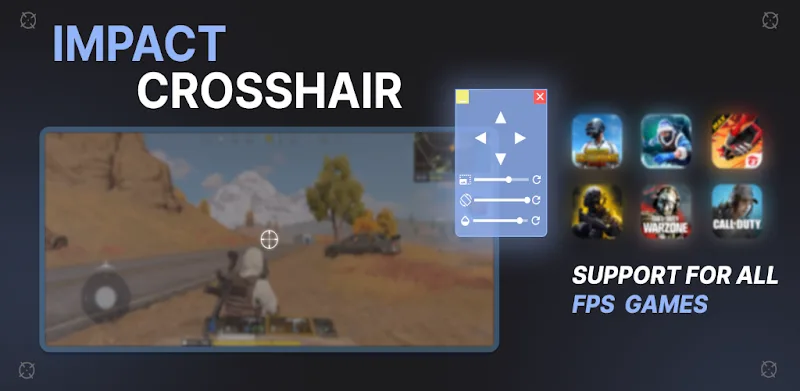
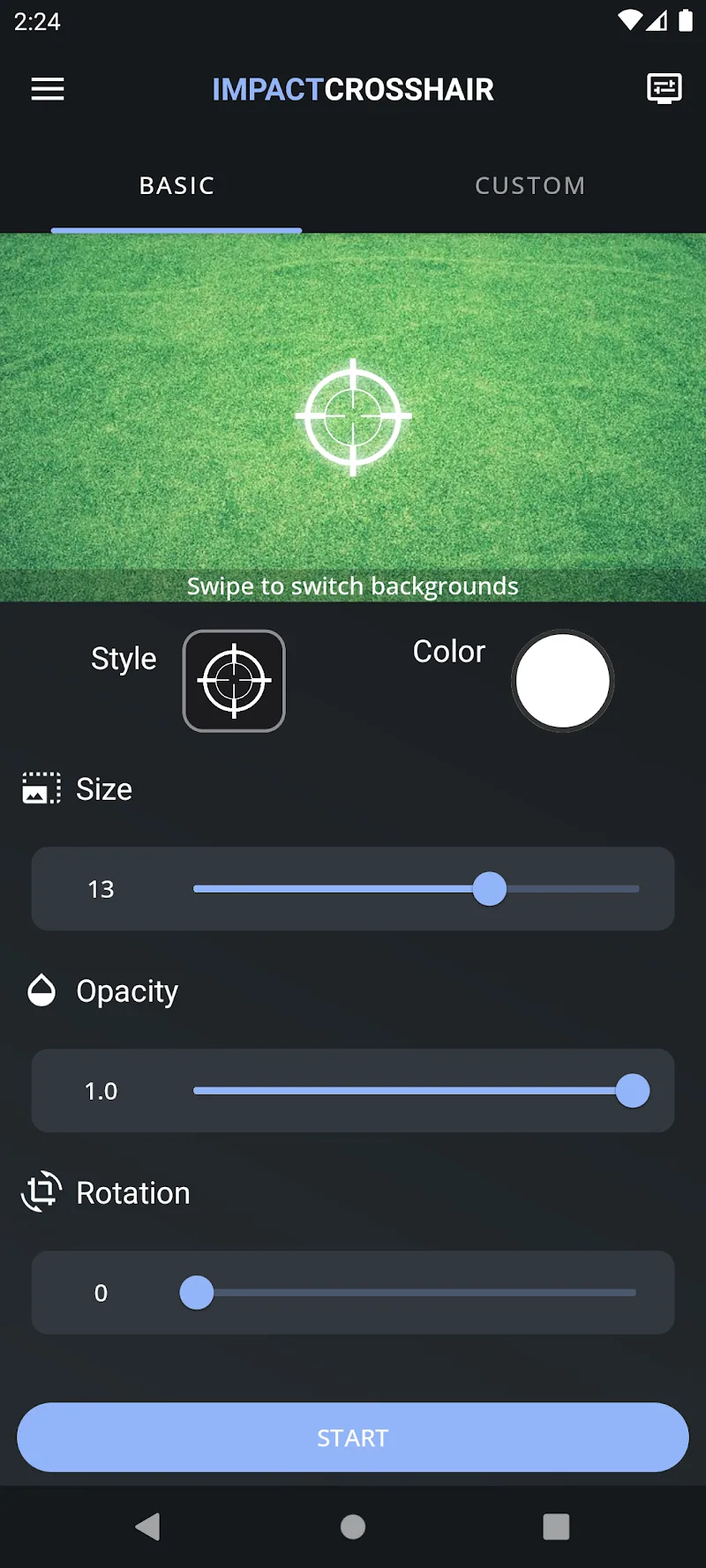
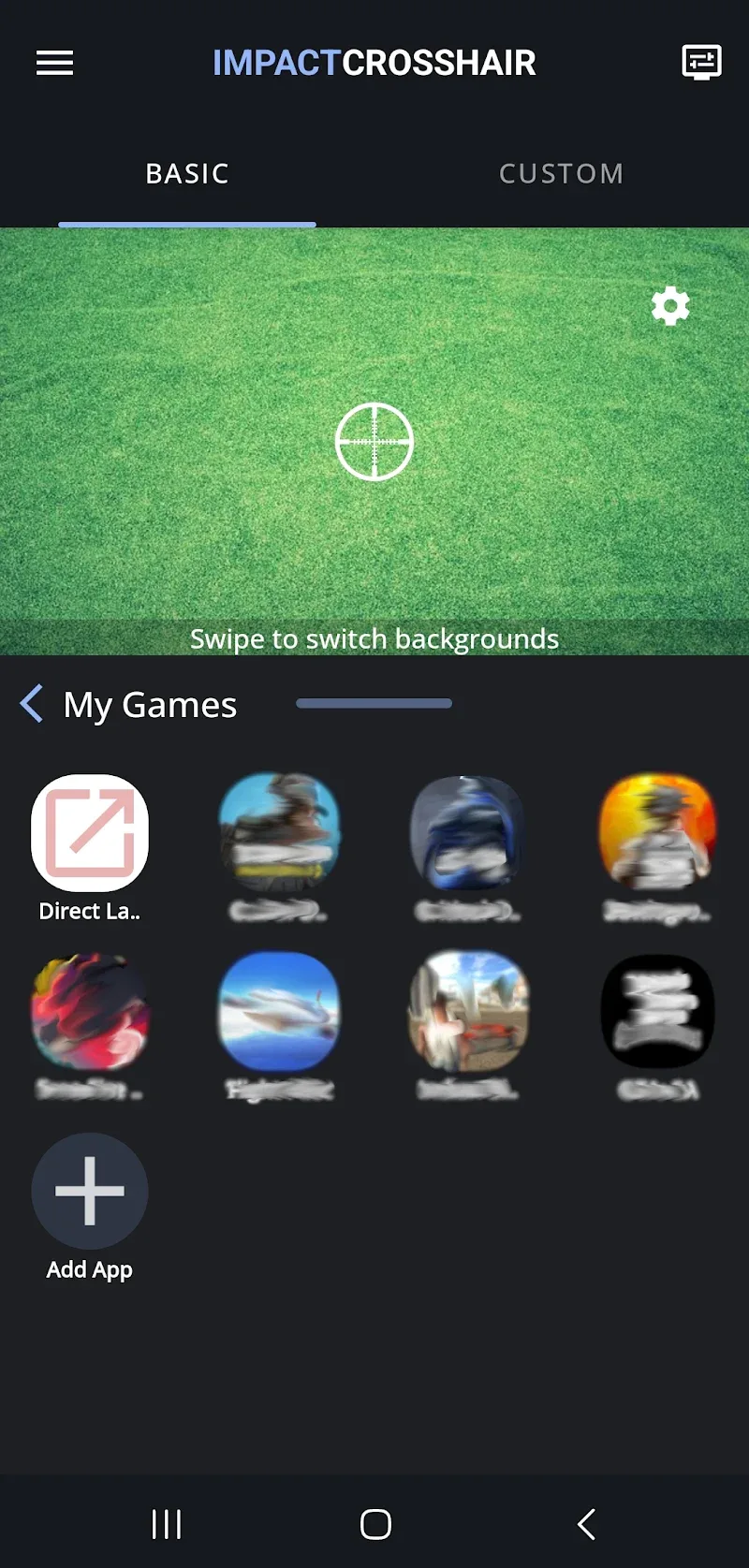
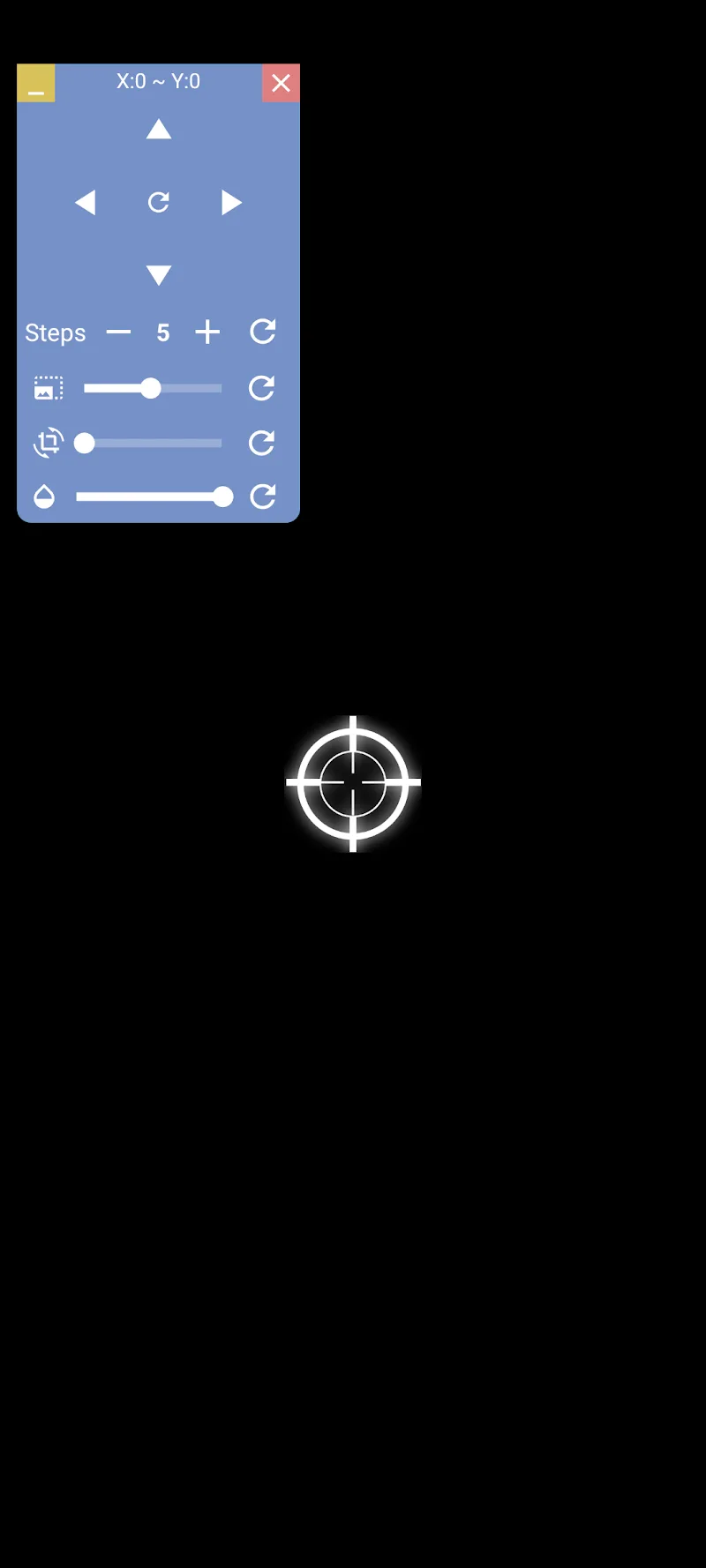
Custom Crosshair is a utility application designed for gamers and content creators who require a persistent, customizable aiming reticle overlay on their Android device screen. It functions independently of any specific game, allowing users to tailor the crosshair's appearance—size, color, opacity, and shape—to improve aiming precision in first-person shooters, third-person action games, or for screen recording purposes. The app runs as a foreground service, maintaining the overlay across different applications until manually dismissed.

What This Mod Unlocks

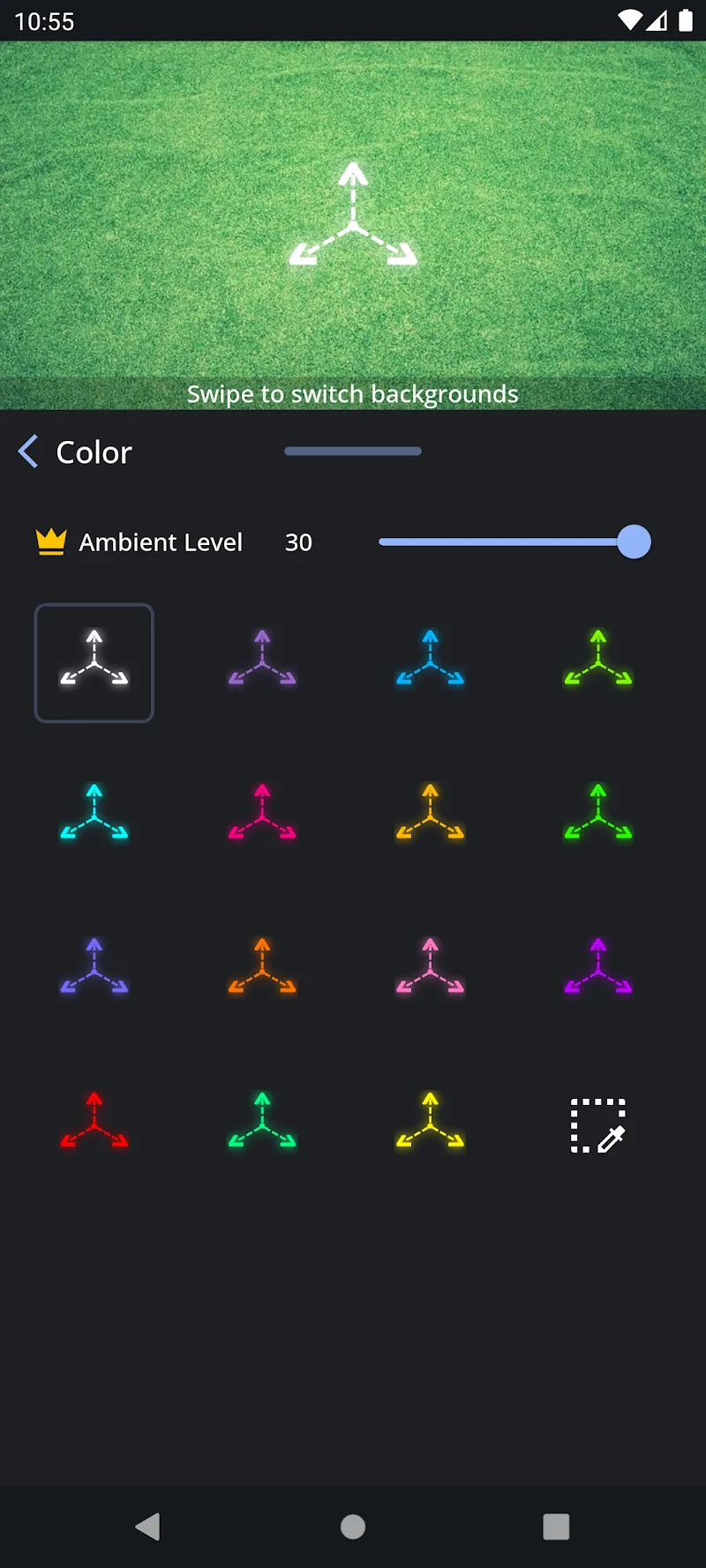
  • All premium color palettes and gradient options are unlocked.
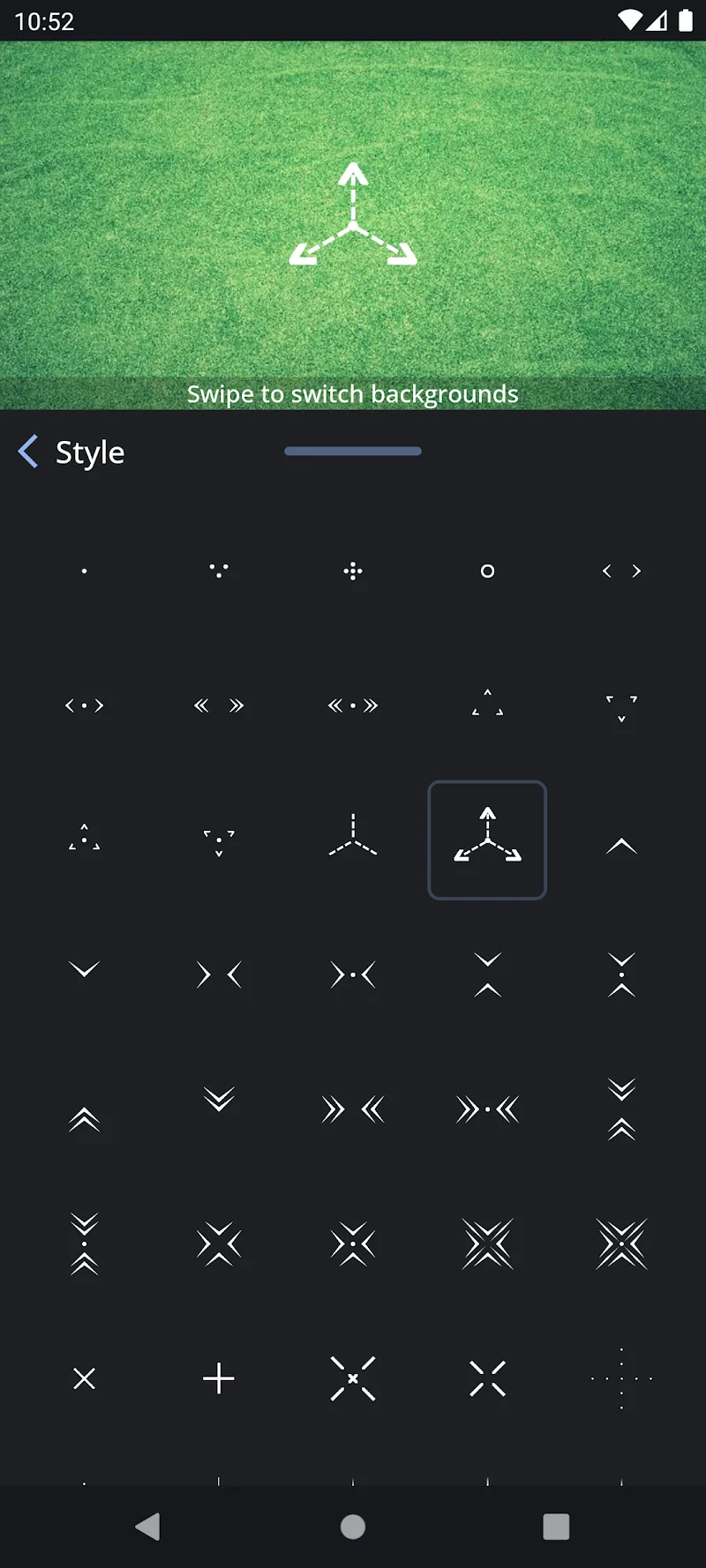
  • Advanced shape customization layers, including multi-ring designs and dotted patterns, are available.
  • The premium 'dynamic' crosshair feature, which can change color based on in-game events (a placeholder function), is accessible.
  • All export and sharing options for custom crosshair profiles are enabled.
  • Background service priority and battery optimization bypass settings are unlocked.

The modded features are integrated directly into the app's interface. Upon launching Custom Crosshair, the premium sections in the color picker and shape editor will no longer display lock icons or require a subscription prompt.

Custom Crosshair requires Android 6.0 or higher and approximately 15 MB of free storage. Root access is not required. The app needs the "Draw over other apps" permission to function, which is standard for all screen overlay utilities.

Installation involves three steps. First, download the modified APK file. Second, enable installation from unknown sources in your device settings if not already done. Third, locate the downloaded file using a file manager and tap to install it, replacing any existing version if prompted.

Several edge cases are present. The overlay may not appear in certain secure screens, such as banking apps or the lock screen, due to Android system restrictions. Clearing the app's data will reset all custom profiles to default, but the premium features remain unlocked. On some devices with aggressive battery savers, the overlay service might be stopped; the mod unlocks a setting to mitigate this. The dynamic color feature is largely client-side and its effectiveness depends on the specific game's color output.

Editor's review

This mod for Custom Crosshair v0.1.0-rc248 delivers the stated premium unlocks on Android 6.0+ devices without requiring root.

  • Confirmed working: The premium color selector provides the full spectrum without payment prompts. The advanced shape editor, including multi-layer designs, is fully functional. The overlay service persists correctly across games and other applications.
  • Known issues: The 'dynamic' crosshair feature, while unlocked, has limited practical use as it relies on basic screen color sampling. On some custom ROMs, the overlay may flicker when switching between high-refresh-rate applications. If the original app receives a major update, this mod may cease to function until updated.

Tested on the specified version. The mod is Functional for its core purpose of providing a customizable overlay with all visual options available.

Frequently Asked Questions

¿Es seguro instalar este mod de Custom Crosshair?

Sí, el APK modificado no solicita permisos peligrosos más allá de los que requiere la aplicación oficial, como 'Dibujar sobre otras aplicaciones'. No accede a SMS, registros de llamadas o contactos. No requiere root en Android 6.0 o superior.

¿Custom Crosshair Mod necesita acceso root?

No, no requiere root. El proceso de instalación es el estándar para sideloading: descargar el archivo APK, permitir instalaciones desde fuentes desconocidas en los ajustes de Android, y ejecutar el instalador.

¿Cómo instalo Custom Crosshair Mod?

Sigue estos pasos: 1) Descarga el archivo APK modificado. 2) Ve a Ajustes > Seguridad y activa 'Fuentes desconocidas'. 3) Usa un administrador de archivos para encontrar el APK descargado y tócalo para iniciar la instalación. 4) Abre la aplicación y configura tu retícula.

¿Qué hace exactamente el mod 'Premium Desbloqueado' en Custom Crosshair?

Desbloquea todas las paletas de colores premium y opciones de gradiente, así como las capas de formas avanzadas (diseños de anillos múltiples, patrones de puntos) que en la versión oficial requieren una suscripción. Estas opciones aparecen inmediatamente disponibles en los menús de personalización.

¿Usar Custom Crosshair Mod puede provocar una prohibición de cuenta o pérdida de datos?

El riesgo es mínimo ya que Custom Crosshair es una aplicación de utilidad offline que no interactúa con servidores de juegos. Sin embargo, el uso del overlay en modos multijugador competitivo podría infringir los términos de servicio de algunos juegos, lo que podría llevar a sanciones dentro de ese juego específico, no en Custom Crosshair.

Safety note

Install only APKs matching com.devayulabs.crosshair at version v0.1.0-rc248. Download from official links on this page to reduce tampering risk.

Additional Information

Category: tools Publish Date: Sat, Mar 28, 2026

Scan QR code and download playmods app
Download
PlayMods APP