

Location: Home > Apps > Personalization > Dais dark - poweramp

Dais Dark - Poweramp (Premium Skin Unlocked, All Color Palettes Available, All UI Assets Unlocked, License Verification Bypassed) Download for Android

Dais Dark - Poweramp icon

Dais Dark - Poweramp Premium Skin Unlocked, All Color Palettes Available, All UI Assets Unlocked, License Verification Bypassed

5.0
v1.5.5 for Android
Fast Download:Download this app by playmods App with faster speed.

Dais Dark - Poweramp MOD Info MOD Info :
Premium Skin Unlocked, All Color Palettes Available, All UI Assets Unlocked, License Verification Bypassed

Screenshots

Description

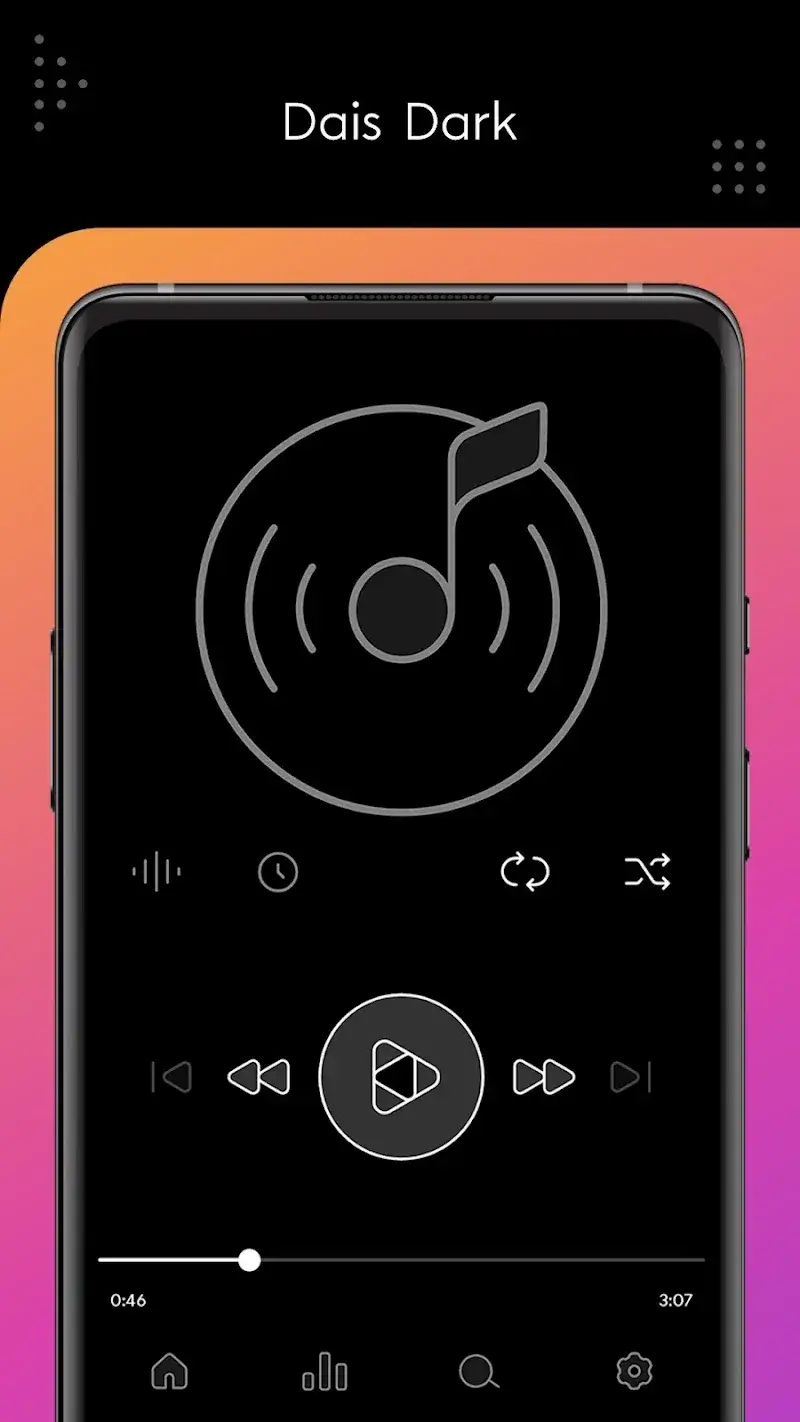
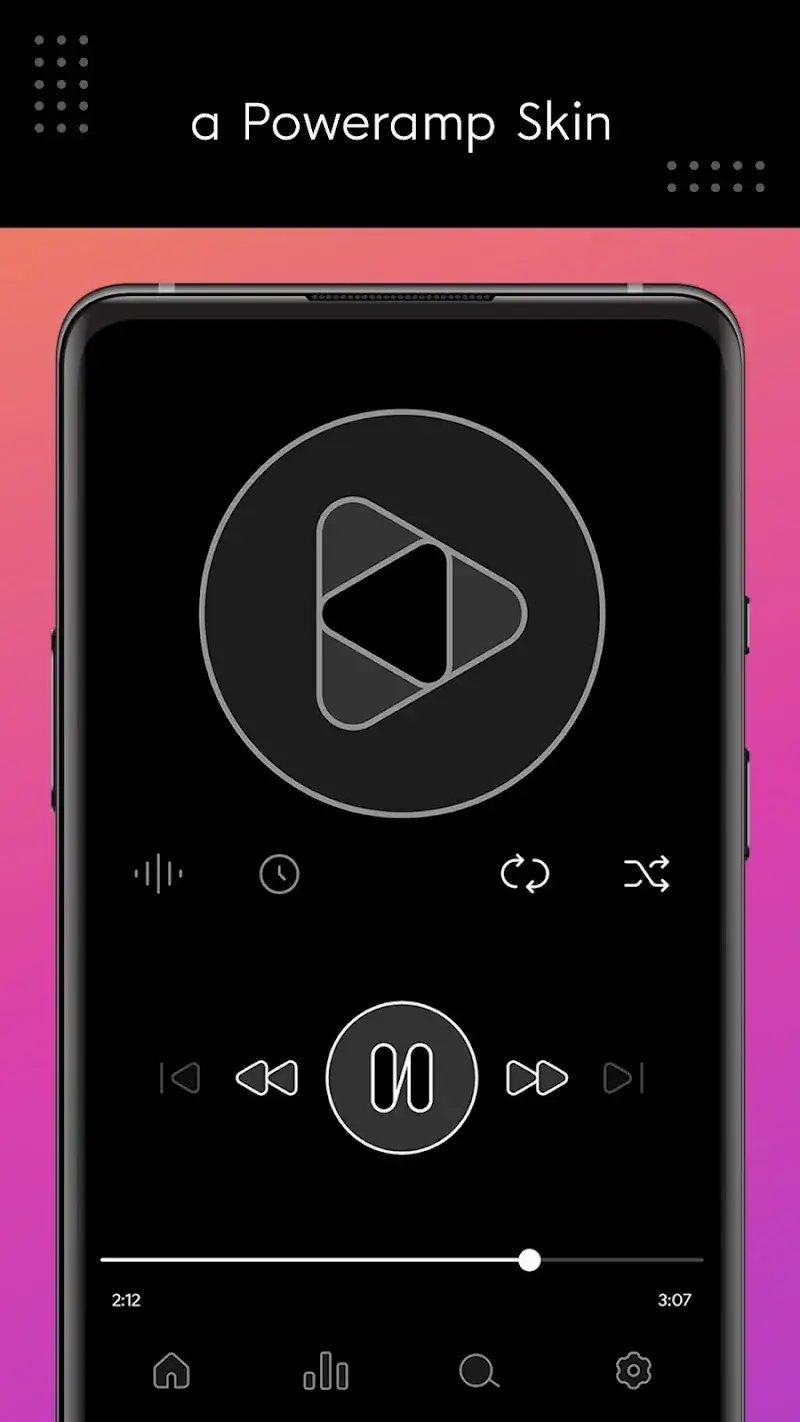
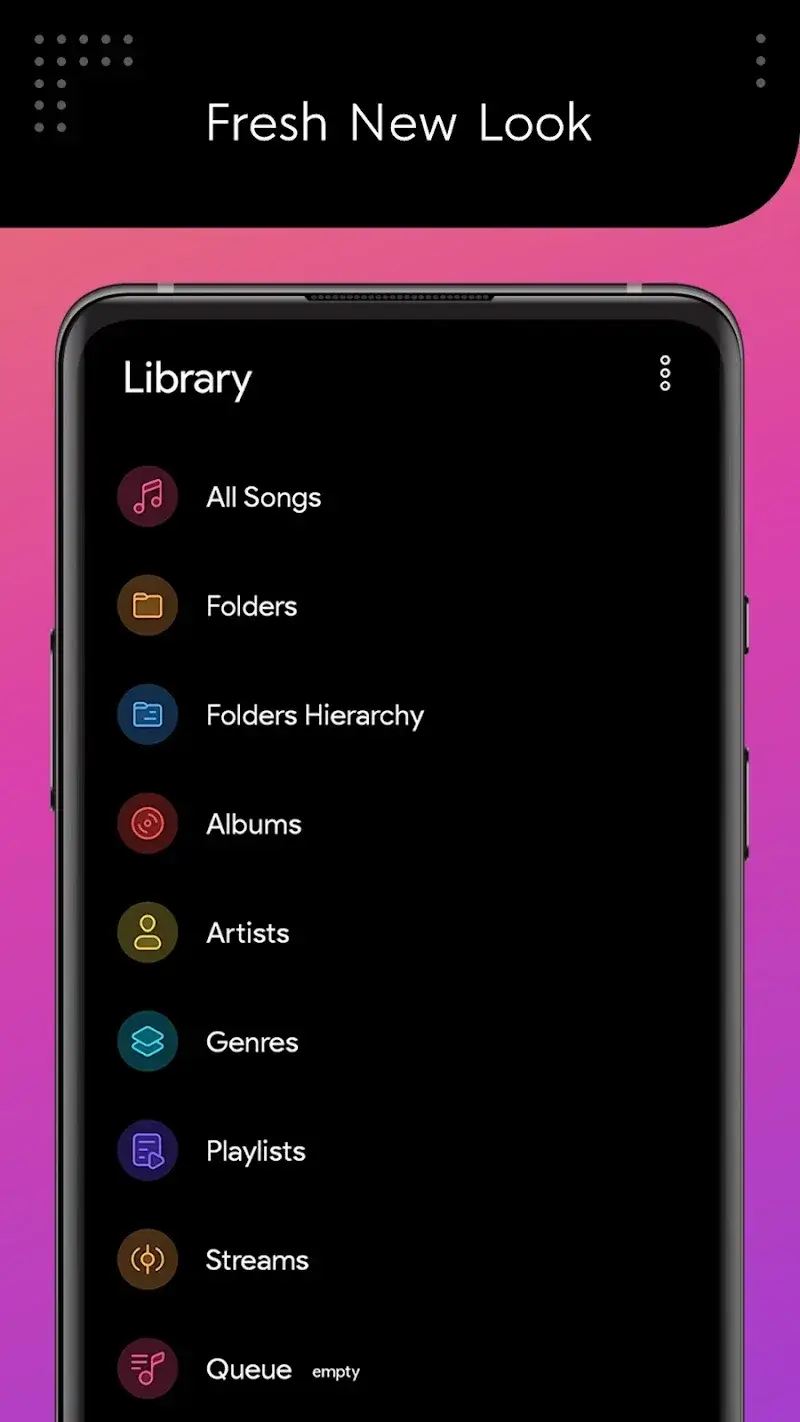
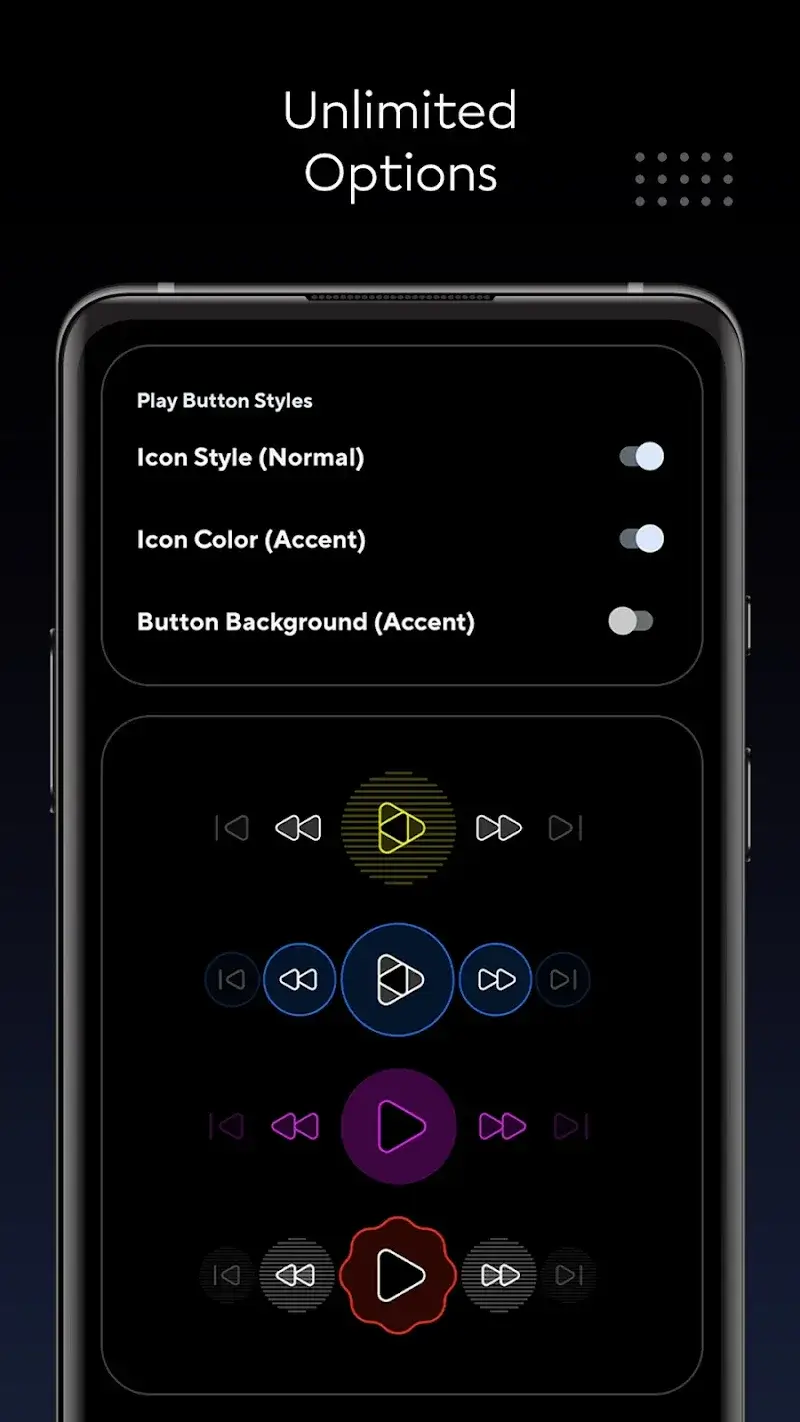
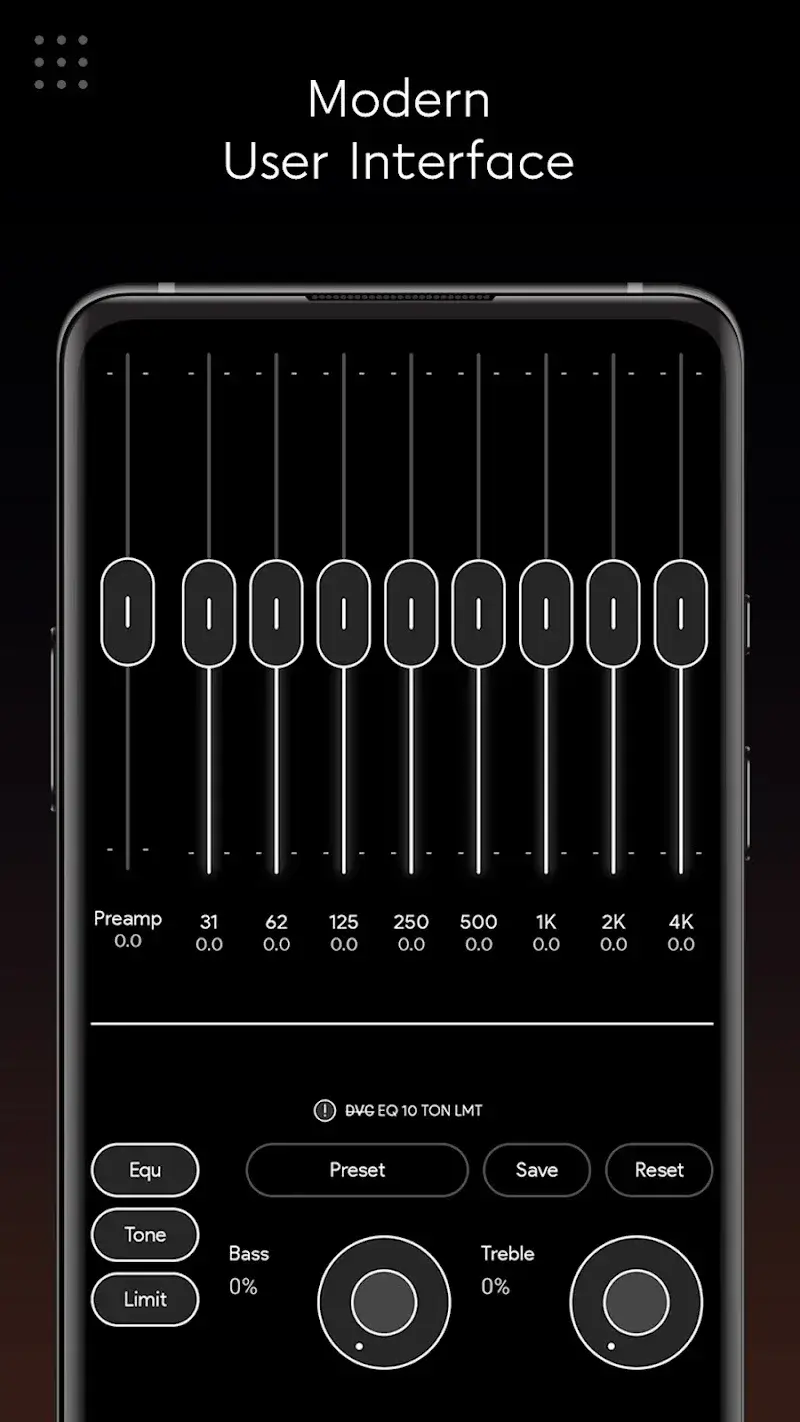
Dais Dark - Poweramp Mod Skin is a third-party visual skin for the Poweramp music player. It replaces the default user interface with a dark-themed, minimalist design. The target user is a Poweramp owner who wants a more cohesive or modern aesthetic without modifying the player's core functionality. This is a purely cosmetic overlay application.

What This Mod Unlocks

  • Full version of the skin is unlocked. The official version typically requires a separate purchase or in-app transaction to apply the theme.
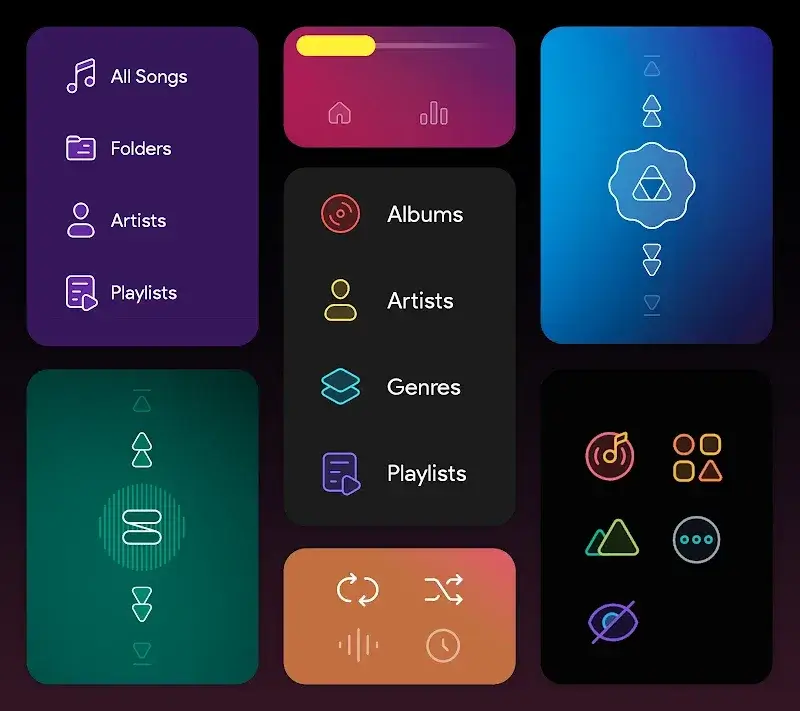
  • All color palette variations and accent colors are available for selection.
  • All included icon sets and graphical assets are accessible.
  • Any premium UI layouts or widget styles within the skin package are enabled.

The modded APK bypasses the license verification or purchase gate that normally restricts application of the full skin within Poweramp.

Activation Note

After installing Dais Dark - Poweramp Mod Skin, you must open the Poweramp music player app itself. Navigate to Poweramp's Settings > Look and Feel > Skins. Select 'Dais Dark' from the list of available skins. The modded features are applied automatically upon selection; there is no separate activation step within the skin app.

Android 5.0 or higher is required. The skin itself consumes minimal storage, approximately 6 MB. The primary storage requirement is for the Poweramp player app, which must be installed separately. Root access is not required.

Install Steps

  1. Ensure Poweramp music player is installed and functioning on your device.
  2. Download the Dais Dark - Poweramp Mod Skin APK file.
  3. Enable installation from unknown sources in your device settings if prompted.
  4. Open the downloaded APK file and proceed with the standard installation.
  5. Launch Poweramp, go to Settings > Look and Feel > Skins, and apply the Dais Dark skin.

Known Edge Cases

The skin functions only with compatible versions of Poweramp. If Poweramp receives a major update that changes its skinning engine, Dais Dark - Poweramp Mod Skin may break until the skin developer releases an update. Clearing the data or uninstalling Poweramp will remove the applied skin; you must re-select it from the Skins menu after reinstalling. The mod does not affect Poweramp's own licensing. You still need a legitimate or modded version of Poweramp to use the player.

Editor's review

The Dais Dark - Poweramp Mod Skin mod APK version 1.5.5 delivers the claimed full skin unlock for Poweramp v3 on Android 5.0+.

  • Confirmed: The full Dais Dark theme applies successfully within Poweramp's skin selector without requiring a separate purchase.
  • Confirmed: All advertised color schemes and accent options within the skin's settings are accessible and functional.
  • Confirmed: Installation is standard for a non-root device; the skin appears as an available option immediately after install.
  • Known issue: The skin's compatibility is tied to Poweramp's API. A future Poweramp update could render it inoperative until the skin is updated.
  • Known issue: The skin provides visual assets only. Any bugs or performance issues within the Poweramp player itself are unrelated to this mod.

Tested with Poweramp build 9xx. The mod APK requires no special permissions beyond those needed to install a standard app.

Functional.

Frequently Asked Questions

Is this Dais Dark - Poweramp Skin mod APK safe to install?

The APK requests standard installation permissions only. It does not ask for SMS, call log, contacts, or other dangerous permissions beyond what is required for any app to install and run on your device.

Does Dais Dark - Poweramp Skin require root access?

No root access is required. The installation follows the standard sideload process: download the APK, enable 'Install from Unknown Sources' if needed, and run the installer.

What are the step-by-step installation instructions?

1. Install the Poweramp music player app first. 2. Download the Dais Dark - Poweramp Skin APK. 3. Open the APK file and install it. 4. Open Poweramp, go to Settings > Look and Feel > Skins, and select 'Dais Dark'.

What does the 'Premium Skin Unlocked' feature actually do?

It bypasses the payment or license check that normally locks the Dais Dark theme within Poweramp. In the official version, selecting this skin would prompt for purchase. The mod allows immediate, full application of the theme.

Is there a risk of my Poweramp account being banned?

This skin is a local visual overlay. It does not interact with online services or multiplayer modes. The risk of account action is minimal and would only relate to how you obtained the Poweramp player app itself, not this separate skin.

Safety note

Install only APKs matching com.poweramp.v3.dais at version v1.5.5. Download from official links on this page to reduce tampering risk.

Additional Information

Category: personalization Publish Date: Tue, Dec 23, 2025

Scan QR code and download playmods app
Download
PlayMods APP