

Location: Home > Games > Rpg > Doomfields

Doomfields (Mod Menu, High XP Gain, Always Win PvP, Fast Game Speed, Ads Removed) Download for Android

Doomfields icon

Doomfields Mod Menu, High XP Gain, Always Win PvP, Fast Game Speed, Ads Removed

5.0
v1.3.14 for Android
Fast Download:Download this app by playmods App with faster speed.

Doomfields MOD Info MOD Info :
Mod Menu, High XP Gain, Always Win PvP, Fast Game Speed, Ads Removed

Screenshots

Description

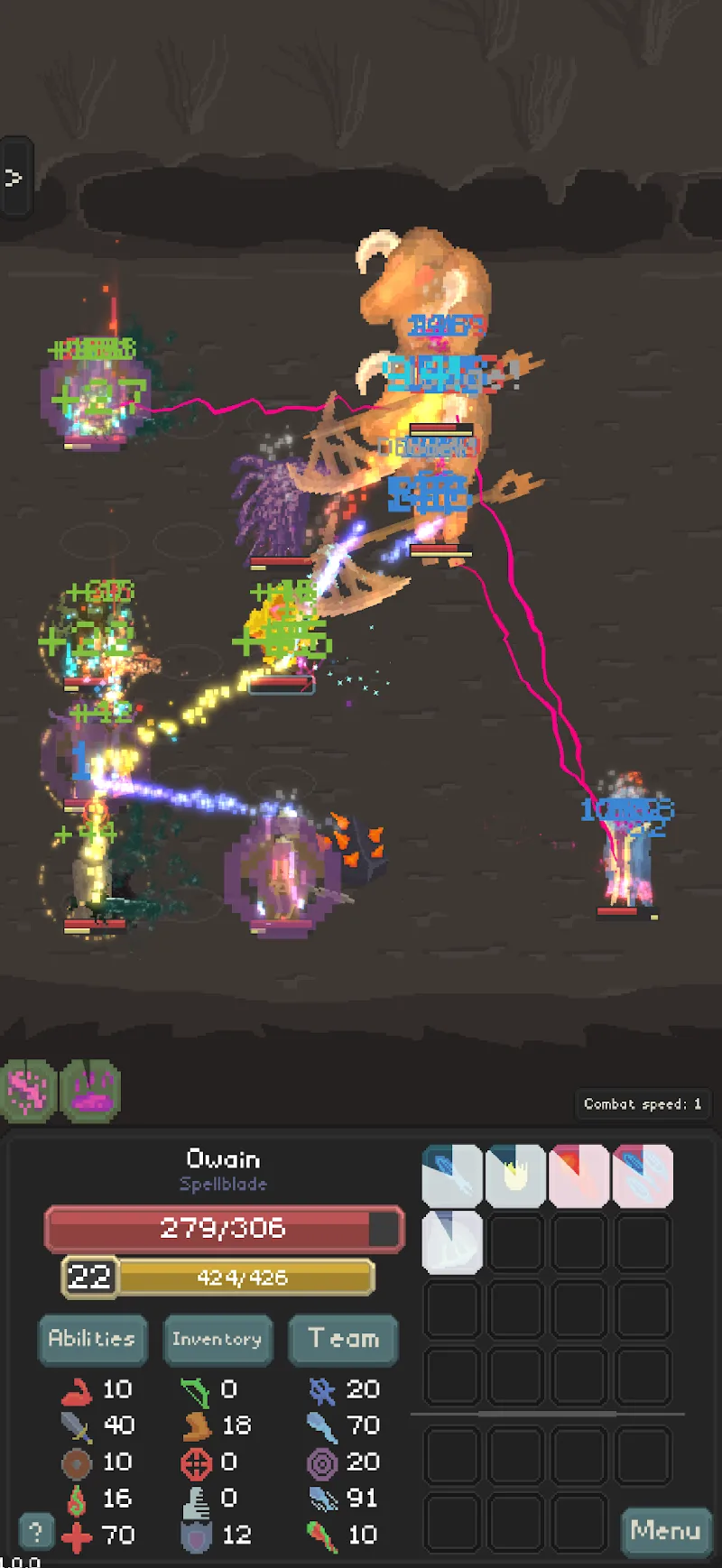
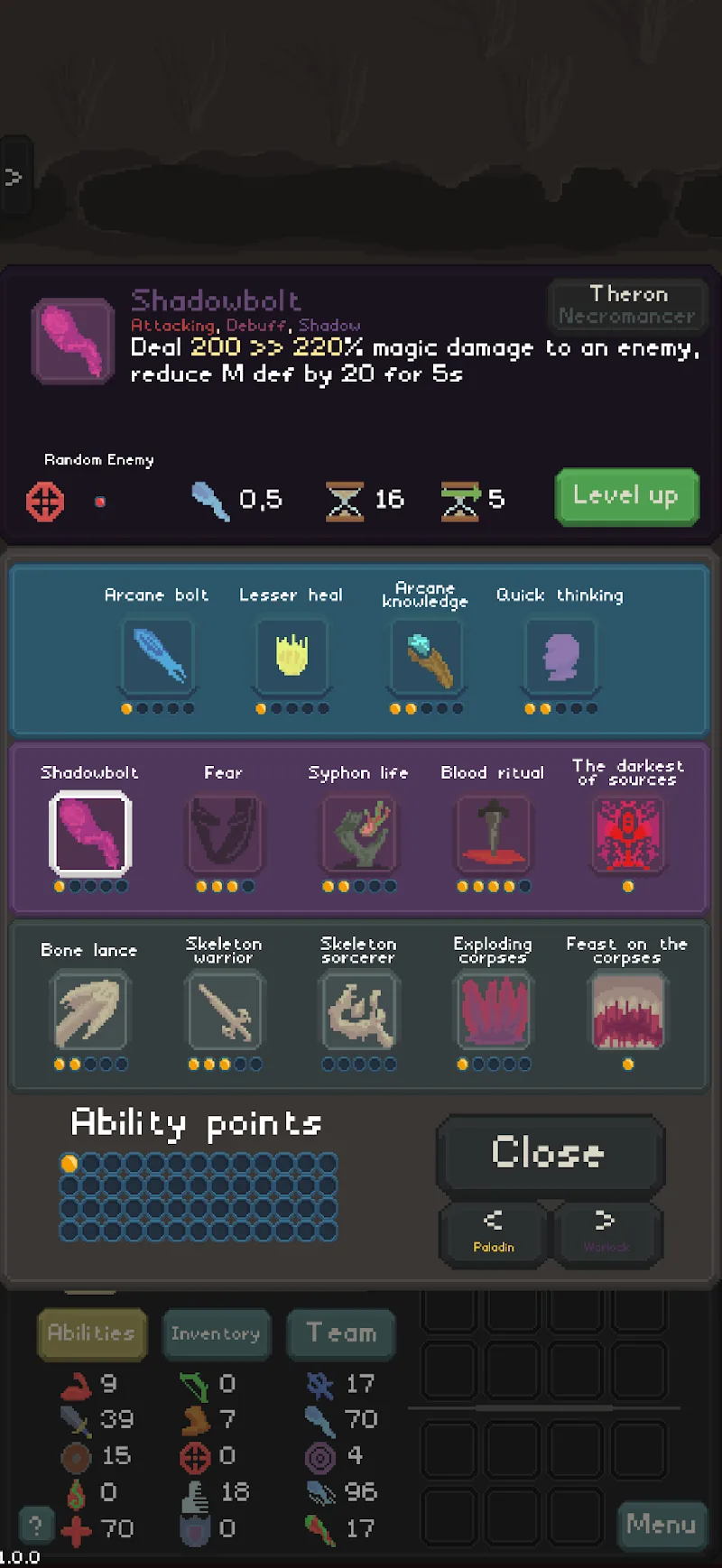
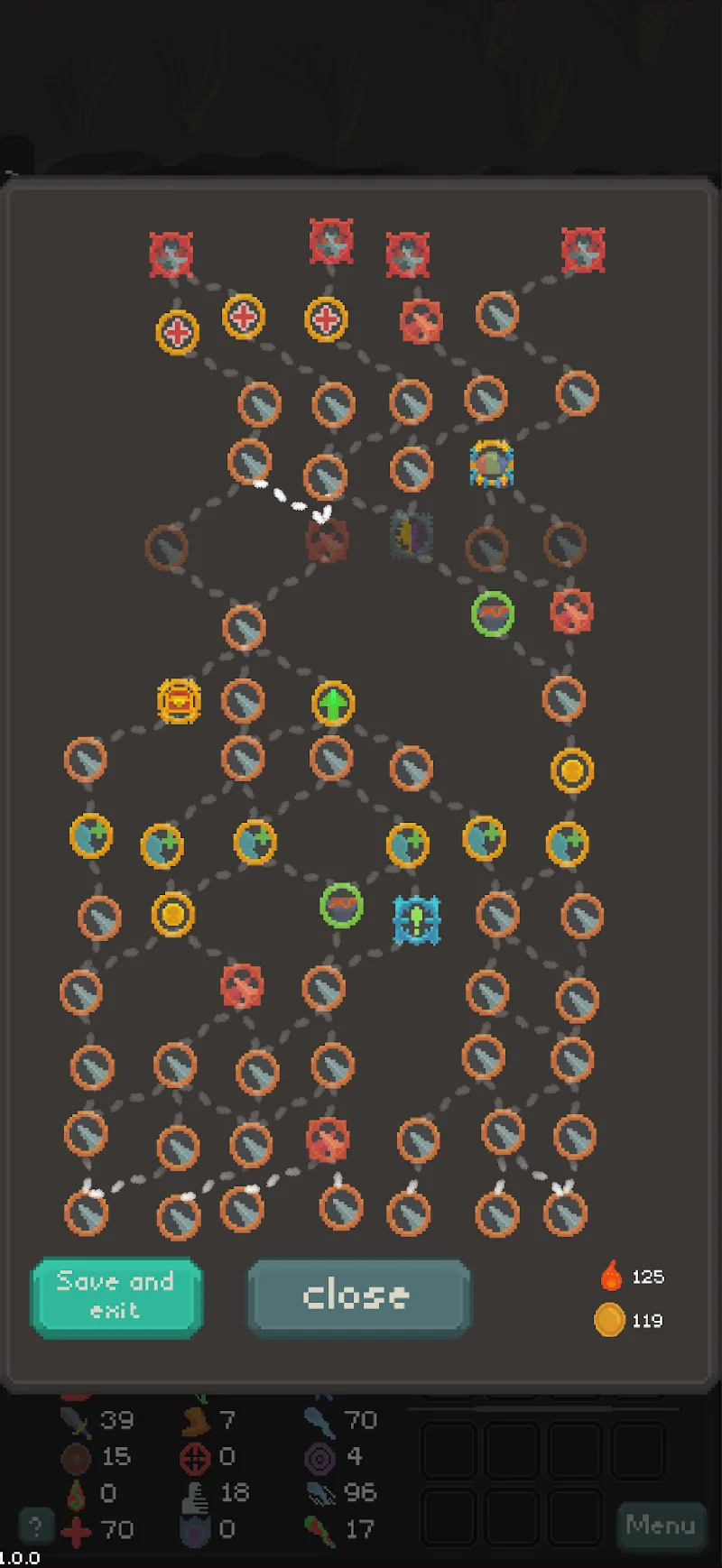
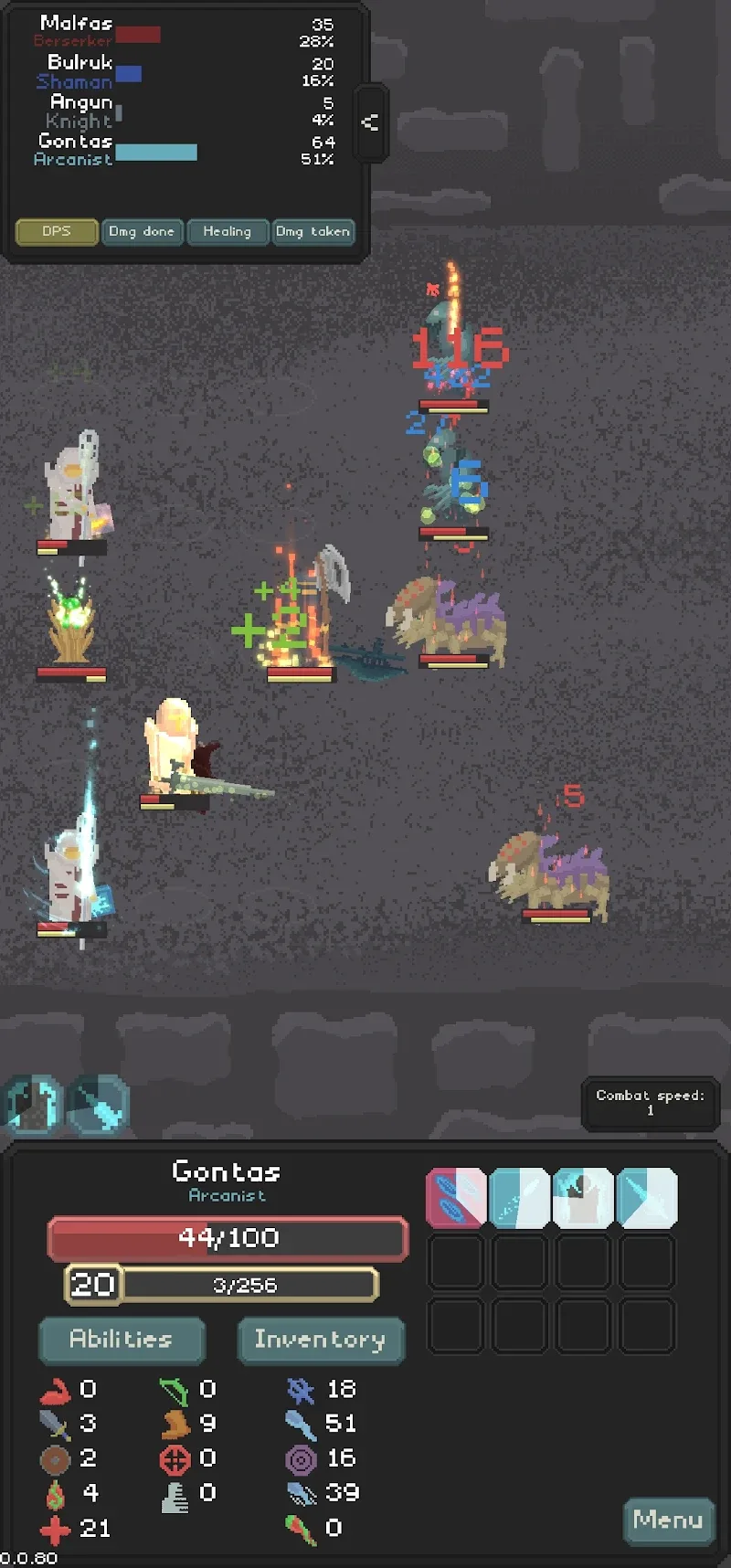
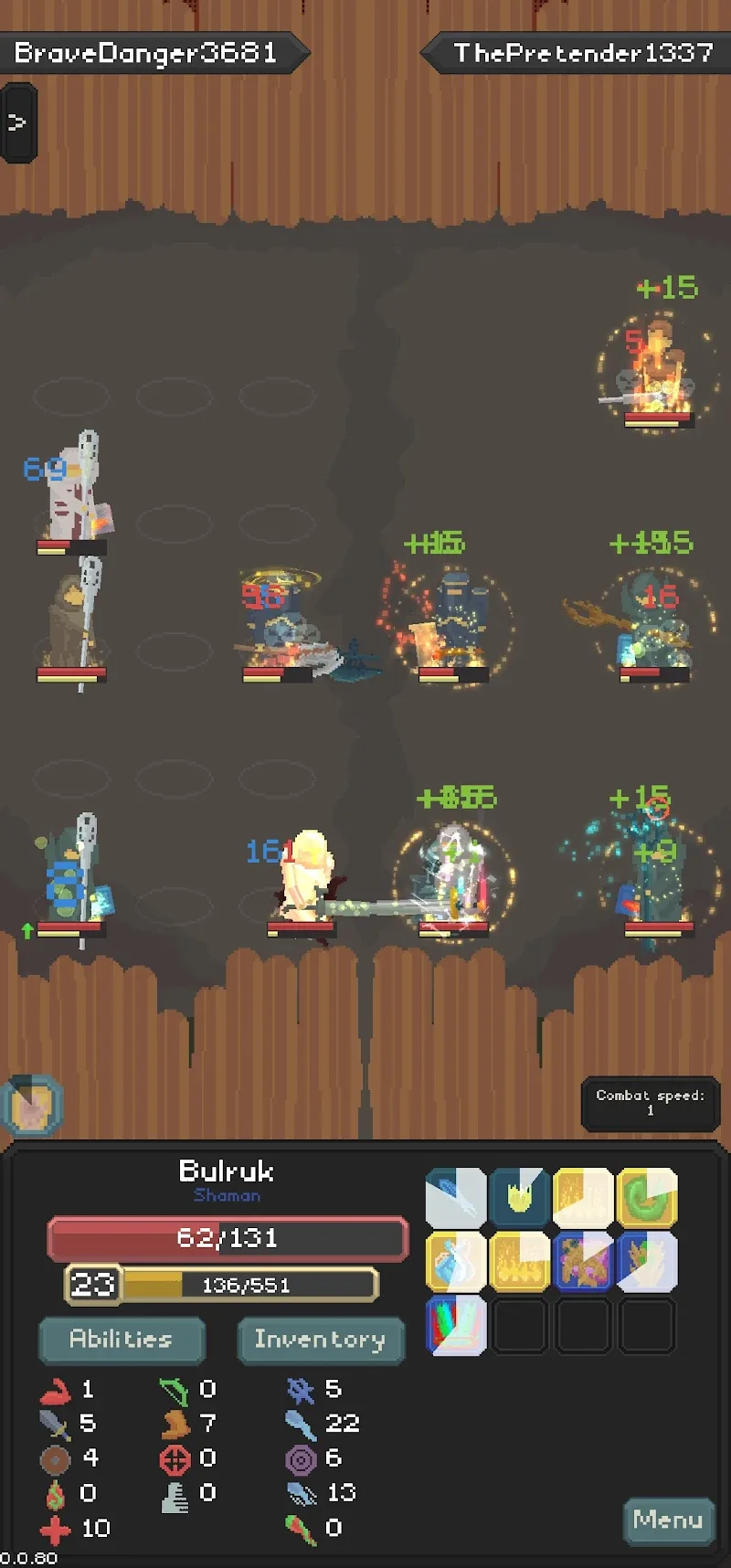
Doomfields Mod is a roguelike action RPG with auto-battler mechanics, designed for players who enjoy tactical team-building and procedural dungeon crawling. The core loop involves assembling a party of five heroes, navigating a node-based map, and engaging in automated combat against randomized enemies. Progression is tied to collecting random items and unlocking new heroes and abilities across multiple skill trees. The mod APK targets players seeking to bypass the grind and experiment with end-game builds.

What This Mod Unlocks

  • Mod Menu: A toggle-based overlay interface providing granular control over individual mod features.
  • High XP Gain: Multiplies experience points earned from defeating enemies, accelerating hero level progression.
  • Always Win (PVP): Forces a victory condition in player-versus-player encounters, regardless of team composition or strength.
  • Fast Game Speed: Increases the base animation and combat speed, reducing time spent in battle sequences.
  • Ads Removed: Disables all interstitial and reward video advertisements within the Doomfields Mod application.

Activation requires launching Doomfields Mod and tapping the floating mod menu icon, typically appearing in the top-left or top-right corner of the screen after the main menu loads. The menu remains accessible in-game.

The mod requires Android 8.0 or higher. Storage allocation is approximately 70-80 MB for the APK and associated game data. Root access is not required.

Installation follows standard sideloading procedure. First, download the APK file. Second, enable "Install from Unknown Sources" in Android settings if prompted. Third, locate and tap the downloaded file to initiate installation. Fourth, launch Doomfields Mod from the home screen.

Known edge cases include a potential game freeze if the High XP Gain mod is left active after an enemy is defeated; the workaround is to toggle it off immediately post-combat. The Always Win feature may be detectable in ranked or online PvP modes, posing an account ban risk. Some unlocked progression may reset if the Doomfields Mod app data is cleared. The mod menu may not render correctly on devices with custom navigation gesture overlays.

Editor's review

This mod for Doomfields Mod version 1.3.14 delivers the advertised modifications on Android 8.0+ devices without requiring root.

  • Confirmed working: The Mod Menu overlay loads consistently, providing toggles for High XP Gain, Always Win (PVP), and Fast Game Speed. Ads are fully disabled. The increased game speed functions in all combat and map navigation scenes.
  • Known issues: Leaving High XP Gain enabled after a kill can cause a soft lock, requiring a force-close of Doomfields Mod. The Always Win flag is client-side only and may not function reliably in server-synced events. Unlocked heroes or items obtained via modded progression may be lost if the game performs a data integrity check after an update.

Compatibility is confirmed for the stated version on standard Android builds. The mod is functional for offline and single-player content, but use in any online competitive mode carries high detection risk.

Acceptable.

Frequently Asked Questions

Is this Doomfields mod APK safe to install?

The mod APK does not request permissions beyond those required by the official Doomfields app, such as storage access for installation. It does not ask for SMS, call log, or contact permissions. No root access is required on Android 8.0 or higher.

Does this mod require root access?

No, root access is not required. Installation follows the standard sideload process: download the APK, enable installation from unknown sources in Android settings if needed, and run the installer.

What are the step-by-step installation instructions?

1. Download the Doomfields mod APK file. 2. Open your device's file manager and locate the downloaded file. 3. Tap the file to begin installation, granting permission if prompted. 4. Launch Doomfields from your app drawer.

How does the 'Always Win (PVP)' feature work?

The 'Always Win (PVP)' mod forces a victory condition in player-versus-player battles. In the official version, the outcome is determined by team strength and strategy; the mod overrides this logic to guarantee a win for the mod user, though this is client-side and carries a high ban risk in online modes.

Is there a risk of account ban or data loss using this mod?

Using mods in offline or single-player Doomfields content carries minimal risk. However, using features like 'Always Win (PVP)' in any server-authenticated or multiplayer mode is easily detectable and will likely result in an account ban. Progress made using modded features may be lost if the game data is reset or synced.

Safety note

Install only APKs matching com.KJGames.Doomfields at version v1.3.14. Download from official links on this page to reduce tampering risk.

Additional Information

Category: rpg Publish Date: Tue, Jan 6, 2026

Scan QR code and download playmods app
Download
PlayMods APP