
Location: Home > Apps > Tools > Draw on screen

Draw on Screen (Premium Brushes Unlocked, Ads Disabled, Premium Color Palette Unlocked, Export Without Watermark) Download for Android

Draw on Screen icon

Draw on Screen Premium Brushes Unlocked, Ads Disabled, Premium Color Palette Unlocked, Export Without Watermark

5.0
v1.6.8 for Android
Fast Download:Download this app by playmods App with faster speed.

Draw on Screen MOD Info MOD Info :
Premium Brushes Unlocked, Ads Disabled, Premium Color Palette Unlocked, Export Without Watermark

Screenshots

Description

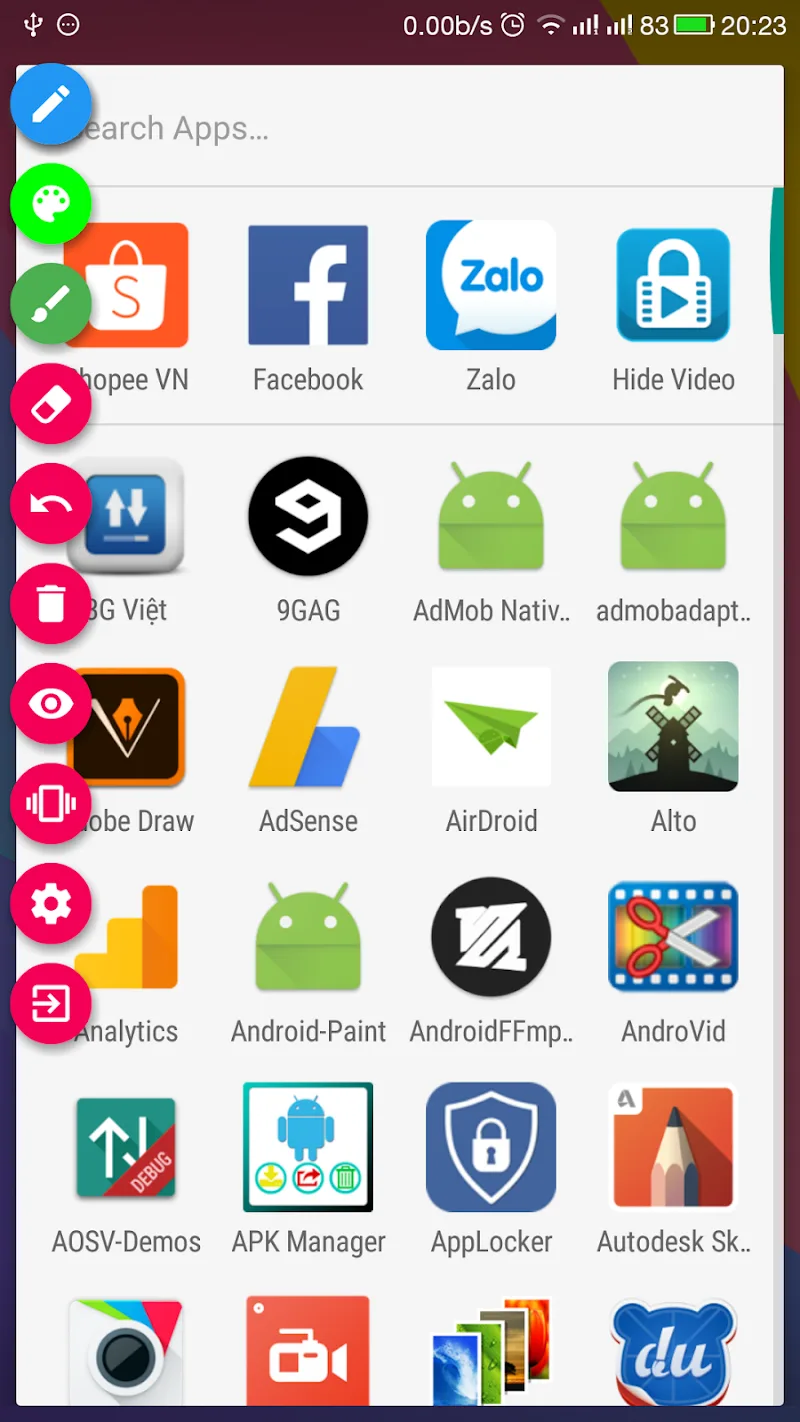
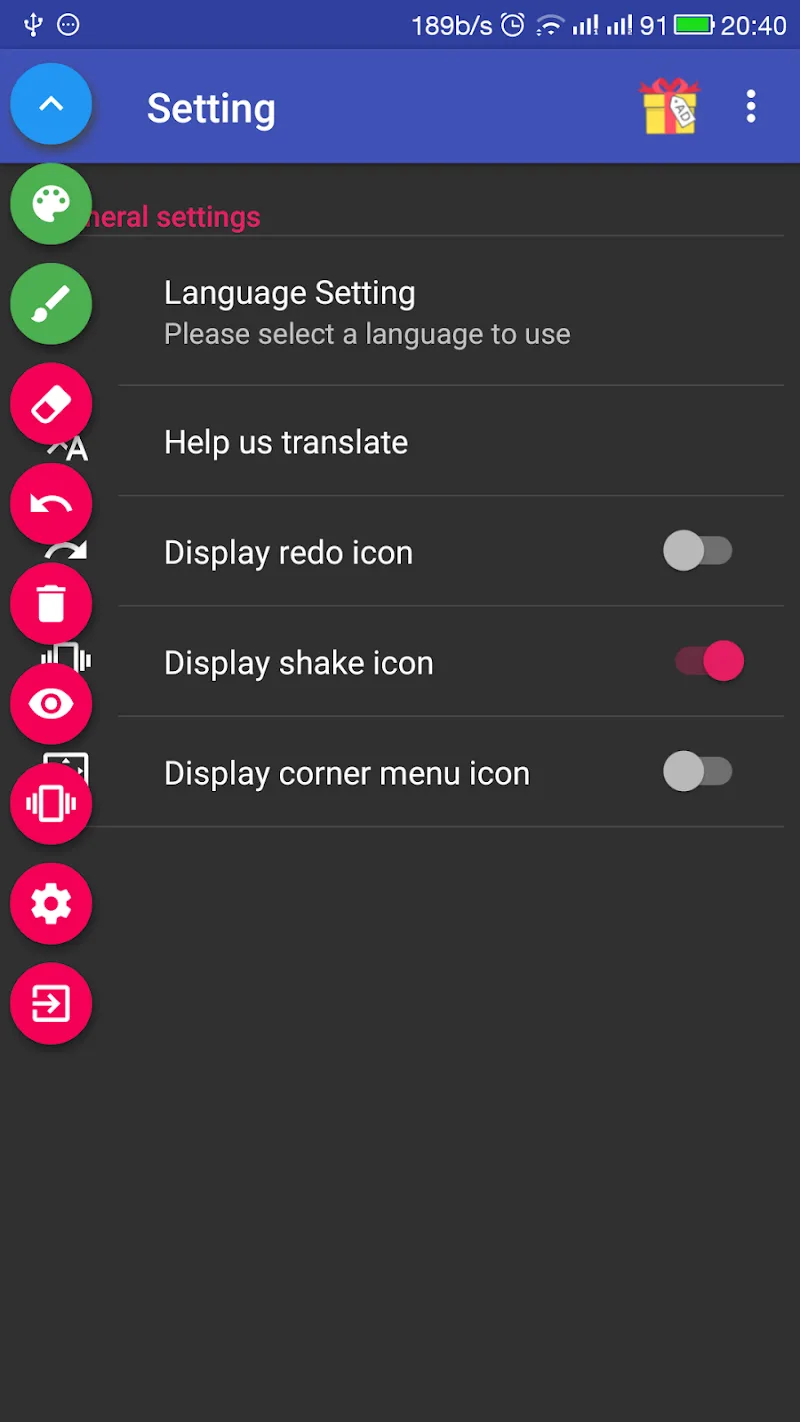
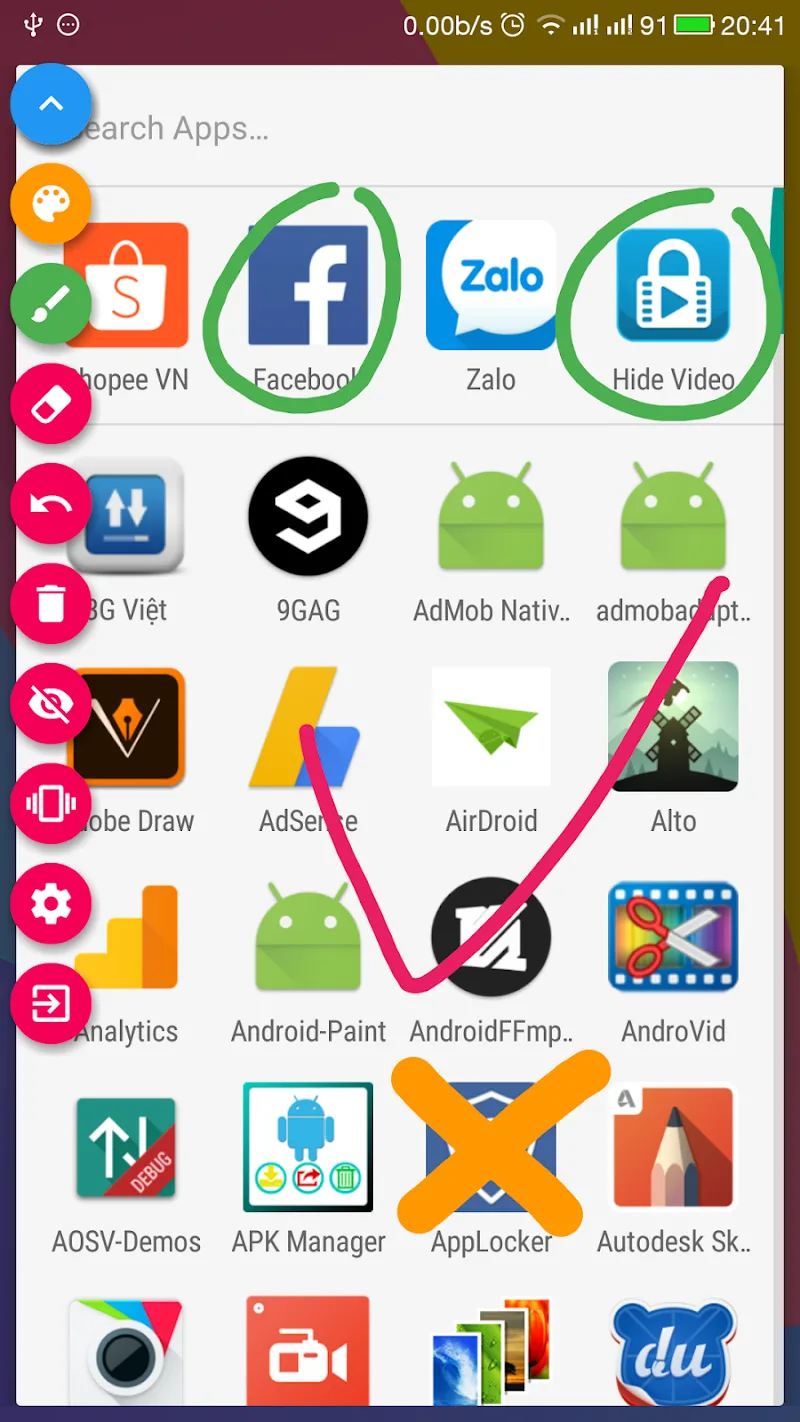
Draw on Screen Mod is a utility application that provides a persistent, transparent drawing layer over any other app or the home screen. It is designed for users who need to annotate, highlight, or sketch directly on their device display in real-time, such as for presentations, tutorials, or visual note-taking. The app functions as an on-screen overlay tool within the broader screen annotation category.

What This Mod Unlocks

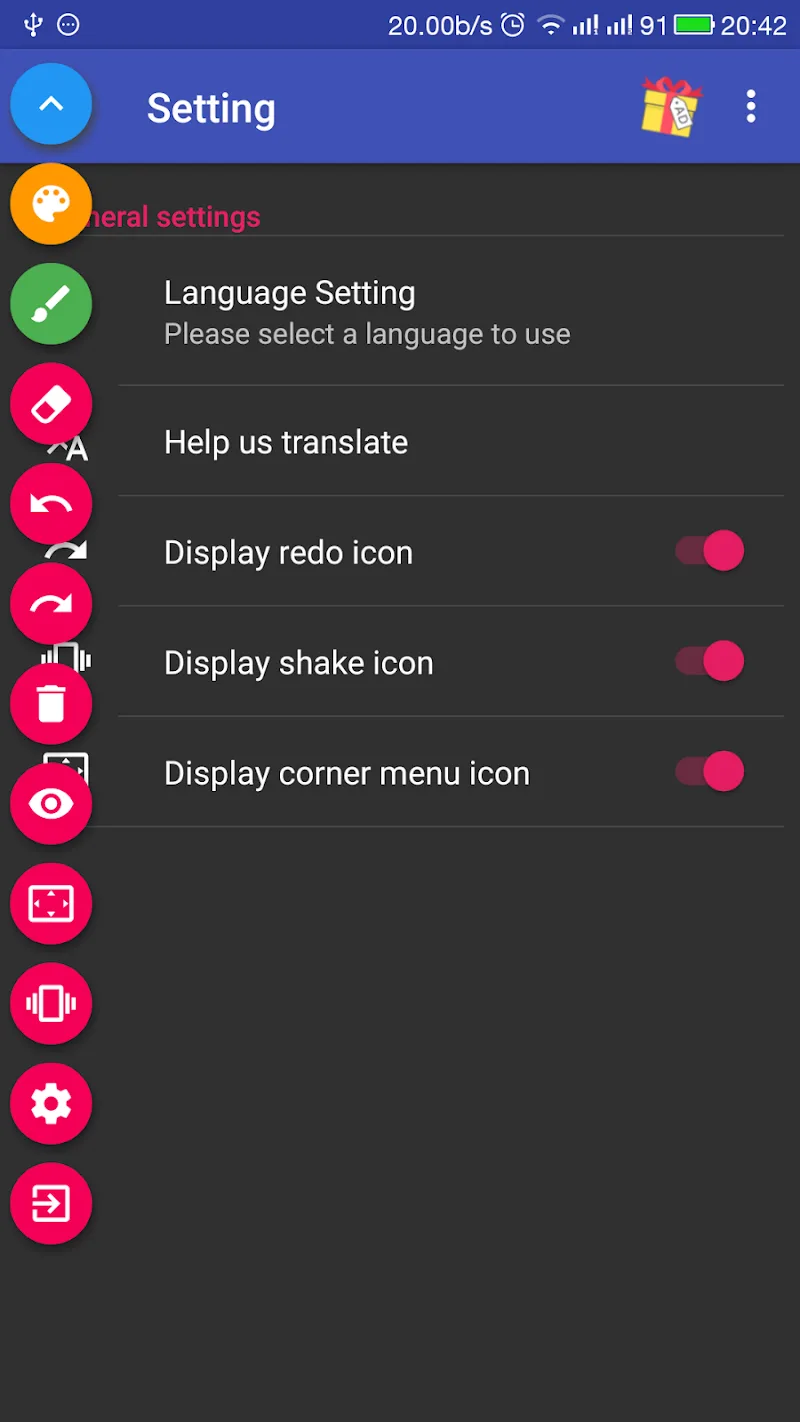
  • Premium brush types and styles are unlocked. The official version restricts access to advanced brushes like calligraphy, neon, and textured strokes behind a paywall.
  • All advertisements are disabled. The mod removes interstitial video ads and banner ads that appear during tool selection or after clearing the canvas.
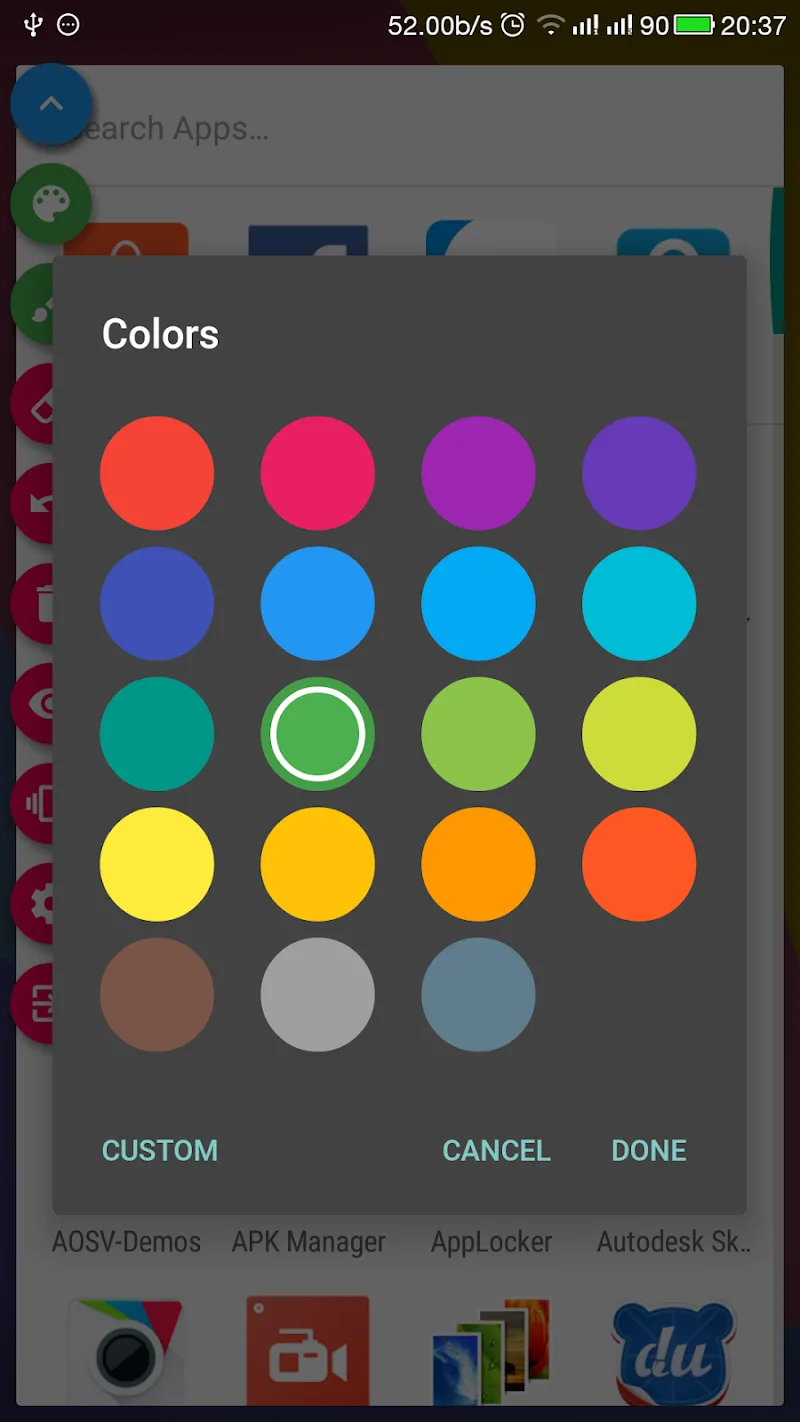
  • The premium color palette is accessible. This includes the full gradient and custom color mixer, which is a subscription feature in the standard app.
  • Export functions are unlocked. Saving high-resolution screenshots of drawings without a watermark is now available.

The mod activates upon launch. There is no separate mod menu. The premium features appear in the tool selector as available options immediately after the main drawing interface loads.

Draw on Screen Mod requires Android 6.0 or higher. The application uses approximately 8 MB of storage for its core installation. Root access is not required. The mod functions through a modified APK file that bypasses the license verification for in-app purchases.

Installation follows standard sideloading procedure. First, download the mod APK file. Second, enable installation from unknown sources in Android settings. Third, locate the downloaded file using a file manager and tap to install. Fourth, launch Draw on Screen Mod from the app drawer.

Known edge cases exist. The overlay permission must be granted manually on first launch for Android 10 and above; the app may not prompt correctly. Clearing the app data resets custom tool presets but does not re-lock premium features. On some custom ROMs, the drawing layer may flicker when switching between high-refresh-rate applications. The mod does not affect or enable any cloud sync features tied to a paid account.

Editor's review

This mod for Draw on Screen Mod version 1.6.8 delivers the specified unlocks on Android 6.0 and above.

Confirmed working features include immediate access to all brush types in the tool panel, the complete absence of interstitial and banner advertisements during use, and the ability to save canvas exports without the trial watermark. The premium color picker and gradient tools are fully functional.

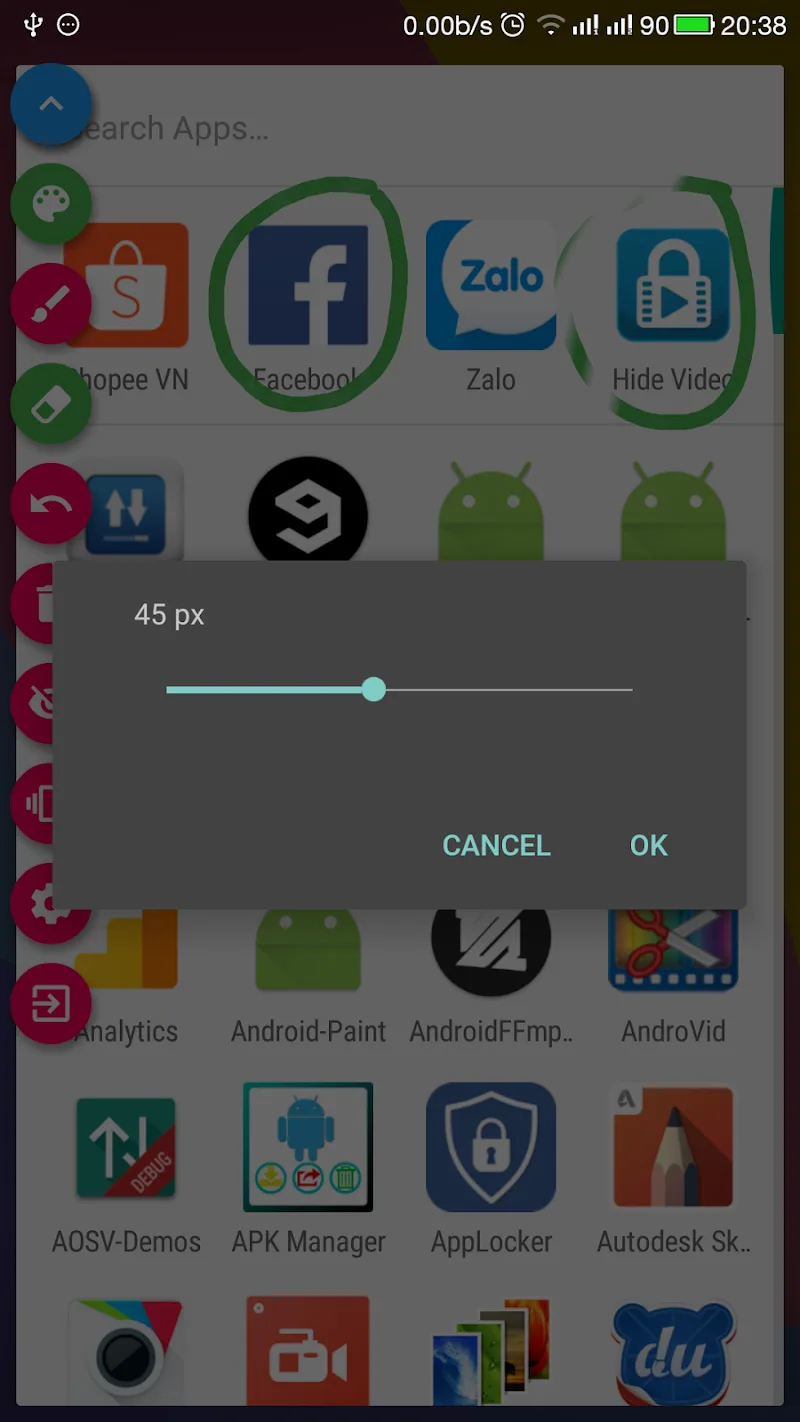
Known issues are minor. The overlay service sometimes requires a second permission grant on Android 13 devices after the first denial. Custom brush size and opacity settings do not persist after the app is force-stopped from settings. The mod does not unlock any server-side profile features, which are irrelevant for this offline tool.

Compatibility is confirmed for the stated version on Android 6.0 through Android 13. The recommendation is Functional.

Frequently Asked Questions

Is this Draw on Screen mod APK safe to install?

The mod APK does not request any permissions beyond those required by the official Draw on Screen app, such as drawing over other apps and storage access. It does not ask for SMS, call log, or contacts access. Root access is not required.

Does this mod require root access?

No. The mod works on standard, non-rooted Android devices (6.0+). Installation is done via sideloading the APK file after enabling installation from unknown sources in your device settings.

How do I install the mod?

1. Download the APK file. 2. Go to Android Settings > Security and enable 'Install from unknown sources'. 3. Use a file manager to find the downloaded file and tap it to install. 4. Open Draw on Screen from your app drawer.

What does the 'Premium Unlocked' feature actually do?

It grants immediate access to all premium brush styles (like calligraphy and neon) and the full color palette, including gradients and the custom color mixer, which are locked behind a subscription in the official version of Draw on Screen.

Is there a risk of my account being banned or data being lost?

Draw on Screen is primarily an offline tool with no account system for drawing features. There is minimal risk. The mod only affects local app functionality; there are no servers to detect modified clients for banning. Always back up any saved drawings externally.

Safety note

Install only APKs matching com.kts.draw at version v1.6.8. Download from official links on this page to reduce tampering risk.

Additional Information

Category: tools Publish Date: Fri, Nov 14, 2025

Scan QR code and download playmods app
Download
PlayMods APP