
Location: Home > Apps > Tools > Edge lighting

EDGE Lighting (Premium Effects Unlocked, Ads Disabled, In-App Purchases Free, Watermark Removed) Download for Android

EDGE Lighting icon

EDGE Lighting Premium Effects Unlocked, Ads Disabled, In-App Purchases Free, Watermark Removed

4.8
v3.3.22 for Android
Fast Download:Download this app by playmods App with faster speed.

EDGE Lighting MOD Info MOD Info :
Premium Effects Unlocked, Ads Disabled, In-App Purchases Free, Watermark Removed

Screenshots

Description

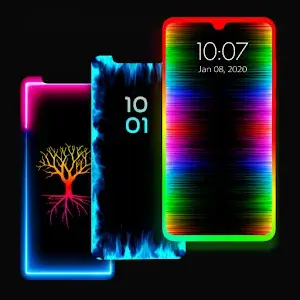
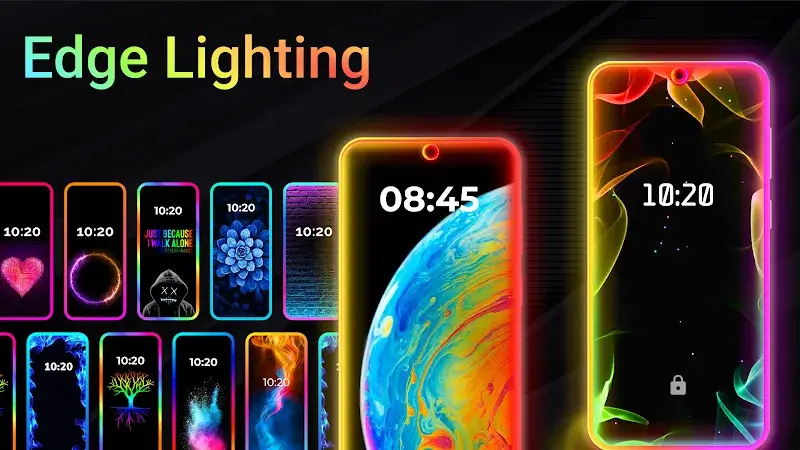
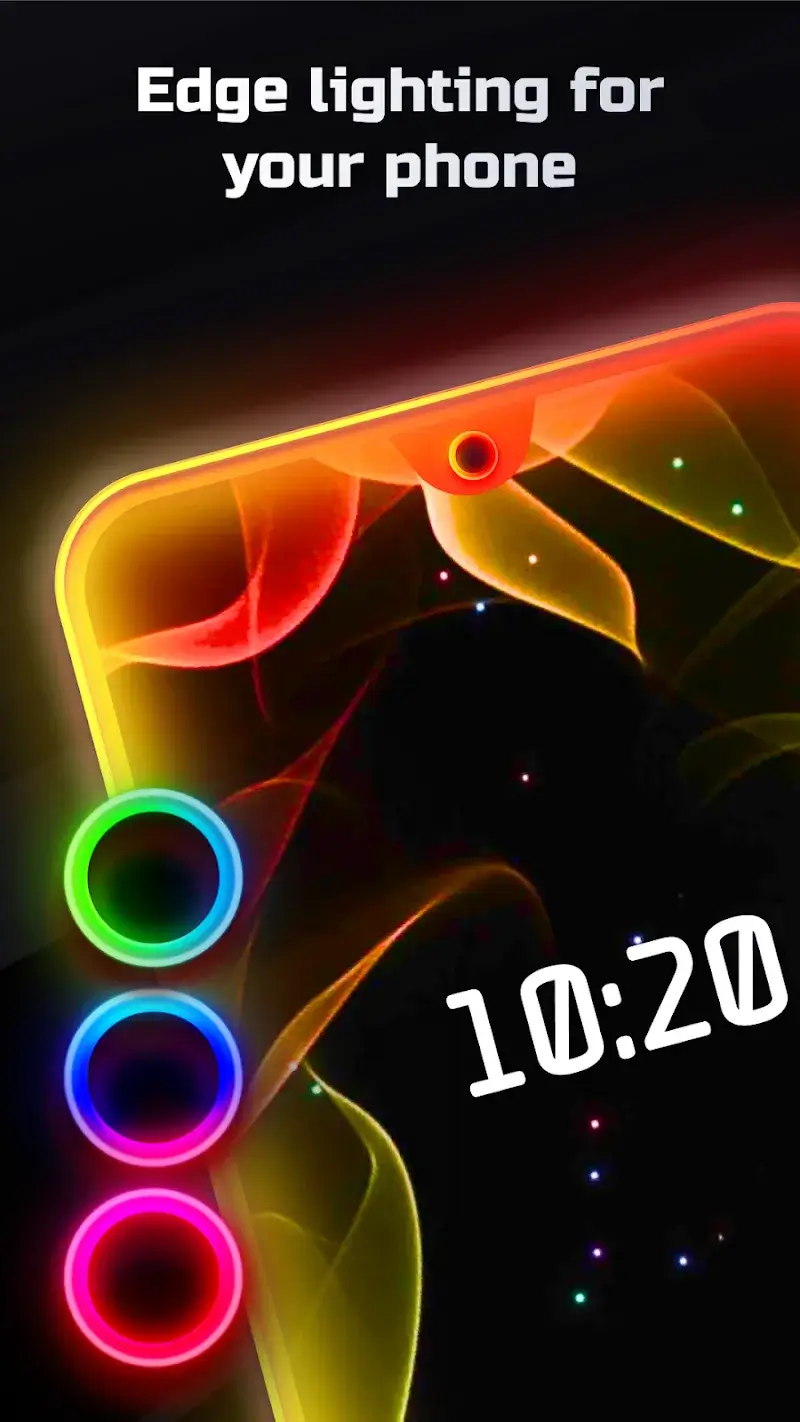
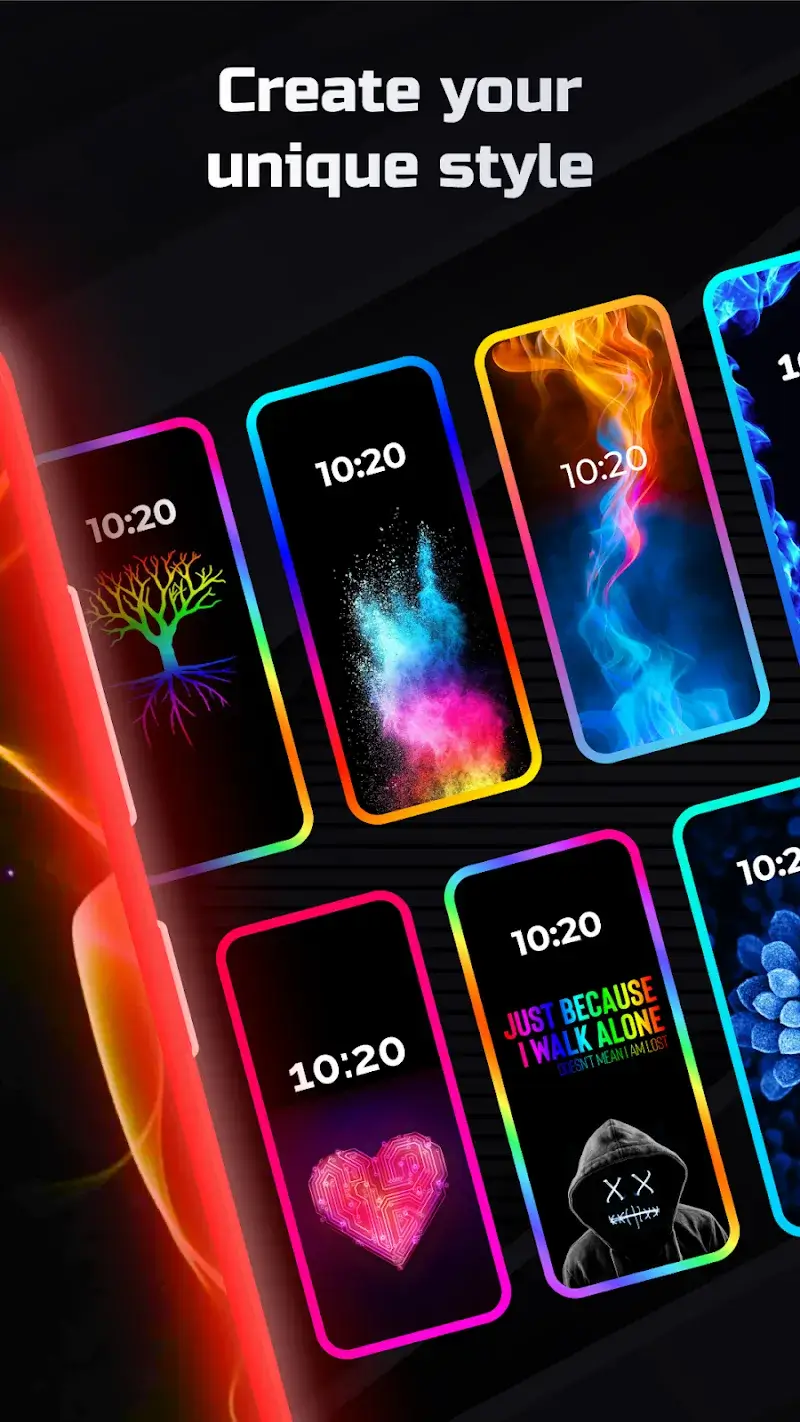
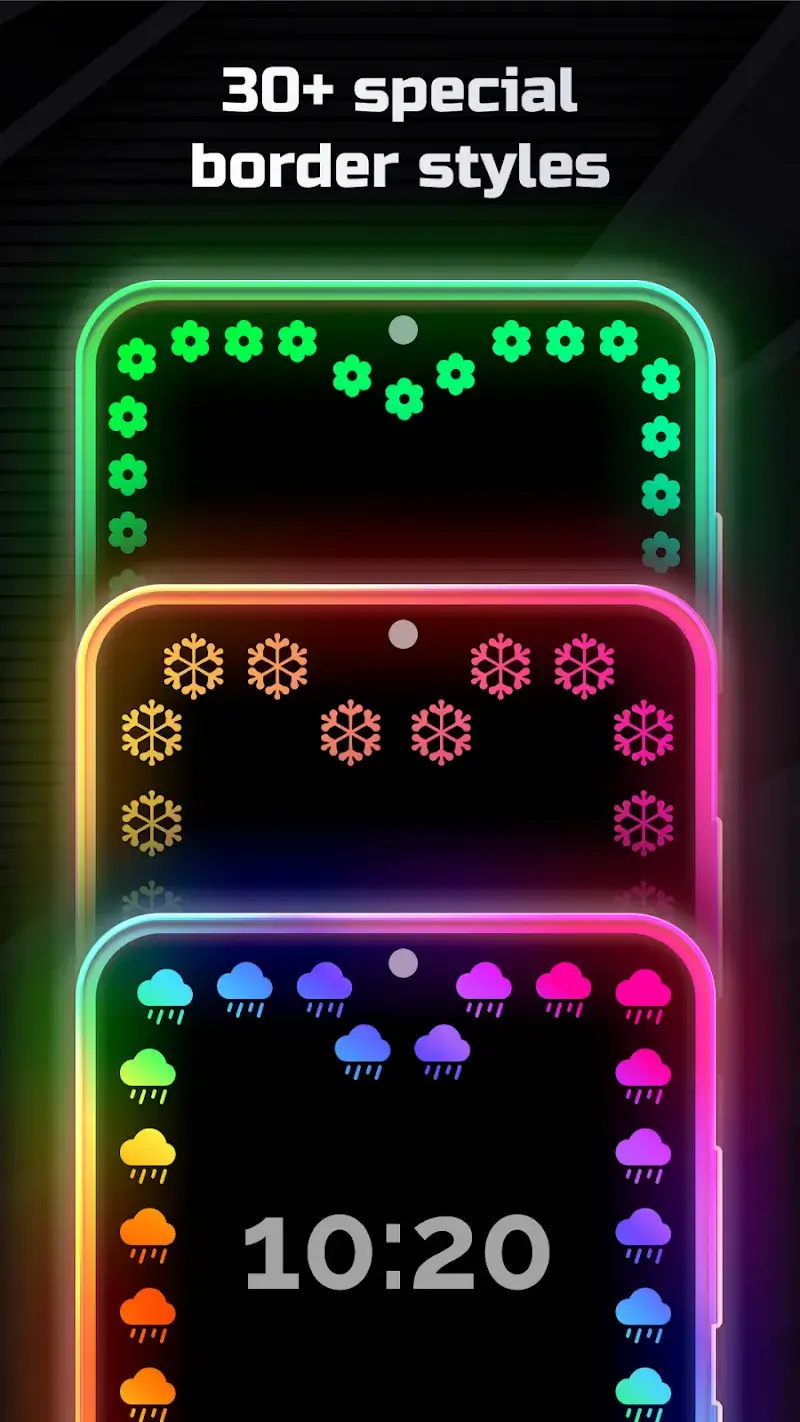
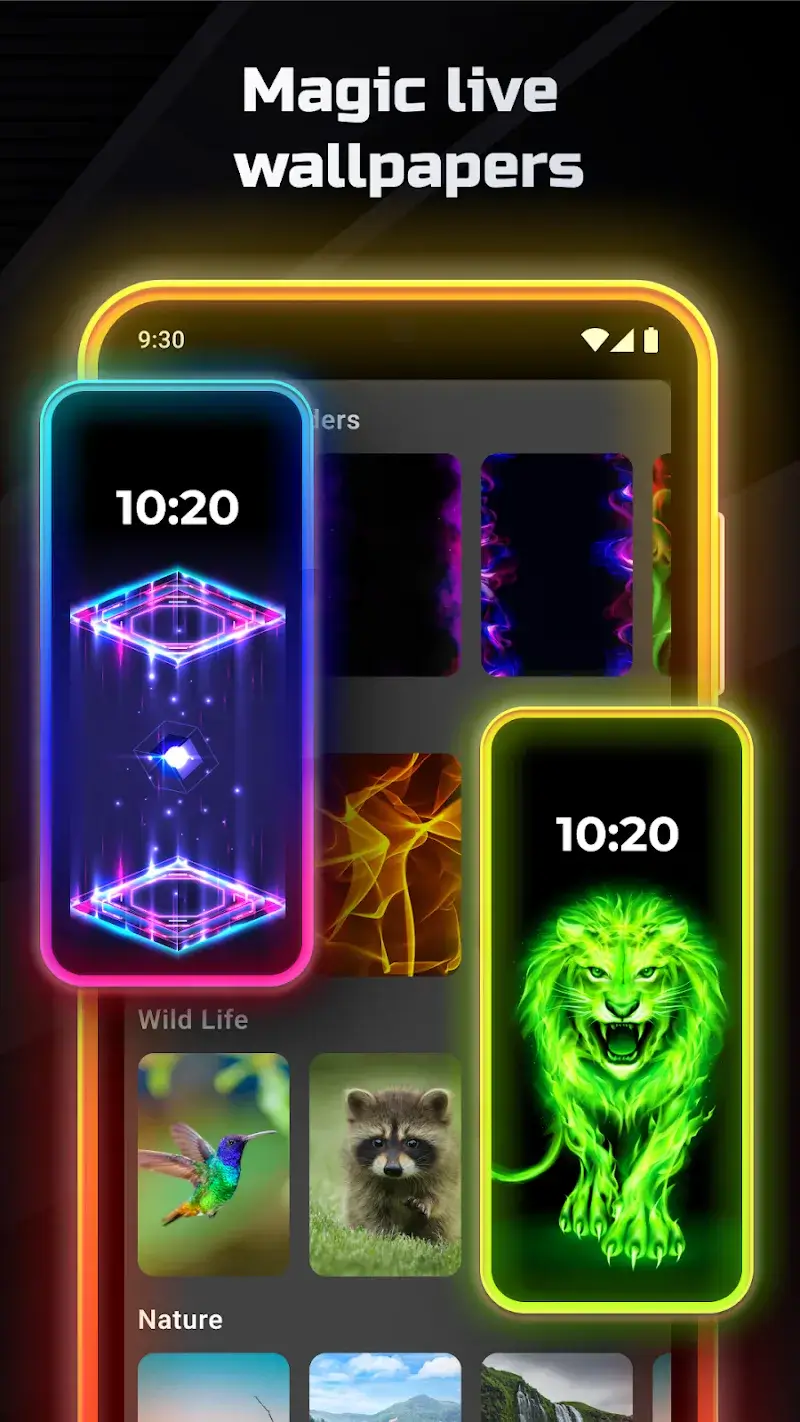
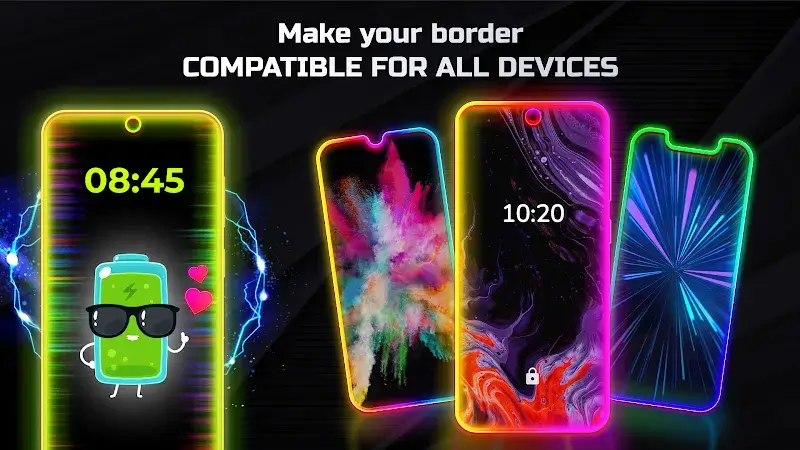
EDGE Lighting Mod is a system-level personalization tool for Android that overlays dynamic lighting effects around the screen's edges. It is designed for users who want to visually customize notification alerts, incoming calls, or general device ambiance without requiring root access. The app functions as a live wallpaper and accessibility service, intercepting system events to trigger user-defined light patterns.

What This Mod Unlocks

  • All premium lighting effects and animations are unlocked, removing the paywall present in the official version.
  • Advertisements within the app interface and during effect selection are completely disabled.
  • Watermarks or trial limitations on high-end effects are removed.
  • In-app purchase prompts for premium packs are bypassed; all content is available immediately.

To activate the modded features, simply launch EDGE Lighting Mod after installation. The premium effects library will be fully accessible from the main effects gallery without any additional steps. No mod menu or special activation sequence is required; the unlock is applied directly to the app's license check.

EDGE Lighting Mod requires Android 8.0 or higher. The app uses approximately 30-40 MB of storage for its effect assets and configuration. Root permissions are not required for installation or core functionality. The app must be granted "Display over other apps" and accessibility service permissions to render effects on the screen.

Installation Process

  1. Download the modded EDGE Lighting Mod APK file.
  2. Enable "Install from Unknown Sources" for your file manager or browser in Android settings.
  3. Navigate to the downloaded file and tap to install.
  4. If Google Play Protect blocks installation, tap "More details" and then "Install anyway".
  5. Open EDGE Lighting Mod, grant the necessary overlay and accessibility permissions.
  6. Select and configure any lighting effect from the now-unlocked premium gallery.

Known Edge Cases

The modded EDGE Lighting Mod app may trigger integrity checks if the device has aggressive security software installed. Some custom ROMs with strict SELinux policies may prevent the accessibility service from starting. Clearing the app data or cache will not revert the premium unlock, as the mod is baked into the APK. On devices with Android 13+, the "Display over other apps" permission must be manually granted post-installation via the system settings menu, not just through the initial app prompt. The mod does not interfere with the app's battery optimization routines.

Editor's review

This mod for EDGE Lighting Mod v3.3.22 delivers the claimed premium unlock and ad removal on Android 8.0+ devices.

  • All premium border light and animation packs are accessible without payment.
  • Ad network requests are blocked, resulting in a clean interface.
  • The mod persists after app restarts and does not require an internet connection to maintain unlocked status.

Known issues include a compatibility warning on some devices with Play Protect enabled, requiring a one-time override during installation. The mod does not unlock any server-side or cloud-based profile sharing features, as those are not part of the core app. On Android 14, the accessibility service permission may need to be re-granted after a system update.

Tested on Android 12 and 13. Requires standard overlay permissions.

Functional.

Frequently Asked Questions

Is this EDGE Lighting mod APK safe to install?

The mod requests the same permissions as the official app—accessibility services and display overlay—for its core function. It does not request additional dangerous permissions like SMS, call logs, or contacts. No root access is required for Android 8.0+.

Does this mod require root access?

No. EDGE Lighting and this mod are designed for non-rooted devices. Installation follows the standard sideload process: download the APK, enable installation from unknown sources, and install. Root is neither required nor used.

How do I install the EDGE Lighting mod?

1. Download the APK file. 2. In Android settings, enable 'Install from Unknown Sources' for your file manager. 3. Open the downloaded file and tap 'Install'. 4. If Play Protect warns you, select 'Install anyway'. 5. Open the app and grant the necessary permissions.

What does the 'Premium Unlocked' feature actually do in EDGE Lighting?

It removes the paywall that blocks access to premium lighting effects and animations in the official version. All effects in the gallery are immediately available for selection and customization without any in-app purchase prompts.

Is there a risk of my account being banned or data being lost?

EDGE Lighting operates locally on your device and does not use a user account system for its core features. Since there is no online authentication for premium effects, the risk of a ban is minimal. Always back up your custom effect configurations before updating the app.

Safety note

Install only APKs matching com.pixelkraft.edgelighting at version v3.3.22. Download from official links on this page to reduce tampering risk.

Additional Information

Category: tools Publish Date: Sun, Mar 8, 2026

Scan QR code and download playmods app
Download
PlayMods APP