

Location: Home > Games > Console > Emupsx xl

EmuPSX XL (Premium Unlocked, Ads Disabled) Download for Android

EmuPSX XL icon

EmuPSX XL Premium Unlocked, Ads Disabled

5.0
v1.2.3 for Android
Fast Download:Download this app by playmods App with faster speed.

EmuPSX XL MOD Info MOD Info :
Premium Unlocked, Ads Disabled

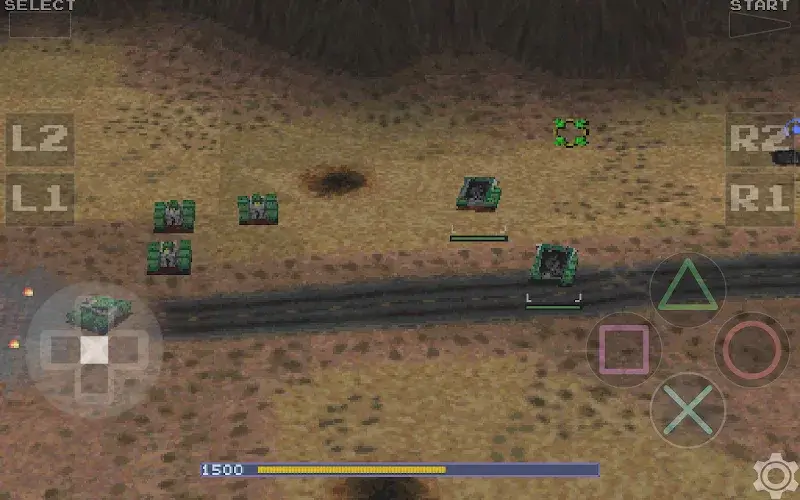
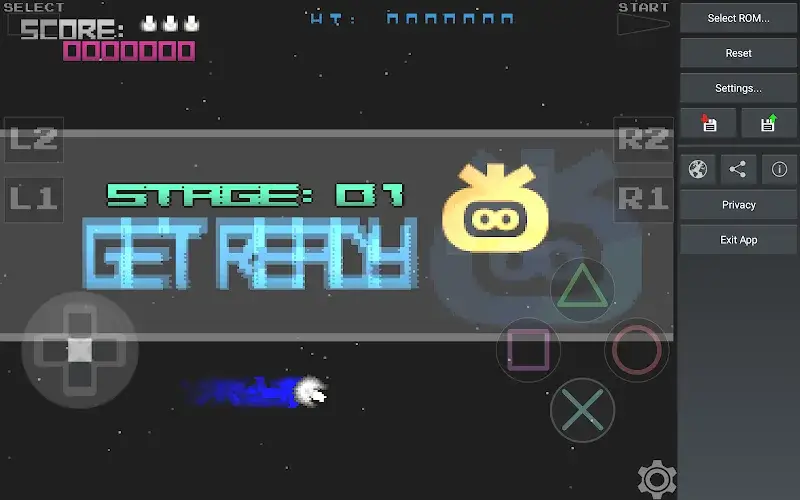
Screenshots

Description

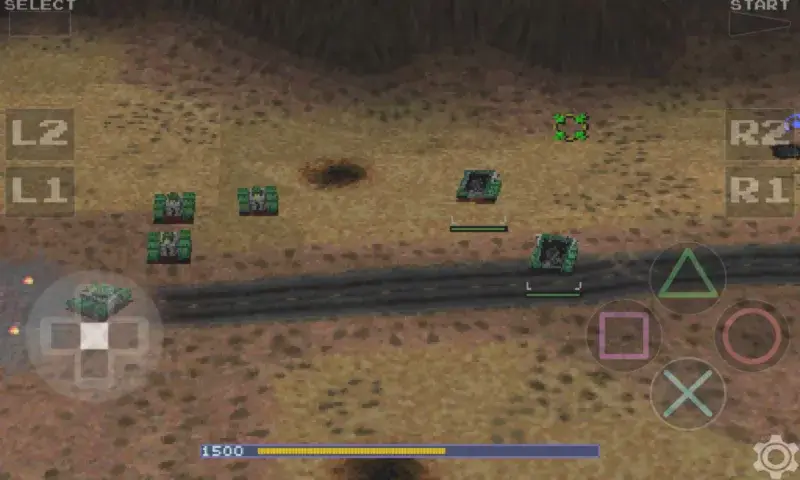
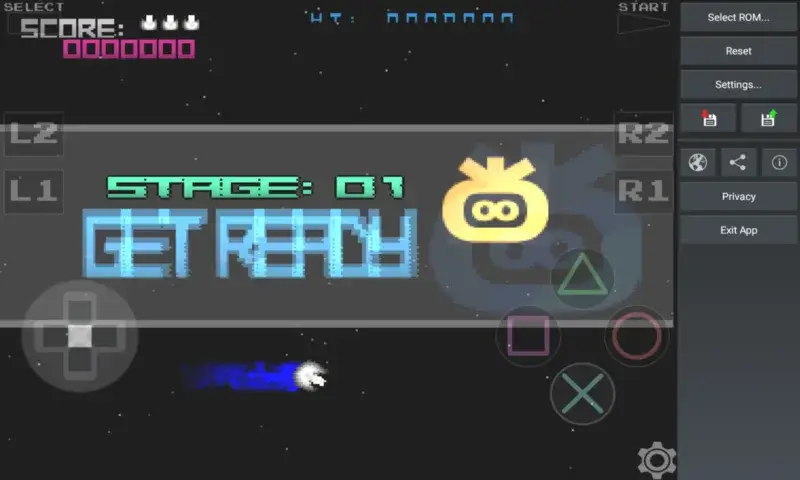
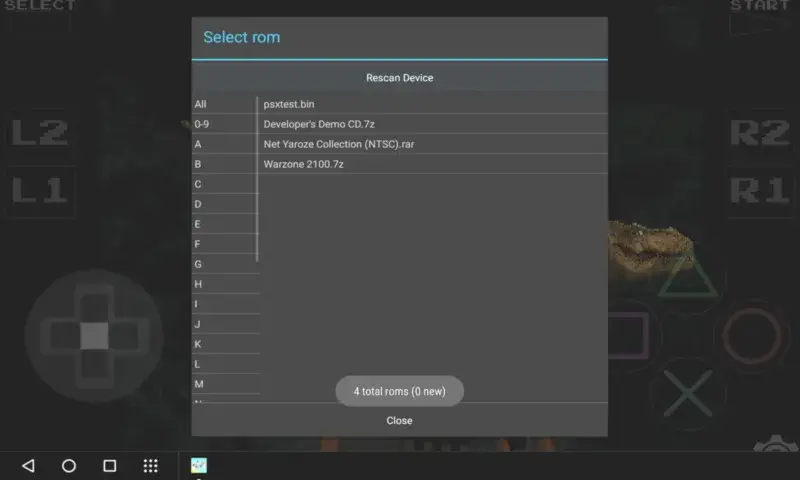
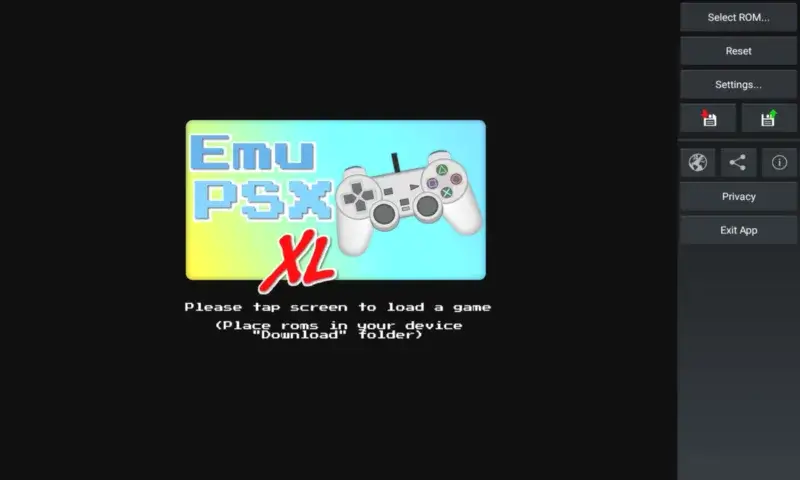
EmuPSX XL Mod is a PlayStation 1 emulation application for Android. It is designed for users who want to run PS1 game ROMs on their mobile devices. The app provides a virtual console interface with controller overlays, graphics upscaling via OpenGL, and ROM file management. Its primary function is to execute PS1 BIOS and game data files, replicating the original hardware's behavior for gameplay.

What This Mod Unlocks

  • Premium version features are fully unlocked.
  • All advertisements within the application interface have been removed.
  • Any paywalls or restrictions tied to the 'Premium' tier in the official version are disabled.

The mod is activated automatically upon installation. The unlocked premium status is applied as soon as the EmuPSX XL Mod app launches. No manual activation steps, mod menus, or configuration toggles are required.

The application requires Android 6.0 or higher. Installation requires approximately 12 MB of storage for the APK file, plus additional space for game ROMs and save states. Root access is not required.

Installation Steps

  1. Download the modified EmuPSX XL Mod APK file.
  2. Enable installation from unknown sources in your Android device settings.
  3. Open the downloaded file using a file manager and confirm the installation prompt.
  4. Launch EmuPSX XL Mod after installation completes.

Known Edge Cases

  • The mod only affects the local application. Online features, if any, are not modified.
  • Clearing the app data or cache may reset user settings but should not revert the premium unlock.
  • Performance is dependent on the host device's hardware; the mod does not alter emulation speed or compatibility.
  • Some devices with aggressive battery optimization may need the app exempted to run in the background.

Editor's review

This mod for EmuPSX XL Mod version 1.2.3 delivers its stated modifications on Android 6.0+ devices.

  • Confirmed working: The Premium badge or status is active upon launch. All in-app advertisements are absent from the main interface and during ROM loading.
  • Known issues: The modification is superficial; it does not add new emulation cores or features beyond what the official Premium version offers. On some devices, a network connectivity check on first launch may cause a brief delay before the unlocked interface loads.

Tested on the stated version. It meets the basic Android 6.0 requirement.

Functional.

Frequently Asked Questions

Is this EmuPSX XL mod APK safe to install?

The mod APK does not request permissions beyond those required by the official EmuPSX XL app, such as storage access for ROM files. It does not require access to SMS, call logs, or contacts. Root access is not needed.

Does this mod require root access?

No. The installation follows the standard sideload process for Android. You need to enable installation from unknown sources, install the APK, and launch the app. Root privileges are not required at any point.

How do I install the EmuPSX XL mod?

1. Download the APK file. 2. Go to Android Settings > Security and enable 'Install from unknown sources'. 3. Open the downloaded file with a file manager and tap 'Install'. 4. Open the EmuPSX XL app from your app drawer.

What exactly does the 'Premium Unlocked' feature do?

It removes all advertisements that are present in the free version of EmuPSX XL. It also grants access to any features gated behind the official Premium paywall, such as certain advanced settings or visual themes, making them available without payment.

Is there a risk of account ban or data loss when using this mod?

EmuPSX XL is an offline emulator. There is minimal risk of account bans as it does not typically connect to authentication servers. The primary risk is potential instability from the mod itself. Always back up your game save files located in the app's data folder.

Safety note

Install only APKs matching com.pentawire.emupsxxl at version v1.2.3. Download from official links on this page to reduce tampering risk.

Additional Information

Category: console Publish Date: Wed, Oct 15, 2025

Scan QR code and download playmods app
Download
PlayMods APP