

Location: Home > Apps > Education > Engo v5.27.128_english

ENGO v5.27.128_english (Premium Unlocked, All Lessons Unlocked, All Books Unlocked, TV Series Unlocked, Offline Download Enabled, Ads Disabled) Download for Android

ENGO v5.27.128_english icon

ENGO v5.27.128_english Premium Unlocked, All Lessons Unlocked, All Books Unlocked, TV Series Unlocked, Offline Download Enabled, Ads Disabled

4.0
v5.24.126_english for Android
Fast Download:Download this app by playmods App with faster speed.

ENGO v5.27.128_english MOD Info MOD Info :
Premium Unlocked, All Lessons Unlocked, All Books Unlocked, TV Series Unlocked, Offline Download Enabled, Ads Disabled

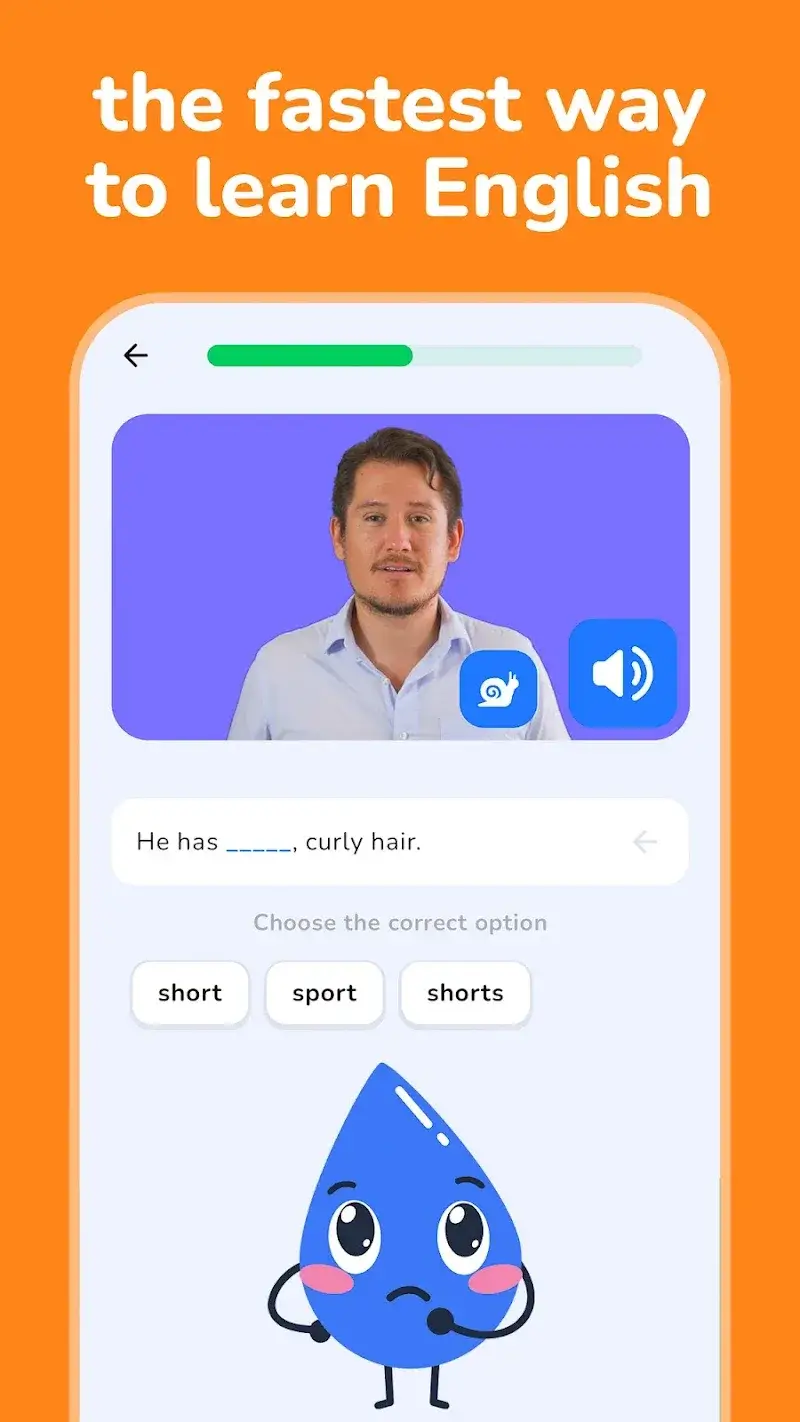
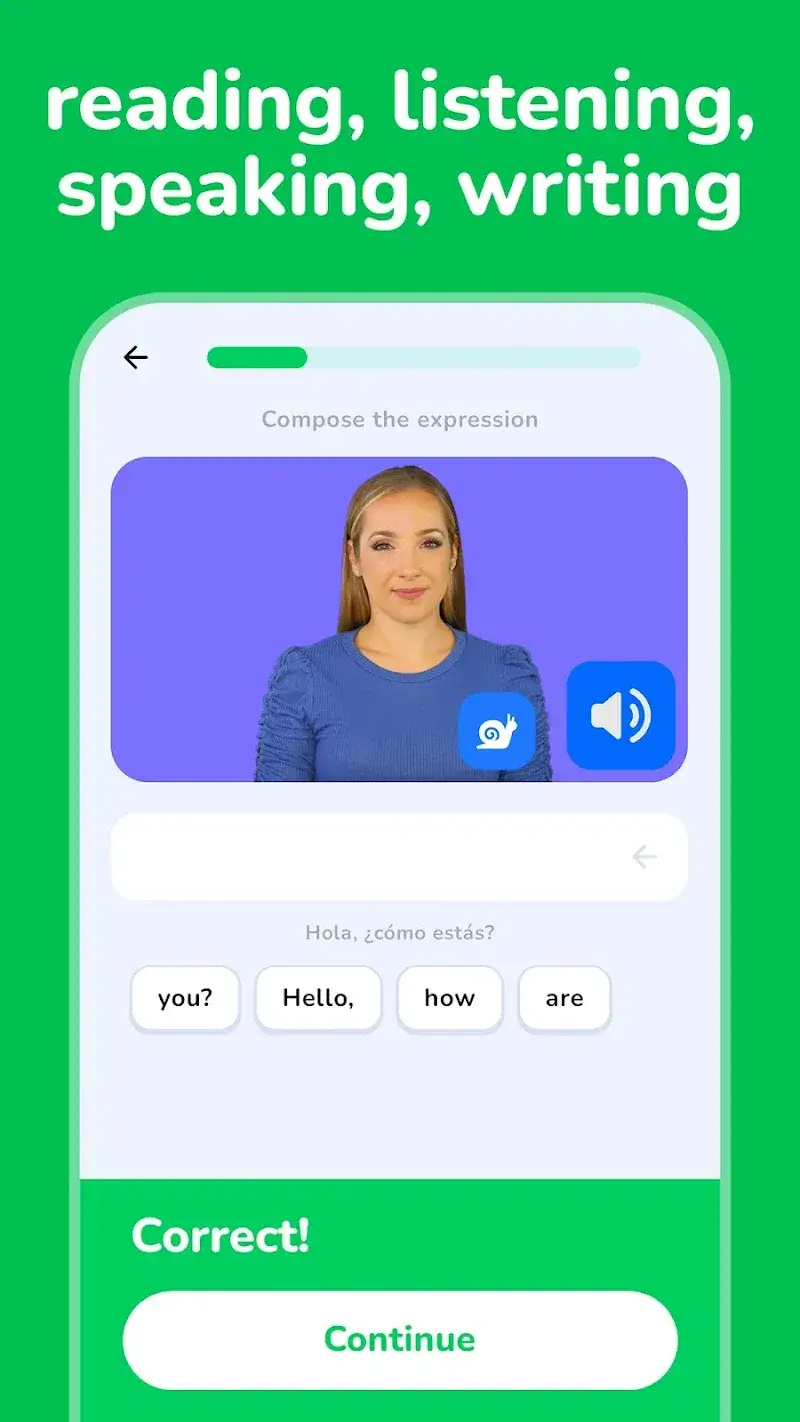
Screenshots

Description

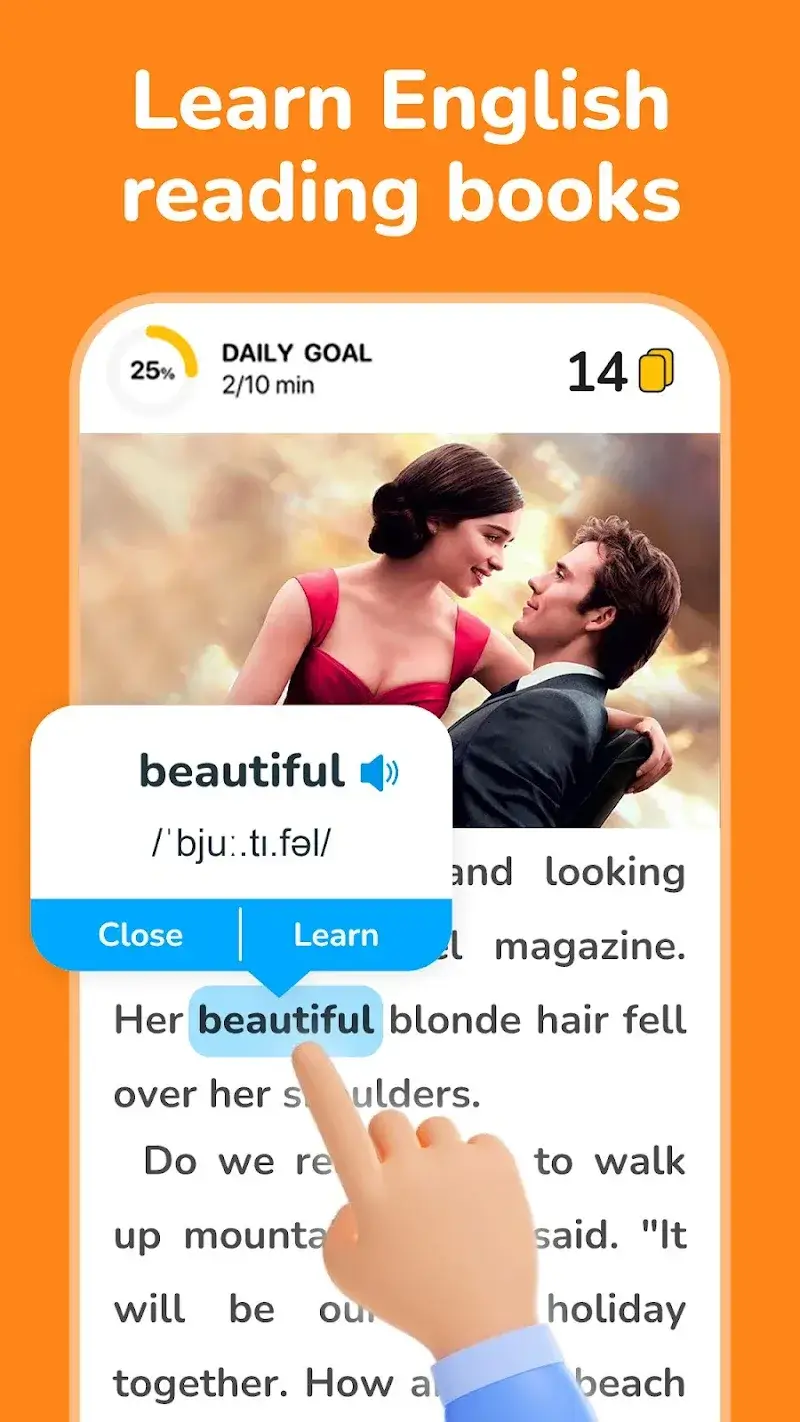
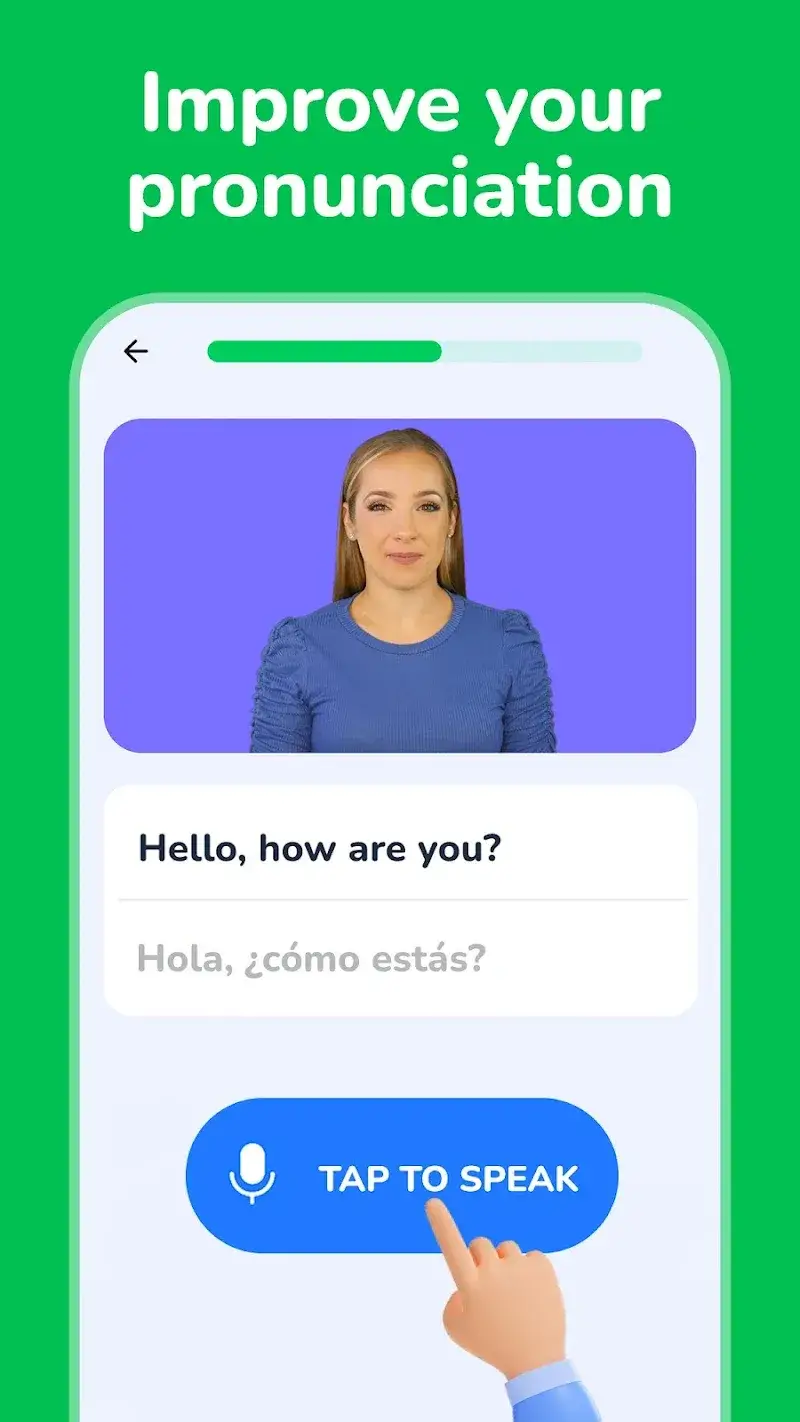
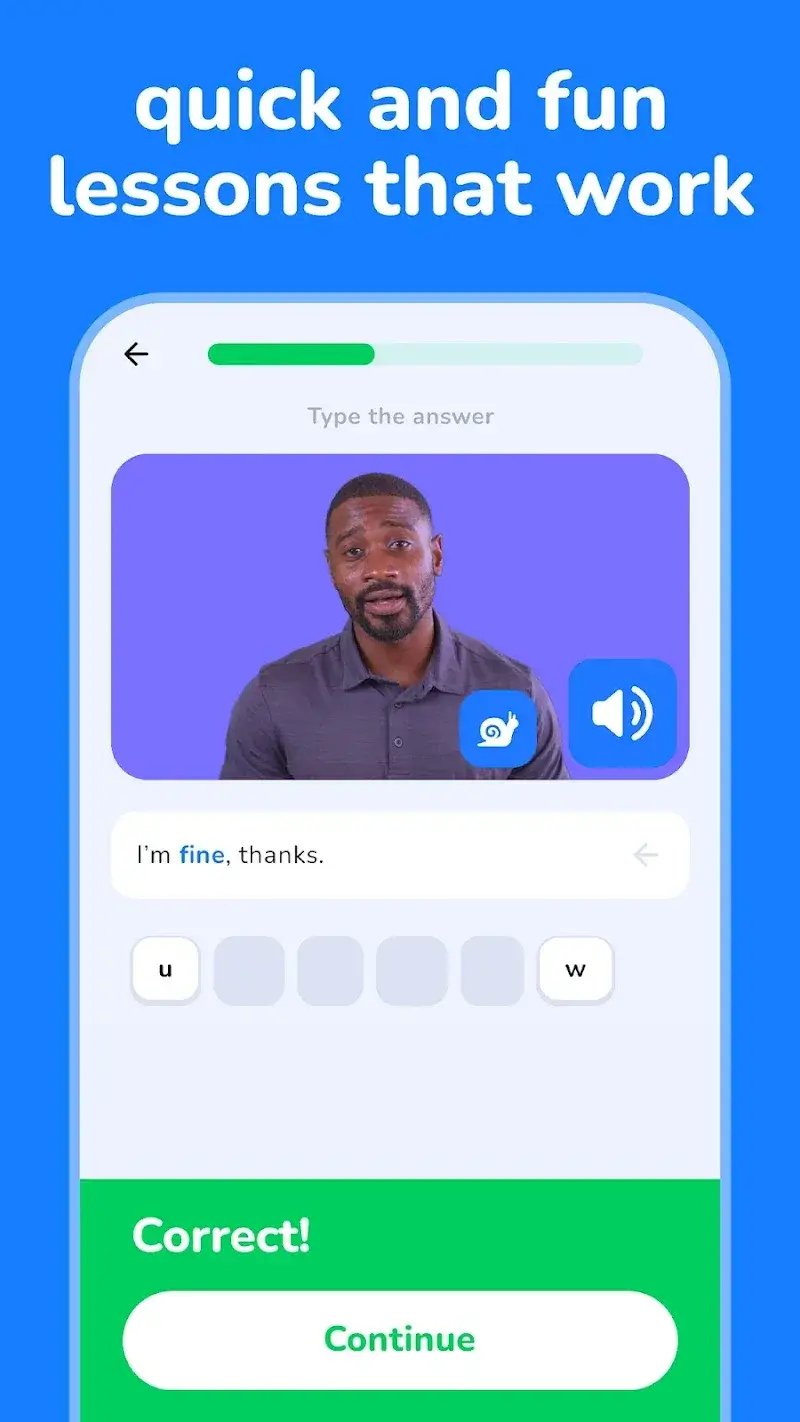
ENGO v5.27.128_english Mod is an English language learning application designed for self-study. It structures lessons through graded books, stories, and TV series clips with dual subtitles. The app targets intermediate learners seeking to improve reading, listening, and vocabulary through contextual material. It operates primarily offline after initial content download.

What This Mod Unlocks

  • Premium subscription features are unlocked without payment.
  • All lesson levels, from beginner to advanced, are accessible without progression gates.
  • Full library of books and reading materials is available.
  • Complete TV series learning catalog with dual subtitles is unlocked.
  • Download functionality for offline access to all content is enabled.
  • Advertisements within the app interface are removed.

The mod activates automatically upon launch. No activation code or manual step is required. The premium badge or unlock indicator appears in the app's profile or settings section, confirming the mod status.

ENGO v5.27.128_english Mod requires Android 8.0 or higher. Installation consumes approximately 30 MB of storage for the APK, with additional space needed for downloading lesson content. Root access is not required.

Installation follows standard sideload procedure. Step 1: Download the modded APK file. Step 2: Enable installation from unknown sources in Android settings. Step 3: Open the downloaded file and proceed with the installer prompts. Step 4: Launch ENGO v5.27.128_english Mod and confirm premium access.

Known edge cases exist. Progress and downloaded content are stored locally. Clearing app data will erase all downloads and reset lesson progress. The mod functions entirely offline; any server-side account validation for cloud sync is not modified. On some devices, the initial download of large video content from the TV series section may fail if network conditions are unstable. The app's internal version may display as v5.24.126_english despite the package name.

Editor's review

This mod for ENGO v5.27.128_english Mod delivers the claimed premium unlock on Android 8.0+. The assessment is based on version v5.24.126_english as present in the APK.

  • Confirmed working: Premium subscription wall is removed, granting immediate access to all lesson levels and the full book library. The TV series section loads all video clips with dual subtitle functionality active. The download icon is present on all content pages, allowing offline saving.
  • Known issues: The app's internal title bar sometimes shows the base version v5.24.126_english. Downloaded video files for offline use are stored in a non-standard directory and may not be accessible through device file managers. If the app is updated via Google Play, the mod will be overwritten and premium access lost.

Compatibility is confirmed for Android 8.0 through Android 13. The mod is Functional.

Frequently Asked Questions

¿Es seguro instalar este mod APK de ENGO?

El APK mod de ENGO v5.27.128_english no solicita permisos peligrosos más allá de los que requiere la aplicación oficial, como almacenamiento para descargar lecciones y red para acceder al contenido. No requiere acceso root en Android 8.0+.

¿Este mod requiere acceso root?

No. El mod de ENGO se instala mediante sideloading estándar. Descarga el archivo APK, habilita 'Instalar desde fuentes desconocidas' en los ajustes de seguridad de Android, y ejecuta el instalador.

¿Cuáles son los pasos de instalación?

1. Descarga el archivo APK mod. 2. Ve a Ajustes de Android > Seguridad y activa 'Fuentes desconocidas'. 3. Abre el archivo descargado y toca 'Instalar'. 4. Una vez completado, abre ENGO desde el menú de aplicaciones.

¿Qué característica premium específica desbloquea este mod?

El mod desbloquea la suscripción Premium, lo que elimina la barrera de pago. El cambio concreto es que todas las lecciones, libros y series de TV están disponibles inmediatamente sin requerir una compra dentro de la app o una suscripción activa.

¿Existe riesgo de prohibición de cuenta o pérdida de datos?

ENGO funciona principalmente offline. El riesgo de prohibición es mínimo para el aprendizaje en modo individual. Sin embargo, cualquier función que requiera autenticación en servidor (como una posible sincronización de progreso en la nube) podría detectar el estado modificado y resultar en pérdida de acceso.

Safety note

Install only APKs matching com.palmdev.expressenglish at version v5.24.126_english. Download from official links on this page to reduce tampering risk.

Additional Information

Category: education Publish Date: Mon, Nov 10, 2025

Scan QR code and download playmods app
Download
PlayMods APP