

Location: Home > Apps > Tools > Ex kernel manager

EX Kernel Manager (Premium Features Unlocked, Ads Disabled, Full Profile Management Access, Advanced CPU/GPU Tuning Unlocked, Battery Analytics Unlocked) Download for Android

EX Kernel Manager icon

EX Kernel Manager Premium Features Unlocked, Ads Disabled, Full Profile Management Access, Advanced CPU/GPU Tuning Unlocked, Battery Analytics Unlocked

5.0
v6.09 for Android
Fast Download:Download this app by playmods App with faster speed.

EX Kernel Manager MOD Info MOD Info :
Premium Features Unlocked, Ads Disabled, Full Profile Management Access, Advanced CPU/GPU Tuning Unlocked, Battery Analytics Unlocked

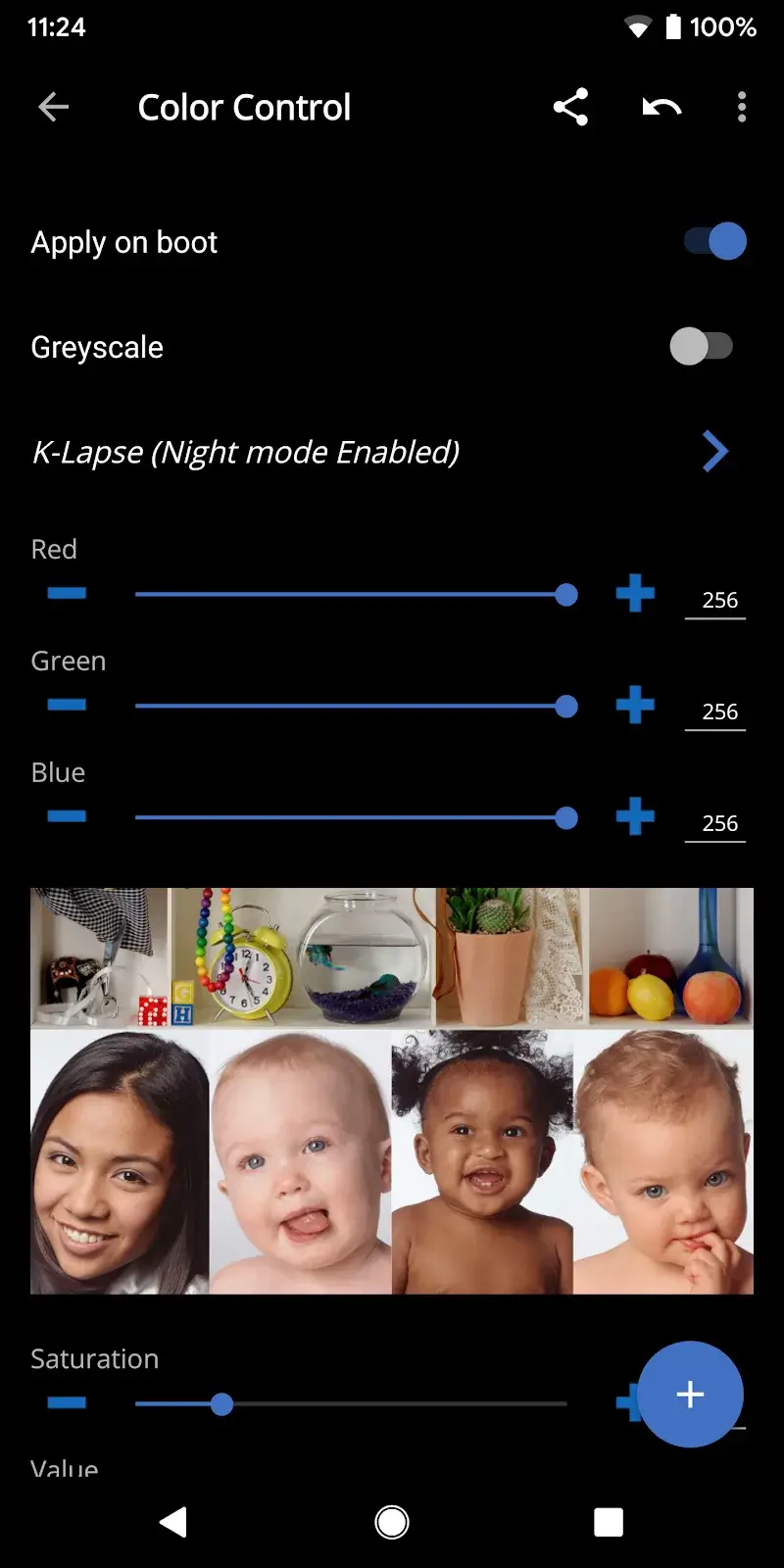
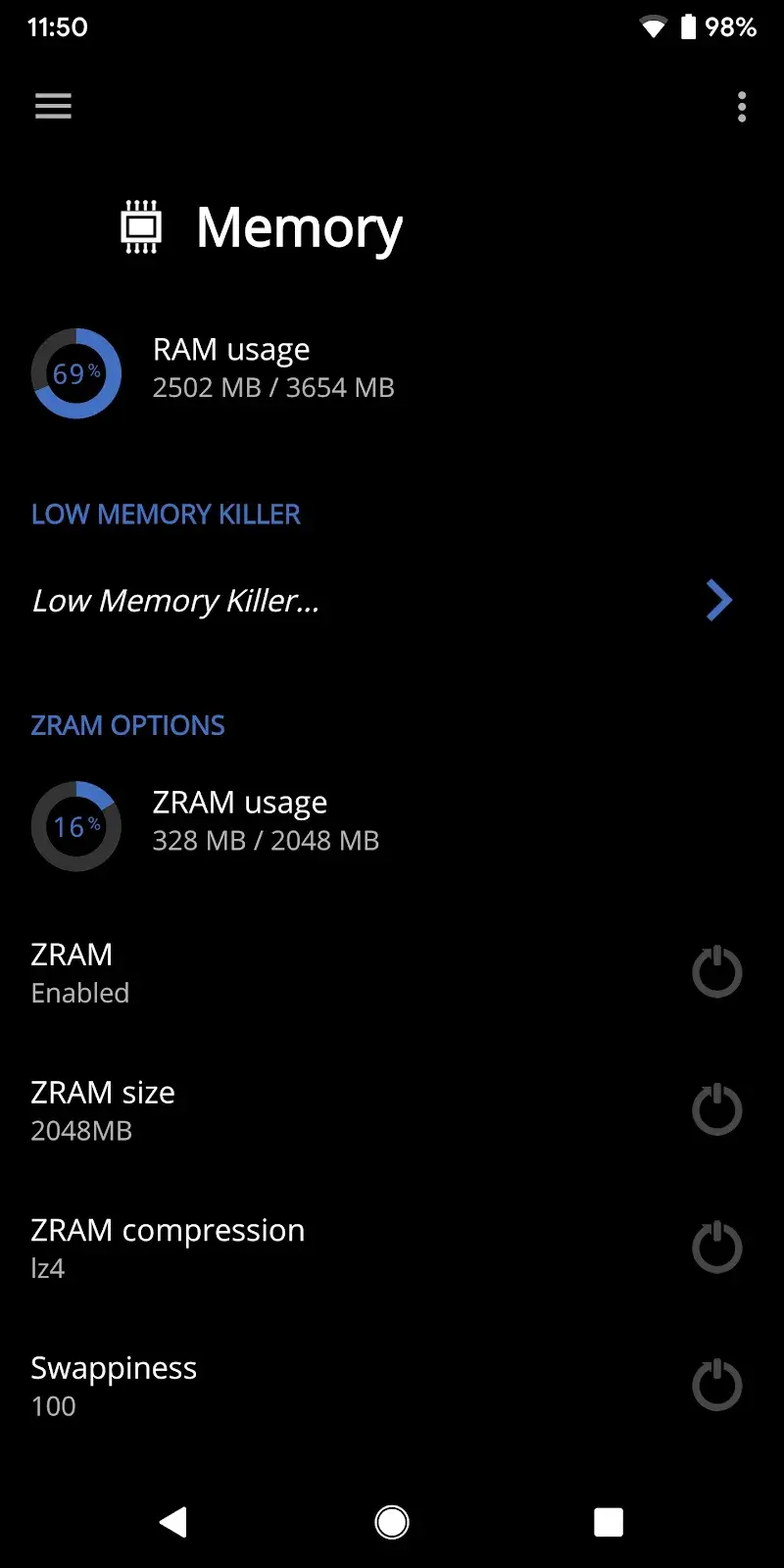
Screenshots

Description

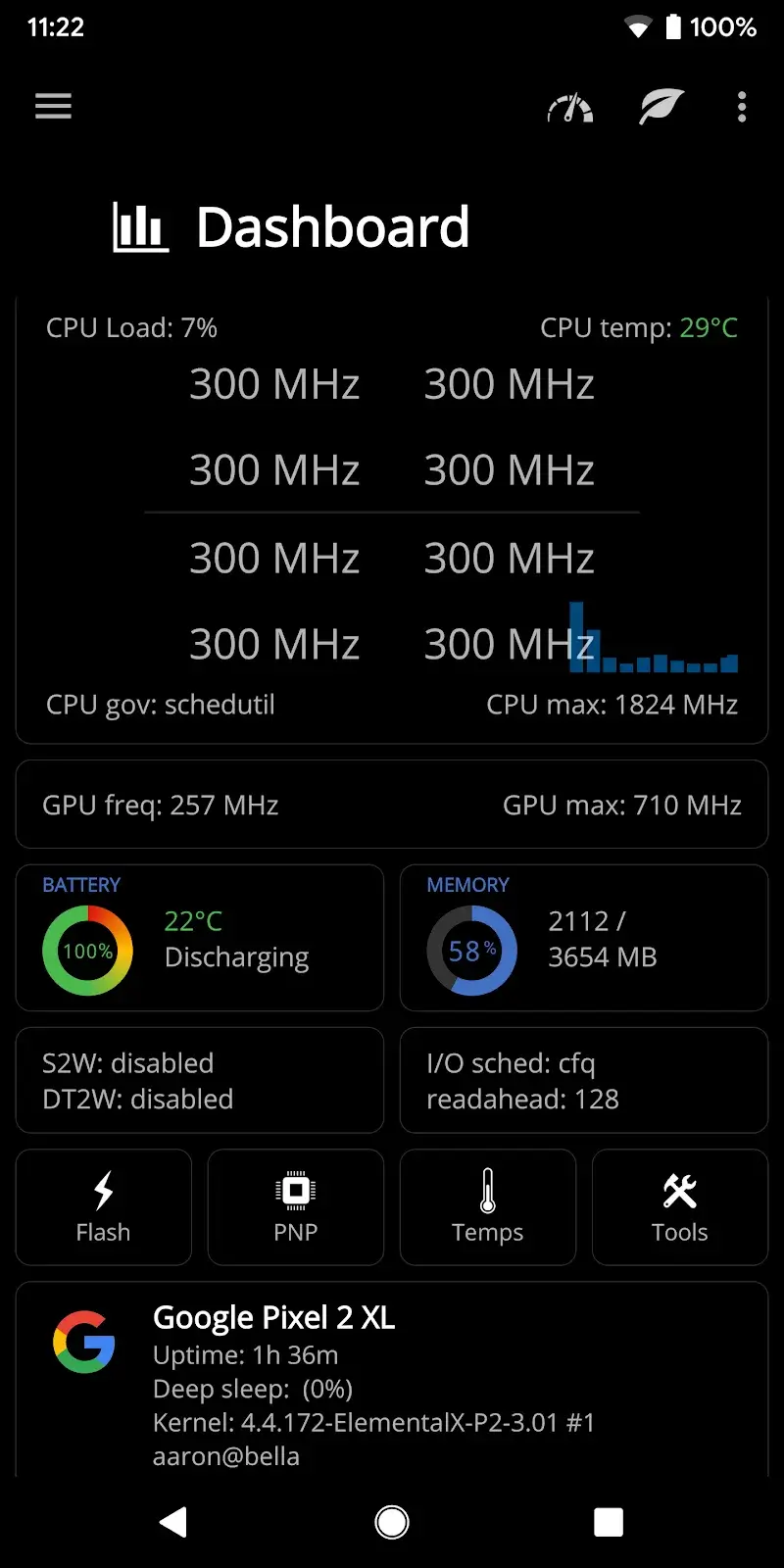
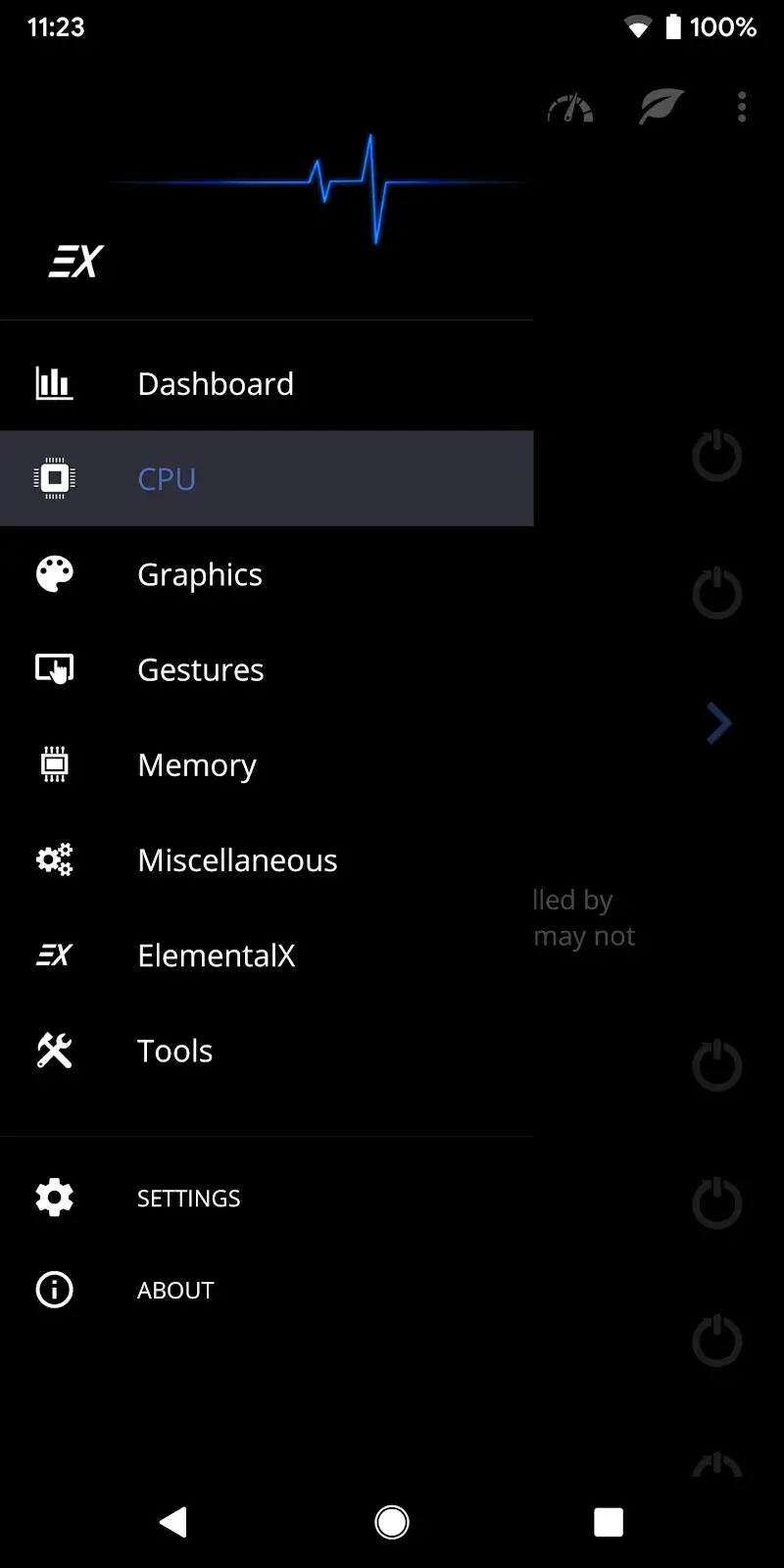
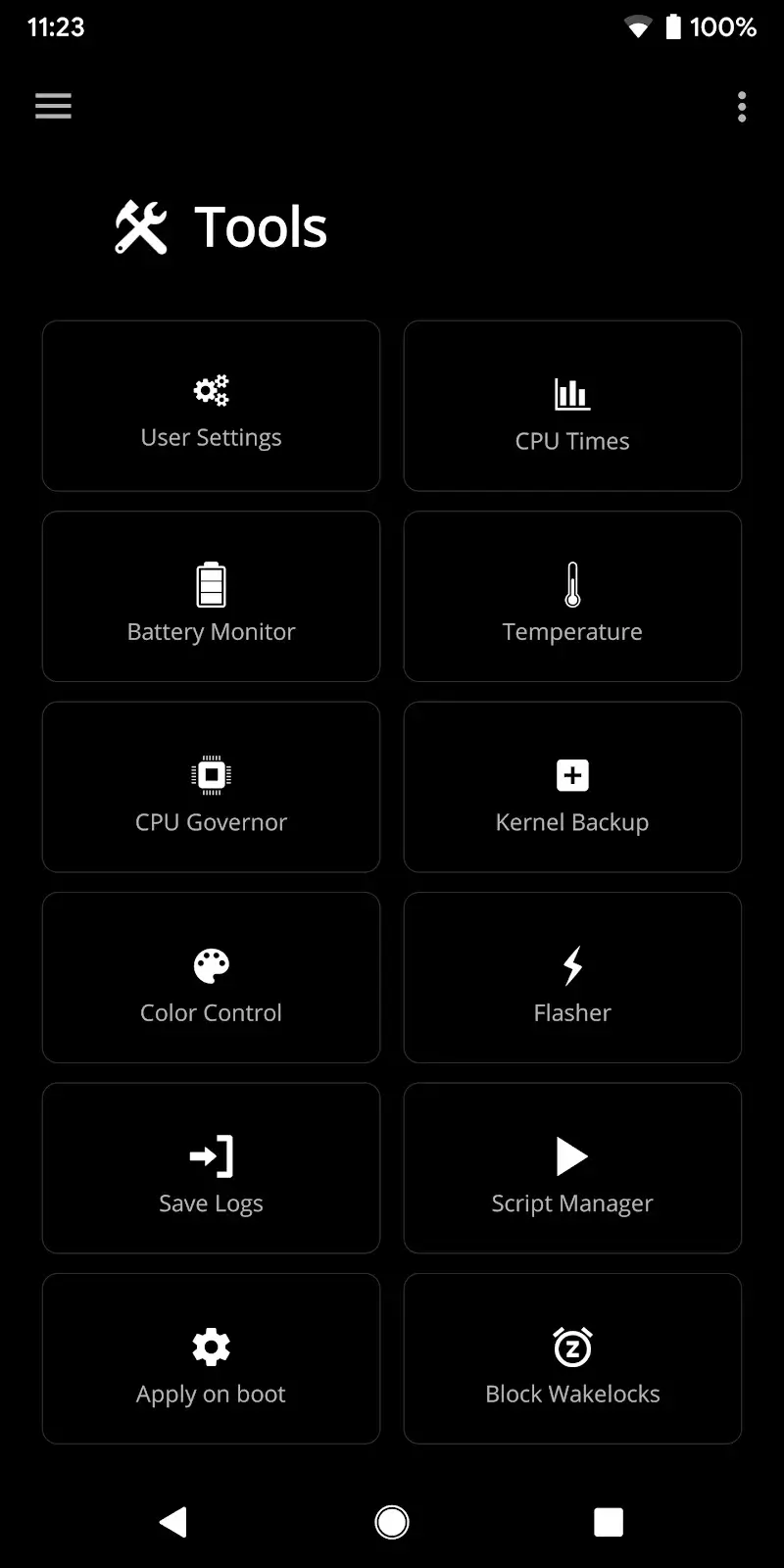
EX Kernel Manager Mod is a utility application for Android power users and developers who require granular control over their device's kernel parameters and system-level performance. It provides detailed monitoring and configuration tools for CPU, GPU, battery, and system I/O, functioning as an advanced dashboard for rooted Android devices. The app is designed for users who perform custom kernel tuning, undervolting, or detailed battery analytics.

What This Mod Unlocks

  • Premium features unlocked, removing the requirement for an in-app purchase.
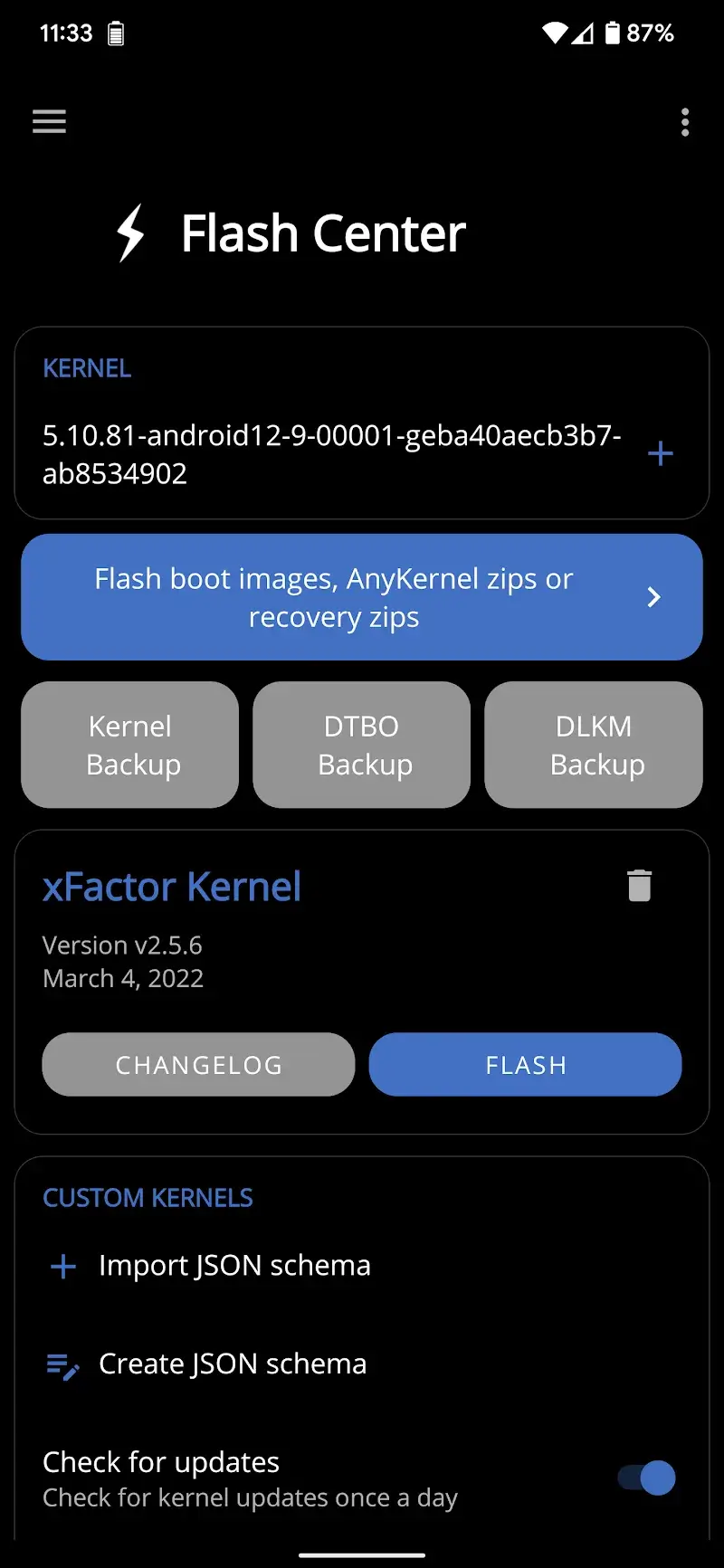
  • Full access to the profile management system for creating and sharing custom kernel settings.
  • Advanced CPU and GPU tuning options, including voltage control and frequency scaling, are enabled.
  • All battery monitoring and analytics features are available without restriction.
  • Advertisements are disabled within the application interface.

The mod is activated immediately upon launch. The premium features, which are normally locked behind a paywall in the official version, are accessible from the main menu without any additional steps.

EX Kernel Manager Mod requires Android 4.2 or higher and approximately 20 MB of storage for the APK and its data. Root access is required for the core kernel management functions to operate, as the app modifies system-level parameters. The mod APK itself does not require root for installation.

Installation follows the standard sideload process. First, download the EX Kernel Manager Mod mod APK file. Second, enable installation from unknown sources in your Android security settings. Third, locate the downloaded file using a file manager and tap to install. Fourth, launch the app and grant root permissions when prompted to access all features.

Known edge cases include the app's core functionality being dependent on a rooted device; without root, only the monitoring features will work. Some custom kernel features may not be compatible with all device models or kernel versions. Clearing the app's data may reset custom profiles. Using the mod in an online context carries minimal risk as the app primarily functions locally, but downloading profiles from the official cloud service may not be supported.

Editor's review

The EX Kernel Manager Mod mod APK version 6.09 delivers the claimed premium unlock on Android 4.2+ devices with root access.

  • Confirmed working: The premium paywall is removed, granting immediate access to all tuning menus. Profile creation and export functions operate without restriction. The battery monitor provides detailed discharge analytics without any feature gates.
  • Known issues: The application's fundamental kernel control features are non-functional without root access, which is a requirement of the core app, not the mod. Some UI elements may still reference "Upgrade to Pro" but are clickable. Custom voltage settings may not apply on all kernel implementations.

Compatibility is confirmed for the stated Android version. The mod integrates cleanly with the existing app architecture.

Functional.

Frequently Asked Questions

Is this EX Kernel Manager mod APK safe to install?

The mod APK does not request any dangerous permissions beyond those required by the official EX Kernel Manager app, such as root access for system control. It does not require SMS, call log, or contacts access.

Does EX Kernel Manager mod require root access?

The mod APK itself does not require root for installation. However, the core functionality of EX Kernel Manager, such as CPU voltage control and kernel parameter modification, requires root access to operate. The app will prompt for root permissions upon launch.

How do I install the EX Kernel Manager mod APK?

1. Download the APK file. 2. Enable 'Install from Unknown Sources' in your Android security settings. 3. Open the downloaded file with your device's package installer. 4. Launch EX Kernel Manager and grant root permissions when prompted.

What is the most important feature unlocked by this mod?

The mod unlocks all premium features, primarily the advanced CPU/GPU tuning controls and the full profile management system. In the official version, these are locked behind an in-app purchase; the mod removes that restriction entirely.

Is there a risk of account ban or data loss when using this mod?

For local device management, the risk is minimal as EX Kernel Manager operates offline. There is no account system. The primary risk is system instability from incorrect kernel settings, which could necessitate a reflash. Using modded profiles in online sharing communities may carry detection risk.

Safety note

Install only APKs matching flar2.exkernelmanager at version v6.09. Download from official links on this page to reduce tampering risk.

Additional Information

Category: tools Publish Date: Tue, Sep 17, 2024

Scan QR code and download playmods app
Download
PlayMods APP