

Location: Home > Apps > Tools > Eye protection

Eye Protection (Premium Features Unlocked, Ads Disabled, All Filters Unlocked, Advanced Scheduling Unlocked) Download for Android

Eye Protection icon

Eye Protection Premium Features Unlocked, Ads Disabled, All Filters Unlocked, Advanced Scheduling Unlocked

2.3
v5.5.7 for Android
Fast Download:Download this app by playmods App with faster speed.

Eye Protection MOD Info MOD Info :
Premium Features Unlocked, Ads Disabled, All Filters Unlocked, Advanced Scheduling Unlocked

Screenshots

Description

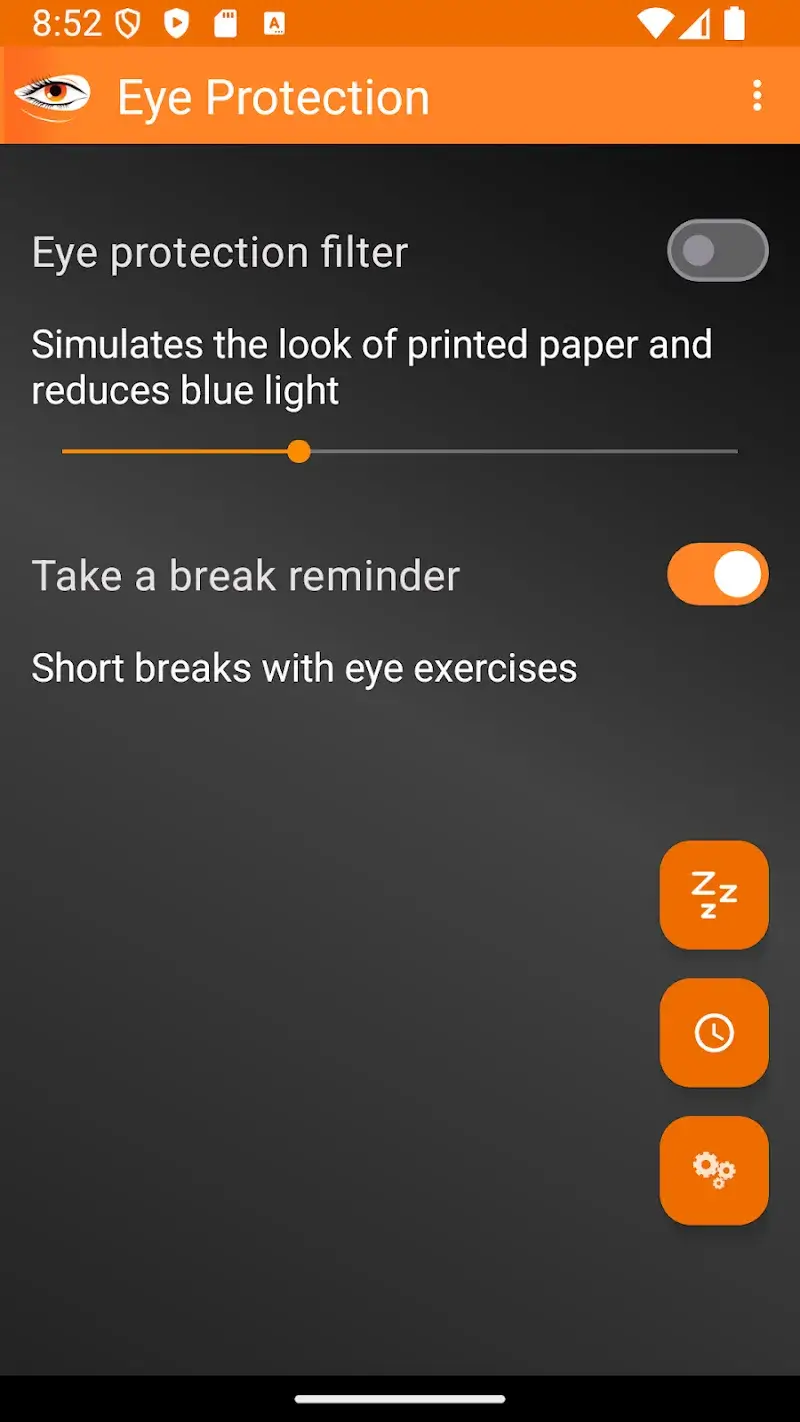
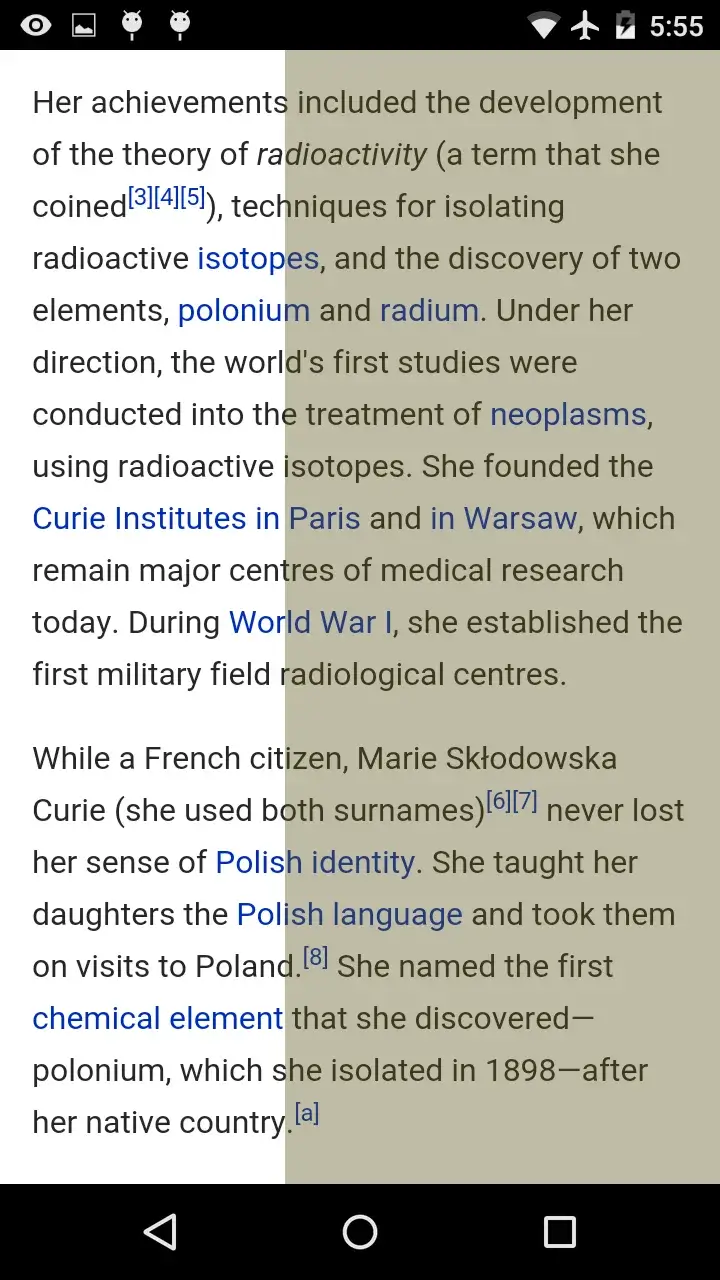
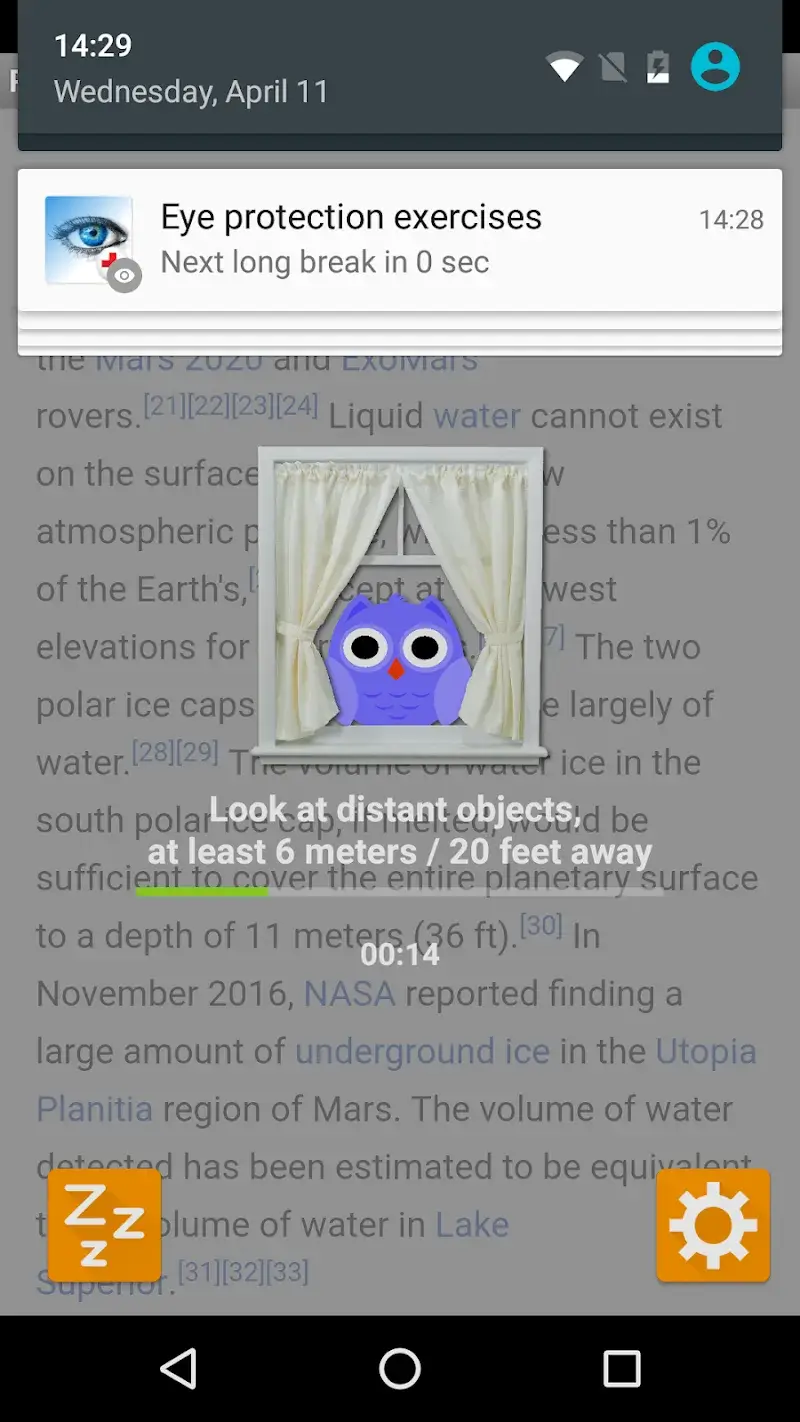
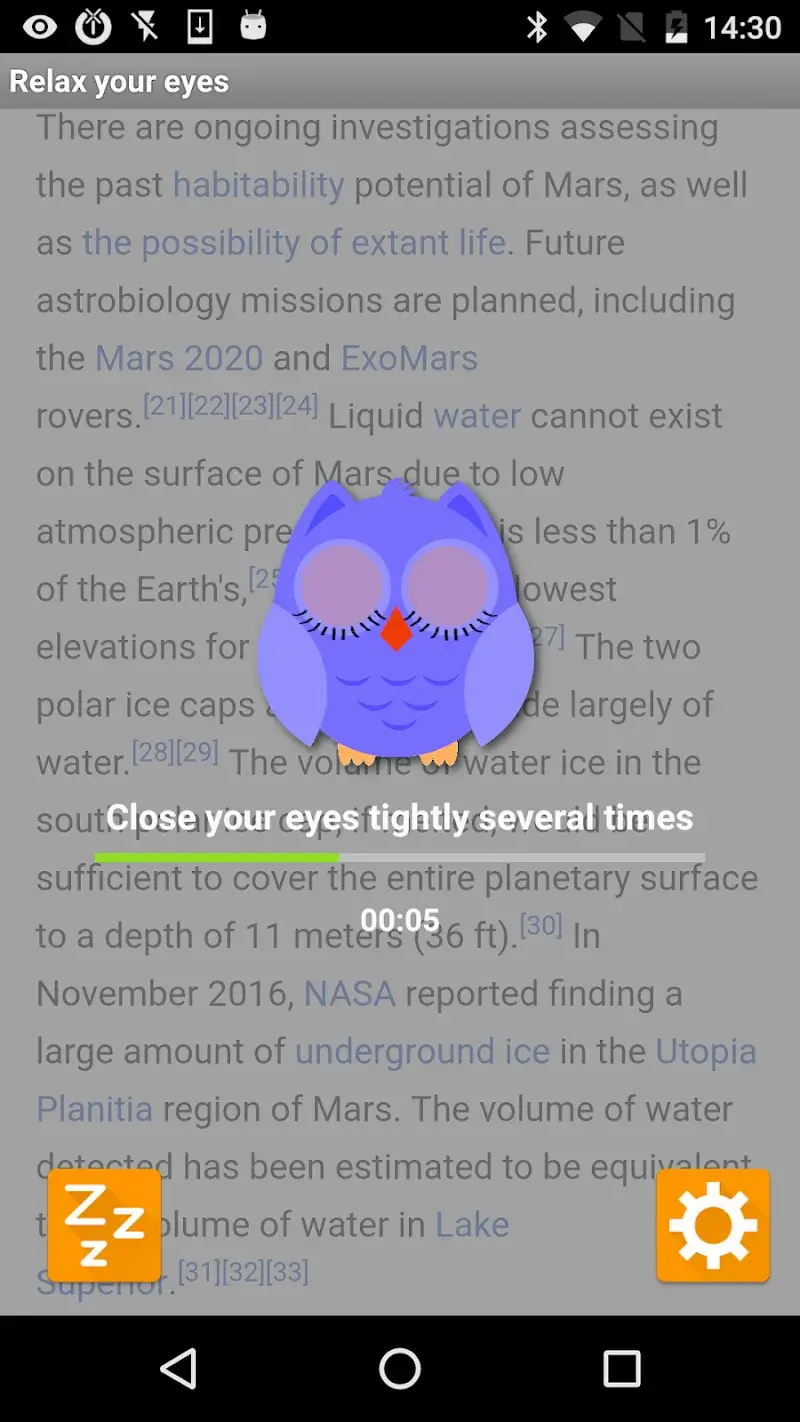
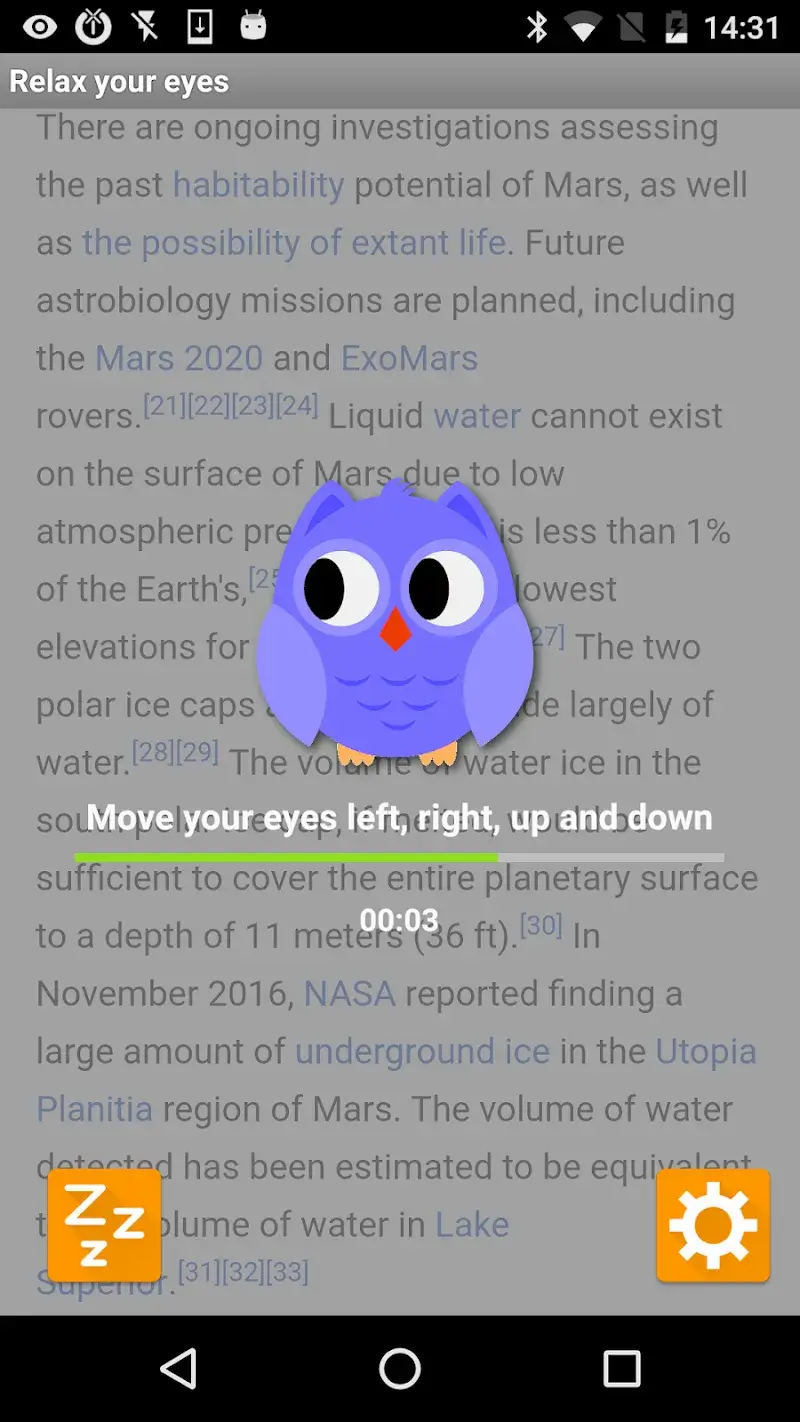
Eye Protection Mod is a utility app designed to reduce eye strain from smartphone use. It implements screen overlays, including a blue light filter and an electronic paper simulation mode, to adjust display color temperature and contrast. The app targets users who spend extended periods reading or viewing content on their devices, particularly in low-light conditions. Its core functionality operates as a system-wide overlay, requiring the draw over other apps permission.

What This Mod Unlocks

  • Premium subscription features are permanently activated.
  • All filter presets and customization modes are unlocked.
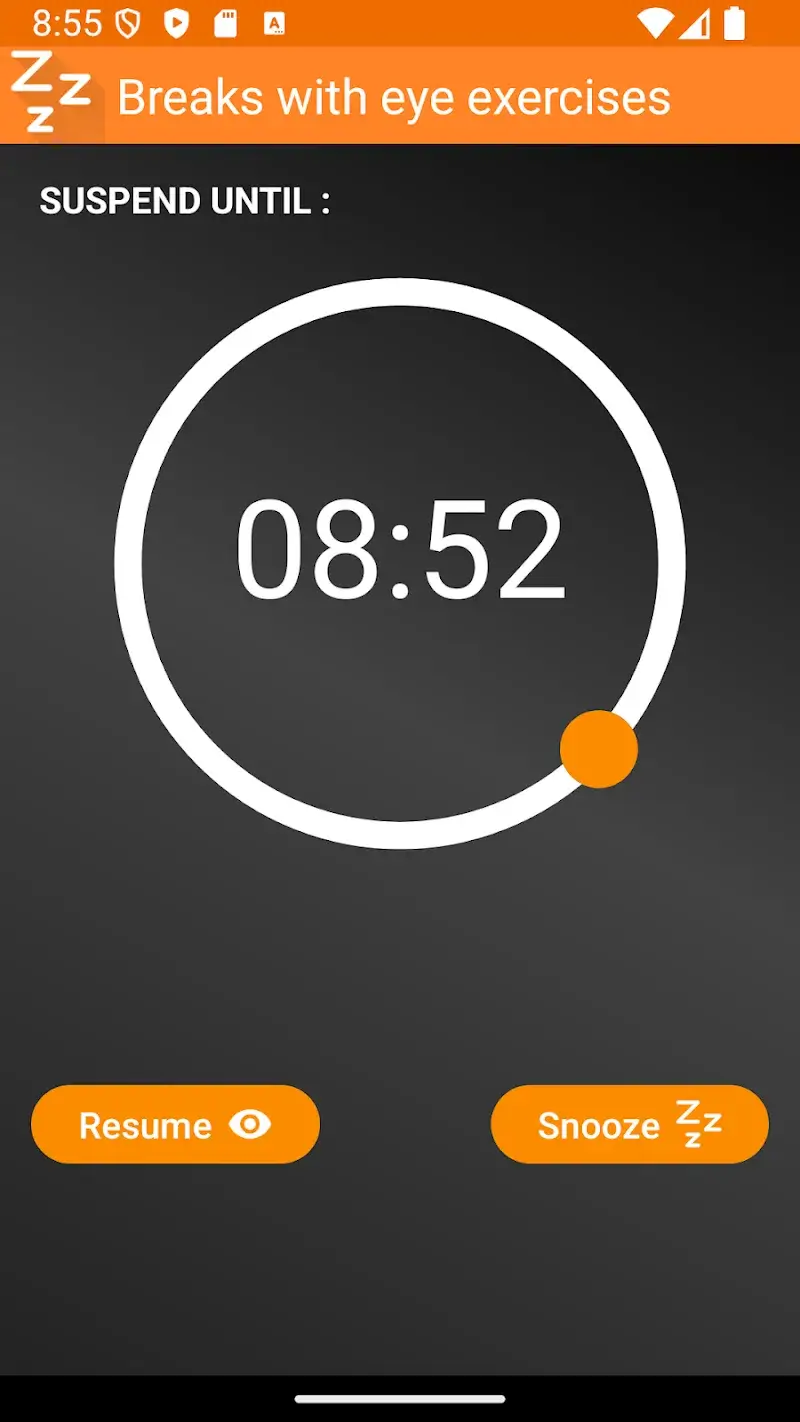
  • Advanced scheduling for automatic filter activation is available.
  • Advertisements within the app interface are removed.

The mod activates premium status silently upon launch. No manual intervention is required to enable the unlocked features. The app's main interface will display all tools and settings without restriction. The premium badge or upgrade prompts present in the official version are absent.

Eye Protection Mod requires Android 5.0 or higher. It needs approximately 7 MB of storage space after installation. Root access is not required. The mod APK requests the same permissions as the official app, primarily the ability to draw over other apps.

Installation follows the standard sideload process. First, download the provided APK file. Second, enable installation from unknown sources in your device settings if prompted. Third, locate the downloaded file using a file manager and tap it to begin installation. Fourth, open the app after installation completes.

Known edge cases exist. The overlay may conflict with other apps that also use screen drawing permissions, such as certain screen dimmers or floating apps. On some custom Android skins, the filter might not apply correctly to the system navigation bar or status bar. Clearing the app's data will not revert the premium unlock. The mod is designed for version 5.5.7 of Eye Protection Mod.

Editor's review

This mod for Eye Protection Mod version 5.5.7 delivers the claimed premium unlock on Android 5.0+ devices.

  • Confirmed working: The premium subscription gate is removed, granting immediate access to all filter intensity settings and the electronic paper mode. The advanced schedule feature for automatic filter activation is fully functional. No advertisements load within the app interface.
  • Known issues: On some devices with aggressive battery optimization, the scheduled filter activation may be delayed or require the app to be excluded from optimization settings. The overlay occasionally fails to apply to the keyboard in certain third-party apps.

Compatibility is confirmed for the specified app version. The mod requires no root and uses standard Android permissions.

Functional.

Frequently Asked Questions

Is this Eye Protection mod APK safe to install?

The mod APK requests the same standard permissions as the official app, primarily the 'Draw over other apps' permission needed for screen filters. It does not request dangerous permissions like SMS, call logs, or contacts access beyond what the base app requires for functionality.

Does this Eye Protection mod require root access?

No root access is required. The mod is installed via the standard Android sideload process on devices running Android 5.0 or higher.

How do I install the Eye Protection mod APK?

1. Download the APK file. 2. In your device settings, enable 'Install from unknown sources' for your file manager or browser if prompted. 3. Open your file manager, locate the downloaded APK, and tap it to start installation. 4. Launch Eye Protection after installation completes.

What is the most important feature unlocked by this mod?

The most significant unlock is the permanent activation of all premium filters and customization modes. In the official version, features like the advanced scheduling tool and certain filter presets are locked behind a subscription. The mod removes this paywall entirely.

Is there a risk of account ban or data loss using this mod?

Eye Protection is an offline utility app with no server authentication for its premium features. The risk of a ban is minimal as there is no account system. Data loss risk is standard; backing up your device settings is always recommended before installing any third-party APK.

Safety note

Install only APKs matching com.kapron.ap.eyecare at version v5.5.7. Download from official links on this page to reduce tampering risk.

Additional Information

Category: tools Publish Date: Mon, Dec 15, 2025

Scan QR code and download playmods app
Download
PlayMods APP