

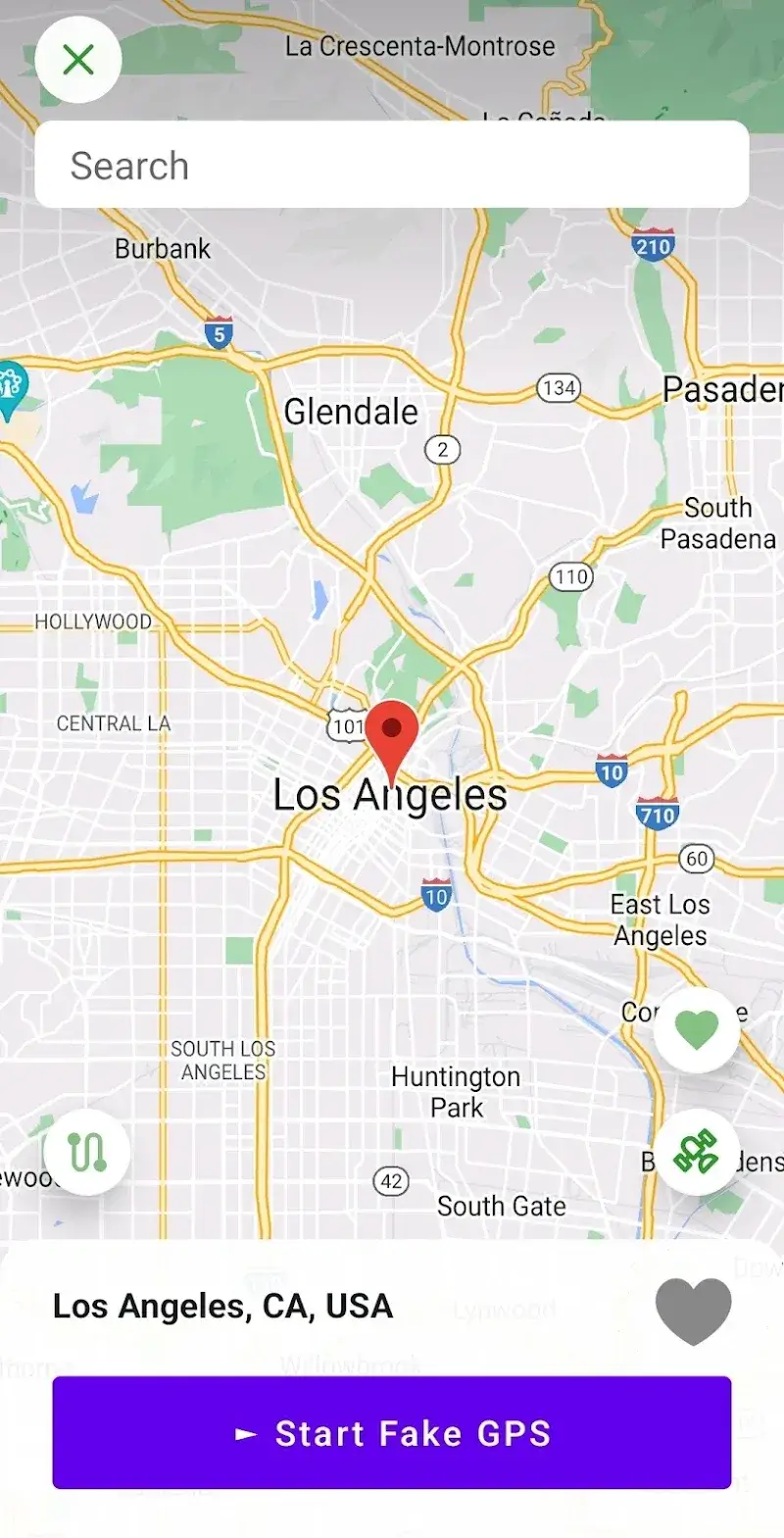
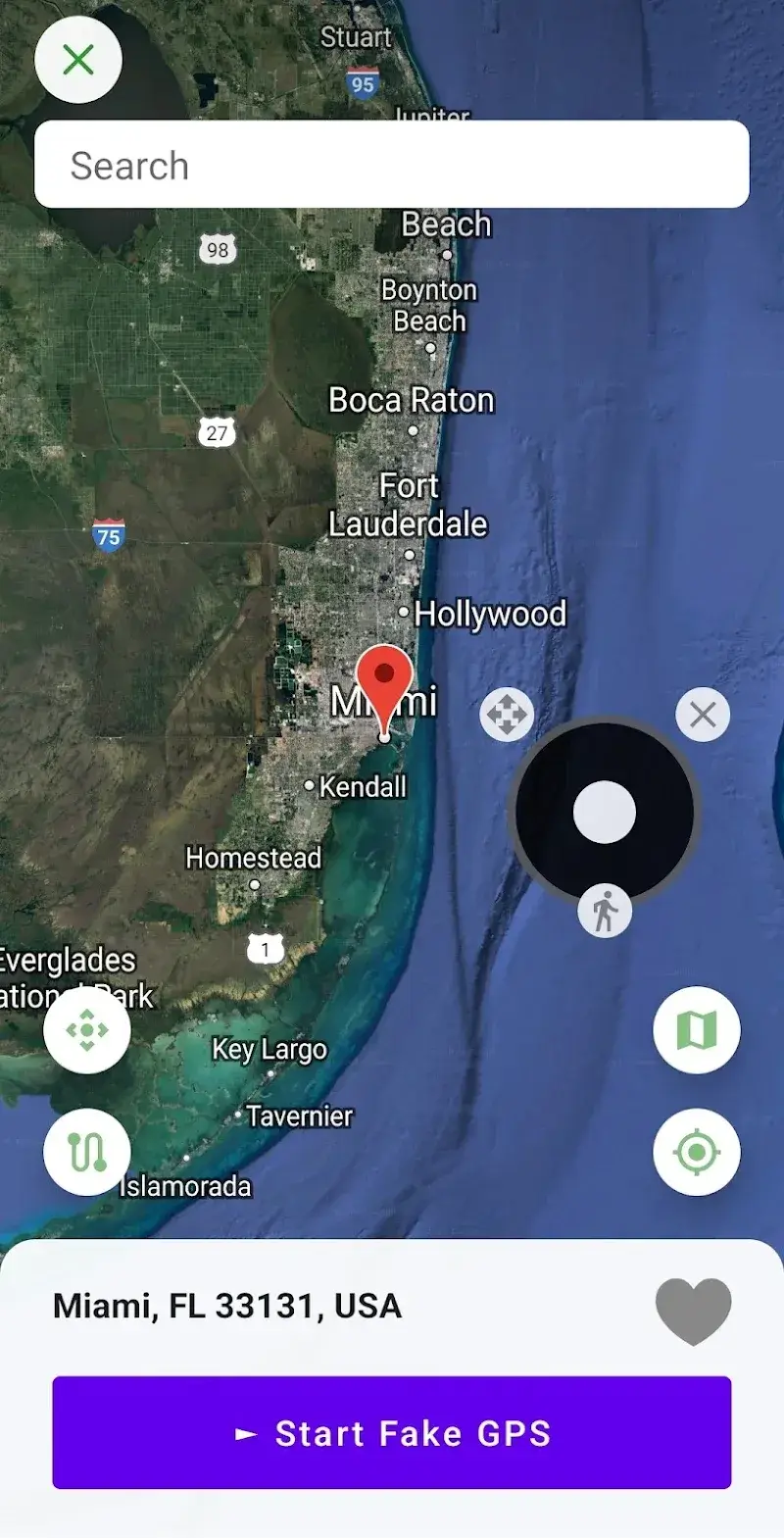
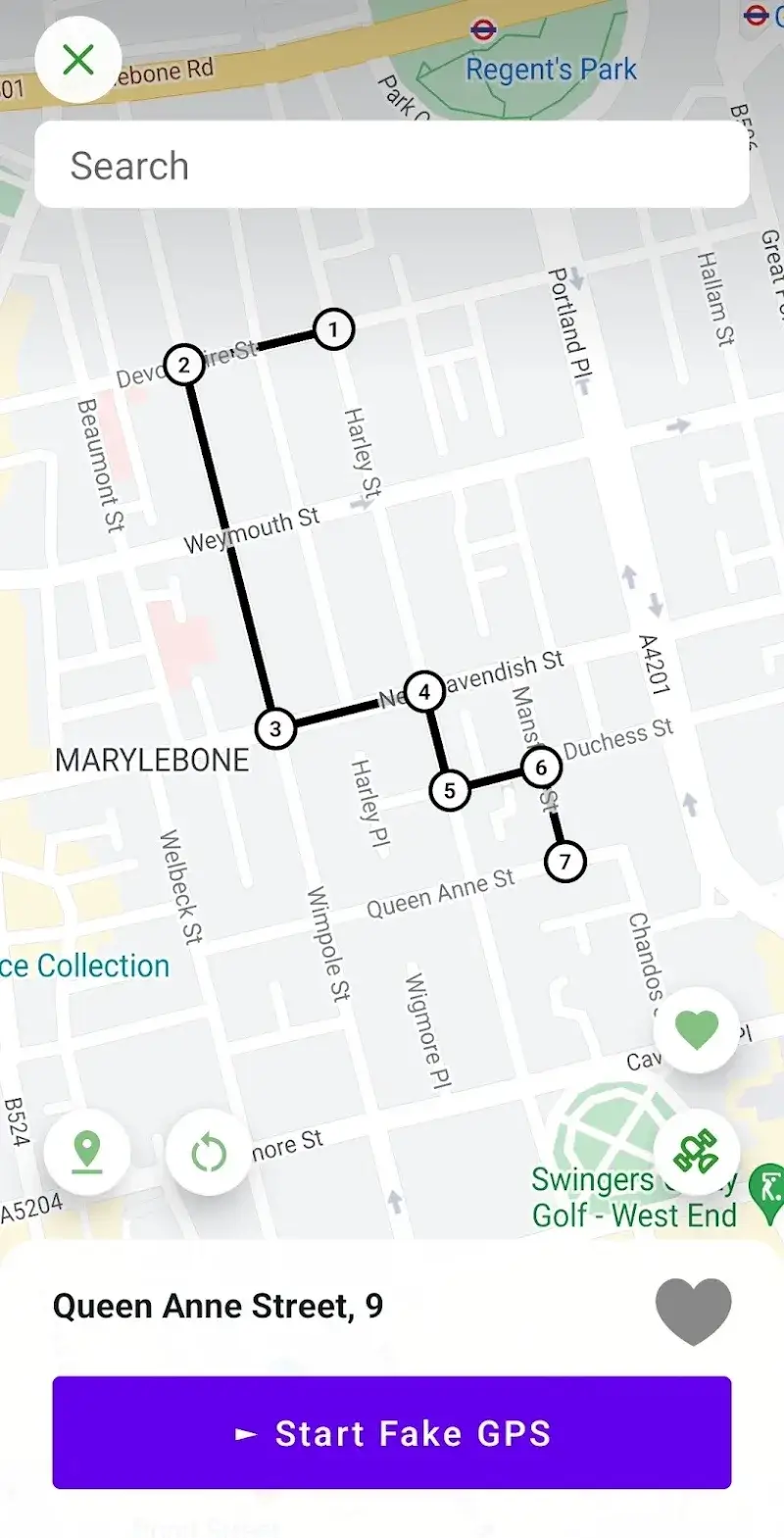
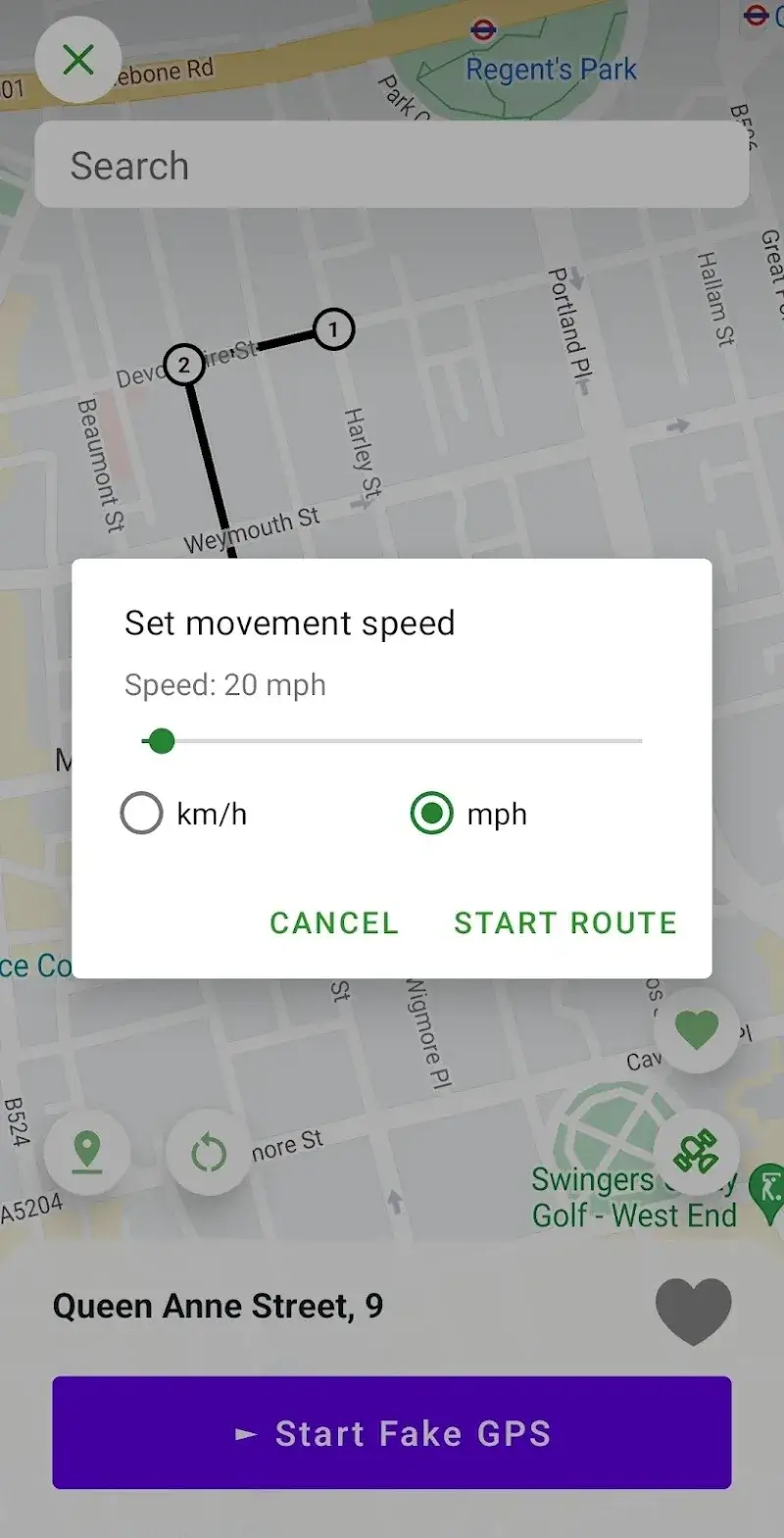
Location: Home > Apps > Tools > Fake gps location spoofer

Fake GPS Location Spoofer (Premium Features Unlocked, Route Simulation Unlocked, Favorites List Unlimited, All Map Views Unlocked, Ads Disabled) Download for Android

Fake GPS Location Spoofer icon

Fake GPS Location Spoofer Premium Features Unlocked, Route Simulation Unlocked, Favorites List Unlimited, All Map Views Unlocked, Ads Disabled

5.0
v90.0 for Android
Fast Download:Download this app by playmods App with faster speed.

Fake GPS Location Spoofer MOD Info MOD Info :
Premium Features Unlocked, Route Simulation Unlocked, Favorites List Unlimited, All Map Views Unlocked, Ads Disabled

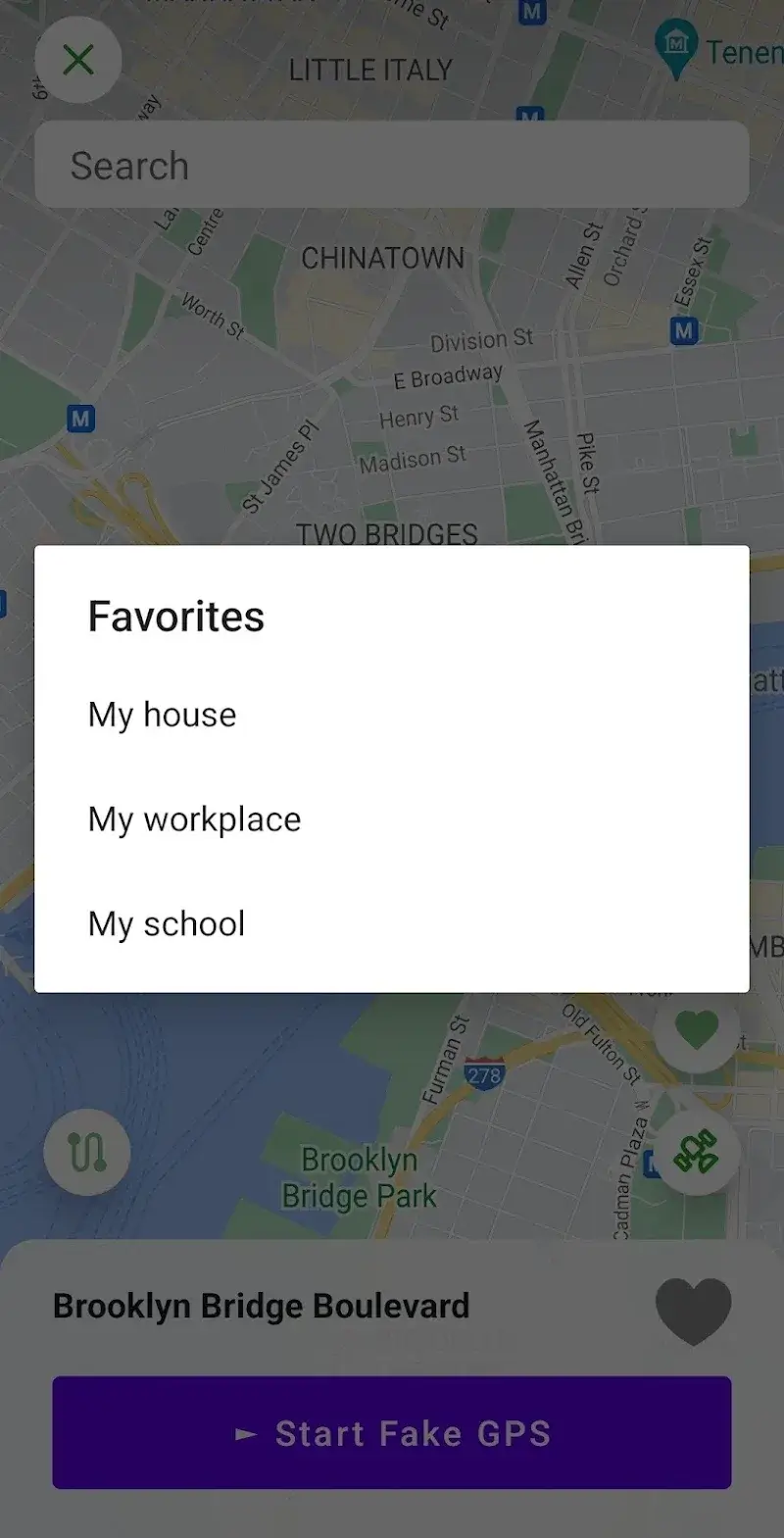
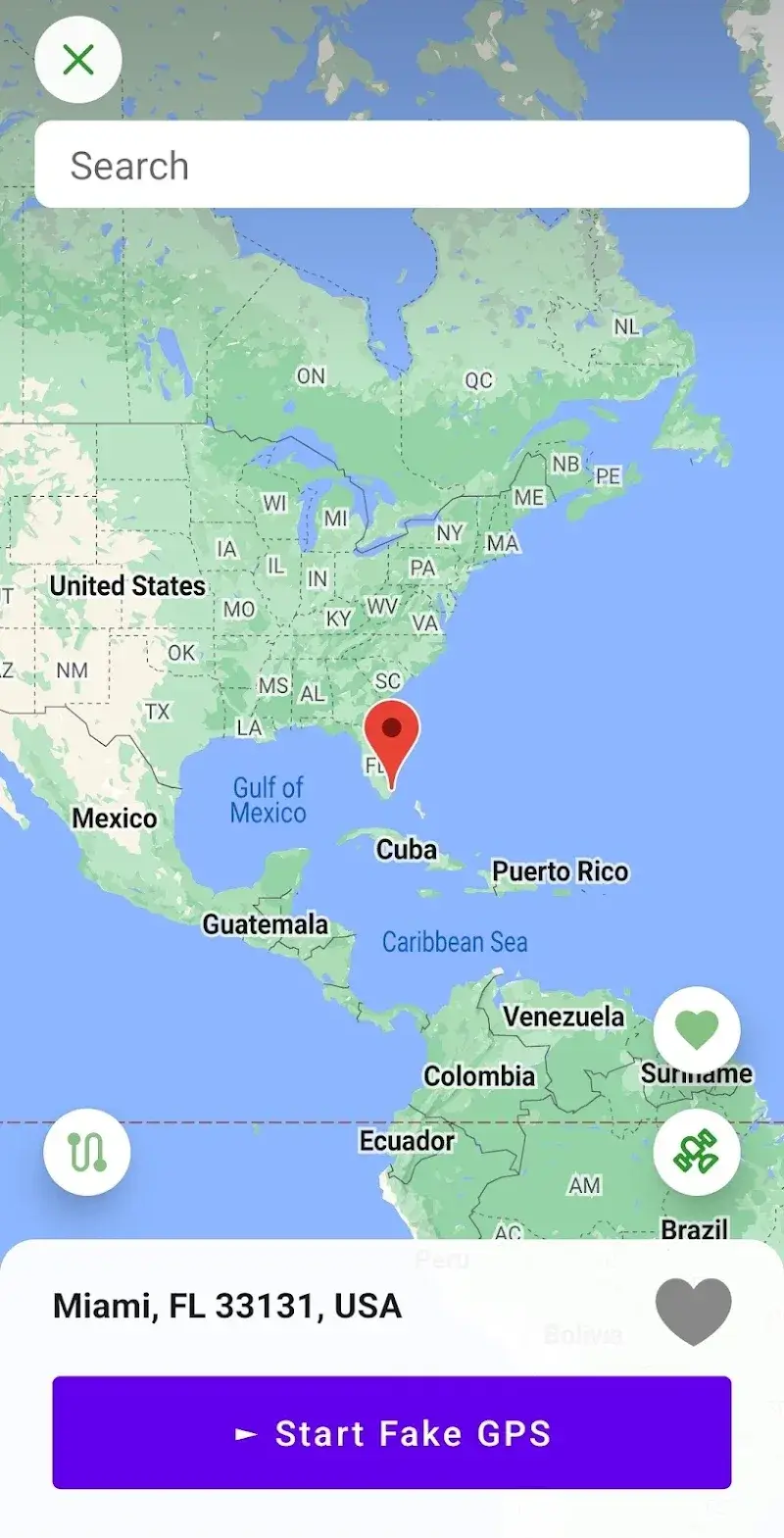
Screenshots

Description

Fake GPS Location Spoofer Mod is a utility for Android that allows users to override their device's real GPS coordinates. It is designed for developers testing location-based apps, users accessing geo-restricted content, or anyone requiring privacy through location obfuscation. The app provides a map interface for selecting a spoofed location and tools for simulating movement.

What This Mod Unlocks

  • Premium subscription features are fully unlocked.
  • The route simulation function, which creates a moving path between points, is accessible.
  • The favorites list for saving frequent locations has no limits.
  • All map view modes, including satellite and terrain, are available.
  • Ads within the application interface are disabled.

The modded features are active immediately upon launching Fake GPS Location Spoofer Mod. No activation code or separate menu is required. The premium tools appear alongside the standard interface.

This version of Fake GPS Location Spoofer Mod requires Android 6.0 or higher. It does not require a rooted device. The installation file is approximately 7.8 MB, with additional cache data generated during use.

Installation follows standard sideloading procedure. Download the APK file. Enable installation from unknown sources in Android settings. Open the downloaded file to initiate the installer. Launch Fake GPS Location Spoofer Mod after installation completes.

Several edge cases exist. The spoofed location may not persist in some aggressively secured apps that use multiple location verification methods. Clearing the app data for Fake GPS Location Spoofer Mod will erase saved favorite locations. On Android 12 and later, the "Precise Location" permission must be granted for the spoof to work correctly in all target applications.

Editor's review

This mod for Fake GPS Location Spoofer Mod version 90.0 delivers the claimed premium feature unlock on Android 6.0 and above.

  • Confirmed working: The premium route planner allows setting start and end points with adjustable speed. The favorites list accepts and retains an unlimited number of saved locations. All map overlay types, including satellite view, load without restriction.
  • Known issues: The location spoof may be detected and ignored by certain banking or ride-sharing apps that perform server-side location validation. The mod does not bypass the requirement to enable Developer Options and set Fake GPS Location Spoofer Mod as the mock location app in Android settings.

Tested on Android 11 and 13. The mod functions without root. Recommendation: Functional.

Frequently Asked Questions

Is this Fake GPS Location Spoofer mod APK safe to install?

The mod requests the same permissions as the official app, primarily location access. It does not require or request access to SMS, call logs, or contacts. No root access is needed for Android 6.0 and above.

Does Fake GPS Location Spoofer mod require root access?

No, root access is not required. The standard installation process involves enabling "Install from Unknown Sources" in Android settings, downloading the APK file, and running the installer. You must set the app as the mock location provider in Developer Options.

How do I install the Fake GPS Location Spoofer mod?

1. Download the APK file. 2. Enable "Install from Unknown Sources" in your Android security settings. 3. Open the downloaded file and tap Install. 4. After installation, go to Developer Options in system settings and select Fake GPS Location Spoofer as the mock location app.

What is the most important feature unlocked by this mod?

The most significant unlock is the premium route simulation. In the official version, this feature is paywalled. The mod allows you to plot a path between two map points and simulate movement along that route at a customizable speed.

Is there a risk of account ban or data loss when using this mod?

Using Fake GPS Location Spoofer in single-player games or for personal privacy carries minimal account risk. Using it in server-authenticated multiplayer games or services like Pokémon GO carries a high risk of detection and account suspension. Clearing the app's data will result in the loss of saved favorite locations.

Safety note

Install only APKs matching com.hopefactory2021.fakegpslocation at version v90.0. Download from official links on this page to reduce tampering risk.

Additional Information

Category: tools Publish Date: Sun, Jan 4, 2026

Scan QR code and download playmods app
Download
PlayMods APP