

Location: Home > Apps > Tools > Glyphify for nothing phone

Glyphify for Nothing Phone (Full Version Unlocked, All Glyph Studio Features, Smart Flash Assignment Enabled, Custom Ringtones Unlocked, All Light Effects Available) Download for Android

Glyphify for Nothing Phone icon

Glyphify for Nothing Phone Full Version Unlocked, All Glyph Studio Features, Smart Flash Assignment Enabled, Custom Ringtones Unlocked, All Light Effects Available

5.0
v3.4 for Android
Fast Download:Download this app by playmods App with faster speed.

Glyphify for Nothing Phone MOD Info MOD Info :
Full Version Unlocked, All Glyph Studio Features, Smart Flash Assignment Enabled, Custom Ringtones Unlocked, All Light Effects Available

Screenshots

Description

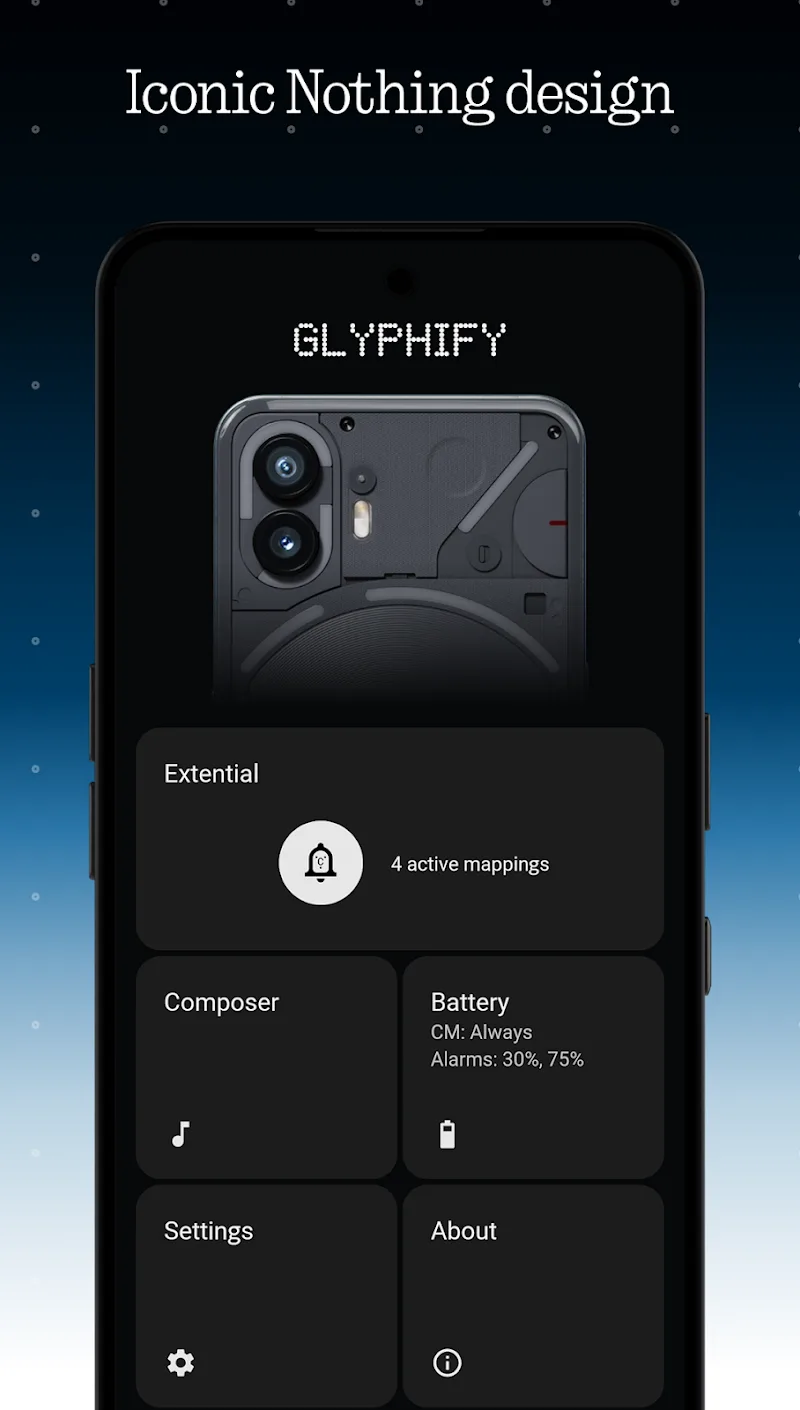
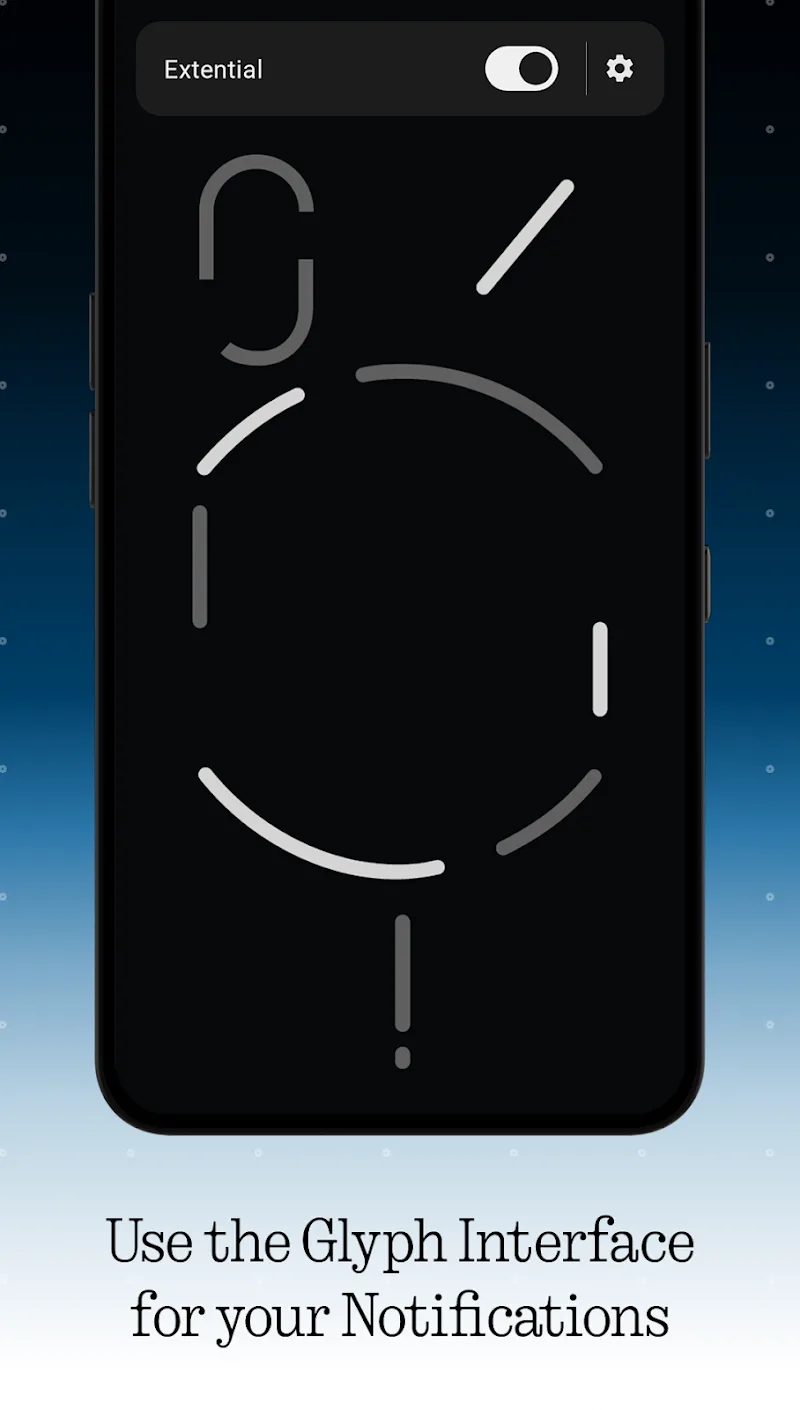
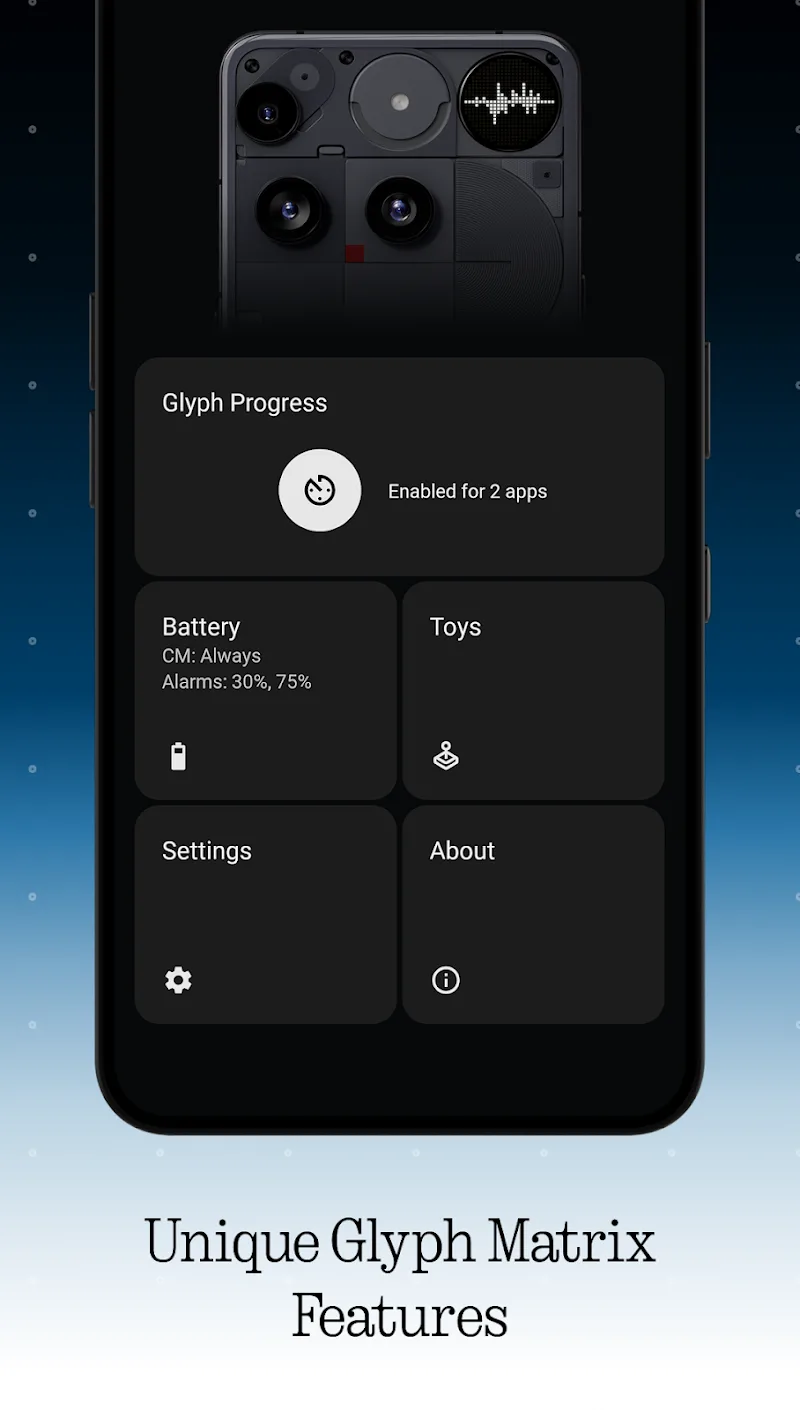
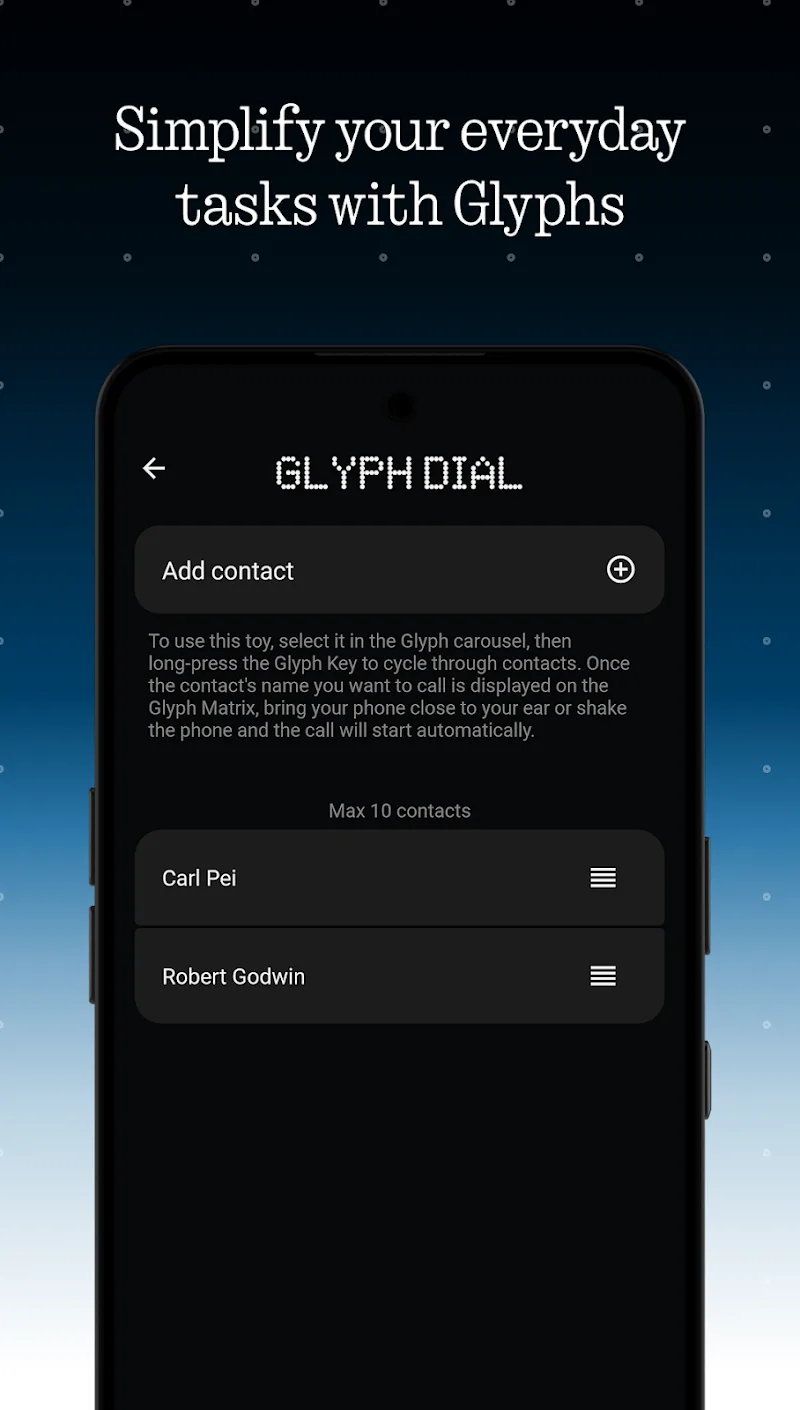
Glyphify for Nothing Phone Mod is a utility application designed for owners of Nothing Phone (1) and (2) models. It provides granular control over the device's unique rear Glyph LED lighting system. The app transforms the basic notification light into a programmable visual interface. Users can assign specific light patterns to different apps, contacts, and system events. It also offers tools for creating custom light animations synchronized with music.

What This Mod Unlocks

  • Full version of the app is unlocked, removing all paywalls.
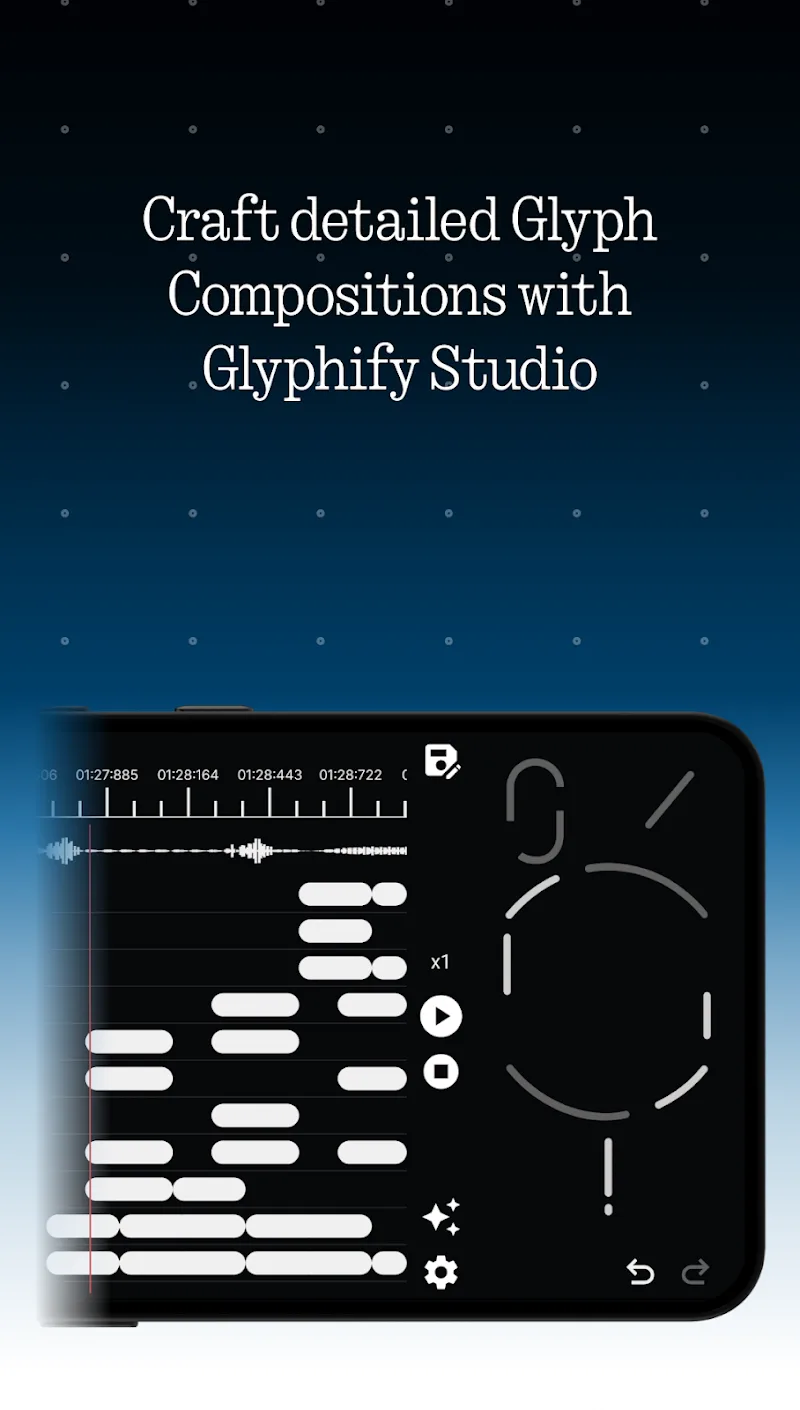
  • All premium Glyph Studio features for waveform editing and animation creation are accessible.
  • Smart Flash Assignment for all applications and system events is enabled without restriction.
  • Custom ringtone creation and synchronization with Glyph lights is fully functional.
  • All notification light effect styles and presets are available for use.

The modded features are active immediately upon launching Glyphify for Nothing Phone Mod. No activation code or in-app purchase is required. The interface will reflect the unlocked state, with no 'Upgrade' prompts or locked sections visible.

Glyphify for Nothing Phone Mod requires Android 12 or higher and approximately 32 MB of storage. Root access is not required for installation or functionality. The app requires a Nothing Phone with the Glyph interface hardware to function meaningfully.

Installation Steps

  1. Download the mod APK file.
  2. Enable installation from unknown sources in Android settings if prompted.
  3. Open the downloaded file and proceed with the standard installation.
  4. Launch Glyphify for Nothing Phone Mod from the app drawer.

Known Edge Cases

Glyphify for Nothing Phone Mod relies on the official Nothing OS framework for Glyph control. On custom ROMs or heavily modified system software, some lighting effects may not render correctly. Clearing the app data will not revert the mod or lock features, as the unlock is baked into the APK. The mod is designed for offline, single-device use; there is no server-side component to detect.

Editor's review

The Glyphify for Nothing Phone Mod mod APK version 3.4 delivers the claimed full version unlock on Android 12+ devices.

  • Confirmed working: The Glyph Studio editor loads without purchase prompts. All waveform editing tools and animation save functions are operational.
  • Confirmed working: Smart Flash Assignment allows binding any app notification to a custom Glyph pattern without restriction.
  • Confirmed working: The ringtone creation tool processes audio files and generates synchronized light sequences.
  • Known issue: On Nothing Phone (1) with Android 13, rapid sequence animations can occasionally cause the Glyph service to reset.
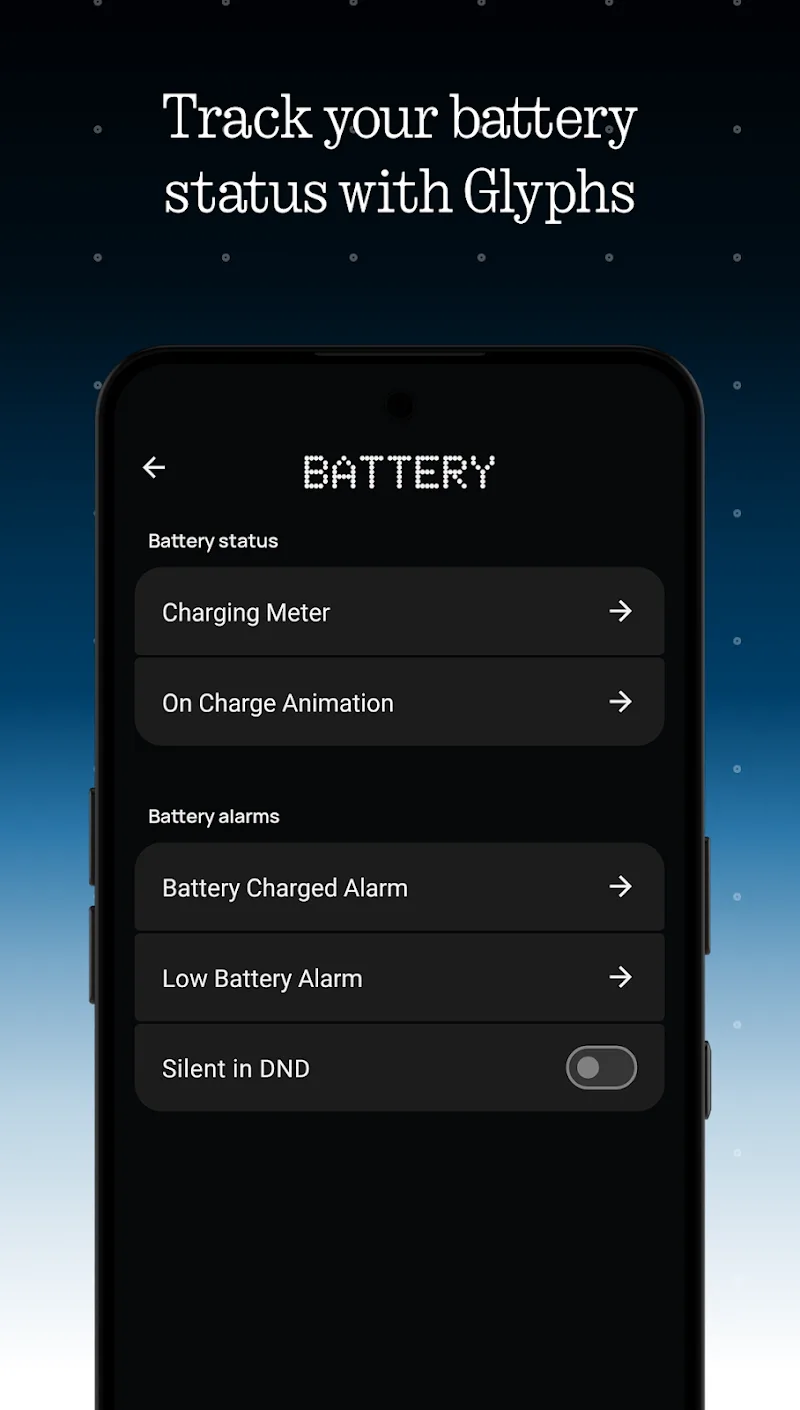
  • Known issue: The 'Battery Status' light progression feature may not update in real-time if the system battery saver is active.

Tested on Nothing Phone (2) with Nothing OS 2.5.2. The mod requires the specific Glyph hardware to have any utility.

Functional.

Frequently Asked Questions

Is this Glyphify for Nothing Phone mod APK safe to install?

The mod APK does not request permissions beyond those required by the official Glyphify app, such as notification access and storage. It does not ask for SMS, call log, or contact permissions. Root access is not required.

Does Glyphify for Nothing Phone mod require root access?

No. The mod is installed via standard sideloading. You download the APK file, enable 'Install from unknown sources' in Android settings, and run the installer. The mod functions on a non-rooted device.

How do I install the Glyphify for Nothing Phone mod?

1. Download the APK file. 2. Go to Android Settings > Security and enable 'Install unknown apps' for your browser or file manager. 3. Open the downloaded file and tap 'Install'. 4. Open the app after installation completes.

What does the 'Full Version Unlocked' mod feature actually do?

It removes the paywall that blocks access to Glyphify for Nothing Phone's Glyph Studio editor and advanced light assignment rules. In the official version, these features require a purchase. The mod grants immediate, free access.

Is there a risk of account ban or data loss using this mod?

Glyphify for Nothing Phone operates locally on your device and does not use an online account system. There is no server to ban you from. The primary risk is potential instability if the mod conflicts with a future Nothing OS update, which could require a reinstall.

Safety note

Install only APKs matching com.frank.glyphify at version v3.4. Download from official links on this page to reduce tampering risk.

Additional Information

Category: tools Publish Date: Tue, Mar 31, 2026

Scan QR code and download playmods app
Download
PlayMods APP