
Location: Home > Apps > Tools > Gummy - icon pack

Gummy - Icon Pack (Premium Icon Collection Unlocked, All Wallpapers Unlocked, Future Updates Unlocked) Download for Android

Gummy - Icon Pack icon

Gummy - Icon Pack Premium Icon Collection Unlocked, All Wallpapers Unlocked, Future Updates Unlocked

5.0
v63 for Android
Fast Download:Download this app by playmods App with faster speed.

Gummy - Icon Pack MOD Info MOD Info :
Premium Icon Collection Unlocked, All Wallpapers Unlocked, Future Updates Unlocked

Screenshots

Description

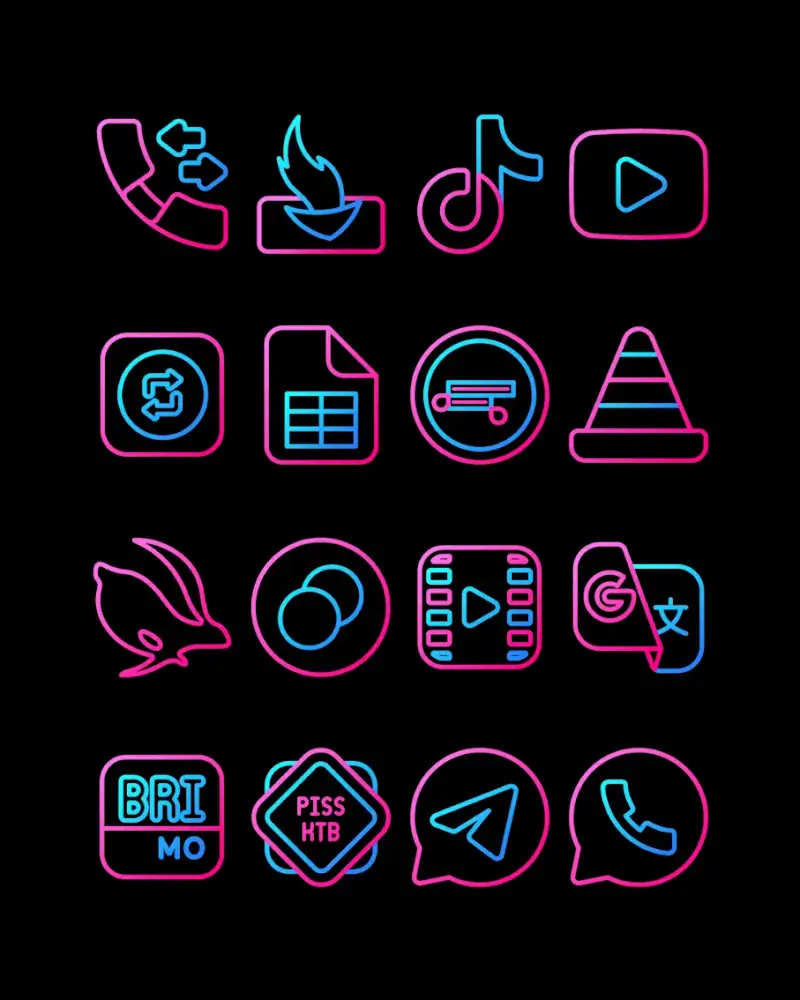
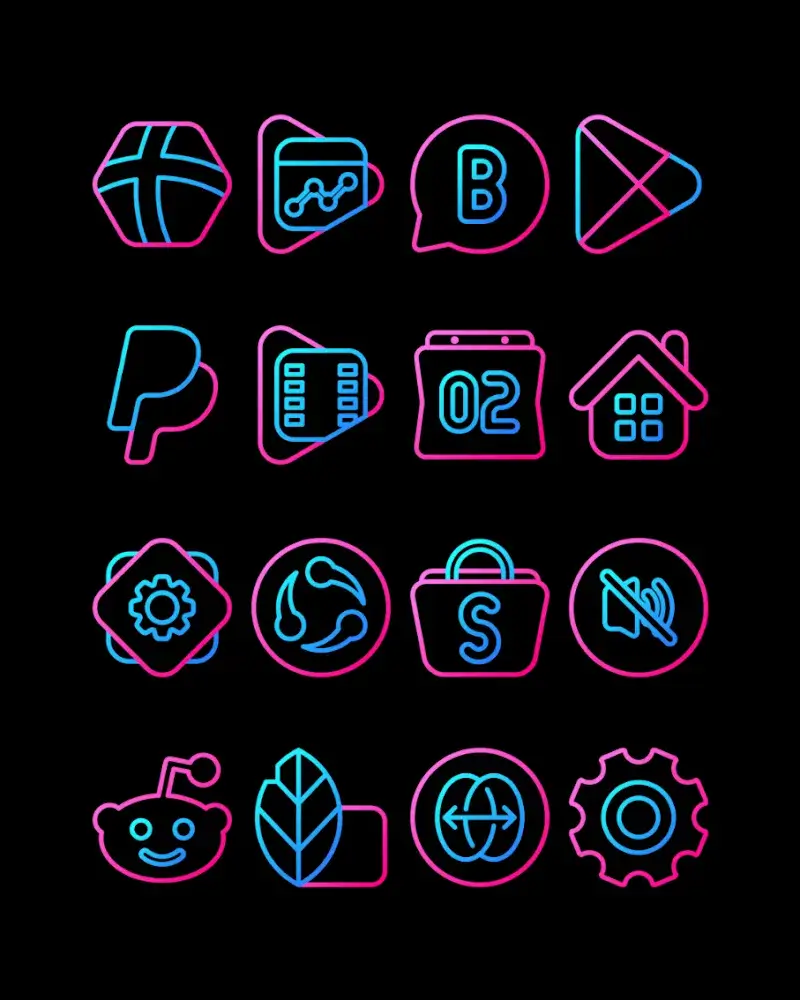
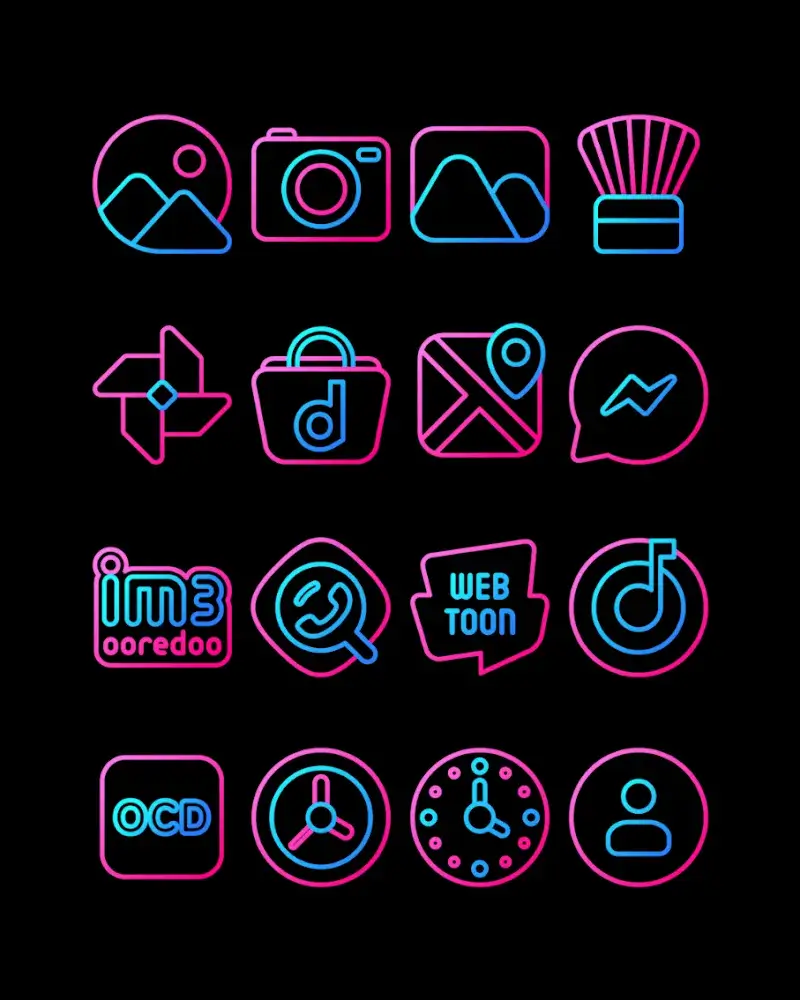
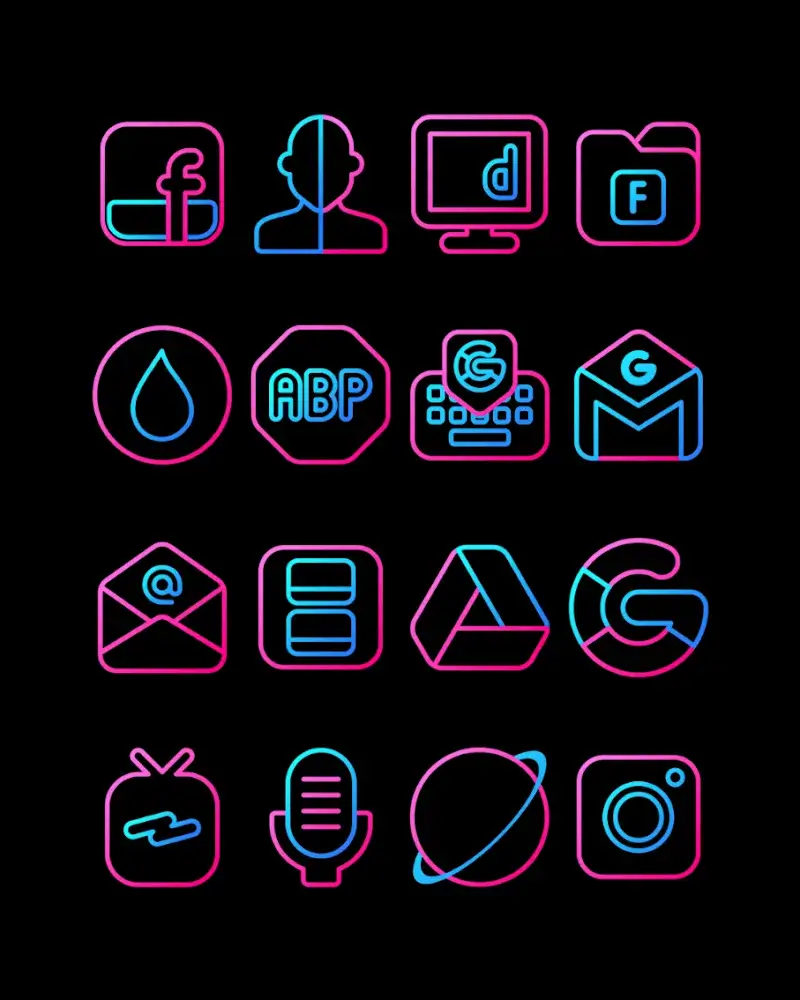
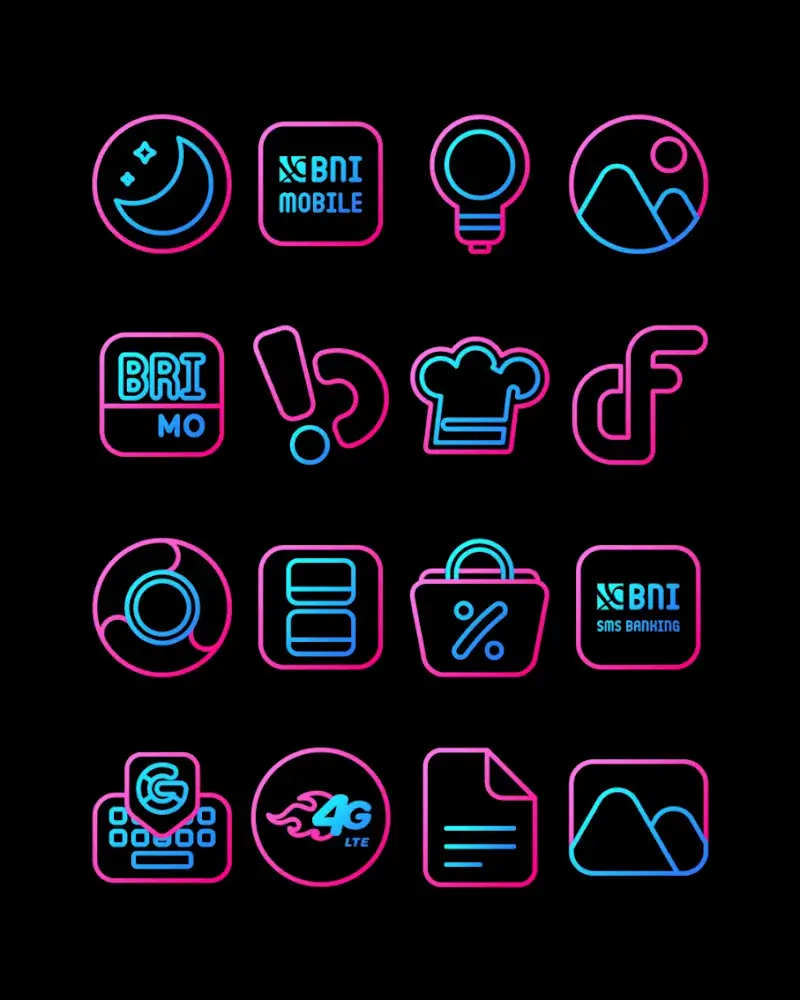
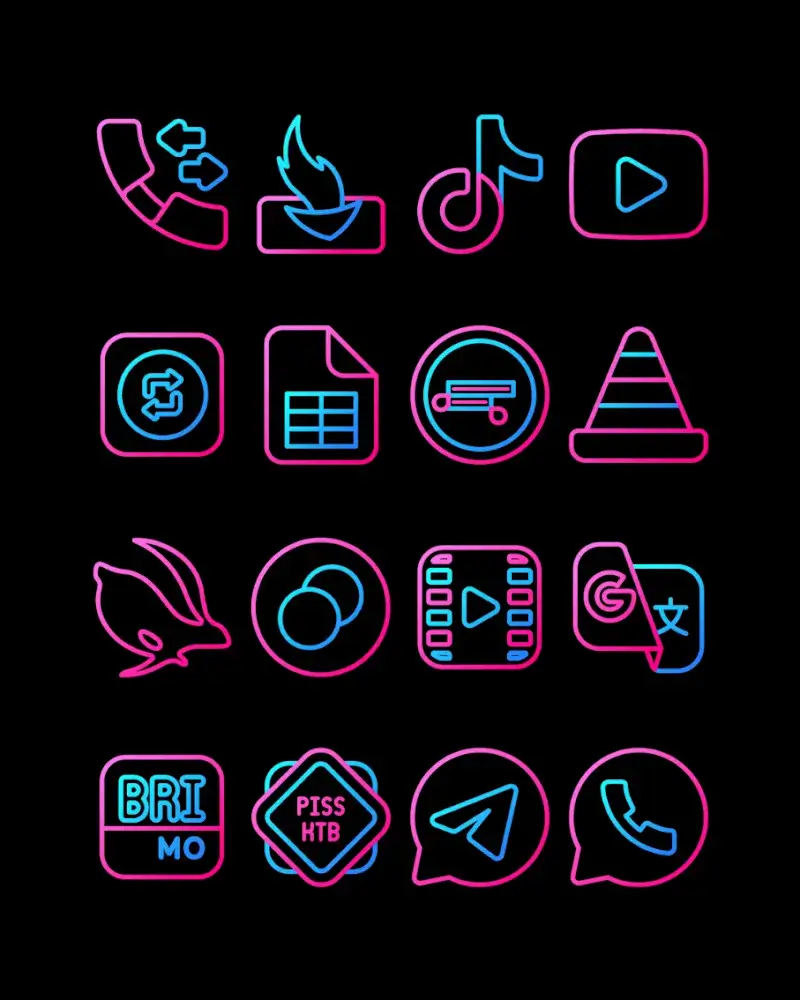
Gummy - Icon Pack Mod is a personalization tool for Android that replaces system and app icons with a curated set of neon-themed designs. It targets users who want a cohesive, vibrant aesthetic for their home screen without manually editing individual icons. The app operates as a standard icon pack, requiring application through a supported launcher.

What This Mod Unlocks

  • Full Premium Icon Collection Unlocked: All 3000+ icons and themes are available without requiring an in-app purchase.
  • Weekly Icon Updates Unlocked: Access to the continuous addition of new icons and seasonal themes is enabled.
  • High-Resolution Wallpapers Unlocked: The full library of HD wallpapers and art images is accessible.
  • All Future Content Unlocked: Any icons or themes added in subsequent updates within version 63 are available.

The mod functions by bypassing the license check that gates the premium icon database. The unlocked content is integrated directly into the app's selection menus.

To apply the unlocked icons, you must first install and open Gummy - Icon Pack Mod. Then, navigate to your device's launcher settings (e.g., Nova Launcher, Lawnchair) and select Gummy - Icon Pack Mod as the active icon pack. The full library will be visible there.

The modded Gummy - Icon Pack Mod APK requires Android 5.0 or higher. It does not require root access. Installation consumes approximately 35-40 MB of storage for the app, with additional space needed for cached icons.

Installation steps: 1. Download the modded APK file. 2. Enable "Install from Unknown Sources" in Android settings if not already allowed. 3. Open the downloaded file with a file manager and follow the on-screen prompts. 4. After installation, open Gummy - Icon Pack Mod and apply it via your launcher's settings.

Known edge cases: The mod may not apply to icons for apps installed after the icon pack is set; a re-application of the pack may be necessary. Some system launchers (e.g., Samsung One UI Home) have limited icon pack support. If the app data for Gummy - Icon Pack Mod is cleared, the mod remains active as it is baked into the APK. The mod is designed for the v63 build; future official updates will break functionality until a corresponding mod is released.

Editor's review

This mod for Gummy - Icon Pack Mod v63 delivers the claimed full version unlock on Android 5.0+ devices.

  • Confirmed working: The entire catalog of over 3000 neon icons is selectable without payment prompts. The HD wallpaper library is fully accessible. The mod persists through device reboots.
  • Known issues: The unlock is client-side only; restoring app data from a backup of the modded version may cause issues. Icons for newly installed apps sometimes default to the system icon until the launcher is refreshed.
  • Tested on Android 12 and 13; requires a compatible launcher for full functionality.

Recommendation: Functional.

Frequently Asked Questions

Is this Gummy - Icon Pack mod APK safe to install?

The mod APK only requests the same standard storage permissions as the official app for accessing icon assets. It does not request dangerous permissions like SMS, call log, or contacts access beyond what is required for core functionality, and it does not require root on Android 5.0+.

Does this mod require root access?

No root access is required. The standard sideload process is used: download the APK, enable installation from unknown sources in Android settings, and install it directly.

How do I install the modded Gummy - Icon Pack?

1. Download the mod APK file. 2. In your Android settings, enable installation from unknown sources for your file manager or browser. 3. Open the downloaded file and tap install. 4. Open the app and apply it through your launcher's icon pack settings.

What does the 'Premium Icon Collection Unlocked' feature actually do?

This feature removes the paywall that limits icon selection in the official version. In the modded Gummy - Icon Pack, all 3000+ icons and themes are immediately available for selection in your launcher's icon picker menu without any in-app purchase.

Is there a risk of account ban or data loss using this mod?

Gummy - Icon Pack is an offline personalization tool with no account system or multiplayer component. The risk of a ban is negligible. The primary risk of data loss is local: if you uninstall the mod, your custom icon mappings will be lost, as they are managed by your launcher, not the icon pack itself.

Safety note

Install only APKs matching com.panotogomo.nbbubblegum at version v63. Download from official links on this page to reduce tampering risk.

Additional Information

Category: tools Publish Date: Thu, Oct 31, 2024

Scan QR code and download playmods app
Download
PlayMods APP