


Location: Home > Apps > Tools > Halo icon pack

Halo Icon Pack (Premium Icon Library Unlocked, All Ads Disabled, Premium Wallpapers Unlocked, Brand Icon Sets Unlocked, Advanced Features Enabled) Download for Android

Halo Icon Pack icon

Halo Icon Pack Premium Icon Library Unlocked, All Ads Disabled, Premium Wallpapers Unlocked, Brand Icon Sets Unlocked, Advanced Features Enabled

5.0
v2.4.3 for Android
Fast Download:Download this app by playmods App with faster speed.

Halo Icon Pack MOD Info MOD Info :
Premium Icon Library Unlocked, All Ads Disabled, Premium Wallpapers Unlocked, Brand Icon Sets Unlocked, Advanced Features Enabled

Screenshots

Description

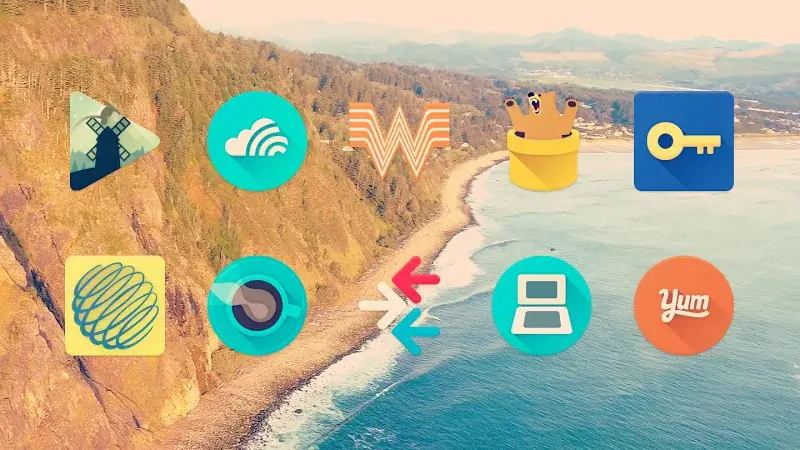
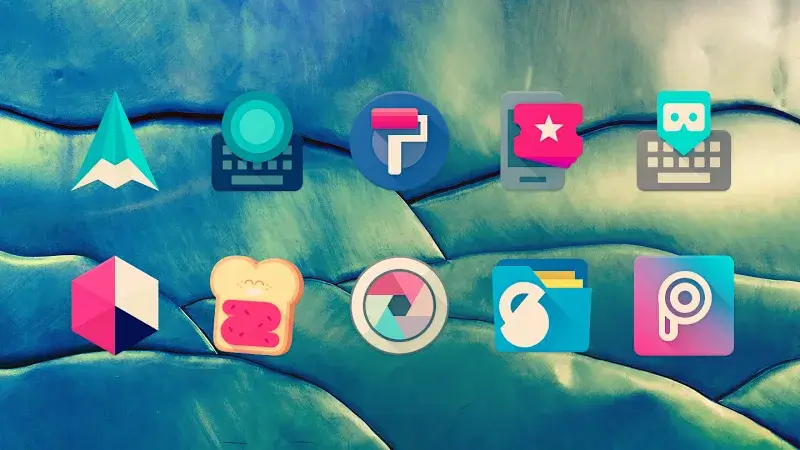
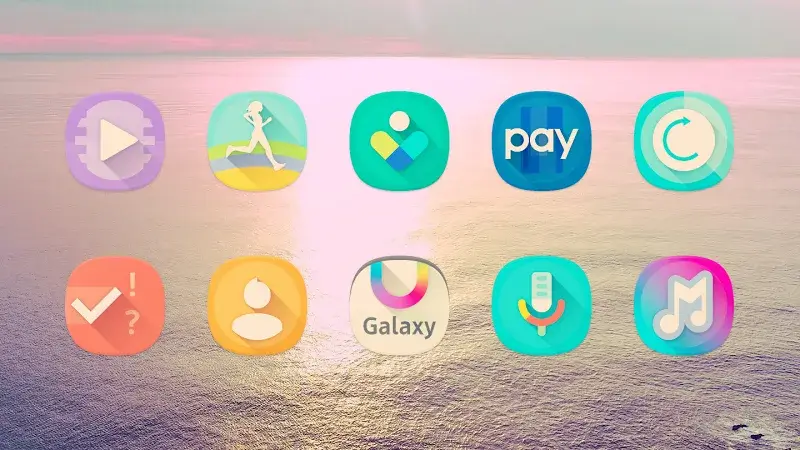
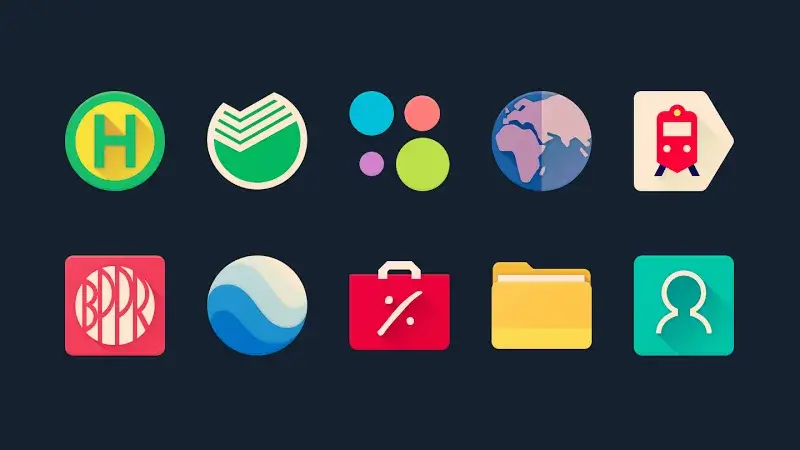
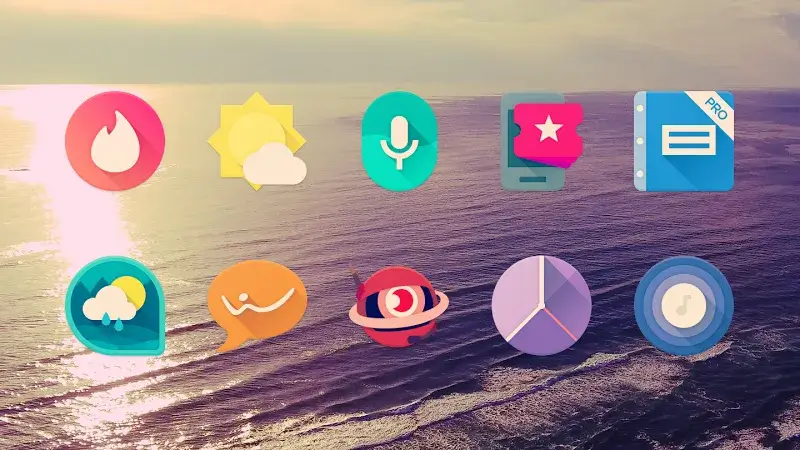
Halo Icon Pack Mod is a personalization tool for Android that replaces system and app icons with curated, themed alternatives. It targets users who want to customize their device's appearance without using a custom launcher. The app operates by applying icon overlays through the Android theming engine.

What This Mod Unlocks

  • Full premium icon library unlocked, removing the paywall for over 6,500+ designs.
  • All advertisements within the app are disabled and removed.
  • Premium wallpaper collection integrated with the icon themes is accessible.
  • Brand-specific icon alternatives, normally a paid feature, are available.
  • Automatic icon application scheduling and advanced search filters are enabled.

The mod features are active immediately upon launch. No activation menu or specific tap sequence is required. The premium content, previously grayed out or marked with a lock icon, will be fully selectable and applicable from the main dashboard.

Halo Icon Pack Mod requires Android 5.0 or higher. The mod APK file size is approximately 104 MB. Root access is not required for installation or functionality. The mod operates by modifying the app's internal license verification and ad-serving modules.

Installation follows the standard sideload process for modified APKs. First, download the Halo Icon Pack Mod mod APK file. Second, enable installation from unknown sources in your device's security settings. Third, use a file manager to locate and tap the downloaded APK to initiate installation. Fourth, launch Halo Icon Pack Mod and apply icons through your device's theme settings.

Several edge cases exist. Applying icons may require using a supported launcher; some system launchers do not support icon packs. Clearing the app data or cache will not revert the premium unlock, but may reset user-applied icon selections. The mod does not interfere with online functionality, as Halo Icon Pack Mod operates offline, but updating the official app via Google Play will overwrite the mod and remove its features.

Editor's review

The Halo Icon Pack Mod mod for version 2.4.3 delivers the claimed premium unlock and ad removal on Android 5.0+ devices.

  • Confirmed working: The entire catalog of over 6,500 icons is accessible without payment prompts. Ad banners and interstitial load screens are absent. The premium wallpaper section is fully available for selection.
  • Known issues: On some devices with strict overlay permissions, the icon apply process may require manual granting of permissions. The 'Request Icons' feature, which connects to the developer's server, remains functional but does not bypass the server-side queue for actual icon creation.

Compatibility is confirmed for the specified version; functionality on future updates is not guaranteed.

Functional.

Frequently Asked Questions

Is this Halo Icon Pack mod APK safe to install?

The mod APK requests the same standard permissions as the official app (storage access to apply icons). It does not request dangerous permissions like SMS, call logs, or contacts beyond what the original app requires, and it does not require root access.

Does this mod require root access?

No, root access is not required. The mod is installed via standard sideloading: download the APK, enable 'Install from Unknown Sources' in settings, and run the installer.

How do I install the Halo Icon Pack mod?

1. Download the mod APK file. 2. Go to Settings > Security and enable 'Install from Unknown Sources'. 3. Use a file manager to find the downloaded file and tap it to install. 4. Open Halo Icon Pack and apply icons through your device's personalization settings.

What does the 'Premium Icon Library Unlocked' feature actually do?

It removes the payment requirement for the full icon collection. In the official version, many icons are locked behind a premium paywall. The mod makes all 6,500+ icons immediately available for selection and application without any purchase.

Is there a risk of account ban or data loss using this mod?

Halo Icon Pack is an offline personalization tool. There is no account system or multiplayer mode, so ban risk is minimal. The primary risk is data loss of your icon selections if you uninstall the app or clear its data.

Safety note

Install only APKs matching free.pastel.icons.ddt at version v2.4.3. Download from official links on this page to reduce tampering risk.

Additional Information

Category: tools Publish Date: Thu, Oct 31, 2024

Scan QR code and download playmods app
Download
PlayMods APP