

Location: Home > Apps > Tools > Hypersen

HyperSen (Premium Features Unlocked, Graphics Optimization Unlocked, Sensitivity Presets Unlocked, In-App Purchases Free, Ads Disabled) Download for Android

HyperSen icon

HyperSen Premium Features Unlocked, Graphics Optimization Unlocked, Sensitivity Presets Unlocked, In-App Purchases Free, Ads Disabled

5.0
v3.2.2 for Android
Fast Download:Download this app by playmods App with faster speed.

HyperSen MOD Info MOD Info :
Premium Features Unlocked, Graphics Optimization Unlocked, Sensitivity Presets Unlocked, In-App Purchases Free, Ads Disabled

Screenshots

Description

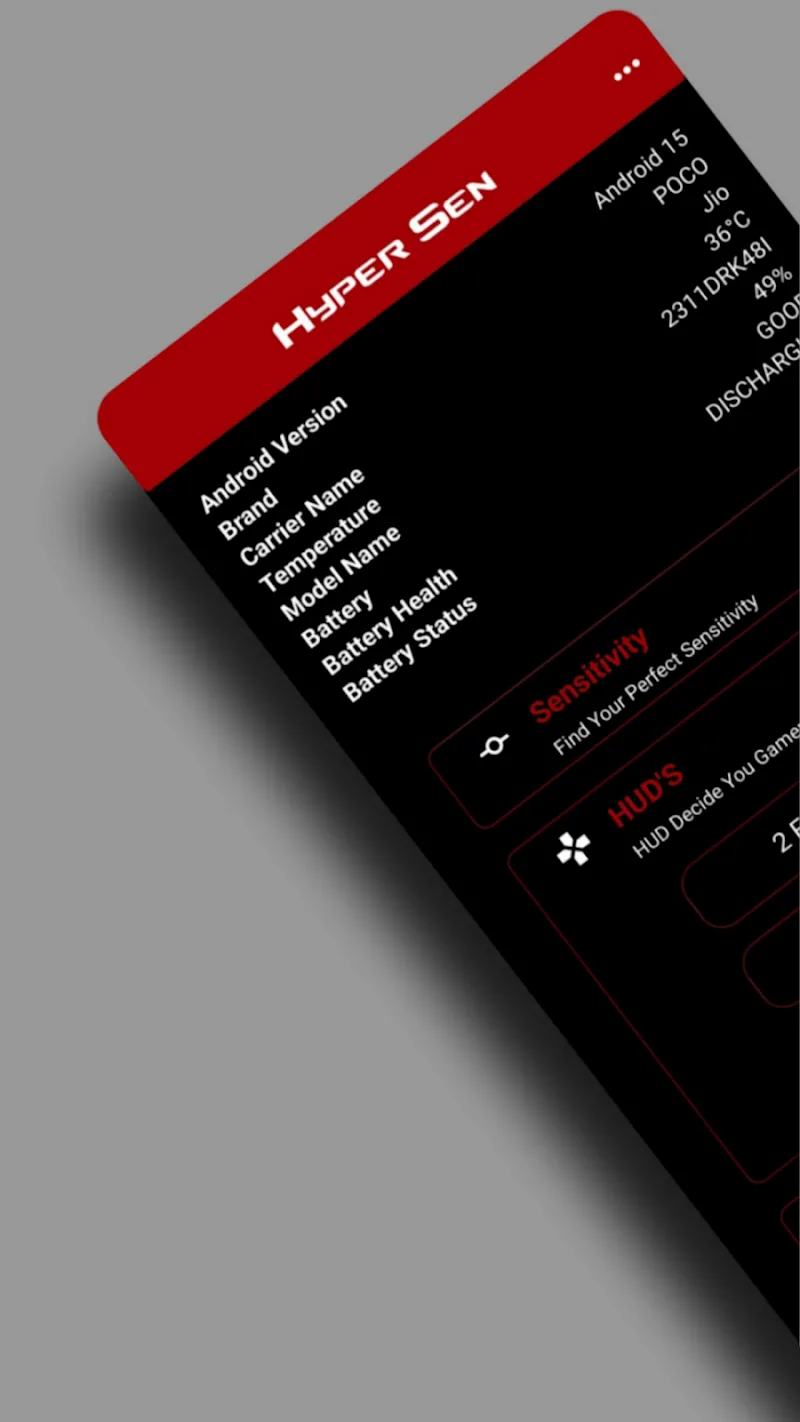
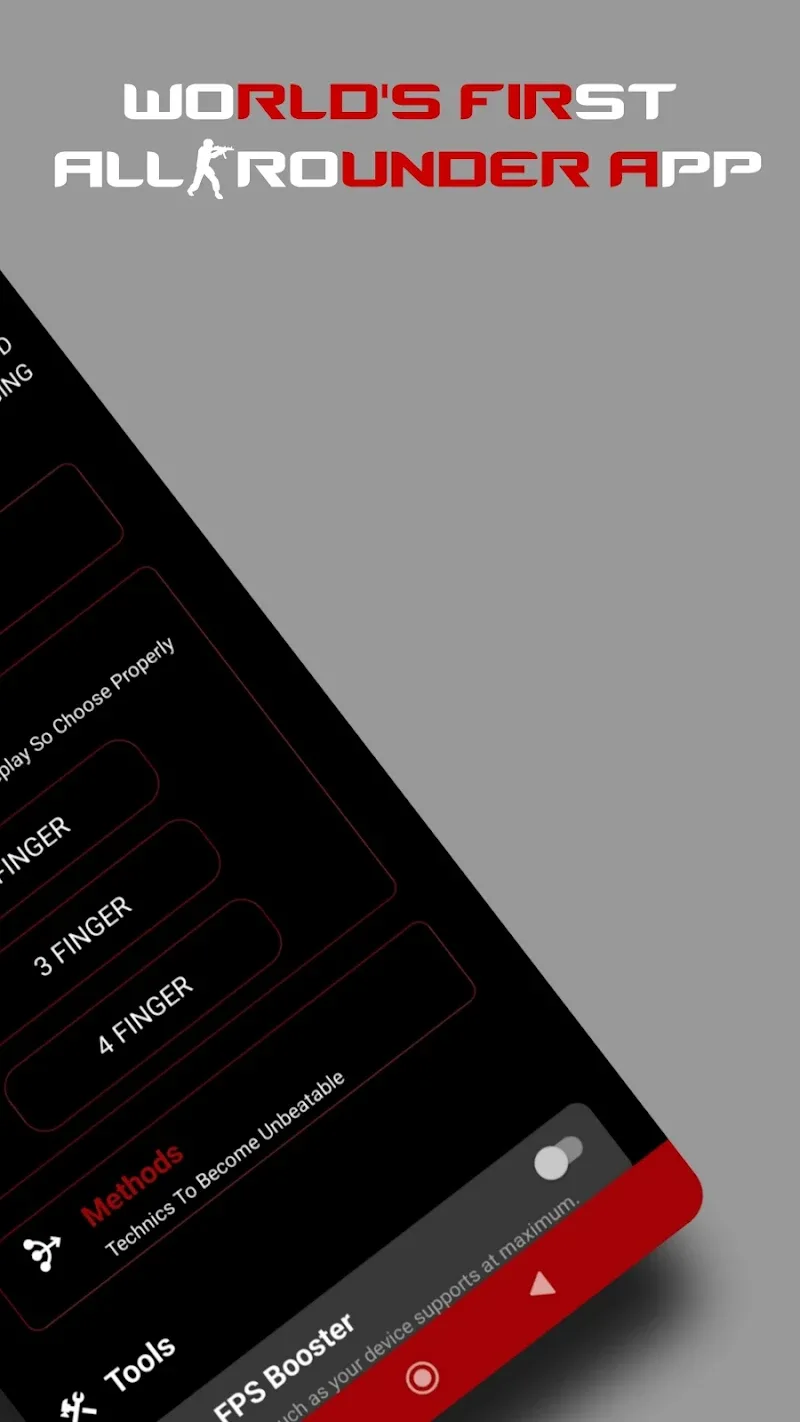
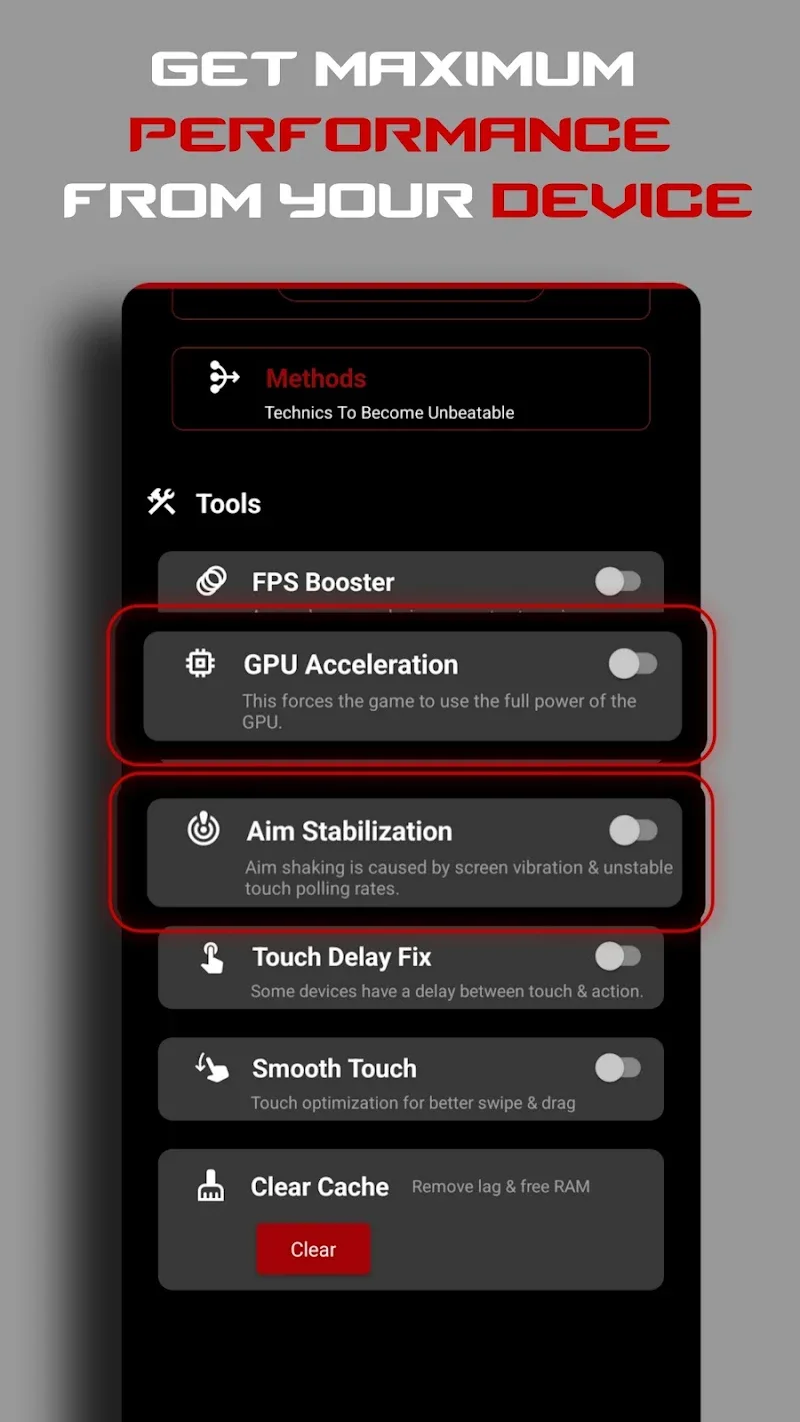
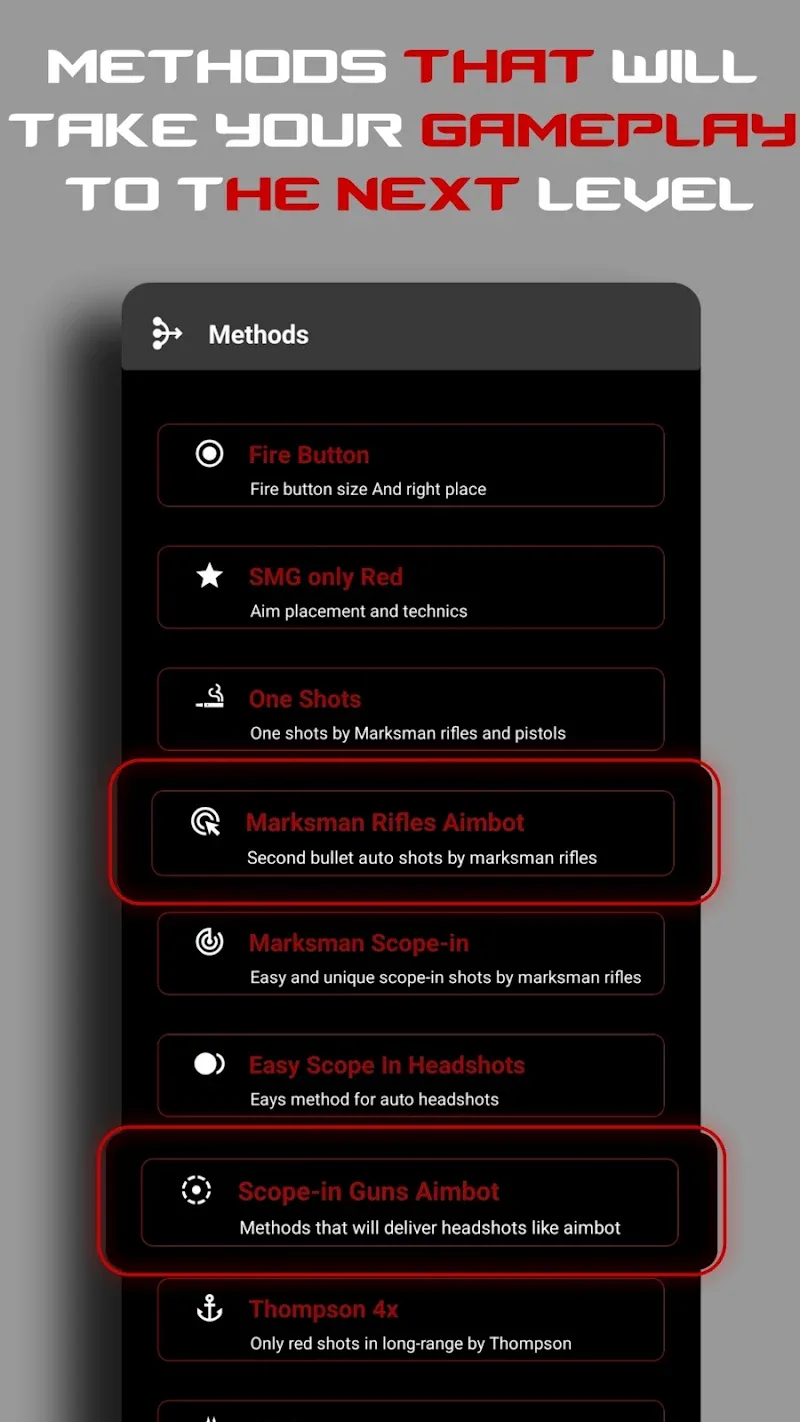
HyperSen Mod is a utility for Android gamers focused on competitive titles like Free Fire, PUBG Mobile, and CODM. It provides system-level adjustments for touch sensitivity, graphics rendering, and performance allocation without requiring root access or invasive permissions. The app targets users who need precise, repeatable control over device response and visual fidelity for tactical advantages.

What This Mod Unlocks

  • Premium graphics optimization profiles are unlocked. This includes the high-resolution and high-frame-rate presets.
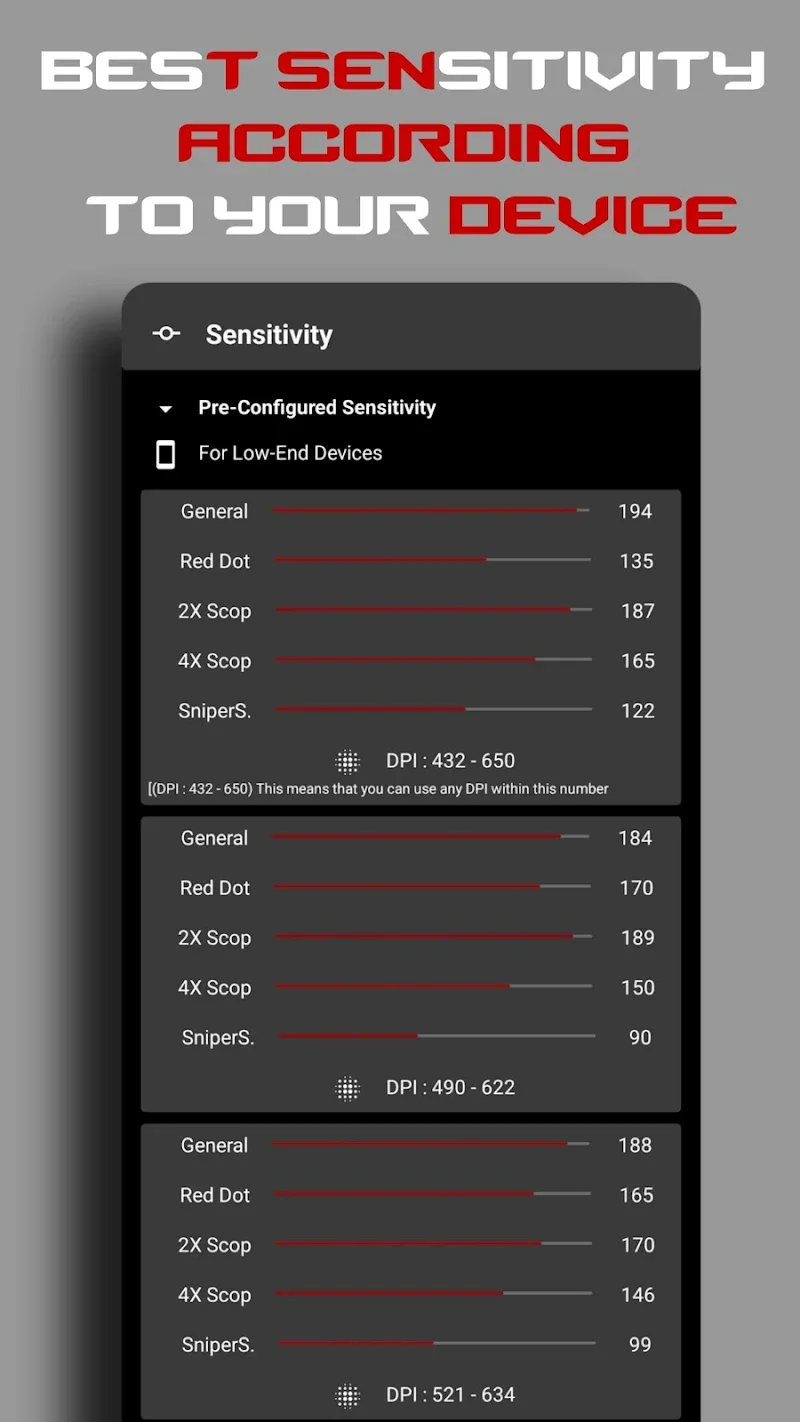
  • All advanced sensitivity presets, labeled as 'Professional Fixed Sensitivity Settings', are available without restriction.
  • The DPI controller and game accelerator modules are fully functional.
  • In-app purchase prompts for premium features are disabled.

The modded version of HyperSen Mod loads with all premium features active upon launch. No activation code or separate unlock process is required. The interface will show premium tools like 'Graphics Optimization Tool' and 'Advanced Game Accelerator' as available from the main dashboard.

HyperSen Mod requires Android 7.1 or higher. The APK file size is approximately 12 MB. Installation will require around 50-60 MB of free storage for the app and its configuration data. Root access is not required.

Installation follows the standard sideload process for modified APKs. First, download the HyperSen Mod APK file to your device. Second, ensure installation from unknown sources is enabled in your Android settings. Third, use a file manager to locate and tap the downloaded APK file. Fourth, follow the on-screen prompts to complete the installation.

Several edge cases exist with HyperSen Mod. The performance boost features rely on system APIs that may behave differently across device manufacturers and Android versions. Clearing the app data will reset all custom sensitivity profiles to the mod's default unlocked presets. The graphics optimization tool may not produce visible changes on devices with hardware or driver-level frame rate caps. Using HyperSen Mod in conjunction with other performance booster or overlay apps can cause conflicts and instability.

Editor's review

The HyperSen Mod mod APK version 3.2.2 delivers the claimed premium unlocks on Android 7.1 and above.

  • Confirmed working: The 'Professional Fixed Sensitivity Settings' panel loads all presets without paywalls. The 'Graphics Optimization Tool' menu displays unlocked resolution and frame rate options. No advertisements load during app use.
  • Known issues: On some devices running Android 12+, the 'Instant Performance Boost' toggle may not persist after the screen is turned off. The DPI adjustment slider can reset to default if the target game is launched via the HyperSen Mod overlay instead of the system launcher.

Compatibility is confirmed for the stated Android version range, though results vary by chipset.

Functional.

Frequently Asked Questions

¿Es seguro instalar este mod APK de HyperSen?

El APK modificado de HyperSen no solicita permisos peligrosos más allá de los que requiere la aplicación oficial, como el acceso a la superposición y la configuración de visualización. No requiere root en Android 7.1 o superior.

¿HyperSen mod requiere acceso root?

No. HyperSen está diseñado para funcionar sin permisos de root. El proceso de instalación es el estándar para sideloading: descargar el APK, habilitar 'Orígenes desconocidos' en configuraciones de seguridad, e instalar mediante el administrador de archivos.

¿Cómo instalo HyperSen mod paso a paso?

1. Descarga el archivo APK. 2. Activa 'Instalar aplicaciones desconocidas' para tu navegador o administrador de archivos. 3. Localiza el archivo descargado y tócalo. 4. Sigue las instrucciones del instalador del sistema.

¿Qué hace exactamente el mod de HyperSen?

Desbloquea todas las funciones Premium de la versión oficial. Esto incluye las configuraciones predefinidas de sensibilidad profesional y las herramientas de optimización de gráficos de alta resolución y FPS, que normalmente requieren una compra dentro de la aplicación.

¿Hay riesgo de prohibición de cuenta o pérdida de datos?

Para el uso local de HyperSen como herramienta de optimización del sistema, el riesgo es mínimo. Sin embargo, si utilizas sus funciones en modos multijugador en línea, los juegos con anti-cheat pueden detectar los ajustes de sensibilidad anómalos o el aumento de FPS, lo que podría llevar a sanciones.

Safety note

Install only APKs matching com.hypersen.app at version v3.2.2. Download from official links on this page to reduce tampering risk.

Additional Information

Category: tools Publish Date: Thu, Jan 15, 2026

Scan QR code and download playmods app
Download
PlayMods APP