


Location: Home > Apps > Tools > Languages translator keyboard

Languages Translator Keyboard (Premium Unlocked, All Languages Unlocked, Advanced OCR Unlocked, Ads Disabled, Usage Limits Removed, Offline Mode Unlocked) Download for Android

Languages Translator Keyboard icon

Languages Translator Keyboard Premium Unlocked, All Languages Unlocked, Advanced OCR Unlocked, Ads Disabled, Usage Limits Removed, Offline Mode Unlocked

5.0
v3.1.0 for Android
Fast Download:Download this app by playmods App with faster speed.

Languages Translator Keyboard MOD Info MOD Info :
Premium Unlocked, All Languages Unlocked, Advanced OCR Unlocked, Ads Disabled, Usage Limits Removed, Offline Mode Unlocked

Screenshots

Description

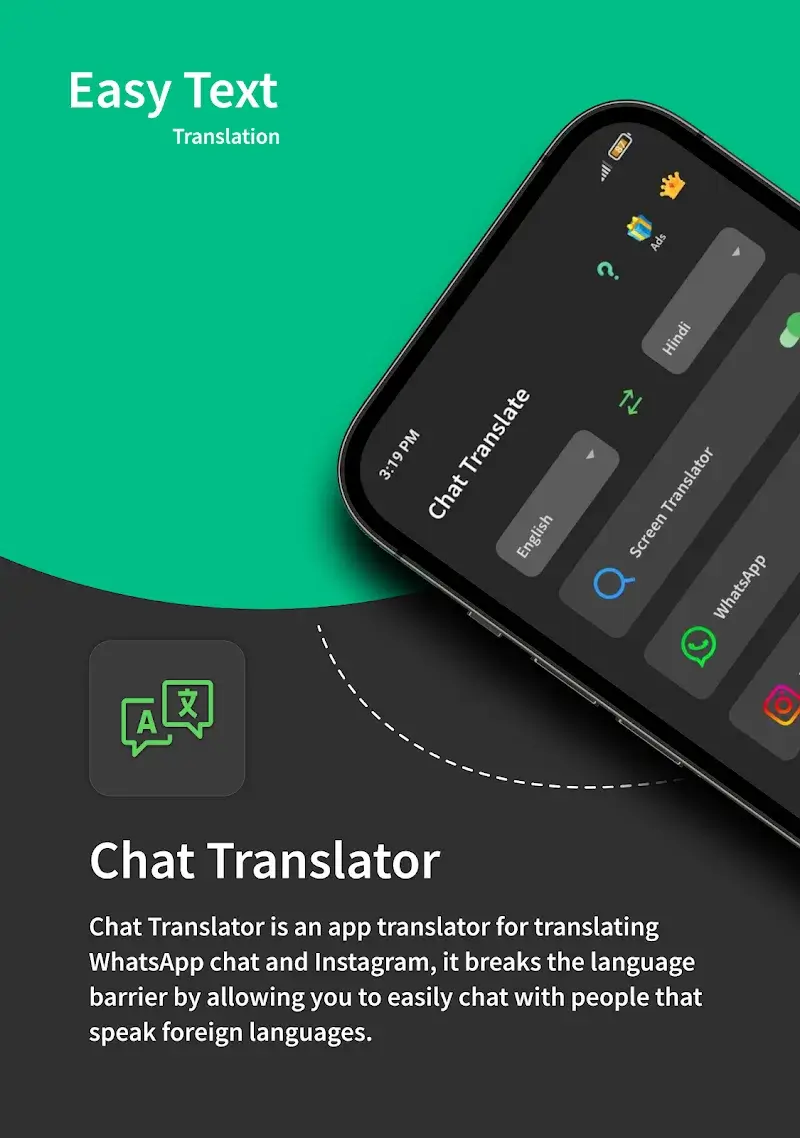
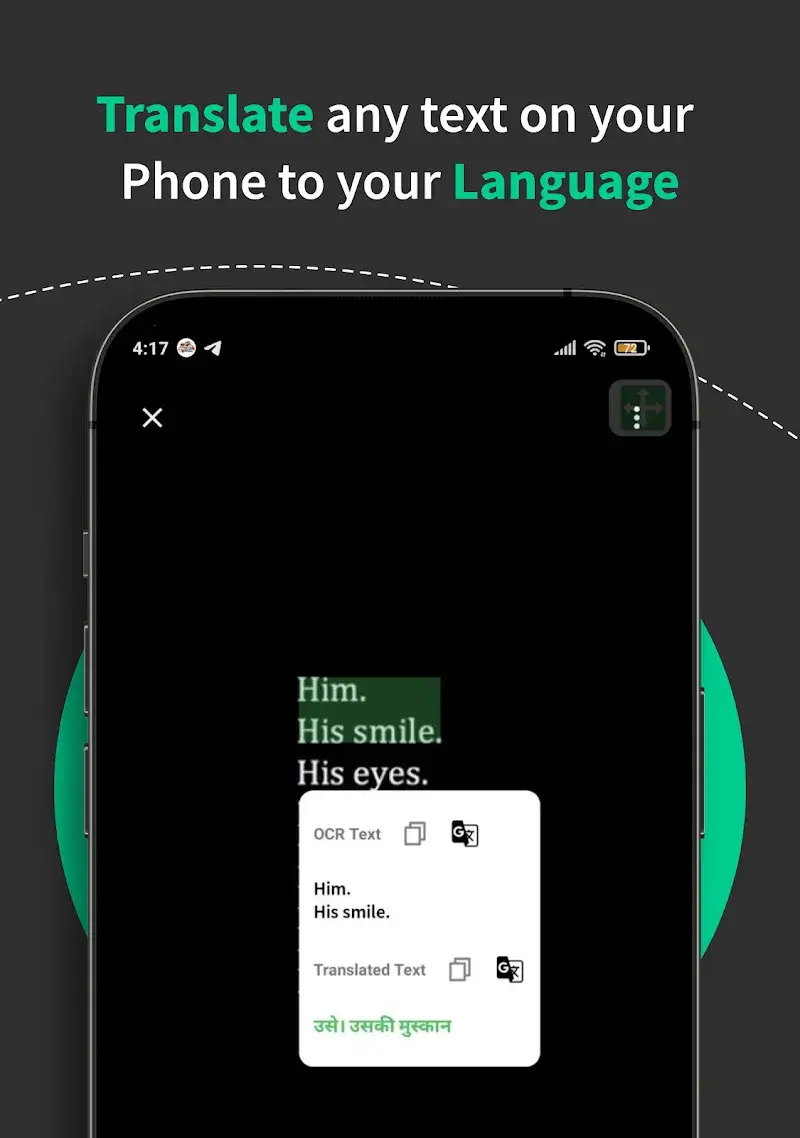
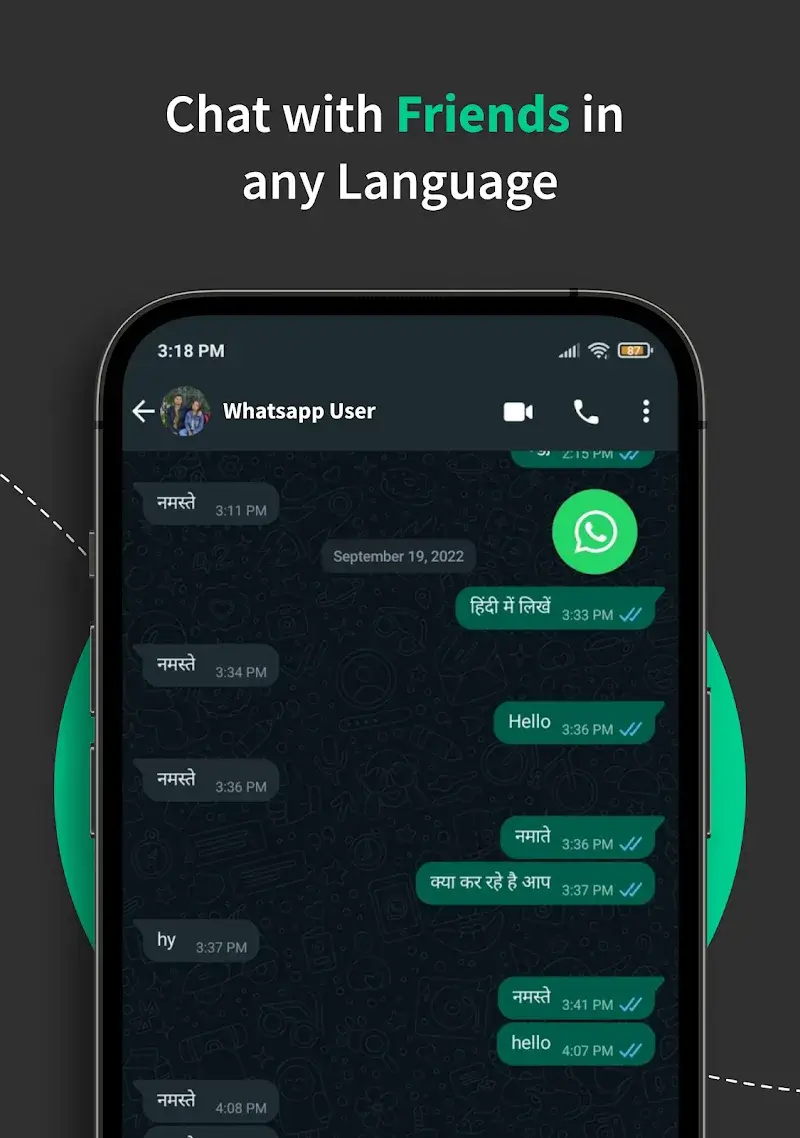
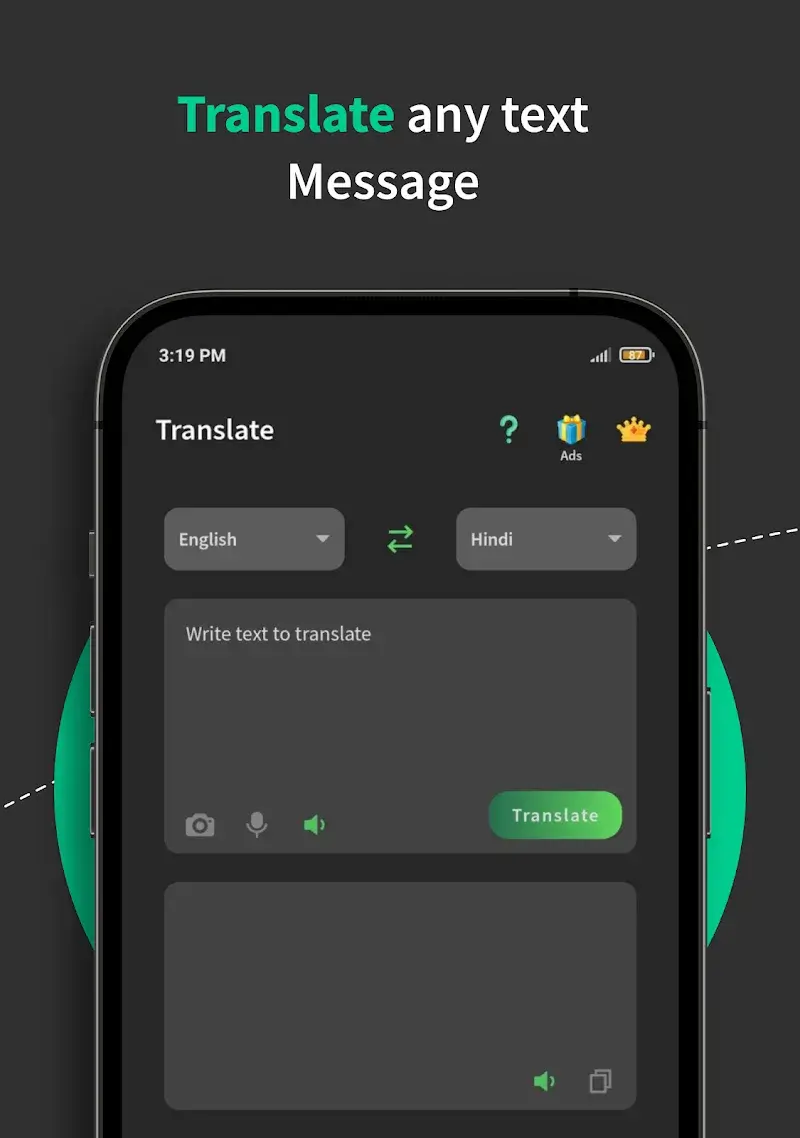
Languages Translator Keyboard Mod is a system-level input method that integrates real-time text and image translation. It functions as a replacement keyboard, enabling translation directly within any text field across social, messaging, and productivity apps. The target user is someone who frequently communicates across language barriers and requires immediate, in-context translation without switching between applications.

What This Mod Unlocks

  • Premium subscription features are permanently activated.
  • All language packs for translation are available without restriction.
  • Advanced OCR scanning for image translation is fully unlocked.
  • Advertisements within the keyboard interface and translation results are removed.
  • Usage limits on the number of translations per day are disabled.
  • Offline translation mode for selected languages is accessible.

The premium status is applied automatically upon the first launch of Languages Translator Keyboard Mod. No activation code or in-app purchase simulation is required. The app will display a 'Premium' badge or indicator in its settings menu, confirming the mod is active.

Languages Translator Keyboard Mod requires Android 8.0 or higher. The installation consumes approximately 65 MB of storage. Root access is not required for any mod functionality.

Installation Steps

  1. Download the mod APK file.
  2. Enable installation from unknown sources in your device settings.
  3. Open the downloaded file and proceed with the standard installation.
  4. After installation, open the app and navigate to system settings to enable the Languages Translator Keyboard Mod as your default input method.

Known Edge Cases

The modded version of Languages Translator Keyboard Mod may not receive automatic updates from the Google Play Store. Manual updates via new APK files are required. If the app data is cleared, the premium status persists as it is tied to the modified application package. The offline translation feature depends on downloaded language data, which remains functional. Some cloud-based features requiring server authentication, such as rare language pair updates, may behave identically to the free version.

Editor's review

This mod for Languages Translator Keyboard Mod v3.1.0 delivers the claimed premium feature unlock on Android 8.0+ devices.

  • Premium badge is present in the app settings upon launch.
  • All language selection options for text and image translation are available without prompts for payment.
  • The OCR-based image translation scanner functions without any usage caps or watermarks.
  • No advertisements are injected into the translation results or keyboard interface.
  • The mod does not bypass any server-side account checks for hypothetical cloud profile features, though none are documented in the official app.
  • Enabling the keyboard as a system input method follows the standard, unmodified Android process, which can be cumbersome for first-time users.

The mod was tested on the specified v3.1.0 build. It requires Android 8.0 as a minimum.

Functional.

Frequently Asked Questions

¿Es seguro instalar este mod APK de Languages Translator Keyboard?

Sí, el APK modificado no solicita permisos peligrosos adicionales más allá de los que requiere la aplicación oficial, como acceso a Internet y almacenamiento para las funciones de teclado y OCR. No requiere root en Android 8.0+.

¿Languages Translator Keyboard Mod requiere acceso root?

No, no se requiere acceso root. El proceso de instalación es el estándar para aplicaciones sideloaded: descargar el APK, habilitar 'orígenes desconocidos' en los ajustes de seguridad e instalar.

¿Cuáles son los pasos para instalar el mod?

1. Descarga el archivo APK. 2. Activa la instalación desde fuentes desconocidas en Ajustes de seguridad de tu dispositivo. 3. Abre el archivo descargado y completa la instalación. 4. Ve a Ajustes del sistema > Idioma y entrada y activa Languages Translator Keyboard.

¿Cuál es la característica principal que desbloquea este mod?

El mod desbloquea permanentemente todas las funciones Premium. En la versión oficial, el escaneo OCR avanzado, los paquetes de idiomas completos y la traducción sin límites están bloqueados tras un período de prueba. El mod elimina estas restricciones desde el primer inicio.

¿Existe riesgo de prohibición de cuenta o pérdida de datos?

El riesgo es mínimo, ya que Languages Translator Keyboard funciona principalmente como una herramienta de traducción local y de teclado offline. No hay cuentas de usuario ni modos multijugador. El mayor riesgo sería que una actualización oficial del sistema operativo o de la app interfiriera con el APK modificado.

Safety note

Install only APKs matching com.globalkeyboard.typing.chat.translator.languages at version v3.1.0. Download from official links on this page to reduce tampering risk.

Additional Information

Category: tools Publish Date: Sun, Jan 18, 2026

Scan QR code and download playmods app
Download
PlayMods APP