
Location: Home > Apps > Tools > Lines 3d - icon pack

LineS 3D - Icon Pack (Premium Version Unlocked, All Icons Unlocked, In-App Purchases Free, Ads Disabled, Cloud Features Unlocked) Download for Android

LineS 3D - Icon Pack icon

LineS 3D - Icon Pack Premium Version Unlocked, All Icons Unlocked, In-App Purchases Free, Ads Disabled, Cloud Features Unlocked

5.0
v71 for Android
Fast Download:Download this app by playmods App with faster speed.

LineS 3D - Icon Pack MOD Info MOD Info :
Premium Version Unlocked, All Icons Unlocked, In-App Purchases Free, Ads Disabled, Cloud Features Unlocked

Screenshots

Description

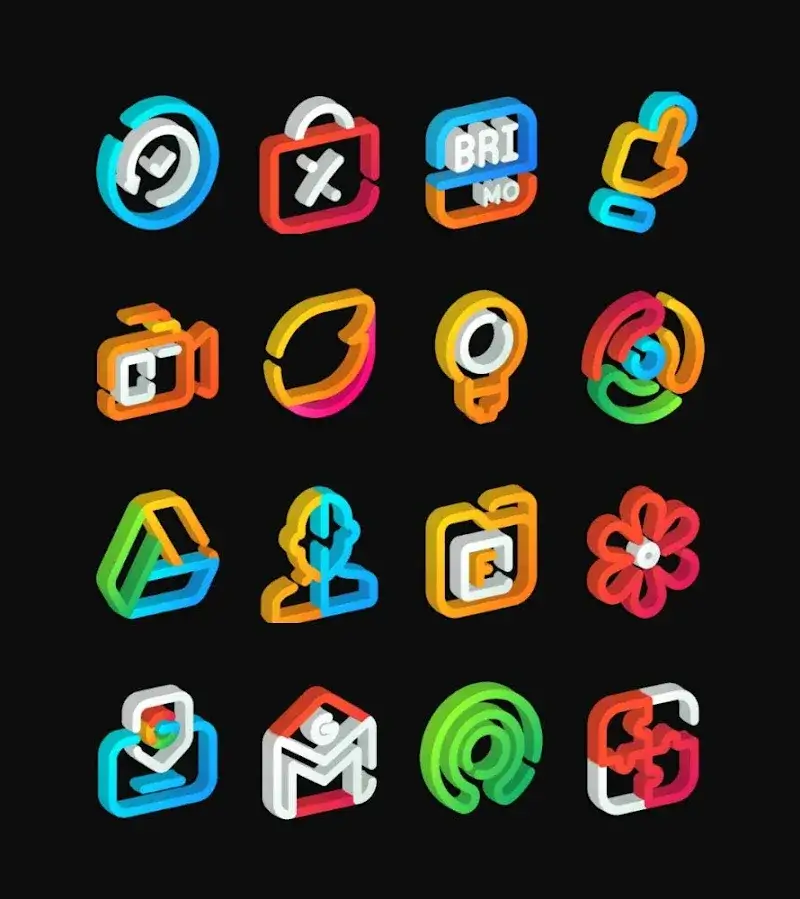
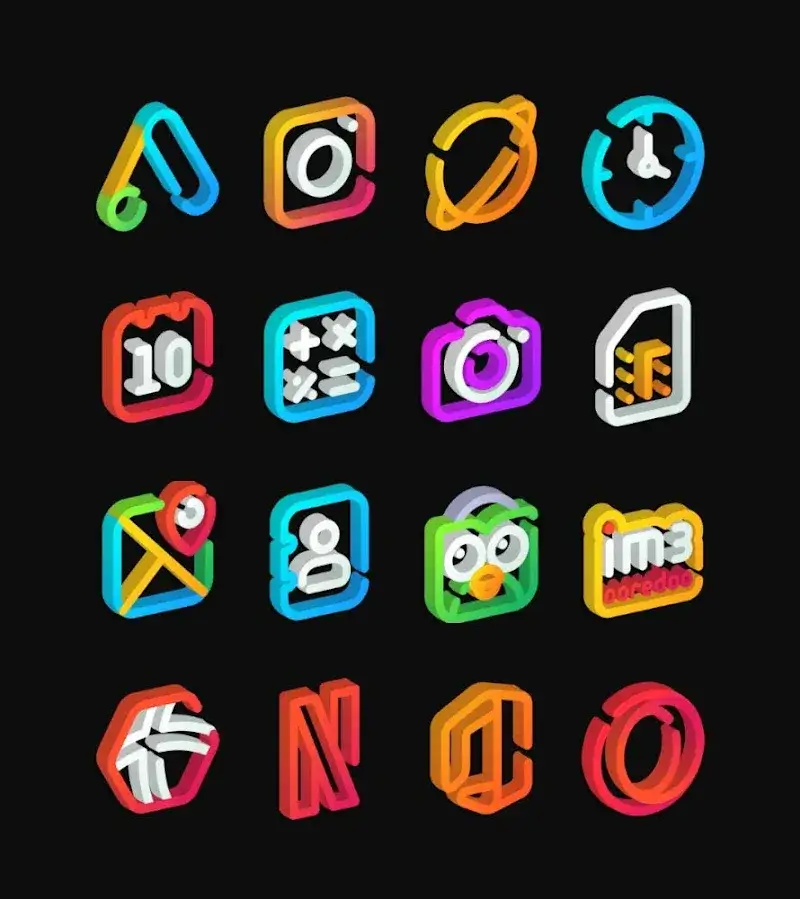
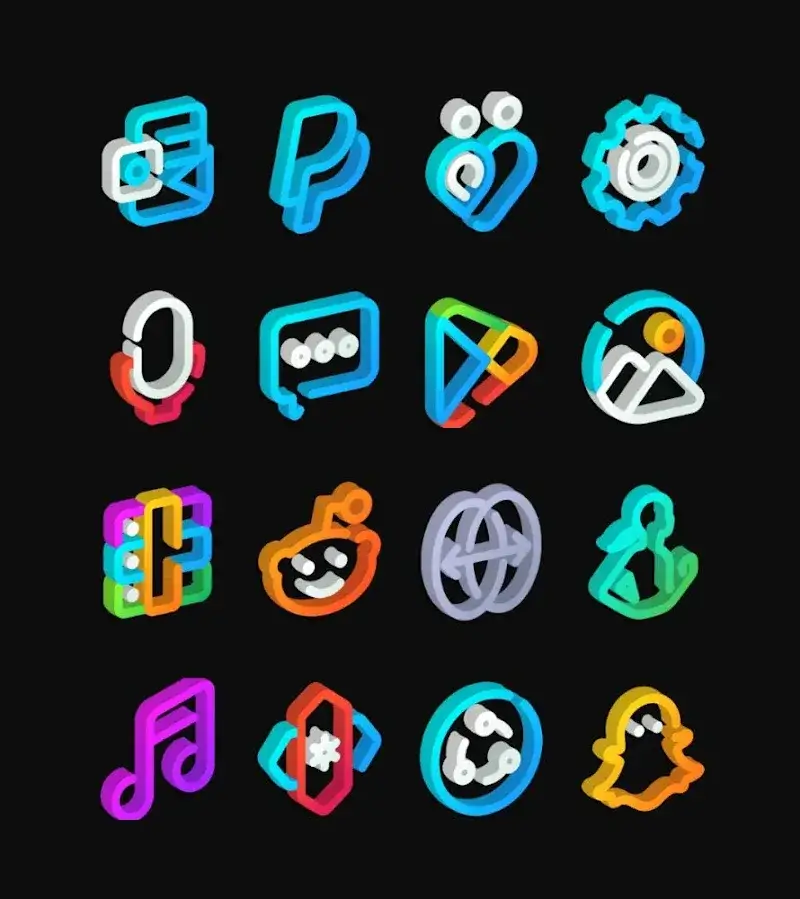
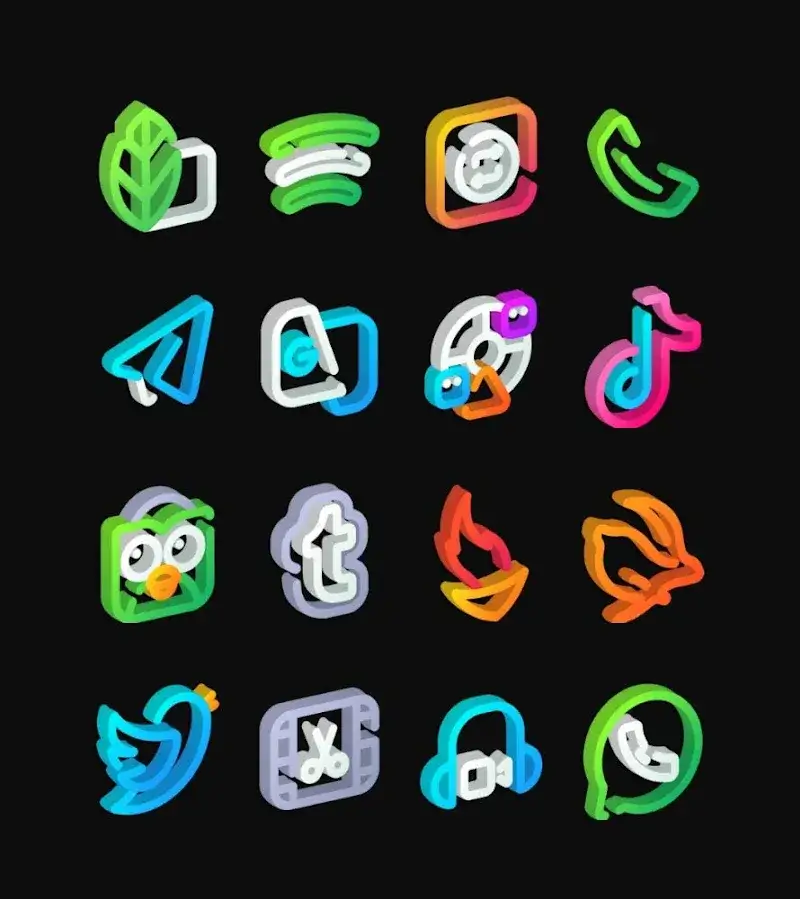
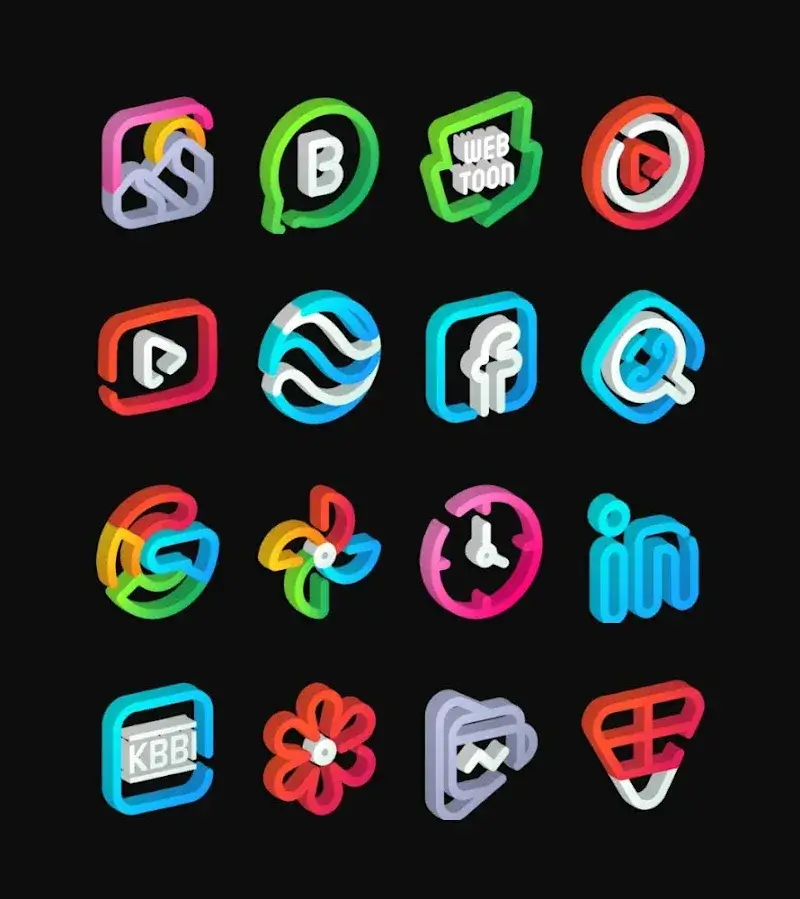
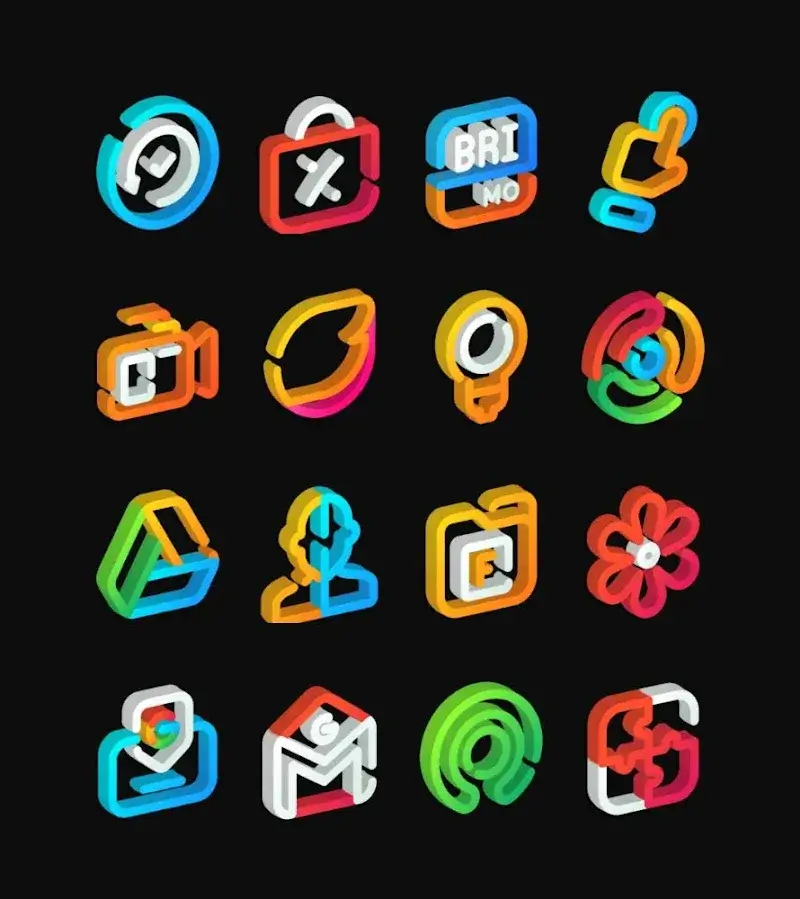
LineS 3D - Icon Pack Mod is a personalization utility for Android that replaces system and app icons with a curated set of over 3,600 3D-rendered alternatives. It targets users seeking a cohesive, depth-enhanced aesthetic for their home screen, requiring a compatible launcher that supports third-party icon packs. The app functions as a resource library; the launcher applies the selected icons.

What This Mod Unlocks

  • Premium version unlocked, removing the requirement to purchase the full app.
  • All 3,600+ icons are immediately available for selection without any in-app purchase prompts.
  • Cloud-based wallpaper and icon request features, typically paywalled, are accessible.
  • Advertisements and promotional pop-ups within the app's interface are disabled.
  • Future icon pack updates included in the premium tier are granted.

The mod is applied automatically upon installation. Launch LineS 3D - Icon Pack Mod and navigate to the icon browser; the entire catalog will be selectable without any "Purchase Premium" banners or locked sections. The mod integrates directly into the APK, so no separate activation menu or toggle is required.

This mod for LineS 3D - Icon Pack Mod requires Android 5.0 or higher. It does not require root access. Installation will consume approximately 52 MB of storage for the APK and additional space for cached icon resources.

Installation follows standard sideloading procedure. First, enable "Install from unknown sources" for your browser or file manager in Android settings. Second, download the provided mod APK file. Third, locate the downloaded file using a file manager app and tap to initiate installation. Fourth, follow the on-screen prompts to complete the install. Finally, launch LineS 3D - Icon Pack Mod from your app drawer and apply icons through your launcher's settings.

Known edge cases exist. If you clear the app data for LineS 3D - Icon Pack Mod, the mod status persists as it is baked into the package. Using the icon request feature requires an internet connection and may fail if the developer's server rejects the modified client. The mod is designed for offline icon application; it does not affect or guarantee functionality for any online community features. On some heavily customized OEM Android skins, the launcher may not fully apply all icons from the pack, which is a launcher limitation, not a mod issue.

Editor's review

This mod for LineS 3D - Icon Pack Mod version 71 delivers the claimed premium access on Android 5.0+ devices.

Confirmed working features include the immediate availability of all 3,600+ icons without purchase walls, the absence of interstitial advertisements, and the ability to access the icon request portal without payment prompts. The APK installs cleanly on standard non-rooted setups.

Known issues are minimal. The icon request submission may occasionally time out, a potential server-side check. Some dynamic calendar or clock icons that rely on the official app's update service may not refresh correctly. The mod does not bypass launcher compatibility requirements.

Tested on the stated v71 build running on Android 13. The core modification is stable for local icon application.

Functional.

Frequently Asked Questions

¿Es seguro instalar este mod APK de LineS 3D - Icon Pack?

Sí, el APK modificado no solicita permisos peligrosos más allá de los que requiere la aplicación oficial (almacenamiento para iconos) y no necesita acceso root en Android 5.0 o superior.

¿LineS 3D - Icon Pack Mod requiere acceso root?

No, no requiere root. Se instala mediante sideloading: habilita 'Instalar desde fuentes desconocidas', descarga el archivo APK, ábrelo con tu administrador de archivos y sigue las instrucciones de instalación.

¿Cómo instalo el mod paso a paso?

1. Activa 'Instalar desde fuentes desconocidas' en Ajustes de Android. 2. Descarga el archivo APK modificado. 3. Usa un administrador de archivos para abrir el APK descargado. 4. Toca 'Instalar' y luego abre LineS 3D - Icon Pack.

¿Qué característica principal desbloquea este mod?

El mod desbloquea la versión Premium completa, lo que concede acceso inmediato a los más de 3,600 iconos sin necesidad de realizar ninguna compra dentro de la aplicación.

¿Hay riesgo de prohibición de cuenta o pérdida de datos?

El riesgo es mínimo ya que LineS 3D - Icon Pack funciona principalmente offline para aplicar iconos. Las funciones online como solicitudes de iconos podrían detectar el cliente modificado, pero no hay cuentas de usuario vinculadas.

Safety note

Install only APKs matching com.panotogomo.linebula3d at version v71. Download from official links on this page to reduce tampering risk.

Additional Information

Category: tools Publish Date: Sun, Feb 15, 2026

Scan QR code and download playmods app
Download
PlayMods APP