




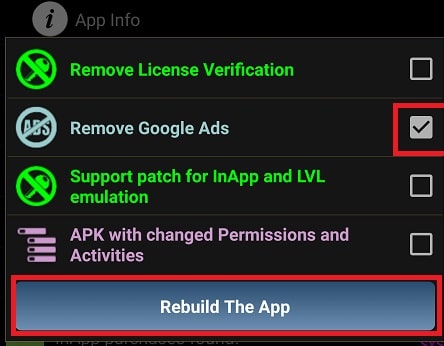

Lucky Patcher Mod is a utility application for Android that provides tools to modify the installation packages (APKs) of other apps and games. It is designed for users who wish to bypass license verification, remove advertisements, or emulate in-app purchases and license validation. The app functions as a patching engine, requiring no programming knowledge to apply its core modifications.
What This Mod Unlocks
- Removes license verification for apps from Google Play, Amazon Appstore, and Samsung Galaxy Store.
- Disables Google AdMob advertisements within patched applications.
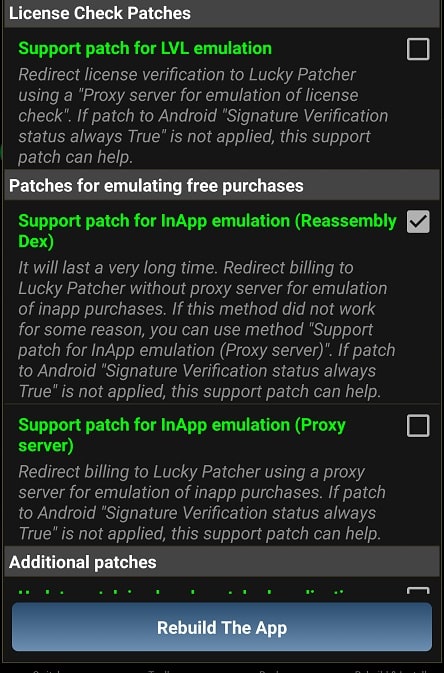
- Emulates in-app purchases and LVL (License Verification Library) to unlock premium features without payment.
- Allows creation of modified APK files with custom permissions and disabled activities.
- Provides tools for backing up, cloning, and sharing APK files.
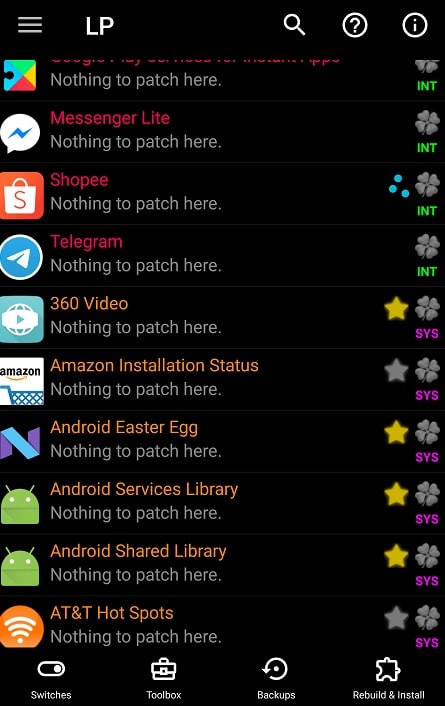
The primary interface of Lucky Patcher Mod lists installed applications with color-coded labels indicating patch compatibility. Green-labeled apps are fully patchable, while red indicates incompatible software.
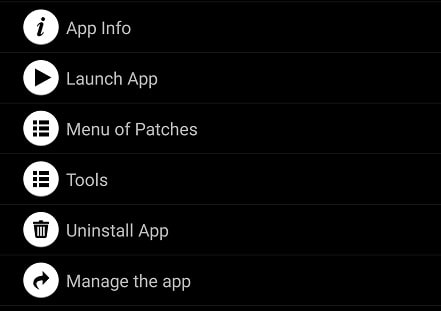
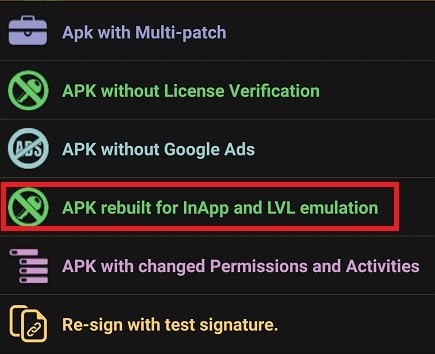
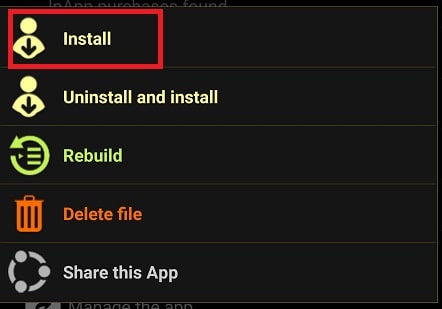
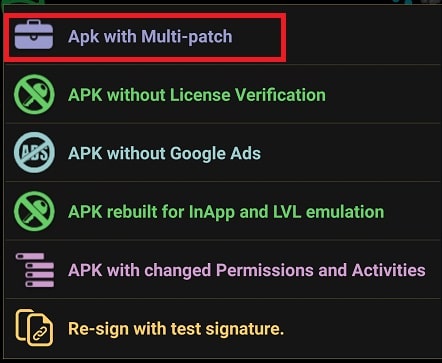
To apply a patch, select an app from the Lucky Patcher Mod list and open the 'Menu of Patches'. Choose 'Create Modified APK File' and select the desired modification type, such as 'APK rebuilt for InApp and LVL emulation'. The process rebuilds the APK, which must then be manually uninstalled and reinstalled from the generated file.
Lucky Patcher Mod requires Android 4.0 or higher. It does not require root access for basic patching functions, though some advanced features have higher success rates on rooted devices. The app itself occupies approximately 13 MB of storage.
Installation Steps
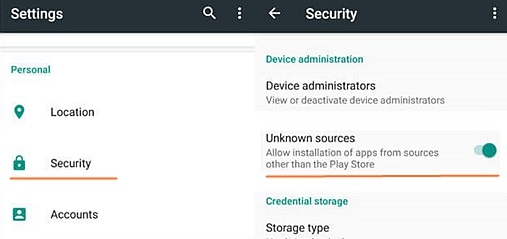
- Enable 'Install from Unknown Sources' in Android Security settings.
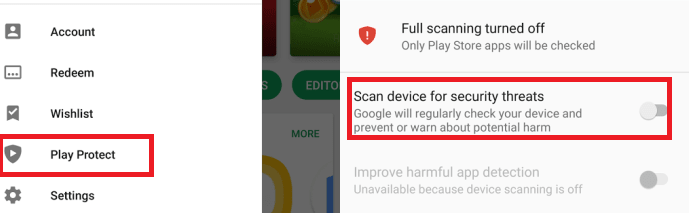
- Disable Google Play Protect's 'Scan device for security threats' option.
- Download the Lucky Patcher Mod APK file.
- Open the downloaded file to install the application.
Known Edge Cases
Patching online-only or server-authenticated games often fails, as purchases are validated remotely. The emulation feature works primarily with offline applications. Modified APKs may fail to install if the original app is not uninstalled first. Clearing the app data of Lucky Patcher Mod does not affect already-created modified APK files stored in the device's storage. Some aggressively protected apps may crash when patched.
