
Location: Home > Apps > Tools > Menu button

Menu Button (Premium Themes Unlocked, All Button Styles Unlocked, Ads Disabled, Advanced Actions Unlocked) Download for Android

Menu Button icon

Menu Button Premium Themes Unlocked, All Button Styles Unlocked, Ads Disabled, Advanced Actions Unlocked

5.0
v7.3 for Android
Fast Download:Download this app by playmods App with faster speed.

Menu Button MOD Info MOD Info :
Premium Themes Unlocked, All Button Styles Unlocked, Ads Disabled, Advanced Actions Unlocked

Screenshots

Description

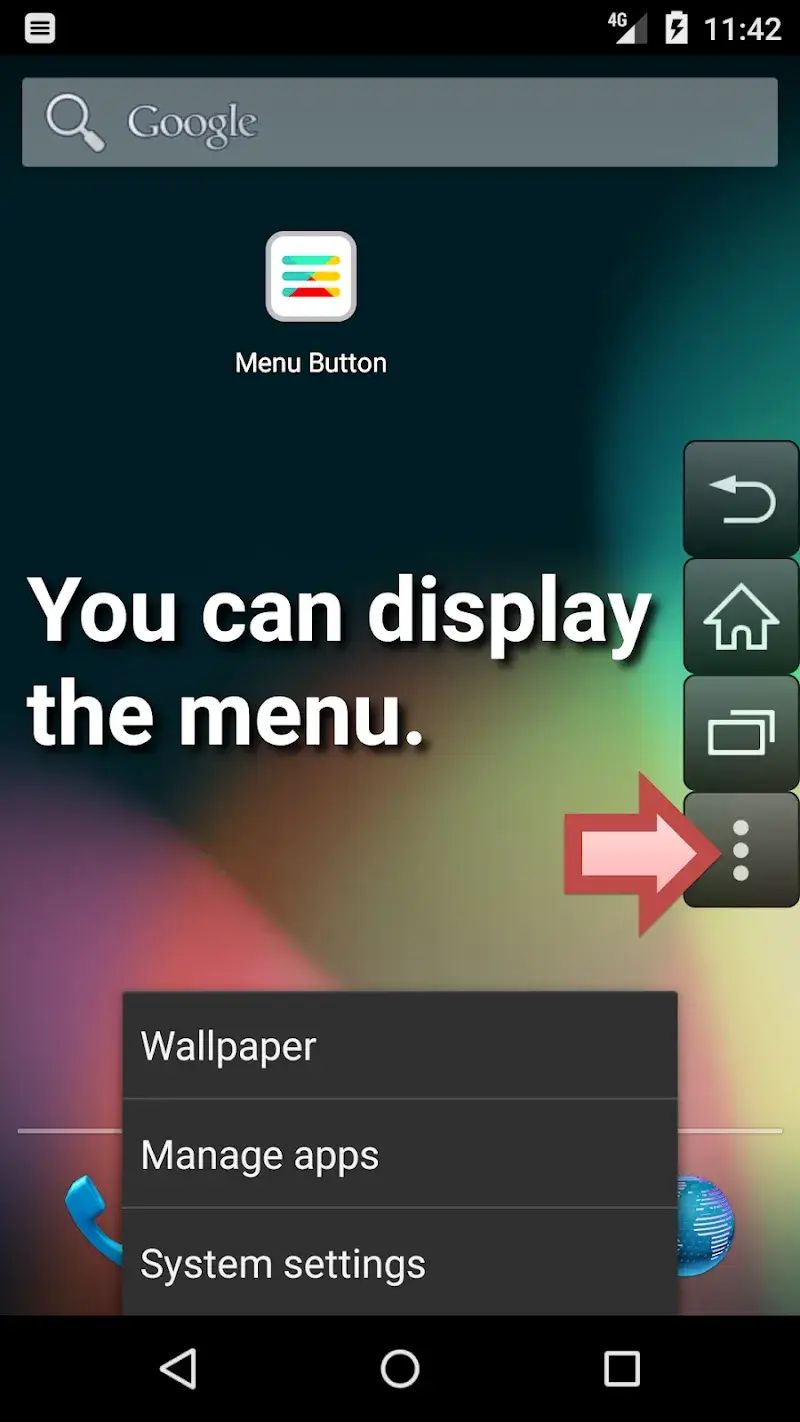
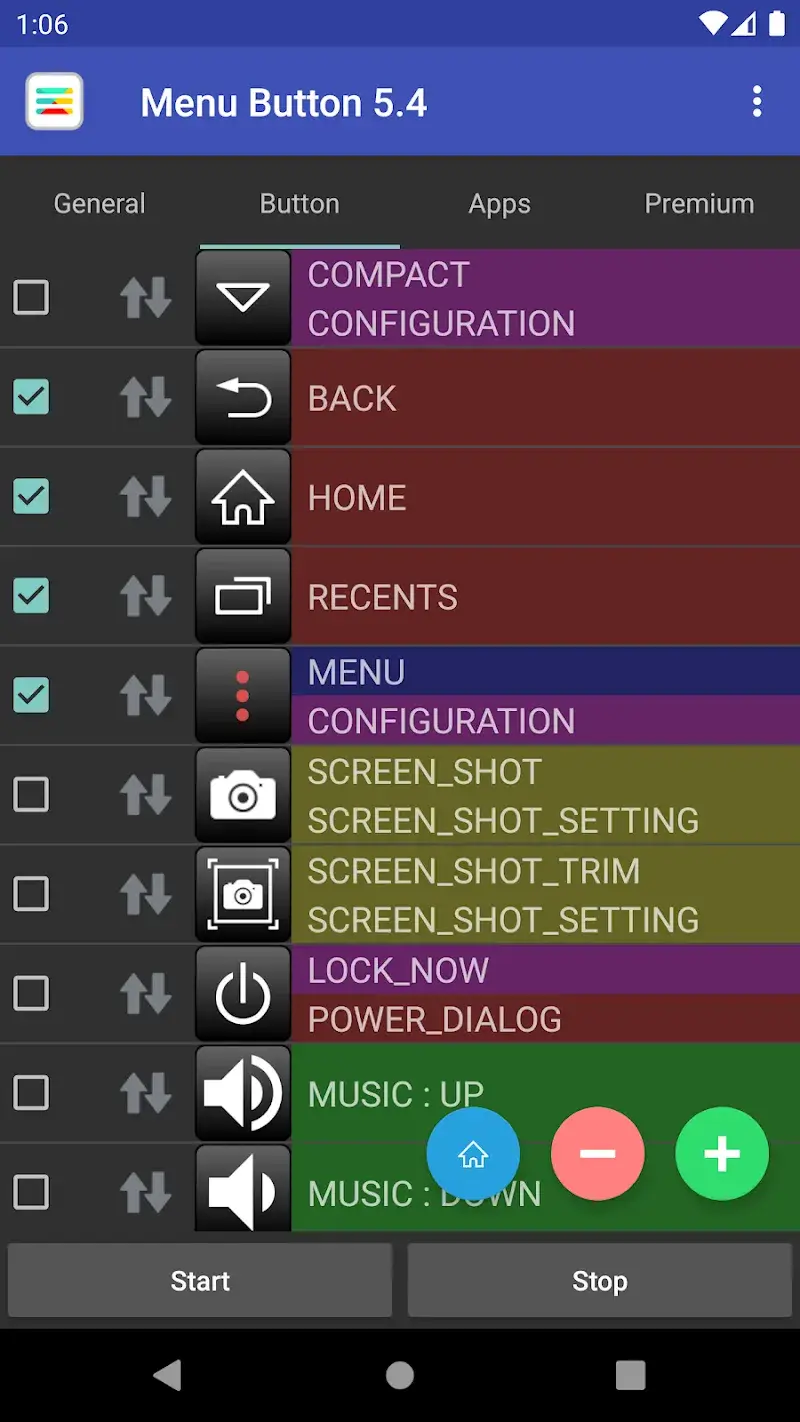
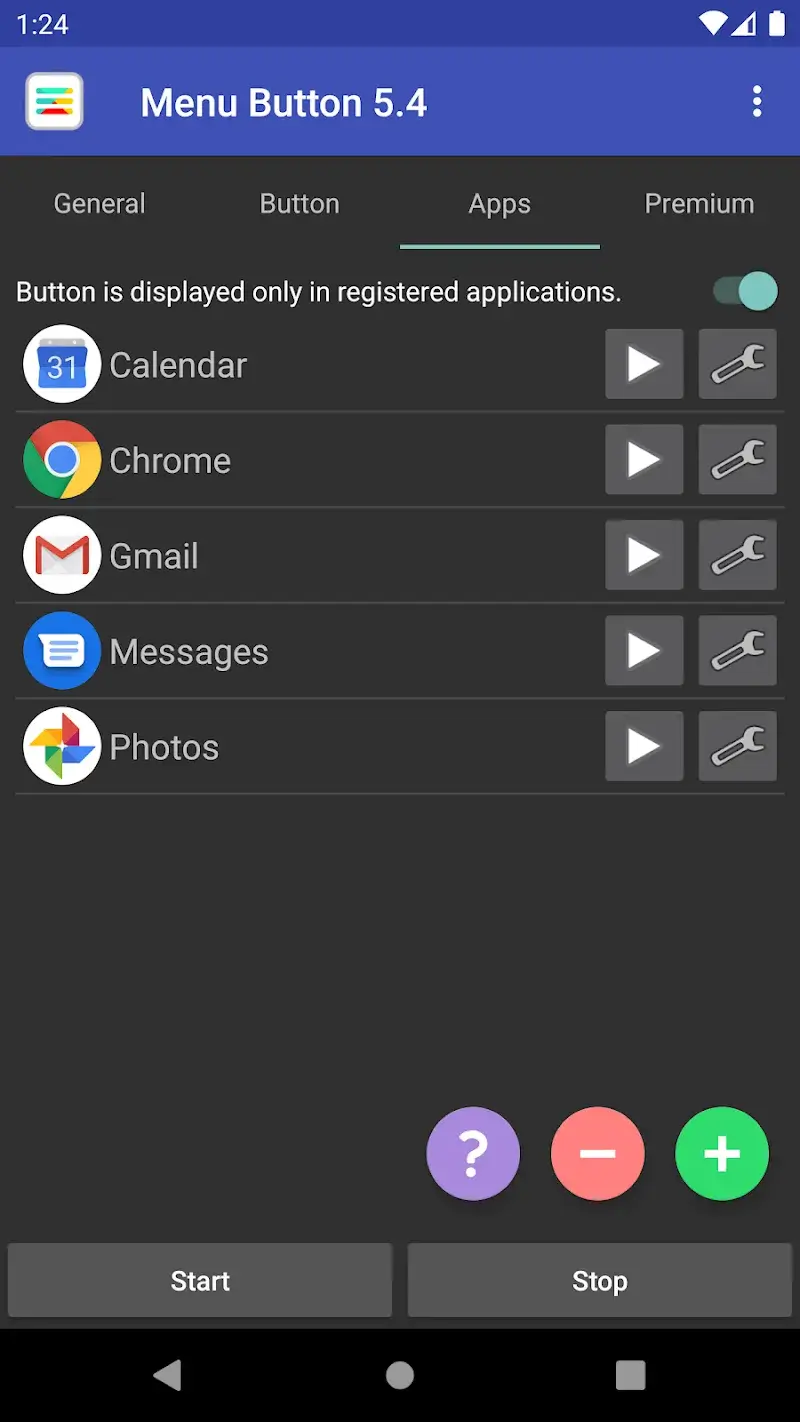
Menu Button Mod is a utility application for Android devices that provides a software-based, fully customizable navigation button overlay. It targets users with devices that lack physical or on-screen navigation buttons, or those who prefer a configurable alternative for accessibility or convenience. The app operates as a floating button that can be positioned anywhere on the screen and assigned various actions like Back, Home, Recents, or opening the notification shade.

What This Mod Unlocks

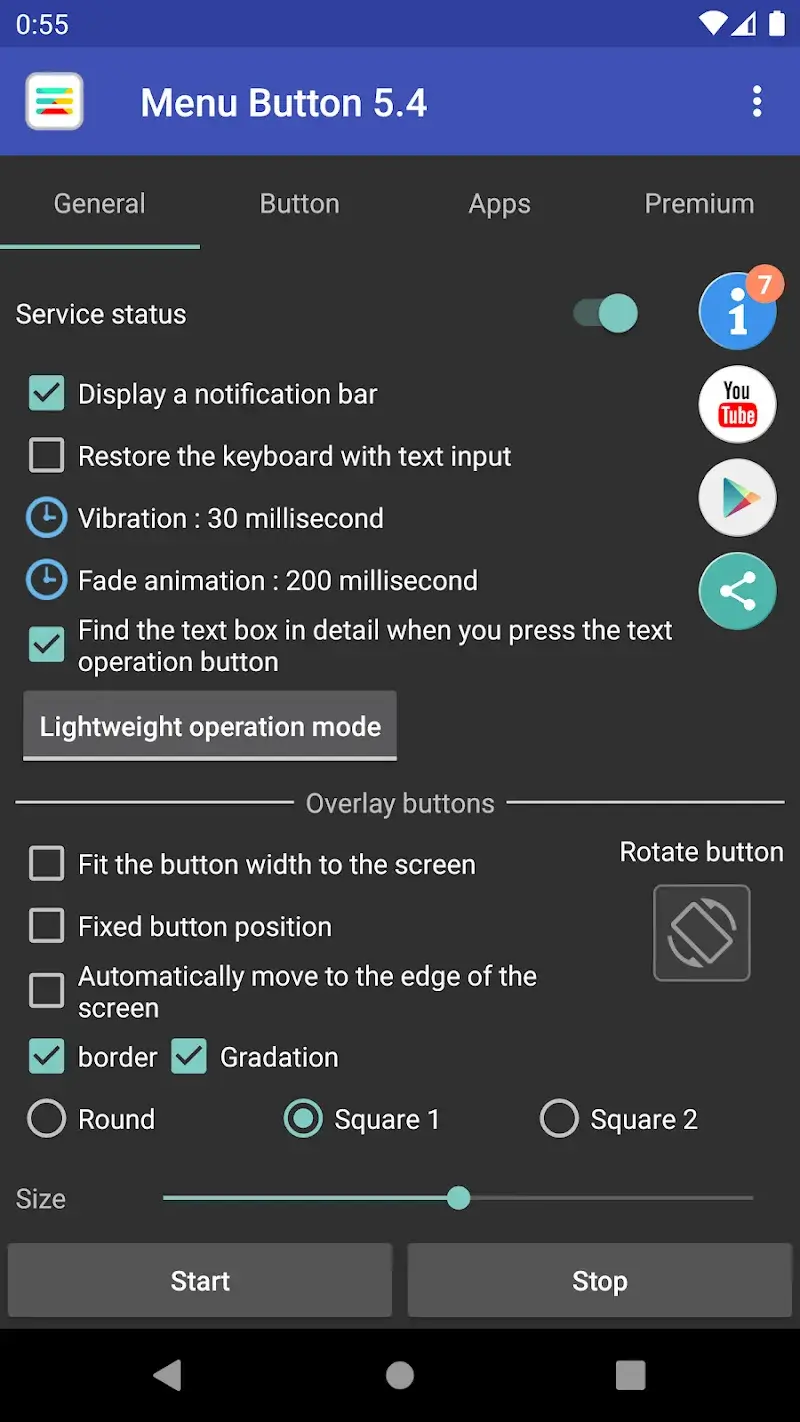
  • All premium button styles and icon packs are unlocked.
  • All color themes and customization options are available without restriction.
  • The premium "no ads" experience is enabled, removing all interstitial and banner advertisements.
  • Advanced button behavior settings, such as long-press actions and double-tap configurations, are fully accessible.

To activate the premium features, simply launch Menu Button Mod after installation. The modded version bypasses the license check, so all premium styles and themes appear as available options within the app's customization menu without any additional steps.

The application requires Android 6.0 or higher. It does not require root access. The installation will consume approximately 10 MB of storage space.

Installation Steps

  1. Download the mod APK file for Menu Button Mod.
  2. Enable "Install from Unknown Sources" in your Android settings if prompted.
  3. Open the downloaded file and proceed with the installation.
  4. Launch Menu Button Mod and grant the necessary overlay permission when requested.

Known Edge Cases

  • On some devices with custom ROMs or heavy UI skins, the overlay may conflict with system navigation gestures.
  • If the app's data is cleared, the custom button position and settings may reset to default, but the premium unlock persists.
  • The floating button may not appear on certain secure screens, like banking apps or password entry fields, due to Android's security policy.

Editor's review

This mod for Menu Button Mod v7.3 delivers the claimed premium unlocks on Android 6.0+ devices without requiring root.

  • Confirmed working: All premium button icon sets and color themes are immediately available for selection. The ad-free environment is active upon first launch. Advanced customization options, including setting separate actions for tap, double-tap, and long-press, function without restriction.
  • Known issues: On some Android 12+ devices, the system may display a persistent "Menu Button Mod is displaying over other apps" notification that cannot be dismissed. The overlay occasionally fails to render on top of full-screen applications or games, requiring a restart of the Menu Button Mod service.

Compatibility is confirmed with the stated Android 6.0+ requirement, specifically tested on Android 11 and 13.

Functional.

Frequently Asked Questions

Is this Menu Button mod APK safe to install?

The mod APK only requests the same permissions as the official app, primarily the overlay permission to display the button on screen. It does not request dangerous permissions like SMS, call logs, or contacts access beyond what is required for core functionality, and it does not require root.

Does this mod require root access?

No, root access is not required. The mod is installed via standard sideloading. You only need to enable installation from unknown sources in your Android settings, install the APK, and grant the overlay permission when prompted.

How do I install the Menu Button mod?

1. Download the mod APK file. 2. Enable 'Install from Unknown Sources' in your Android settings. 3. Open the downloaded file and tap 'Install'. 4. Open the app and grant the overlay permission.

What is the most important feature unlocked by this mod?

The most significant unlock is access to all premium button styles and themes. In the official version, these are locked behind a paywall. The mod removes this restriction, allowing free customization of the button's appearance with all available icon packs and color schemes.

Is there a risk of account ban or data loss?

Menu Button operates locally on your device and does not use an online account or server authentication. There is no risk of a ban. The only data at risk is your custom button settings, which are stored locally and could be lost if you clear the app's data.

Safety note

Install only APKs matching jettoast.menubutton at version v7.3. Download from official links on this page to reduce tampering risk.

Additional Information

Category: tools Publish Date: Mon, Nov 3, 2025

Scan QR code and download playmods app
Download
PlayMods APP