

Location: Home > Apps > Tools > Minimalist pomodoro timer

Minimalist Pomodoro Timer (Premium Unlocked, Unlimited Tags, Advanced Statistics Unlocked, Ads Disabled, Cloud Backup Unlocked) Download for Android

Minimalist Pomodoro Timer icon

Minimalist Pomodoro Timer Premium Unlocked, Unlimited Tags, Advanced Statistics Unlocked, Ads Disabled, Cloud Backup Unlocked

5.0
v3.0.14 for Android
Fast Download:Download this app by playmods App with faster speed.

Minimalist Pomodoro Timer MOD Info MOD Info :
Premium Unlocked, Unlimited Tags, Advanced Statistics Unlocked, Ads Disabled, Cloud Backup Unlocked

Screenshots

Description

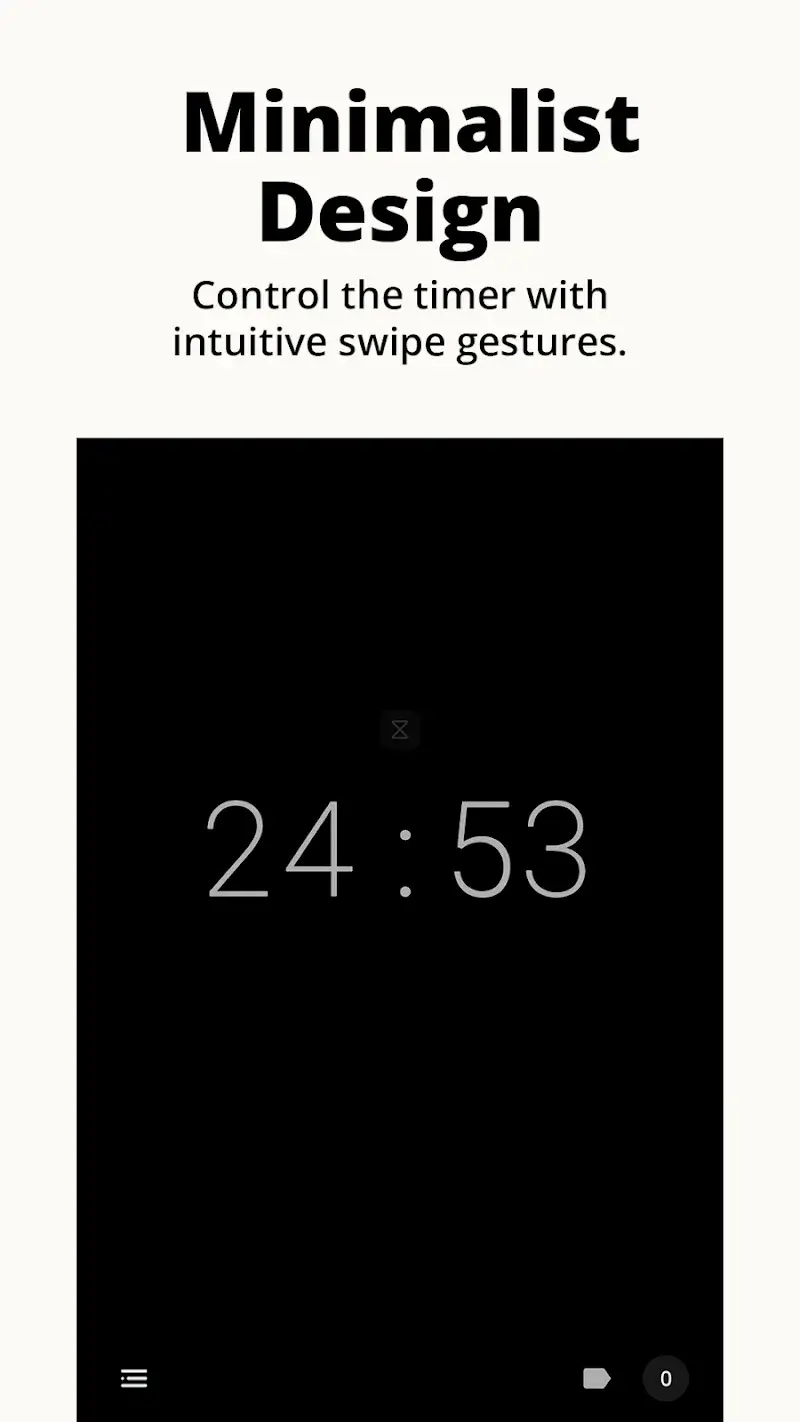
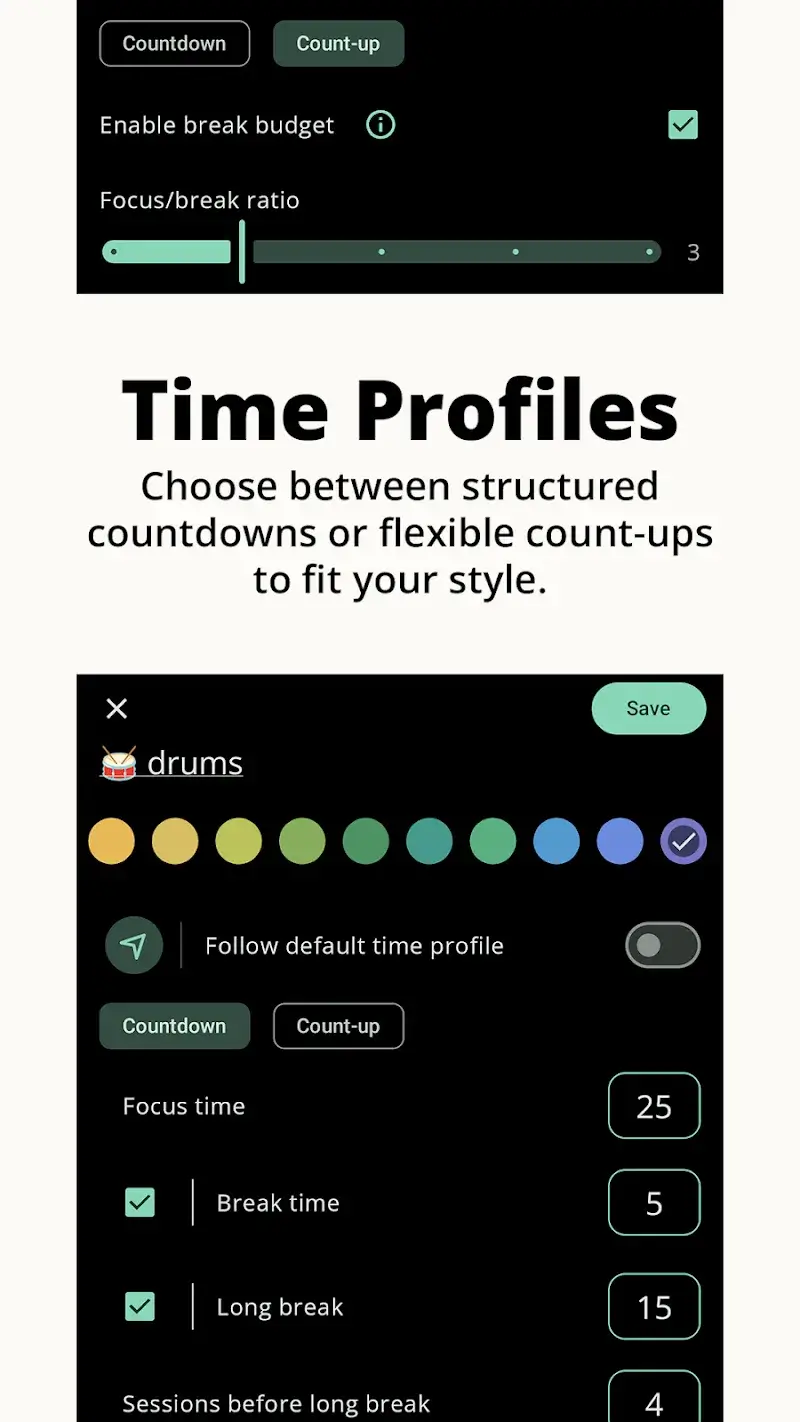
Minimalist Pomodoro Timer Mod is a productivity application implementing the Pomodoro Technique for structured work and rest intervals. It is designed for users requiring a distraction-free environment to manage focus sessions, track productivity metrics, and maintain workflow discipline without feature bloat. The app operates within the utility category, prioritizing function over aesthetic customization.

What This Mod Unlocks

  • Premium subscription features are permanently enabled without requiring a license check.
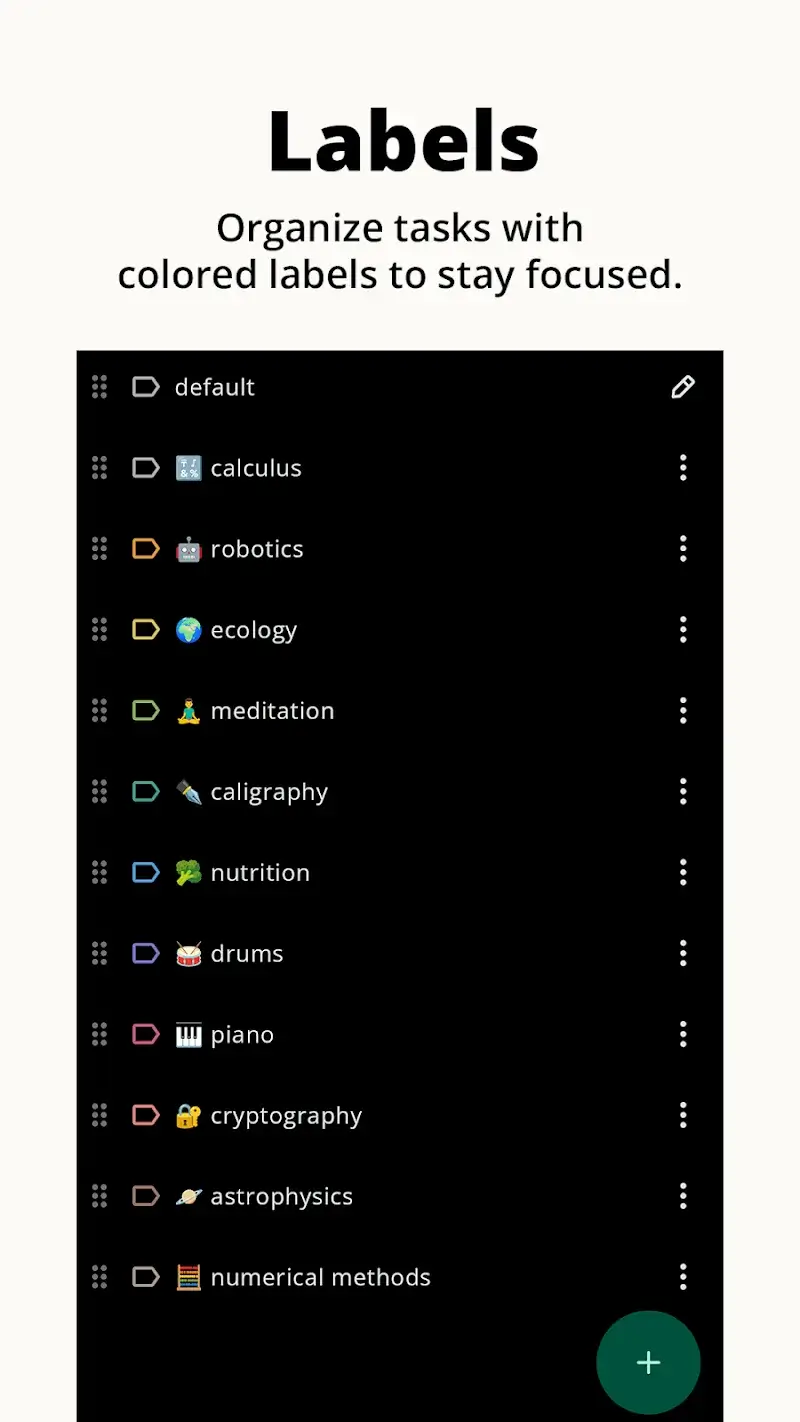
  • All tag creation limits are removed, allowing for unlimited custom session labels.
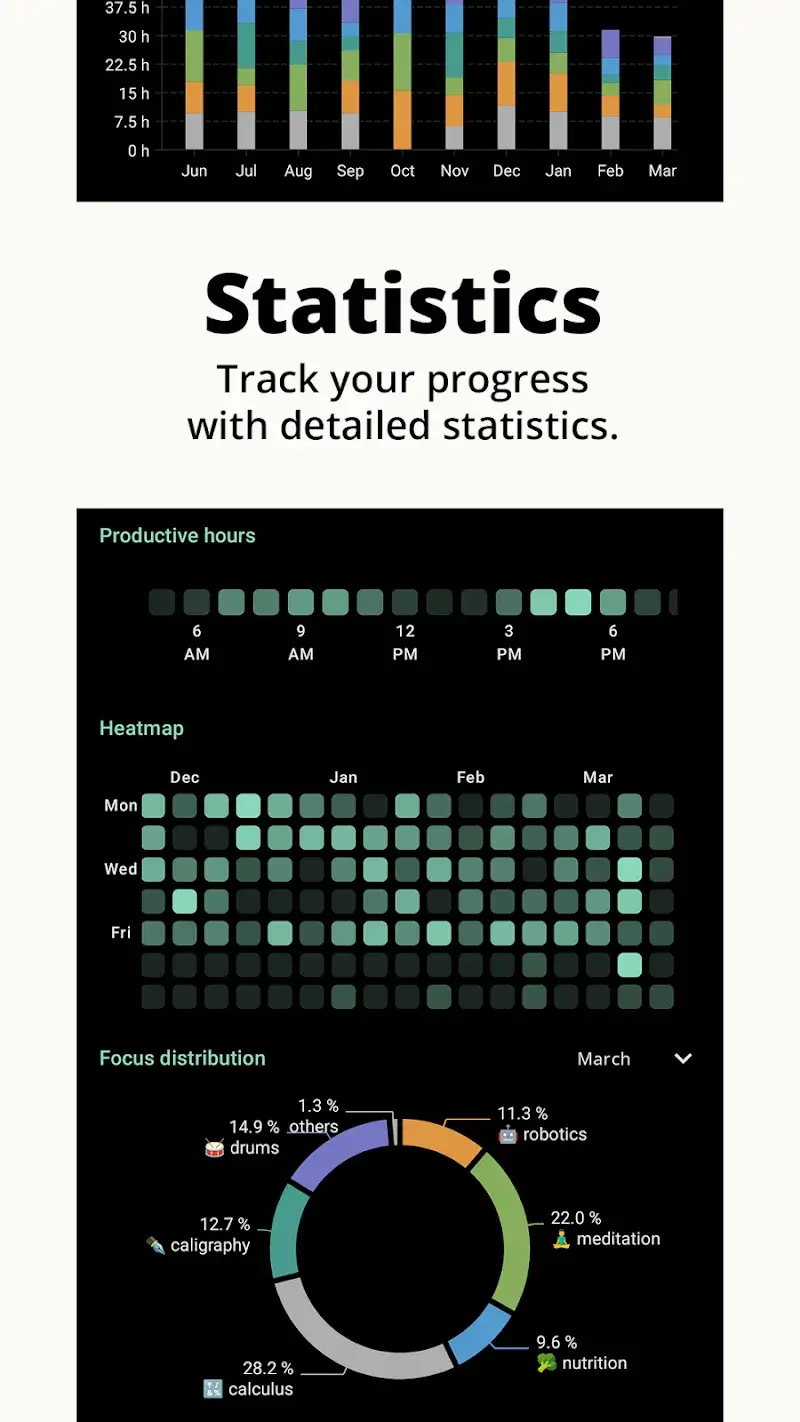
  • Advanced statistics and historical data export functions are fully accessible.
  • All advertisement placeholders and network calls related to ads are disabled.
  • Cloud backup and sync functionalities, typically gated behind premium, are available.

The mod activates immediately upon launching Minimalist Pomodoro Timer Mod. No manual intervention is required. The application state reflects premium status from the first run, with all premium menus and options present and functional.

This mod for Minimalist Pomodoro Timer Mod requires Android 8.0 or higher. It does not require root access. Installation requires approximately 6 MB of storage for the APK file, with additional space for app data and statistics history.

Installation Steps

  1. Download the modified APK file for Minimalist Pomodoro Timer Mod.
  2. Enable installation from unknown sources in your device's security settings.
  3. Open the downloaded file using a file manager and confirm the installation prompt.
  4. Launch Minimalist Pomodoro Timer Mod. The premium interface will be present.

Known Edge Cases

Clearing the app data for Minimalist Pomodoro Timer Mod will reset all user-configured timers and historical statistics to default. The premium status remains intact. If the device has a previous official version installed, you must uninstall it first to avoid a signature conflict. The mod does not interfere with the core timer functionality or system notifications.

Editor's review

This mod for Minimalist Pomodoro Timer Mod version 3.0.14 delivers the claimed premium unlock on Android 8.0+ devices.

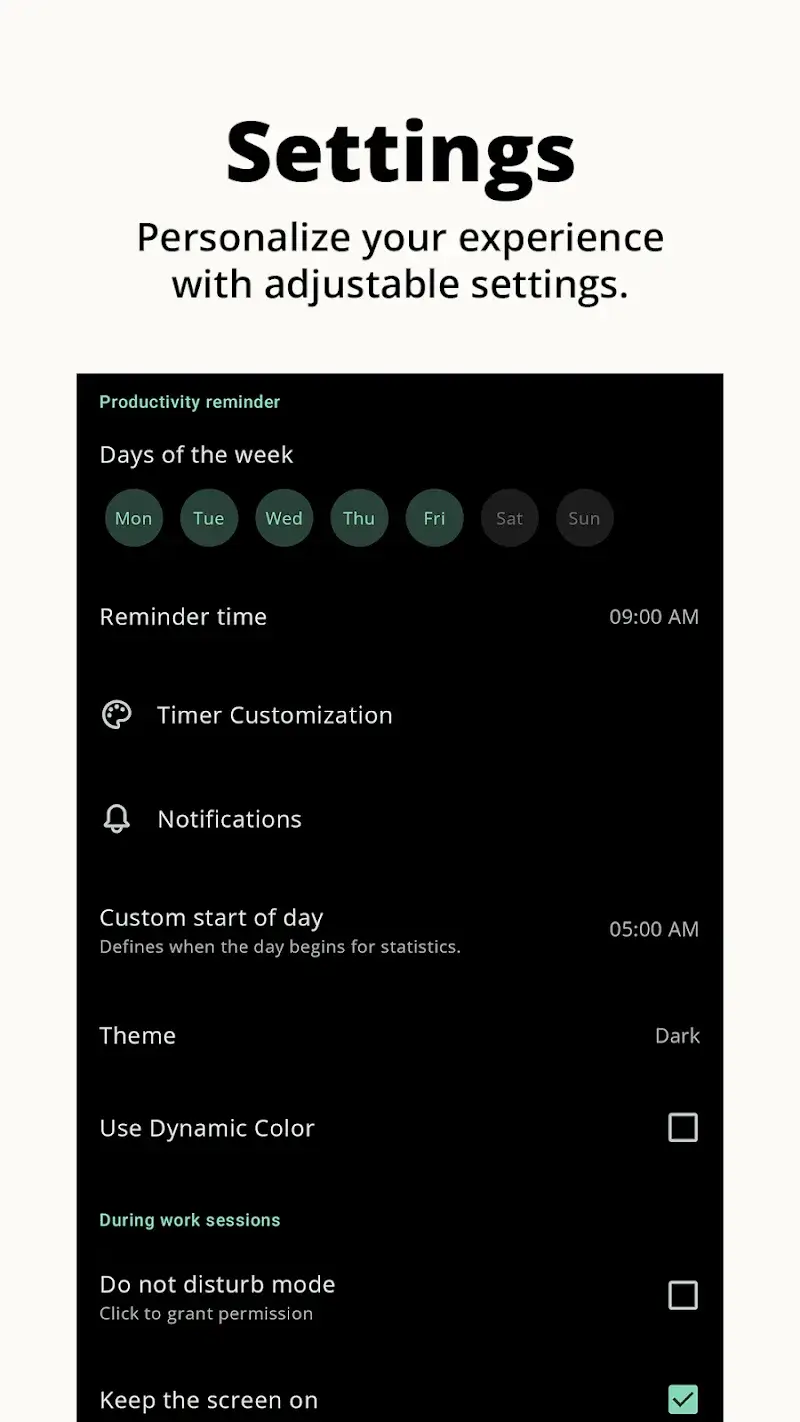
  • Premium badge is displayed in the app settings menu upon launch.
  • Unlimited tag creation functions without restriction or watermark.
  • Full historical statistics and data export options are accessible.
  • No advertisements load during timer sessions or in the interface.
  • Clearing app data resets all user sessions and custom tags, though premium status persists.
  • The mod does not bypass any server-side account validation for cloud features; local backup functions work.

The mod was tested on Minimalist Pomodoro Timer Mod v3.0.14 and requires Android 8.0. Compatibility is stable for the core timer functions.

Functional.

Frequently Asked Questions

Is this Minimalist Pomodoro Timer mod APK safe to install?

The mod APK does not request permissions beyond those required by the official Minimalist Pomodoro Timer app, such as notifications and storage for backups. It does not require root access on Android 8.0+.

Does this mod require root access?

No. The mod for Minimalist Pomodoro Timer is installed via standard sideloading. You only need to enable 'Install from unknown sources' in your Android security settings.

What are the installation steps?

1. Download the APK file. 2. Enable 'Install from unknown sources' in device settings. 3. Open the downloaded file and tap install. 4. Open Minimalist Pomodoro Timer; premium features will be active.

What is the most important feature unlocked by this mod?

The primary unlock is the permanent activation of the Premium subscription. This removes all limits on tag creation and provides access to detailed productivity statistics and export functions that are paywalled in the official version.

Is there a risk of account ban or data loss?

Minimalist Pomodoro Timer operates primarily offline. There is minimal risk for local timer use. For cloud sync features, using a modded client could lead to account flagging if the service performs validation, though this is not commonly reported for this app.

Safety note

Install only APKs matching com.apps.adrcotfas.goodtime at version v3.0.14. Download from official links on this page to reduce tampering risk.

Additional Information

Category: tools Publish Date: Wed, Jan 21, 2026

Scan QR code and download playmods app
Download
PlayMods APP