




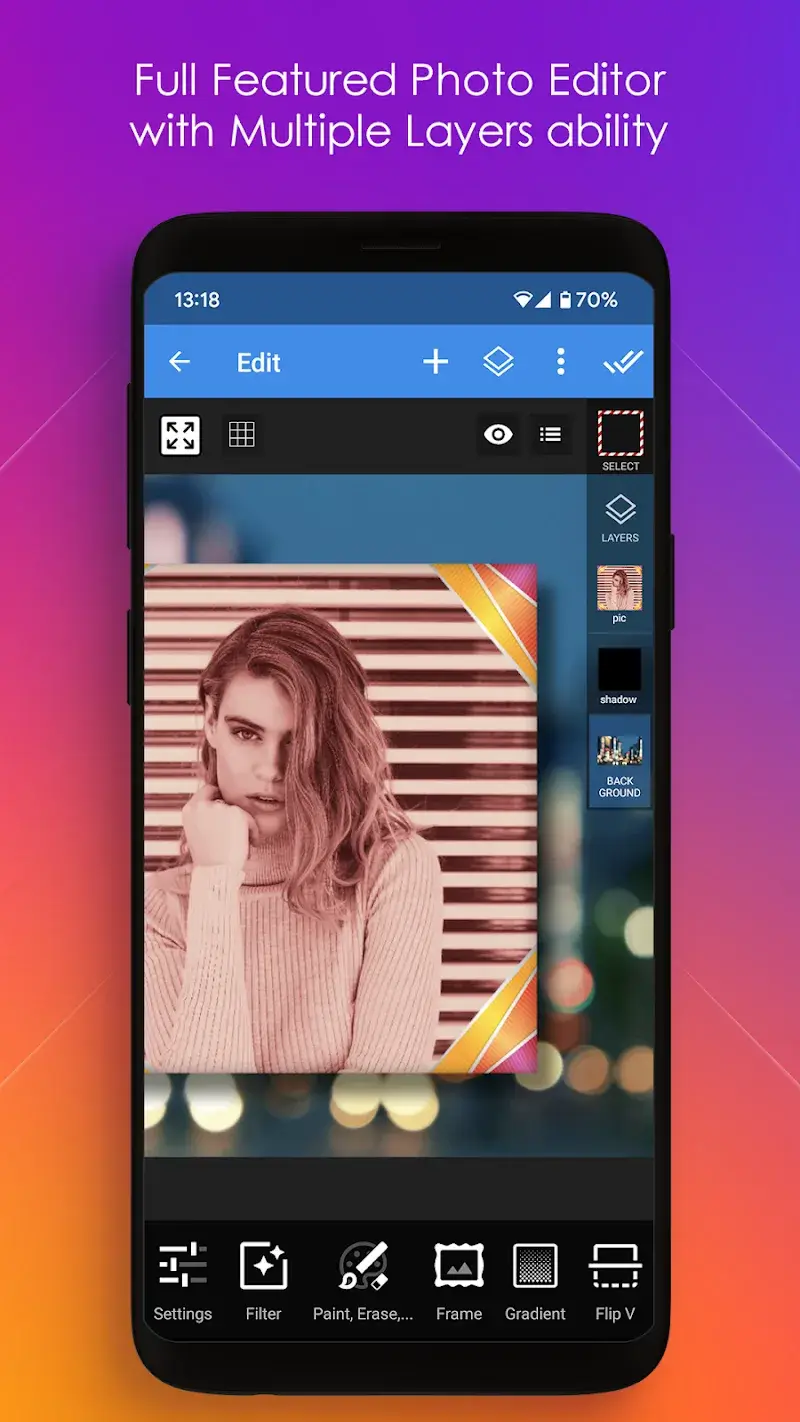
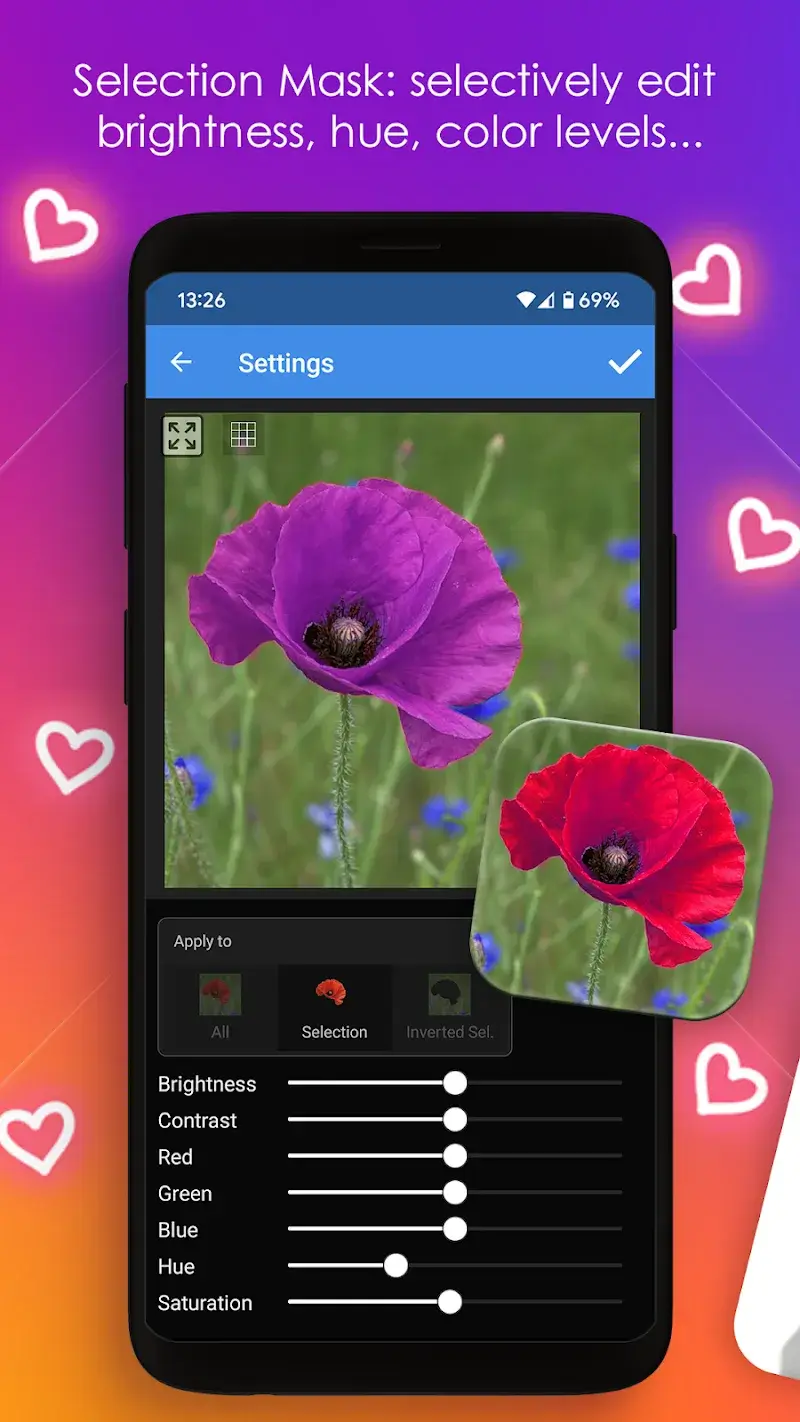
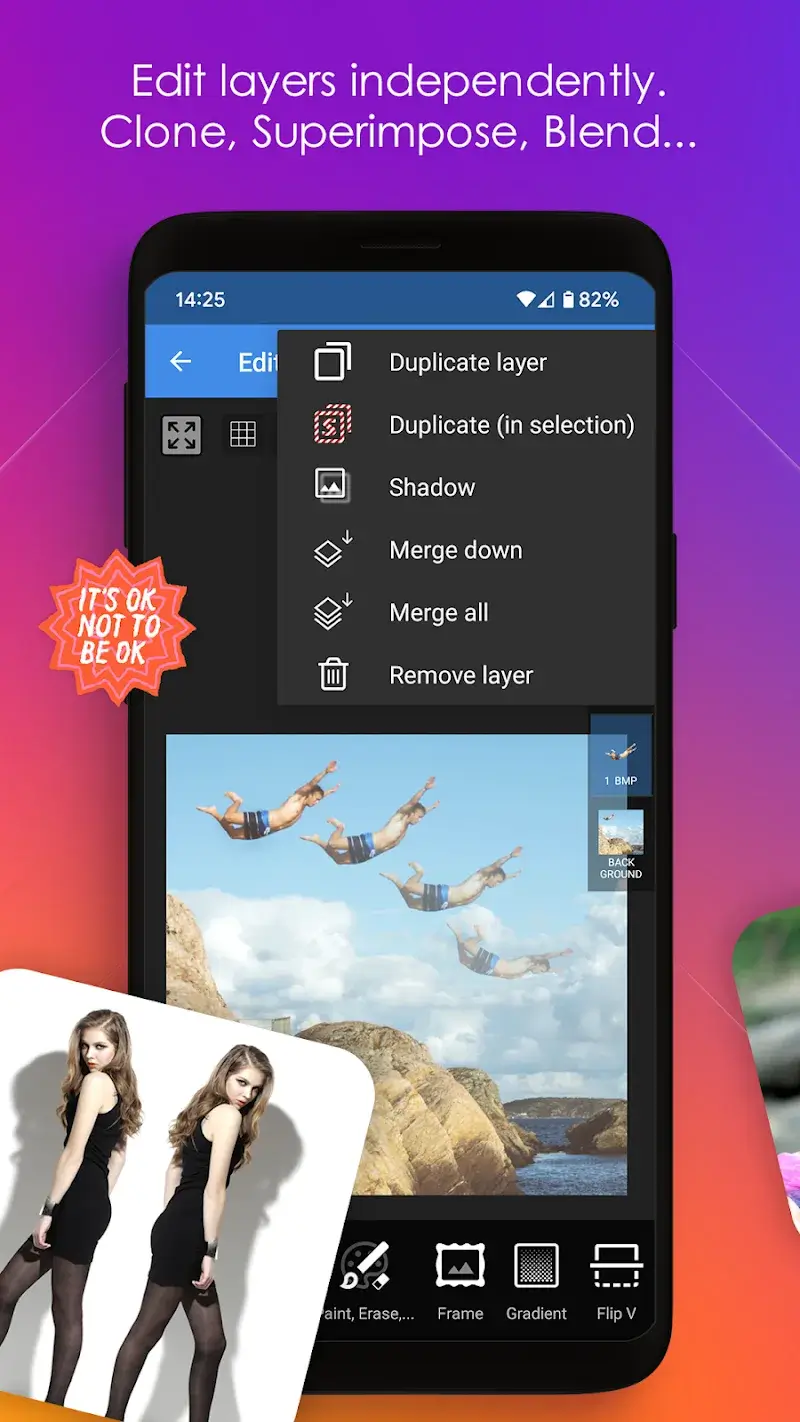
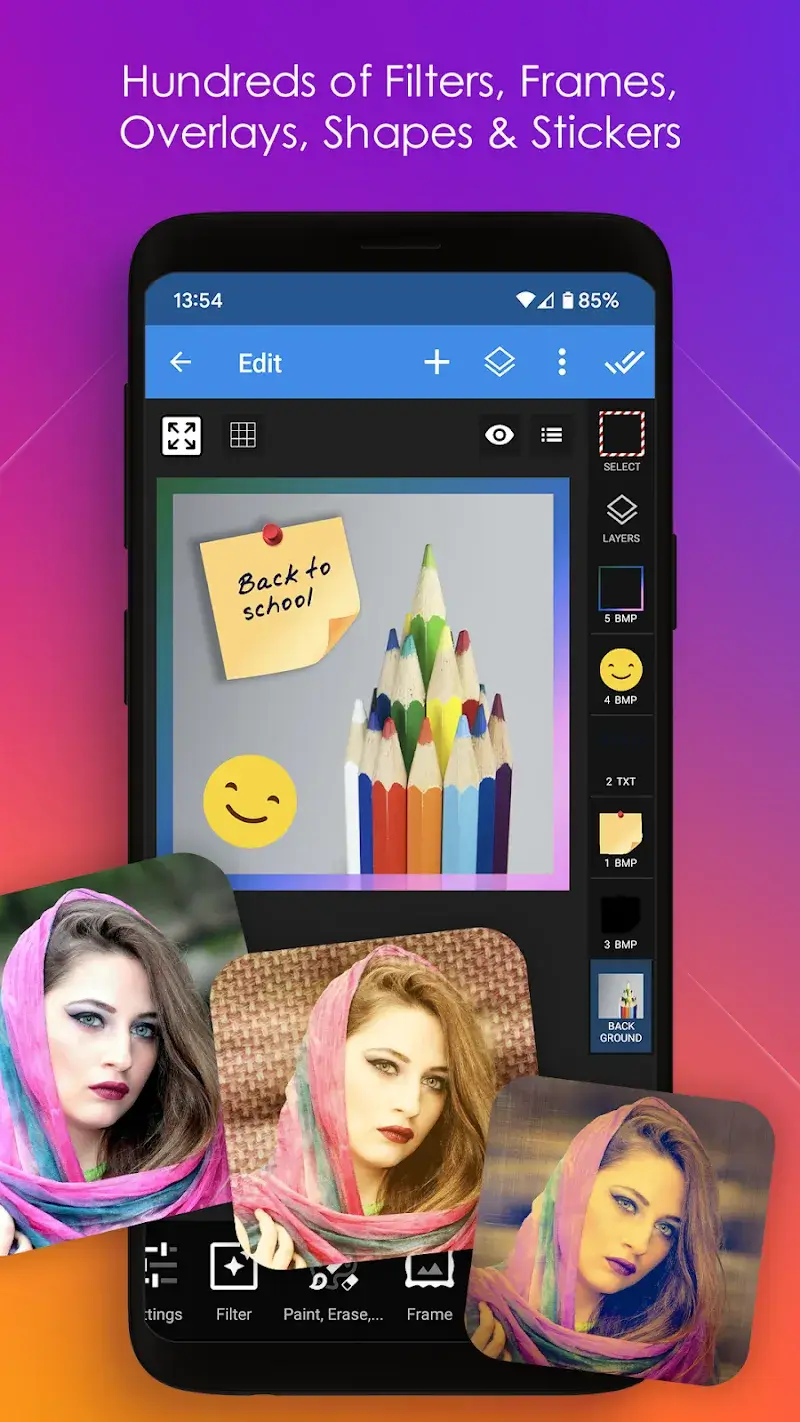
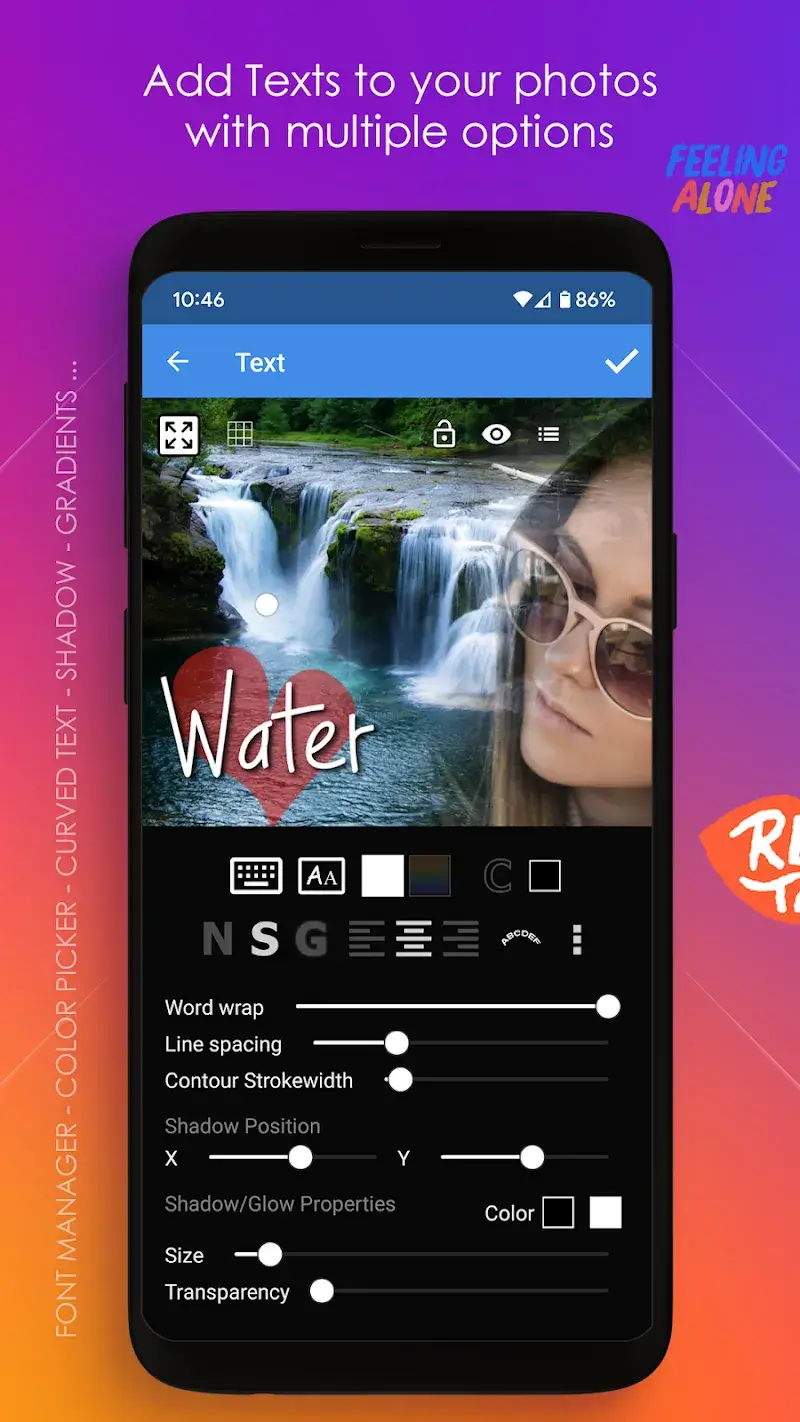
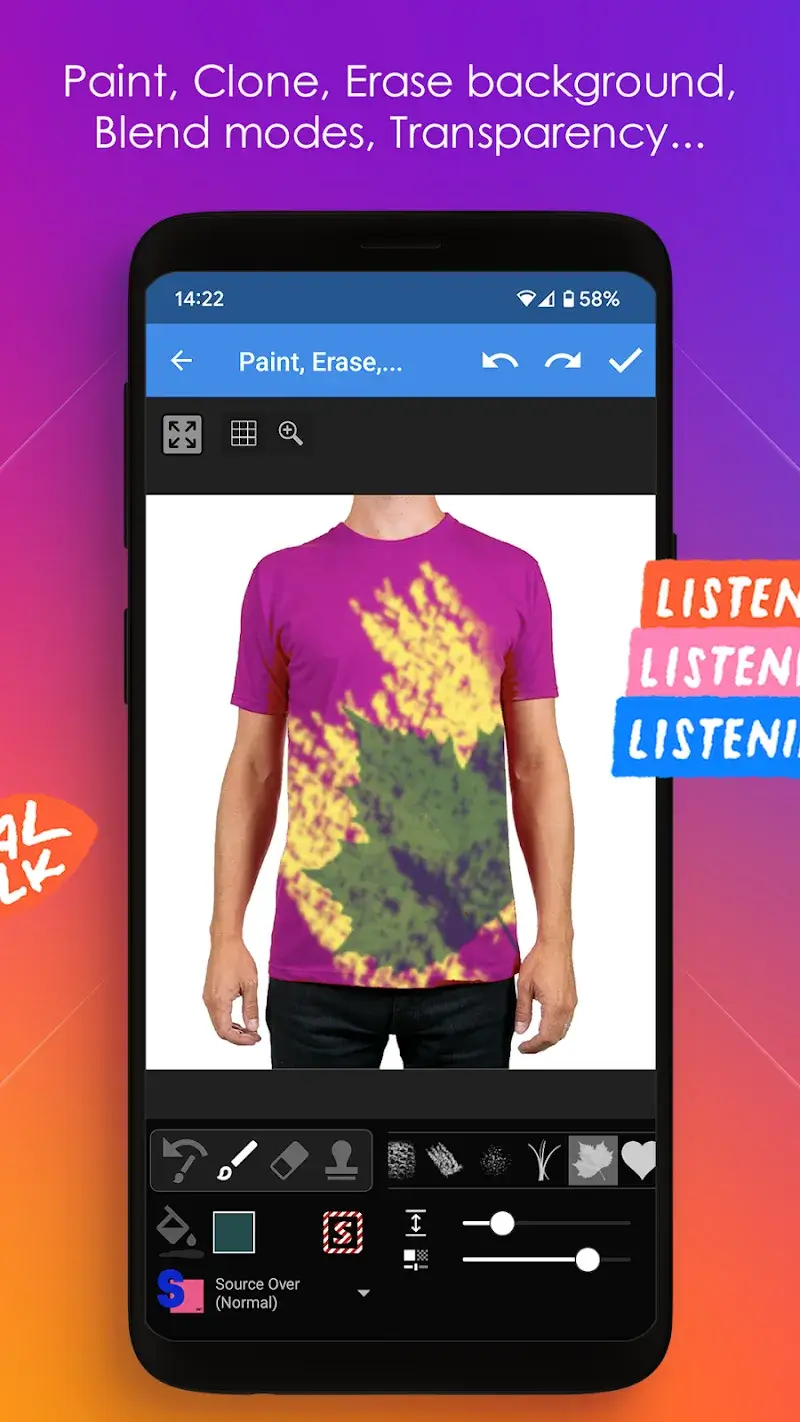
Multi Layer Mod is a professional-grade photo editor focused on non-destructive layer-based composition. It is designed for users who require precise control over individual elements within an image, such as graphic designers, digital artists, and advanced photo editors. The app provides a suite of tools for cutting, combining, and manipulating multiple layers, along with detailed adjustment options for lighting, color, and filters.
What This Mod Unlocks
- Premium features unlocked. All paid tools and functions within the app are accessible without license verification.
- Advertisements disabled. All interstitial and banner ad units have been removed from the user interface.
- In-app purchases are free. Any premium asset packs or tools that require purchase in the official version are available at no cost.
- Watermark removal. The ability to export projects without the application's branding watermark is enabled.
- Project saving restrictions removed. All limitations on the number of saved projects or their resolution are lifted.
The mod is integrated directly into the application binary. There is no separate mod menu to activate; the premium features are available immediately upon launch.
This version of Multi Layer Mod requires Android 7.0 or higher. Installation requires approximately 75 MB of free storage. Root access is not required.
Installation Steps
- Download the provided APK file.
- Enable installation from unknown sources in your device settings if prompted.
- Open the downloaded file and proceed with the standard installation.
- Launch Multi Layer Mod; all modded features are active.
Known Edge Cases
Clearing the app data may reset any locally saved custom brush or filter presets. The premium unlock is tied to the modded APK itself, not an account. Exporting projects at extremely high resolutions may cause performance issues on devices with limited RAM. The ad removal is client-side; any server-based content, such as an online asset store, may not be accessible if the official servers are required.
