




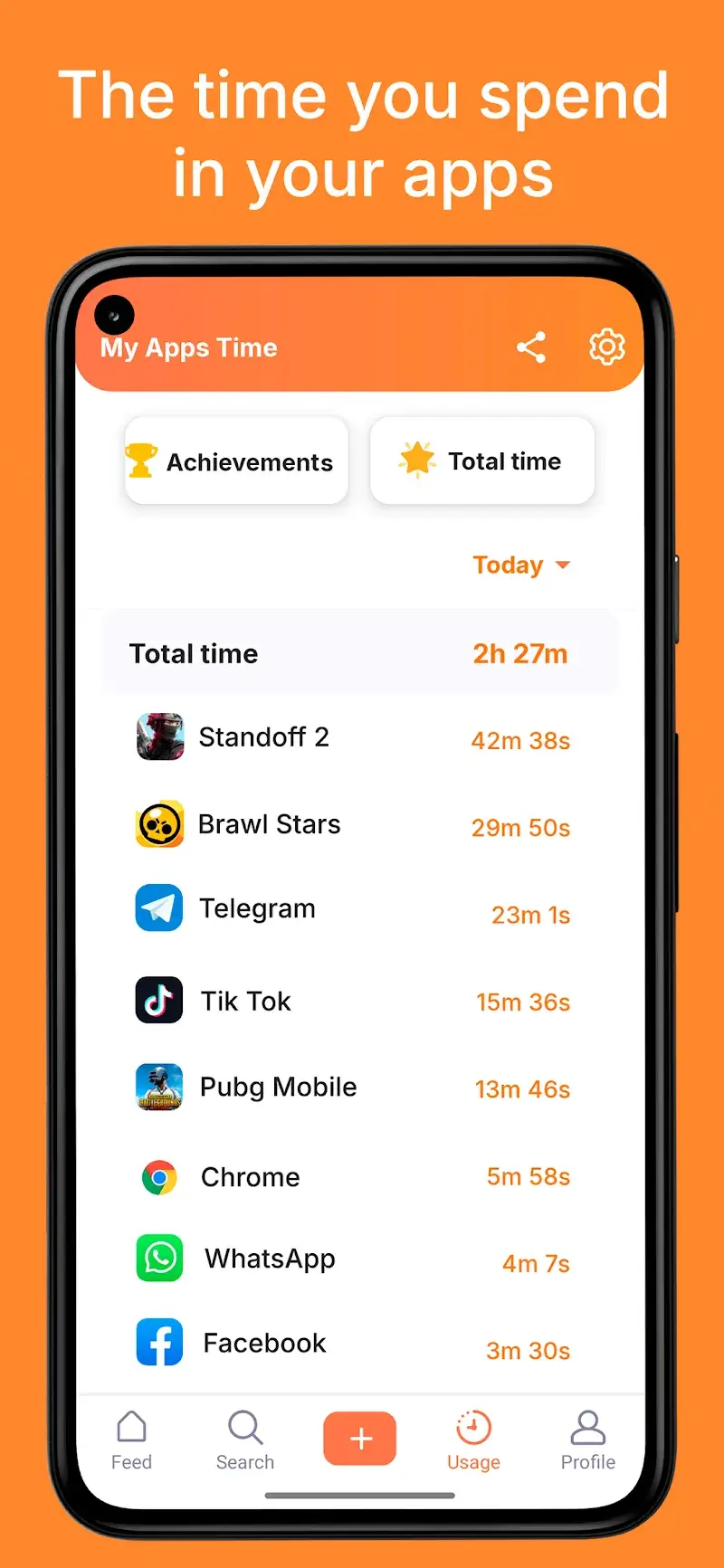


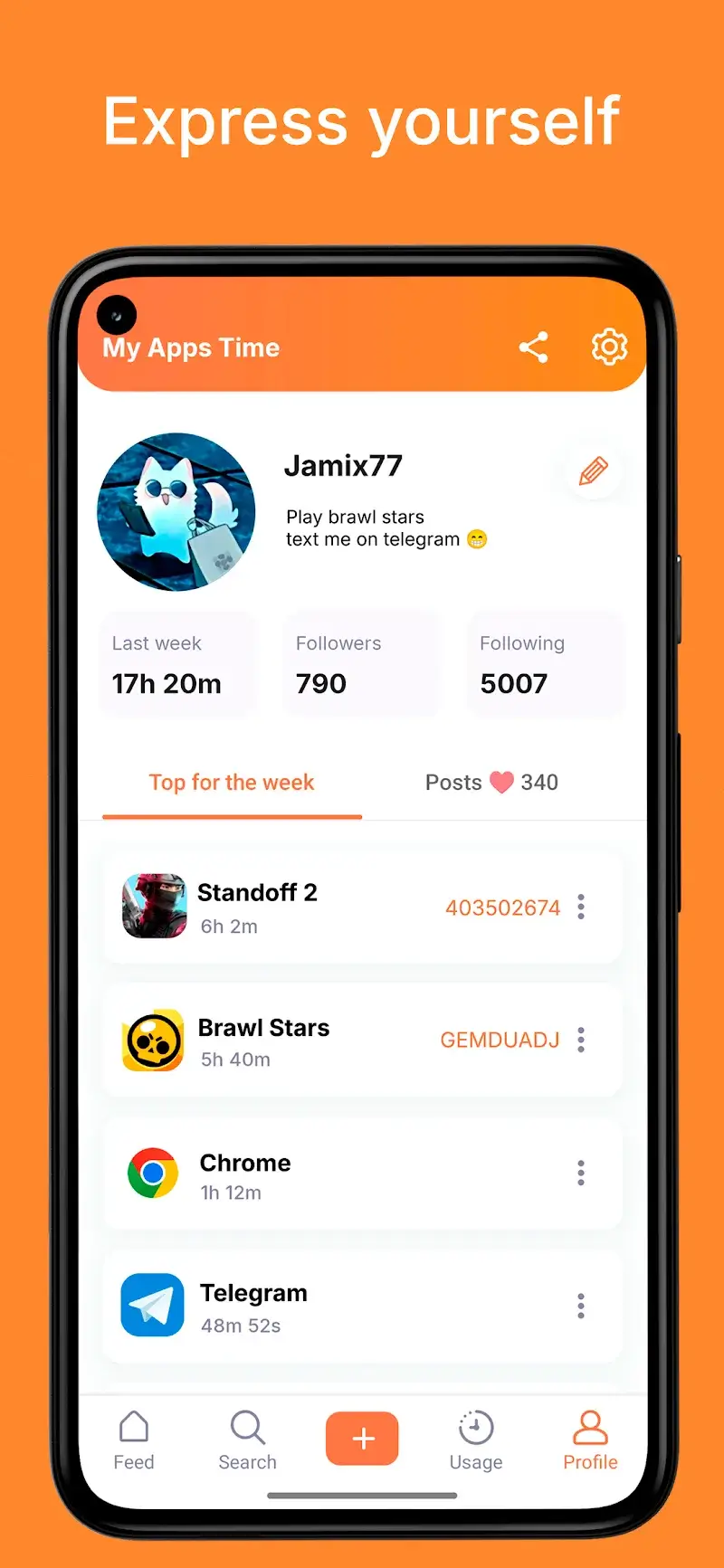
My Apps Time Mod is a utility application that monitors and reports on device usage patterns. It functions as a detailed time tracker, logging the duration and frequency of use for each installed application. The app is designed for users who want to audit their digital habits, compare their usage statistics with a community, and manage screen time. It operates in the system tools category, providing analytics without requiring root access.
What This Mod Unlocks
- All advertisements have been removed from the application interface.
- Ad-related network requests are disabled, preventing banner and interstitial ads from loading.
- The ad-free experience is persistent across all screens, including the main dashboard, statistics pages, and community features.
The modded version of My Apps Time Mod loads without the ad initialization routines present in the official build. This results in a cleaner interface and eliminates interruptions during data review.
My Apps Time Mod requires Android 5.0 or higher. Installation consumes approximately 60 MB of storage. Root permissions are not required for any core functionality or for the mod to operate.
Installation Steps
- Download the modified APK file.
- Enable installation from unknown sources in your device settings.
- Open the downloaded file using a file manager.
- Follow the standard Android package installer prompts.
- Launch My Apps Time Mod from your app drawer.
Known Edge Cases
The ad removal is client-side only. Some community or social sharing features that rely on external servers may still trigger analytics calls, though these do not display ads. Clearing the app data or cache does not restore advertisements. The mod is designed for version 11.15; future official updates may require a new modded APK to maintain functionality.
