


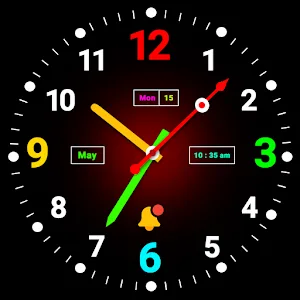

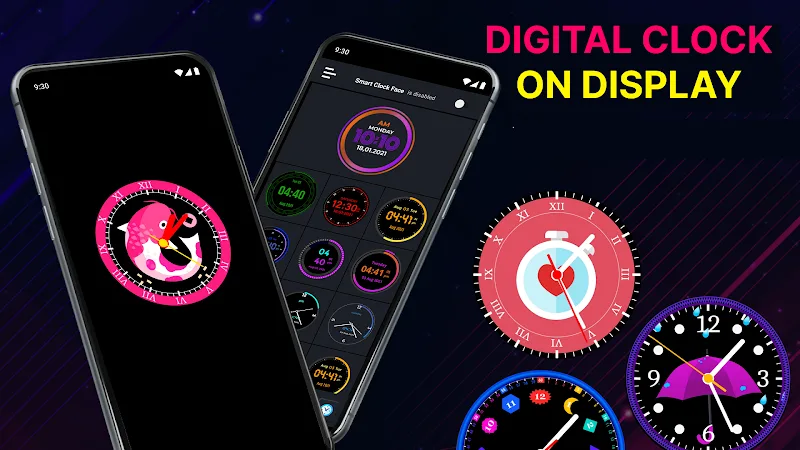
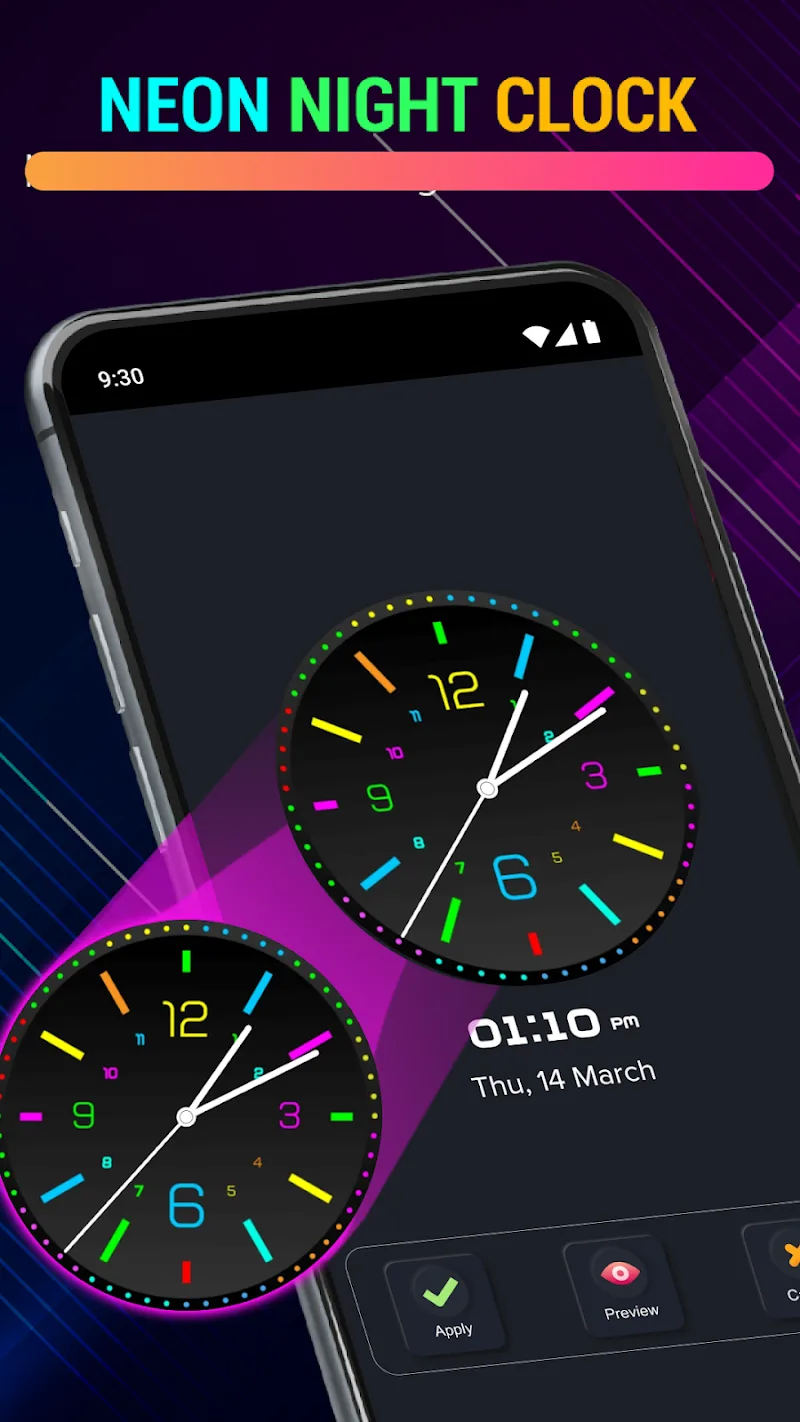
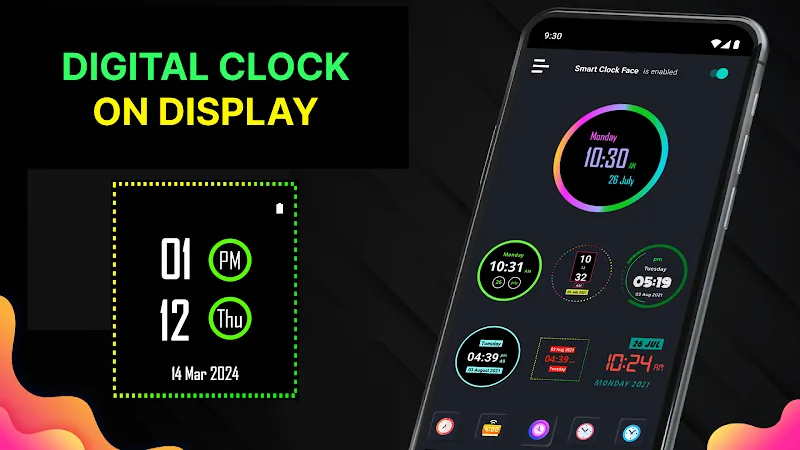
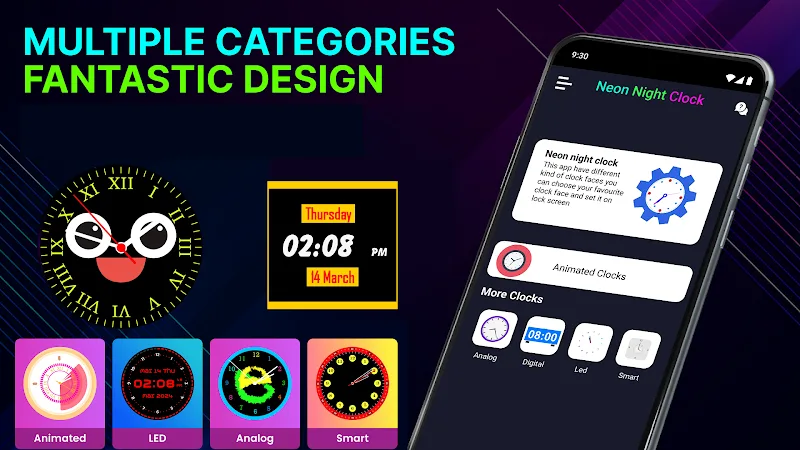
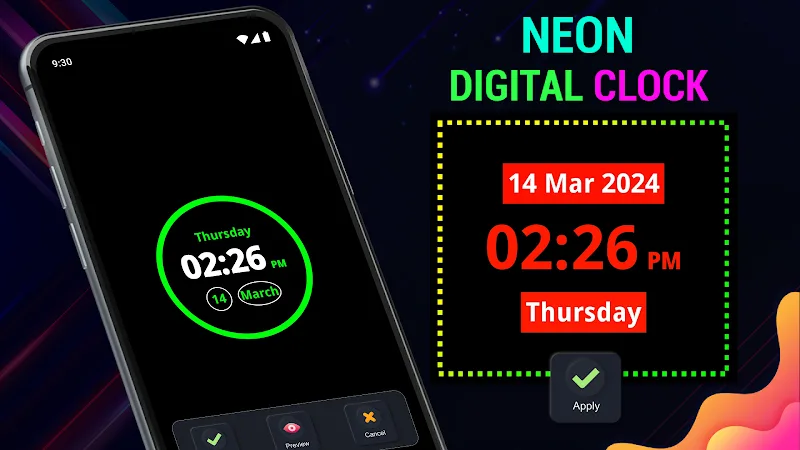
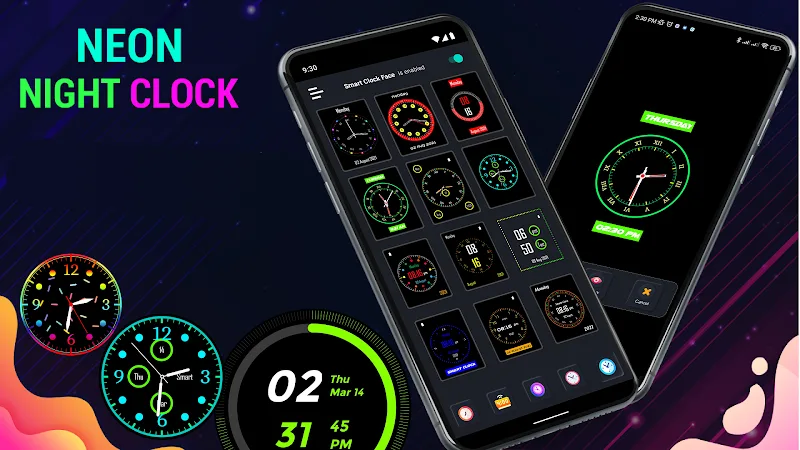
Neon Digital Clock Mod is a live wallpaper application that displays a digital timepiece on the Android home or lock screen. It targets users who want to replace their default clock widget with a highly customizable, neon-themed alternative. The app functions within the system's live wallpaper framework, offering various display styles and visual effects.
What This Mod Unlocks
- Premium themes and clock styles are unlocked. All paid visual packs in the official version are available without purchase.
- All background collections, including bougainvillea scenery, koi pond, heart images, and rainy day animations, are accessible.
- Advanced customization parameters for calendar, date, weekday, and second display are fully enabled.
- Color customization options for the clock face and text are unrestricted.
The modded features are active immediately upon setting Neon Digital Clock Mod as your live wallpaper. No in-app store or premium activation screen appears; all content is present in the selection menus.
The APK requires Android 6.0 or higher and approximately 25 MB of storage. Root access is not required.
Installation follows the standard sideload process. First, download the APK file. Second, enable installation from unknown sources in your device settings if prompted. Third, open the downloaded file and follow the on-screen installer. Fourth, after installation, open the app and apply Neon Digital Clock Mod via the live wallpaper picker.
Known edge cases include potential conflicts with other live wallpaper services. Some device manufacturers' custom launchers may restrict live wallpaper functionality. Clearing the app data will not revert the unlocked features, as they are hard-coded into the mod. The mod does not affect system stability or battery reporting tools.
