


Location: Home > Apps > Tools > Ombre icon pack

Ombre Icon Pack (Premium Dashboard Unlocked, All Icon Requests Unlocked, In-App Purchases Free, Ads Disabled, All Wallpapers Unlocked, Dynamic Calendar Icons Unlocked) Download for Android

Ombre Icon Pack icon

Ombre Icon Pack Premium Dashboard Unlocked, All Icon Requests Unlocked, In-App Purchases Free, Ads Disabled, All Wallpapers Unlocked, Dynamic Calendar Icons Unlocked

3.5
v16.0.0 for Android
Fast Download:Download this app by playmods App with faster speed.

Ombre Icon Pack MOD Info MOD Info :
Premium Dashboard Unlocked, All Icon Requests Unlocked, In-App Purchases Free, Ads Disabled, All Wallpapers Unlocked, Dynamic Calendar Icons Unlocked

Screenshots

Description

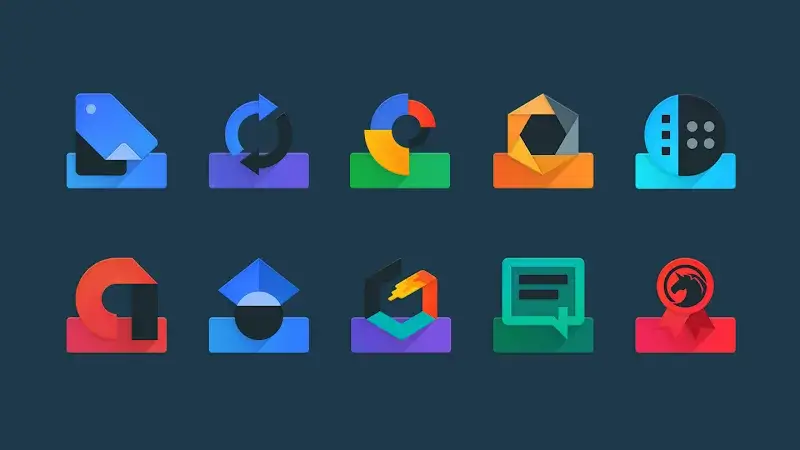
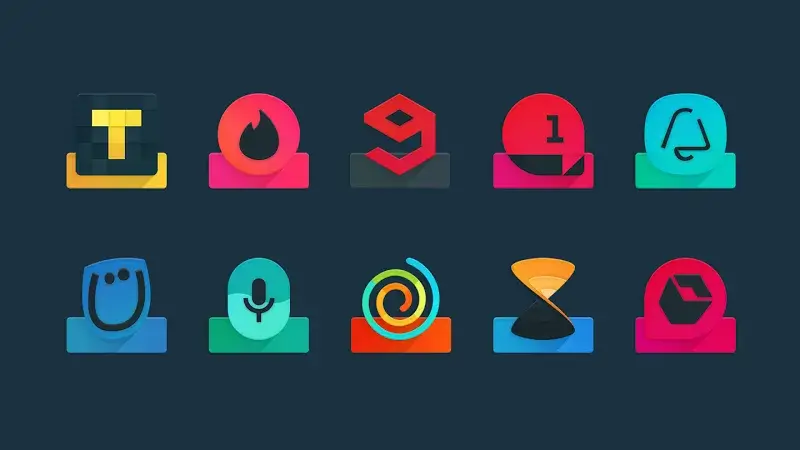
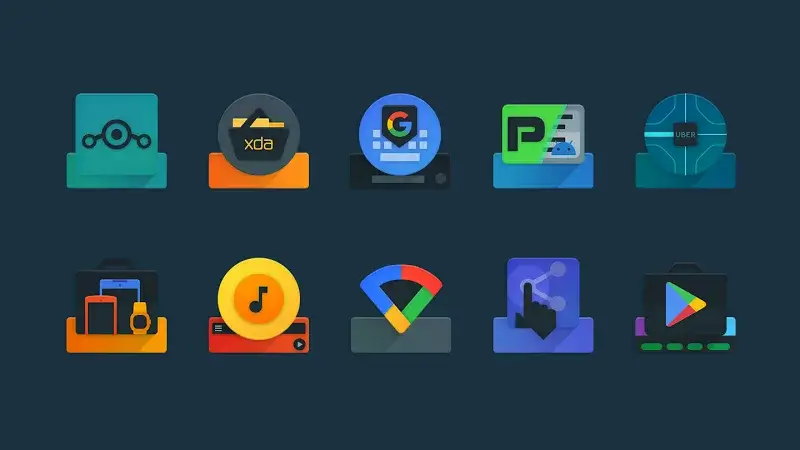
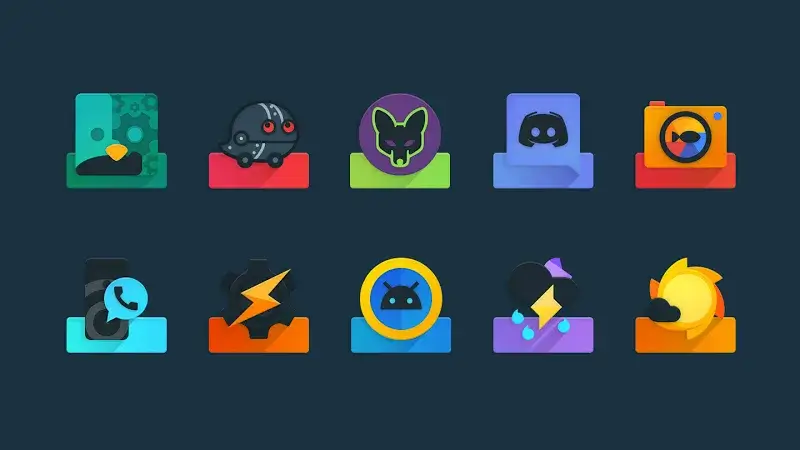
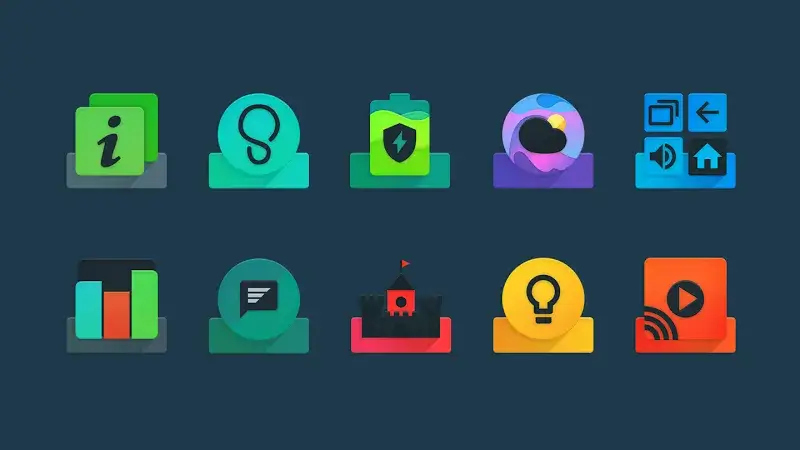
Ombre Icon Pack Mod is a personalization tool for Android that replaces standard app icons with a curated set of over 4,400 dark-themed, multi-layered icons featuring gradient designs. It targets users of custom launchers who seek a cohesive, visually distinct home screen aesthetic. The application includes a dashboard for managing icons, wallpapers, and submitting requests for unsupported apps.

What This Mod Unlocks

  • Premium dashboard features unlocked, removing all paywalls.
  • In-app purchases for donations and premium access are granted for free.
  • All icon request submissions are enabled without restriction.
  • Full access to the collection of over 50 HD wallpapers and widgets.
  • Dynamic calendar icons and material alphabet icons are fully functional.
  • Ads within the application are disabled.

The modded features are active immediately upon launch. The premium dashboard, which is typically locked behind a purchase in the official Ombre Icon Pack Mod, loads without any 'Upgrade' prompts. All settings and request forms are accessible from the start.

This mod for Ombre Icon Pack Mod requires Android 5.0 or higher. It does not require root access. Installation will consume approximately 100 MB of storage.

Installation Steps

  1. Download the modified APK file.
  2. Enable 'Install from Unknown Sources' in Android settings if not already allowed.
  3. Open the downloaded file using a file manager and proceed with the installation.
  4. Launch Ombre Icon Pack Mod and apply icons through your supported launcher.

Known edge cases include potential conflicts with Google Play Protect, which may block installation and must be temporarily disabled. The mod functions offline, but icon request submissions require an internet connection. Clearing the app data may reset some dashboard preferences, but the premium status persists. Some launchers may require a manual icon apply step after installation.

Editor's review

This mod for Ombre Icon Pack Mod version 16.0.0 delivers the claimed premium unlocks on Android 5.0 and above.

  • Confirmed working: The premium dashboard loads without upgrade prompts, granting immediate access to all icon management tools.
  • Confirmed working: Icon request submission form is fully functional without requiring any payment.
  • Confirmed working: The entire library of wallpapers and widgets is available for selection.
  • Known issue: On some devices, the initial launch may show a brief 'verifying' dialog before the unlocked dashboard appears.
  • Known issue: If the app data is cleared, user-submitted icon request history is lost, though premium access remains.

Tested on Android 10 and 12. The mod does not require root. Recommendation: Functional.

Frequently Asked Questions

Is this Ombre Icon Pack mod APK safe to install?

The mod APK does not request any dangerous permissions beyond those required by the official Ombre Icon Pack, such as storage access to apply icons. It does not require root access on Android 5.0+.

Does this mod require root access?

No root access is required. The standard sideload process involves downloading the APK, allowing installations from unknown sources in your Android settings, and running the installer.

How do I install Ombre Icon Pack Mod?

1. Download the APK file. 2. Go to Android Settings > Security and enable 'Install from Unknown Sources'. 3. Open the downloaded file with a file manager and tap Install. 4. Open the app and apply icons via your launcher's settings.

What is the most important feature unlocked by this mod?

The most important feature is the full unlocking of the premium dashboard. In the official version, this dashboard is paywalled; the mod grants immediate access to all icon management tools, request forms, and wallpaper collections without payment.

Is there a risk of account ban or data loss using this mod?

Ombre Icon Pack is an offline personalization tool. There is minimal risk of a ban as it does not interact with online accounts. The primary risk is potential data loss if the app data is cleared, which would reset your custom settings but not the mod's unlocked status.

Safety note

Install only APKs matching best.black.icons.ddt at version v16.0.0. Download from official links on this page to reduce tampering risk.

Additional Information

Category: tools Publish Date: Sun, Oct 6, 2024

Scan QR code and download playmods app
Download
PlayMods APP