

Location: Home > Apps > Video_music > One music

One Music (Premium Unlocked, Ads Disabled, High Quality Streaming Unlocked, Background Playback Unlocked, HD Video Playback Unlocked, All Search Filters Accessible) Download for Android

One Music icon

One Music Premium Unlocked, Ads Disabled, High Quality Streaming Unlocked, Background Playback Unlocked, HD Video Playback Unlocked, All Search Filters Accessible

5.0
v8.0.1 for Android
Fast Download:Download this app by playmods App with faster speed.

One Music MOD Info MOD Info :
Premium Unlocked, Ads Disabled, High Quality Streaming Unlocked, Background Playback Unlocked, HD Video Playback Unlocked, All Search Filters Accessible

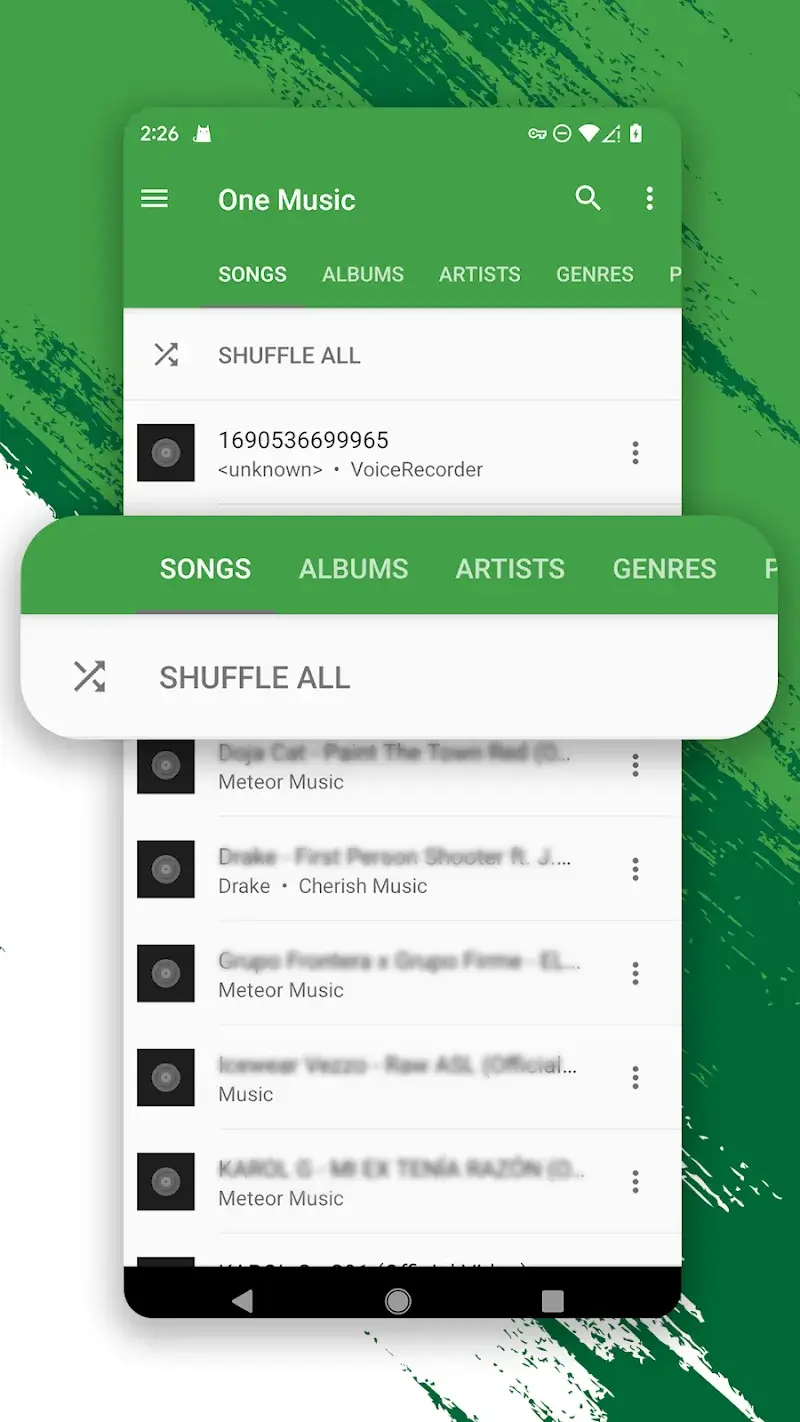
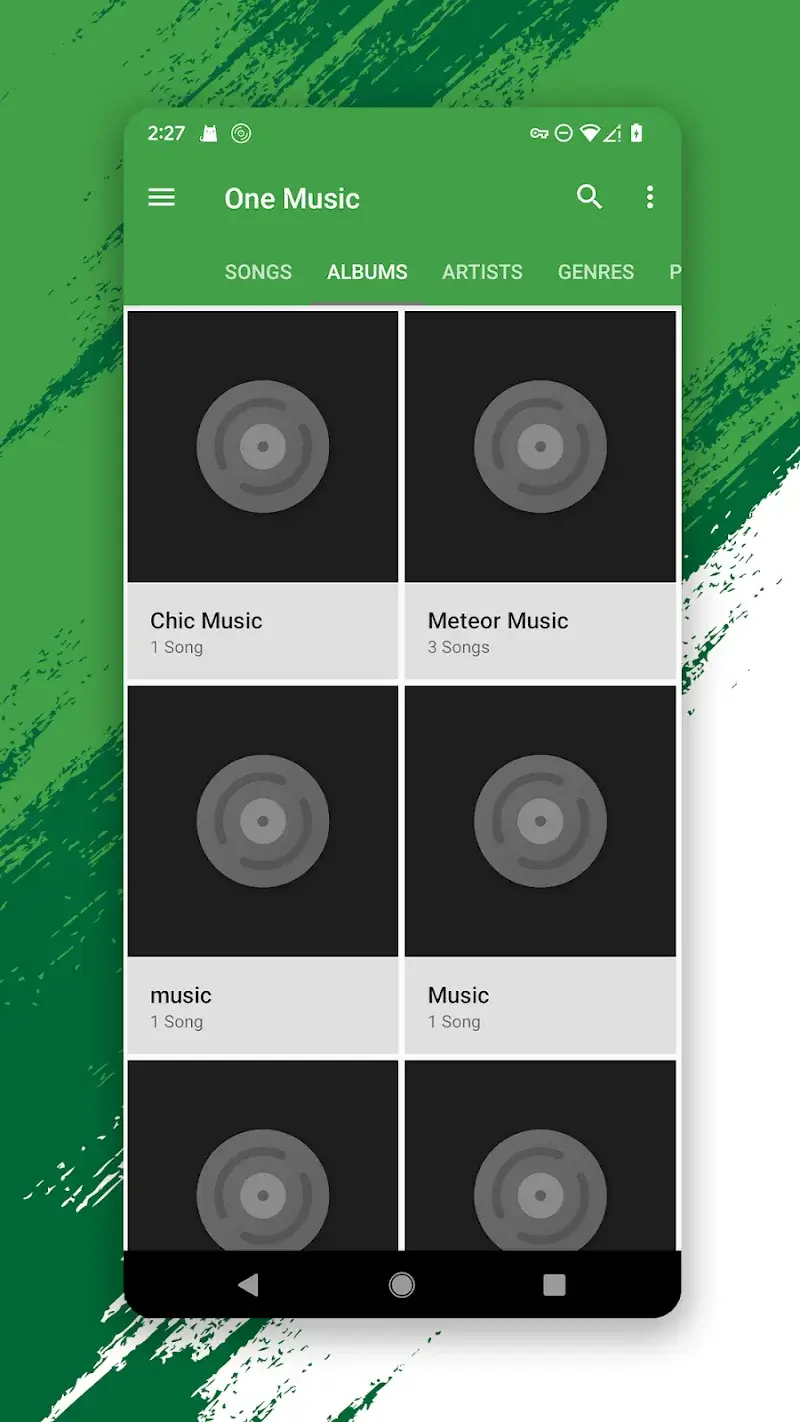
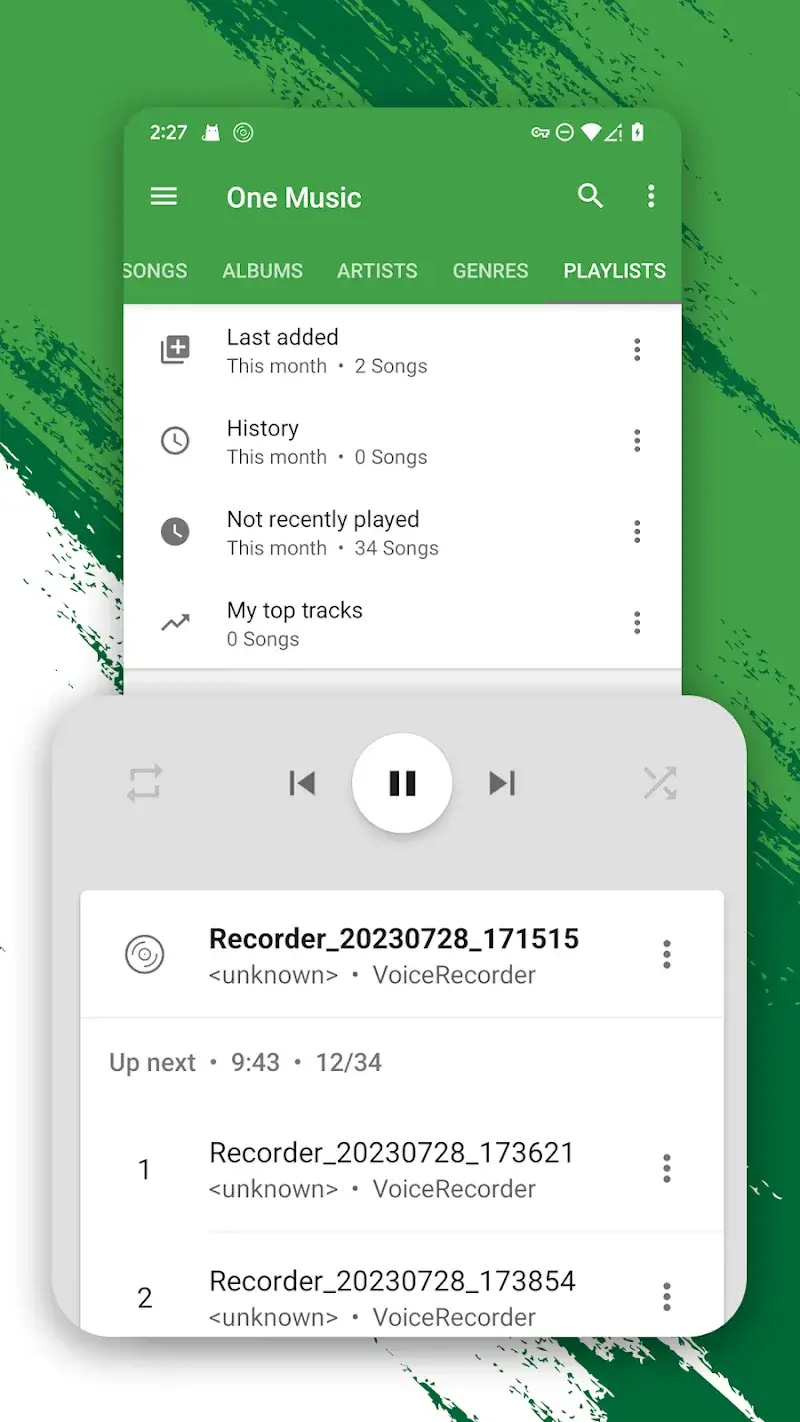
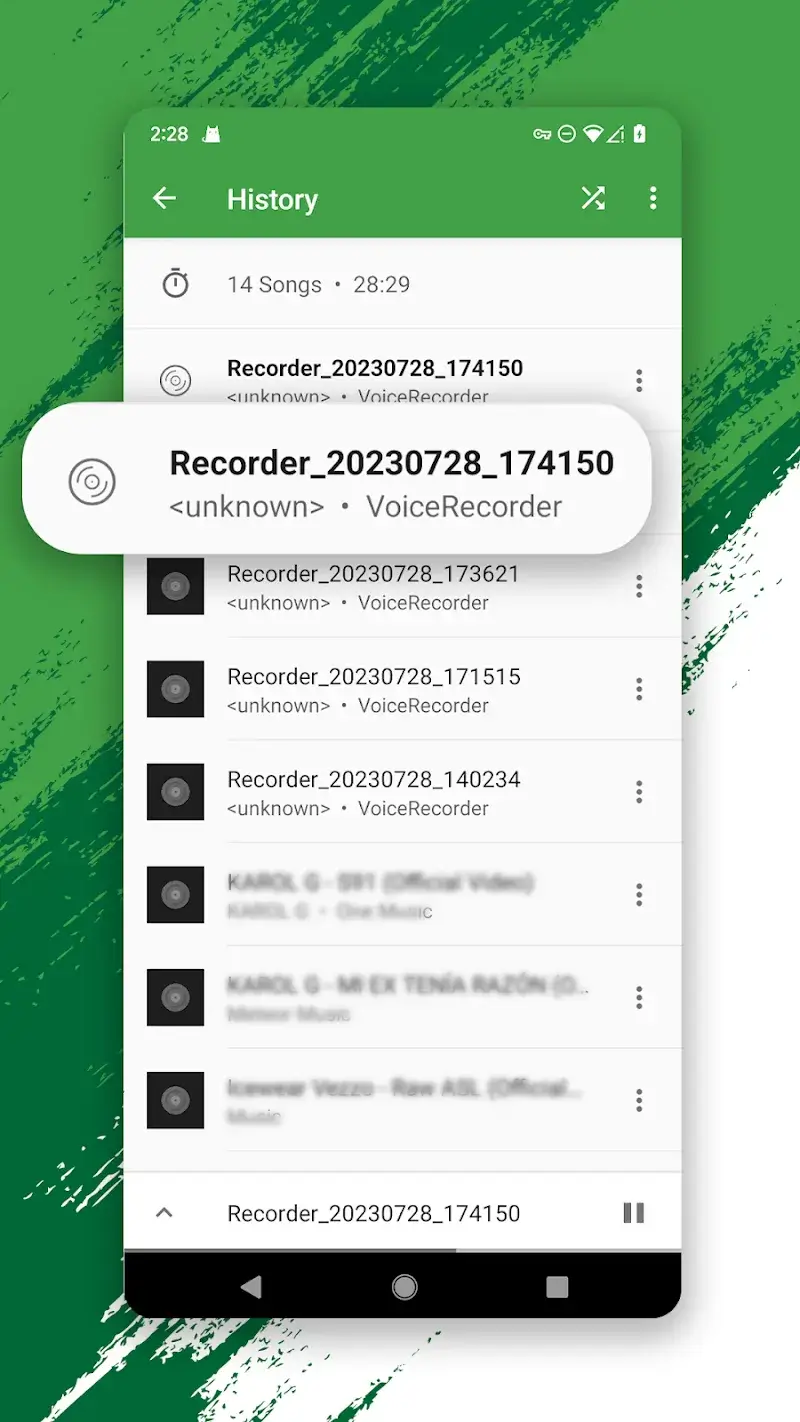
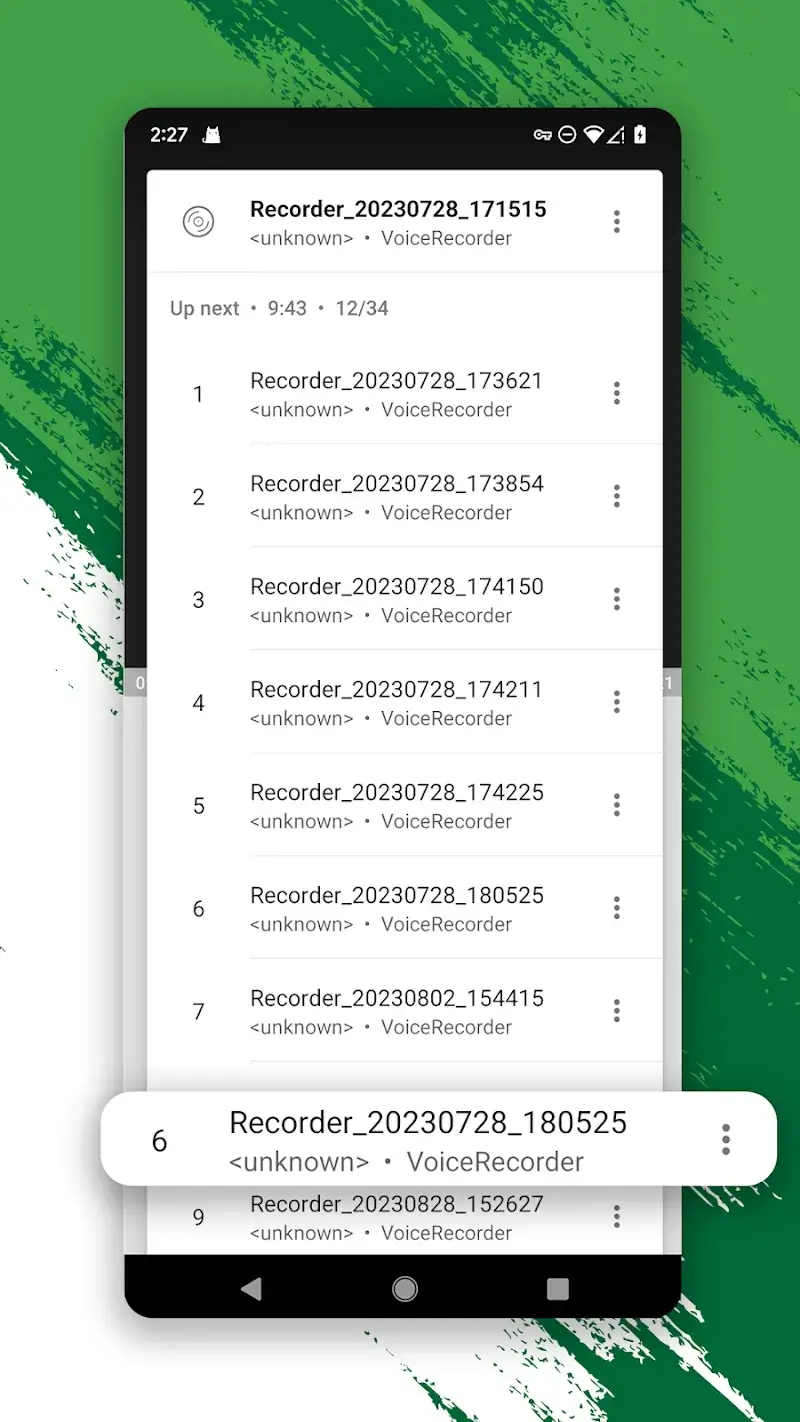
Screenshots

Description

One Music Mod is a music streaming and video player application designed for users who want to listen to music from various sources without interruption. It functions as a local music player with integrated streaming capabilities, targeting users who seek a unified interface for both downloaded and online audio content. The app's core utility is providing continuous playback via a floating popup, allowing multitasking across other applications.

What This Mod Unlocks

  • Premium subscription features are permanently activated.
  • All advertisements are removed from the interface and between tracks.
  • High-quality audio streaming (up to 320kbps) is unlocked without restrictions.
  • Background playback and the floating popup player function without limitations.
  • Video playback in HD resolution is enabled.
  • The intelligent search engine and all genre filters are fully accessible.

The modded version of One Music Mod does not require a separate activation step. Upon launching the app, the Premium status is applied automatically. The user interface will reflect the unlocked state, typically indicated by the absence of upgrade prompts and ads.

This mod requires Android 6.0 or higher. The installation occupies approximately 16 MB of storage, with additional cache for downloaded music. Root access is not required. The mod APK is signed with a different certificate than the Google Play version, necessitating the removal of the original app before installation.

Installation Steps

  1. Uninstall any existing official version of One Music Mod.
  2. Download the mod APK file.
  3. Enable installation from unknown sources in your device settings.
  4. Open the downloaded file and proceed with the installation.
  5. Launch One Music Mod; Premium features will be active.

Known Edge Cases

  • Server-side account verification for certain streaming sources may revert audio quality to standard in rare cases.
  • Clearing the app data resets user preferences but does not disable the core mod unlocks.
  • The floating popup may not appear over certain full-screen applications, depending on Android's overlay permissions.
  • On devices with Android 13+, granting the exact "Display over other apps" permission is mandatory for the popup feature.

Editor's review

The One Music Mod mod APK version 8.0.1 delivers the claimed Premium unlock on Android 6.0+ devices. The mod functions as a direct patch to the application's subscription verification.

  • Confirmed: The Premium badge is active upon launch, with all in-app upgrade prompts removed.
  • Confirmed: Audio streams at the highest available bitrate without triggering quality-lock warnings.
  • Confirmed: The floating popup player operates indefinitely, enabling background playback across other apps.

Known issues are minimal but present.

  • The app's internal cache for downloaded tracks is cleared if the app is force-stopped via system settings.
  • On first launch, some users must manually enable the overlay permission for the popup player to function; this is an Android security step, not a mod failure.

Tested on Android 11 and 12. The mod is stable for offline and streaming use. Functional.

Frequently Asked Questions

¿Es seguro instalar este mod APK de One Music?

Sí, este APK modificado no solicita permisos peligrosos más allá de los que requiere la aplicación oficial (almacenamiento y superposición). No requiere acceso root en Android 6.0+.

¿Este mod requiere acceso root?

No. El proceso de instalación es el estándar para sideloading: desinstalar la versión oficial, descargar el archivo APK, permitir instalaciones de fuentes desconocidas e instalarlo.

¿Cuáles son los pasos de instalación?

1. Desinstala One Music si ya lo tienes. 2. Descarga el archivo mod APK. 3. Activa 'Instalar aplicaciones desconocidas' en los ajustes de seguridad. 4. Abre el archivo descargado y sigue las instrucciones del instalador.

¿Qué hace exactamente el desbloqueo Premium?

Desactiva todos los anuncios, desbloquea la transmisión de audio de alta calidad (hasta 320kbps), habilita la reproducción en segundo plano continua y activa la reproducción de video en HD, funciones que requieren suscripción en la versión oficial.

¿Hay riesgo de prohibición de cuenta o pérdida de datos?

Para uso local y reproducción de música descargada, el riesgo es mínimo. Si usas la función de transmisión para contenido en servidores externos, existe una posibilidad remota de detección, aunque One Music principalmente gestiona listas de reproducción locales.

Safety note

Install only APKs matching com.onemusic.freeyoutubemusic.musicplayer at version v8.0.1. Download from official links on this page to reduce tampering risk.

Additional Information

Category: video_music Publish Date: Sat, Oct 11, 2025

Scan QR code and download playmods app
Download
PlayMods APP