

Location: Home > Apps > Tools > Oneui fluffy icons

OneUI Fluffy Icons (Premium Version Unlocked, All Icons Unlocked, All Widgets Unlocked, Ads Disabled) Download for Android

OneUI Fluffy Icons icon

OneUI Fluffy Icons Premium Version Unlocked, All Icons Unlocked, All Widgets Unlocked, Ads Disabled

4.3
v1.8 for Android
Fast Download:Download this app by playmods App with faster speed.

OneUI Fluffy Icons MOD Info MOD Info :
Premium Version Unlocked, All Icons Unlocked, All Widgets Unlocked, Ads Disabled

Screenshots

Description

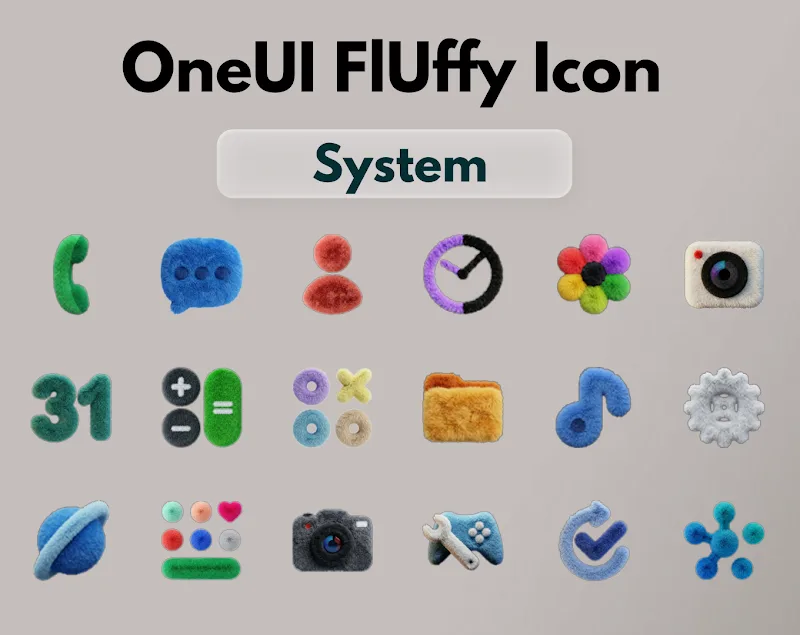
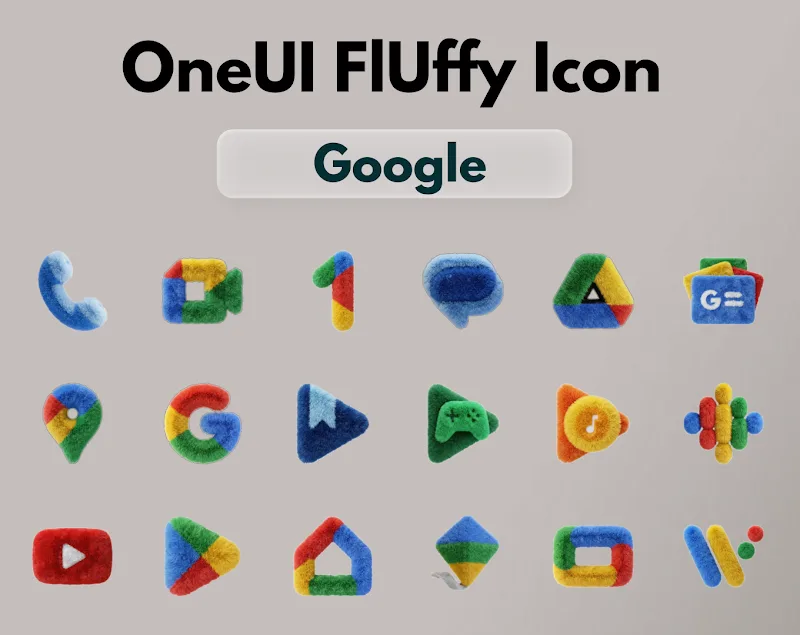
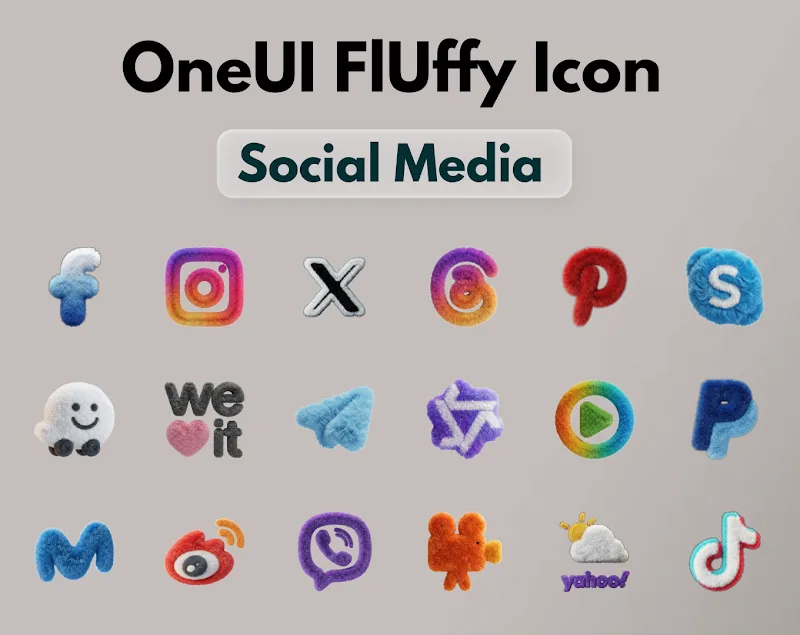
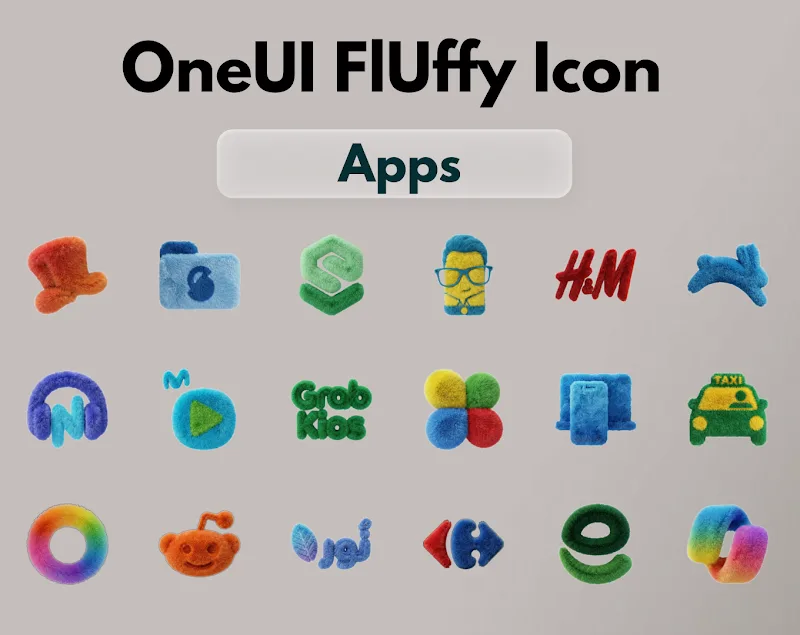
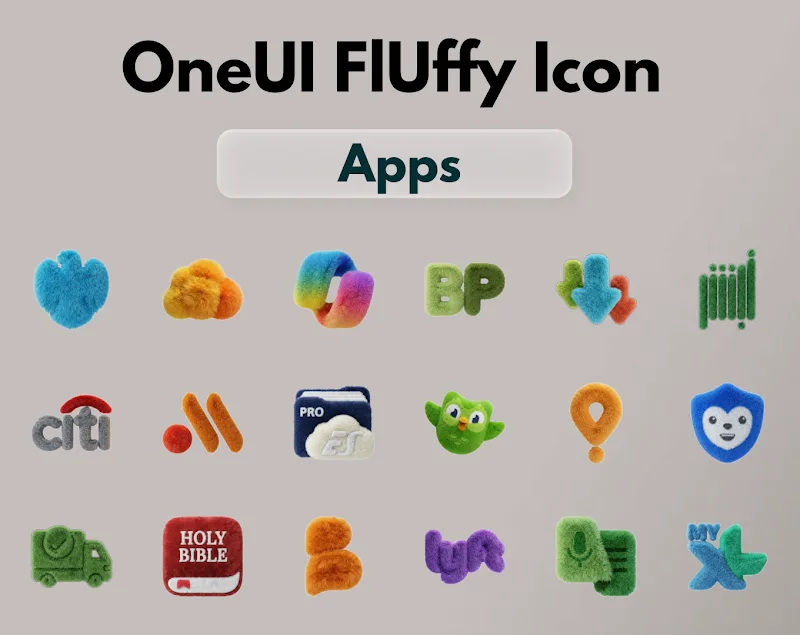
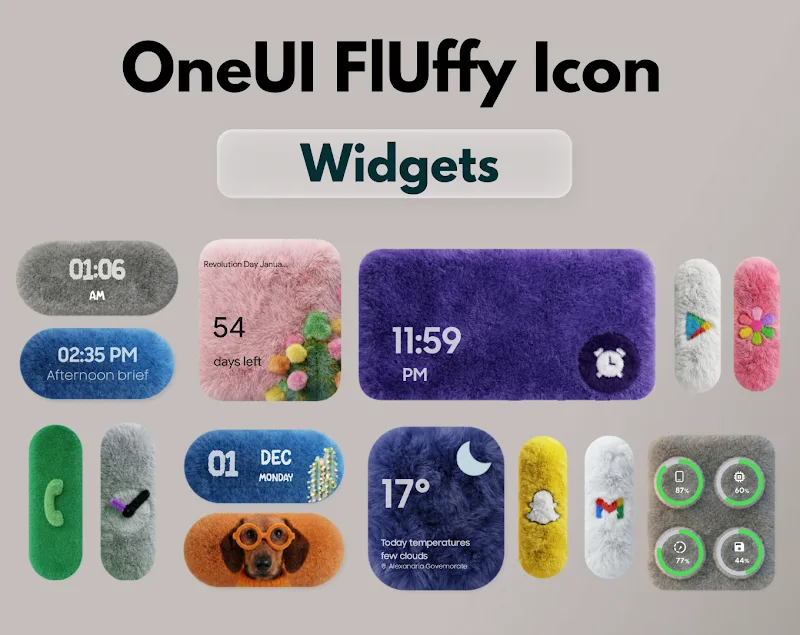
OneUI Fluffy Icons Mod is a Samsung One UI-specific icon pack application. It replaces system and app icons with a custom set of soft, three-dimensional designs. The app is designed for users who want to visually customize their Samsung device's interface without using a third-party launcher. It includes over 1185 themed icons and matching widgets.

What This Mod Unlocks

  • Premium version unlocked. The in-app purchase prompt to unlock the full icon pack is removed.
  • All 1185+ icons are available for immediate application without payment.
  • All professional widgets included in the pack are fully accessible.
  • The application functions as the paid version from first launch.

To activate the mod, simply launch OneUI Fluffy Icons Mod after installation. The main screen will show all icons and widgets as available. No activation code or mod menu is required. The unlock is integrated directly into the APK.

The mod requires Android 5.0 or higher. It is designed specifically for Samsung devices with the One UI interface. Root access is not required. The installation file is approximately 87 MB. Additional storage will be used for applying the icon pack.

Installation follows standard sideloading procedure. Download the APK file. Enable "Install from unknown sources" for your file manager or browser in Android settings. Navigate to the downloaded file and tap it. Follow the on-screen installer prompts. After installation, open OneUI Fluffy Icons Mod and apply the icon pack through your device's settings or the app's instructions.

Known edge cases exist. The mod may not function correctly on non-Samsung devices or Samsung devices using a different default launcher. Applying the icon pack requires following Samsung's theme application process, which can vary slightly between One UI versions. Clearing the app data may reset the unlock state, requiring a reinstall. The mod only affects local theming; it does not modify online services or accounts.

Editor's review

The mod for OneUI Fluffy Icons Mod version 1.8 delivers the claimed premium unlock on compatible Samsung devices running Android 5.0 and above.

  • Confirmed working: The app launches directly into the full icon library with no purchase prompts. All listed icons and widgets are selectable and applicable. The interface shows no advertisements.
  • Known issues: The unlock is tied to the APK signature; clearing app data may revert the app to a trial state, necessitating a fresh install. On some One UI versions, the system may show a generic "theme applied" notification instead of the app's specific name. Widget previews within the app's selector may load slowly on first launch.

Compatibility is restricted to Samsung devices with the native One UI launcher. The recommendation is Functional for its intended purpose.

Frequently Asked Questions

Is this OneUI Fluffy Icons mod APK safe to install?

The mod APK only requests the same permissions as the official app, primarily storage access to apply the icon pack. It does not request dangerous permissions like SMS or call log access. No root is required.

Does this mod require root access?

No, root access is not required. The mod is installed via standard sideloading. You need to enable "Install from unknown sources" for your installer and then run the downloaded APK file.

How do I install the OneUI Fluffy Icons mod?

1. Download the APK file. 2. Enable installation from unknown sources in Android settings. 3. Open your file manager, find the downloaded APK, and tap it to install. 4. Open the app and apply the icons through your device's theme settings.

What does the 'Premium Unlocked' feature actually do?

It removes the payment gate that normally locks the full set of over 1185 icons and widgets. In the official app, tapping an icon prompts a purchase; in the mod, all icons are immediately available for application to your home screen.

Is there a risk of account ban or data loss using this mod?

This is a local theming tool with no online account system. The risk of a ban is negligible. The primary risk is data loss of your custom icon setup if you clear the app data, which may require re-applying the pack.

Safety note

Install only APKs matching com.oneui.fluffy.icons at version v1.8. Download from official links on this page to reduce tampering risk.

Additional Information

Category: tools Publish Date: Sat, Apr 11, 2026

Scan QR code and download playmods app
Download
PlayMods APP