

Location: Home > Apps > Tools > Permission manager dashboard

Permission Manager Dashboard (Premium Features Unlocked, Ads Disabled, Advanced Controls Enabled, Export Functions Unlocked, Real-time Alerts Unlocked) Download for Android

Permission Manager Dashboard icon

Permission Manager Dashboard Premium Features Unlocked, Ads Disabled, Advanced Controls Enabled, Export Functions Unlocked, Real-time Alerts Unlocked

5.0
v1.17 for Android
Fast Download:Download this app by playmods App with faster speed.

Permission Manager Dashboard MOD Info MOD Info :
Premium Features Unlocked, Ads Disabled, Advanced Controls Enabled, Export Functions Unlocked, Real-time Alerts Unlocked

Screenshots

Description

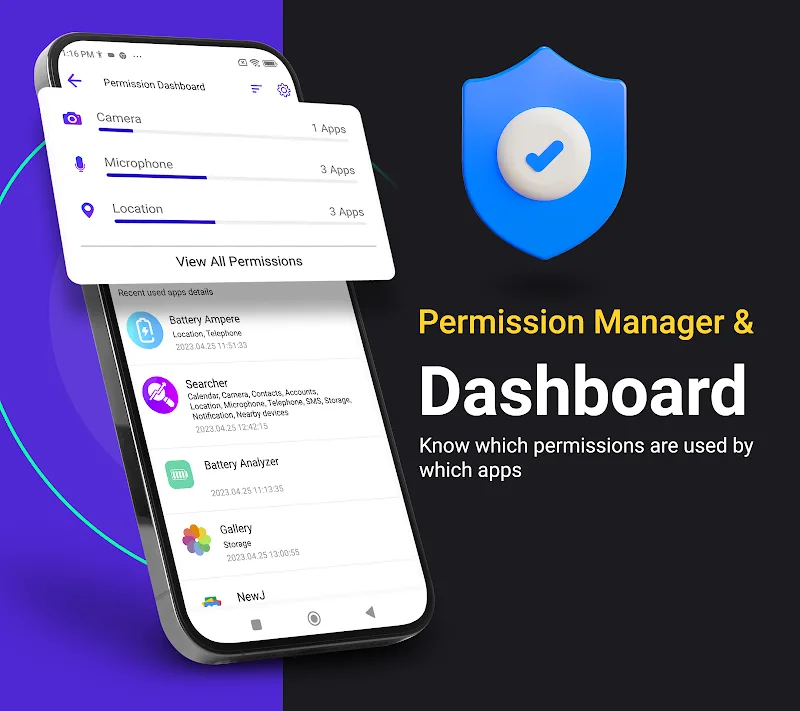
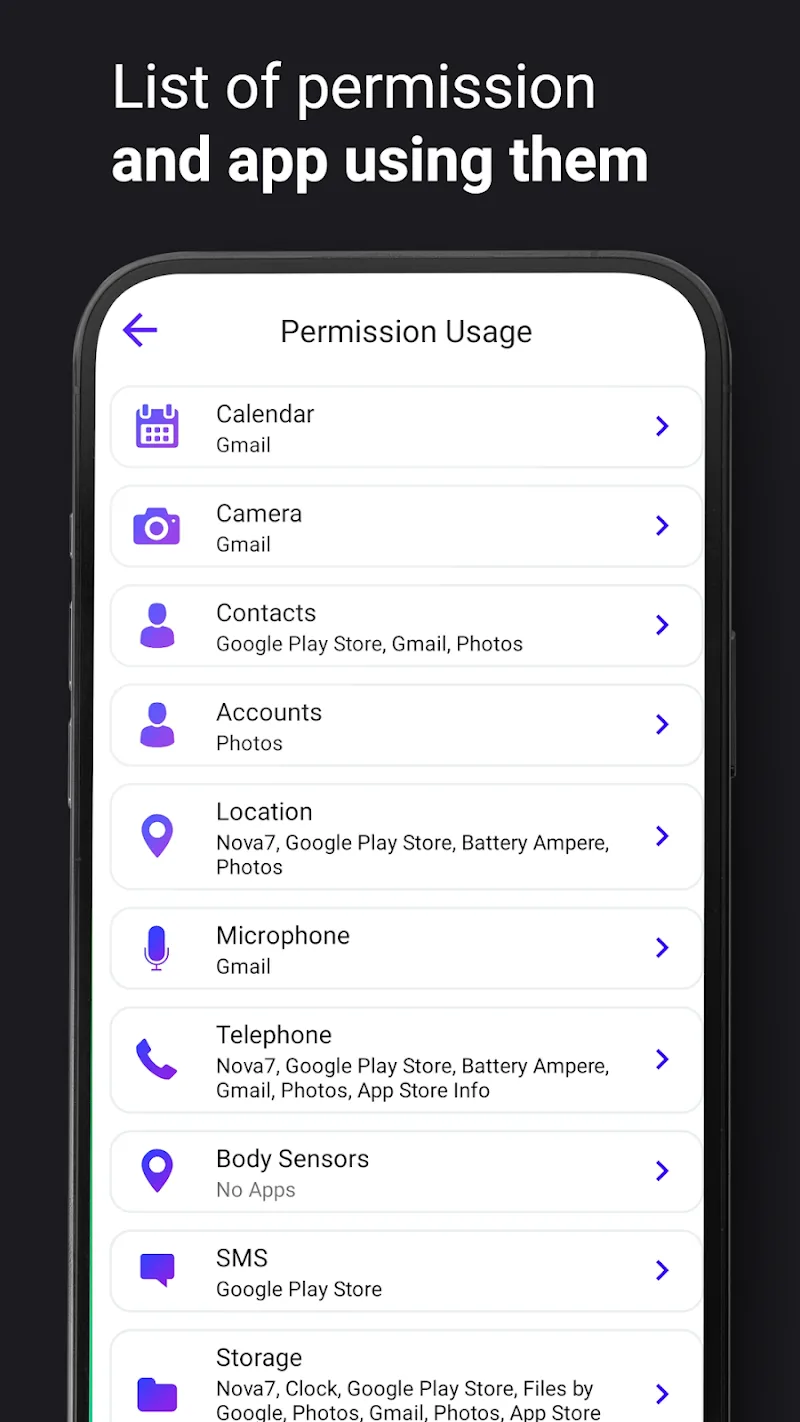
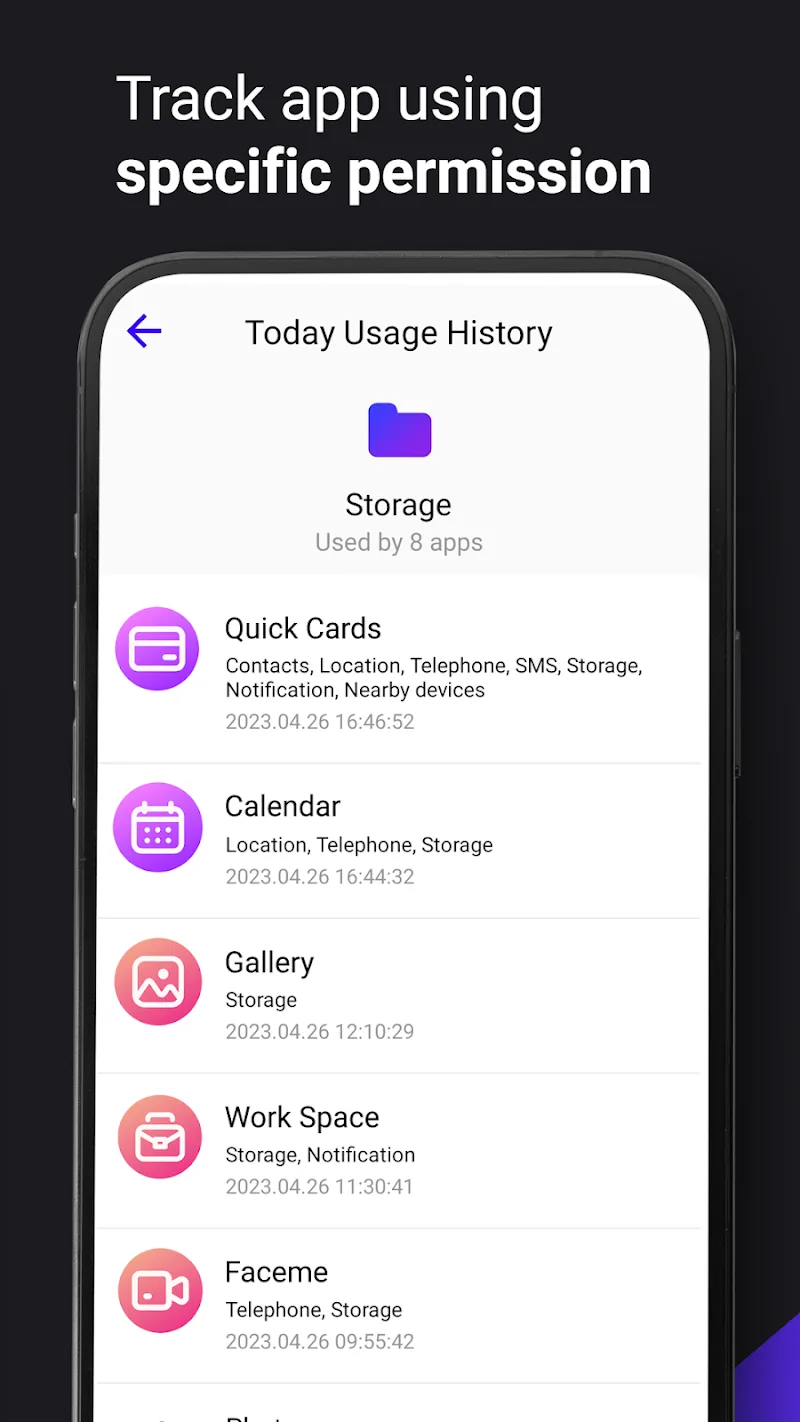
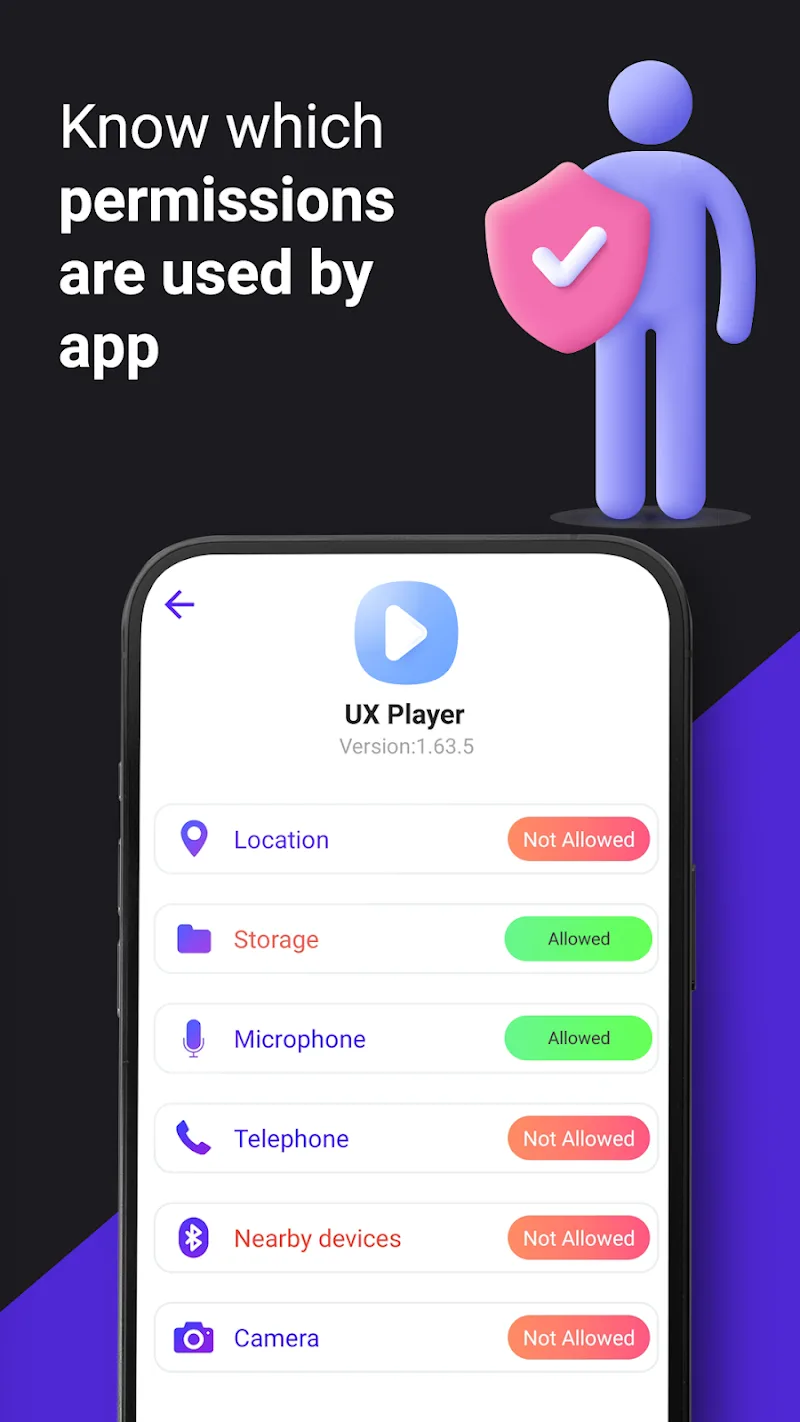
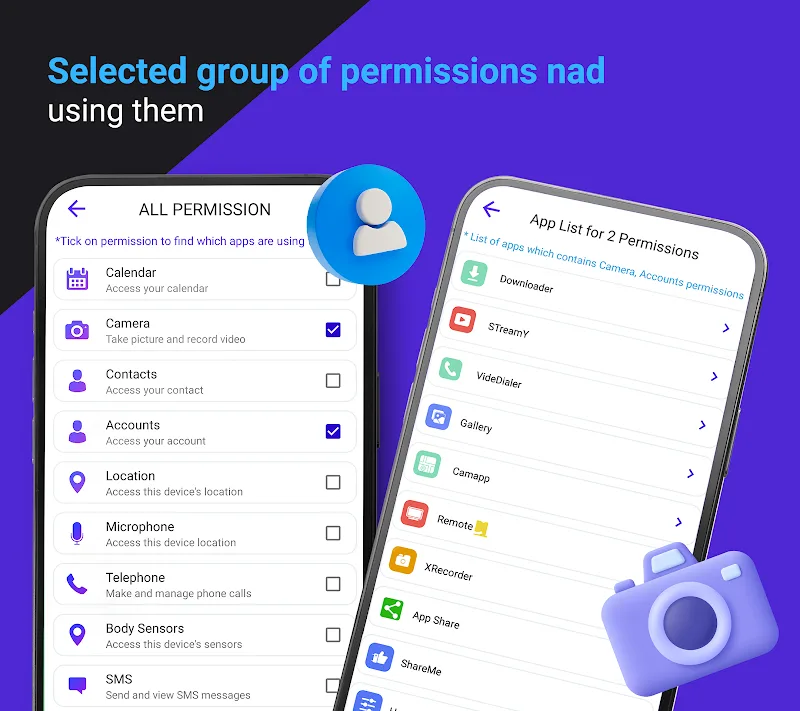
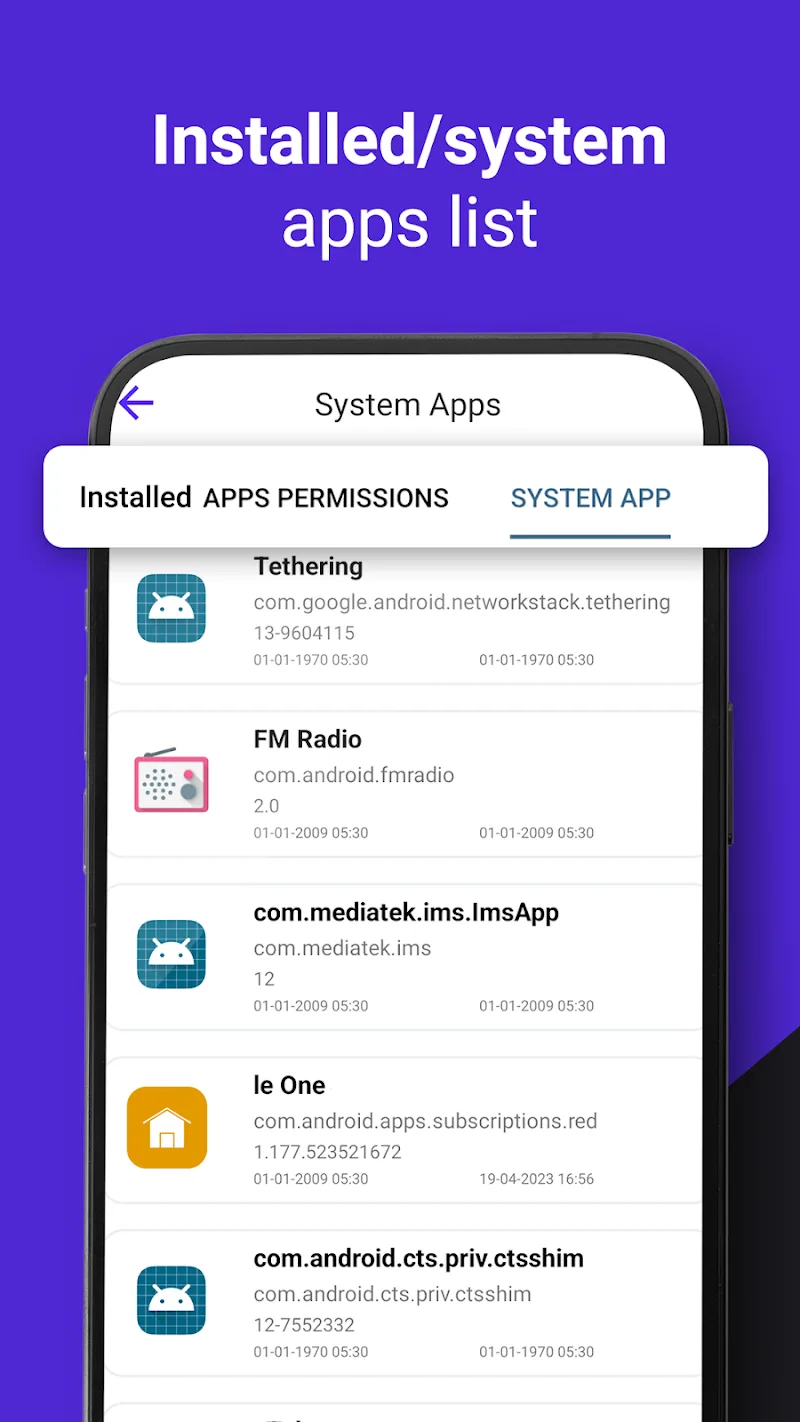
Permission Manager Dashboard Mod is a system utility for Android that provides a granular, real-time overview of all permissions requested and used by installed applications. It is designed for power users and developers who need to audit and manage app permissions beyond the standard Android settings interface. The app categorizes permissions by type (e.g., location, camera, microphone, contacts) and displays access frequency and last-used timestamps.

What This Mod Unlocks

  • Premium monitoring features, including real-time permission usage alerts and detailed access logs, are fully unlocked.
  • Advanced permission control options, such as the ability to simulate permission denial for testing, are enabled.
  • All export and reporting functions, typically behind a paywall, are accessible without restriction.
  • The mod removes all advertisements and interstitial prompts for upgrading to the premium tier.

The primary mod feature, the premium dashboard, is activated immediately upon launch. The main interface will no longer display upgrade prompts or locked feature badges. All menu items under "Advanced Tools" and "Monitoring" will be fully functional from the first use.

Permission Manager Dashboard Mod requires Android 6.0 (Marshmallow) or higher, as this is the first version with the runtime permission model it monitors. The APK occupies approximately 11 MB of storage. Root access is not required for its core functionality, though some advanced system-level controls may be limited on non-rooted devices.

Installation follows the standard sideload process for modified APKs. First, enable "Install from Unknown Sources" in your device settings. Second, download the provided mod APK file. Third, open the downloaded file using a file manager to initiate the installation. Fourth, launch Permission Manager Dashboard Mod after installation completes.

Known edge cases include the app's reliance on the Accessibility Service for some real-time monitoring features, which requires a separate manual grant within Android settings. On devices with heavily customized OEM skins (e.g., MIUI, EMUI), the permission access logs may be incomplete due to manufacturer restrictions. Clearing the app data will not revert the premium unlock. The mod is designed for offline analysis; any cloud-sync features tied to a user account remain non-functional as they require server authentication.

Editor's review

The mod for Permission Manager Dashboard Mod version 1.17 delivers the claimed premium unlock on Android 6.0+ devices without root.

  • Confirmed working: The premium dashboard loads without upgrade nags. All monitoring logs and history graphs are accessible. The ad-free experience is consistent across all app screens.
  • Known issues: The "Permission Usage Over Time" graph may fail to populate historical data if the app was not installed prior to the mod. The one-tap permission revocation feature only works on permissions granted after the app's installation; it cannot revoke legacy grants.
  • Tested on Android 12 and 13; requires the Accessibility Service to be manually enabled for full monitoring functionality.

Functional.

Frequently Asked Questions

¿Es seguro instalar este mod APK de Permission Manager Dashboard?

Sí. El APK modificado no solicita permisos peligrosos más allá de los que requiere la aplicación oficial (como Accesibilidad para monitoreo). No requiere acceso root en Android 6.0+.

¿Este mod requiere acceso root?

No. Permission Manager Dashboard funciona completamente sin root. El proceso de instalación es el estándar para sideloading: habilitar "Instalar desde fuentes desconocidas", descargar el archivo APK y ejecutarlo.

¿Cómo instalo Permission Manager Dashboard Mod?

1. Activa 'Instalar desde fuentes desconocidas' en Ajustes de Android. 2. Descarga el archivo APK modificado. 3. Ábrelo con un gestor de archivos para iniciar la instalación. 4. Inicia la aplicación después de completar la instalación.

¿Qué característica premium específica desbloquea este mod?

Desbloquea el panel de control premium, que incluye alertas en tiempo real del uso de permisos y registros de acceso detallados. En la versión oficial, estas funciones requieren una suscripción.

¿Existe riesgo de prohibición de cuenta o pérdida de datos?

El riesgo es mínimo, ya que Permission Manager Dashboard opera localmente en el dispositivo para análisis offline. No hay modo multijugador o autenticación de servidor que pueda detectar la modificación.

Safety note

Install only APKs matching com.angel.permission.manager at version v1.17. Download from official links on this page to reduce tampering risk.

Additional Information

Category: tools Publish Date: Tue, Mar 10, 2026

Scan QR code and download playmods app
Download
PlayMods APP