

Location: Home > Apps > Communication > Phone call dialpad - caller id

Phone Call Dialpad - Caller ID (Premium Subscription Unlocked, Ads Disabled, Advanced Caller ID Unlocked, Pro Blocking Settings Unlocked) Download for Android

Phone Call Dialpad - Caller ID icon

Phone Call Dialpad - Caller ID Premium Subscription Unlocked, Ads Disabled, Advanced Caller ID Unlocked, Pro Blocking Settings Unlocked

5.0
v1.1.0 for Android
Fast Download:Download this app by playmods App with faster speed.

Phone Call Dialpad - Caller ID MOD Info MOD Info :
Premium Subscription Unlocked, Ads Disabled, Advanced Caller ID Unlocked, Pro Blocking Settings Unlocked

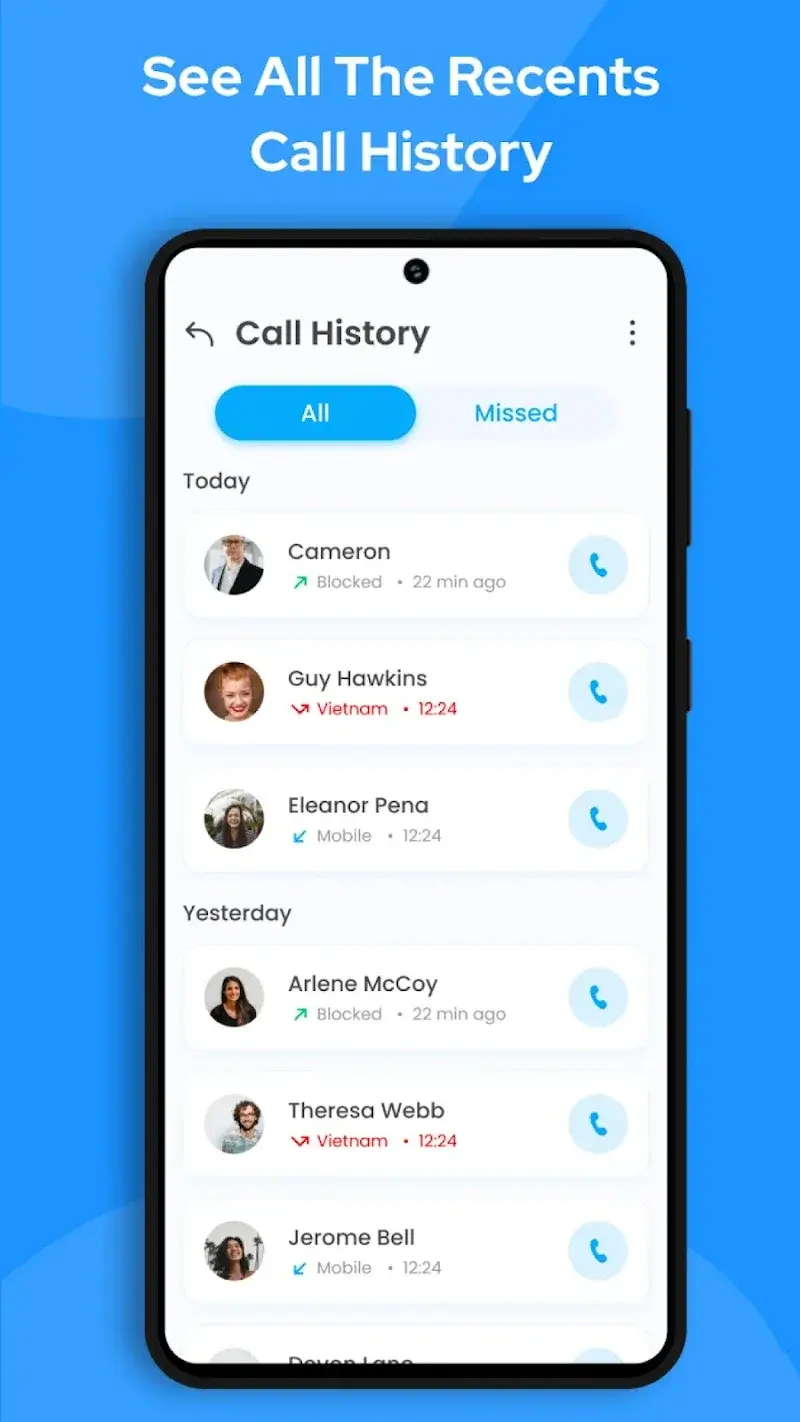
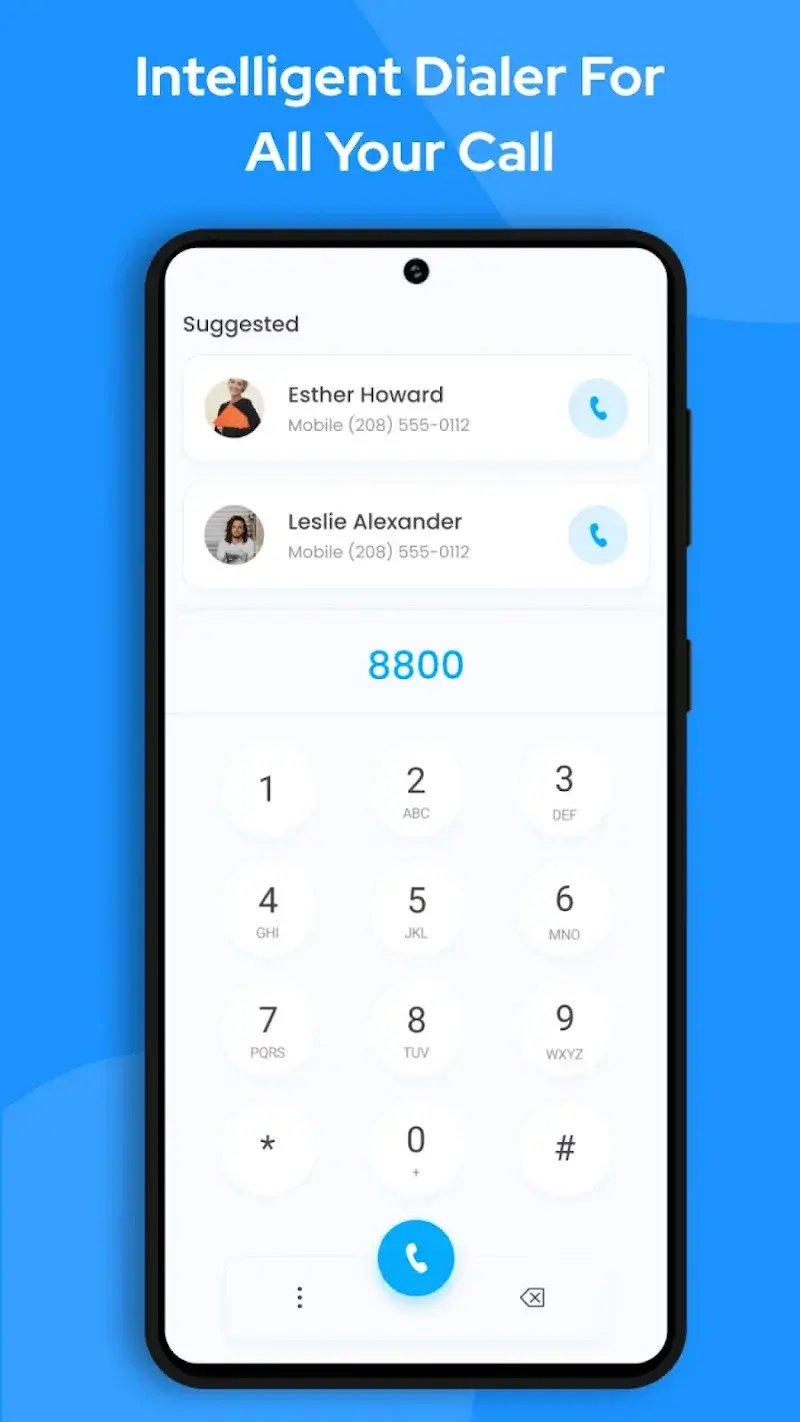
Screenshots

Description

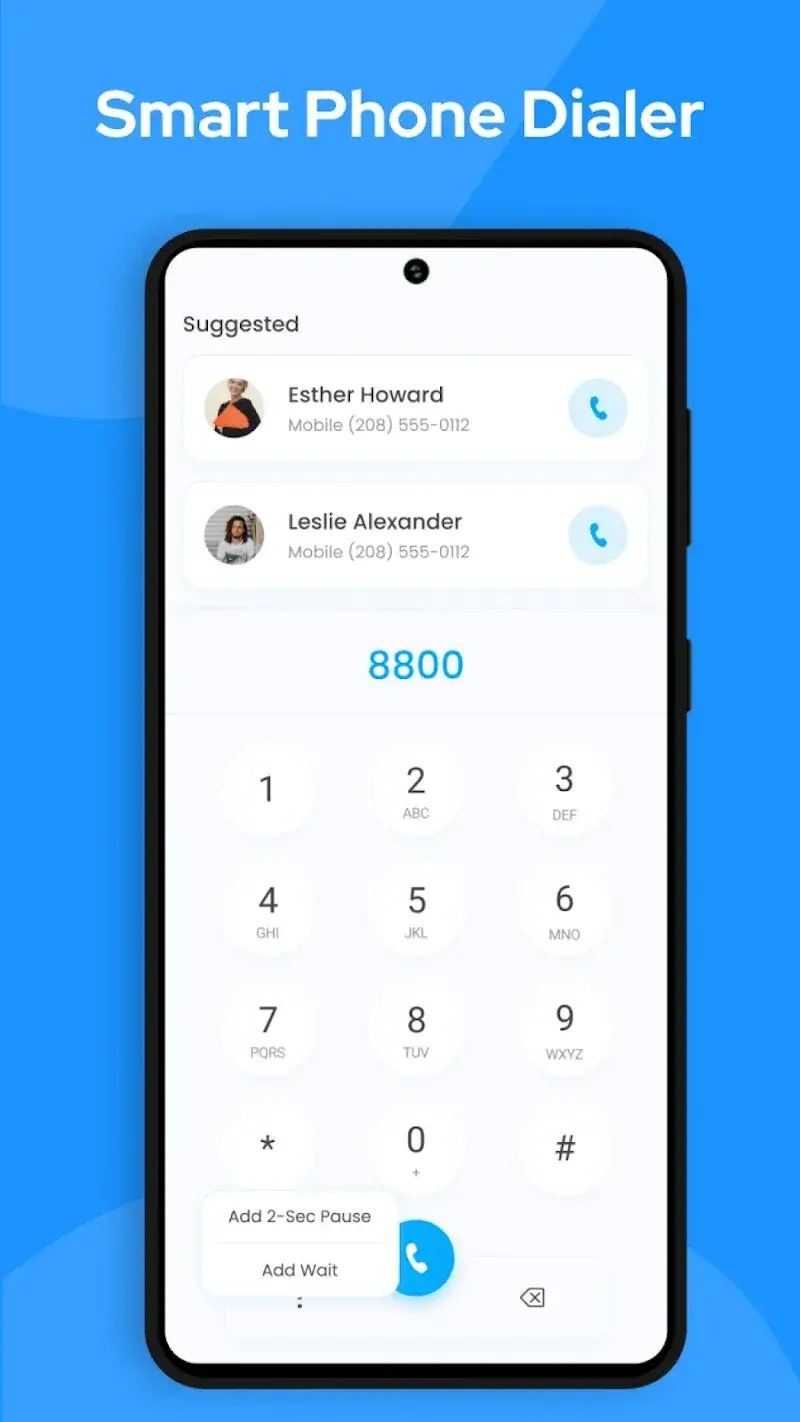
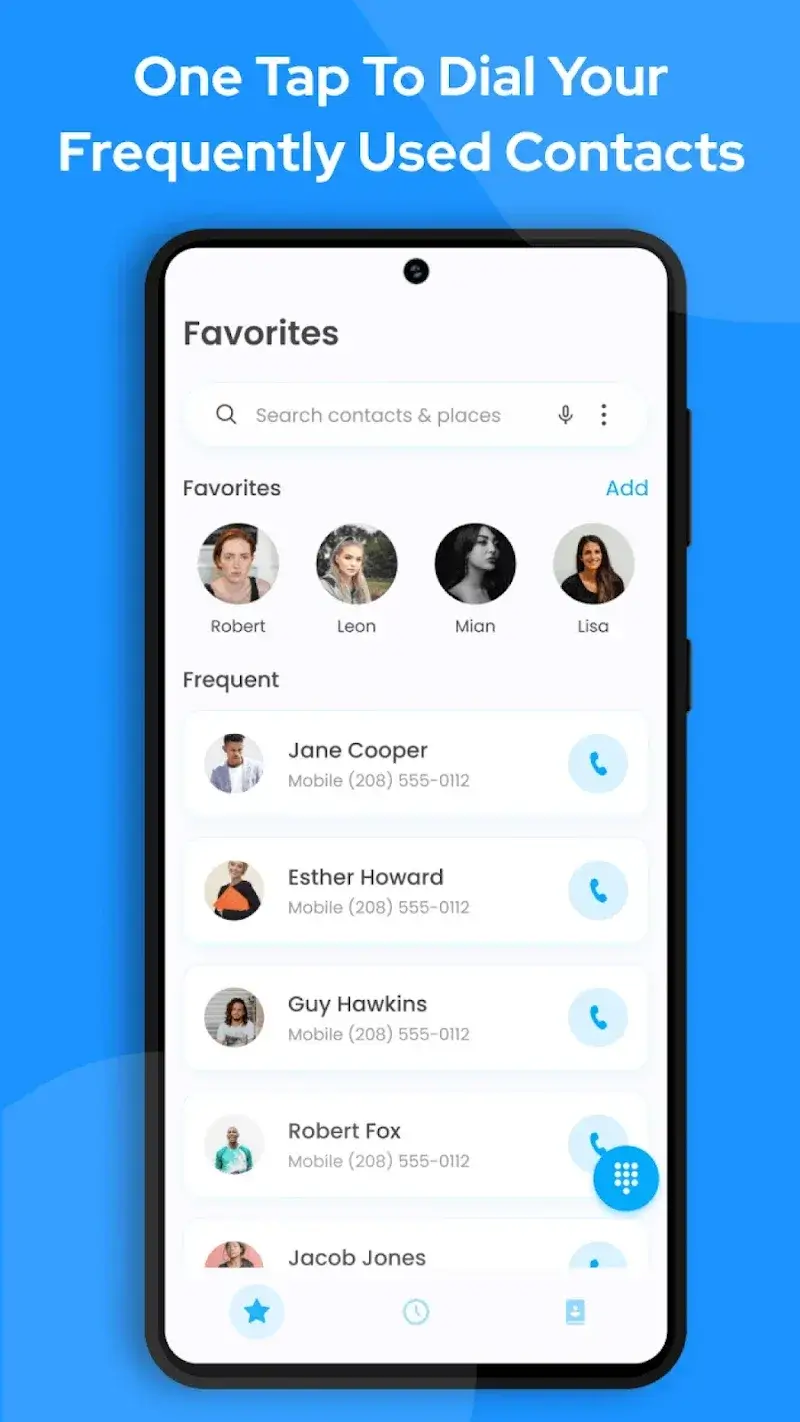
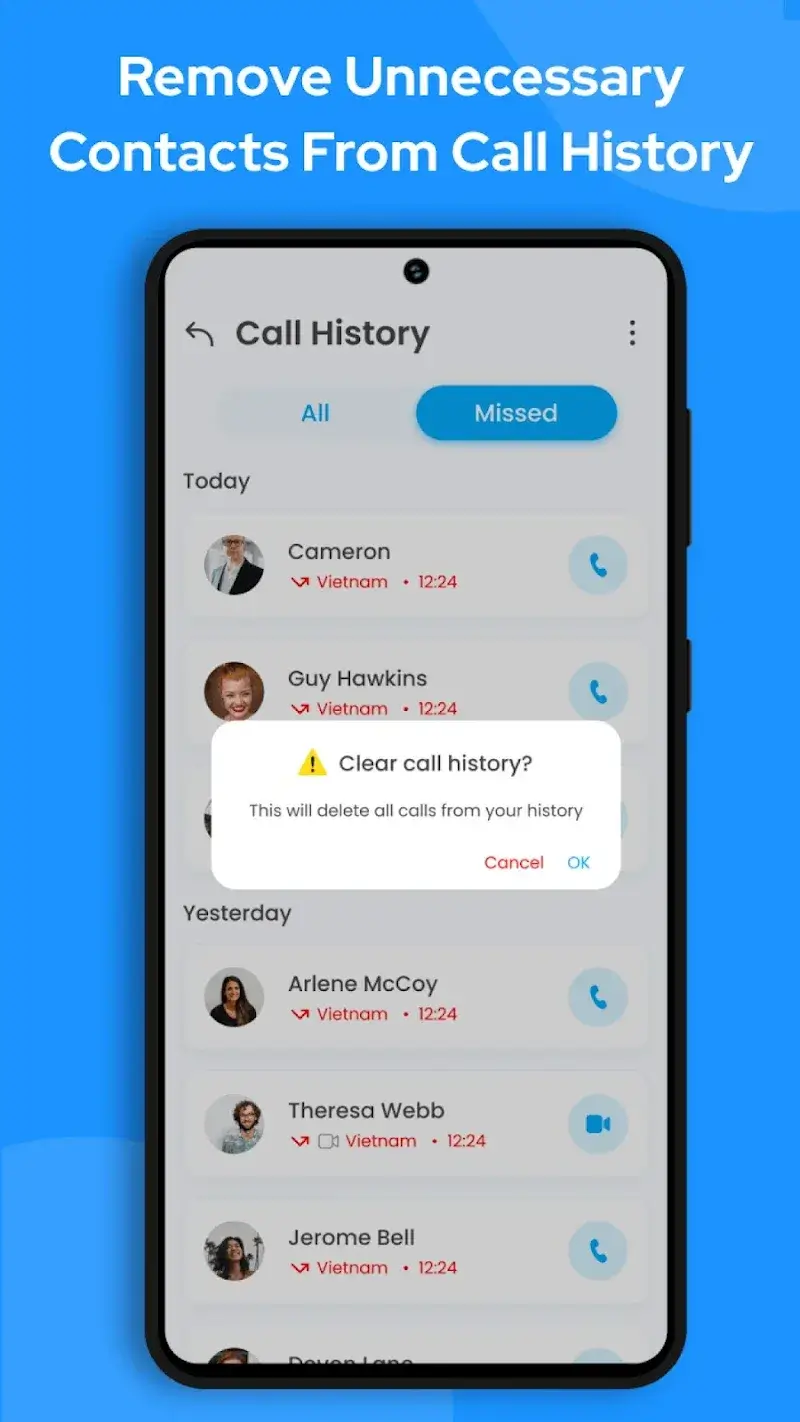
Phone Call Dialpad - Caller ID Mod is a utility application designed to manage incoming calls, identify unknown numbers, and block spam. It functions as a replacement or enhancement for the default phone dialer, targeting users who receive frequent unwanted calls or need better contact organization. The app integrates caller ID lookup, a T9 search dialpad, and automated spam filtering.

What This Mod Unlocks

  • Premium subscription features unlocked, removing all paywalls.
  • All advanced caller ID and spam database lookups are available without a paid plan.
  • Advertisements within the app are disabled.
  • Pro-level contact management and call blocking settings are accessible.

Upon launching Phone Call Dialpad - Caller ID Mod, the mod is active by default. No activation code or menu is required. The premium features, such as enhanced spam databases and advanced call blocking rules, are immediately available in their respective settings screens.

The modded APK requires Android 7.0 or higher. Installation consumes approximately 15-20 MB of additional storage beyond the base APK size. Root access is not required. The mod functions by bypassing the license check for the premium subscription tier.

Installation follows standard sideloading procedure. First, download the mod APK file. Second, enable installation from unknown sources in Android settings. Third, use a file manager to locate and tap the downloaded APK. Fourth, follow the on-screen installer prompts. Finally, open Phone Call Dialpad - Caller ID Mod and verify premium features are unlocked in the app settings.

Several edge cases exist. The spam caller database relies on online services; its accuracy is independent of the mod. Clearing the app's data will reset user preferences but the premium status persists as it is hardcoded in the mod. On some devices with heavily customized system dialers, call screening features may have reduced functionality. The mod does not bypass carrier-level call blocking or spam identification.

Editor's review

This mod for Phone Call Dialpad - Caller ID Mod version 1.1.0 delivers the claimed premium unlock on Android 7.0+ devices without root.

  • Confirmed working: The in-app subscription check passes, granting access to the premium settings menu. The enhanced spam database and caller ID lookups function without requiring payment. All advertisements are absent from the interface.
  • Known issues: The app's core spam protection efficacy depends on its online database, which the mod does not enhance. On devices where the system dialer is deeply integrated, the call screening pop-up may not appear. The mod APK may trigger a warning from Google Play Protect during installation, requiring it to be temporarily disabled.

Tested on Android 13. The mod is functional for its stated purpose.

Functional.

Frequently Asked Questions

Is this mod APK safe to install?

The mod APK does not request permissions beyond those required by the official Phone Call Dialpad - Caller ID app, such as contacts and phone state for caller ID functionality. It does not ask for SMS, call log, or other dangerous permissions. No root access is required.

Does this mod require root access?

No root access is required. Installation is performed via standard sideloading: download the APK, enable 'Install from unknown sources' in Android settings, and run the installer.

What are the step-by-step installation instructions?

1. Download the mod APK file. 2. Go to Android Settings > Security and enable 'Install apps from unknown sources' for your file manager or browser. 3. Open your file manager, navigate to the download location, and tap the APK file. 4. Follow the on-screen installation prompts, then launch Phone Call Dialpad - Caller ID.

What exactly does the 'Premium Unlocked' feature do?

It removes the subscription paywall. In the official app, features like advanced spam databases, detailed caller ID lookups, and pro call blocking rules require a paid subscription. The mod grants permanent access to all these features without payment.

Is there a risk of account ban or data loss?

Phone Call Dialpad - Caller ID primarily works offline for call management. The risk of a 'ban' is minimal as there is no user account system. Data loss risk is standard; backing up your app data before installing any mod is advised. The mod's changes are local to your device.

Safety note

Install only APKs matching call.color.flash.phone.callerscreen.flashlight.launcher at version v1.1.0. Download from official links on this page to reduce tampering risk.

Additional Information

Category: communication Publish Date: Thu, Nov 28, 2024

Scan QR code and download playmods app
Download
PlayMods APP