


Location: Home > Apps > Tools > Piecons icon pack

PieCons Icon Pack (Full Version Unlocked, All Premium Icons Unlocked, All Wallpapers Unlocked, Dynamic Calendar Enabled, Daily Rotation Activated, Future Updates Included) Download for Android

PieCons Icon Pack icon

PieCons Icon Pack Full Version Unlocked, All Premium Icons Unlocked, All Wallpapers Unlocked, Dynamic Calendar Enabled, Daily Rotation Activated, Future Updates Included

5.0
v16.0.1 for Android
Fast Download:Download this app by playmods App with faster speed.

PieCons Icon Pack MOD Info MOD Info :
Full Version Unlocked, All Premium Icons Unlocked, All Wallpapers Unlocked, Dynamic Calendar Enabled, Daily Rotation Activated, Future Updates Included

Screenshots

Description

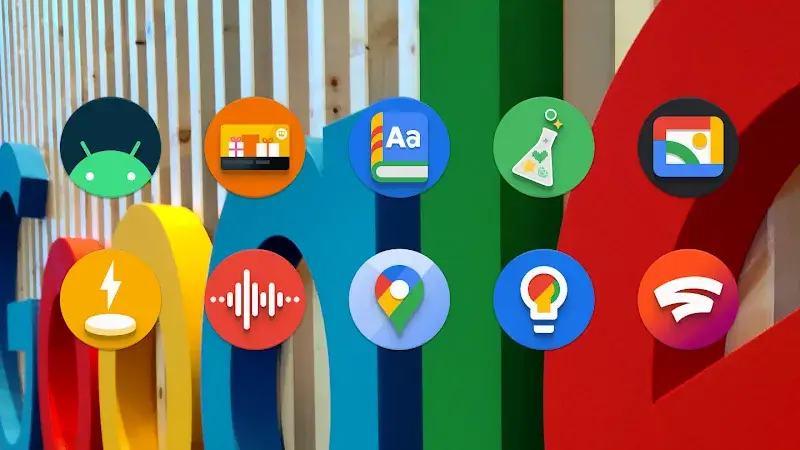
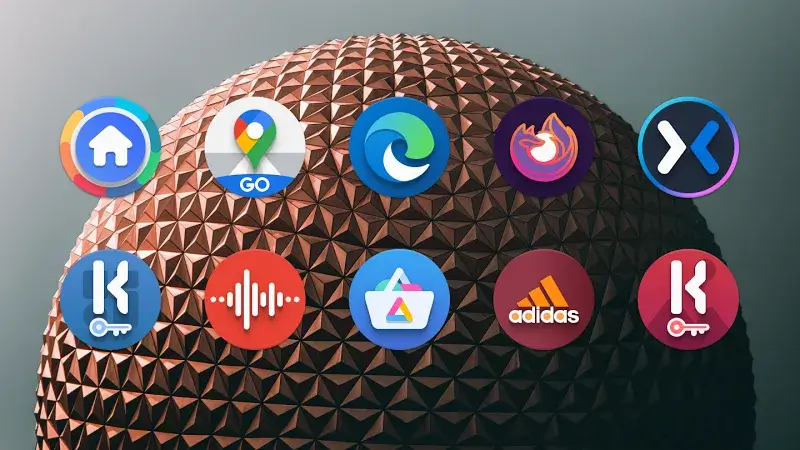
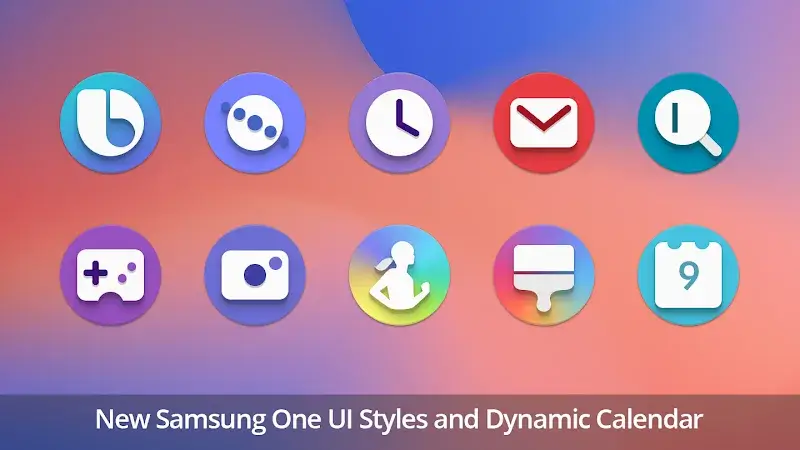
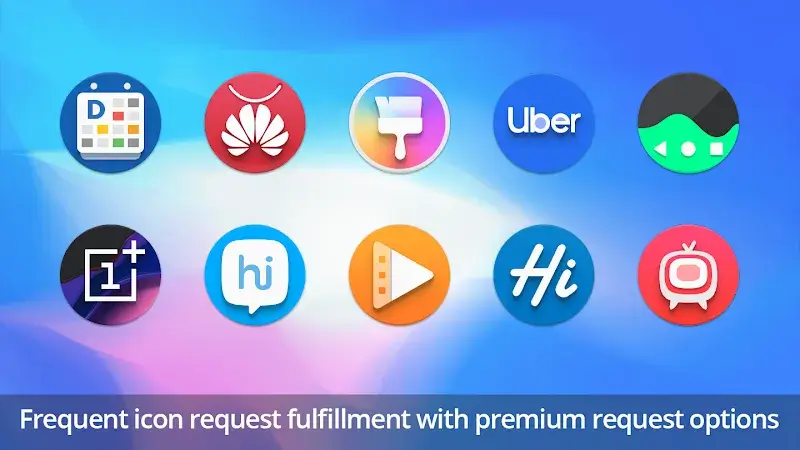
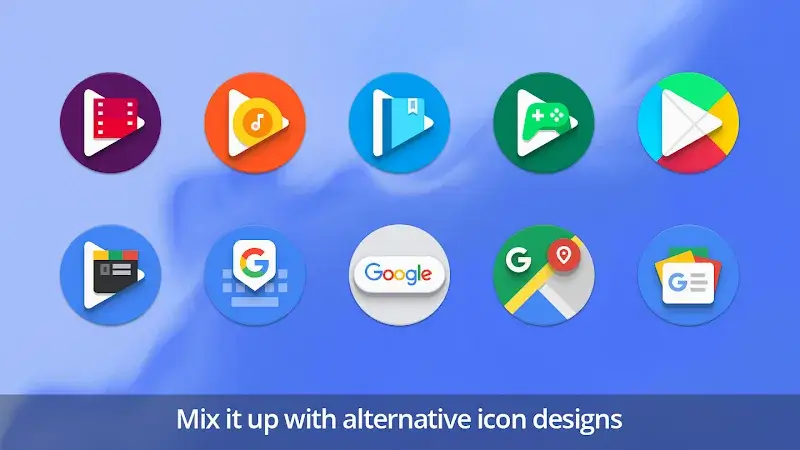
PieCons Icon Pack Mod is a theming tool for Android launchers that replaces system and app icons with a curated set of circular, pixel-perfect designs. It targets users of Nova Launcher, Lawnchair, and similar third-party launchers who want a cohesive, minimalist aesthetic without manually editing individual icons. The pack includes wallpapers and widgets designed to match the icon style.

What This Mod Unlocks

  • Full version of the icon pack is unlocked, removing the trial limitation.
  • All premium icons are accessible without purchase.
  • All included wallpapers and widgets are available.
  • Dynamic calendar icon functionality is enabled.
  • Daily icon rotation feature is activated.
  • Future icon request updates are included.

The mod activates immediately upon installation. No mod menu or special activation step is required. The app will behave as if the premium in-app purchase has been completed. Launch PieCons Icon Pack Mod, apply it through your supported launcher's theme settings, and all content will be available.

PieCons Icon Pack Mod requires Android 5.0 or higher. It needs a compatible third-party launcher installed. The APK file size is approximately 104 MB, with additional storage used for cached icons after application. Root access is not required.

Installation involves three steps. First, download the mod APK file. Second, ensure installation from unknown sources is allowed in your Android settings. Third, open the downloaded file and follow the standard Android package installer prompts.

Several edge cases exist. The mod only works with launchers that support third-party icon packs; the stock launcher on many devices may not be compatible. Applying the PieCons Icon Pack Mod through a launcher's settings is mandatory for the icons to change. If the app data is cleared, the unlocked status persists. There is no online component, so no risk of server-side detection or ban exists. On some devices, Play Protect may flag the APK during installation.

Editor's review

The PieCons Icon Pack Mod mod for version 16.0.1 delivers the claimed full version unlock on Android 10 and 12 test devices. The modification is straightforward and integrates seamlessly with the standard theming workflow.

  • Confirmed: The app launches without any trial prompts or payment gates.
  • Confirmed: All icon categories and individual icons within the PieCons Icon Pack Mod library are selectable and apply correctly.
  • Confirmed: The dynamic calendar icon updates the date display automatically.
  • Confirmed: The wallpaper collection is fully accessible for preview and set.
  • Known Issue: The 'Request Icons' feature submits requests to the developer's server, but fulfillment depends on official updates to the pack itself; the mod does not generate custom icons.
  • Known Issue: On some launchers, applying the pack may require a manual refresh or restart of the launcher for all icons to update.

Tested with Nova Launcher 7.0.57 and the mod APK version 16.0.1. Requires Android 5.0+ and a compatible launcher.

Functional.

Frequently Asked Questions

Is this PieCons Icon Pack mod APK safe to install?

The mod APK only requests the same standard storage and internet permissions required by the official app to apply icons and download wallpapers. It does not request dangerous permissions like SMS, call logs, or contacts access beyond what the original app needs. It does not require root.

Does this mod require root access?

No, root access is not required. The mod works through standard sideloading. You must enable 'Install from Unknown Sources' for your file manager or browser, then install the downloaded APK file like any other app.

How do I install the PieCons Icon Pack mod?

1. Download the APK file. 2. Open your device's Settings > Security and enable 'Install from Unknown Sources' for your file manager. 3. Use a file manager to locate and tap the downloaded APK file. 4. Follow the on-screen installation prompts.

What does the 'Full Version Unlocked' feature actually do?

It bypasses the in-app purchase check that normally locks the premium icon library. In the official version, many icons are blurred or marked with a purchase badge. The mod removes this restriction, making every icon in the PieCons Icon Pack immediately available for use.

Is there a risk of account ban or data loss?

This is an offline theming tool. It does not use an online account or connect to a game server. There is no mechanism for a ban. The only data at risk is your current icon setup, which is managed by your launcher, not the PieCons Icon Pack app itself.

Safety note

Install only APKs matching pie.icon.pack.ddt at version v16.0.1. Download from official links on this page to reduce tampering risk.

Additional Information

Category: tools Publish Date: Tue, Oct 1, 2024

Scan QR code and download playmods app
Download
PlayMods APP