




Location: Home > Apps > Social > Playville avatar social game

PlayVille Avatar Social Game (Mod Menu, Game Speed Multiplier) Download for Android

PlayVille Avatar Social Game icon

PlayVille Avatar Social Game Mod Menu, Game Speed Multiplier

5.0
v1.0.43 for Android
Fast Download:Download this app by playmods App with faster speed.

PlayVille Avatar Social Game MOD Info MOD Info :
Mod Menu, Game Speed Multiplier

Screenshots

Description

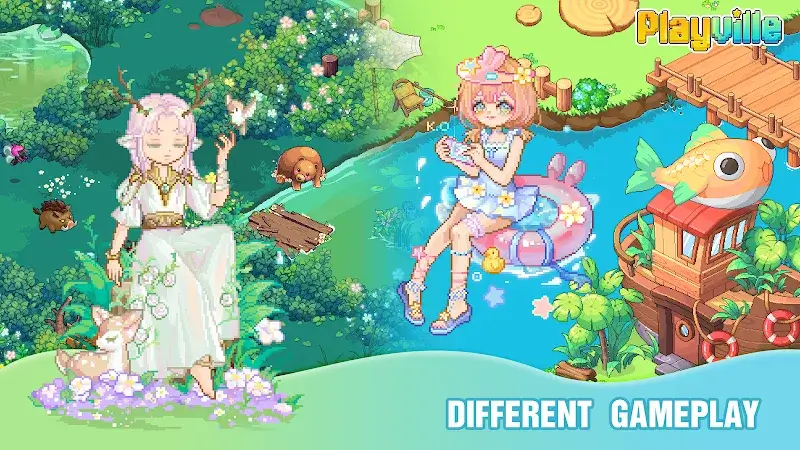
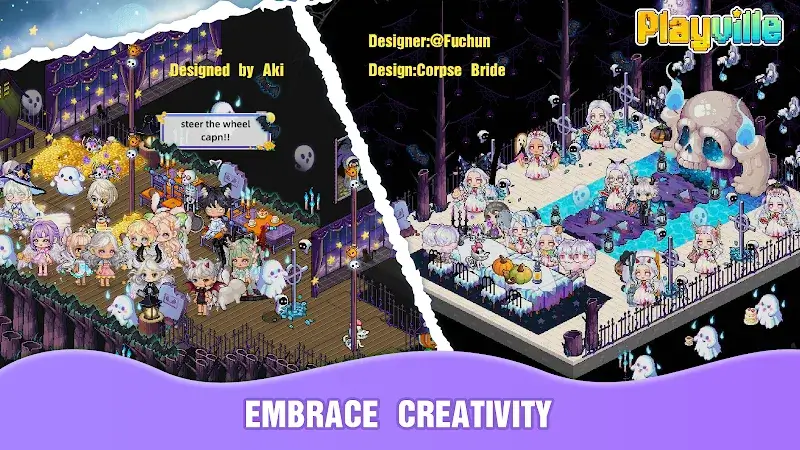
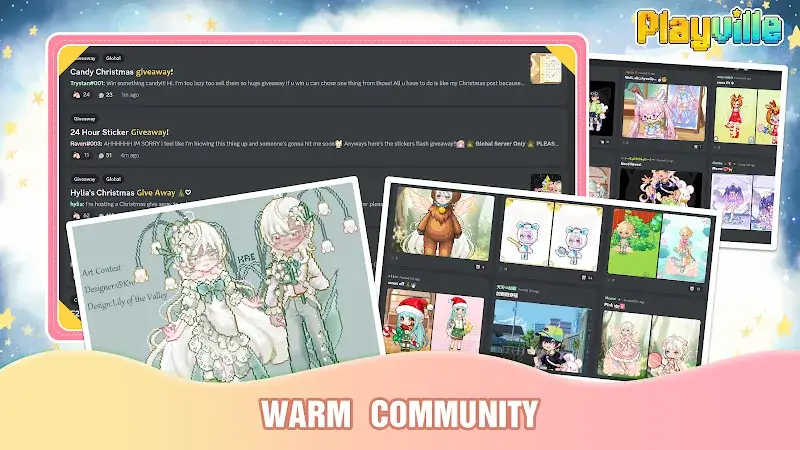
PlayVille Avatar Social Game Mod is a social simulation focused on avatar customization, room decoration, and real-time voice chat within a shared virtual village. It targets users seeking a casual, creative social platform with light collection and crafting mechanics. The core loop involves exploring user-generated rooms, completing simple missions, and personalizing an avatar from a library of over 10,000 items.

What This Mod Unlocks

  • Mod Menu: A floating, draggable interface is injected into the game client.
  • Game Speed Multiplier: A slider within the mod menu allows real-time adjustment of the game's simulation speed, independent of server sync for animations and local UI.

The mod does not unlock premium currency, items, or disable advertisements. Its functionality is confined to the speed multiplier.

Activation requires tapping the floating mod menu icon, which appears as a semi-transparent panel on the screen edge shortly after the PlayVille Avatar Social Game Mod main menu loads. The speed multiplier slider is active immediately; no further configuration is needed.

The APK requires Android 8.0 or higher. Installation consumes approximately 1.5 GB of storage for the base application and data. Root access is not required.

Installation Steps

  1. Download the modified APK file.
  2. Enable installation from unknown sources in device settings.
  3. Disable Google Play Protect during installation.
  4. Open the downloaded file and proceed with the standard installer.
  5. Launch PlayVille Avatar Social Game Mod and wait for the mod menu overlay to appear.

Known Edge Cases

  • The speed multiplier affects local client-side animations and UI transitions. Movement speed in shared rooms and server-synchronized actions remain tied to the game's default tick rate.
  • The mod menu overlay may fail to render on some devices using aggressive battery optimization or custom launchers. Restarting the app typically resolves this.
  • Clearing the app's data or cache resets the mod menu position to the default screen edge.
  • Using an extreme speed multiplier during crafting animations can cause visual glitches until the speed is normalized.

Editor's review

This mod for PlayVille Avatar Social Game Mod version 1.0.43 delivers its stated features on Android 8.0+ devices without requiring root.

  • The injected mod menu overlay loads consistently after the game's initial splash screen.
  • The game speed multiplier slider functions, altering the pace of local animations and interface transitions.
  • The mod does not interfere with the core social or chat functions of PlayVille Avatar Social Game Mod.
  • The speed increase is client-side only; it does not accelerate cooldowns, mission timers, or server-based interactions.
  • On some devices, the mod menu icon can obscure touch targets for in-game UI elements until manually repositioned.

Tested on the provided v1.0.43 build. Functional.

Frequently Asked Questions

¿Es seguro instalar este mod APK de PlayVille Avatar Social Game?

El APK modificado no solicita permisos peligrosos más allá de los que requiere la aplicación oficial (almacenamiento para instalación, micrófono para chat de voz). No requiere acceso root en Android 8.0 o superior.

¿Este mod de PlayVille requiere acceso root?

No. La instalación sigue el proceso estándar de sideloading: descargar el APK, habilitar orígenes desconocidos, desactivar Play Protect temporalmente e instalar.

¿Cuáles son los pasos para instalar el mod?

1. Descarga el archivo APK. 2. Activa 'Instalar aplicaciones desconocidas' en los ajustes de seguridad de tu Android. 3. Desactiva Google Play Protect durante la instalación. 4. Abre el archivo descargado y sigue las instrucciones del instalador.

¿Qué hace exactamente el multiplicador de velocidad del juego?

El multiplicador de velocidad, controlado desde el Mod Menu, acelera las animaciones locales y las transiciones de interfaz dentro de PlayVille Avatar Social Game. No acelera los temporizadores de misiones, las acciones sincronizadas con el servidor ni el chat.

¿Existe riesgo de prohibición de cuenta o pérdida de datos?

Para el uso offline o en modos de un solo jugador, el riesgo es mínimo. Sin embargo, en los modos sociales y de chat en tiempo real, el uso del multiplicador de velocidad podría ser detectable, aunque improbable que resulte en una prohibición, ya que afecta principalmente al cliente local.

Safety note

Install only APKs matching io.playville at version v1.0.43. Download from official links on this page to reduce tampering risk.

Additional Information

Category: social Publish Date: Thu, Apr 2, 2026

Scan QR code and download playmods app
Download
PlayMods APP