

Location: Home > Apps > Tools > Project x icon pack

Project X Icon Pack (Premium Version Unlocked, All Icons Unlocked, All Wallpapers Unlocked, Icon Request Enabled, Kustom Extensions Unlocked, Contribution Prompt Removed) Download for Android

Project X Icon Pack icon

Project X Icon Pack Premium Version Unlocked, All Icons Unlocked, All Wallpapers Unlocked, Icon Request Enabled, Kustom Extensions Unlocked, Contribution Prompt Removed

5.0
v16.0.1 for Android
Fast Download:Download this app by playmods App with faster speed.

Project X Icon Pack MOD Info MOD Info :
Premium Version Unlocked, All Icons Unlocked, All Wallpapers Unlocked, Icon Request Enabled, Kustom Extensions Unlocked, Contribution Prompt Removed

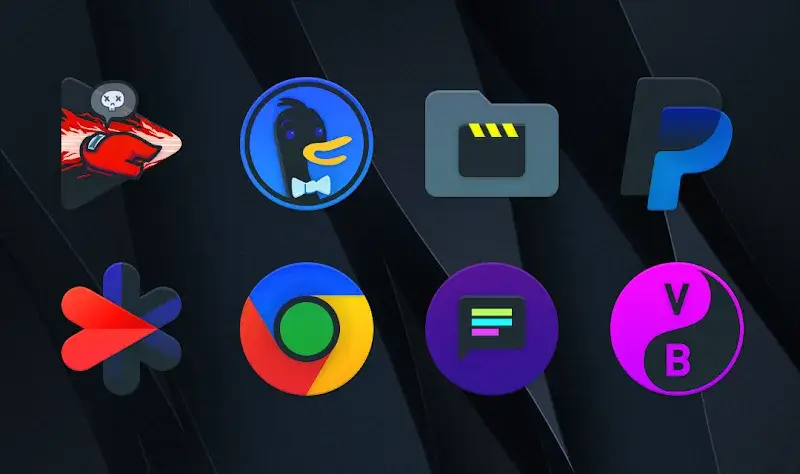
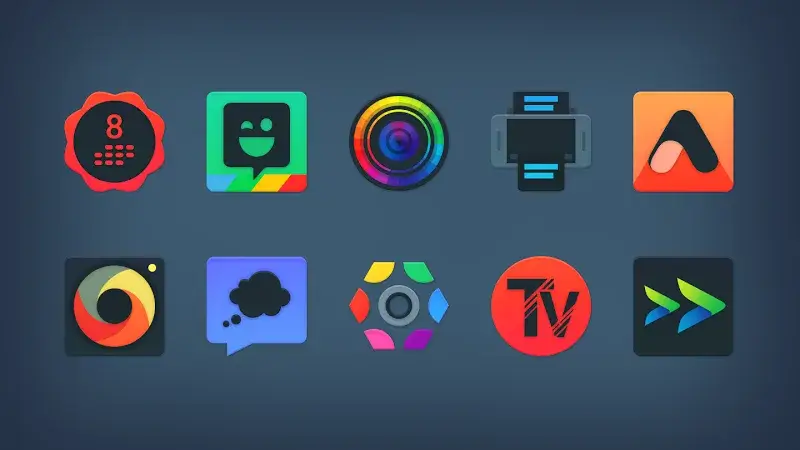
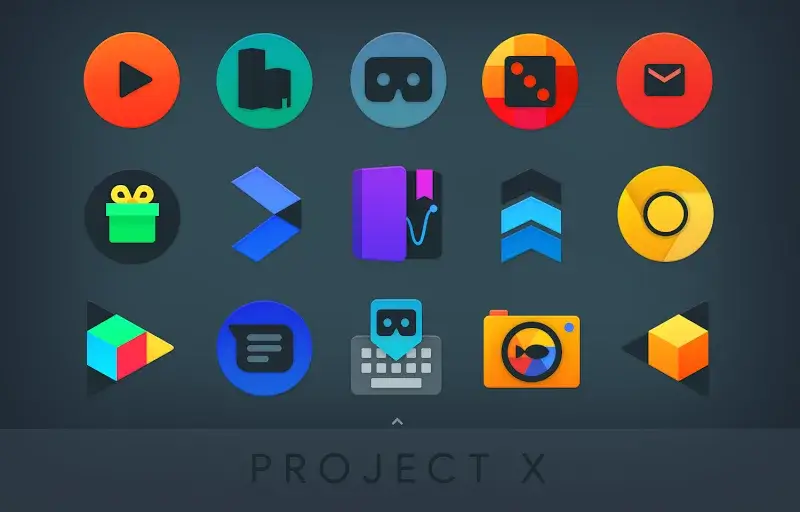
Screenshots

Description

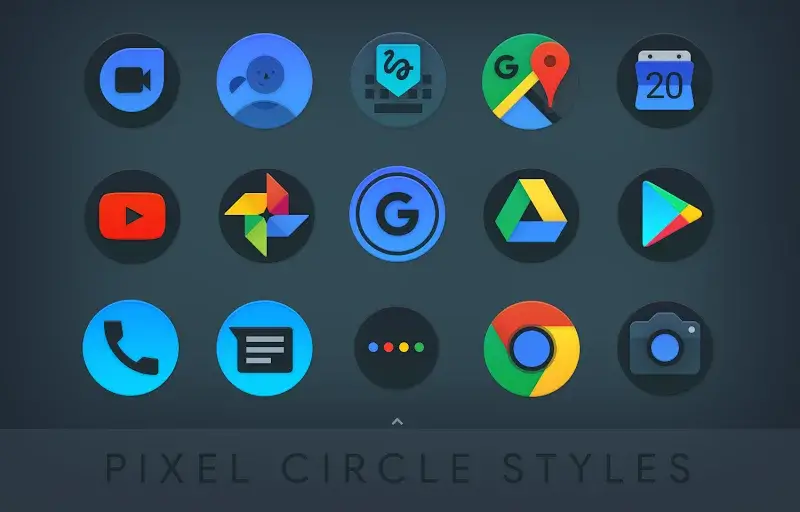
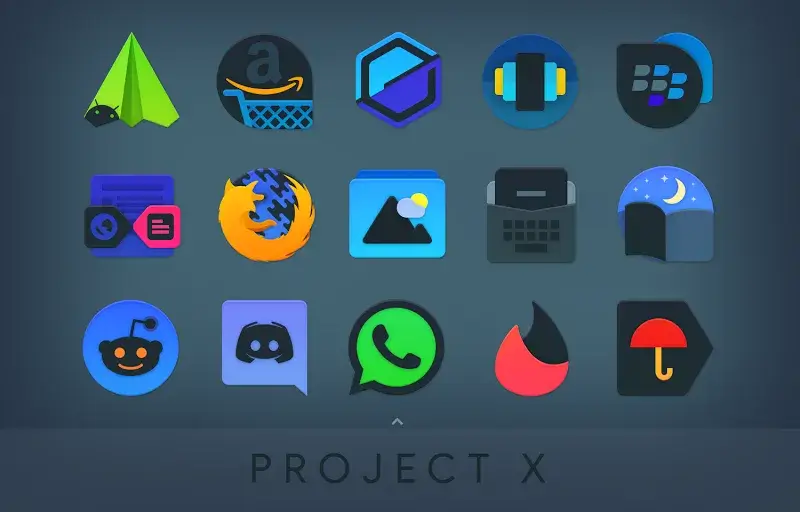
Project X Icon Pack Mod is a personalization tool for Android that replaces system and app icons with a curated collection of dark-themed, high-resolution designs. It targets users who prefer a cohesive, monochromatic aesthetic, particularly for dark mode interfaces, and integrates with popular third-party launchers. The app functions as a database and apply tool, requiring a compatible launcher to implement the visual changes.

What This Mod Unlocks

  • Full Premium Version Unlocked: All premium icons and wallpapers within the v16.0.1 database are accessible without payment.
  • Paid Features Activated: The in-app purchase wall is removed, granting access to the complete library of over 5,500 icons and 400+ wallpapers.
  • Server Icon Request Function Enabled: The feature to submit requests for missing icons is fully functional.
  • Kustom Extensions Unlocked: All built-in extensions for Kustom Widgets are available for use.
  • Contribution Prompt Removed: The optional support prompt for future releases is disabled.

The mod features are applied automatically upon first launch of Project X Icon Pack Mod. No activation code, mod menu, or specific tap sequence is required. The app will behave as if the premium license has been validated.

Project X Icon Pack Mod requires Android 5.0 or higher. The mod APK file size is approximately 113 MB, with additional storage needed for caching applied icons. Root access is not required.

Installation Steps

  1. Download the modded APK file for Project X Icon Pack Mod v16.0.1.
  2. Enable "Install from Unknown Sources" in your device settings if prompted.
  3. Open the downloaded file using a file manager and follow the on-screen installer prompts.
  4. Launch Project X Icon Pack Mod and grant necessary permissions for icon access.
  5. Use the app's interface to apply icons through your supported launcher.

Known Edge Cases

  • Icon application is dependent on launcher support. Some launchers may require manual icon applying per app.
  • Clearing the app data for Project X Icon Pack Mod will reset any applied settings within the app but will not relock the premium features.
  • Updates from the Google Play Store will overwrite the modded version and restore the locked state.
  • Wallpaper application may require additional storage permissions depending on the Android version.

Editor's review

The mod for Project X Icon Pack Mod v16.0.1 delivers the claimed premium unlock without requiring a license key or online activation.

  • Confirmed working: Full access to the catalog of 5,500+ icons, the library of 400+ wallpapers, and the icon request submission feature function identically to the paid version.
  • Confirmed working: The Kustom widget extensions are present and operational.
  • Known issues: The app's internal "Update" button may attempt to connect to the Play Store, which could trigger a version mismatch warning.
  • Known issues: On some launchers, applying icons in bulk may not work as expected, requiring individual app icon changes.

Tested on Android 10 and 13 with Nova Launcher. The mod is compatible with Android 5.0+ as stated.

Functional.

Frequently Asked Questions

¿Es seguro instalar este mod APK de Project X Icon Pack?

Sí, el APK mod no solicita permisos peligrosos más allá de los que requiere la aplicación oficial, como acceso al almacenamiento para aplicar iconos. No requiere root en Android 5.0 o superior.

¿Project X Icon Pack mod necesita acceso root?

No, no se necesita root. El proceso de instalación estándar para APKs laterales funciona: descargar el archivo, habilitar "Instalar desde fuentes desconocidas" en ajustes, y ejecutar el instalador.

¿Cómo instalo Project X Icon Pack mod?

1. Descarga el archivo APK. 2. Activa "Instalar desde fuentes desconocidas" en los ajustes de seguridad de tu dispositivo. 3. Abre el archivo descargado con un gestor de archivos y sigue las instrucciones del instalador. 4. Abre Project X Icon Pack y aplica los iconos desde tu launcher compatible.

¿Qué desbloquea exactamente el mod en Project X Icon Pack?

El mod desbloquea la versión premium completa. Esto otorga acceso inmediato a toda la biblioteca de más de 5.500 iconos y más de 400 fondos de pantalla, elimina el muro de pago y activa la función de solicitud de iconos y las extensiones Kustom.

¿Hay riesgo de prohibición de cuenta o pérdida de datos con este mod?

El riesgo es mínimo ya que Project X Icon Pack es una aplicación de personalización offline que no requiere autenticación de servidor o cuenta. No hay modo multijugador. El único riesgo potencial es que una actualización oficial desde Google Play sobrescriba la versión mod.

Safety note

Install only APKs matching black.nougat.icons.ddt at version v16.0.1. Download from official links on this page to reduce tampering risk.

Additional Information

Category: tools Publish Date: Sun, Oct 6, 2024

Scan QR code and download playmods app
Download
PlayMods APP