

Location: Home > Apps > Education > Reading tomomi

Reading Tomomi (Premium Features Unlocked, Ads Disabled, In-App Purchases Free, Full Version Unlocked) Download for Android

Reading Tomomi icon

Reading Tomomi Premium Features Unlocked, Ads Disabled, In-App Purchases Free, Full Version Unlocked

5.0
v2.26.3 for Android
Fast Download:Download this app by playmods App with faster speed.

Reading Tomomi MOD Info MOD Info :
Premium Features Unlocked, Ads Disabled, In-App Purchases Free, Full Version Unlocked

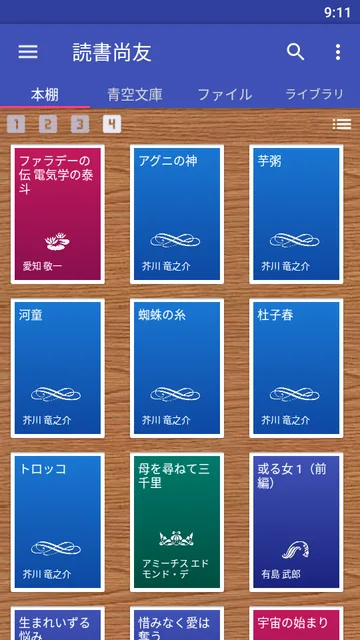
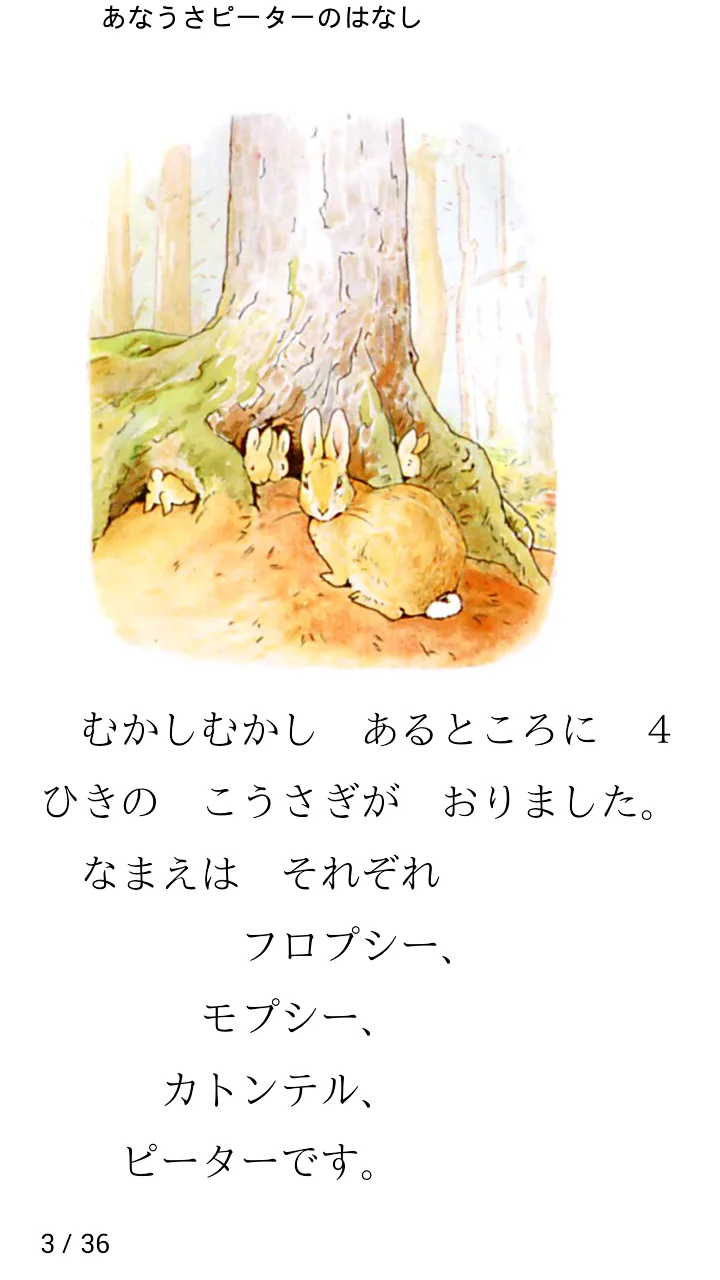
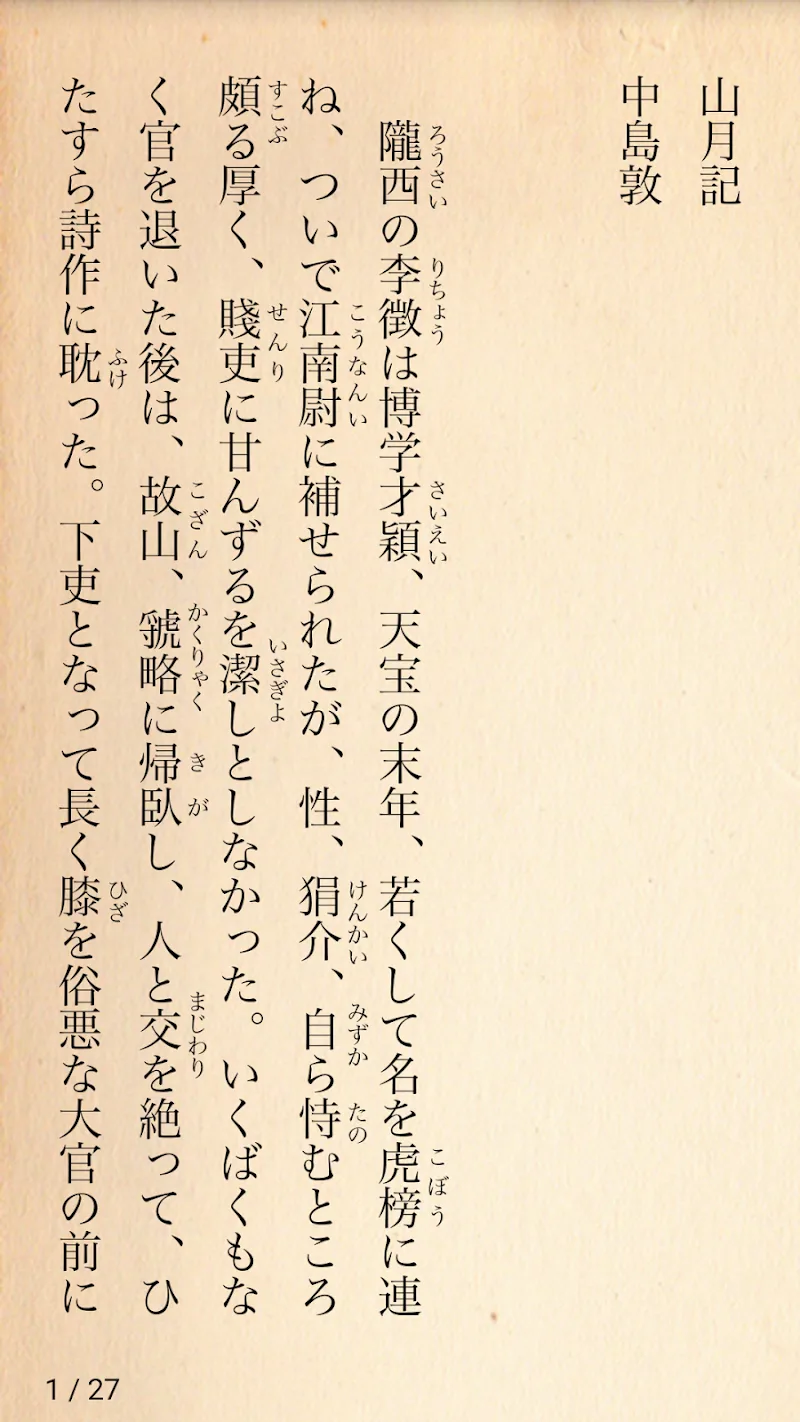
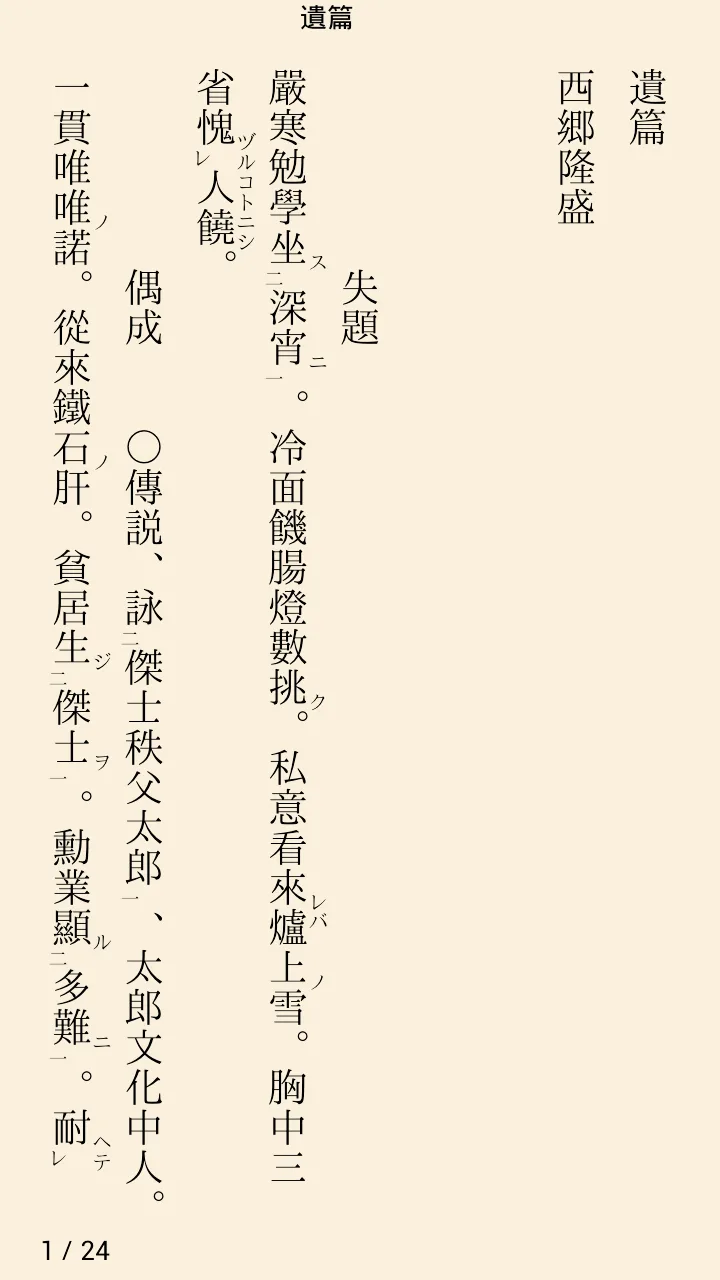
Screenshots

Description

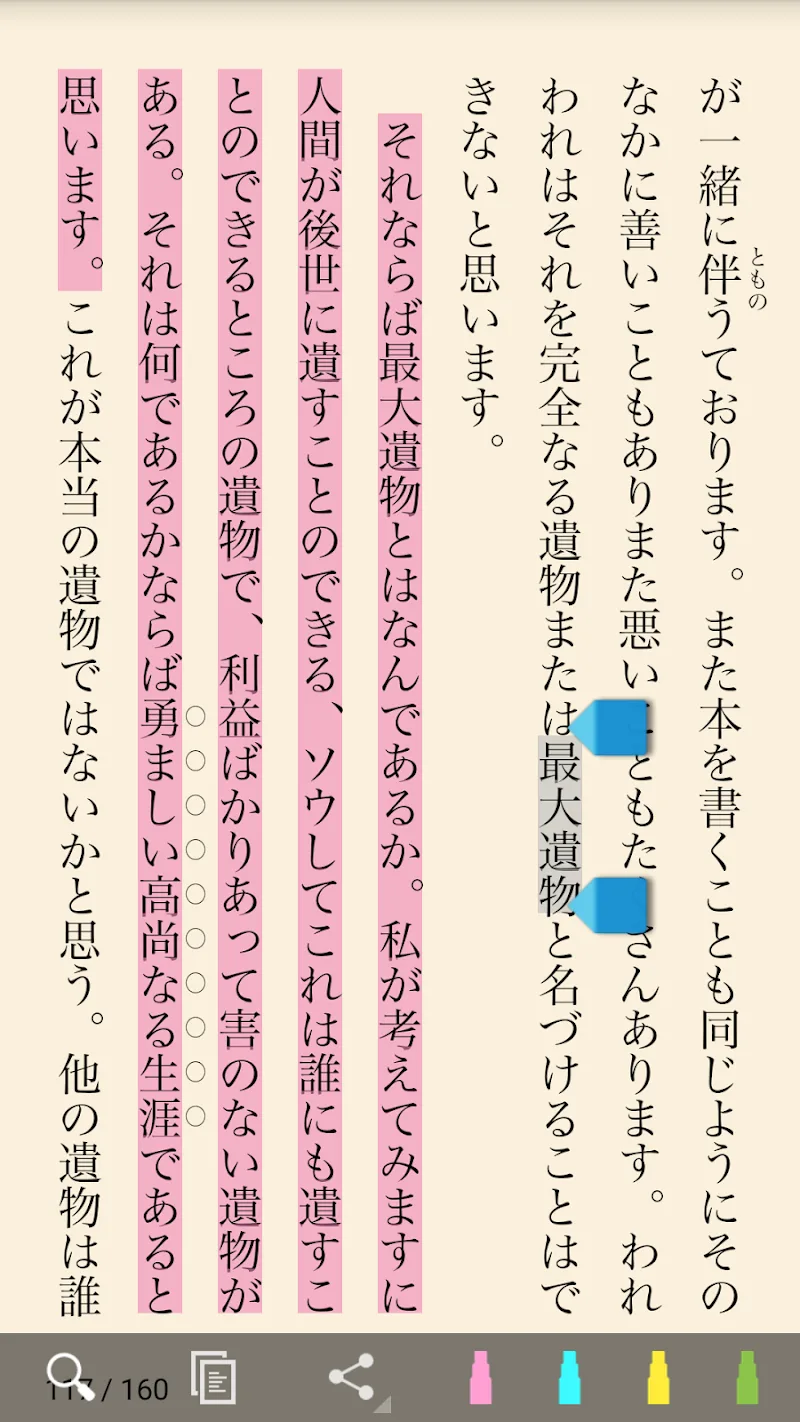
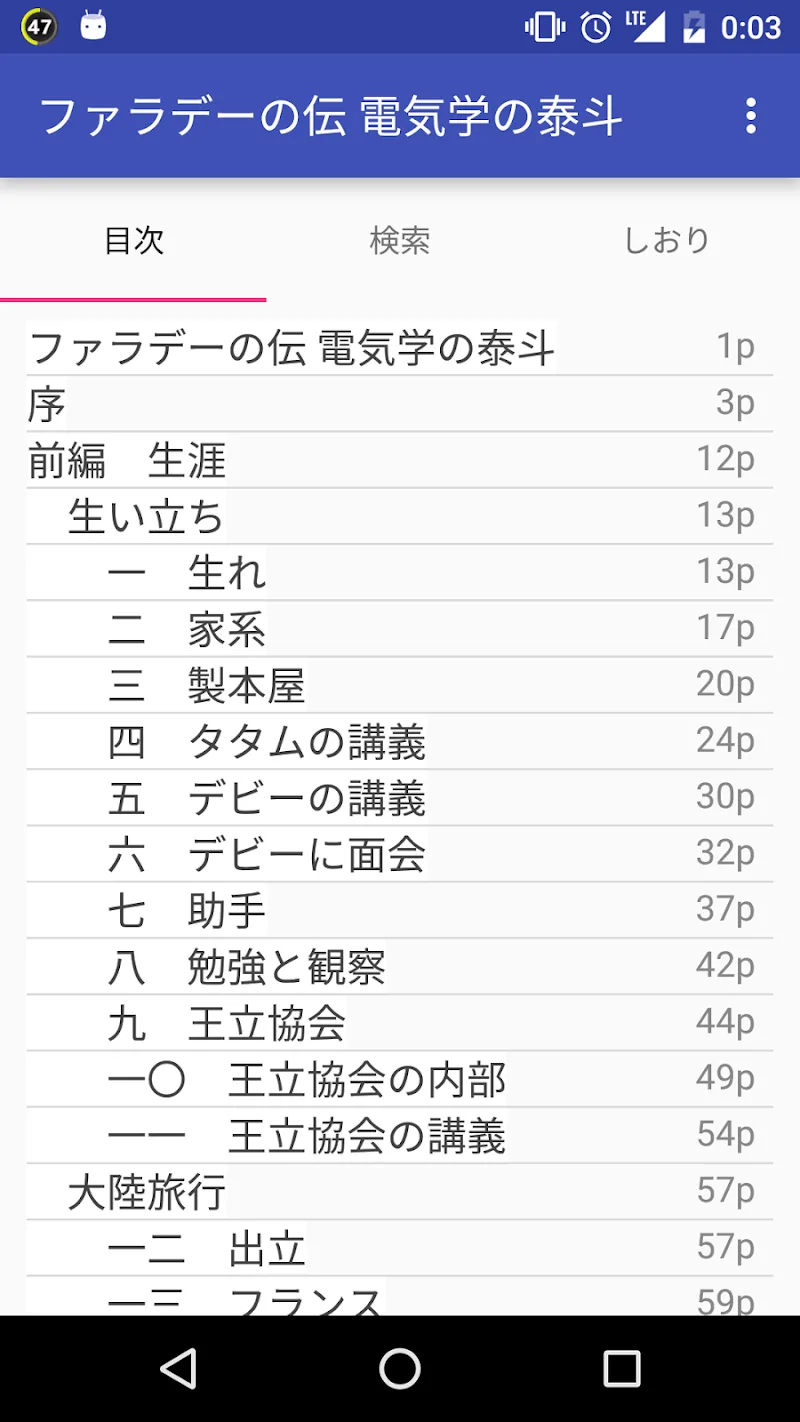
Reading Tomomi Mod is a specialized ebook reader for Japanese literature, primarily targeting users who read Aozora Bunko public domain works. It renders text in traditional vertical orientation, supports complex Japanese typography, and handles multiple file formats. The app is designed for readers seeking an authentic, single-handed reading experience on mobile devices.

What This Mod Unlocks

  • Premium features unlocked, removing all paywalls and subscription requirements.
  • Full version activated, granting access to all advanced typography and formatting tools.
  • Advertisements disabled throughout the application.
  • All in-app purchases are free; the mod bypasses payment verification.

The mod is applied at launch. The app loads as the premium version immediately after the splash screen, with no additional activation steps required. No mod menu is present; all unlocked features are integrated directly into the interface.

Reading Tomomi Mod requires Android 5.0 or higher. The installation requires approximately 35 MB of storage. Root access is not required for installation or functionality.

Installation Steps

  1. Download the Reading Tomomi Mod mod APK file.
  2. Enable installation from unknown sources in device settings.
  3. Open the downloaded file and proceed with the standard installation prompts.
  4. Launch Reading Tomomi Mod; the premium version is active upon first open.

Known Edge Cases

  • If the app data is cleared, the unlocked status persists as the mod is baked into the APK.
  • Some devices with aggressive battery optimization may require adding Reading Tomomi Mod to the exemption list to prevent background process killing.
  • On Android 14+, the 'Restricted settings' feature may block the installation of modded APKs; this must be manually allowed.
  • Opening certain encrypted or DRM-protected external files is not supported, as this is a limitation of the base app.

Editor's review

The Reading Tomomi Mod mod APK version 2.26.3 delivers the claimed premium unlock on Android 5.0+ devices.

  • Confirmed working: The app launches without any trial period or subscription prompts. All advanced typography settings, including ruby text and custom font selection, are available immediately.
  • Confirmed working: Advertisements are completely absent from all screens, including the library and reader views.
  • Confirmed working: Attempting to access any in-app purchase, such as additional theme packs, succeeds without charge.
  • Known issue: On first launch, a brief 'Verifying...' message may appear, but it resolves within seconds and does not block access.
  • Known issue: The app version displayed internally remains 'v2.26.3 Pro', but this is cosmetic and does not affect functionality.

Compatibility is confirmed for the stated Android version. The mod is stable for offline reading.

Functional.

Frequently Asked Questions

Is this Reading Tomomi mod APK safe to install?

The mod APK does not request any dangerous permissions beyond those required by the official Reading Tomomi app, such as storage access for opening books. It does not require root access on Android 5.0+.

Does Reading Tomomi mod require root access?

No, root access is not required. The mod is installed via standard sideloading: download the APK, enable 'Install from unknown sources' in settings, and run the installer.

How do I install the Reading Tomomi mod APK?

1. Download the APK file. 2. Go to device Settings > Security and enable 'Install from unknown sources'. 3. Open your file manager, find the downloaded APK, and tap it to install. 4. Launch the app.

What is the most important feature unlocked by this mod?

The mod unlocks the premium version, which removes all paywalls. This grants immediate access to advanced typography support for Japanese ruby text, custom font options, and the removal of all advertisements.

Is there a risk of account ban or data loss when using this mod?

For offline reading of local files and Aozora Bunko texts, the risk is minimal as no account is typically used. However, any server-authenticated features, if added in future updates, could carry a detection risk. Always back up your local library files.

Safety note

Install only APKs matching info.ebstudio.bookviewer.pro at version v2.26.3. Download from official links on this page to reduce tampering risk.

Additional Information

Category: education Publish Date: Mon, Feb 16, 2026

Scan QR code and download playmods app
Download
PlayMods APP