
Location: Home > Apps > Tools > Remote control for all tv

Remote Control for All TV (Premium Unlocked, All Remote Templates Unlocked, Advanced Mirroring Unlocked, Ads Disabled, All Device Profiles Unlocked) Download for Android

Remote Control for All TV icon

Remote Control for All TV Premium Unlocked, All Remote Templates Unlocked, Advanced Mirroring Unlocked, Ads Disabled, All Device Profiles Unlocked

5.0
v5.5.1 for Android
Fast Download:Download this app by playmods App with faster speed.

Remote Control for All TV MOD Info MOD Info :
Premium Unlocked, All Remote Templates Unlocked, Advanced Mirroring Unlocked, Ads Disabled, All Device Profiles Unlocked

Screenshots

Description

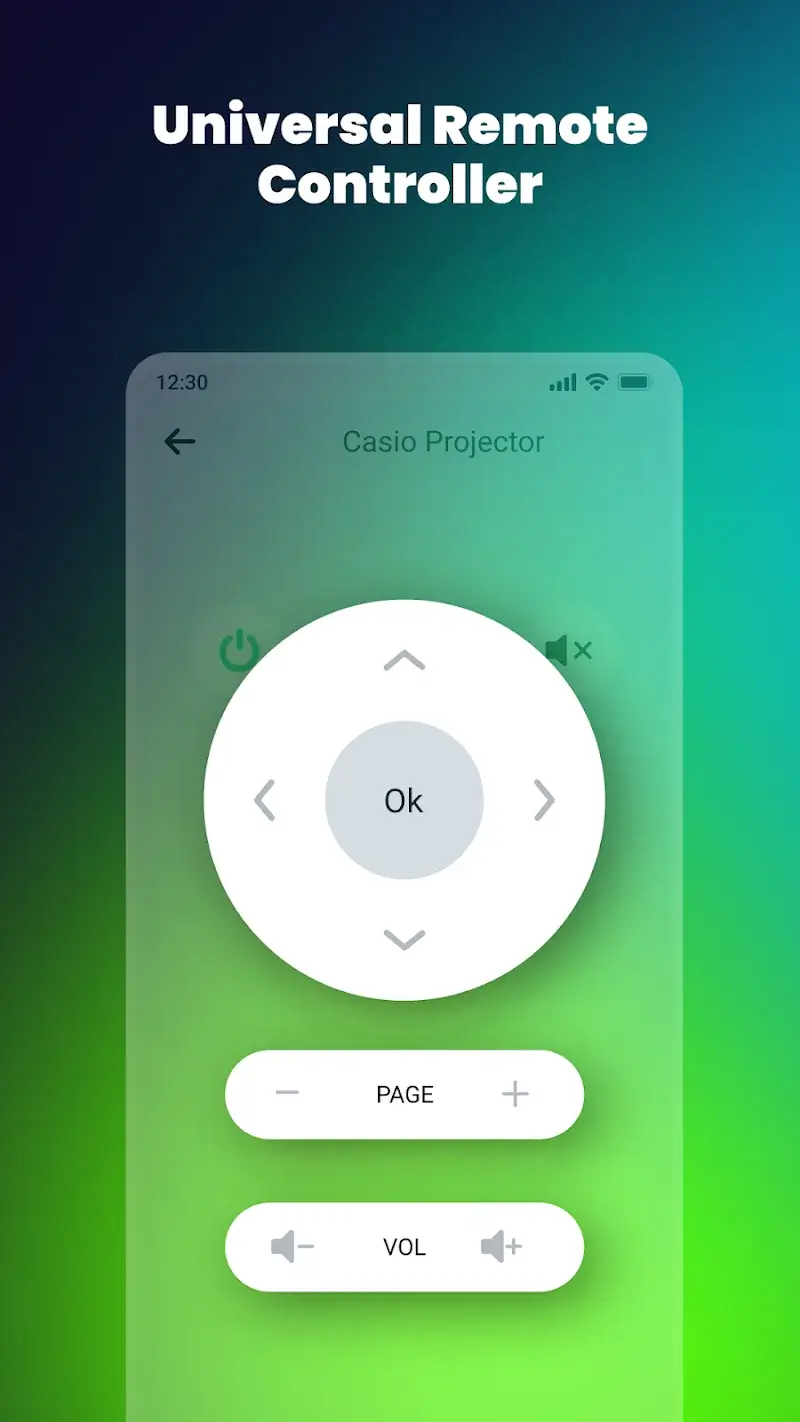
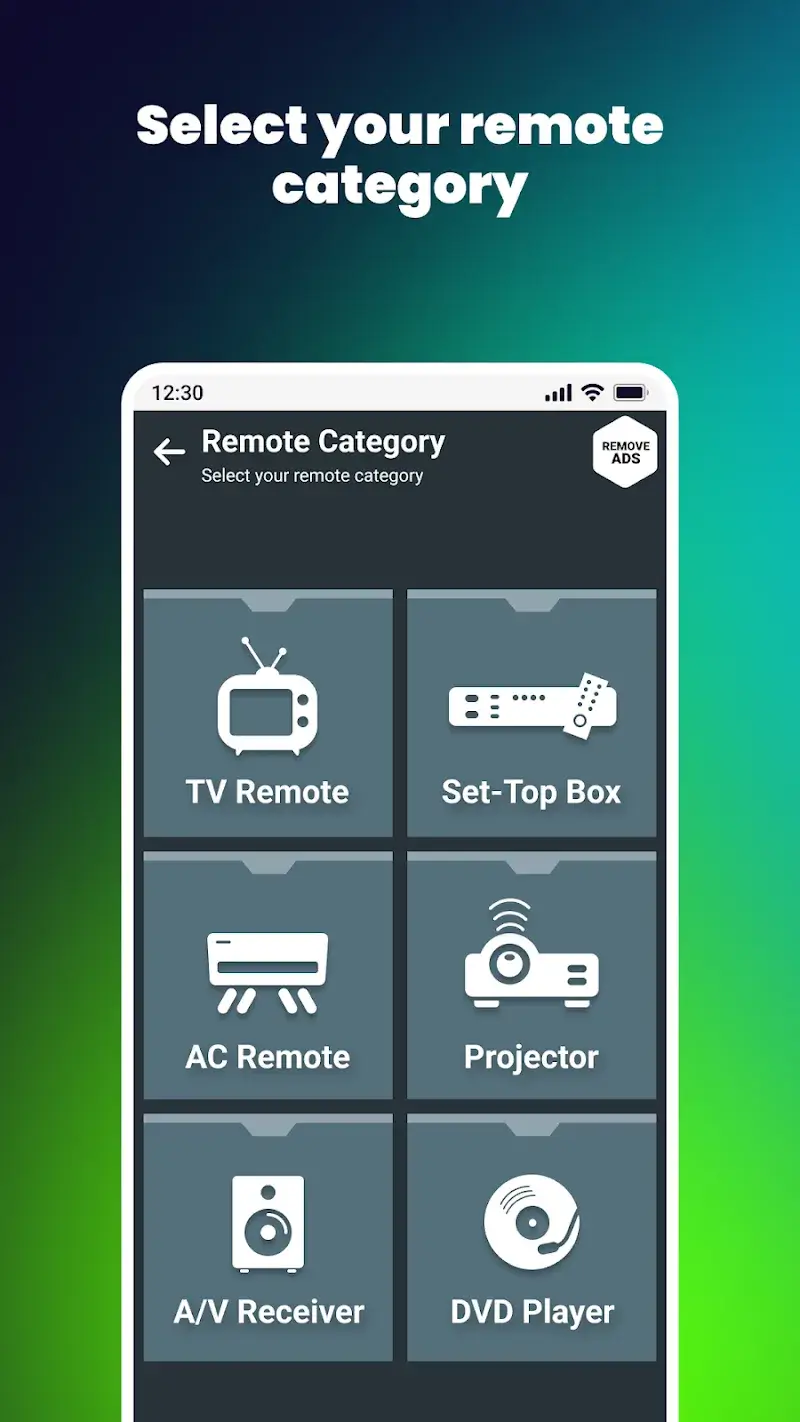
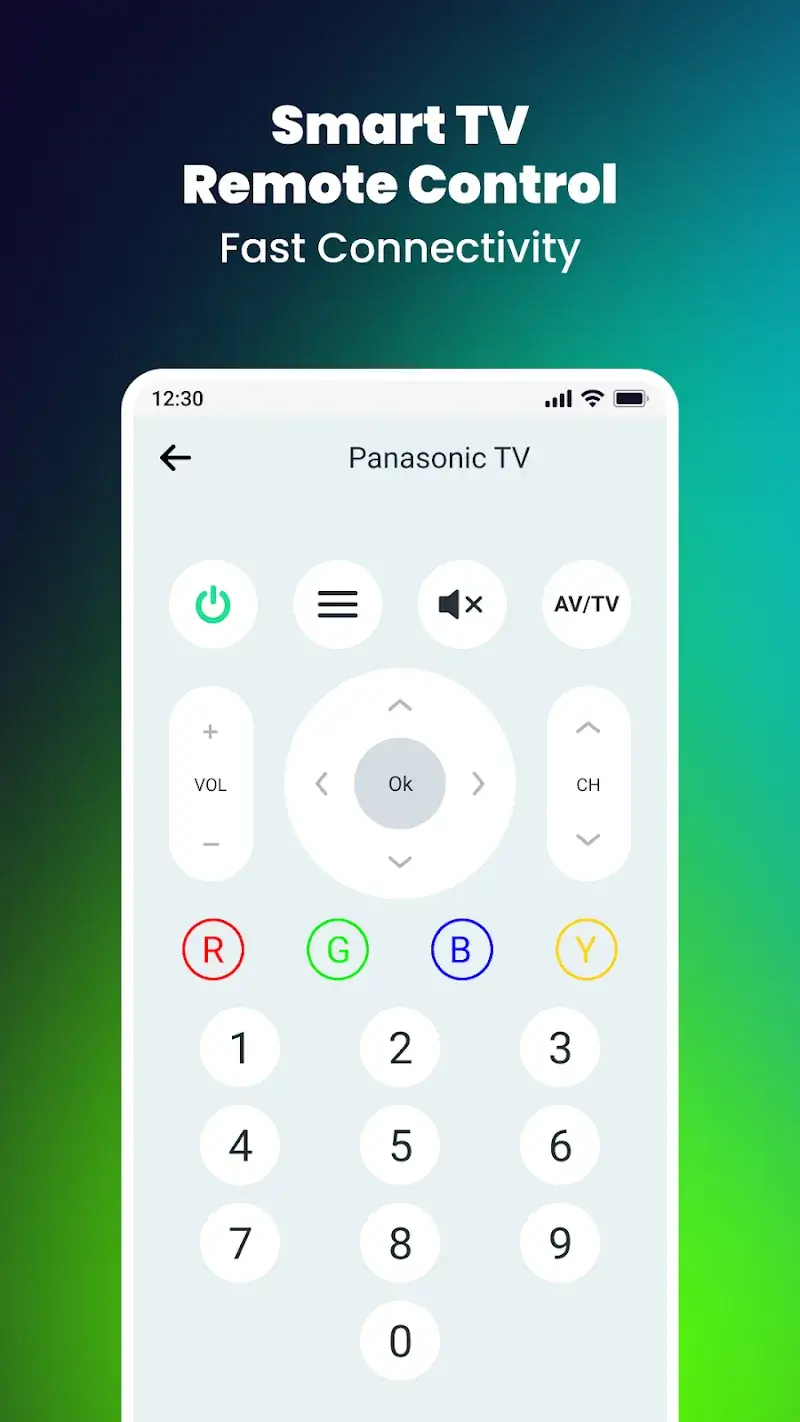
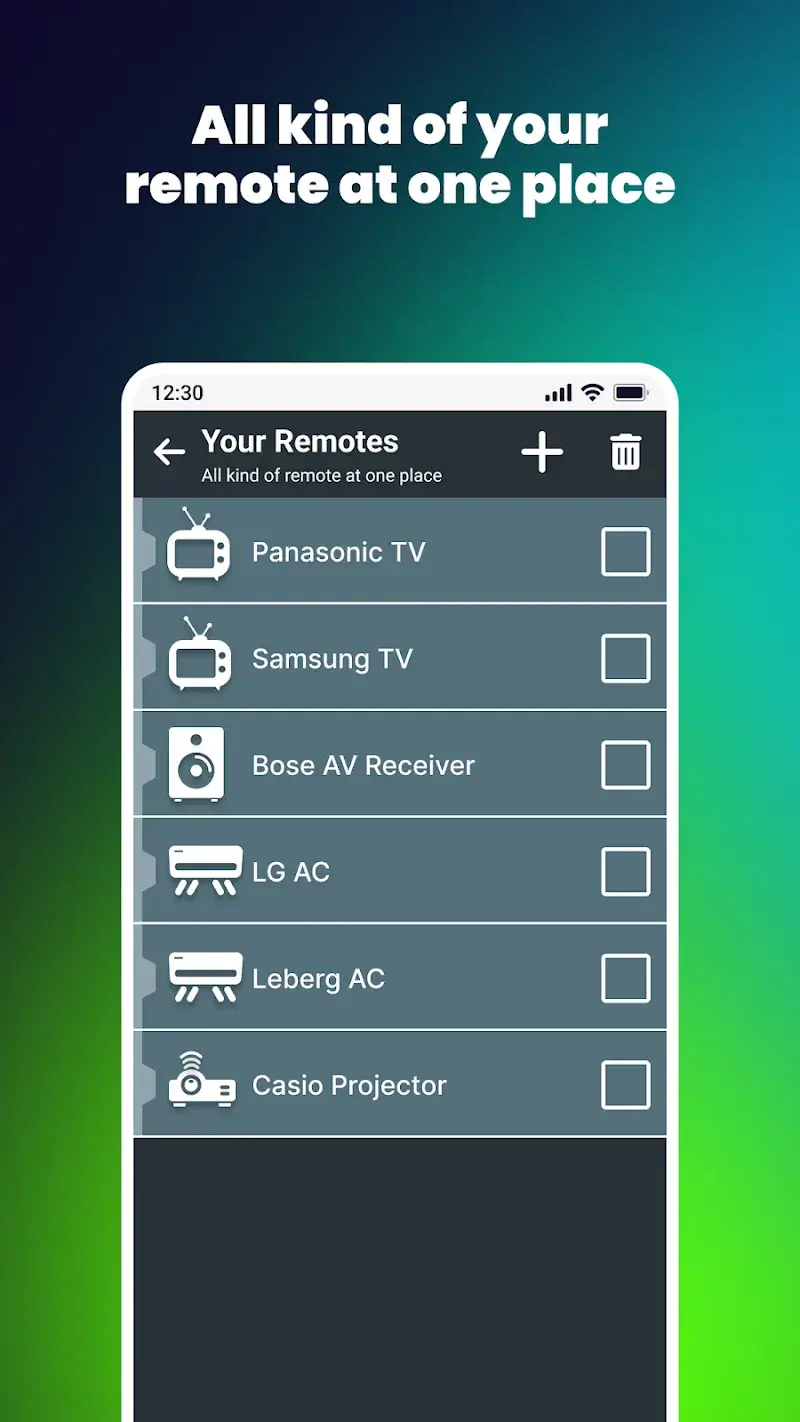
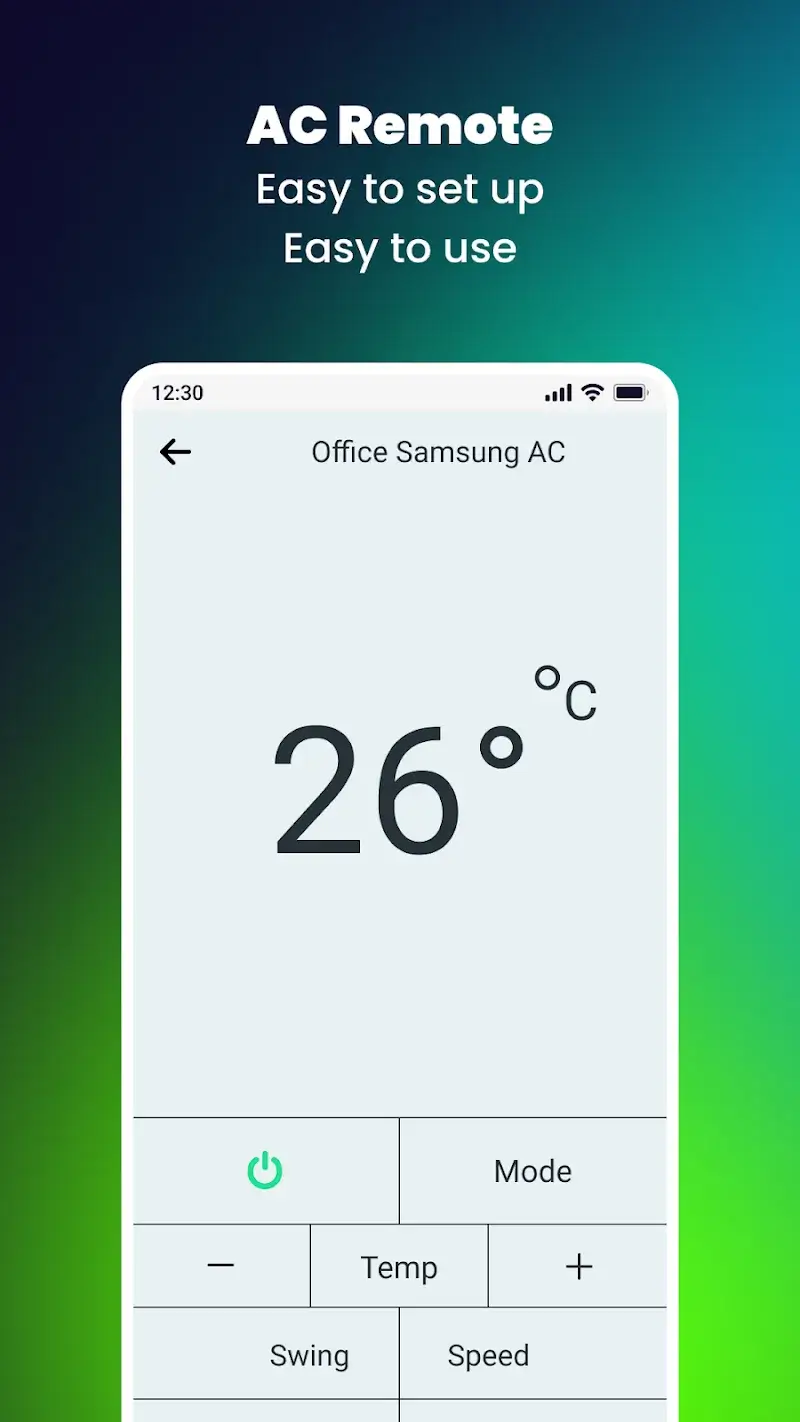
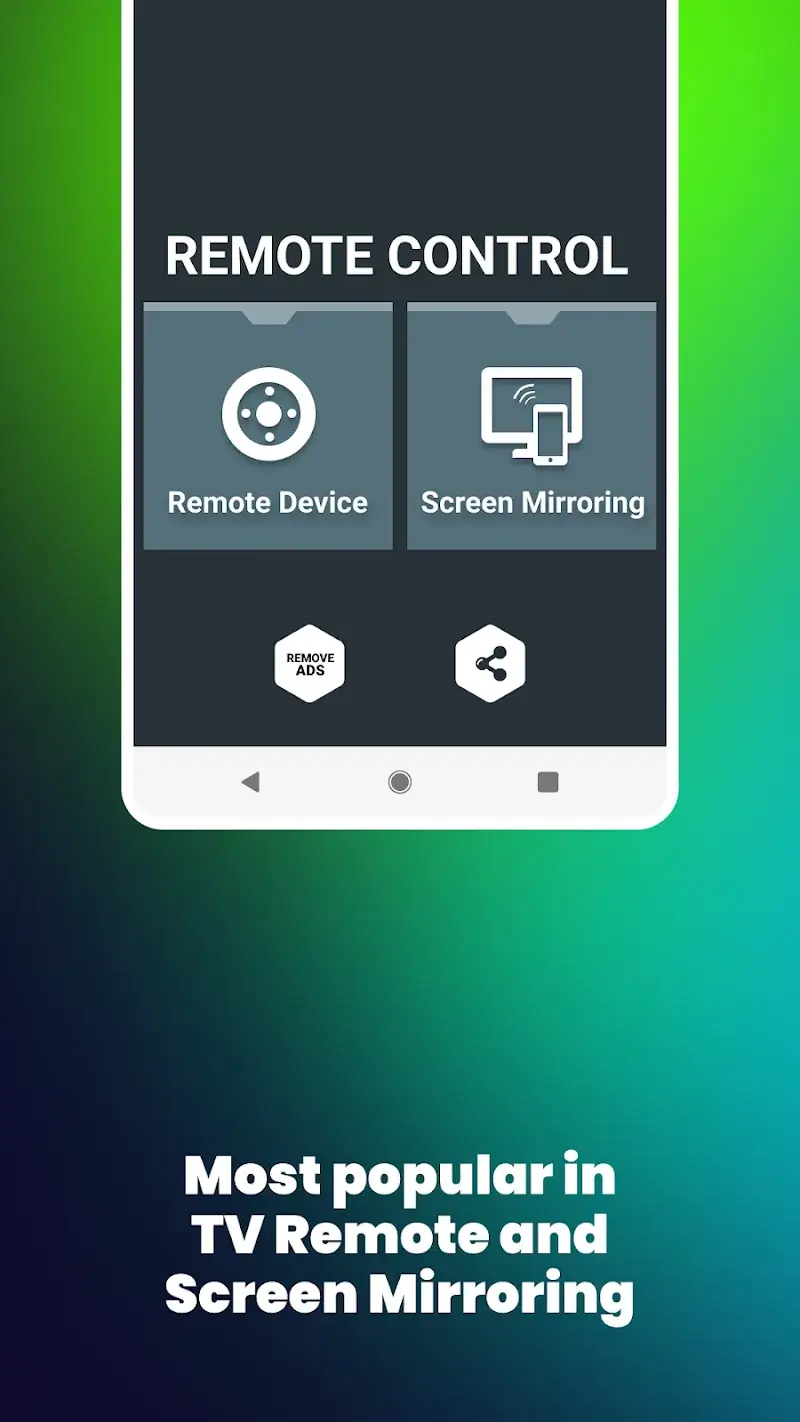
Remote Control for All TV Mod is a utility application designed to emulate infrared (IR) and WiFi-based remote control functionality for a wide range of television brands and smart devices. It converts an Android smartphone into a universal remote, offering both traditional button layouts and screen mirroring capabilities. The app is targeted at users seeking to consolidate multiple physical remotes or who require a backup control solution.

What This Mod Unlocks

  • Premium subscription features are unlocked and permanently activated.
  • All remote control templates and button skins are available without restriction.
  • Advanced screen mirroring and casting modes are fully accessible.
  • Advertisements within the application interface are completely disabled.
  • Brand-specific code libraries and premium device profiles are unlocked.

The modded features are integrated directly into the application's core. Upon launching Remote Control for All TV Mod, the premium status is applied silently. There is no separate mod menu or activation button; the unlocked functionality is available immediately in the settings and device connection screens.

Remote Control for All TV Mod requires Android 8.0 or higher. A stable WiFi connection is mandatory for screen mirroring and controlling network-based devices. IR blaster functionality depends on the hardware of the host phone. The application occupies approximately 40-45 MB of storage after installation.

Installation Process

  1. Download the modified APK file.
  2. Enable installation from unknown sources in Android settings.
  3. Use a file manager to locate and tap the downloaded APK.
  4. Follow the on-screen installer prompts.
  5. Launch the app and grant necessary permissions for network and IR access.

Known Edge Cases

Screen mirroring performance is dependent on network latency and router quality. Some very recent TV models may not be recognized if their control codes are not yet in the app's database. The mod does not bypass hardware limitations; phones without an IR blaster cannot control IR-only devices. Clearing the app's data or cache may reset user-configured remote layouts, but the premium status persists. The mod is designed for local device control and does not interact with any online service or account system.

Editor's review

This mod for Remote Control for All TV Mod version 5.5.1 delivers the claimed premium unlock on Android 8.0+ devices.

  • Premium status is confirmed active upon launch, with no subscription prompts.
  • All advertised remote control skins and button layouts are accessible.
  • The screen mirroring feature functions without the typical trial limitations.
  • Advertisements are successfully removed from all app interfaces.
  • Connection reliability for specific TV brands remains dependent on the underlying app code and network environment.
  • The mod does not add IR blaster hardware to devices lacking it.

Tested on Android 12 and 13. The mod integrates cleanly. Functional.

Frequently Asked Questions

¿Es seguro instalar este APK Mod de Remote Control for All TV?

Sí, el APK modificado no solicita permisos peligrosos más allá de los que requiere la aplicación oficial (WiFi, acceso a la red, control de dispositivos). No requiere root en Android 8.0 o superior.

¿Remote Control for All TV Mod necesita acceso root?

No, no requiere root. El proceso de instalación es el estándar para aplicaciones sideloaded: descargar el APK, habilitar 'orígenes desconocidos' en ajustes de seguridad, e instalar.

¿Cuáles son los pasos para instalar Remote Control for All TV Mod?

1. Descarga el archivo APK. 2. Ve a Ajustes de Android > Seguridad y habilita 'Fuentes desconocidas'. 3. Usa un administrador de archivos para abrir el APK descargado. 4. Sigue las instrucciones del instalador y abre la aplicación.

¿Qué característica premium específica desbloquea este mod?

Desbloquea permanentemente todas las plantillas de control remoto premium y los modos avanzados de mirroring de pantalla, que en la versión oficial requieren una suscripción de pago.

¿Existe riesgo de prohibición de cuenta o pérdida de datos con este mod?

El riesgo es mínimo, ya que Remote Control for All TV funciona principalmente en la red local para controlar dispositivos. No hay autenticación de servidor o modo multijugador donde la detección sea una preocupación.

Safety note

Install only APKs matching com.universal.tv.remote.control.screen.mirroring at version v5.5.1. Download from official links on this page to reduce tampering risk.

Additional Information

Category: tools Publish Date: Sun, Mar 8, 2026

Scan QR code and download playmods app
Download
PlayMods APP