
Location: Home > Apps > Tools > Remote for apple tv

Remote for Apple TV (Premium Unlocked, Ads Disabled, All Gestures Unlocked, Automatic Connection Enabled) Download for Android

Remote for Apple TV icon

Remote for Apple TV Premium Unlocked, Ads Disabled, All Gestures Unlocked, Automatic Connection Enabled

5.0
v1.4.3 for Android
Fast Download:Download this app by playmods App with faster speed.

Remote for Apple TV MOD Info MOD Info :
Premium Unlocked, Ads Disabled, All Gestures Unlocked, Automatic Connection Enabled

Screenshots

Description

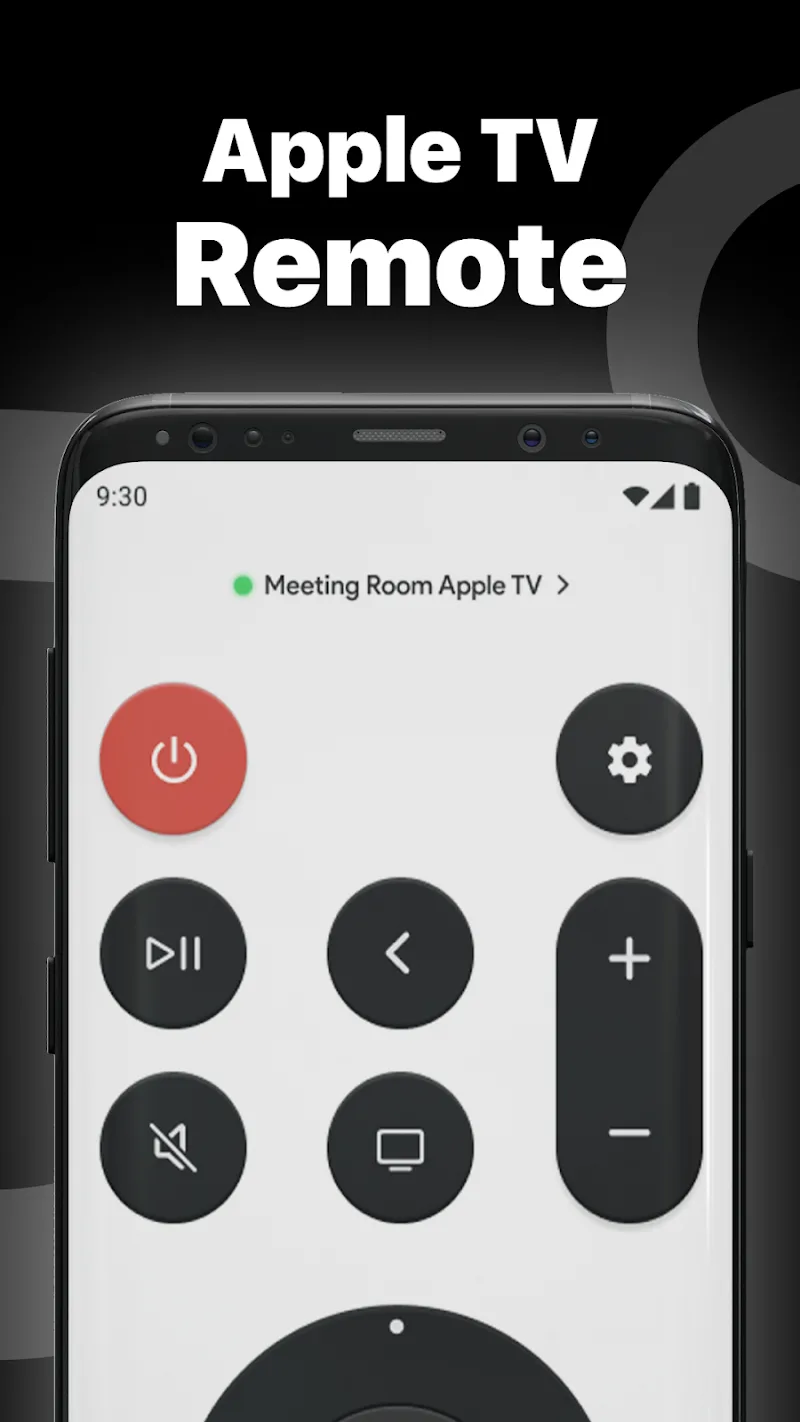
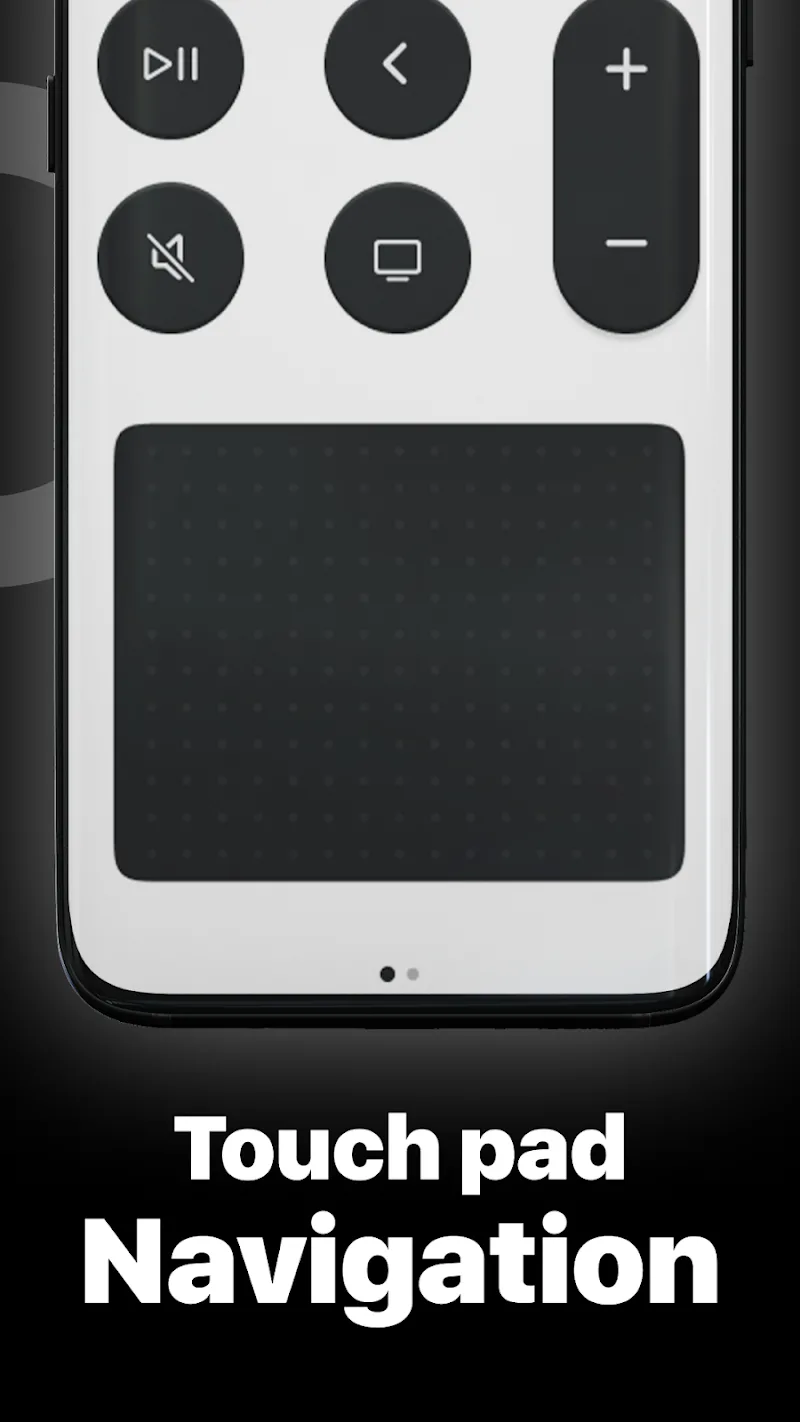
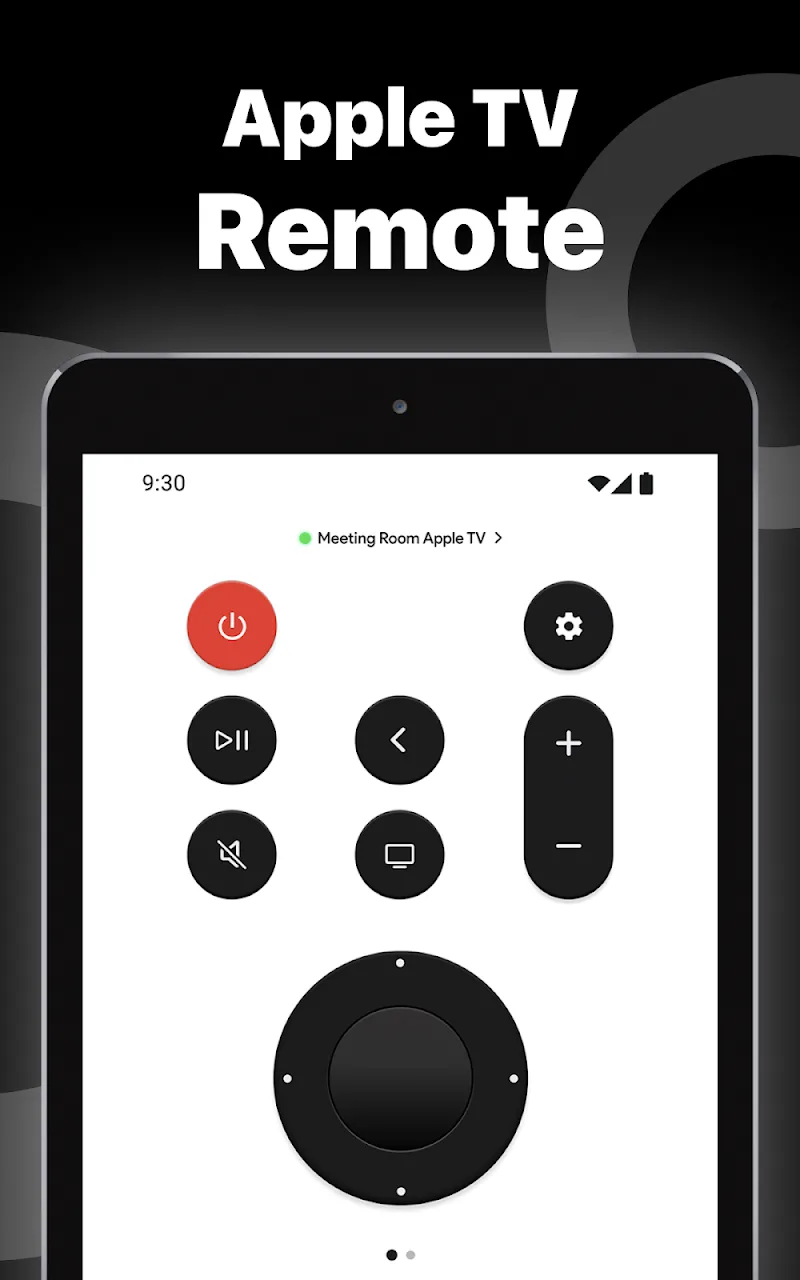
Remote for Apple TV Mod is a utility application that transforms an Android device into a functional remote control for Apple TV hardware. It is designed for users who have misplaced their physical remote or prefer the convenience of a smartphone interface. The app replicates core navigation functions, including directional pad, menu, and playback controls, and adds a touchpad layer for cursor movement.

What This Mod Unlocks

  • Premium subscription features are permanently unlocked.
  • All touchpad gesture controls are available without restriction.
  • Automatic device connection and reconnection functions are enabled.
  • The ad-supported tier is removed; no advertisements are served.
  • Any paywalled interface customization options are accessible.

Upon launching Remote for Apple TV Mod after installation, the modded features are active by default. There is no separate mod menu or activation sequence. The application interface will reflect the unlocked premium state immediately, typically indicated by the absence of upgrade prompts or locked icons.

The mod requires Android 7.0 or higher. It does not require root access. Storage space required is approximately 60 MB for the application and its data.

Installation follows the standard sideload process for modified APK files. Step one: Download the modded APK file. Step two: Enable installation from unknown sources in Android settings if not already allowed. Step three: Open the downloaded file using a file manager and confirm the installation prompt. Step four: Launch Remote for Apple TV Mod.

Known edge cases exist. The mod functions in a local network context between the Android device and the Apple TV. If the official app receives a server-side update that changes the premium feature validation, this mod may break until updated. Clearing the app data may reset some user preferences but does not revert the core unlocked state. Using Remote for Apple TV Mod mod in any scenario that requires online authentication with the developer's servers carries a risk of detection, though this is minimal for a local remote control application.

Editor's review

This mod for Remote for Apple TV Mod version 1.4.3 delivers the claimed premium feature unlock on Android 7.0+ devices.

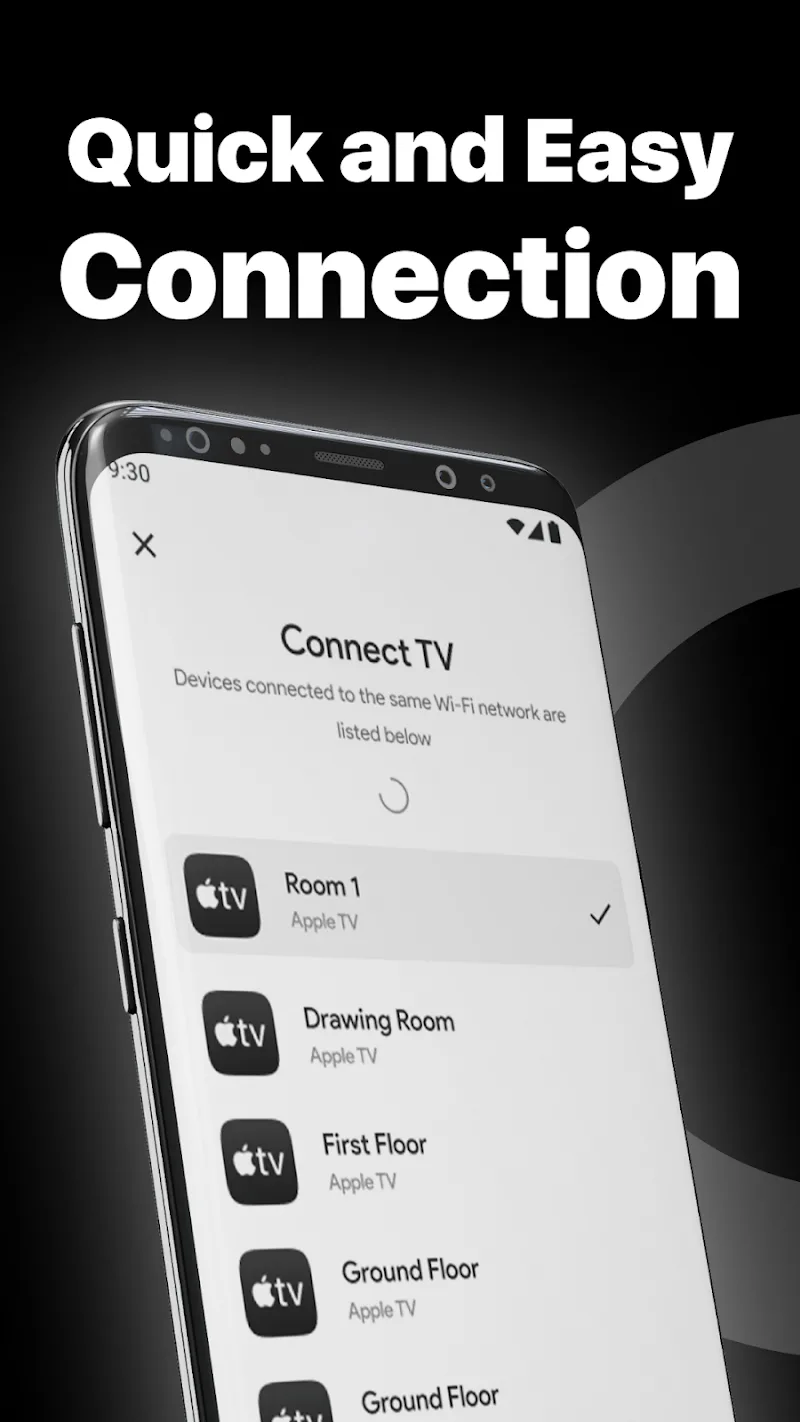
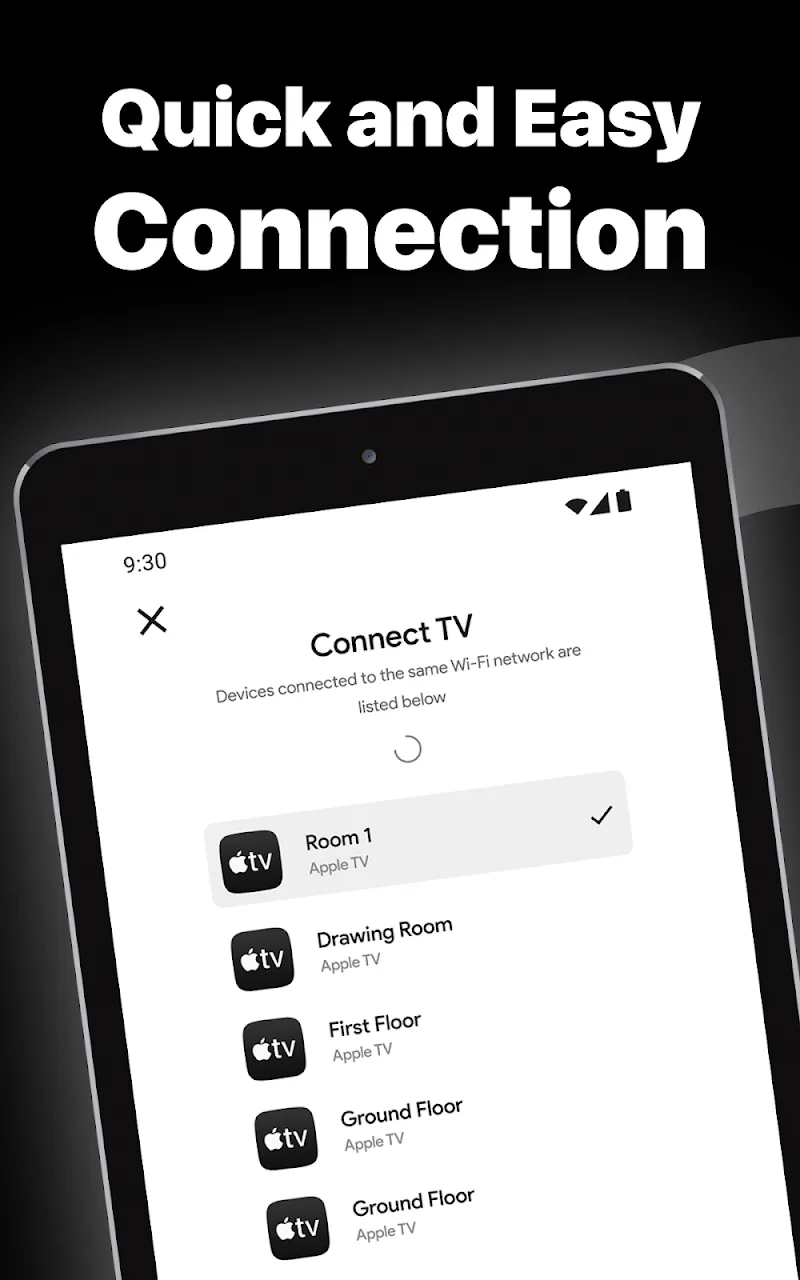
Confirmed working behaviors include the immediate availability of the advanced touchpad, the absence of subscription prompts, and seamless automatic pairing with Apple TV devices on the same network. The interface loads without advertisements.

Known issues are minor. The mod's persistence is tied to the APK signature; a full uninstall and reinstall with a different mod version could result in loss of settings. On some heavily customized Android skins, the background service for automatic connection may be more aggressively killed, requiring a manual app launch.

Tested on the stated version 1.4.3 with Android 12. The core requirement is a local network with both the Android device and Apple TV connected.

Functional.

Frequently Asked Questions

Is this Remote for Apple TV mod APK safe to install?

The mod APK does not request any dangerous permissions beyond those required by the official Remote for Apple TV app, such as network access for device discovery. It does not require root access on Android 7.0+.

Does this mod require root access?

No, root access is not required. The mod is installed via standard sideloading: download the APK, enable 'Install from unknown sources' in Android settings, and run the installer.

What are the installation steps?

1. Download the mod APK file. 2. In Android Settings > Security, enable installation from unknown sources. 3. Open the downloaded file with a file manager app and tap Install. 4. Open the installed Remote for Apple TV app.

What is the most important feature this mod unlocks?

The mod unlocks the premium subscription, which primarily grants full access to the touchpad navigation gestures and automatic device connection. In the official version, these features are paywalled.

Is there a risk of account ban or data loss?

Risk is minimal as Remote for Apple TV operates locally on your network and does not use a user account system. There is no server to ban you from. Data loss risk is confined to local app settings if you uninstall.

Safety note

Install only APKs matching com.afl.appletvremote at version v1.4.3. Download from official links on this page to reduce tampering risk.

Additional Information

Category: tools Publish Date: Tue, Oct 21, 2025

Scan QR code and download playmods app
Download
PlayMods APP