

Location: Home > Apps > Tools > Sensi pro & game tools

Sensi Pro & Game Tools (Premium Unlocked, Ads Removed, All Sensitivity Profiles Unlocked) Download for Android

Sensi Pro & Game Tools icon

Sensi Pro & Game Tools Premium Unlocked, Ads Removed, All Sensitivity Profiles Unlocked

5.0
v13.0 for Android
Fast Download:Download this app by playmods App with faster speed.

Sensi Pro & Game Tools MOD Info MOD Info :
Premium Unlocked, Ads Removed, All Sensitivity Profiles Unlocked

Screenshots

Description

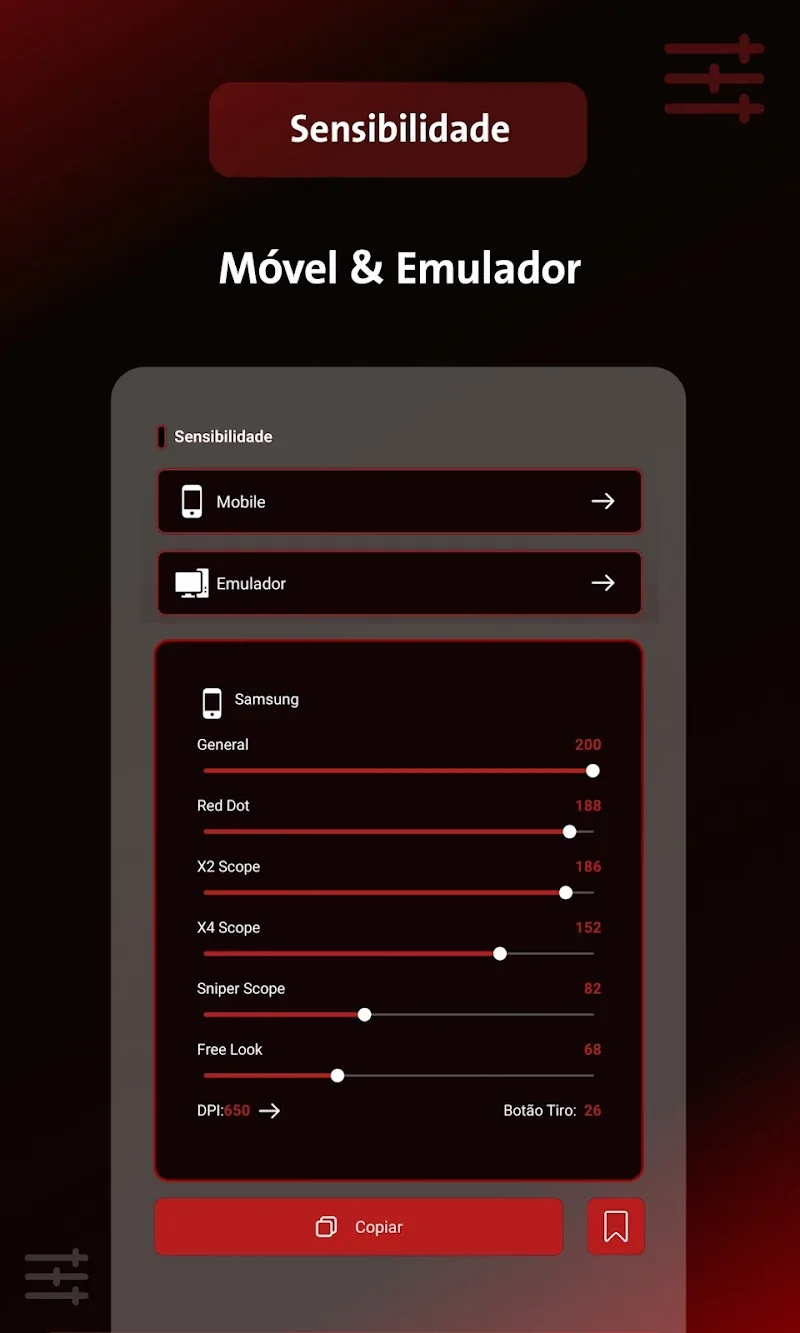
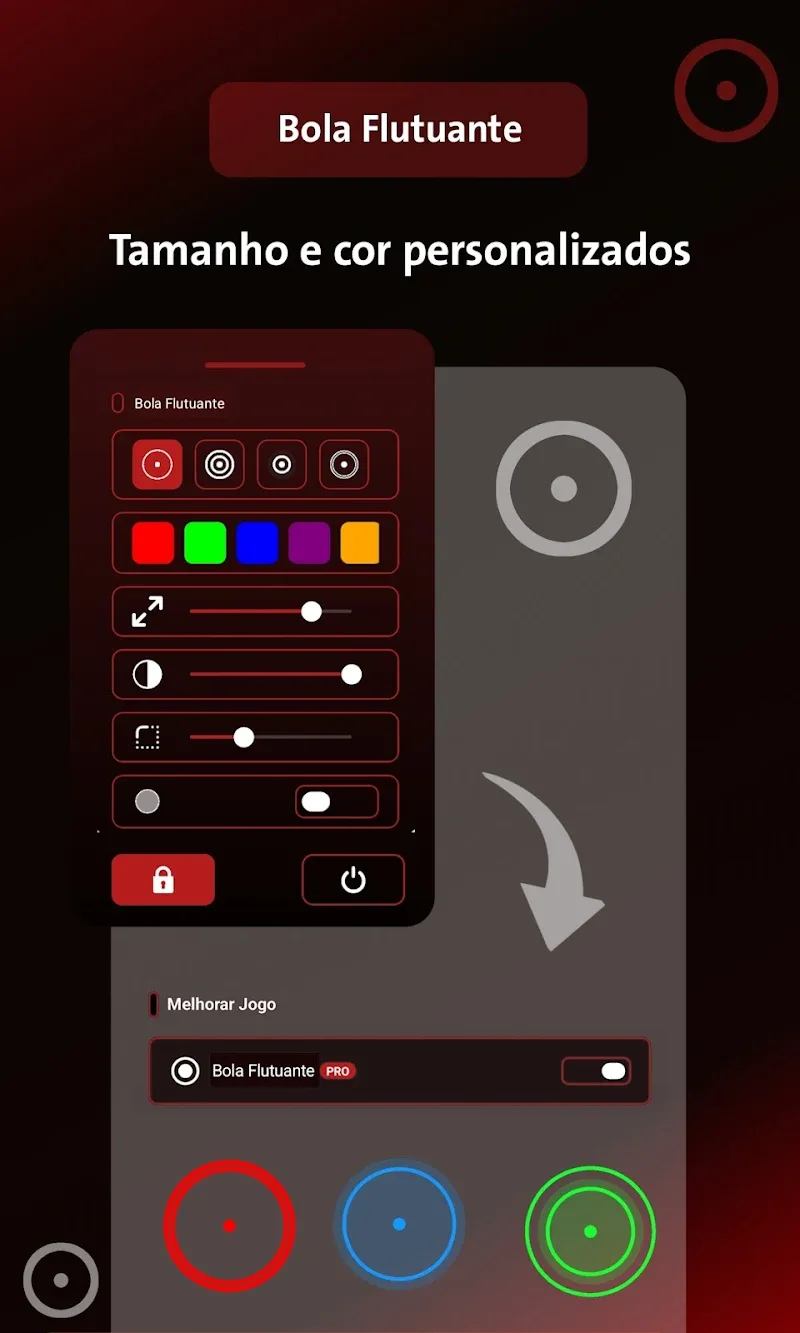
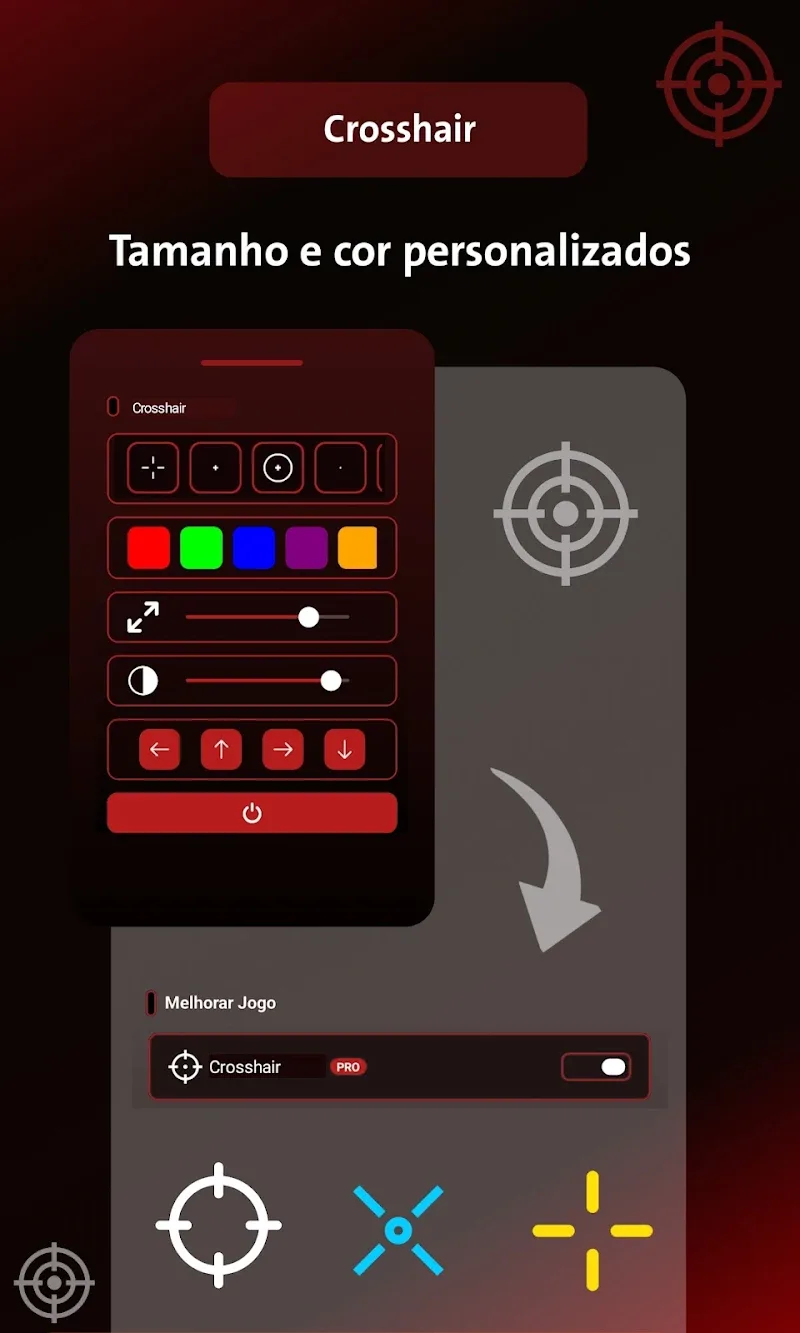
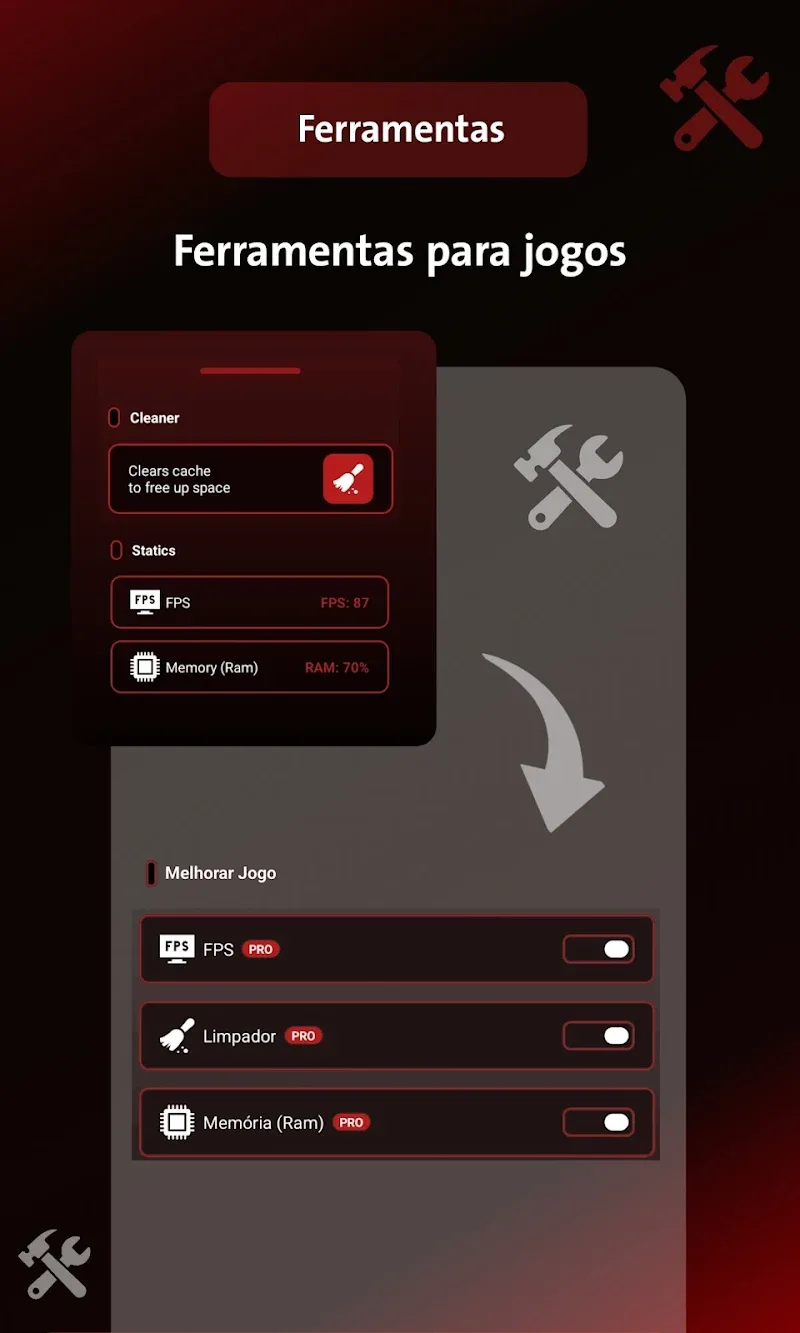
Sensi Pro & Game Tools Mod is a utility application designed for mobile gamers, primarily those playing competitive shooters like Free Fire. It functions as a system optimization overlay, providing real-time performance metrics, device-specific sensitivity and DPI recommendations, and quick-access tools such as memory cleaners and floating crosshairs. The target user is a player seeking to maximize frame rates and aiming precision on mid-range or older hardware without requiring root access.

What This Mod Unlocks

  • Premium features unlocked. All configuration profiles and advanced sensitivity settings are available without subscription.
  • Ads removed. The application interface and tool overlays operate without advertisement interruptions.
  • Pro-level sensitivity suggestions and DPI configurations for all supported device models are accessible.

After installing Sensi Pro & Game Tools Mod, the mod is active immediately. The application will launch with the premium status indicator visible in the main menu, confirming unlocked access. No activation code or secondary menu is required.

The application requires Android 8.0 or higher. It occupies approximately 16 MB of storage after installation. Root permissions are not required. The mod functions through a modified APK signature, bypassing the official license verification.

Installation follows the standard sideload process. First, download the modified APK file. Second, enable installation from unknown sources in your device settings if prompted. Third, locate the downloaded file using a file manager and tap to install. Fourth, open the application and confirm premium features are available.

Known edge cases exist. The floating overlay tools, such as crosshairs, may not function in games with strict anti-overlay policies. Sensitivity profiles are device-specific suggestions, not guaranteed performance enhancements. Clearing the application data may reset custom configurations but does not revoke the premium unlock. Using performance monitors in online multiplayer modes carries minimal risk, but overlays could theoretically be flagged by some game anti-cheat systems, though this is uncommon for utility apps.

Editor's review

This mod for Sensi Pro & Game Tools Mod version 13.0 delivers the claimed premium unlock on Android 8.0 and above. The modification successfully removes paywalls and advertisements from the utility interface.

  • Confirmed working: The application launches with a 'Premium' badge. All sensitivity suggestion lists and DPI configuration tools are fully accessible without prompts for payment. The real-time FPS and RAM monitoring tools function without interruption from ads.
  • Known issues: The floating crosshair overlay may fail to draw on top of certain games with aggressive security permissions. Custom profile names may revert to default if the app's cache is cleared manually.

Tested on Android 12. The tool does not require special permissions beyond those needed for overlay functionality. This mod is rated Functional for its core purpose of unlocking premium features.

Frequently Asked Questions

Is this Sensi Pro & Game Tools mod APK safe to install?

The mod APK does not request dangerous permissions beyond what the official app requires for overlay and performance monitoring. It does not require access to SMS, call logs, or contacts. No root access is needed on Android 8.0+.

Does this mod require root access?

No, root access is not required. The mod works through standard sideloading. You install the APK file directly after enabling installation from unknown sources in your Android settings.

How do I install Sensi Pro & Game Tools mod?

1. Download the APK file. 2. Enable 'Install from unknown sources' in your device settings if prompted. 3. Open your file manager, find the downloaded APK, and tap it to install. 4. Open the app to use the unlocked features.

What does the 'Premium Unlocked' feature actually do in Sensi Pro & Game Tools?

It removes the subscription paywall. In the official version, advanced sensitivity profiles and certain optimization tools are locked. The mod grants immediate access to all device-specific sensitivity suggestions, DPI configurations, and pro features without payment.

Is there a risk of account ban or data loss when using this mod?

For offline device optimization and single-player games, the risk is minimal. Sensi Pro & Game Tools is a utility overlay. However, using its floating tools (like crosshairs) in online multiplayer games carries a low, non-zero risk of detection by the game's anti-cheat, though it is uncommon. Always back up your game profiles.

Safety note

Install only APKs matching com.sensi.pro.booster.ffgame at version v13.0. Download from official links on this page to reduce tampering risk.

Additional Information

Category: tools Publish Date: Wed, Jan 28, 2026

Scan QR code and download playmods app
Download
PlayMods APP