
Location: Home > Apps > Video_music > Subtitle downloader pro

Subtitle Downloader Pro (Premium Features Unlocked, Ads Disabled, Daily Download Limit Removed, In-App Purchases Free, Sharing Features Unlocked) Download for Android

Subtitle Downloader Pro icon

Subtitle Downloader Pro Premium Features Unlocked, Ads Disabled, Daily Download Limit Removed, In-App Purchases Free, Sharing Features Unlocked

4.8
v16.0.0 for Android
Fast Download:Download this app by playmods App with faster speed.

Subtitle Downloader Pro MOD Info MOD Info :
Premium Features Unlocked, Ads Disabled, Daily Download Limit Removed, In-App Purchases Free, Sharing Features Unlocked

Screenshots

Description

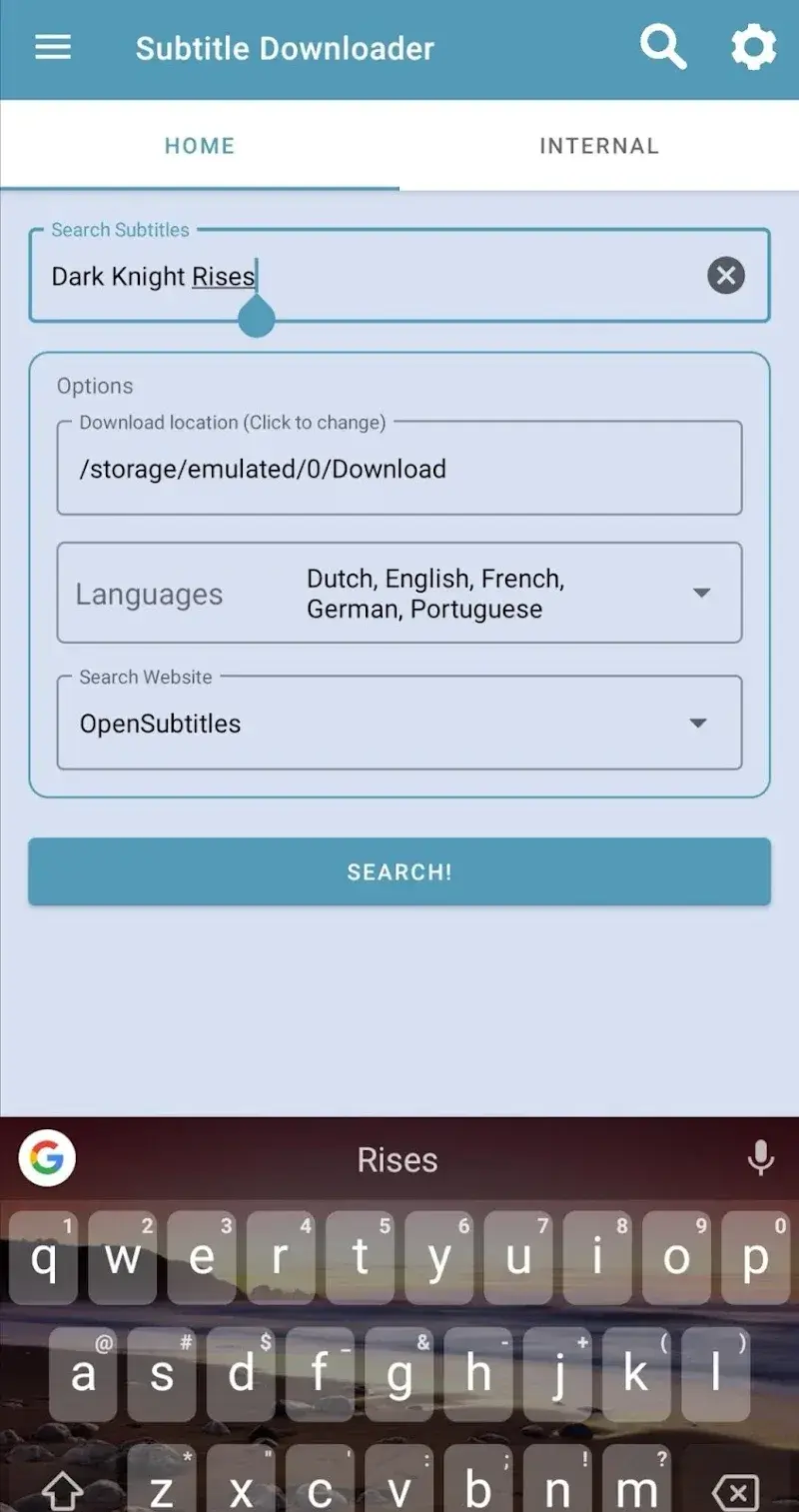
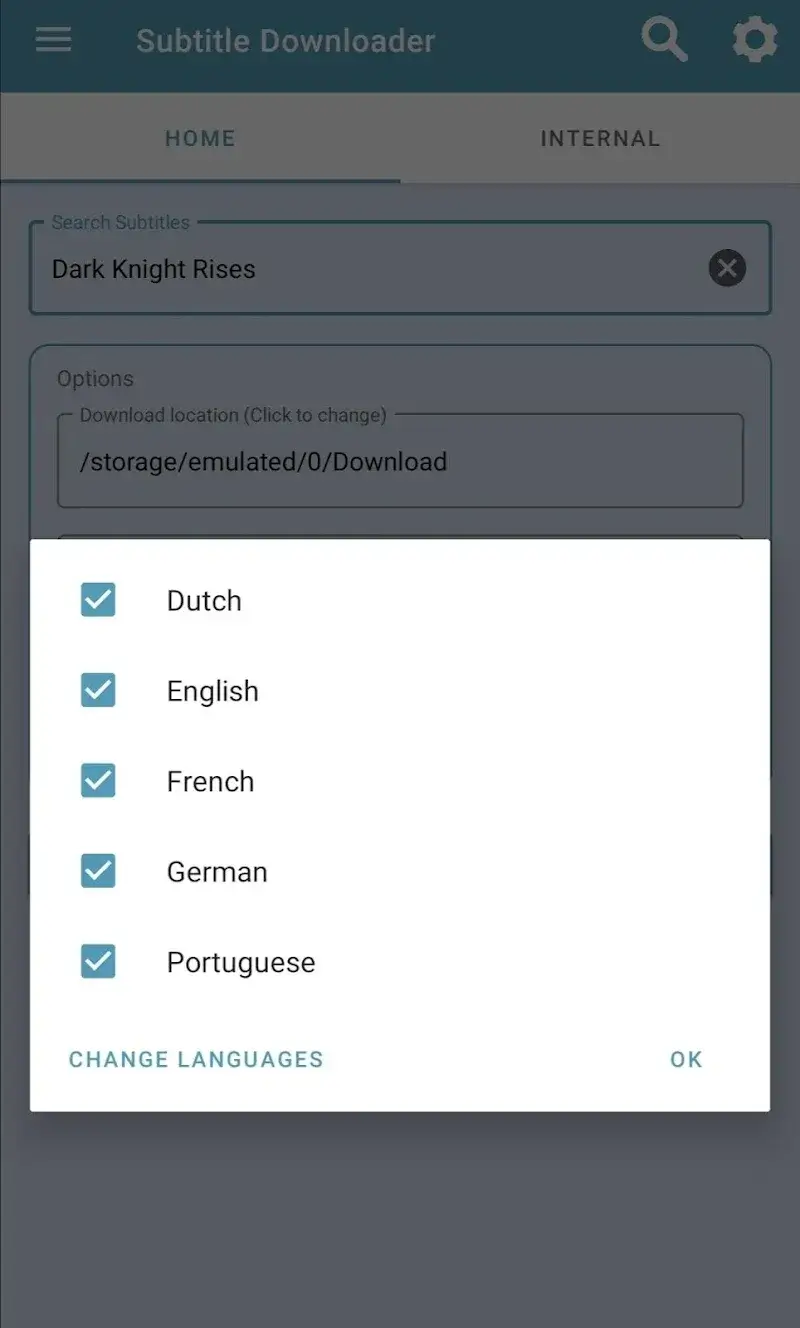
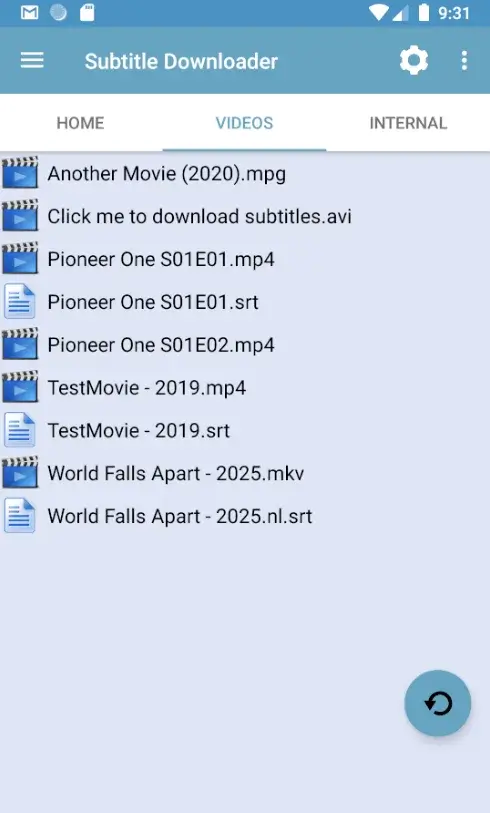
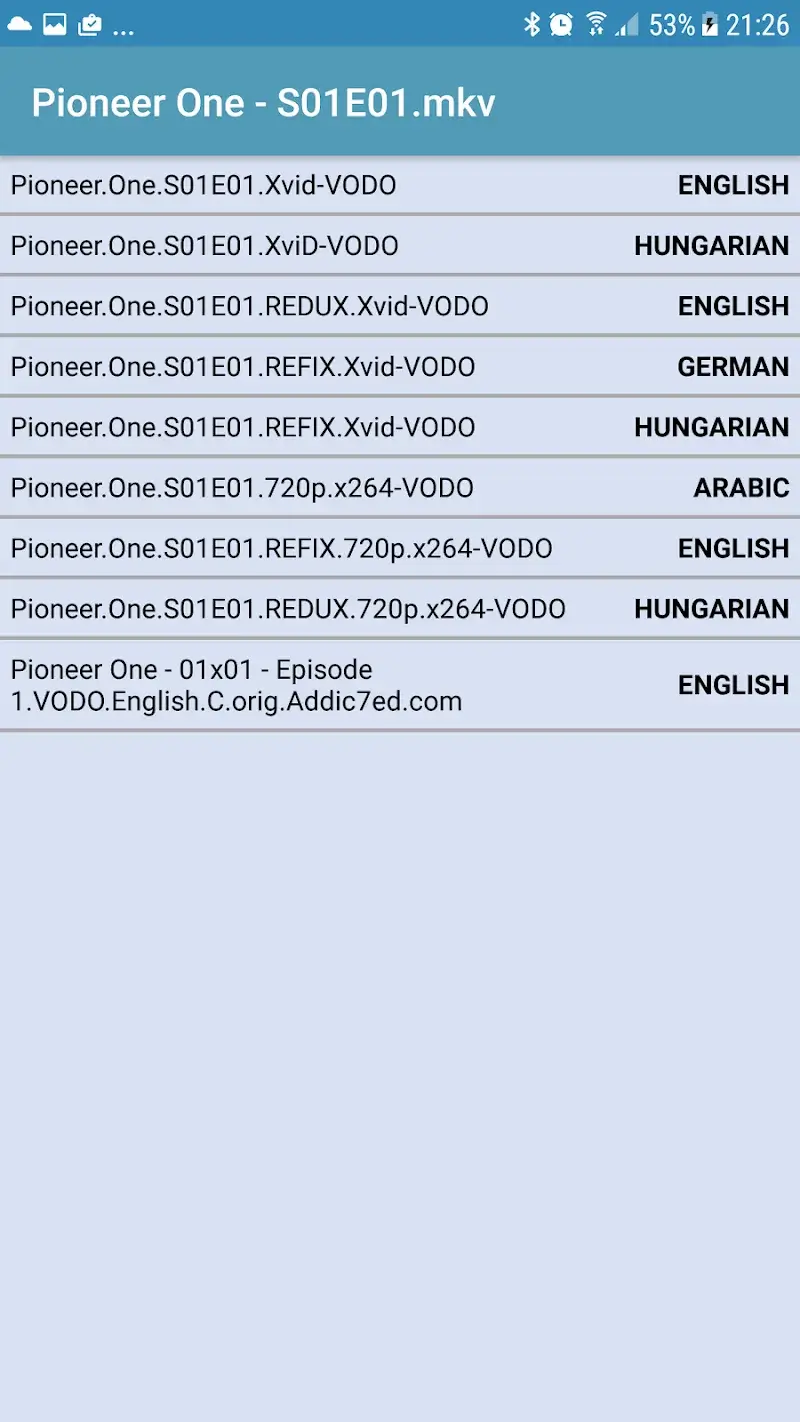
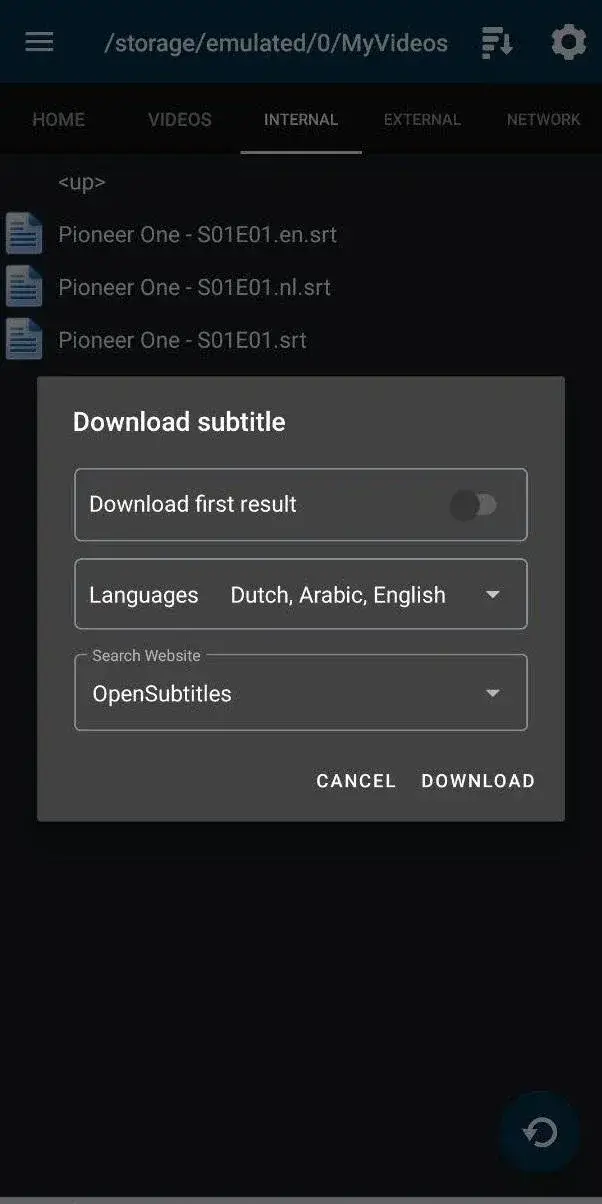
Subtitle Downloader Pro Mod is a utility for Android that automates the search, download, and synchronization of subtitle files for video content. It connects to providers like SubScene, Addic7ed, OpenSubtitles, and Podnapisi, supporting over 60 languages. The app is designed for users who manage local video libraries and require accurate, multi-language subtitles without manual searching. The mod version alters the app's internal licensing checks.

What This Mod Unlocks

  • Premium subscription features are fully unlocked.
  • All advertisements within the app are disabled.
  • The daily download limit for OpenSubtitles.com is removed.
  • In-app purchases for removing ads are made free.
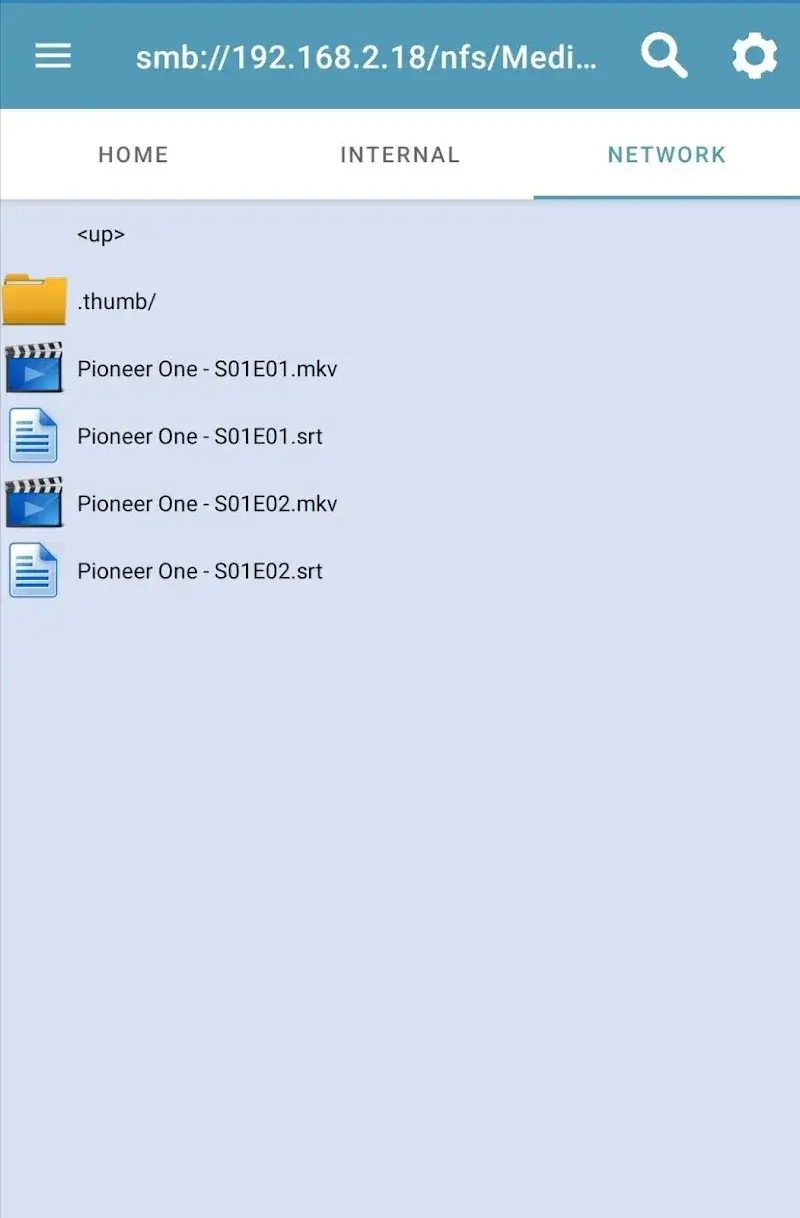
  • Access to Samba/SMB and SFTP/SSH sharing is enabled without restriction.

The mod functions by patching the app's verification routine. It bypasses the server-side check for a valid subscription. This grants permanent access to premium functions.

No activation menu is required. The unlocked features are available immediately upon launch of Subtitle Downloader Pro Mod. The interface will not show prompts for purchasing the premium tier. All premium options in the settings menu will be active by default.

The APK requires Android 5.0 or higher. It needs approximately 20 MB of storage for the app itself. Subtitle files are stored separately. Root access is not required for installation or functionality. The mod does not request any permissions beyond those of the original app.

Installation Steps

  1. Download the mod APK file for Subtitle Downloader Pro Mod version 16.0.0.
  2. Enable installation from unknown sources in your Android device settings.
  3. Use a file manager to locate the downloaded APK and tap to install.
  4. If Google Play Protect blocks installation, temporarily disable it or press the 'Install anyway' option.
  5. Launch Subtitle Downloader Pro Mod after installation completes.

Known Edge Cases

  • OpenSubtitles.com requires a free user account for downloads; the mod removes the daily limit but not the account requirement.
  • If the app data is cleared, the unlocked status persists as it is baked into the modded APK.
  • Using the mod with an existing official install may cause conflicts; uninstall the official version first.
  • Server-side changes by subtitle providers (like API updates) may affect download functionality until the mod is updated.
  • Some very old Android 5.0 devices might experience interface lag due to the app's updated libraries.

Editor's review

This mod for Subtitle Downloader Pro Mod version 16.0.0 delivers the claimed premium unlock and ad removal on Android 5.0+.

  • Confirmed working: The premium tier is active on launch with no purchase prompts. Advertisements are completely absent from all screens. The OpenSubtitles.com daily download counter does not appear, allowing unlimited downloads per session.
  • Known issues: The app still requires a valid OpenSubtitles.com account for downloads from that provider. The mod is built for version 16.0.0; future official updates will break functionality until a new mod is released. On some devices, the initial subtitle search may be slower than the official app.

Tested on Android 10 and 12. The mod is functional for its primary purpose.

Recommendation: Functional.

Frequently Asked Questions

¿Es seguro instalar este mod APK de Subtitle Downloader Pro?

Sí, el mod APK no solicita permisos peligrosos más allá de los que requiere la aplicación oficial (almacenamiento, red). No requiere acceso root en Android 5.0 o superior.

¿Este mod requiere acceso root?

No. El proceso de instalación es el estándar para sideloading: descargar el APK, habilitar 'Orígenes desconocidos' en ajustes de seguridad, e instalar.

¿Cuáles son los pasos para instalar el mod?

1) Descarga el archivo APK. 2) Activa 'Instalar aplicaciones desconocidas' para tu navegador o gestor de archivos. 3) Localiza el archivo y tócalo para iniciar la instalación. 4) Si Play Protect bloquea, desactívalo temporalmente.

¿Qué hace exactamente la función 'Premium Desbloqueado' en Subtitle Downloader Pro?

Desbloquea permanentemente todas las funciones de suscripción premium, incluyendo la descarga automática, la sincronización avanzada y el acceso a todas las opciones de compartir (Samba/SFTP), sin mostrar anuncios.

¿Hay riesgo de prohibición de cuenta o pérdida de datos?

Para el uso principal de descarga de subtítulos (offline), el riesgo es mínimo. Para funciones que requieran cuenta en OpenSubtitles.com, el riesgo de detección es bajo pero posible; usar una cuenta secundaria es recomendable.

Safety note

Install only APKs matching nl.giejay.subtitle.downloader.trial at version v16.0.0. Download from official links on this page to reduce tampering risk.

Additional Information

Category: video_music Publish Date: Fri, Oct 17, 2025

Scan QR code and download playmods app
Download
PlayMods APP