

Location: Home > Apps > Tools > Text scanner - image to text

Text Scanner - Image to Text (Premium Features Unlocked, Ads Disabled, Watermark Removed, All Languages Unlocked, Export Formats Unlocked, Batch Processing Unlocked) Download for Android

Text Scanner - Image to Text icon

Text Scanner - Image to Text Premium Features Unlocked, Ads Disabled, Watermark Removed, All Languages Unlocked, Export Formats Unlocked, Batch Processing Unlocked

5.0
v4.6.4 for Android
Fast Download:Download this app by playmods App with faster speed.

Text Scanner - Image to Text MOD Info MOD Info :
Premium Features Unlocked, Ads Disabled, Watermark Removed, All Languages Unlocked, Export Formats Unlocked, Batch Processing Unlocked

Screenshots

Description

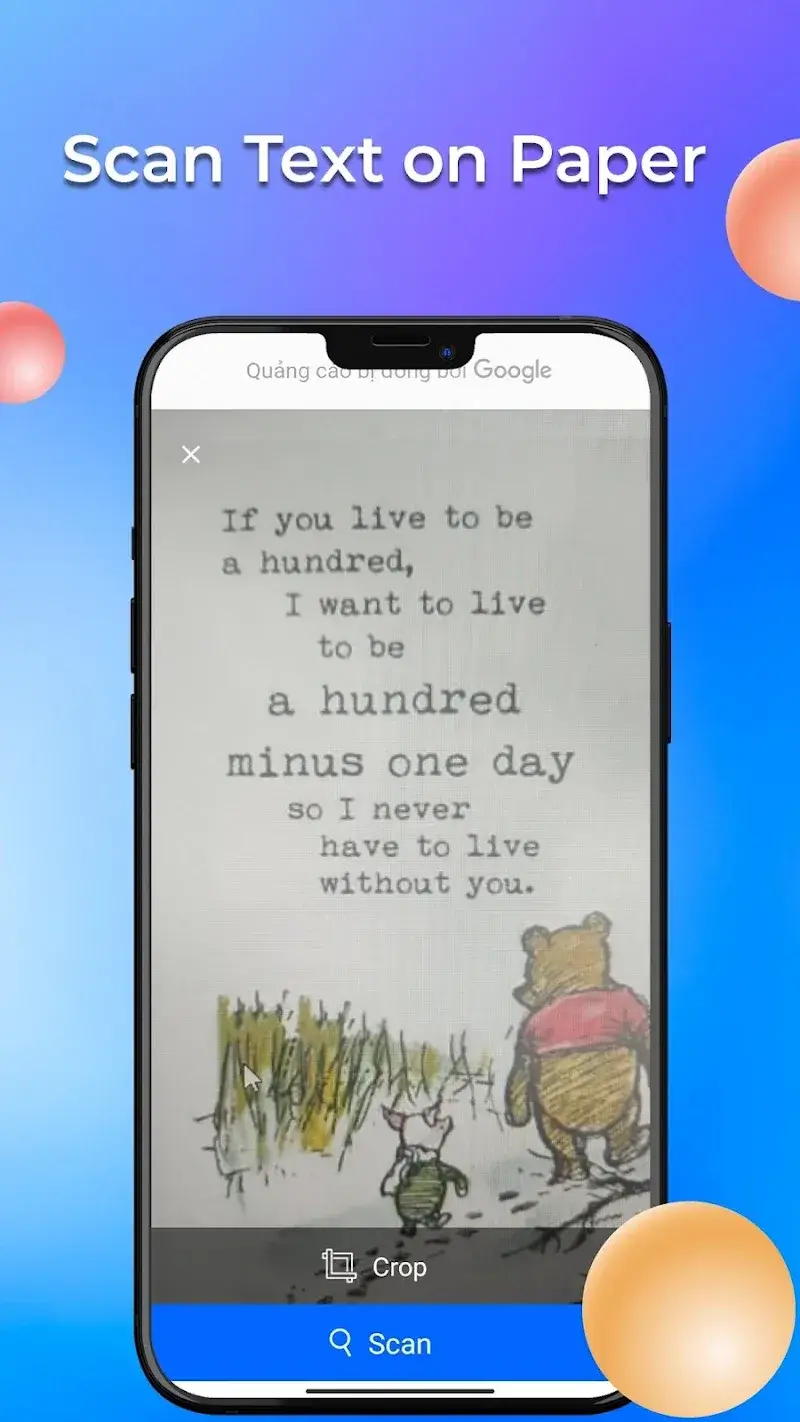
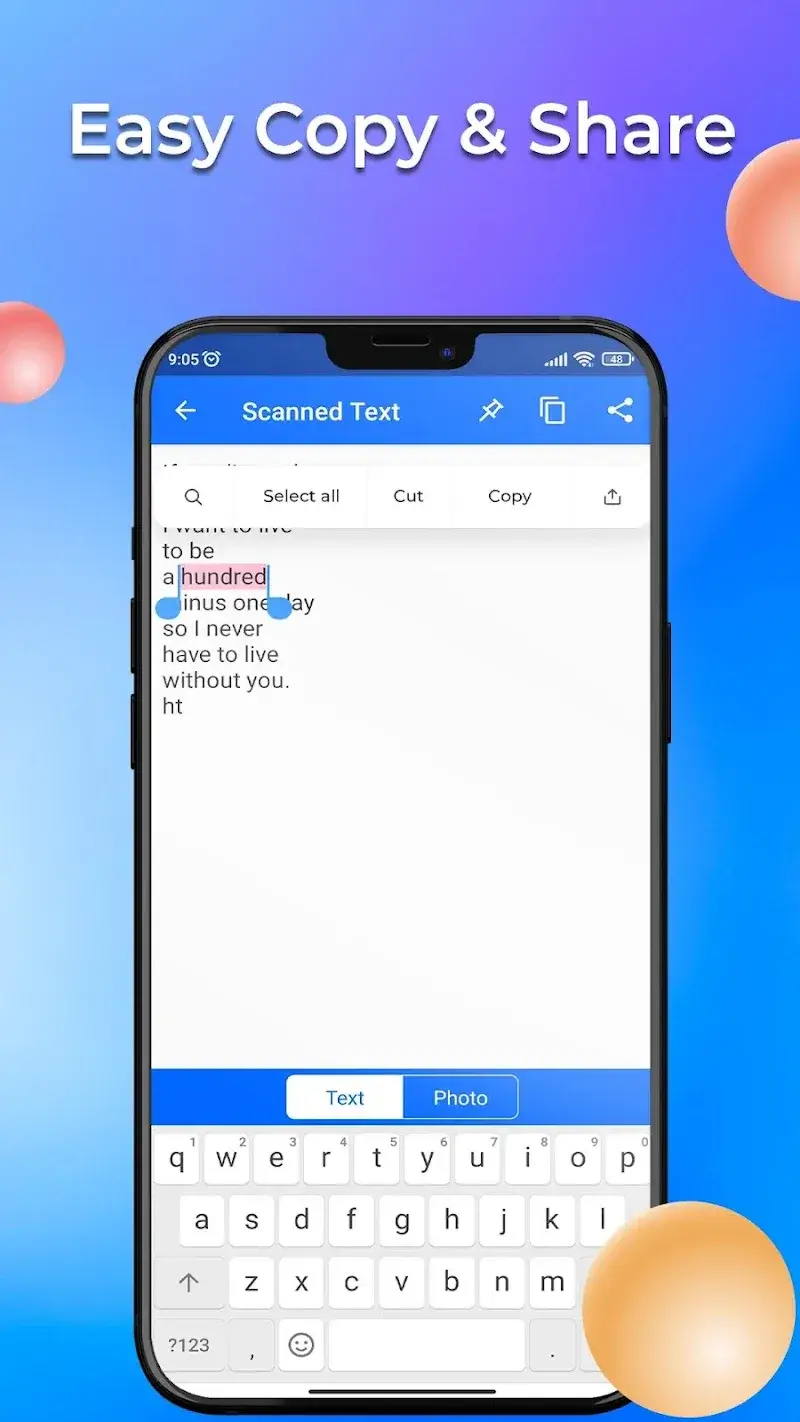
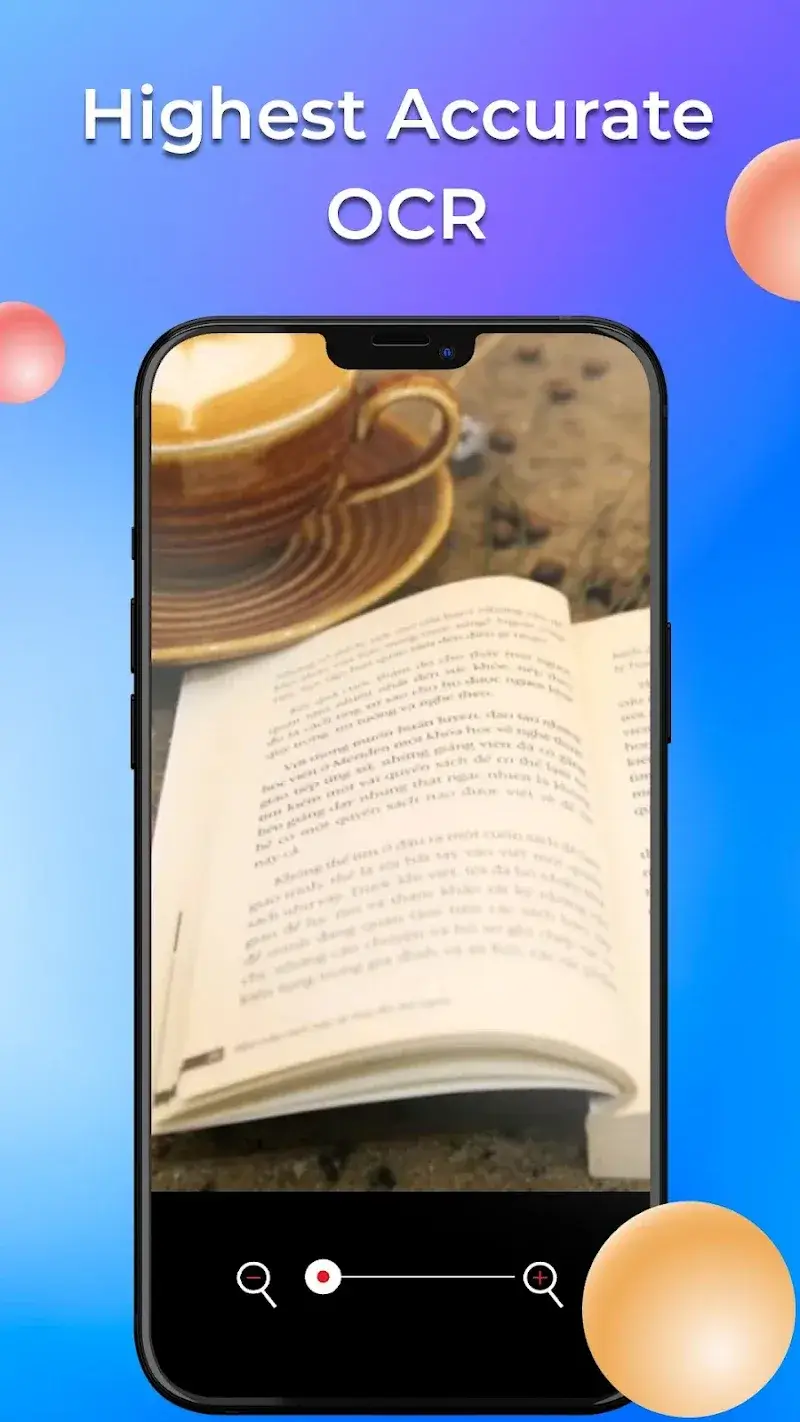
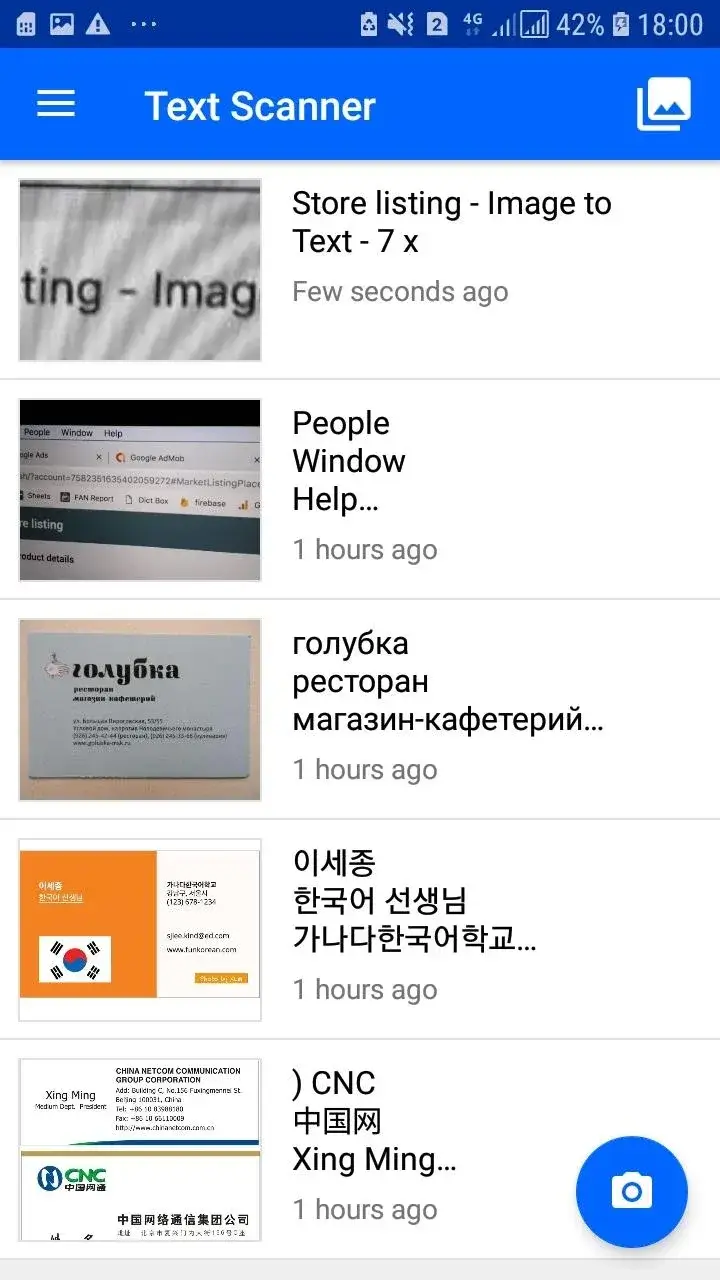
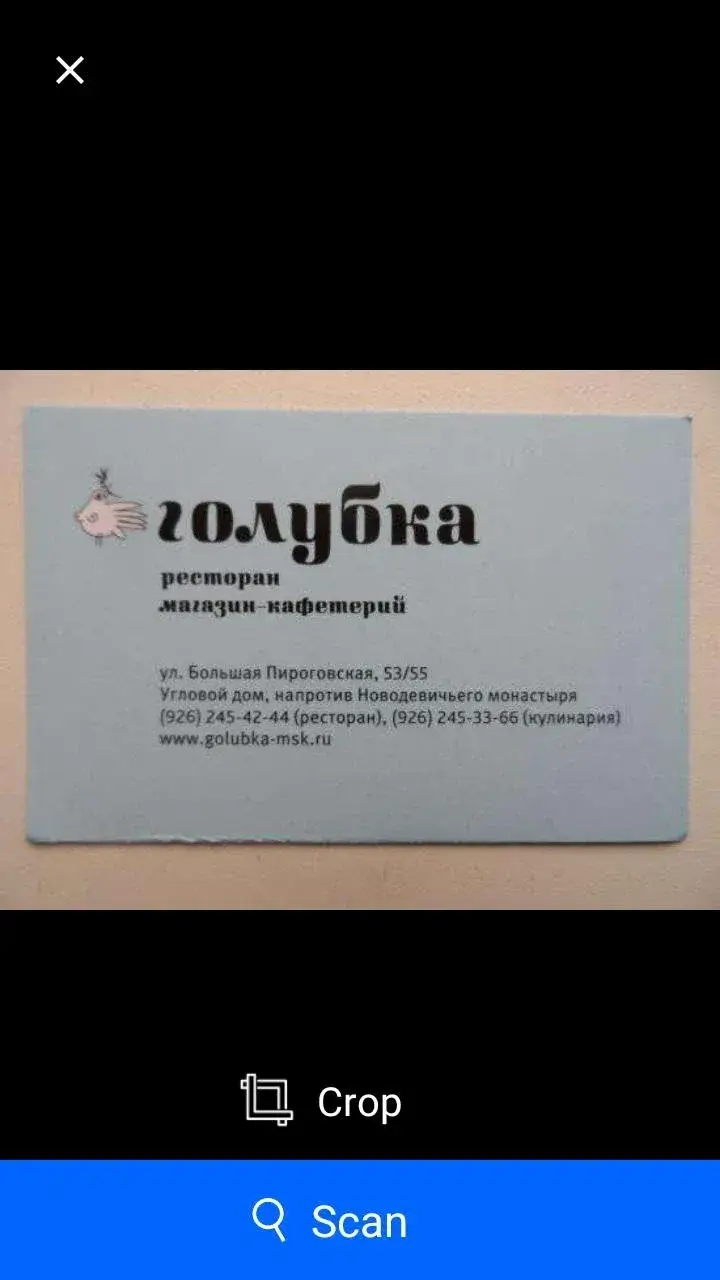
Text Scanner - Image to Text Mod is an OCR (Optical Character Recognition) utility for Android. It converts text within images or camera captures into editable, selectable text. The app is designed for users who need to digitize printed documents, signs, or handwritten notes without manual typing. It operates within the tools category, focusing on productivity and data extraction.

What This Mod Unlocks

  • Premium subscription features are fully unlocked.
  • All in-app advertisements are removed.
  • Watermarking on saved or exported text is disabled.
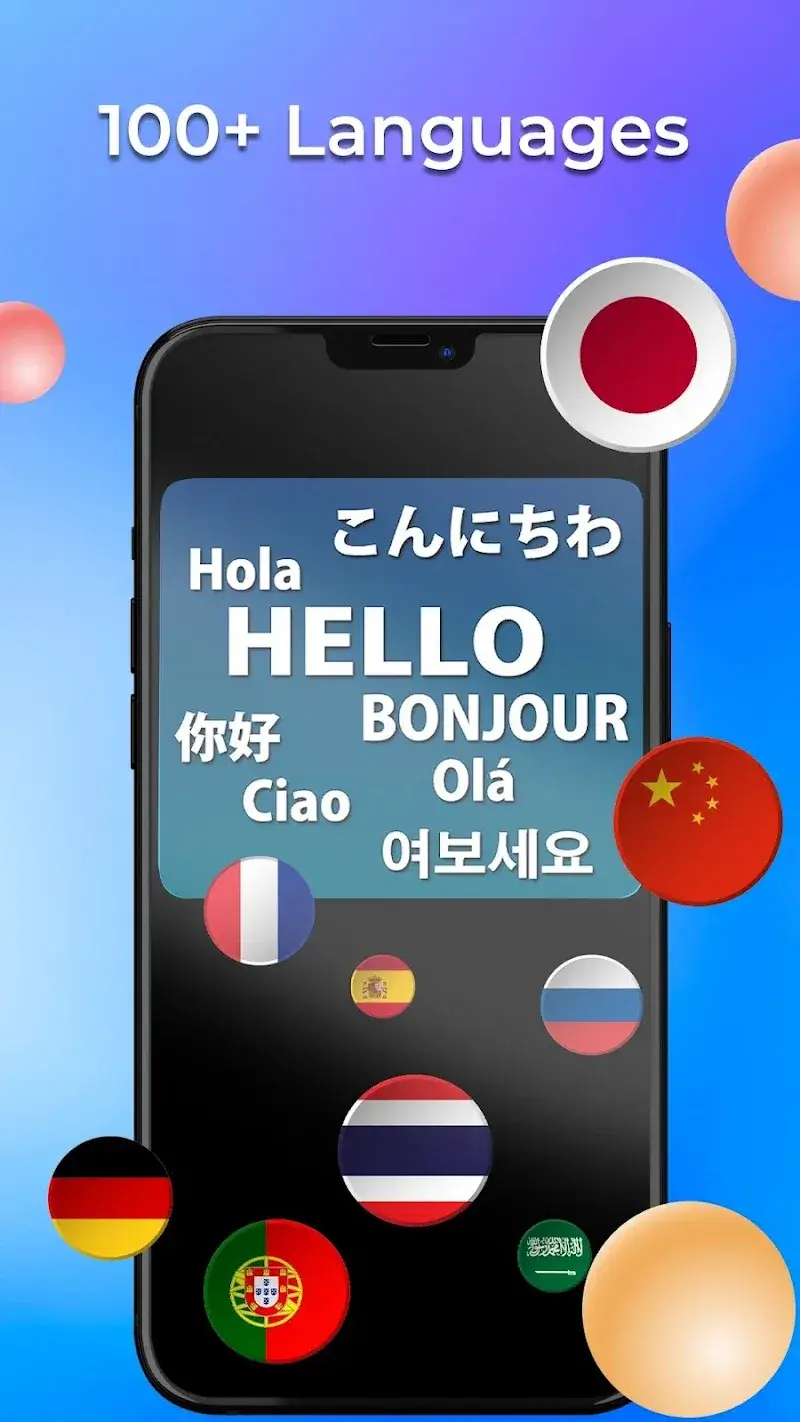
  • All language packs for OCR are available without purchase.
  • Batch processing and high-resolution scan limits are lifted.
  • Export formats (PDF, DOC, TXT) are unlocked for unlimited use.

The modded APK for Text Scanner - Image to Text Mod grants permanent access to the paid tier. The activation is silent. Upon launching the modified version, the app behaves as if a valid premium subscription is active. No manual activation or menu is required. The user interface will reflect the unlocked state, typically indicated by the absence of 'Upgrade' prompts and ads.

The application requires Android 5.0 or higher. Installation consumes approximately 18 MB of storage. Root access is not required for installation or functionality. The mod does not inject additional permissions beyond those required by the official Text Scanner - Image to Text Mod app.

Installation follows the standard sideloading process. First, download the modded APK file. Second, enable 'Install from Unknown Sources' in Android settings if not already permitted. Third, locate the downloaded file using a file manager and tap to initiate installation. Fourth, follow the on-screen prompts to complete the install. Finally, open the app to confirm premium features are active.

Known edge cases exist. If the app's data is cleared via Android settings, the unlocked state persists as it is baked into the modified APK. Using the mod in an environment with strict integrity checks, such as certain workplace MDM profiles, may trigger warnings. The OCR accuracy is dependent on the core engine and image quality; the mod does not enhance recognition algorithms. There is no risk of account ban as Text Scanner - Image to Text Mod does not use server-side authentication for its premium features.

Editor's review

This mod for Text Scanner - Image to Text Mod version 4.6.4 delivers the claimed premium unlock on Android 5.0+ devices.

  • Premium subscription gates are removed, allowing access to all pro features.
  • Advertisements are fully disabled across all app screens.
  • Export functions to PDF and DOC formats work without restriction.
  • All supported OCR languages are available for selection.
  • The mod does not improve the underlying OCR engine accuracy.
  • On some devices, the initial launch may show a brief 'Loading Premium' message before settling.
  • If the original app receives a major update, this mod may require a refresh to maintain compatibility.

Tested on the specified version 4.6.4. The mod is functional for its stated purpose.

Frequently Asked Questions

Is this mod APK for Text Scanner - Image to Text safe to install?

The mod does not request any dangerous permissions beyond those required by the official app, such as camera and storage access for image processing. It does not require root access on Android 5.0 or higher.

Does Text Scanner - Image to Text mod require root access?

No root access is required. The mod is installed via standard sideloading: download the APK, enable installation from unknown sources in your Android settings, and run the installer.

How do I install the Text Scanner - Image to Text mod APK?

1. Download the APK file. 2. Go to Android Settings > Security and enable 'Install from Unknown Sources'. 3. Open your file manager, find the downloaded APK, and tap it to install. 4. Open the app after installation.

What is the most important feature unlocked by this mod?

The core unlock is the permanent activation of all premium features, which removes ads, watermarks, and usage limits on exports and batch processing, converting the app to a fully paid version.

Is there a risk of account ban or data loss using this mod?

For offline, single-user OCR tasks, the risk is minimal as the app does not use online authentication for premium features. There is no account system to ban. Data loss risk is equivalent to using the standard app.

Safety note

Install only APKs matching image.to.text.ocr at version v4.6.4. Download from official links on this page to reduce tampering risk.

Additional Information

Category: tools Publish Date: Fri, Feb 13, 2026

Scan QR code and download playmods app
Download
PlayMods APP