




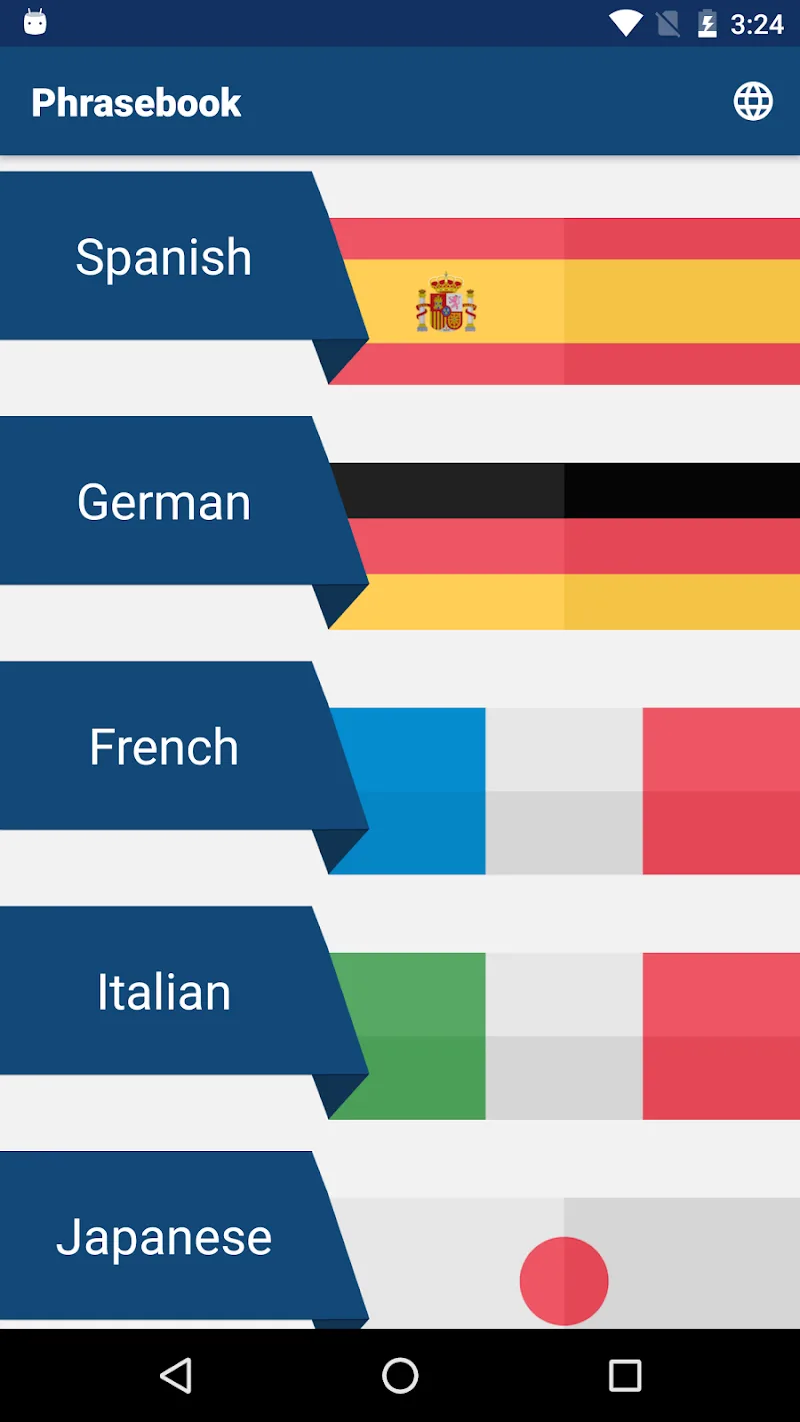
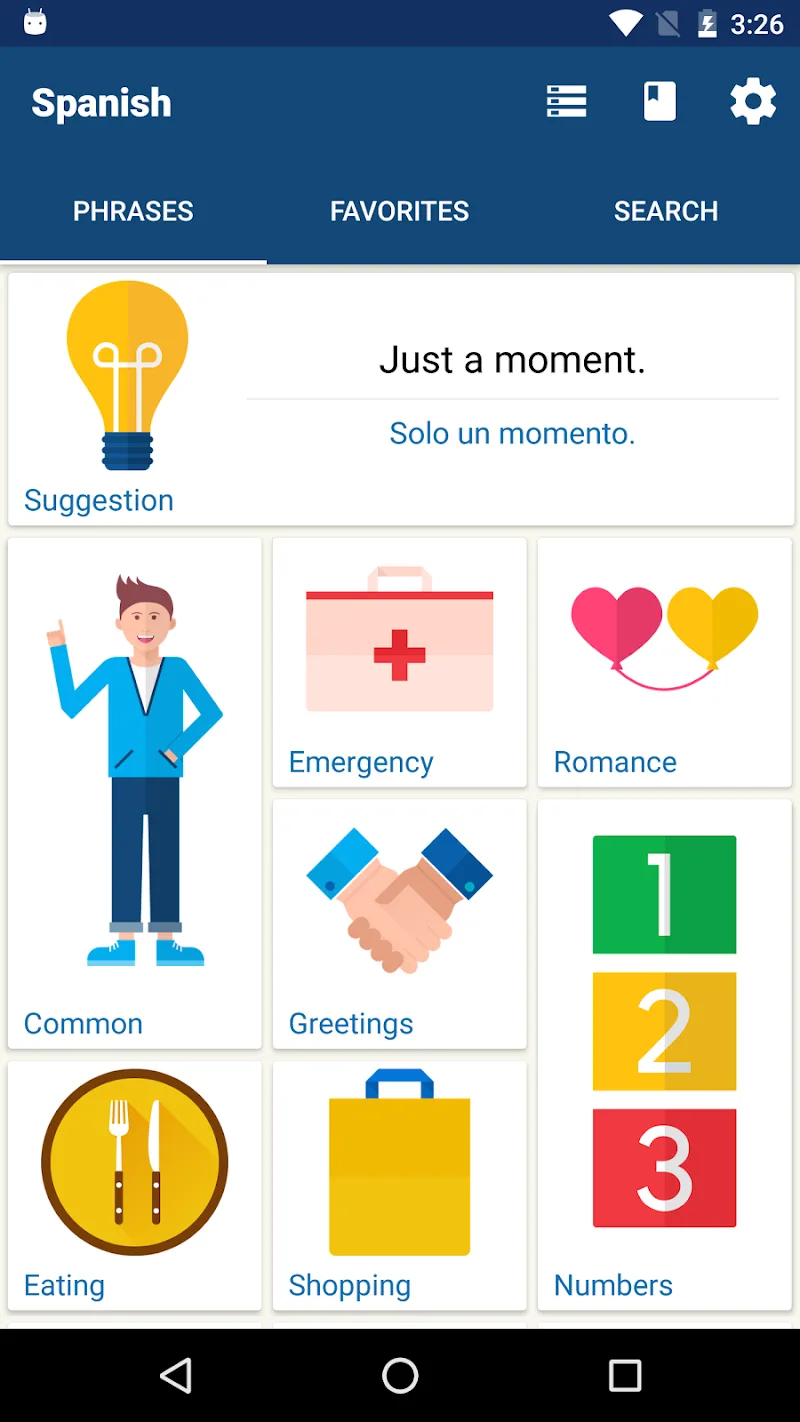
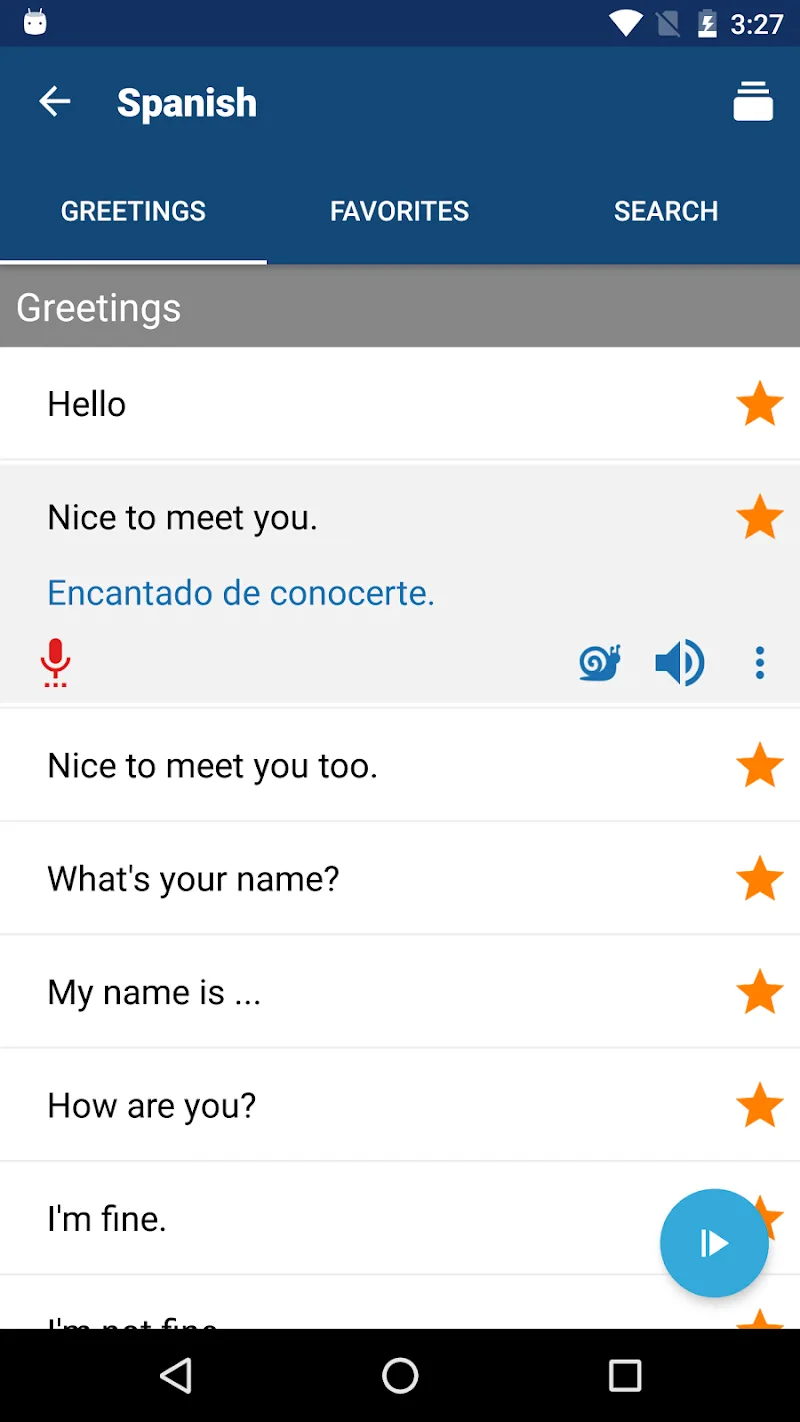
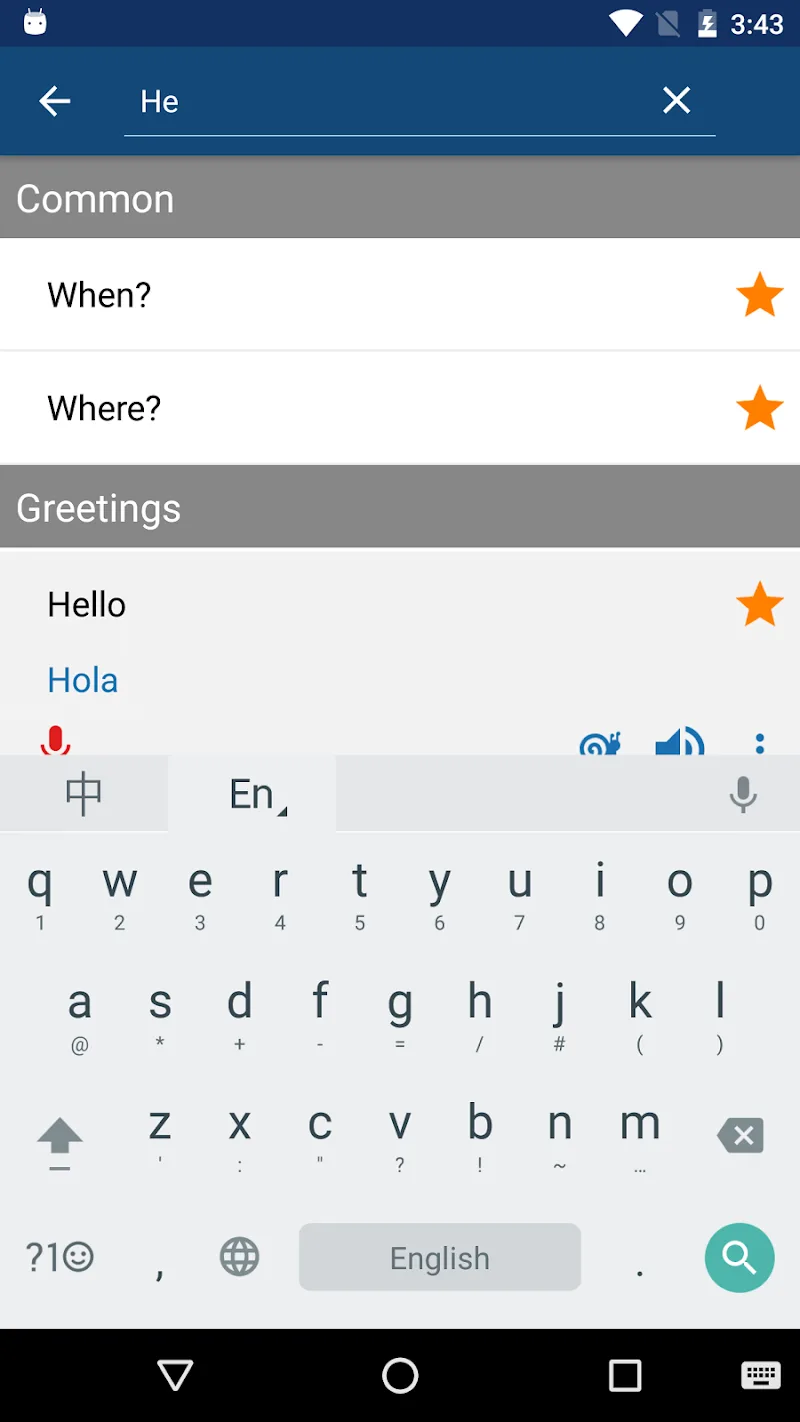
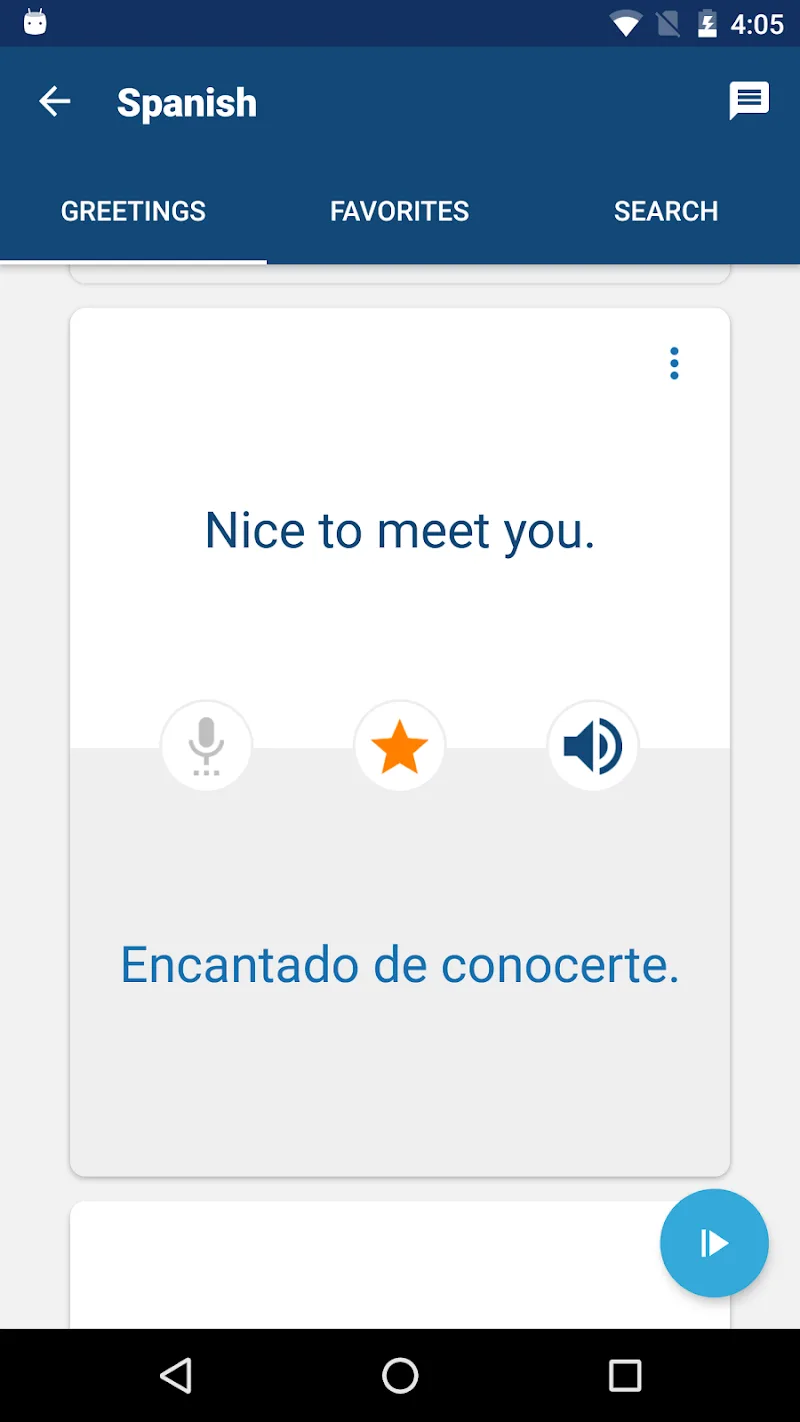
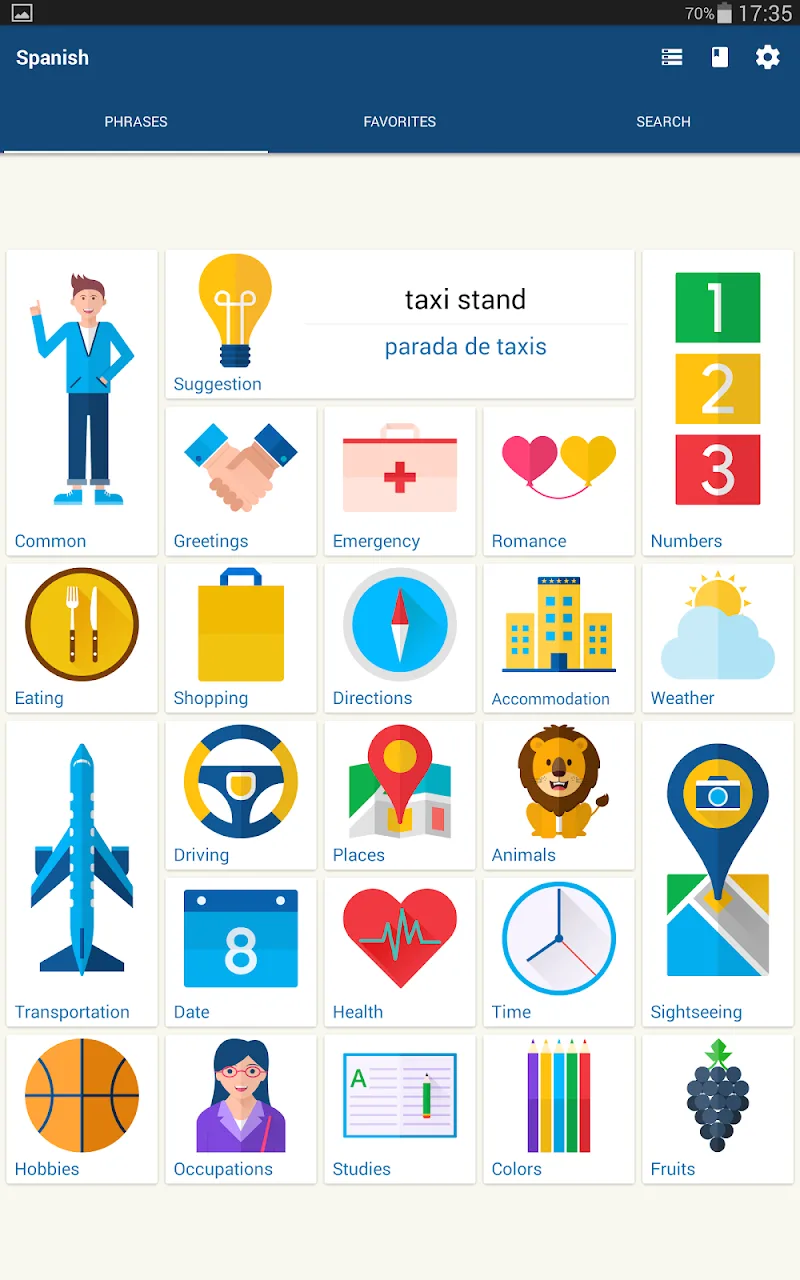
Travel Phrasebook Mod is a language reference application developed by Bravolol. It functions as a digital phrasebook and vocabulary guide for travelers and language learners. The app provides categorized phrases and words with native speaker audio pronunciations, designed for quick reference and study without an internet connection. Its core utility is offering immediate access to essential communication phrases across multiple languages, positioning it within the practical education and travel tools category.
What This Mod Unlocks
- Premium subscription features are permanently activated.
- All locked phrasebooks and vocabulary categories are available without purchase.
- Advertisements within the app interface are completely disabled.
- Download restrictions for offline audio files are removed.
- In-app purchase prompts are bypassed.
Upon launching Travel Phrasebook Mod after installation, the premium status is applied automatically. There is no mod menu or activation button. The user interface will reflect unlocked content immediately, such as access to all language packs and the absence of 'Pro' or 'Upgrade' prompts.
The mod requires Android 6.0 or higher. It does not require root access. Installation will consume approximately 38 MB of storage for the APK file, with additional space needed for offline audio downloads.
Installation Steps
- Download the modded Travel Phrasebook Mod APK file.
- Enable installation from unknown sources in your device settings if prompted.
- Open the downloaded file using a file manager and proceed with the installation.
- Launch Travel Phrasebook Mod; premium features will be active.
Known Edge Cases
- The mod is designed for the v20.0.0 release. Using it with a different app version may cause instability.
- Clearing the app's data or cache will not revert the mod; the unlocked state is persistent.
- Since Travel Phrasebook Mod is primarily an offline tool, there is minimal risk of server-side detection or ban.
- On some devices with aggressive security policies, you may need to temporarily disable Google Play Protect during installation.
