

Location: Home > Apps > Tools > Unit converter

Unit Converter (Premium Features Unlocked, Ads Disabled, In-App Purchases Free, Financial Calculators Unlocked, Math Solver Unlocked) Download for Android

Unit Converter icon

Unit Converter Premium Features Unlocked, Ads Disabled, In-App Purchases Free, Financial Calculators Unlocked, Math Solver Unlocked

4.0
v2.2.66 for Android
Fast Download:Download this app by playmods App with faster speed.

Unit Converter MOD Info MOD Info :
Premium Features Unlocked, Ads Disabled, In-App Purchases Free, Financial Calculators Unlocked, Math Solver Unlocked

Screenshots

Description

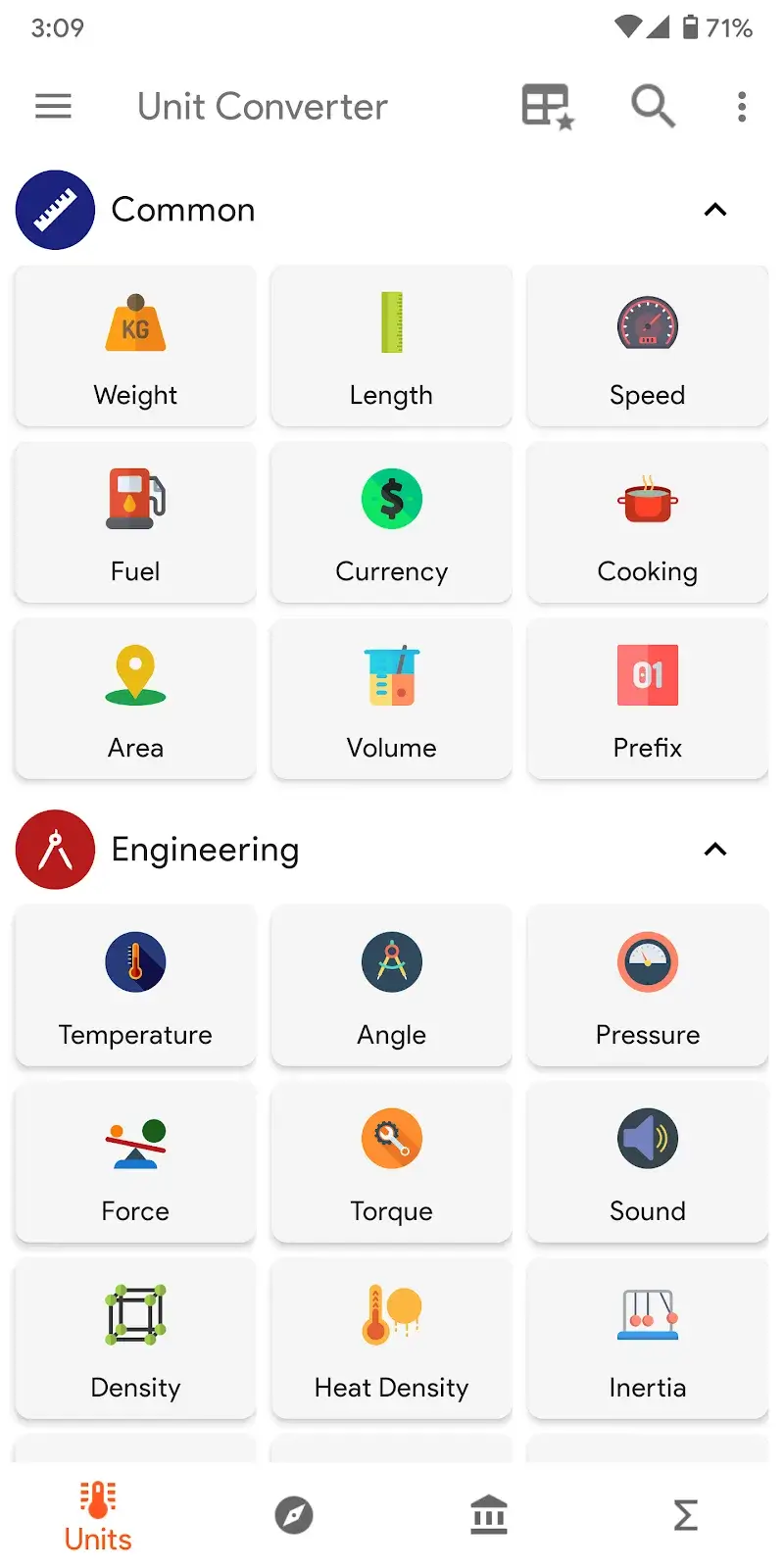
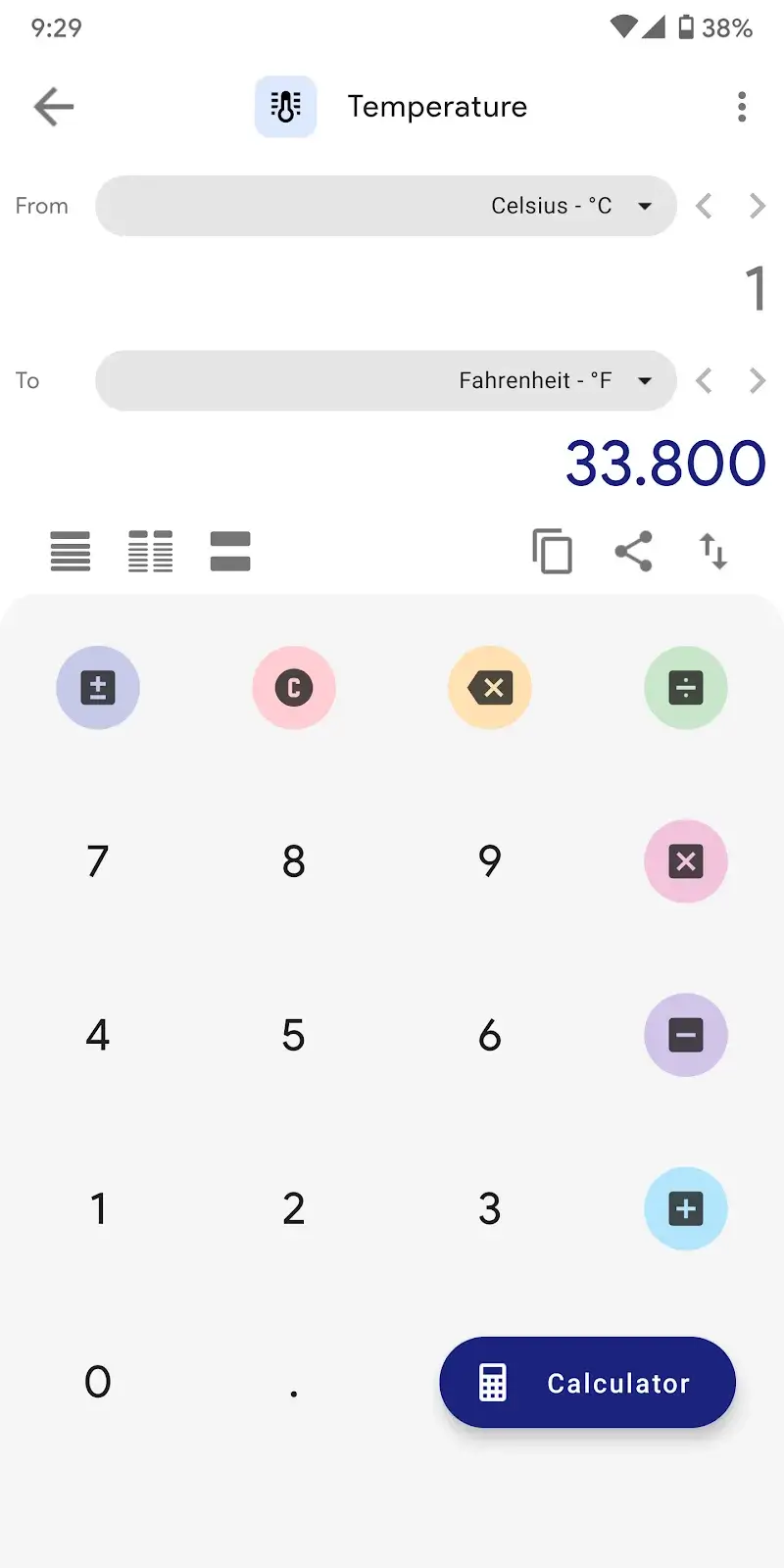
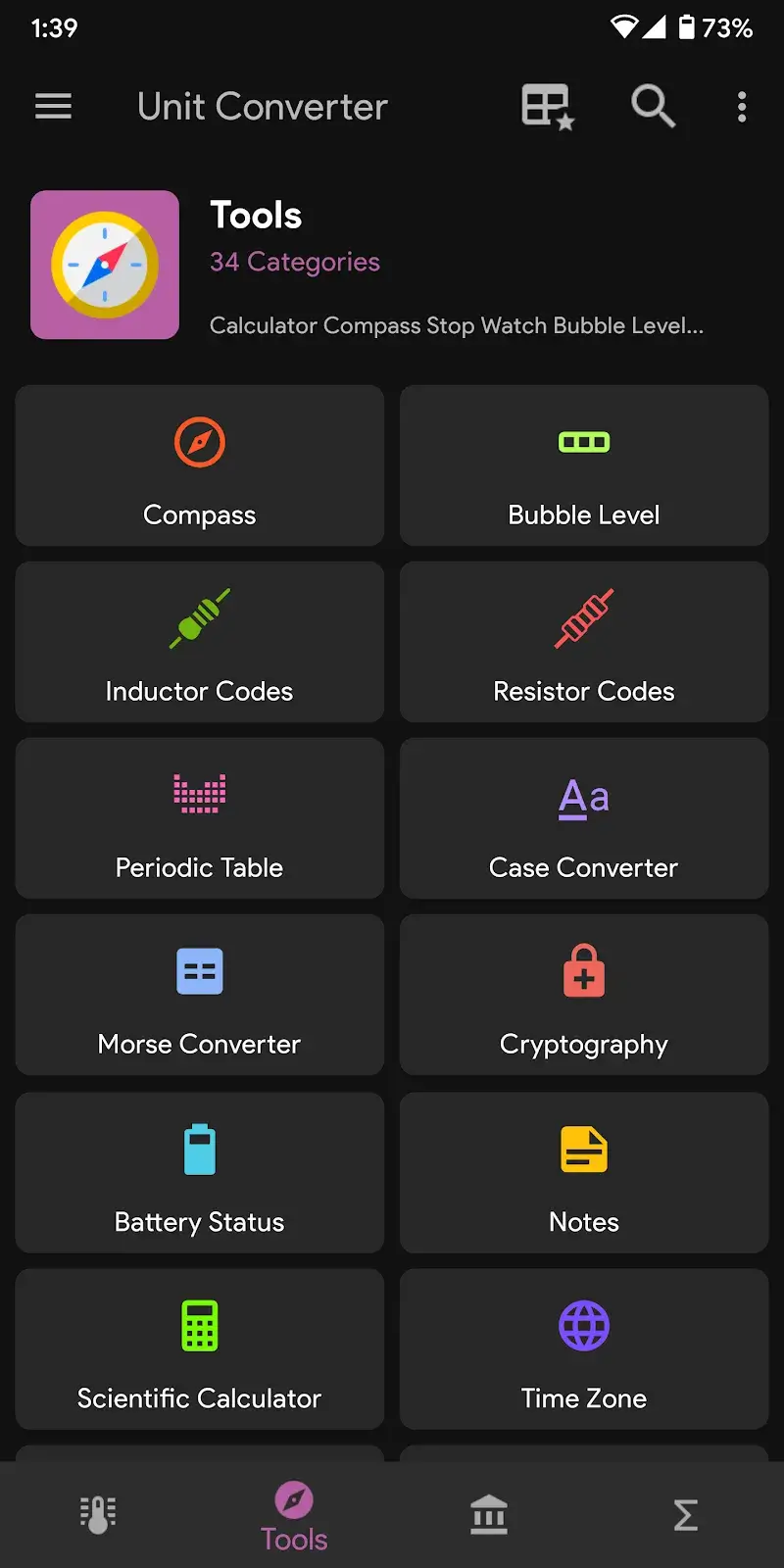
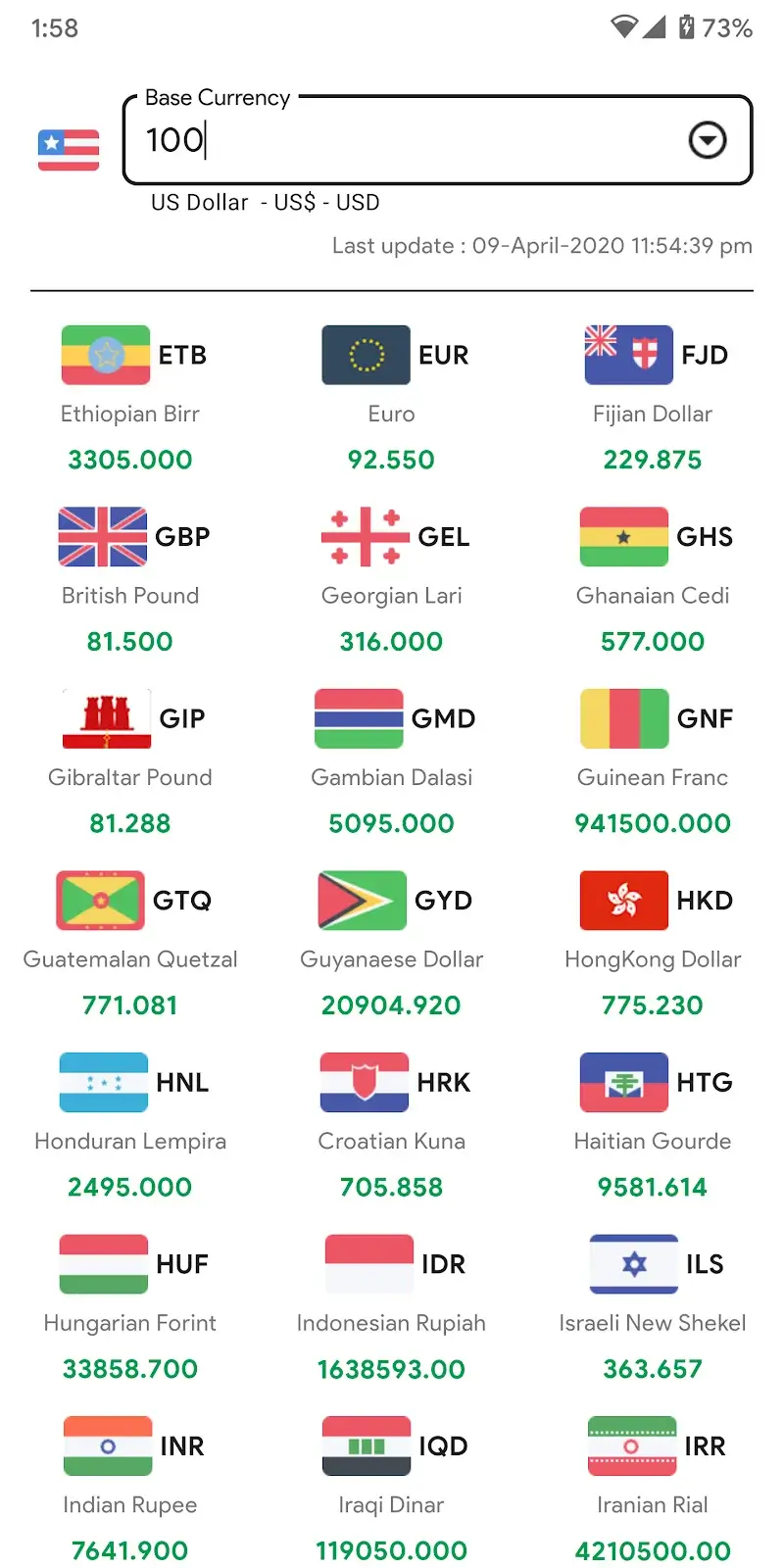
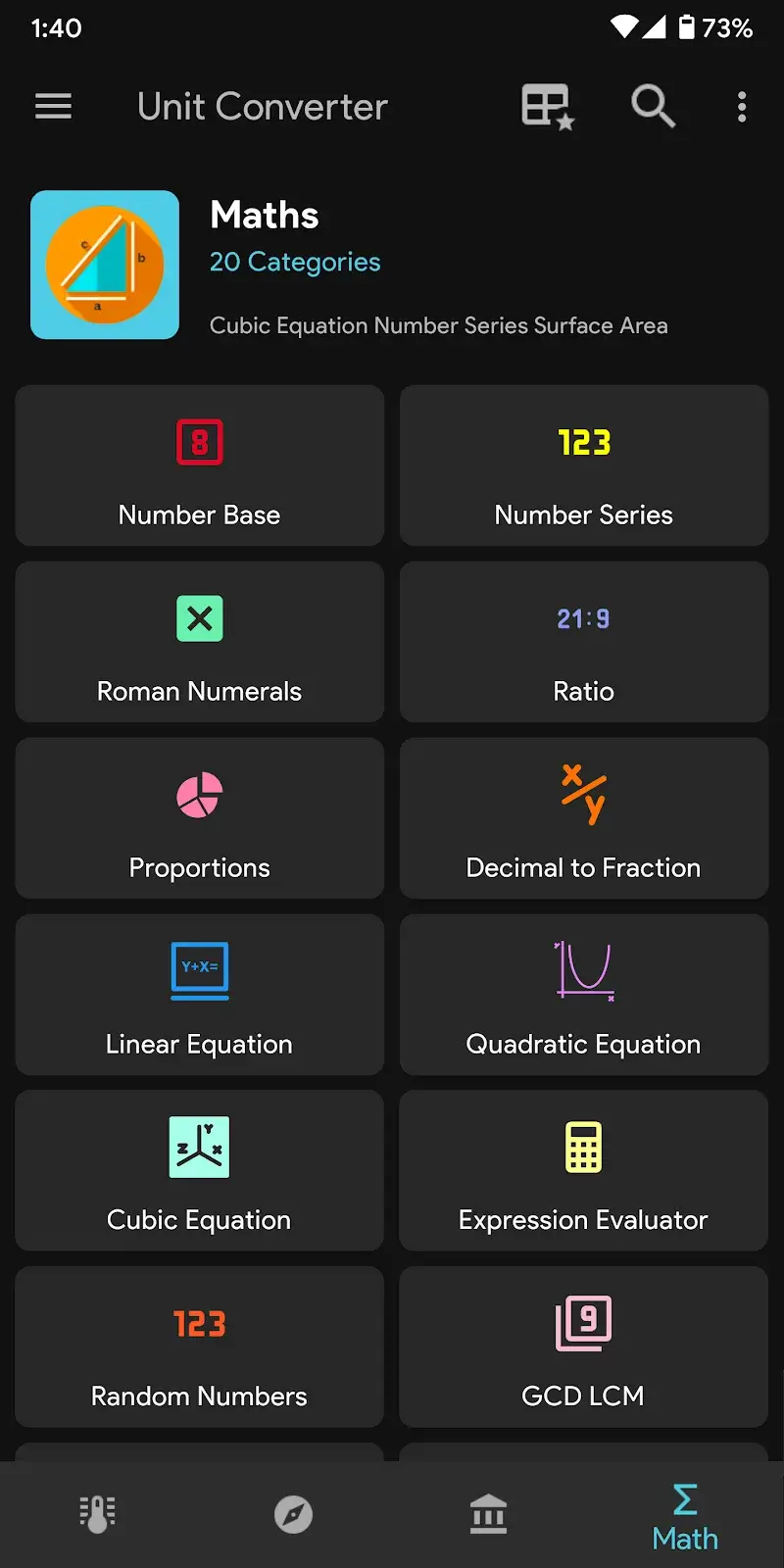
Unit Converter Mod is a utility application designed for quick and comprehensive unit and currency conversions. It targets users who need on-the-fly calculations across multiple systems, including real-world professionals, students, and casual users. The app consolidates conversion tools for length, weight, volume, currency, and other measurement categories into a single interface.

What This Mod Unlocks

  • Premium subscription features are unlocked without payment.
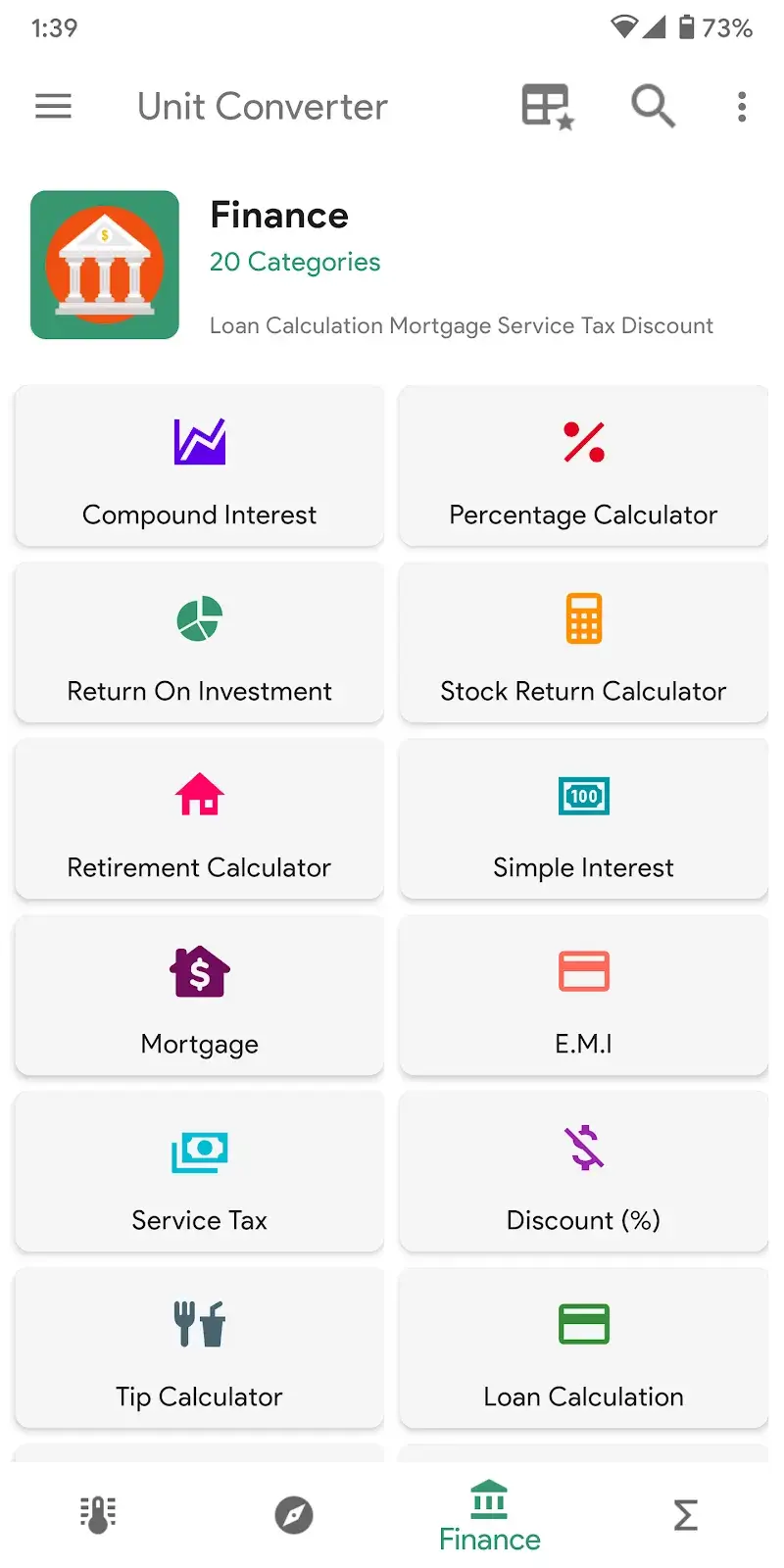
  • All advanced financial calculators are accessible.
  • The integrated math solver feature is fully enabled.
  • Advertisements are removed from the interface.
  • All in-app purchase prompts are bypassed.

The mod functions by patching the app's license verification and subscription check routines. This allows the app to behave as if a valid premium subscription is active. No server-side authentication is required for these features, as they are client-side unlocks.

Upon launching Unit Converter Mod, the premium status is applied automatically. The user will see no ads and will have immediate access to all tools listed under the "Premium" section in the official version. No mod menu or activation button is required.

The modded Unit Converter Mod APK requires Android 6.0 or higher. It does not require root access. The installation file is approximately 10 MB, with subsequent app data consuming an additional 20-30 MB of storage space depending on cached currency rates.

Installation Steps

  1. Download the modded APK file.
  2. Enable "Install from Unknown Sources" in Android settings if prompted.
  3. Open the downloaded file using a file manager.
  4. Follow the on-screen installer prompts.
  5. Launch Unit Converter Mod from the app drawer.

Known Edge Cases

  • Real-time currency conversion relies on external data feeds. The mod does not alter or guarantee the availability or accuracy of these feeds.
  • If the app's data is cleared, the premium unlock persists as it is embedded in the modded APK. No re-login is necessary.
  • On devices with strict Google Play Protect enabled, a warning may appear during installation. This is a standard warning for any sideloaded APK.
  • The mod is designed for version 2.2.66. Using it on a different official version may cause instability or revert to the free version.

Editor's review

The mod for Unit Converter Mod version 2.2.66 delivers the claimed premium feature unlock on Android 6.0+ devices.

  • Confirmed working: All tools marked as "Premium" in the official app are immediately accessible. The ad-free experience is consistent across all screens. The financial calculator and math solver modules load and function without restriction.
  • Known issues: The app may display a brief "Checking License" toast message on first launch, but this does not impede functionality. Currency exchange rates are fetched from the developer's server and are subject to their update schedule; the mod does not influence this data.

Tested on Android 11 and 13. The mod is compatible with the standard Android package installer without root.

Functional.

Frequently Asked Questions

¿Es seguro instalar este Mod APK de Unit Converter?

El APK modificado no solicita permisos peligrosos más allá de los que requiere la aplicación oficial (como acceso a Internet para tasas de cambio). No requiere root en Android 6.0+.

¿Este mod requiere acceso root?

No. El proceso de instalación es el estándar para sideloading: descargar el APK, permitir instalaciones desde fuentes desconocidas en los ajustes de Android, y ejecutar el instalador.

¿Cómo instalo Unit Converter Mod?

1. Descarga el archivo APK. 2. En Ajustes de Android, activa 'Instalar desde fuentes desconocidas' para tu navegador o gestor de archivos. 3. Abre el archivo descargado y sigue las instrucciones del instalador. 4. Abre la aplicación desde el cajón de aplicaciones.

¿Qué característica premium específica desbloquea este mod?

Desbloquea todas las herramientas premium, incluyendo las calculadoras financieras avanzadas y el solucionador de problemas matemáticos, que en la versión oficial requieren una suscripción de pago.

¿Existe riesgo de prohibición de cuenta o pérdida de datos?

Para el uso principal de conversión de unidades offline, el riesgo es mínimo. Las funciones que dependen de servidores externos, como el conversor de moneda en tiempo real, utilizan los mismos canales que la app oficial; la detección es improbable pero no imposible.

Safety note

Install only APKs matching com.androidapps.unitconverter at version v2.2.66. Download from official links on this page to reduce tampering risk.

Additional Information

Category: tools Publish Date: Tue, Feb 10, 2026

Scan QR code and download playmods app
Download
PlayMods APP