

Location: Home > Apps > Tools > Upx vpn browser

UPX VPN Browser (Premium Servers Unlocked, Unlimited Data, Ads Disabled, Speed Throttling Removed) Download for Android

UPX VPN Browser icon

UPX VPN Browser Premium Servers Unlocked, Unlimited Data, Ads Disabled, Speed Throttling Removed

4.0
v98.0.4758.101 for Android
Fast Download:Download this app by playmods App with faster speed.

UPX VPN Browser MOD Info MOD Info :
Premium Servers Unlocked, Unlimited Data, Ads Disabled, Speed Throttling Removed

Screenshots

Description

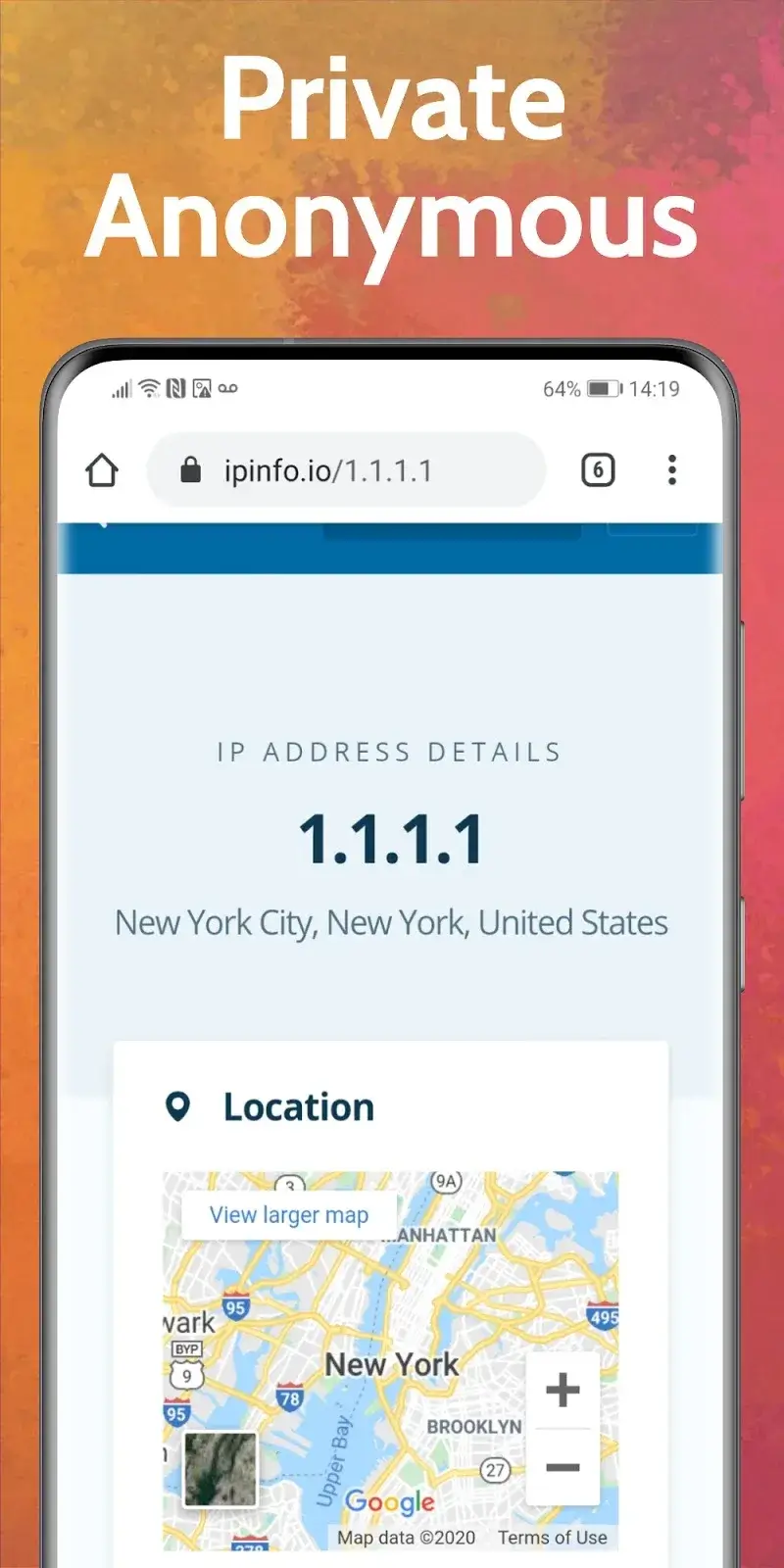
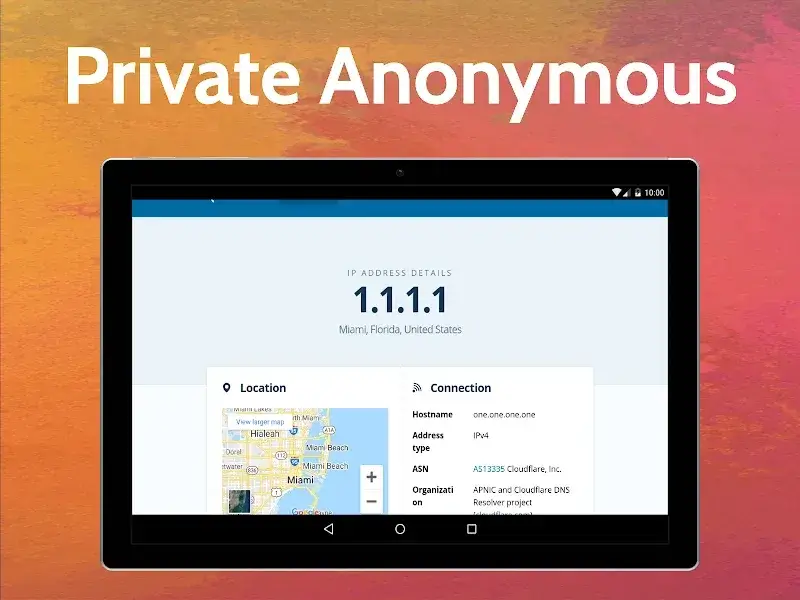
UPX VPN Browser Mod is a privacy-focused web browser with integrated VPN and proxy services. It is designed for users who require access to geo-restricted content, wish to bypass network firewalls, or seek to anonymize their browsing traffic. The app combines a standard web navigation interface with backend tunneling to mask the user's IP address and location.

What This Mod Unlocks

  • Premium VPN server access is unlocked. All paid server locations are available for selection without subscription.
  • The data usage cap is removed. Bandwidth is unlimited.
  • Advertisements within the browser interface are disabled.
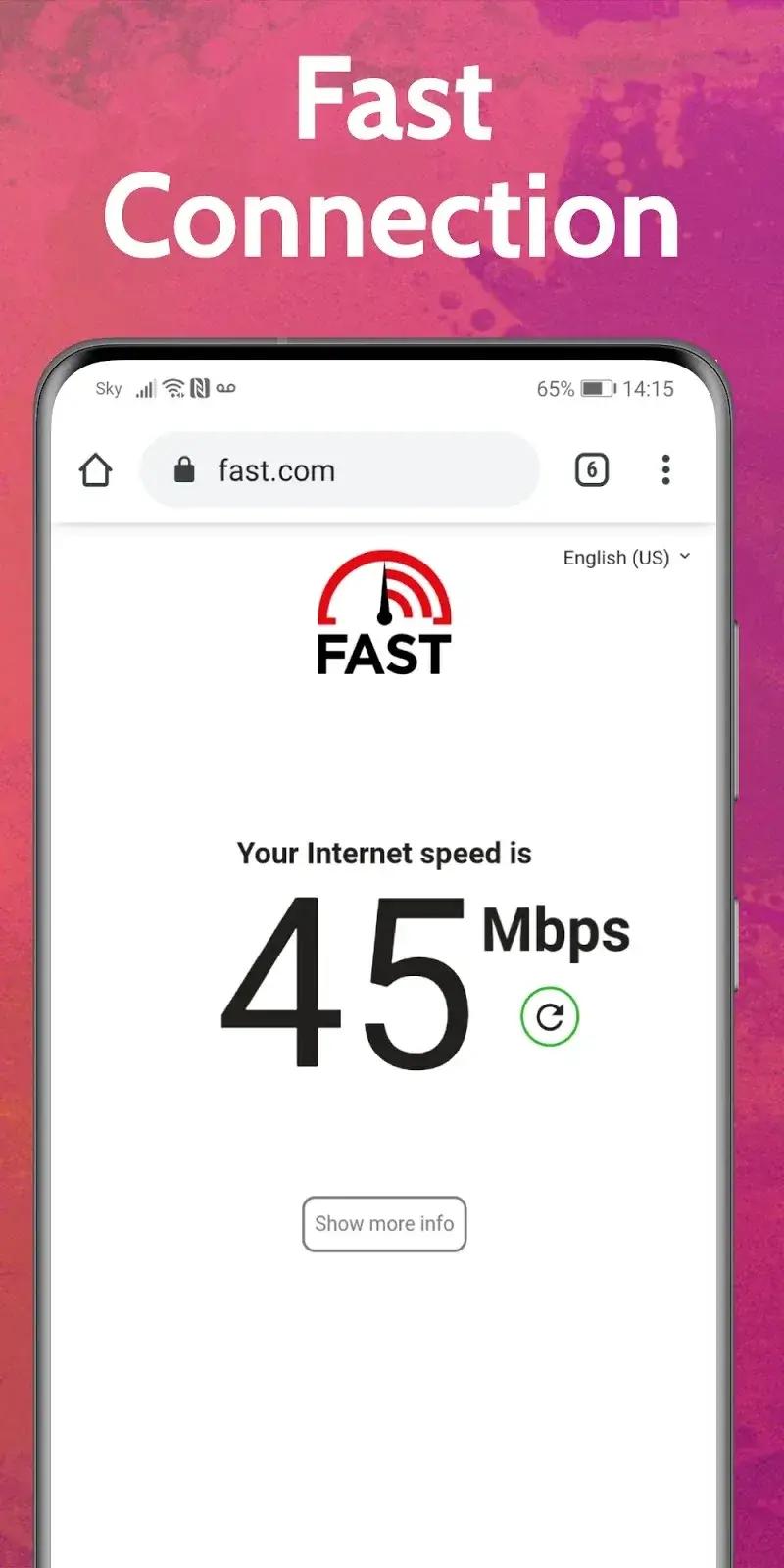
  • Connection speed throttling associated with the free tier is eliminated.

The modded features are integrated directly into the application binary. No separate activation menu is required. Upon launching the modified UPX VPN Browser Mod, the premium server list will be visible and selectable by default. The unlimited data flag is applied globally.

The APK requires Android 7.0 or higher. Installation consumes approximately 140 MB of storage. Root access is not required. The mod functions by patching the subscription validation checks and removing the code that enforces data limits.

Installation Steps

  1. Download the modified APK file.
  2. Enable "Install from Unknown Sources" in Android settings if prompted.
  3. Open the downloaded file and proceed with the installation.
  4. Launch UPX VPN Browser Mod. The premium features will be active.

Known Edge Cases

  • Server load may affect connection speeds, as premium servers are shared among all mod users.
  • Clearing the app's data or cache does not revert the mod. The unlocked state is persistent.
  • Some extremely restrictive networks or deep packet inspection systems may still detect and block VPN traffic, regardless of the mod.
  • The browser's built-in ad blocker for web content remains a separate feature and is not enhanced by this mod.

Editor's review

This mod for UPX VPN Browser Mod version 98.0.4758.101 delivers the claimed premium unlocks on Android 7.0+ devices.

Confirmed working features include immediate access to all premium VPN server locations listed within the app's connection interface. The data counter no longer resets or imposes a limit, allowing sustained usage. All interstitial and banner advertisements within the browser's own UI are absent.

A known issue is that connection stability is dependent on the shared proxy/VPN infrastructure; peak times can result in slower speeds indistinguishable from the official app's free tier performance. The mod does not bypass any network-level VPN blocking implemented by ISPs or institutions.

Tested on the specified version. Requires Android 7.0+. Functional.

Frequently Asked Questions

¿Es seguro instalar este mod de UPX VPN Browser?

El APK modificado no solicita permisos peligrosos más allá de los que requiere la aplicación oficial (acceso a la red). No requiere root en Android 7.0 o superior.

¿Este mod requiere acceso root?

No. Se instala mediante el proceso estándar de sideloading: descargar el APK, permitir instalaciones de fuentes desconocidas en Ajustes de Android, y ejecutar el instalador.

¿Cómo instalo el APK modificado?

1. Descarga el archivo APK. 2. Activa 'Instalar desde fuentes desconocidas' en los ajustes de seguridad de Android. 3. Abre el archivo descargado y sigue las instrucciones del instalador. 4. Inicia UPX VPN Browser.

¿Qué hace exactamente el mod 'Premium Unlocked'?

Desbloquea todos los servidores VPN premium de pago, elimina el límite de datos de la versión gratuita y desactiva los anuncios dentro de la interfaz del navegador UPX VPN Browser.

¿Hay riesgo de prohibición de cuenta o pérdida de datos?

Para el uso estándar de navegación y VPN, el riesgo es mínimo. Cualquier servicio en línea que requiera autenticación de servidor podría detectar el uso de una IP compartida de VPN, pero la aplicación en sí no gestiona cuentas de usuario.

Safety note

Install only APKs matching net.upx.proxy.browser at version v98.0.4758.101. Download from official links on this page to reduce tampering risk.

Additional Information

Category: tools Publish Date: Tue, Nov 12, 2024

Scan QR code and download playmods app
Download
PlayMods APP